






Recipe Card Templates for Word
Eight recipe card templates as real Word files — open the .docx, click into the recipe name, ingredients, or directions, and type. Each card is a true 4×6 page with the theme's art frame behind the text, so it prints straight onto a 4×6 index card or photo card; every theme also comes as a letter-size file with two cards per sheet for regular paper and cardstock. A sample buttermilk pancake recipe shows where everything goes. Same eight designs in Google Docs, one click.
Eight editable 4×6 recipe cards for Word.
Each file is one 4×6 page — set your printer to 4×6 (index card or photo paper) and print at Actual Size. Replace the sample recipe with your own; the art frame stays put.
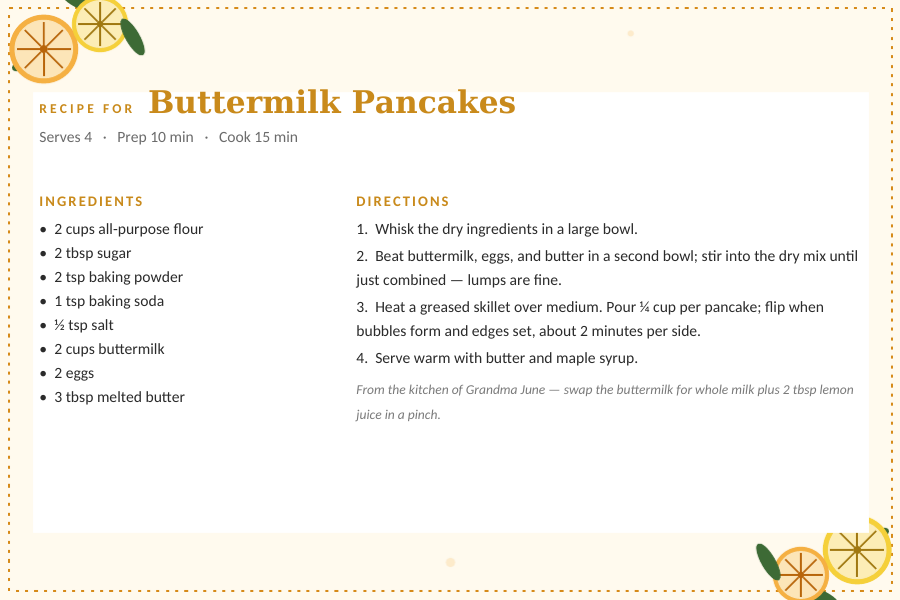
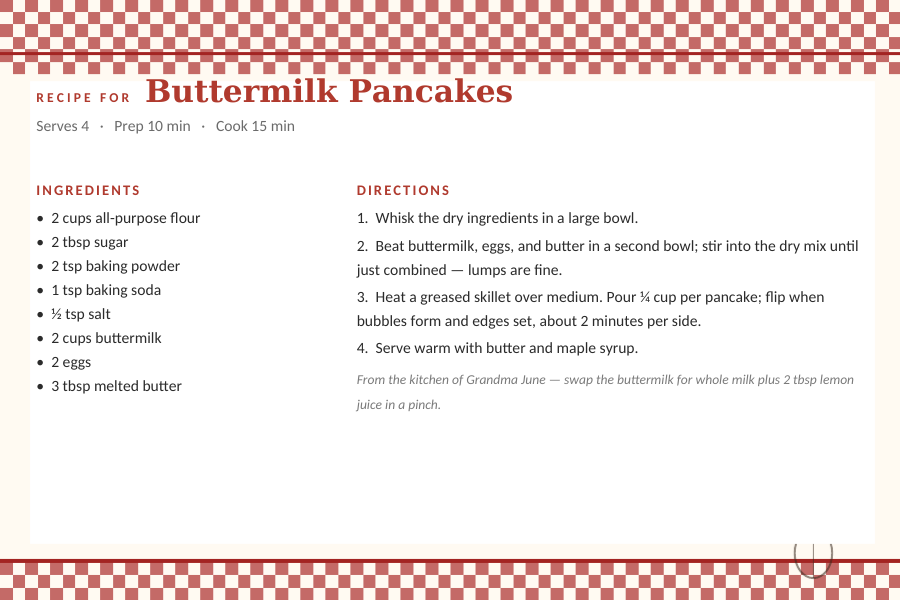
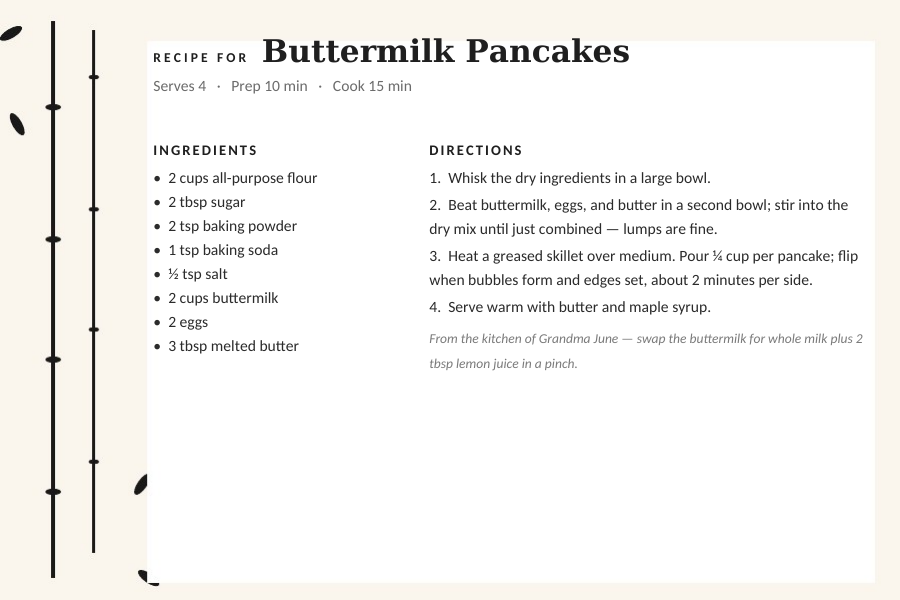
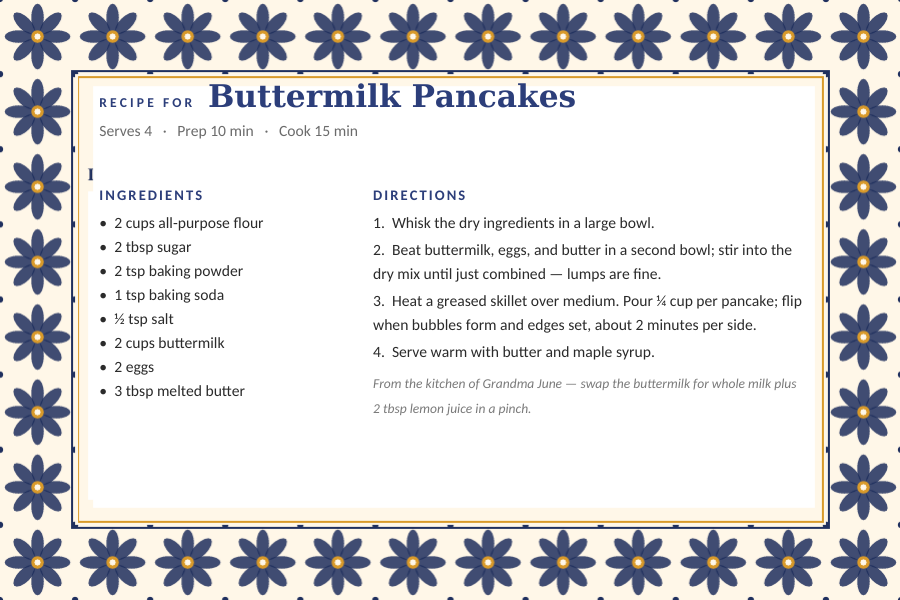
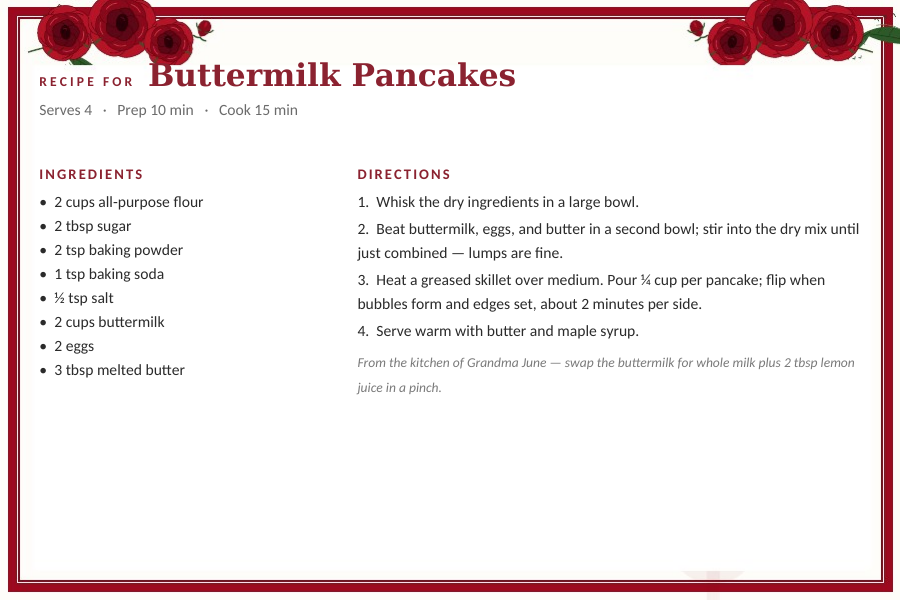
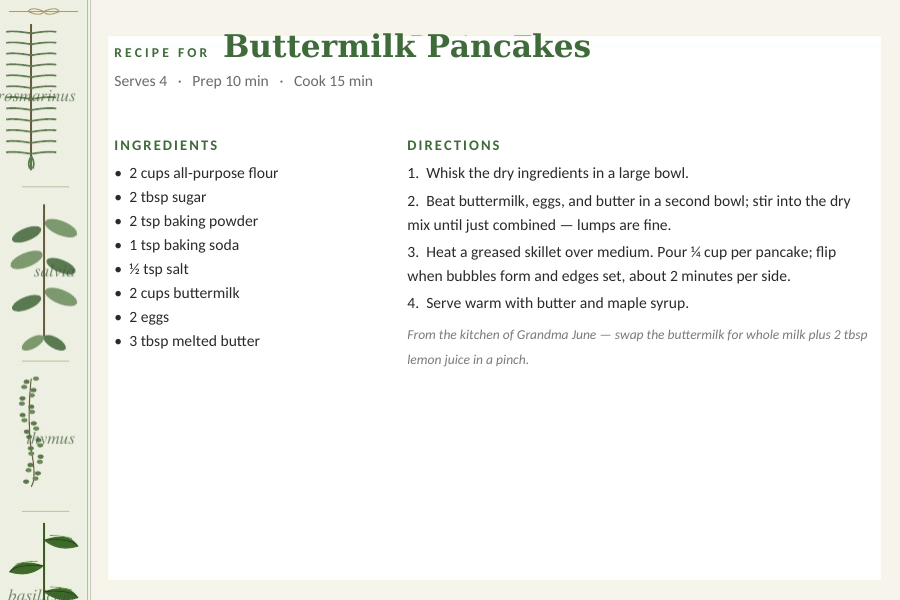
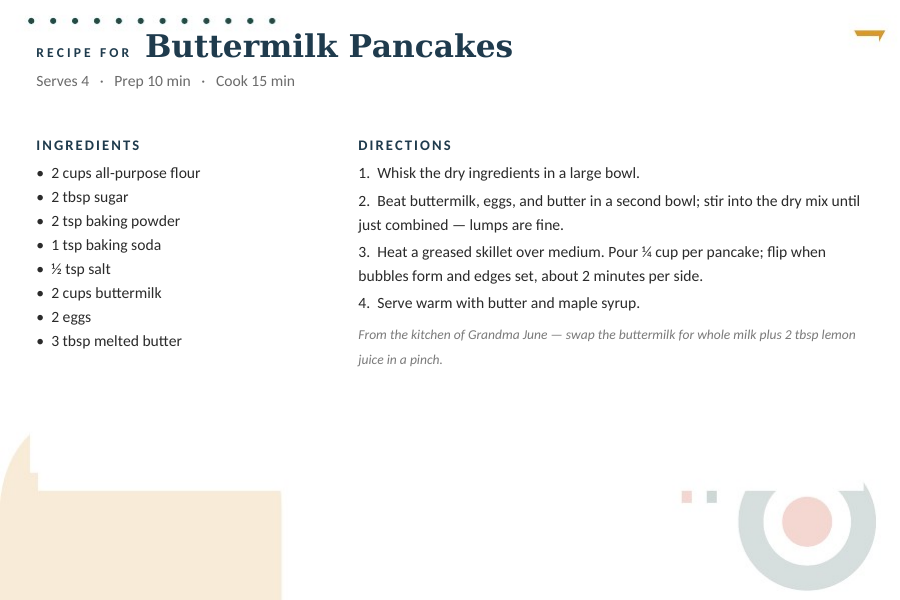
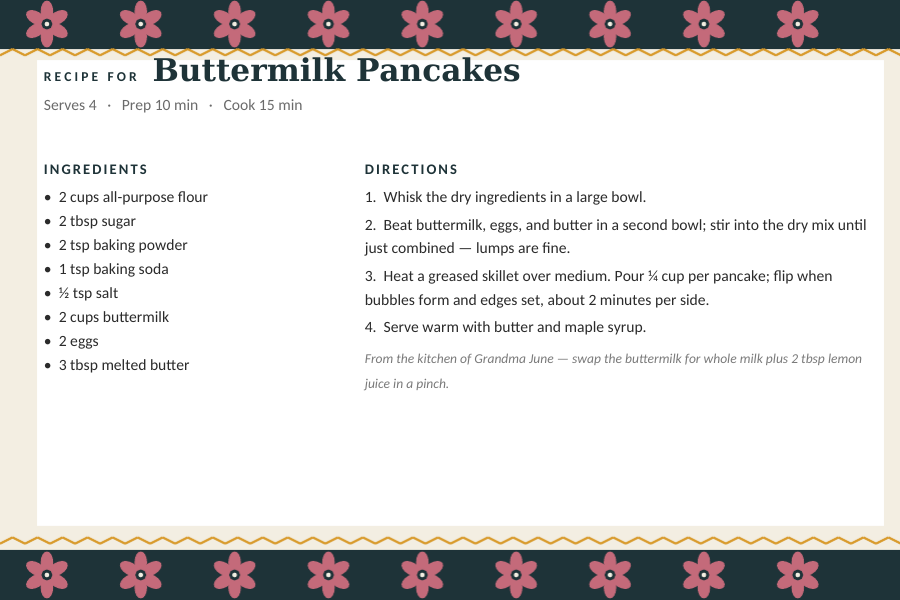
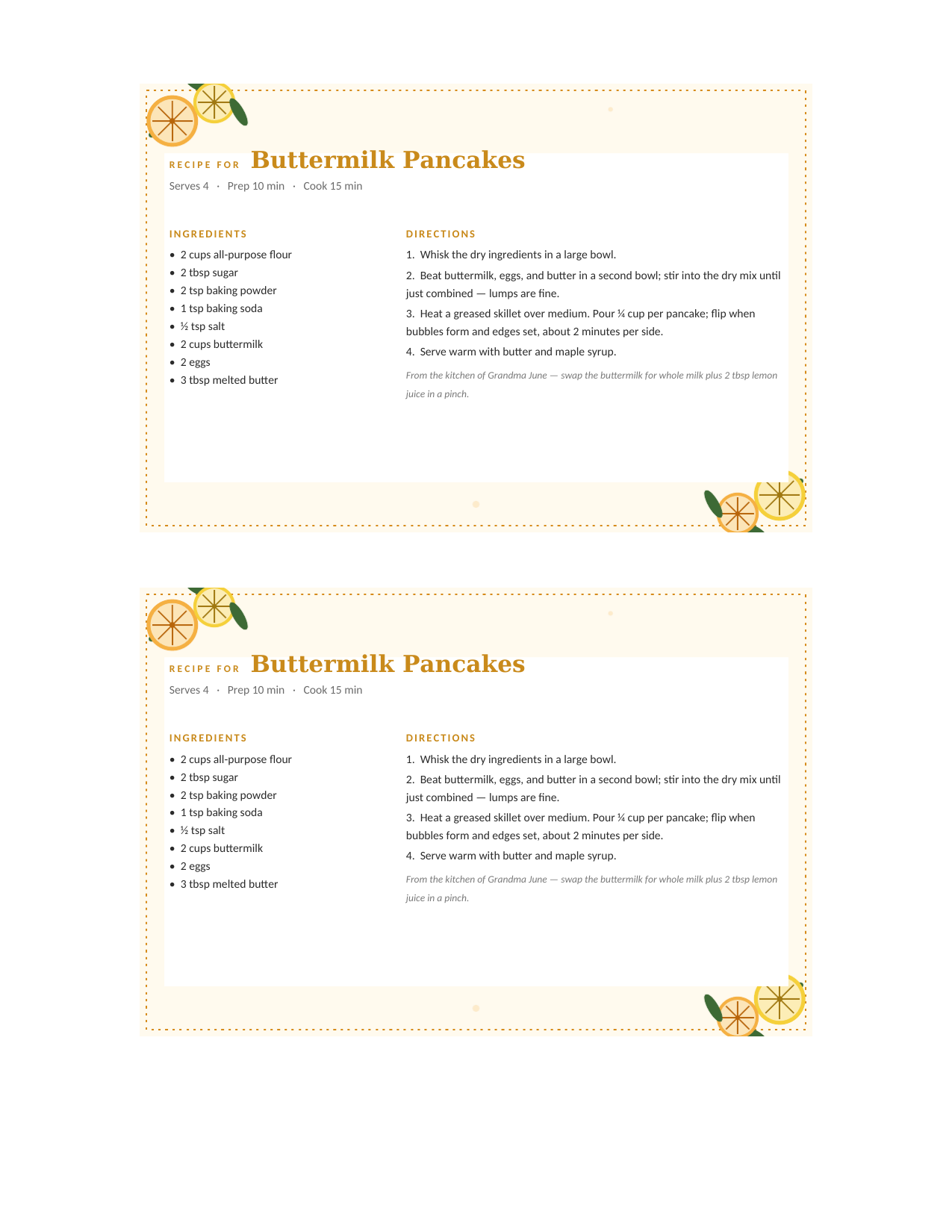
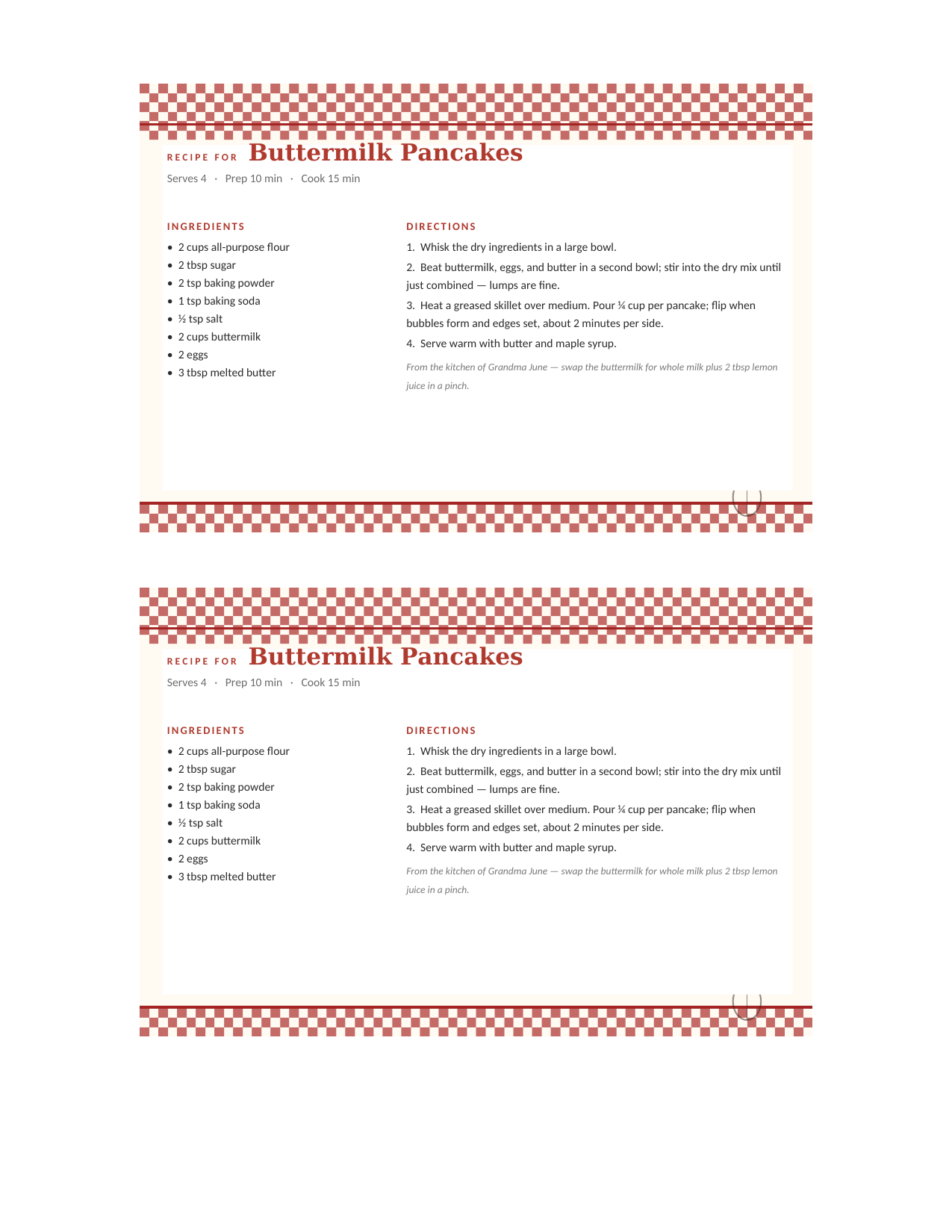
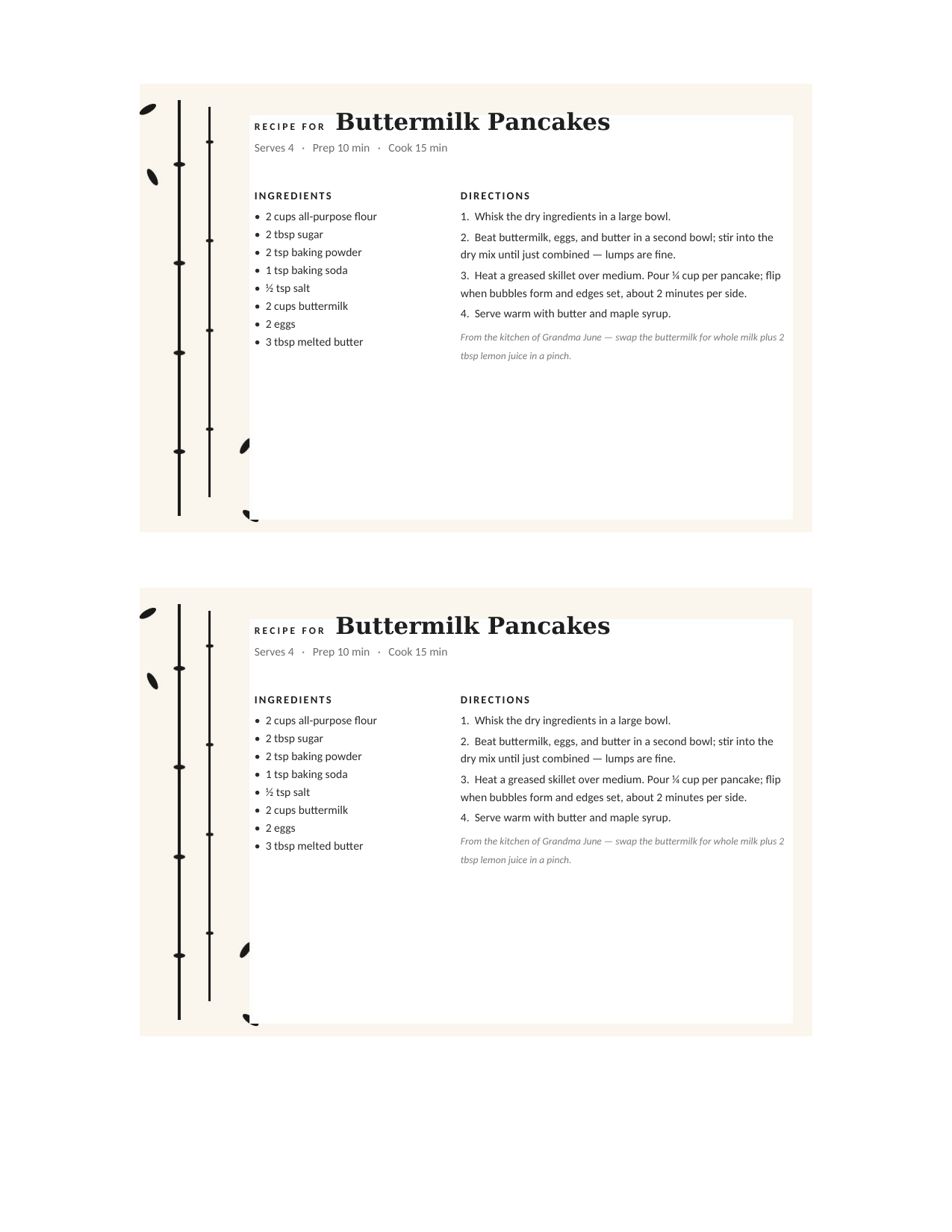
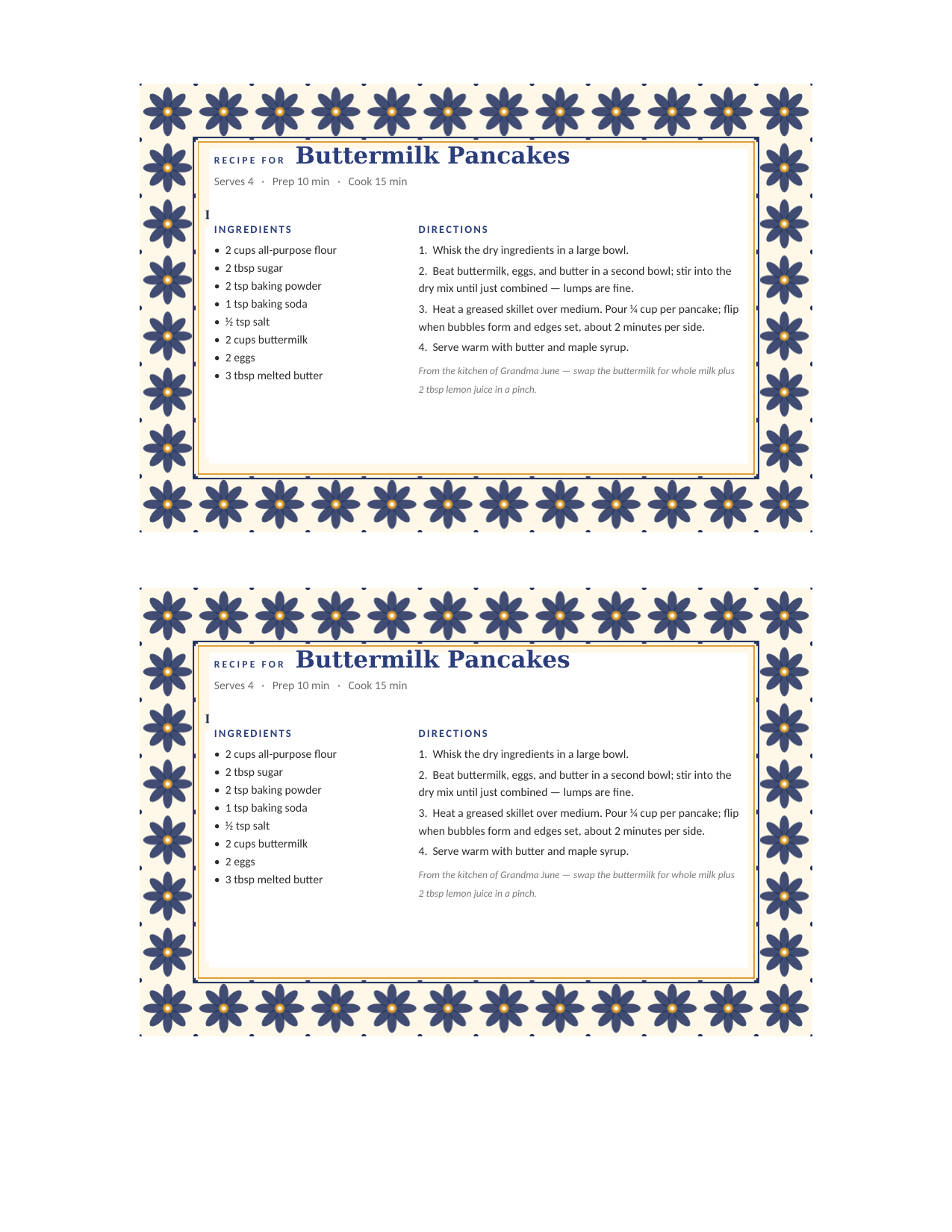
The same eight cards, two to a page.
For regular 8.5×11 paper or cardstock: two 4×6 cards stacked on one sheet with the same editable layout. Print, then cut once across the middle.
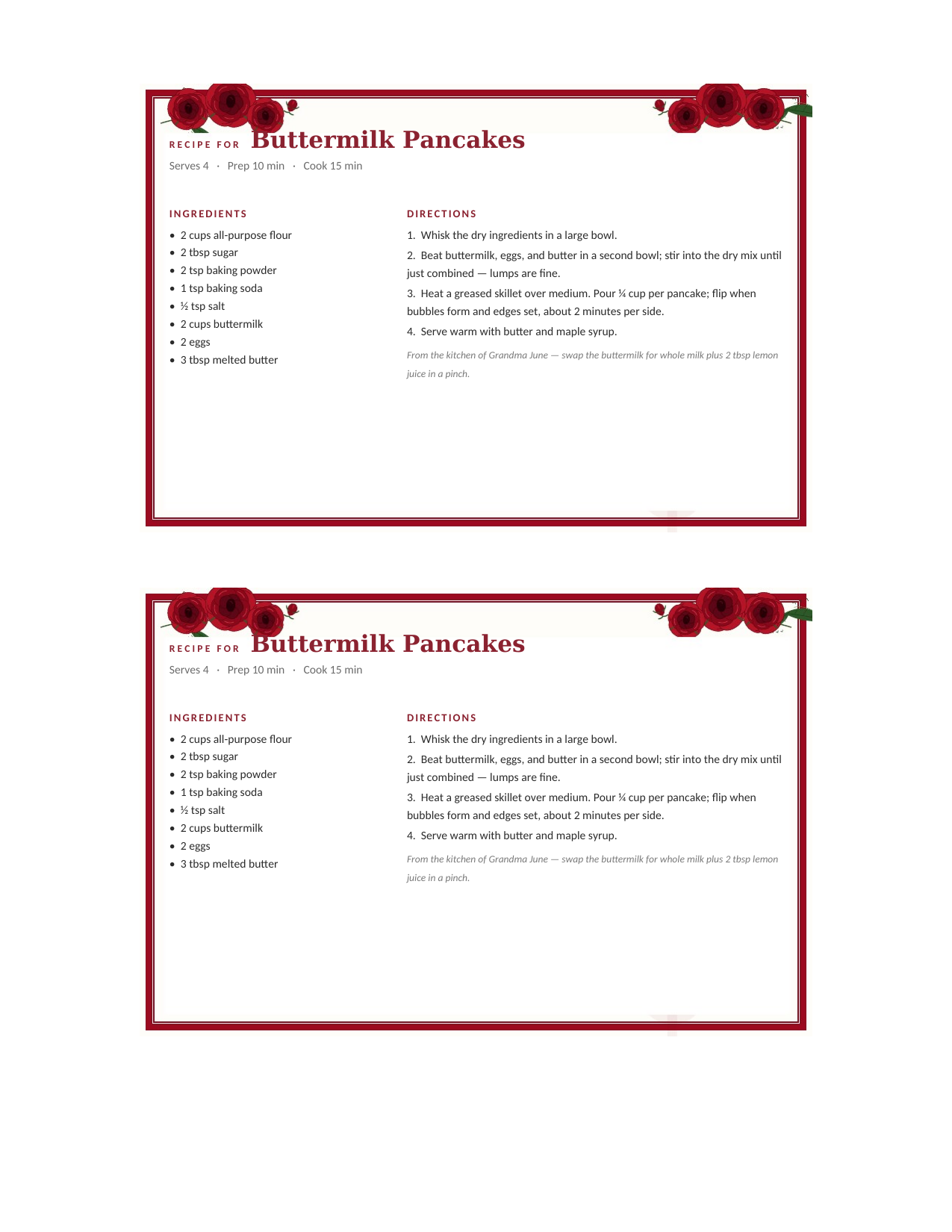
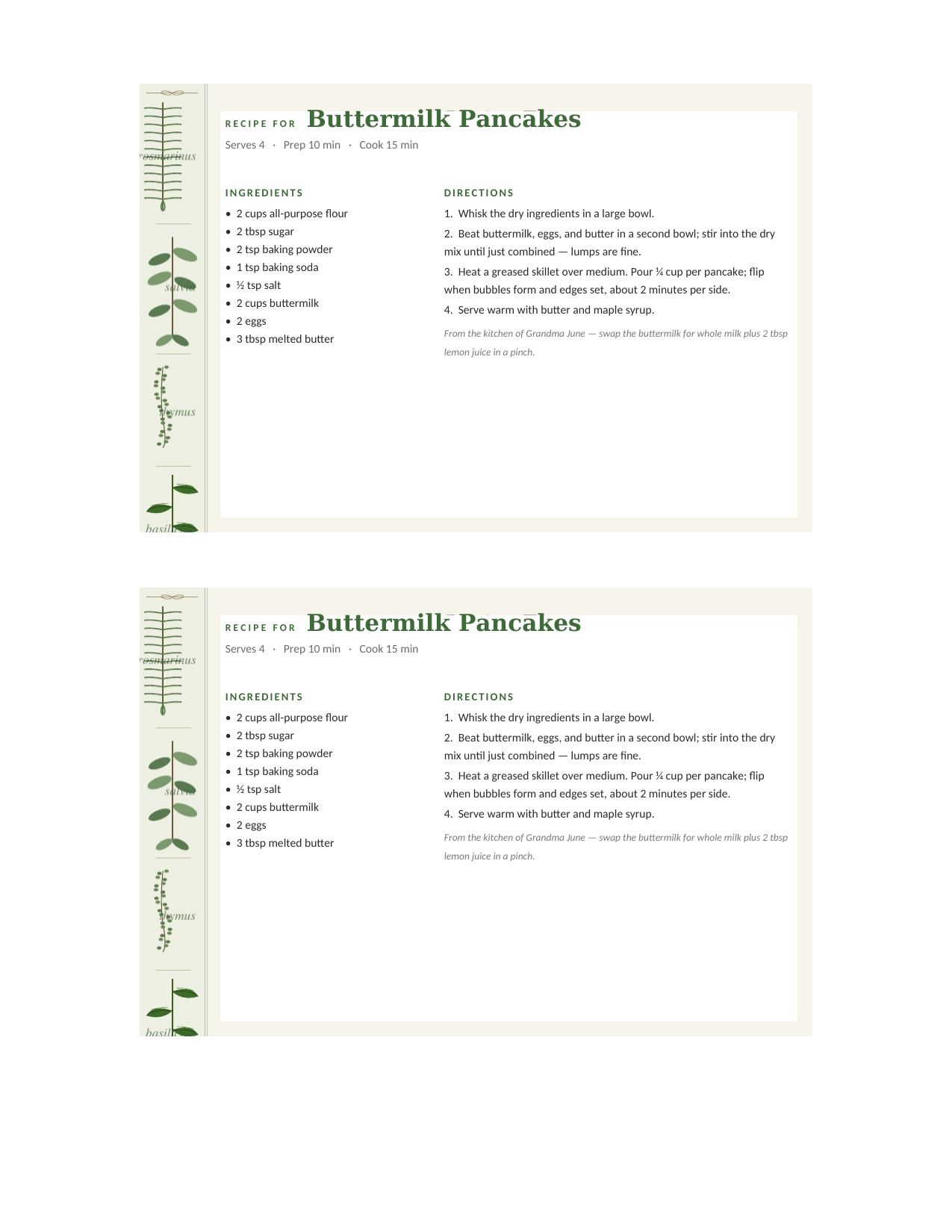
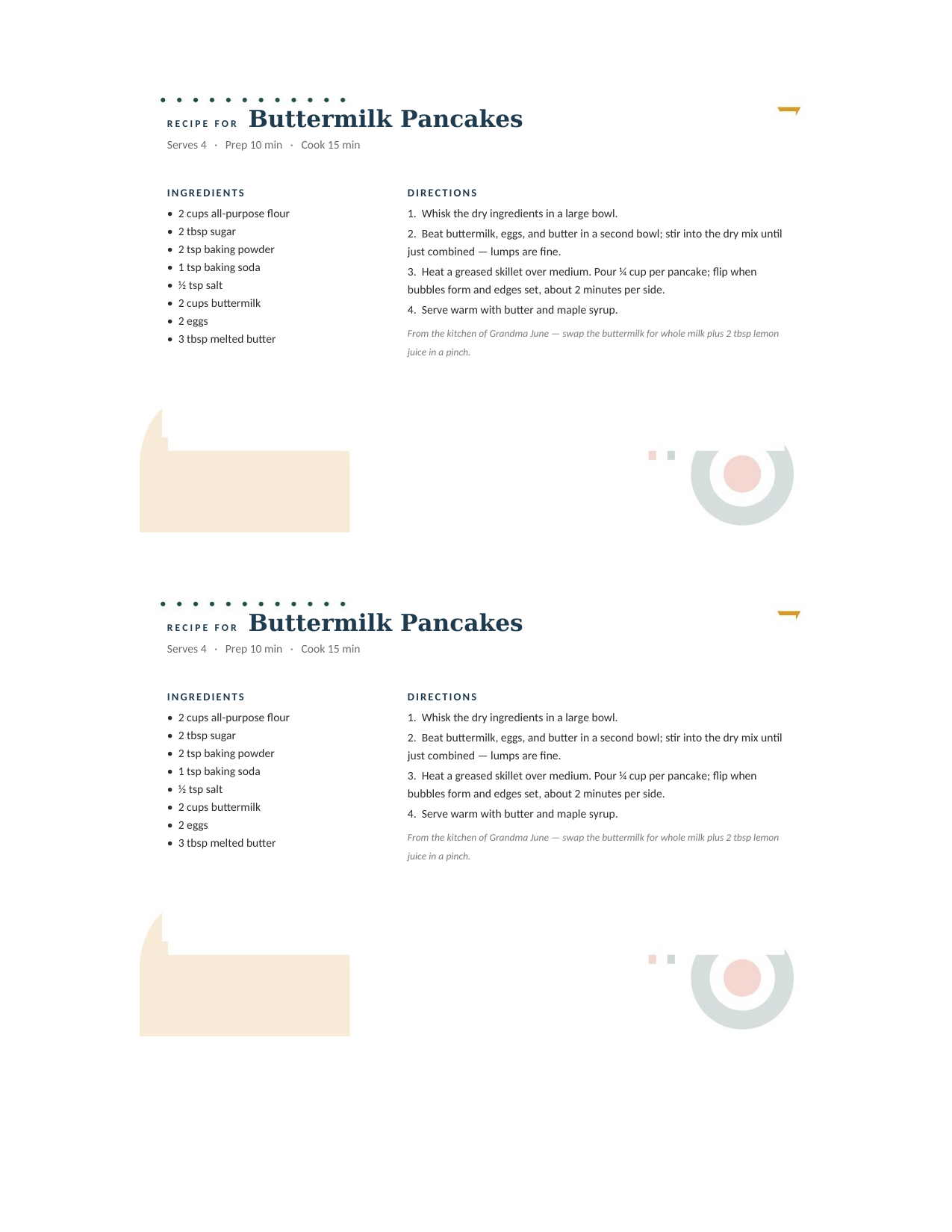
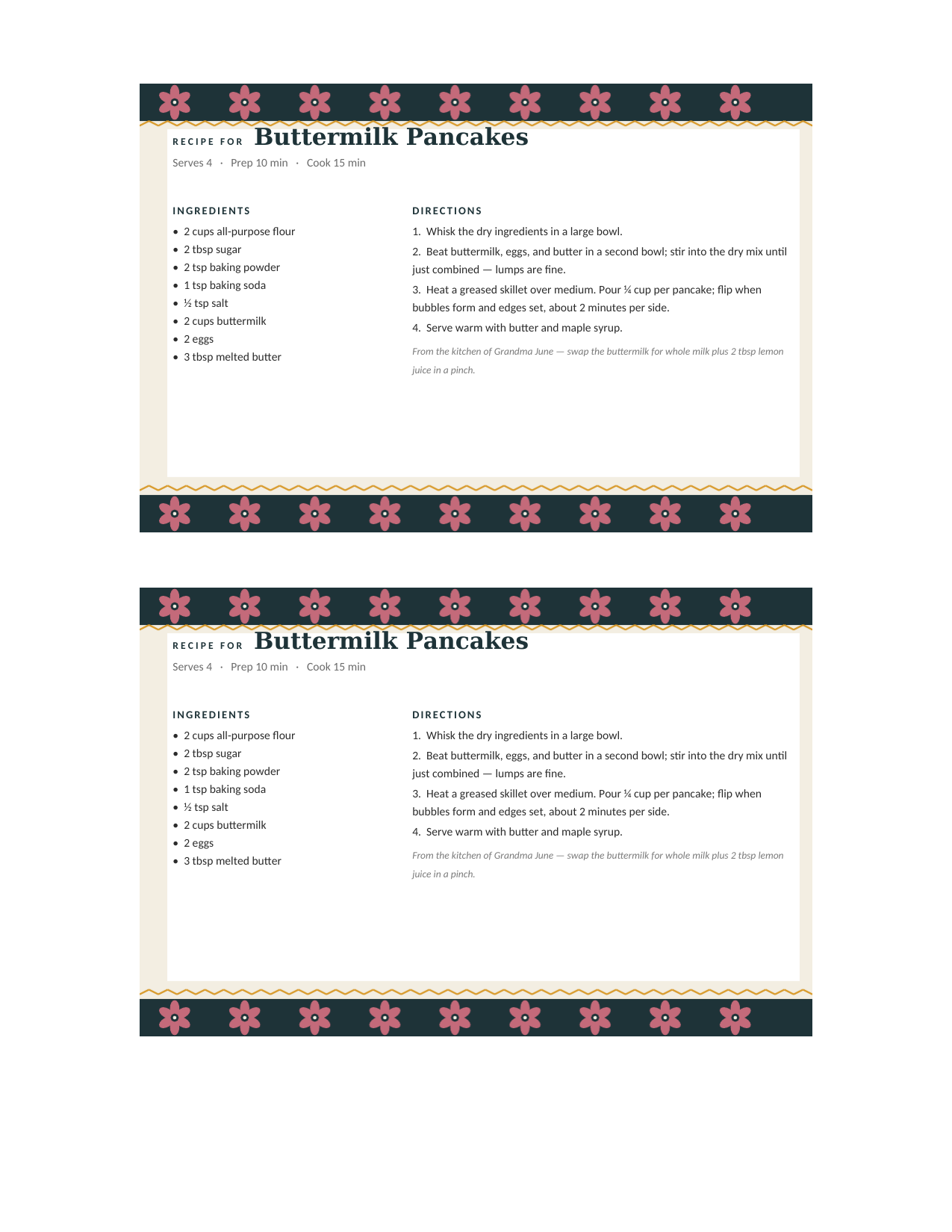
Type it, print it, cut it.
- Download the .docx and open it in Word (2010 through Microsoft 365, Windows or Mac). The card is one 4×6 page with the art behind the text.
- Click the sample recipe and type over it — name, servings, prep and cook time, ingredients on the left, directions on the right. Delete the note line if you don’t need it.
- 4×6 file: print on 4×6 index cards or photo paper at Actual Size. Letter file: print on cardstock and cut across the middle for two cards.
- Save the file with the recipe name — one Word file per recipe makes a searchable recipe box on your computer too.
Prefer Google Docs, a fillable PDF, or a builder?
Word recipe card FAQ
Is there a recipe card template in Word?
How do I make a 4×6 recipe card in Word?
How do I print two recipe cards on one page in Word?
Can I change the fonts and colors?
Will these open in Google Docs or Pages?
Are the Word recipe card templates free?
Word recipe card templates · Updated September 2026