Apollo's Templates
HomeRecipe CardsGoogle Docs
Google Docs · One-click copy · 8 themes · Free

Recipe Card Templates for Google Docs

Eight recipe card templates as native Google Docs. Click Open in Google Docs on any card, choose Make a copy, and an editable 4×6 recipe card lands in your Drive — the art frame behind the text, a sample recipe showing where everything goes, and the page already sized to print on a 4×6 card. Each theme also comes as a letter-size Doc with two cards per sheet. Edit from any device; download as PDF to print or share.

4×6 card Docs

Eight editable 4×6 recipe cards in Google Docs.

Each Doc is one 4×6 page. Make a copy, type over the sample recipe, then File → Print (paper size 4×6) or File → Download → PDF.
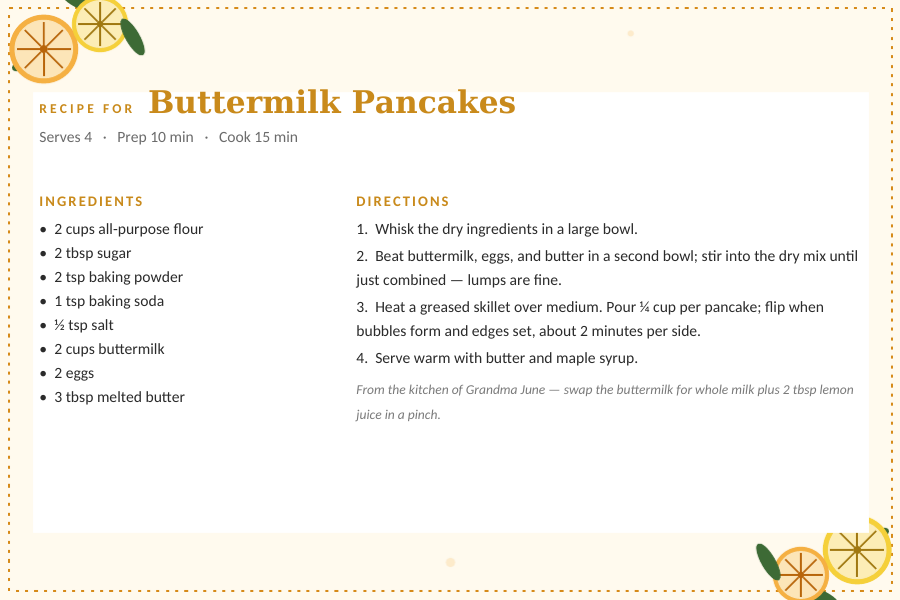
Citrus Grove editable recipe card template for Word and Google Docs — 4×6 card, lemon and orange slices in opposing corners with a dotted gold border, with a sample buttermilk pancake recipe typed in

Citrus Grove — 4×6 card

Editable Citrus Grove card with lemon and orange slices in opposing corners with a dotted gold border. Type the recipe name, servings, prep and cook time, ingredients, and directions; a sample recipe shows the layout.
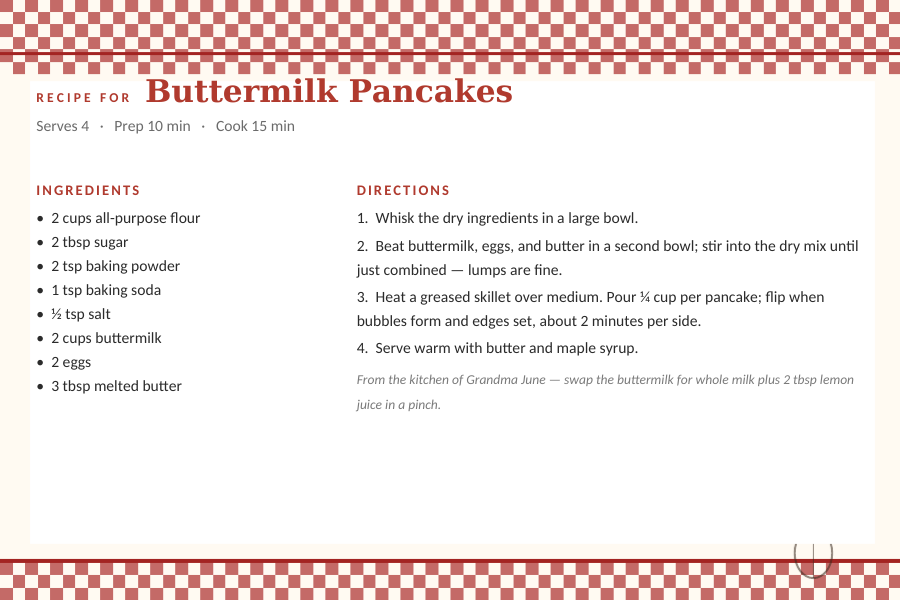
Farmhouse Gingham editable recipe card template for Word and Google Docs — 4×6 card, red gingham bands top and bottom, with a sample buttermilk pancake recipe typed in

Farmhouse Gingham — 4×6 card

Editable Farmhouse Gingham card with red gingham bands top and bottom. Type the recipe name, servings, prep and cook time, ingredients, and directions; a sample recipe shows the layout.
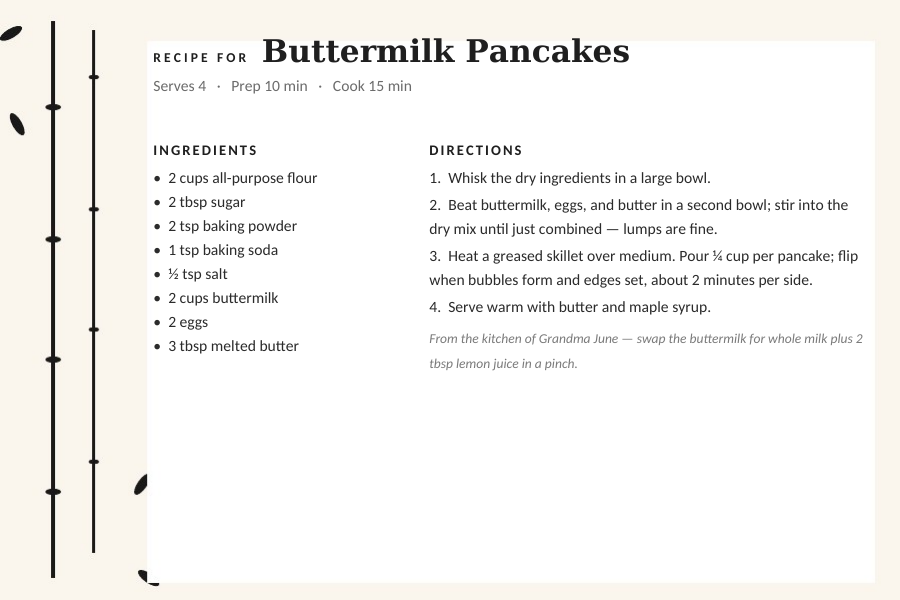
Japanese Sumi-e editable recipe card template for Word and Google Docs — 4×6 card, ink-wash bamboo along the left edge on warm paper, with a sample buttermilk pancake recipe typed in

Japanese Sumi-e — 4×6 card

Editable Japanese Sumi-e card with ink-wash bamboo along the left edge on warm paper. Type the recipe name, servings, prep and cook time, ingredients, and directions; a sample recipe shows the layout.
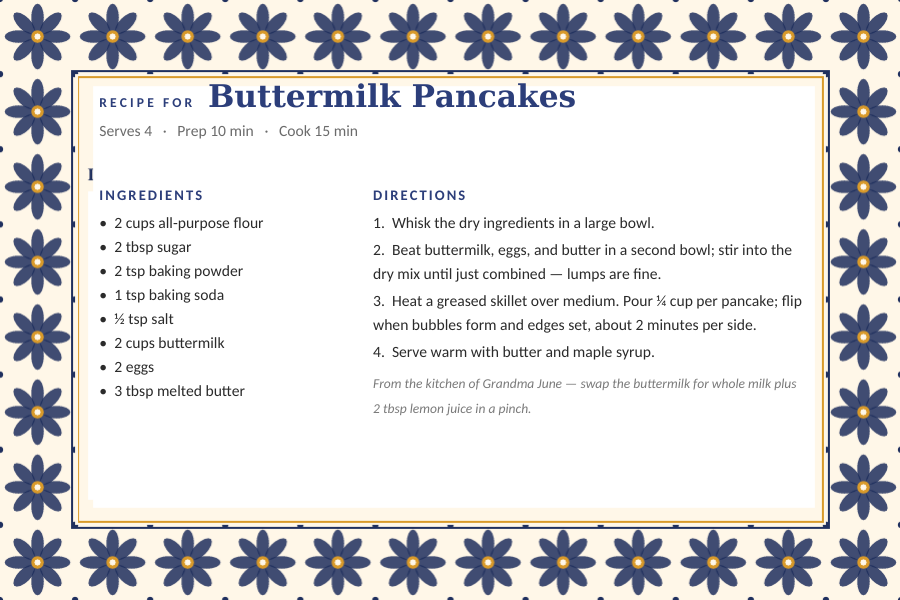
Mexican Talavera editable recipe card template for Word and Google Docs — 4×6 card, a cobalt-blue eight-petal tile border, with a sample buttermilk pancake recipe typed in

Mexican Talavera — 4×6 card

Editable Mexican Talavera card with a cobalt-blue eight-petal tile border. Type the recipe name, servings, prep and cook time, ingredients, and directions; a sample recipe shows the layout.
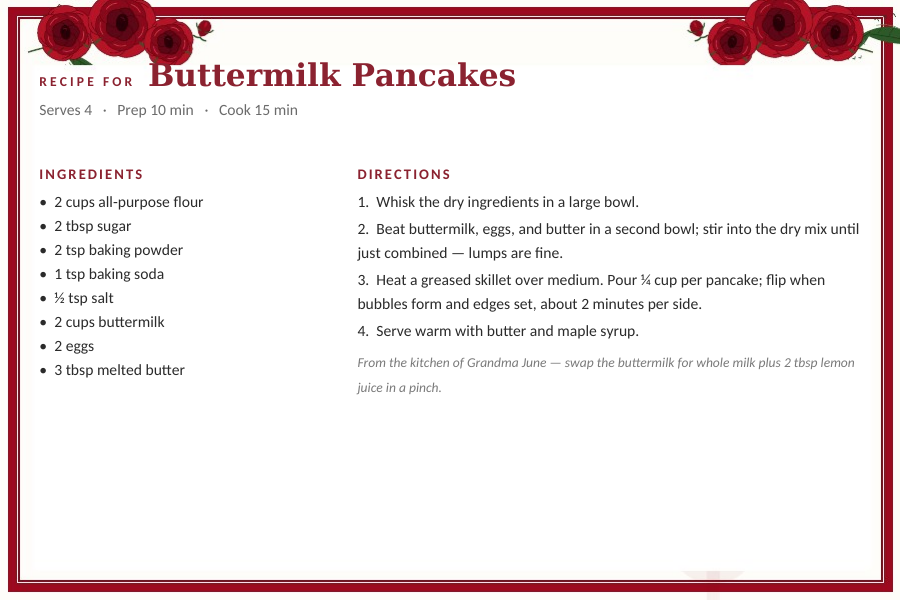
Vintage Roses editable recipe card template for Word and Google Docs — 4×6 card, a deep-red double border with crimson rose clusters in the corners, with a sample buttermilk pancake recipe typed in

Vintage Roses — 4×6 card

Editable Vintage Roses card with a deep-red double border with crimson rose clusters in the corners. Type the recipe name, servings, prep and cook time, ingredients, and directions; a sample recipe shows the layout.
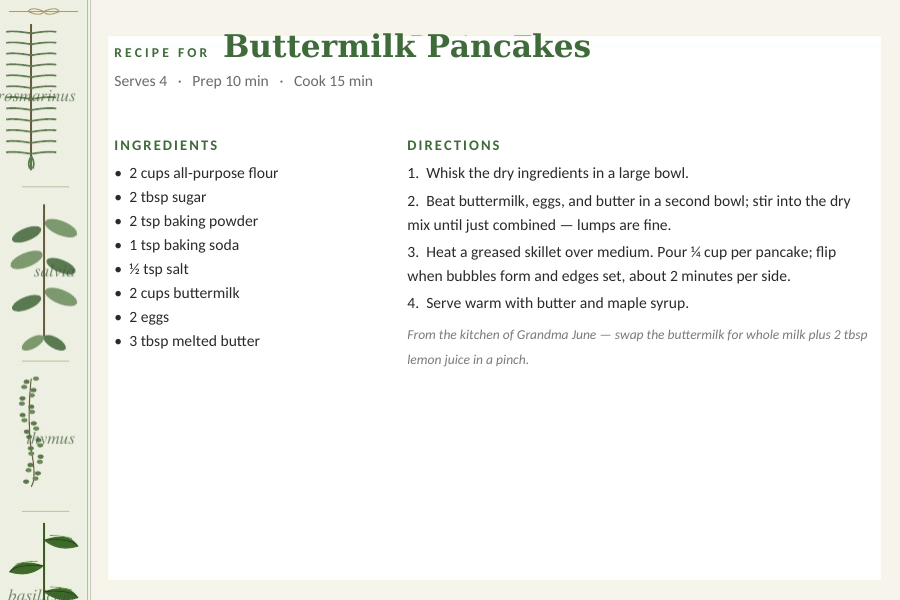
Botanical Herbs editable recipe card template for Word and Google Docs — 4×6 card, sage and rosemary sprigs along the left margin, with a sample buttermilk pancake recipe typed in

Botanical Herbs — 4×6 card

Editable Botanical Herbs card with sage and rosemary sprigs along the left margin. Type the recipe name, servings, prep and cook time, ingredients, and directions; a sample recipe shows the layout.
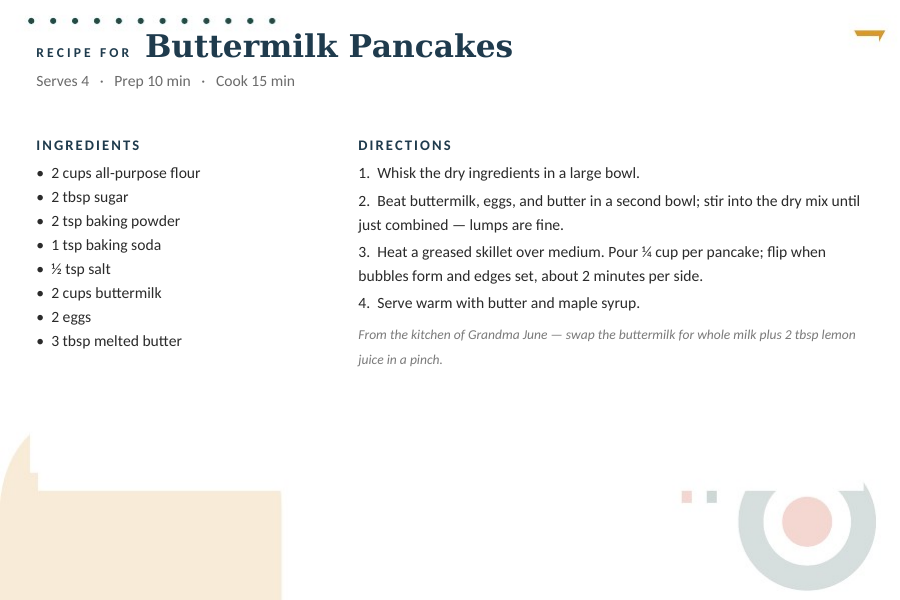
Mid-Century Modern editable recipe card template for Word and Google Docs — 4×6 card, a mustard arch and teal bullseye on warm cream, with a sample buttermilk pancake recipe typed in

Mid-Century Modern — 4×6 card

Editable Mid-Century Modern card with a mustard arch and teal bullseye on warm cream. Type the recipe name, servings, prep and cook time, ingredients, and directions; a sample recipe shows the layout.
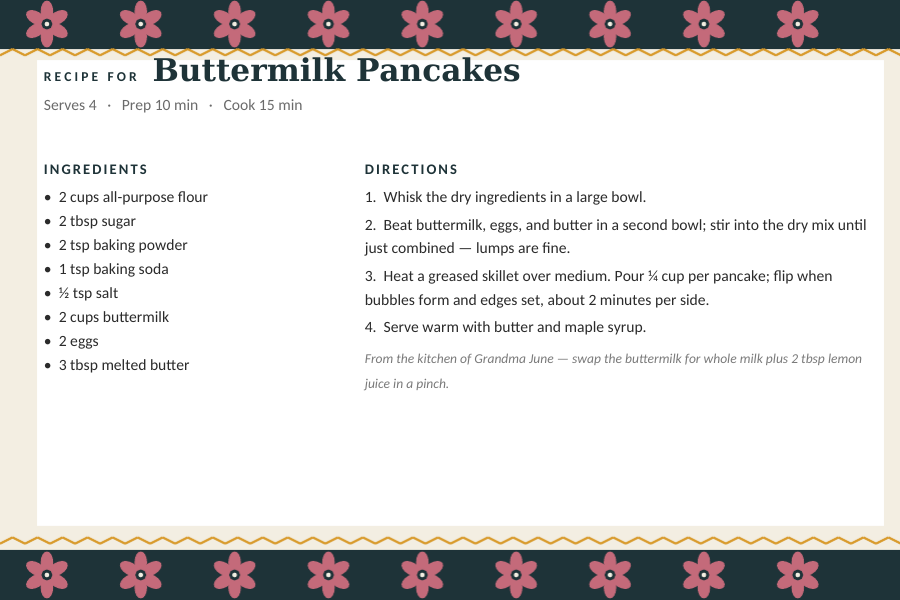
Scandinavian Folk editable recipe card template for Word and Google Docs — 4×6 card, dark teal bands of folk-art flowers with gold zigzags, with a sample buttermilk pancake recipe typed in

Scandinavian Folk — 4×6 card

Editable Scandinavian Folk card with dark teal bands of folk-art flowers with gold zigzags. Type the recipe name, servings, prep and cook time, ingredients, and directions; a sample recipe shows the layout.
Two per letter sheet

The same eight cards, two to a page.

Letter-size Docs with two 4×6 cards stacked — print on cardstock from any printer and cut once across the middle.
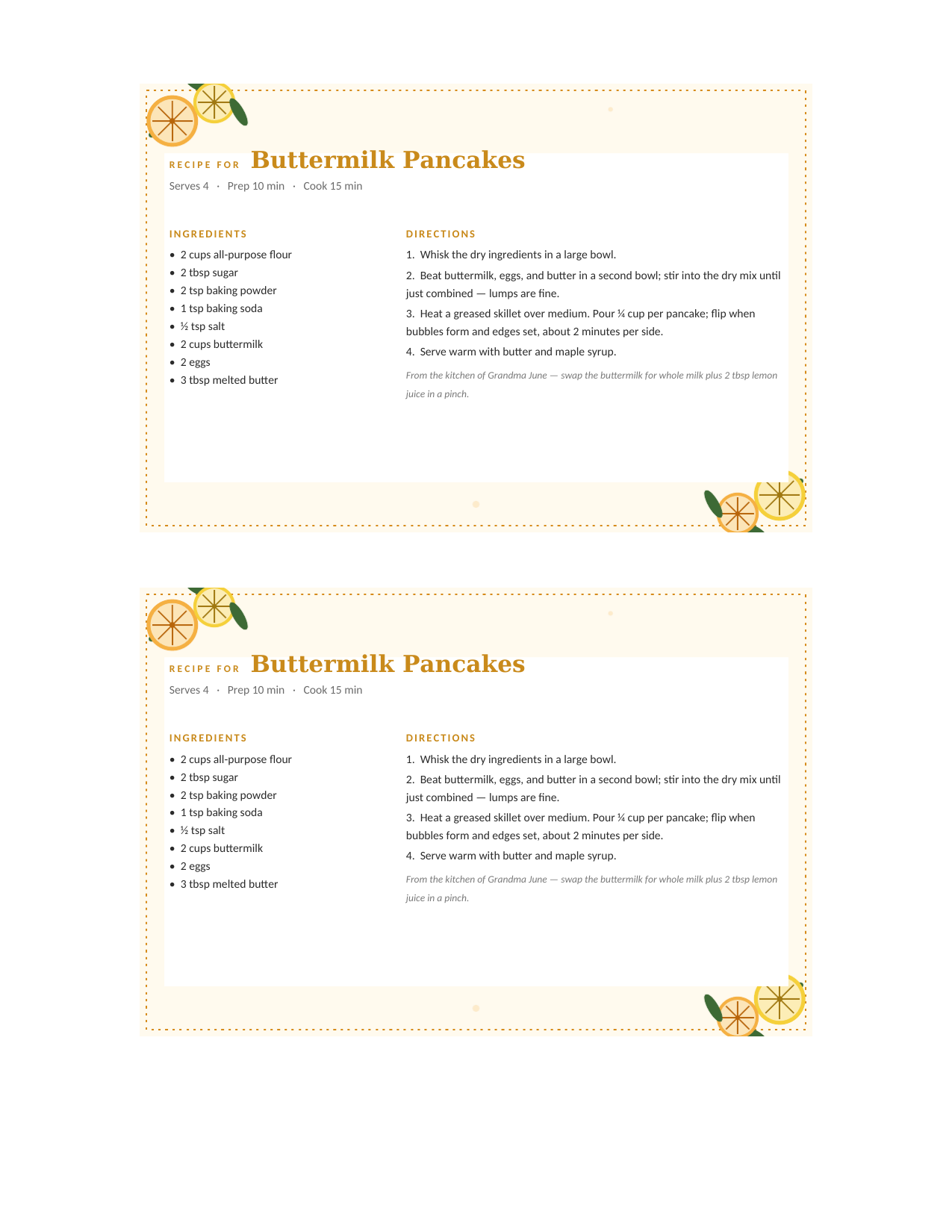
Citrus Grove editable recipe card template for Word and Google Docs — two 4×6 cards per letter sheet, lemon and orange slices in opposing corners with a dotted gold border, with a sample buttermilk pancake recipe typed in

Citrus Grove — two 4×6 cards per letter sheet

The same Citrus Grove card twice on one 8.5×11 sheet — print on cardstock and cut down the middle for two 4×6 cards.
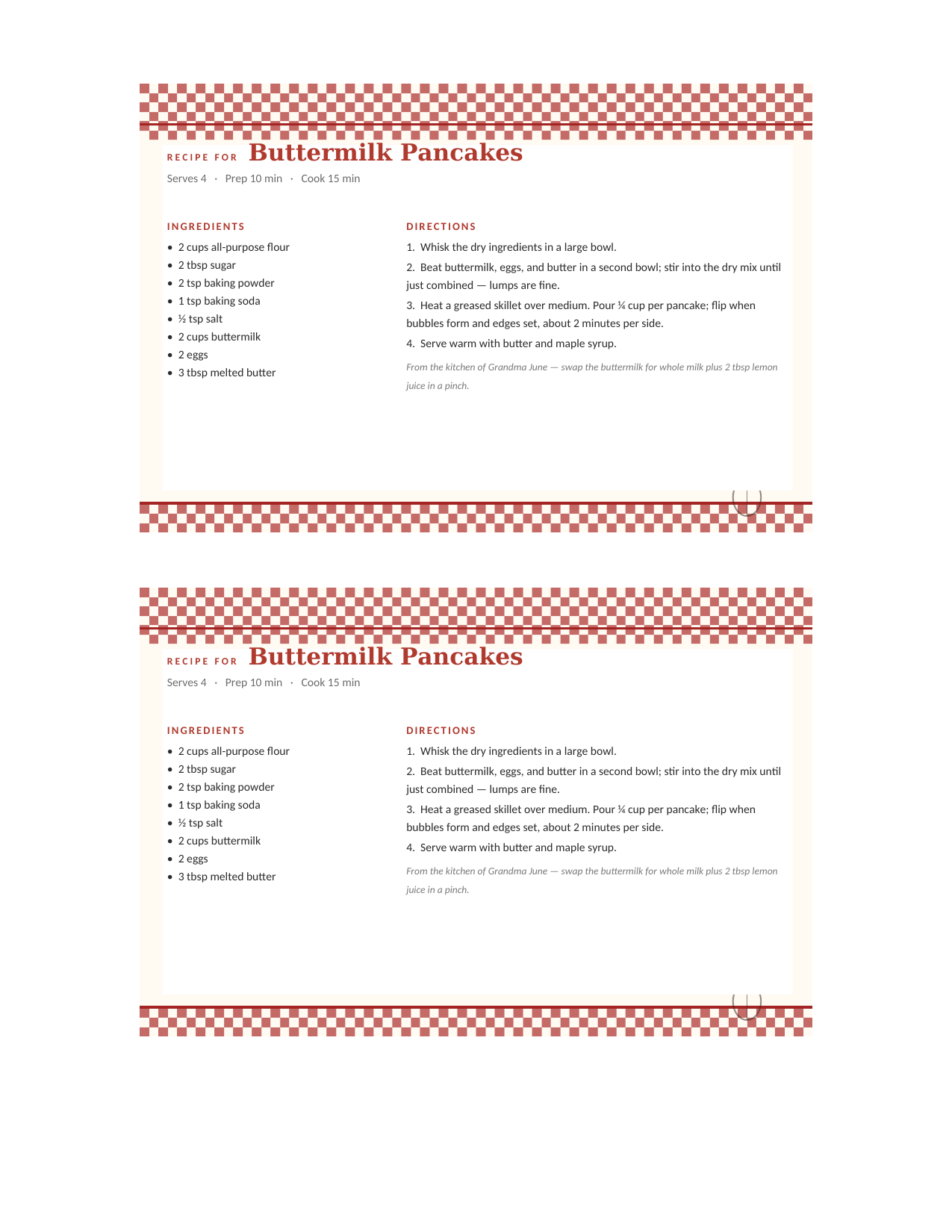
Farmhouse Gingham editable recipe card template for Word and Google Docs — two 4×6 cards per letter sheet, red gingham bands top and bottom, with a sample buttermilk pancake recipe typed in

Farmhouse Gingham — two 4×6 cards per letter sheet

The same Farmhouse Gingham card twice on one 8.5×11 sheet — print on cardstock and cut down the middle for two 4×6 cards.
Japanese Sumi-e editable recipe card template for Word and Google Docs — two 4×6 cards per letter sheet, ink-wash bamboo along the left edge on warm paper, with a sample buttermilk pancake recipe typed in

Japanese Sumi-e — two 4×6 cards per letter sheet

The same Japanese Sumi-e card twice on one 8.5×11 sheet — print on cardstock and cut down the middle for two 4×6 cards.
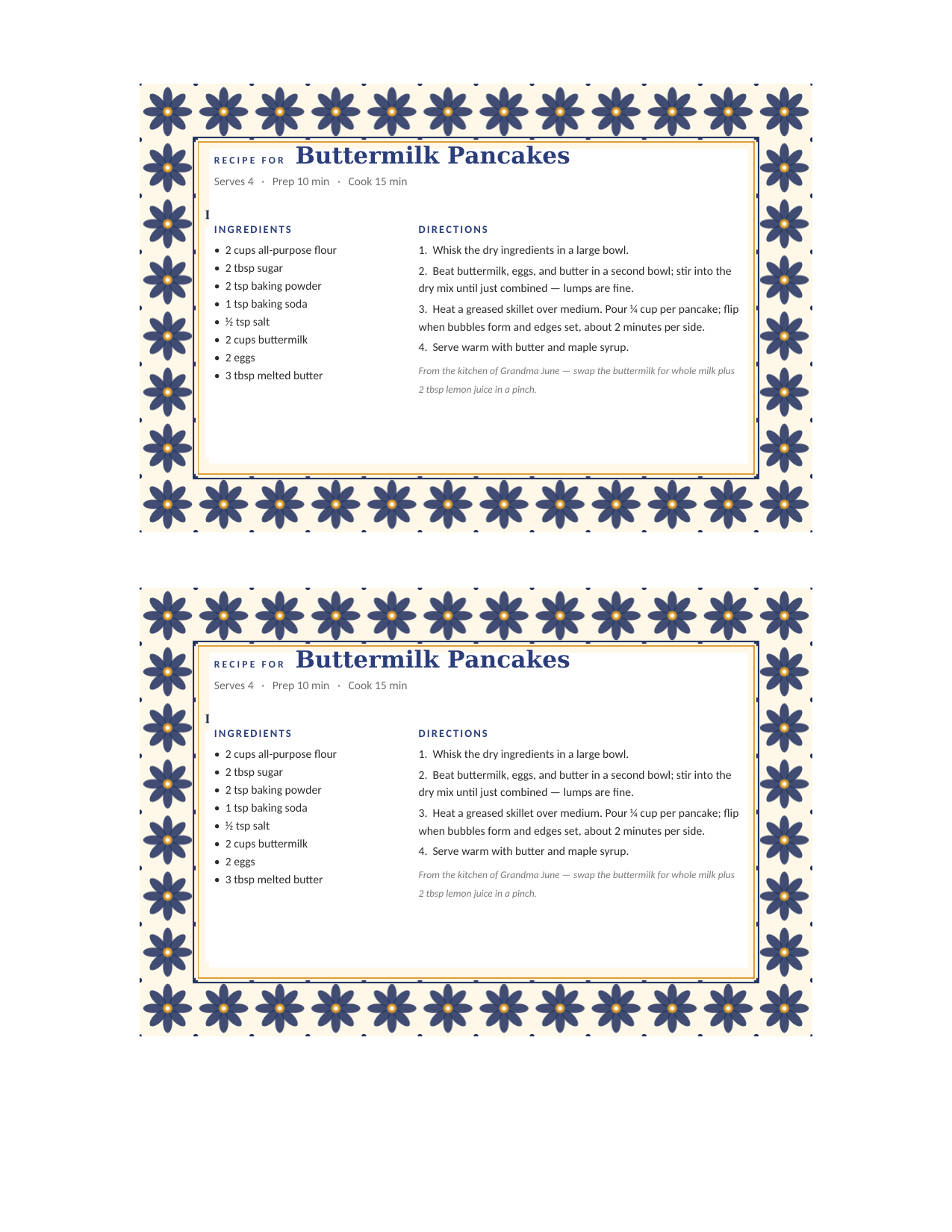
Mexican Talavera editable recipe card template for Word and Google Docs — two 4×6 cards per letter sheet, a cobalt-blue eight-petal tile border, with a sample buttermilk pancake recipe typed in

Mexican Talavera — two 4×6 cards per letter sheet

The same Mexican Talavera card twice on one 8.5×11 sheet — print on cardstock and cut down the middle for two 4×6 cards.
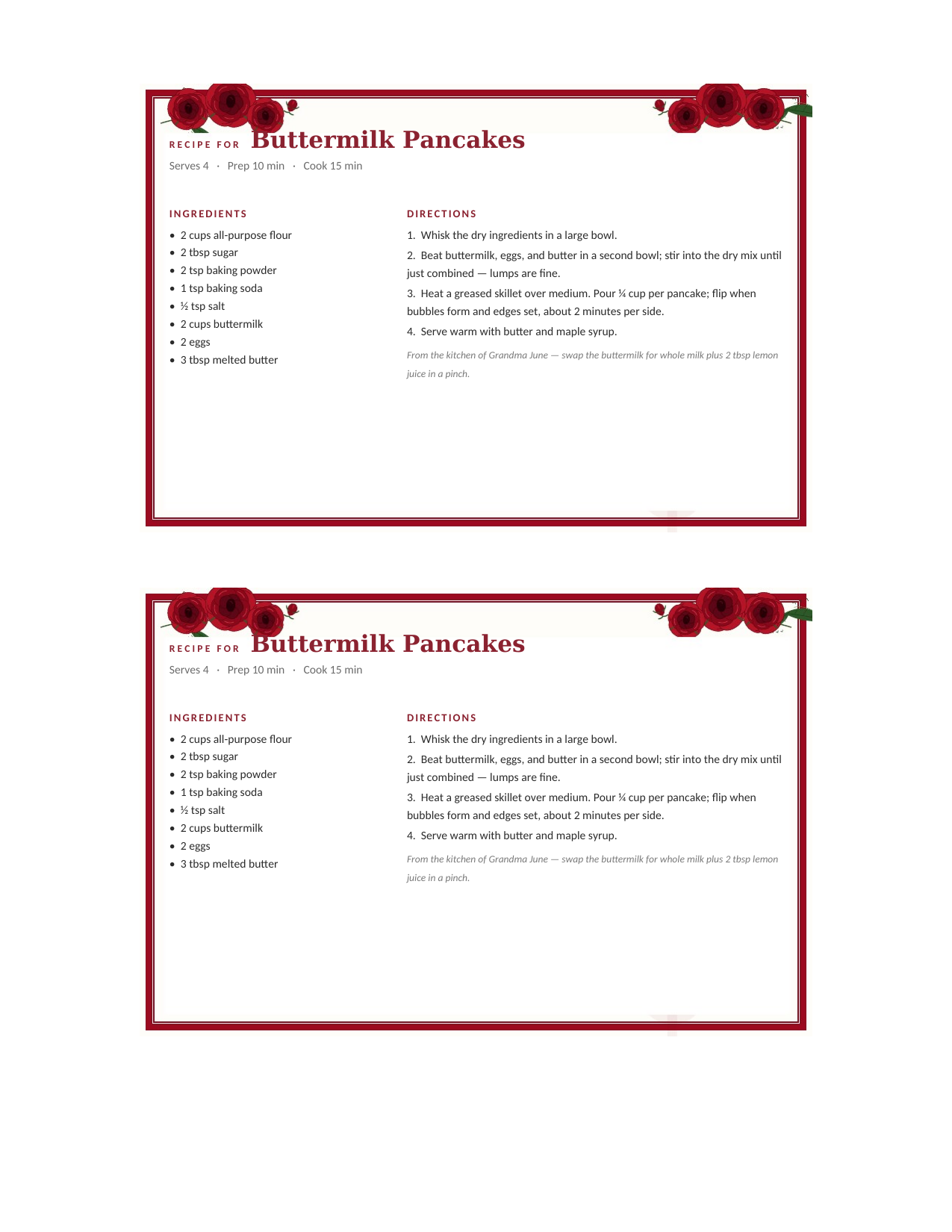
Vintage Roses editable recipe card template for Word and Google Docs — two 4×6 cards per letter sheet, a deep-red double border with crimson rose clusters in the corners, with a sample buttermilk pancake recipe typed in

Vintage Roses — two 4×6 cards per letter sheet

The same Vintage Roses card twice on one 8.5×11 sheet — print on cardstock and cut down the middle for two 4×6 cards.
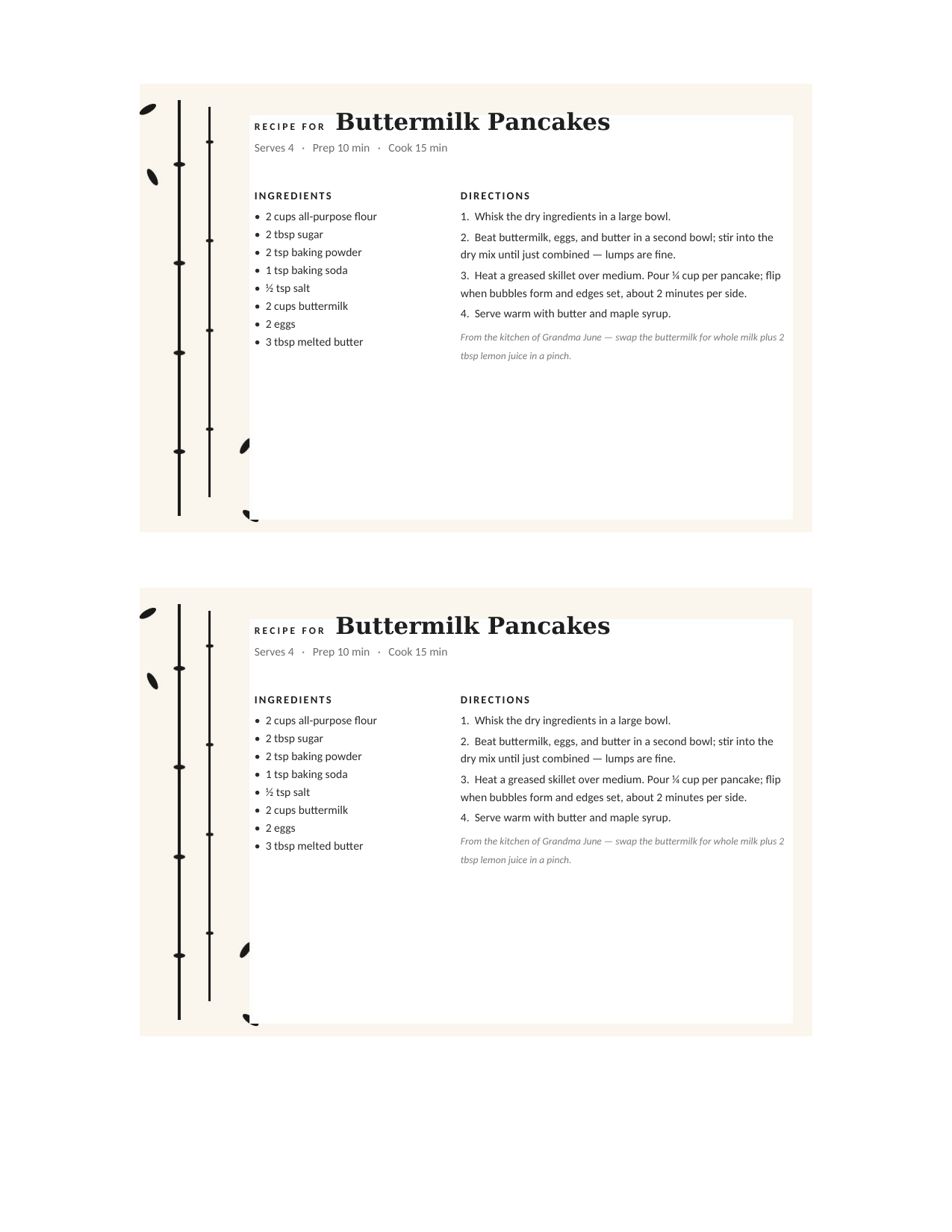
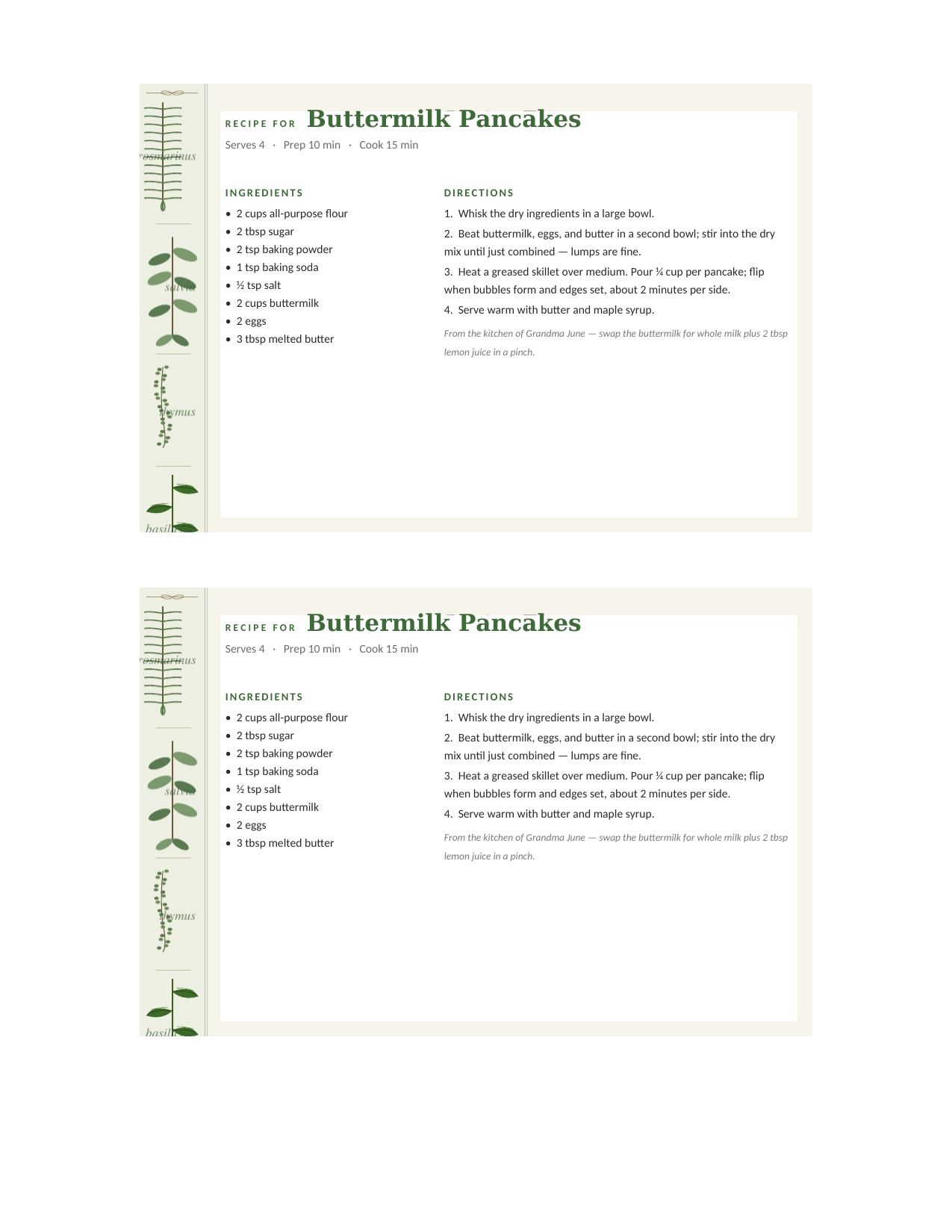
Botanical Herbs editable recipe card template for Word and Google Docs — two 4×6 cards per letter sheet, sage and rosemary sprigs along the left margin, with a sample buttermilk pancake recipe typed in

Botanical Herbs — two 4×6 cards per letter sheet

The same Botanical Herbs card twice on one 8.5×11 sheet — print on cardstock and cut down the middle for two 4×6 cards.
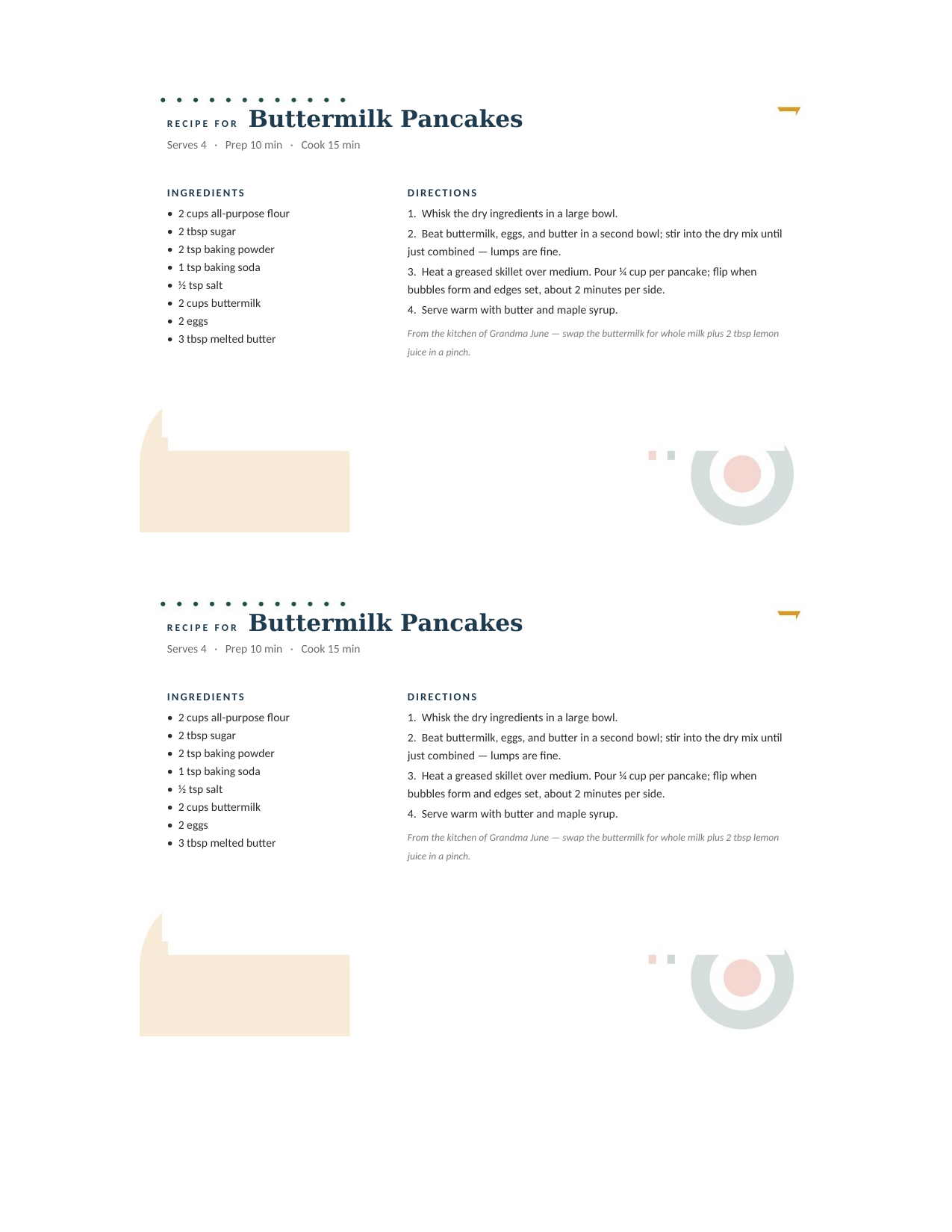
Mid-Century Modern editable recipe card template for Word and Google Docs — two 4×6 cards per letter sheet, a mustard arch and teal bullseye on warm cream, with a sample buttermilk pancake recipe typed in

Mid-Century Modern — two 4×6 cards per letter sheet

The same Mid-Century Modern card twice on one 8.5×11 sheet — print on cardstock and cut down the middle for two 4×6 cards.
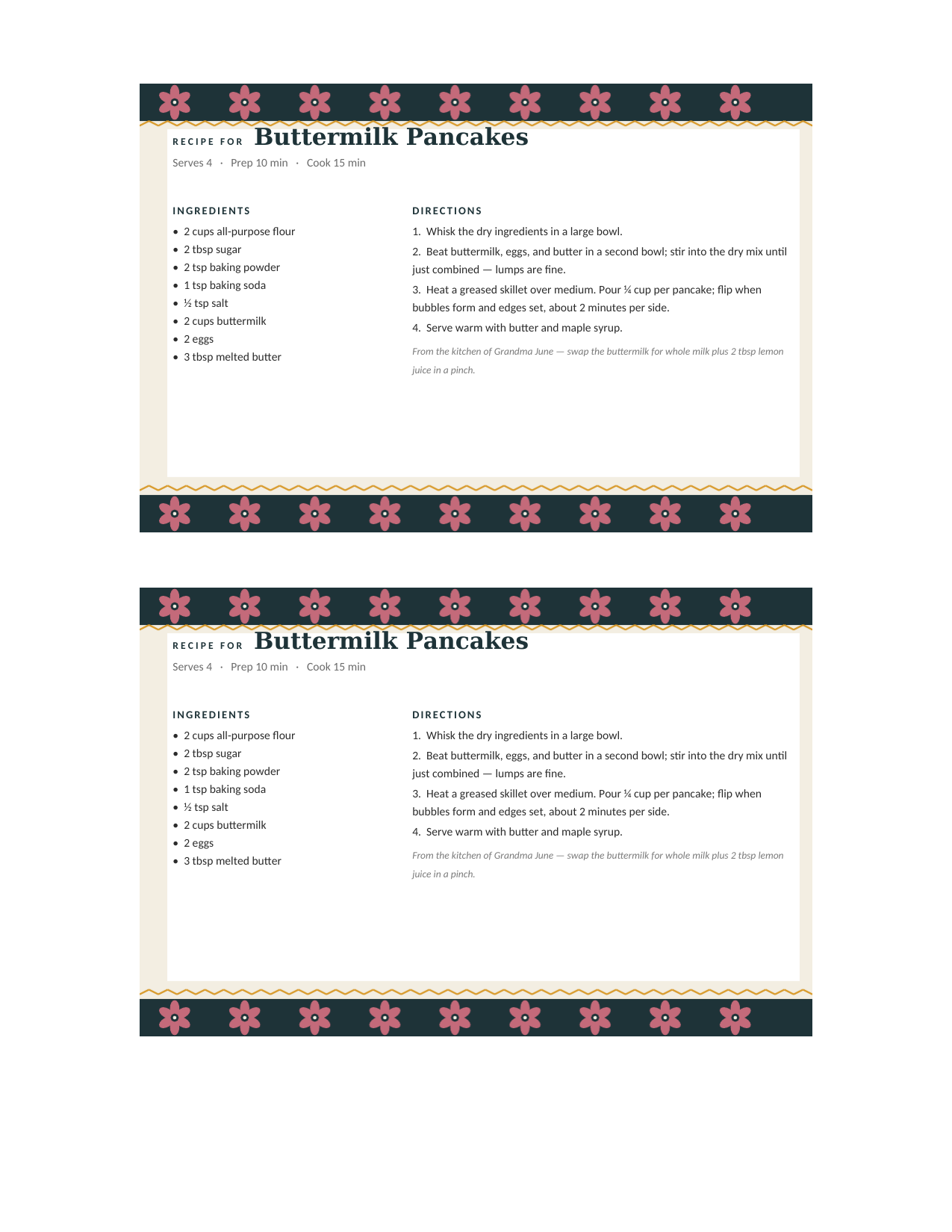
Scandinavian Folk editable recipe card template for Word and Google Docs — two 4×6 cards per letter sheet, dark teal bands of folk-art flowers with gold zigzags, with a sample buttermilk pancake recipe typed in

Scandinavian Folk — two 4×6 cards per letter sheet

The same Scandinavian Folk card twice on one 8.5×11 sheet — print on cardstock and cut down the middle for two 4×6 cards.
How to use it

Copy, type, print.

  1. Click Open in Google Docs, then Make a copy — the card is now in your Drive, editable.
  2. Click the sample recipe and type over it: name, servings and times, ingredients on the left, directions on the right.
  3. 4×6 Doc: File → Print, set paper size to 4×6 (or File → Download → PDF and print the PDF at Actual Size on an index card). Letter Doc: print on cardstock and cut across the middle.
  4. Rename the copy with the recipe name — Drive becomes a searchable recipe box, and you can share a card with one link.
Other formats

Prefer Word, a fillable PDF, or a builder?

Desktop
Recipe Card Templates for Word
The same eight designs as .docx downloads for Microsoft Word, Pages, and LibreOffice.
Open
Type-in
Editable & Fillable Recipe Cards
Every way to type a recipe: the in-browser builder, fillable PDFs, Word, and Docs.
Open
No software
Recipe Card Maker
Type the recipe in your browser, add a photo of the dish, and download a print-ready PDF.
Open
Guide
How to Print Recipe Cards
Sizes, cardstock, printing straight onto index cards, and two-up on letter.
Open
Common questions

Google Docs recipe card FAQ

Is there a recipe card template in Google Docs?
Google's own template gallery has no recipe card. The eight Docs on this page are real Google Docs — a 4×6 page with an art frame behind an editable recipe table — and one click copies any of them into your Drive.
How do I make a recipe card in Google Docs?
Copy one of these rather than starting blank: the page is already 4×6, the margins clear the art, and the two-column ingredients/directions table is in place. Building your own from scratch means File → Page setup → Custom (6 × 4 in), then Insert → Table.
How do I print a 4×6 card from Google Docs?
File → Print, then set the paper size in your printer dialog to 4×6 (index card or postcard) and scale to 100%. If your printer dialog won't take a custom size, download as PDF and print the PDF at Actual Size — or use the two-per-letter-sheet Doc on regular paper.
Can I share a recipe card as a link?
Yes — that's the reason to keep them in Docs. Share your copy view-only and anyone can read or print it; share with edit rights and a family member can add their notes.
Do I need a Google account?
Only to make the copy — the card has to land in a Drive. Nothing is required from us: no signup, no email, no watermark.
Can I get these as Word files instead?
Yes — every card has a Download Word button for the .docx, or in your Doc copy use File → Download → Microsoft Word.

Google Docs recipe card templates · Updated September 2026