Apollo's Templates
HomeBusinessTimesheet TemplatesGoogle Docs
The word-processor versions

Google Docs Timesheet Templates

Every timesheet in the library as a one-click Google Docs copy — for the workplaces that live in Docs the way others live in Word. Click, make a copy, and the document lands in your Drive: editable tables, your company name a keystroke away, printable under any header. Fair warning from the makers: Docs doesn't calculate — when you want hours and pay computed while you type, the same layouts live one page over as Google Sheets.

Copies, not downloads

Eight documents, one click each.
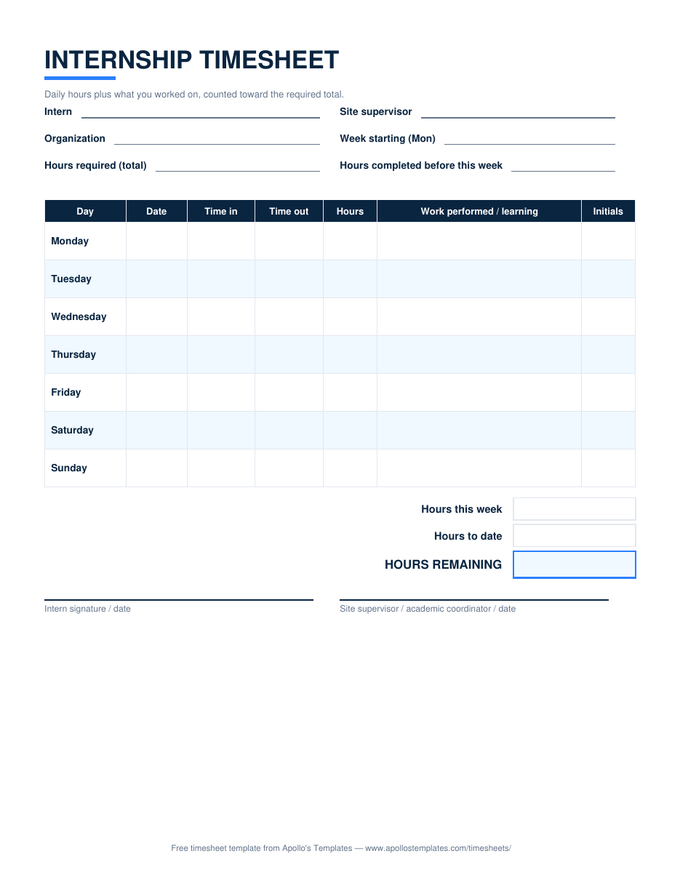
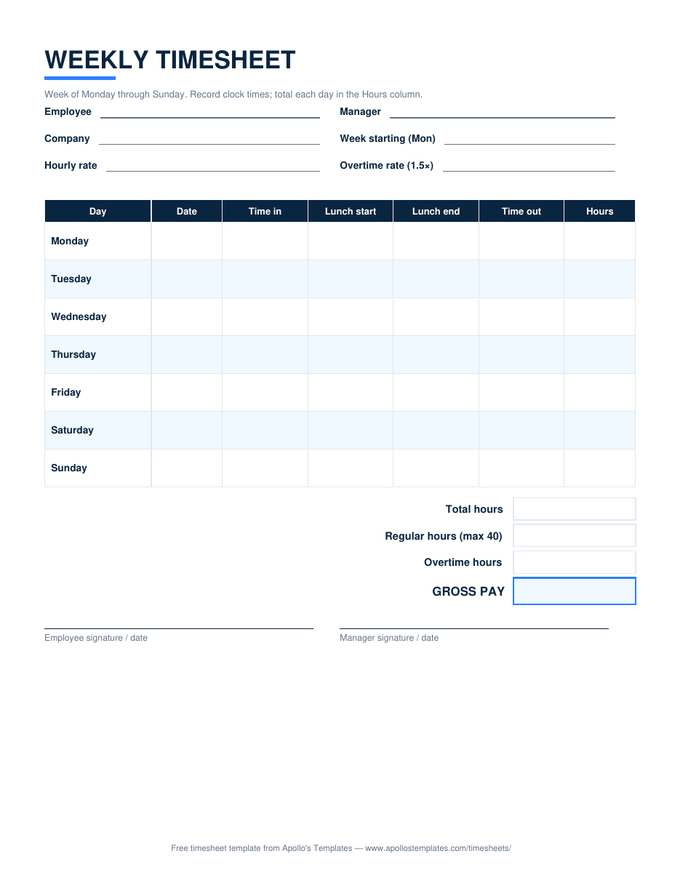
Weekly — with lunch columns preview
Weekly — with lunch columns
The full weekly grid as a Docs table: seven days, lunch tracking, both signature lines.
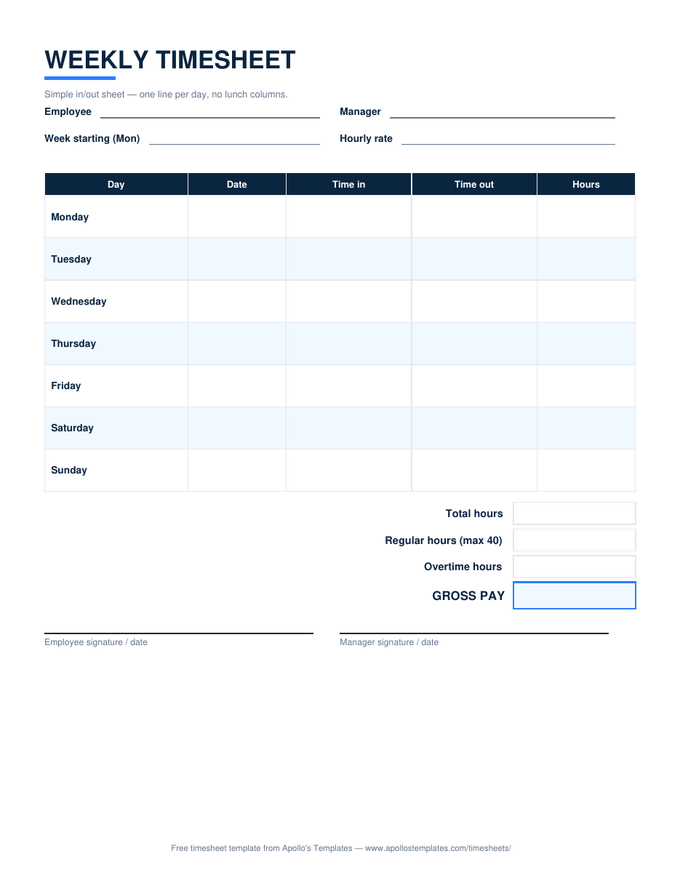
Weekly — simple in/out preview
Weekly — simple in/out
Day, date, in, out, hours — the minimal week for paid-break workplaces.
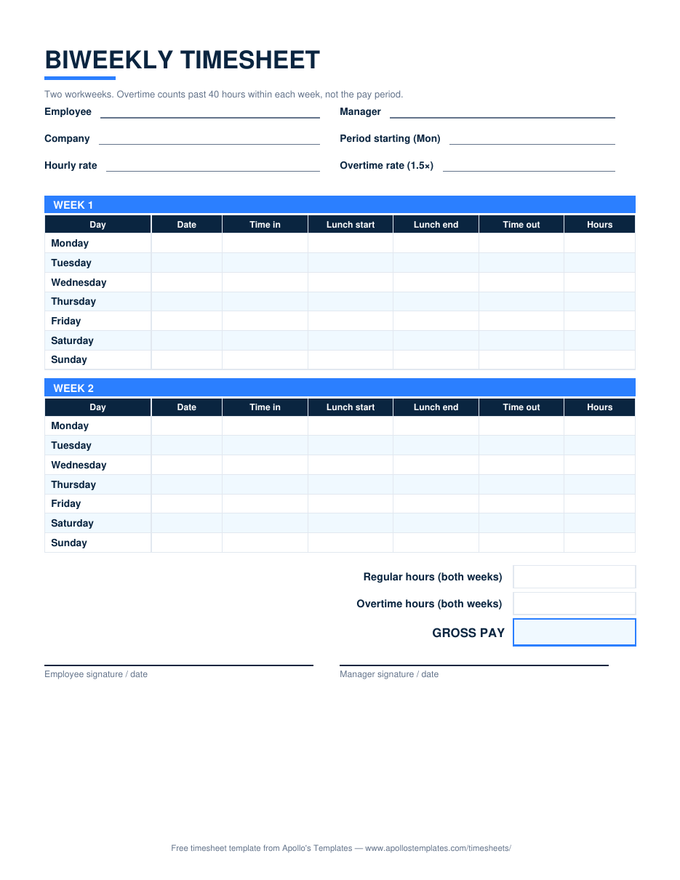
Biweekly — two week blocks preview
Biweekly — two week blocks
Both workweeks with their own subtotal rows, then the pay-period summary.
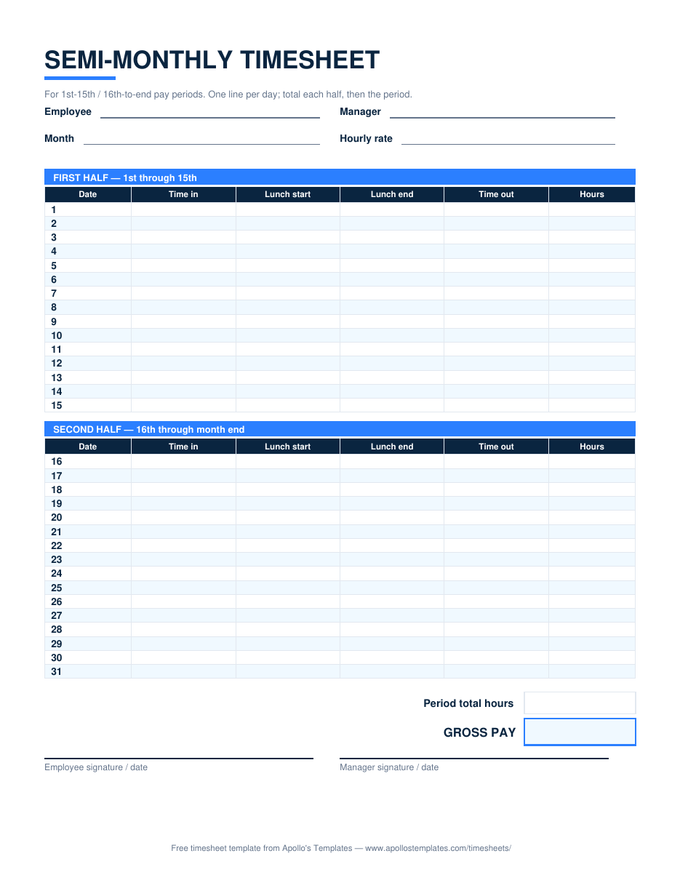
Semi-monthly — 1st–15th / 16th–end preview
Semi-monthly — 1st–15th / 16th–end
Both half-month blocks with day numbers pre-typed, for twice-a-month paydays.
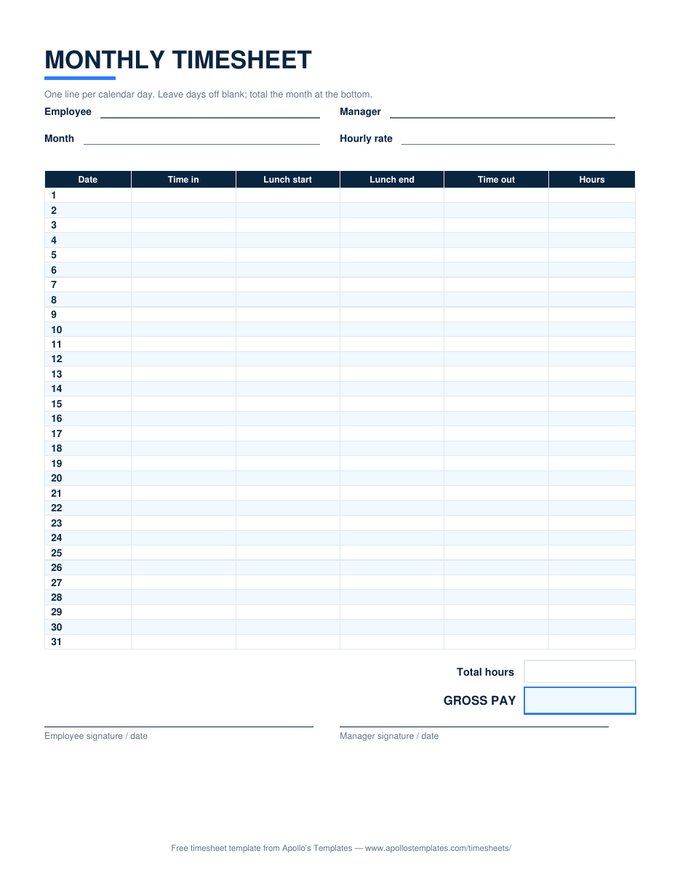
Monthly — 31-row grid preview
Monthly — 31-row grid
The whole month as one compact table — delete the rows short months don't use.
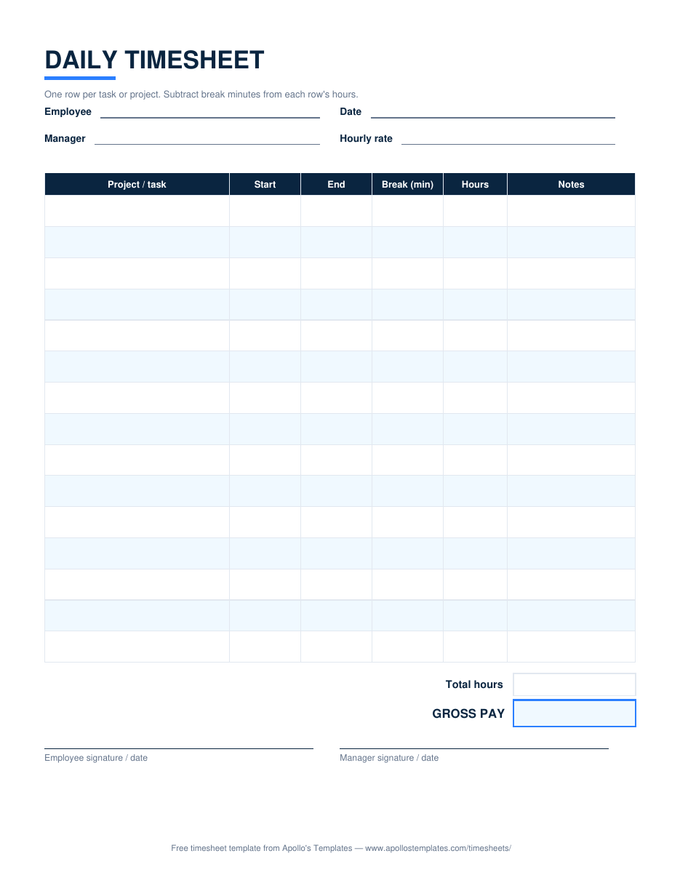
Daily — per-task rows preview
Daily — per-task rows
Task, start, end, break, hours, notes — add or delete rows like any Docs table.
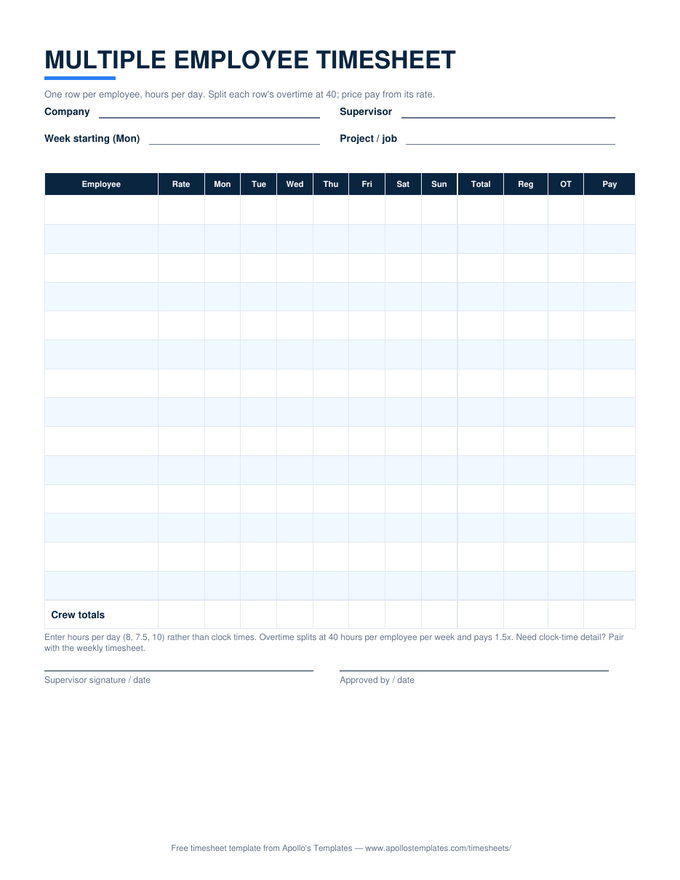
Multiple employee — crew grid preview
Multiple employee — crew grid
One row per employee, hours per day — share a copy with the whole crew's supervisor.
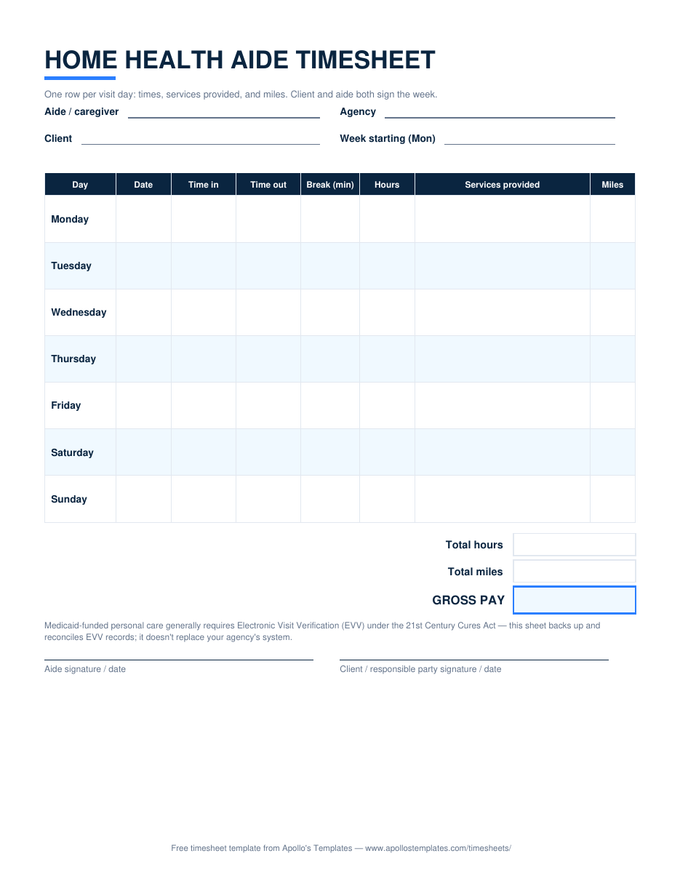
Home health aide — visit sheet preview
Home health aide — visit sheet
Visit times, services, and miles, with the client and aide signature pair.
Docs vs Sheets

Pick by what the timesheet has to do.

The same Google account gives you two ways to hold a timesheet, and they aren’t interchangeable. A Sheets copy is a calculator: clock times in, hours and overtime and gross pay out, live, from any device. A Docs copy is stationery: a clean document that takes your letterhead, prints predictably, and reads like the personnel paperwork it usually gets filed with.

Most workplaces that ask for “the Google Docs version” want the stationery job — an editable, brandable, printable sheet — and that’s what these are. If halfway through you discover you wanted the calculator after all, the Google Sheets versions are the identical layouts with the math turned on.

The math-enabled twin
Google Sheets Timesheets
Identical layouts with live formulas — hours, overtime, and pay compute as you type.
Open
Offline, same tables
Timesheets for Word
The .docx originals these Docs copies are converted from.
Open
Start here
All Timesheet Templates
The whole library — every period, every format — on one page.
Browse

Frequently asked questions

Google Docs or Google Sheets — which should I use for a timesheet?
Sheets, if you want the math done for you — our Google Sheets versions calculate hours, overtime, and pay as you type, and Docs tables calculate nothing. Docs earns its place for a different job: documents that read as documents. If the timesheet gets pasted into a report, printed under a company header, or filled in as prose-adjacent paperwork rather than computed, the Docs version behaves the way word-processor people expect. Honest summary: Sheets for arithmetic, Docs for formatting — and both links live on every card in this library.
What happens when I click “Open in Google Docs”?
Google shows a Make-a-copy page for that template; one click puts a fully editable duplicate in your own Drive. The master stays read-only on our side, your copy is private to you, and we never see it. You'll need a Google account signed in — that's Google's requirement for copying, not ours — and any free Gmail qualifies.
How do I edit the tables — add rows, change columns, put my company name on it?
Like any Google Docs table. Click into the last cell and press Tab to add a row; right-click for column operations; type over the title block to add your company name. The layouts convert from our Word masters, so the structure is ordinary table formatting — no text boxes, no content controls, nothing fragile. Once it's customized, use File → Make a copy to stamp out fresh weeks from your own master.
Can several people fill in one shared Docs timesheet?
Technically yes — Docs is collaborative — but share deliberately. The pattern that stays legible is one document per employee per period, shared with the approver, rather than a communal doc everyone types into. For genuinely shared crew tracking, the multiple-employee sheet works better in its Google Sheets form, where each row's totals compute; the Docs version of that grid is best as the print-and-sign copy.
Updated through August 2026