
15 Timesheet Templates for Word
Ten timesheets as clean .docx tables — the format for workplaces that live in Word: type the times in, put your company name on the header, print it or save the filled sheet as a PDF for the payroll file. These are deliberately formula-free (Word doesn't really do math); when you want automatic totals, the same layouts exist as Excel and Google Sheets versions.
Ten sheets, ready for your letterhead.
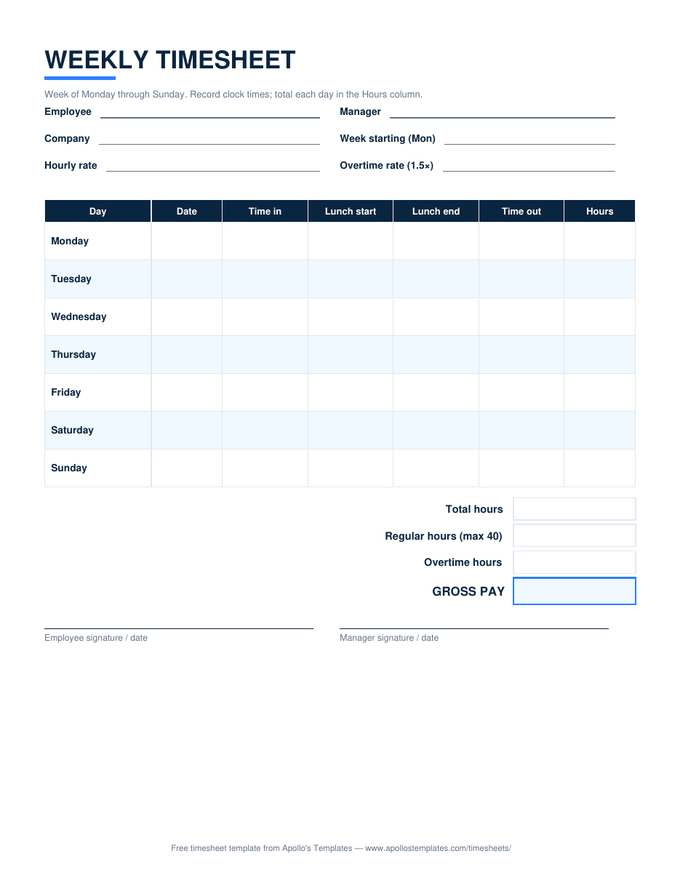
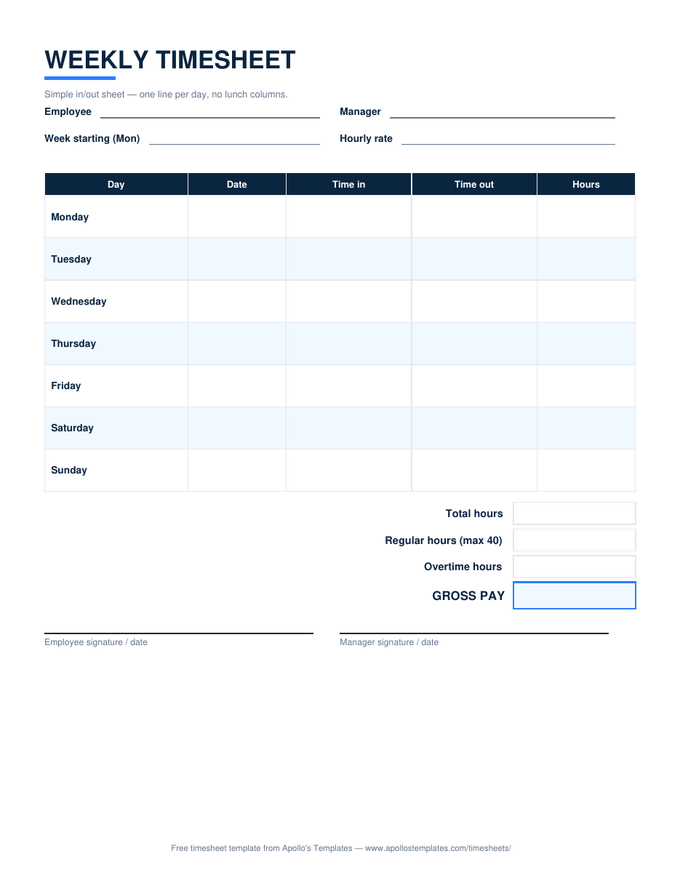
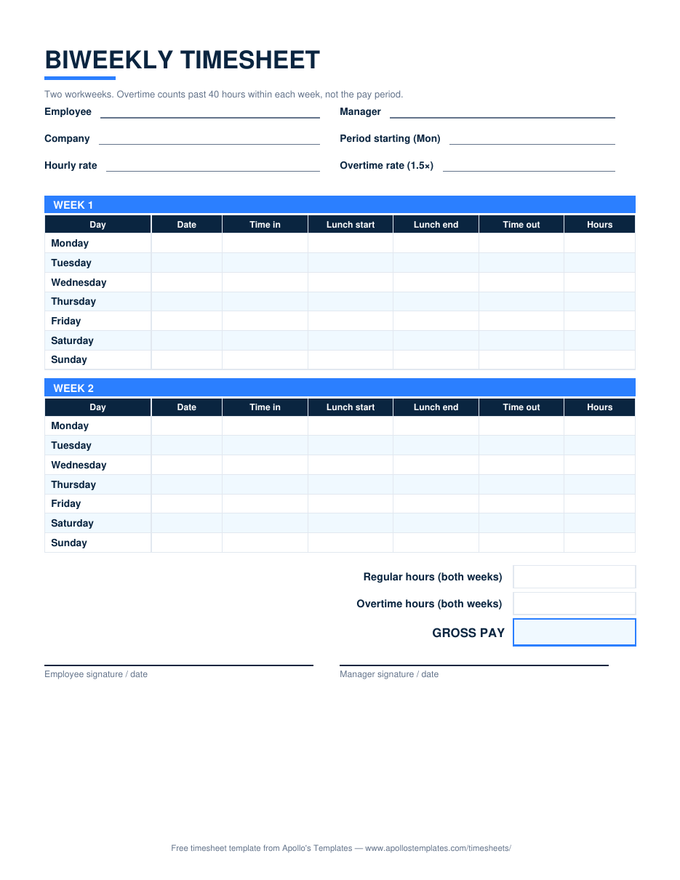
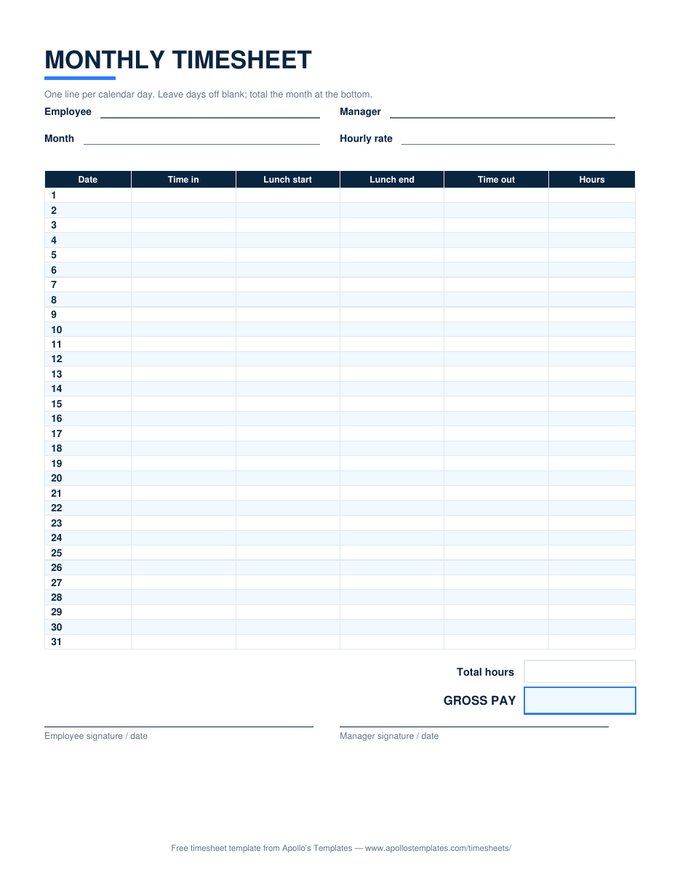
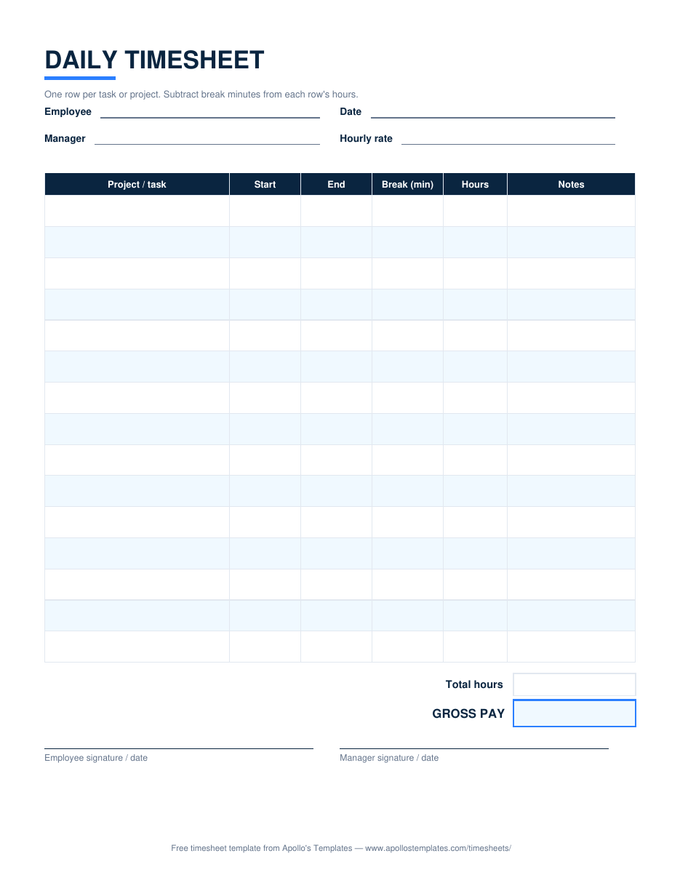
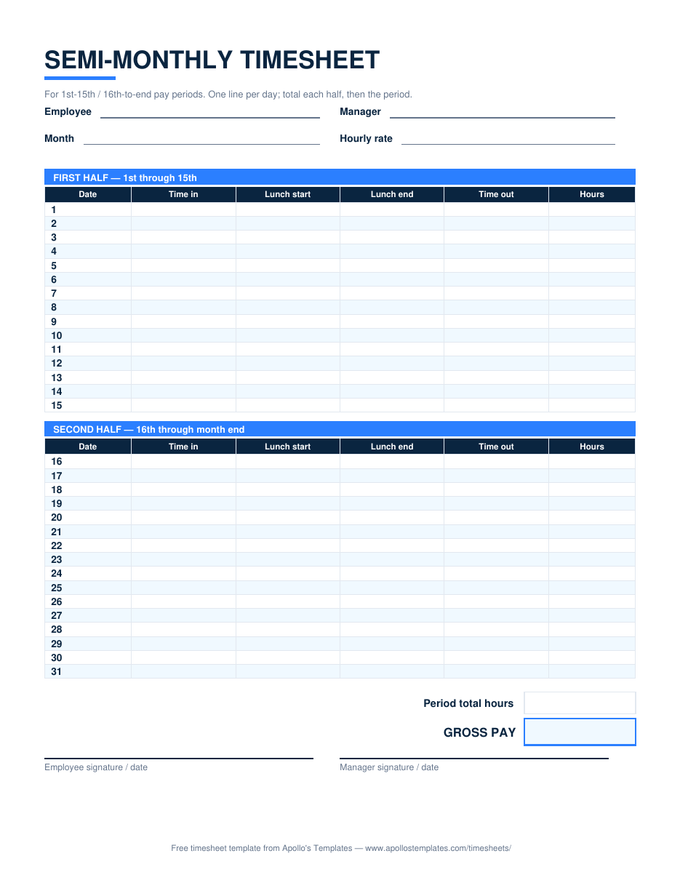
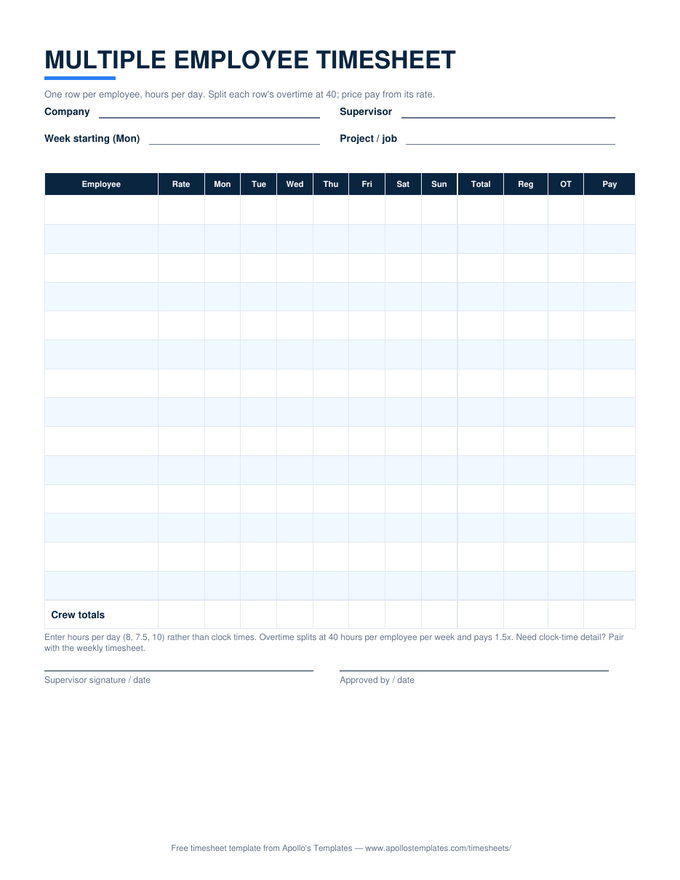
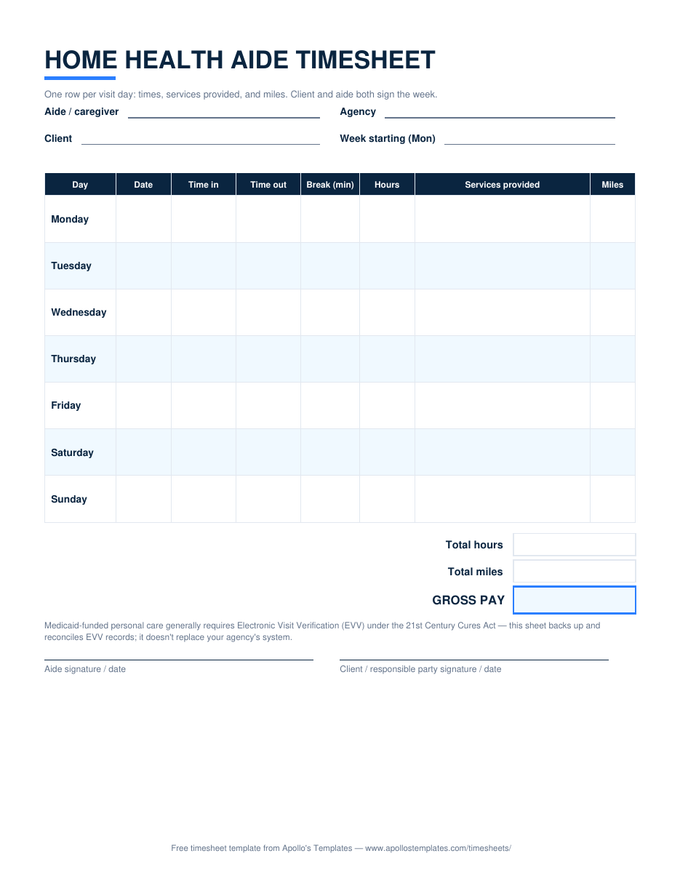
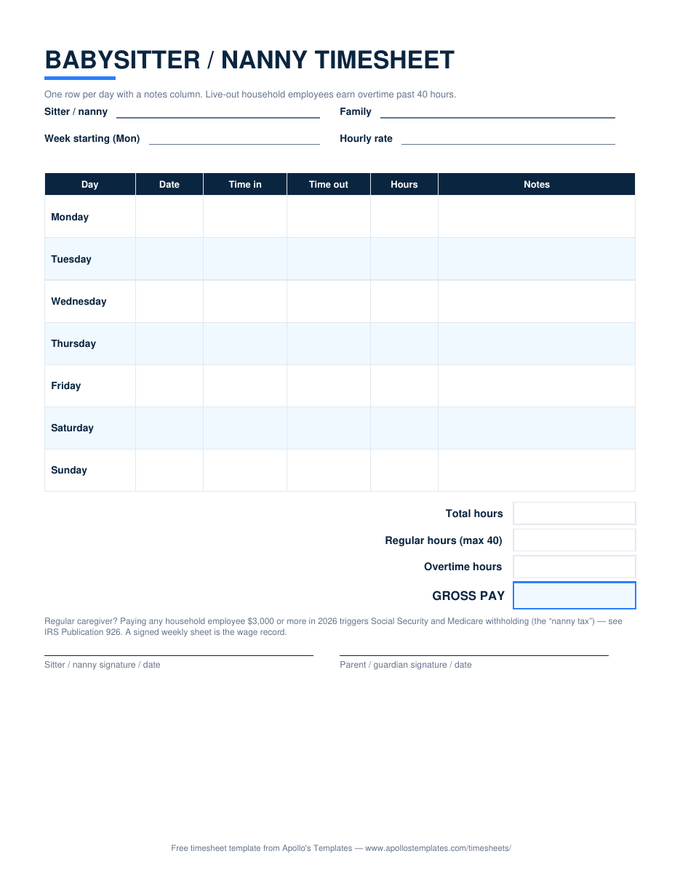
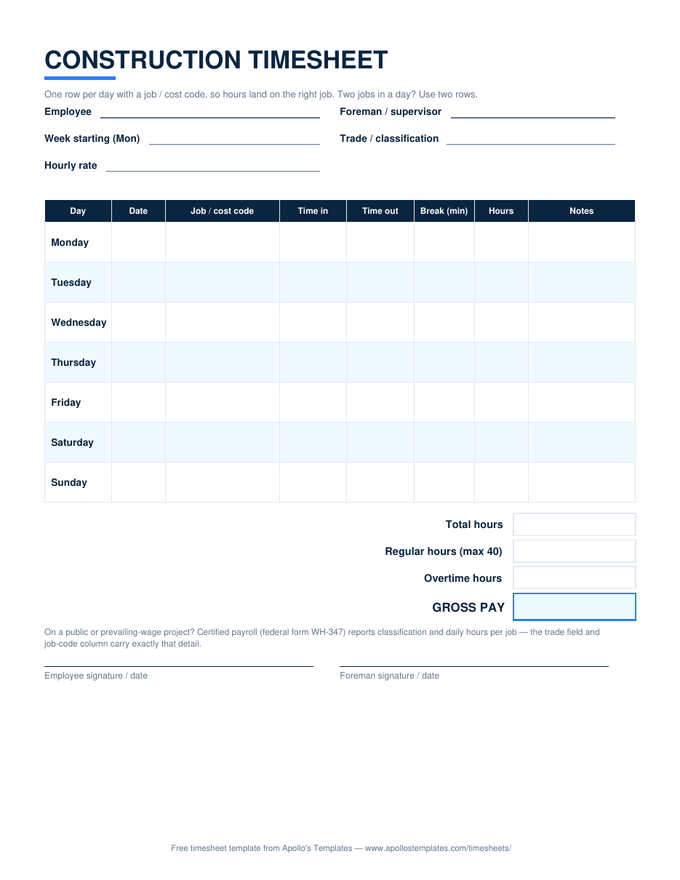
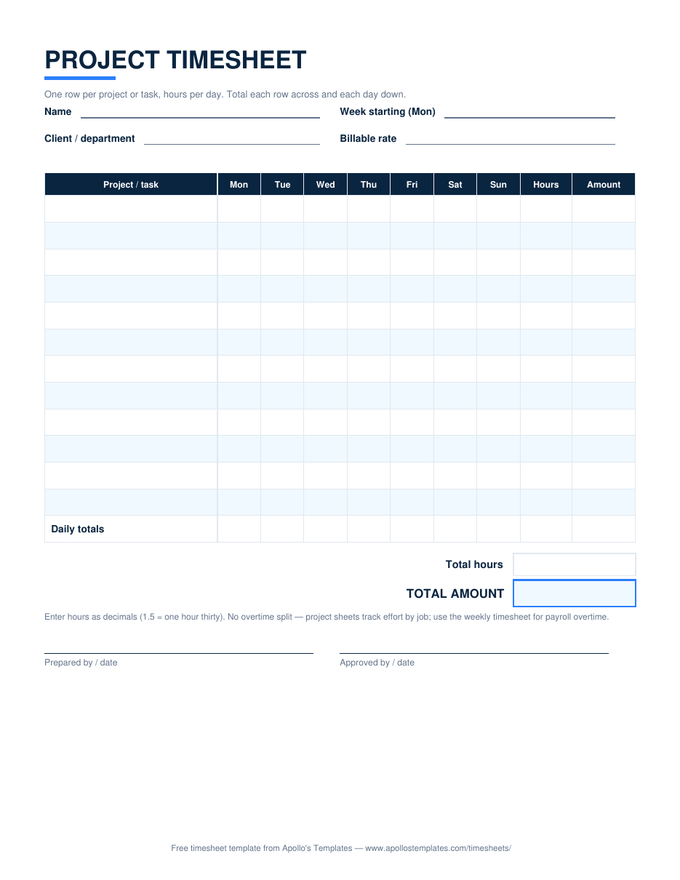
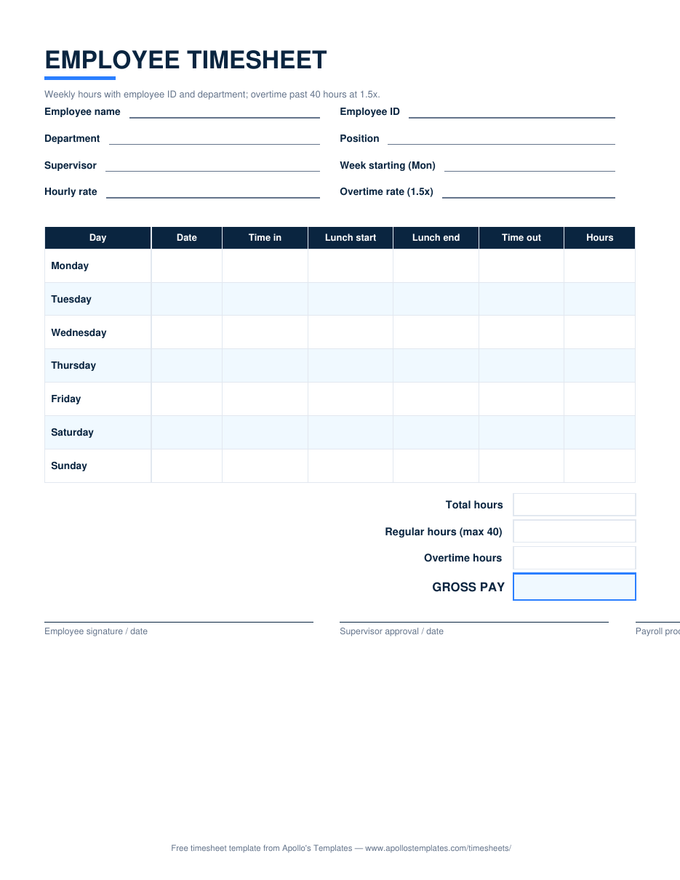
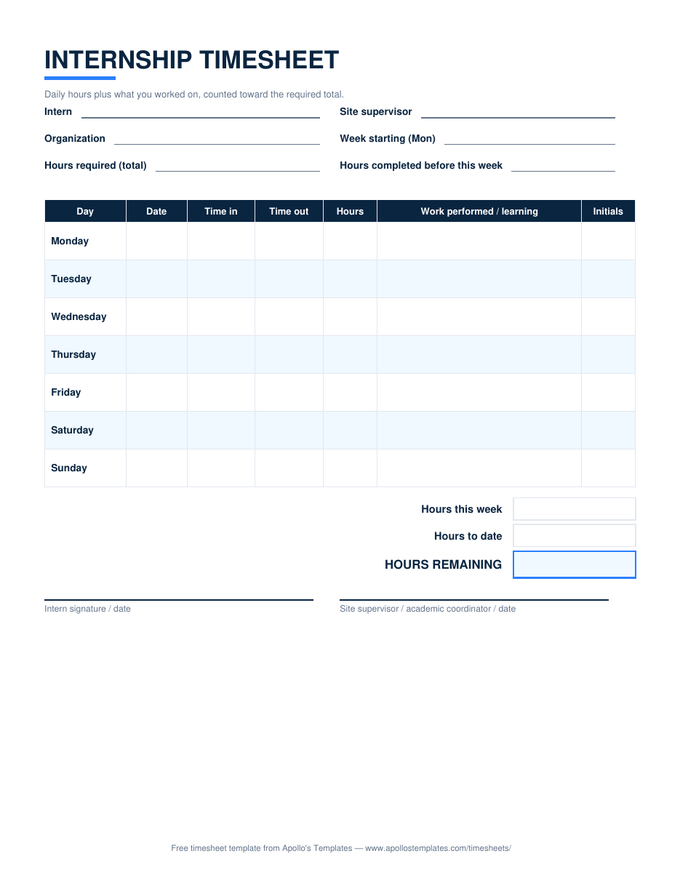
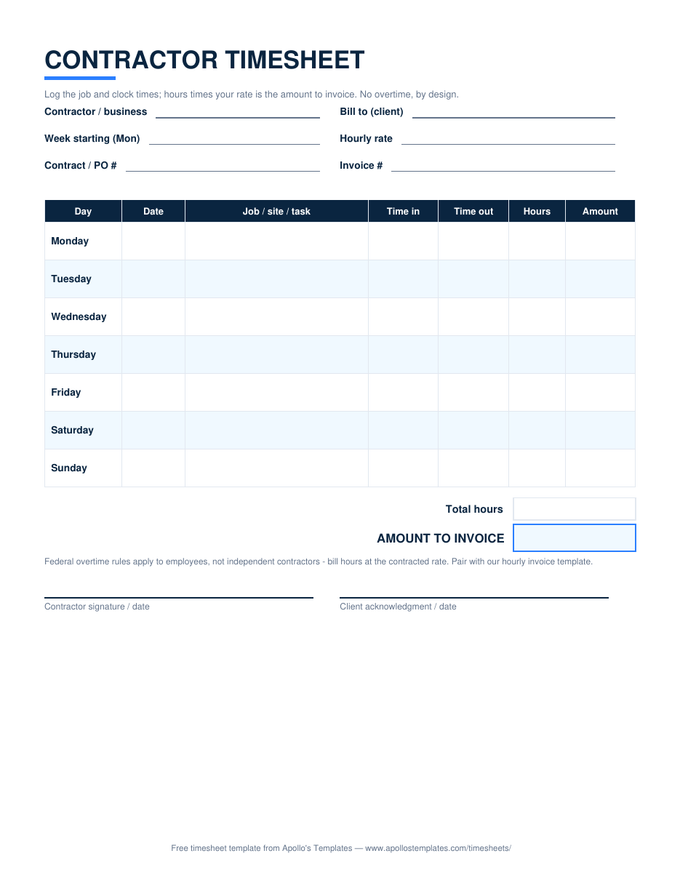
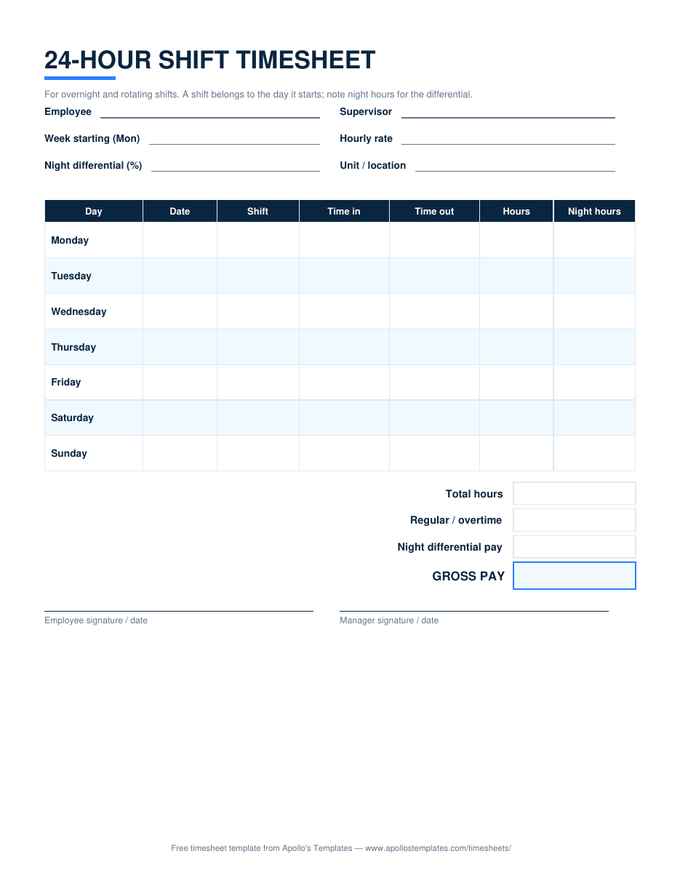
The five-minute company template.
The real reason to want a timesheet in Word is ownership: two minutes of editing turns a generic sheet into your sheet. Add the company name above the title, set the manager field to the supervisor who actually signs, delete any column your workflow skips — then save that file as your master and print from it forever. Every sheet a new hire fills out looks like it came from the company, because it did.
If you keep letterhead in Word already, the header from our letterhead templates drops straight above the timesheet table — one document, fully branded.