Apollo's Templates
HomeBusinessTimesheet TemplatesPrintable
Ink and clipboard ready

Printable Timesheet Templates

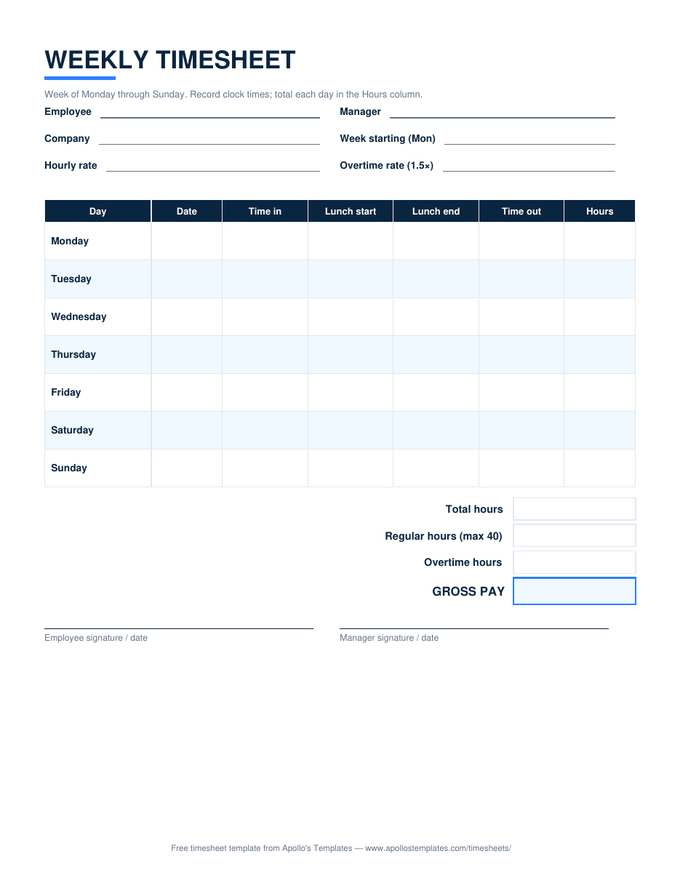
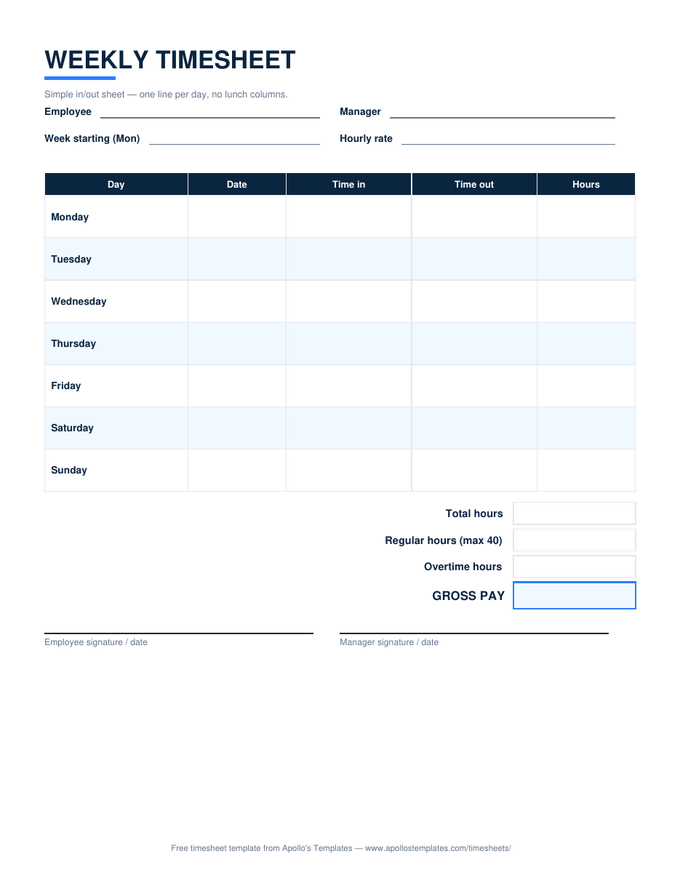
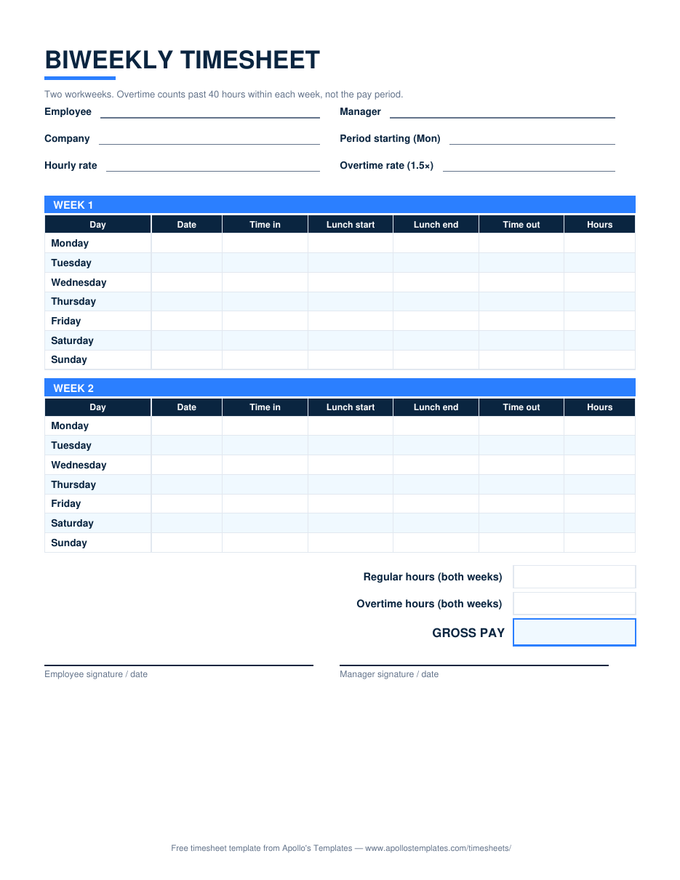
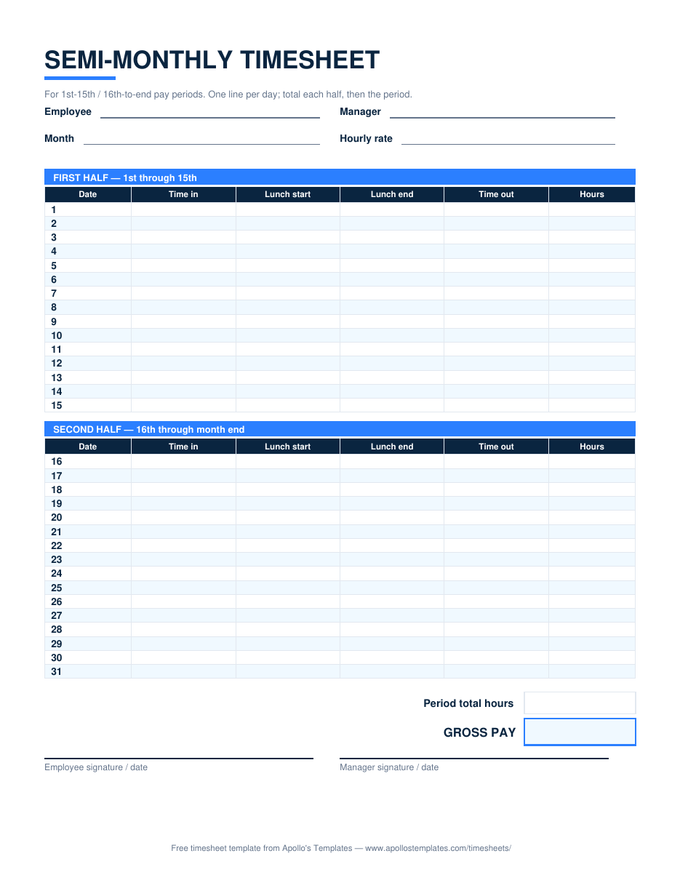
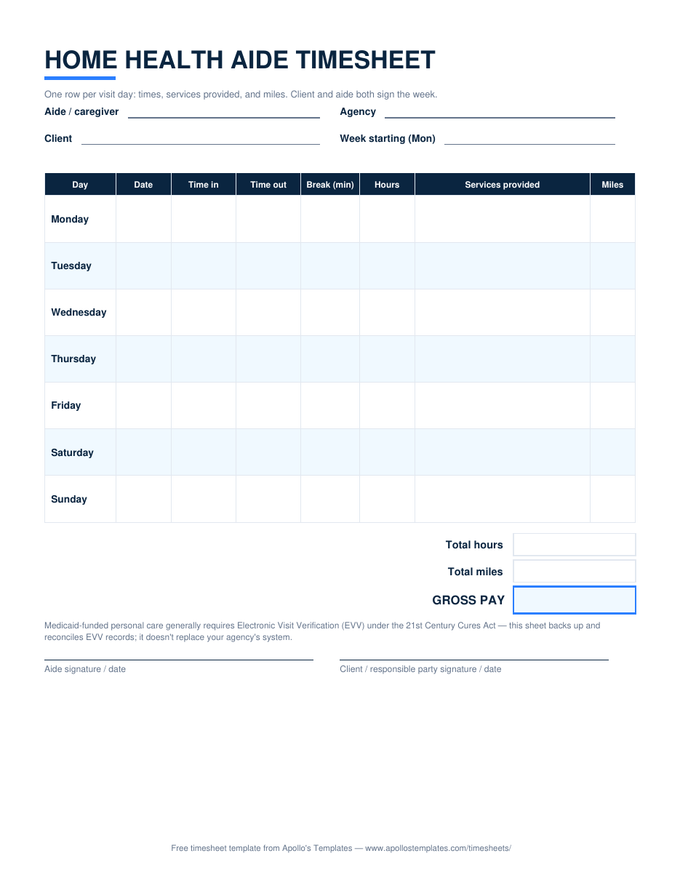
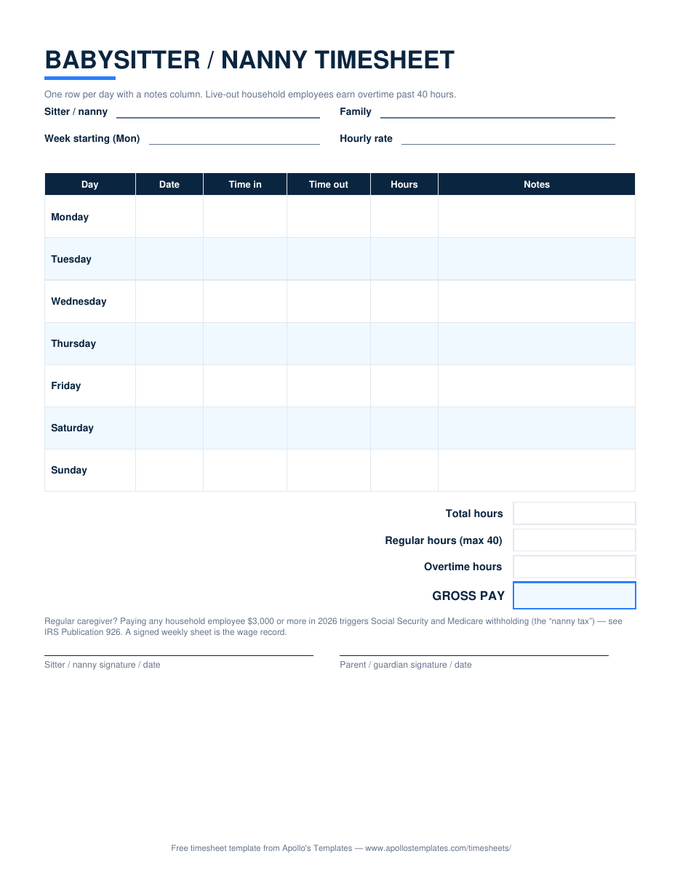
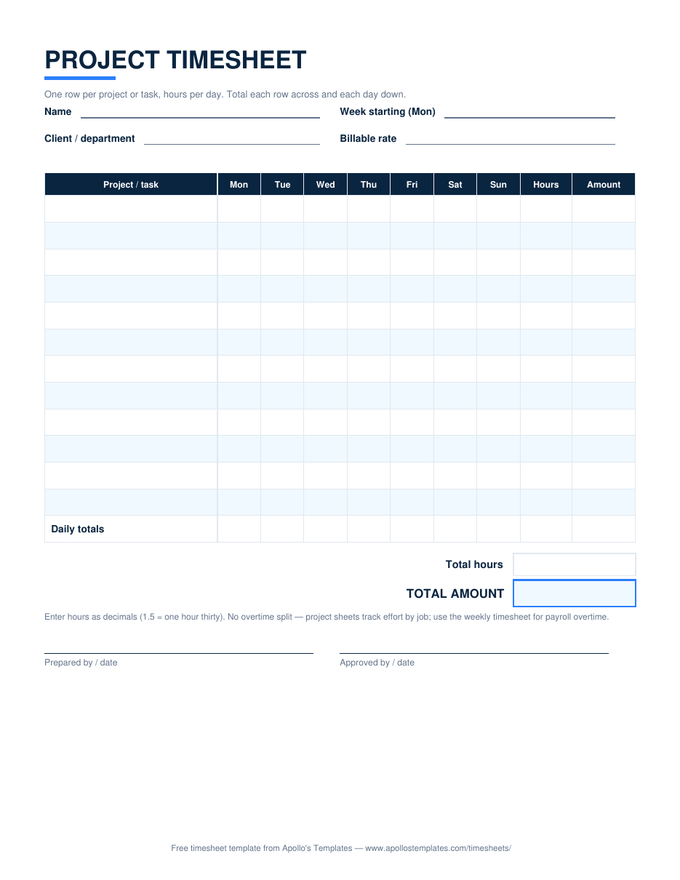
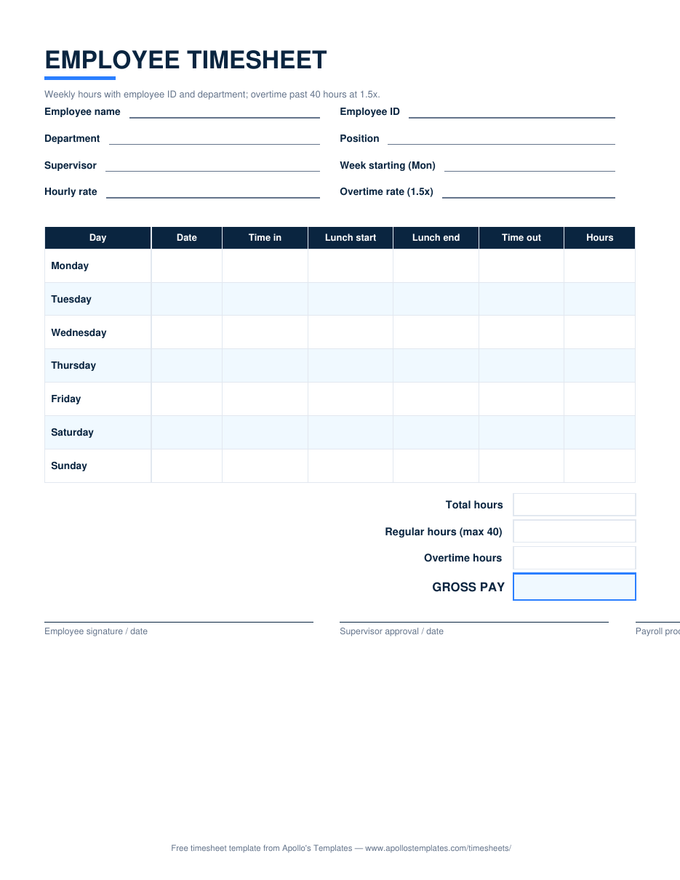
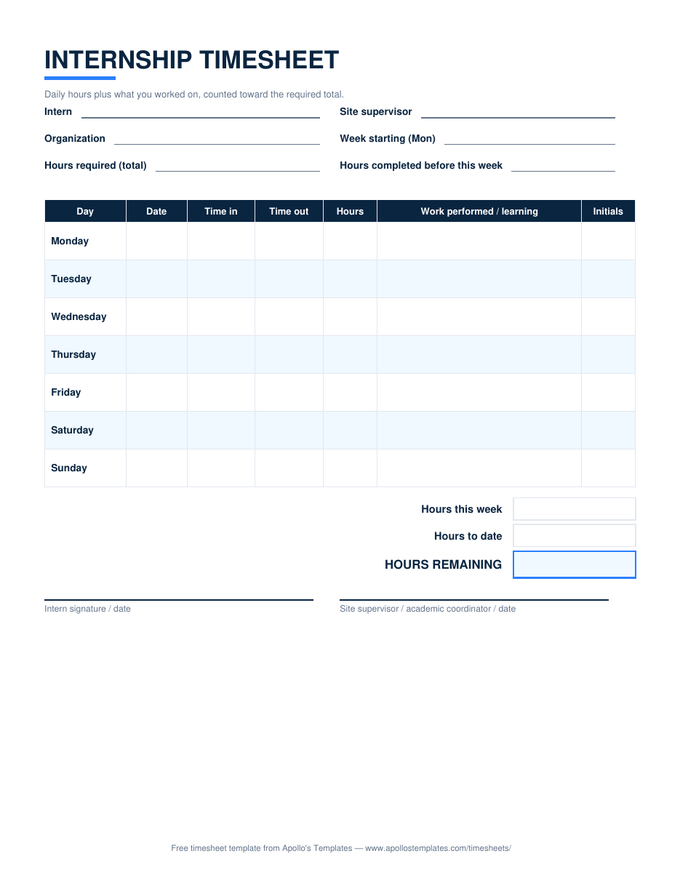
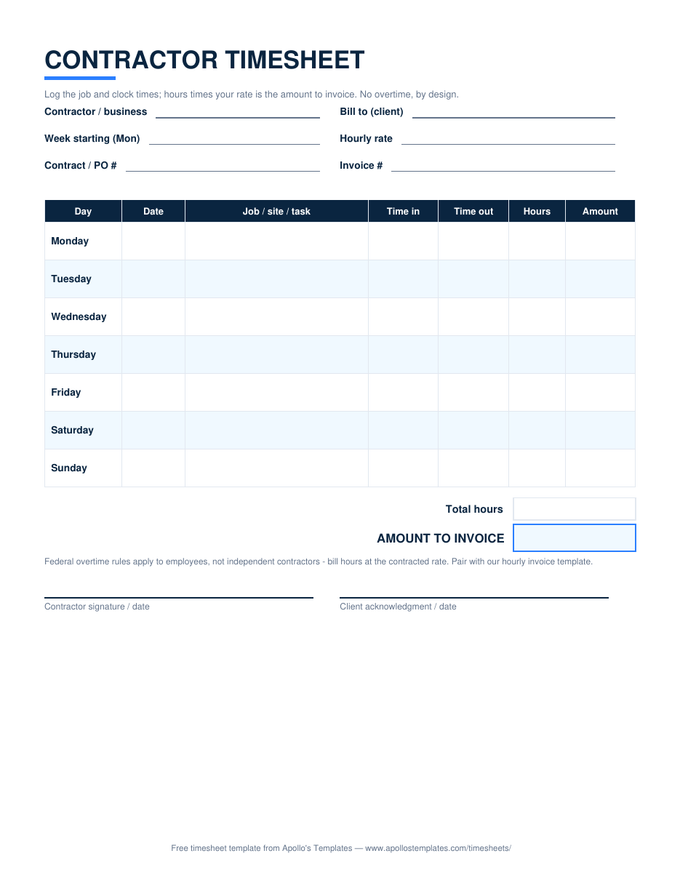
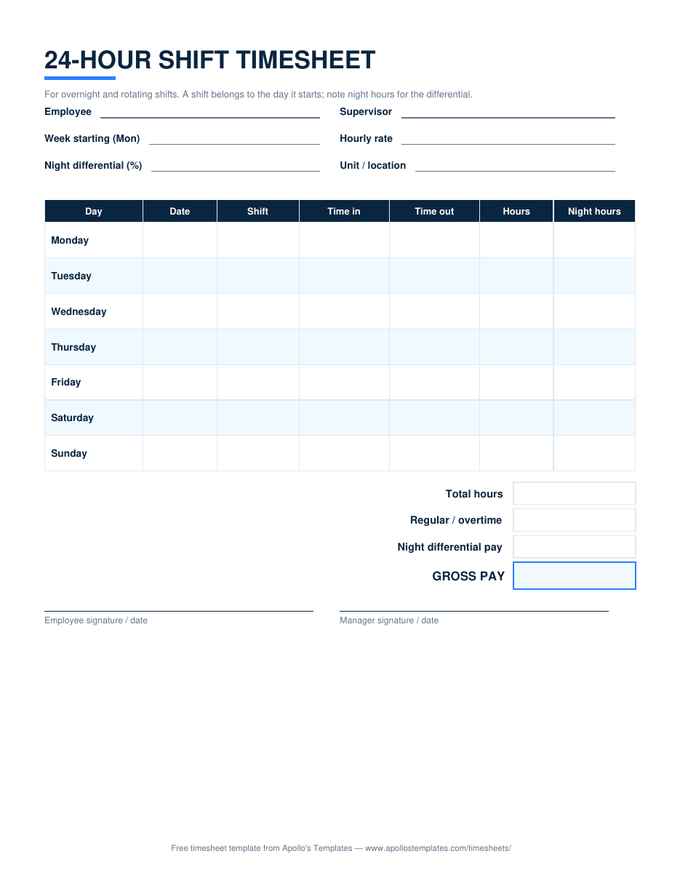
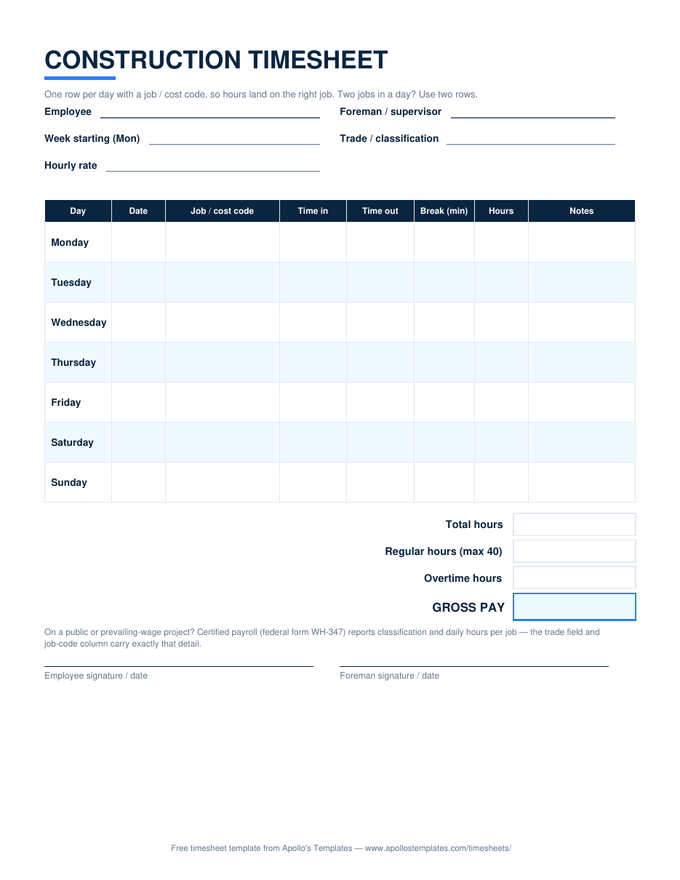
Every timesheet in the library as a print-ready blank PDF — the versions built for the clipboard by the time clock, the job-site binder, and the kitchen drawer where the babysitter's hours live. Portrait US Letter, half-inch margins, grayscale-friendly, signature lines on every sheet. Download, print a stack, done: no signup and no watermark, because a blank form with a toll booth in front of it isn't blank.

The paper fleet

Nine blank PDFs, every pay cycle.
Worth knowing

Paper is still the most reliable time clock.

A printed timesheet needs no login, no battery, no training, and no IT ticket — which is why, decades into time-tracking software, the clipboard is still how a large share of small-shop hours get captured. The FLSA is indifferent to the medium: a handwritten sheet is as valid a payroll record as any system, provided it exists and survives. Surviving is the easy part — photograph the signed sheet at period end and the two-year retention requirement is met by your camera roll.

The one thing paper can’t do is arithmetic. When the hand-written week comes back, the matching Excel versions total the hours, split the overtime, and price the pay — same layouts, so transferring times takes a minute per sheet.

When the math should do itself
Excel Timesheet Templates
The same nine layouts with live formulas — the desk-side half of the paper workflow.
Open
Type instead of write
Timesheets for Word
Editable .docx versions for adding a company name before printing.
Open
Start here
All Timesheet Templates
The whole library — every period, every format — on one page.
Browse

Frequently asked questions

Are these really blank timesheets — no account, no watermark?
Completely. Each button downloads the PDF directly: no signup, no email gate, no “sample” stamped across the page, no premium version being withheld. They print blank and stay blank — the fields are yours to fill with a pen. We're a free template library; the PDFs are the product, not the bait.
What's the best way to print them?
Any way at all — they're deliberately boring to print. Every sheet is portrait US Letter with half-inch margins and no background bleed, so the default settings on any printer work; there's no scaling to fiddle with and no color required (the navy headers print fine in grayscale). For a supply that lasts, print a month's worth at once and keep the stack where people clock in.
Should I print blank sheets or use the spreadsheet versions?
The honest answer is both, in sequence. Paper wins at the point of capture — a clipboard by the door outlives every app — and spreadsheets win at math. The pattern that works in small shops: employees hand-write the printed sheet through the week, and whoever runs payroll transfers the times into the matching Excel or Google Sheets version, where hours, overtime, and pay compute themselves. Every PDF here has an identical spreadsheet twin for exactly that hand-off.
Which blank timesheet should I pick?
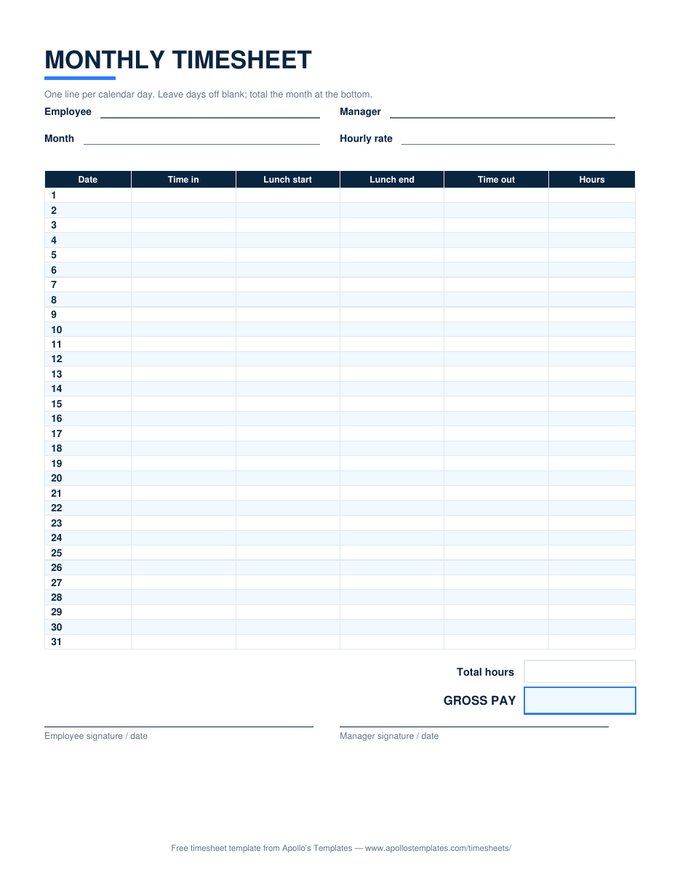
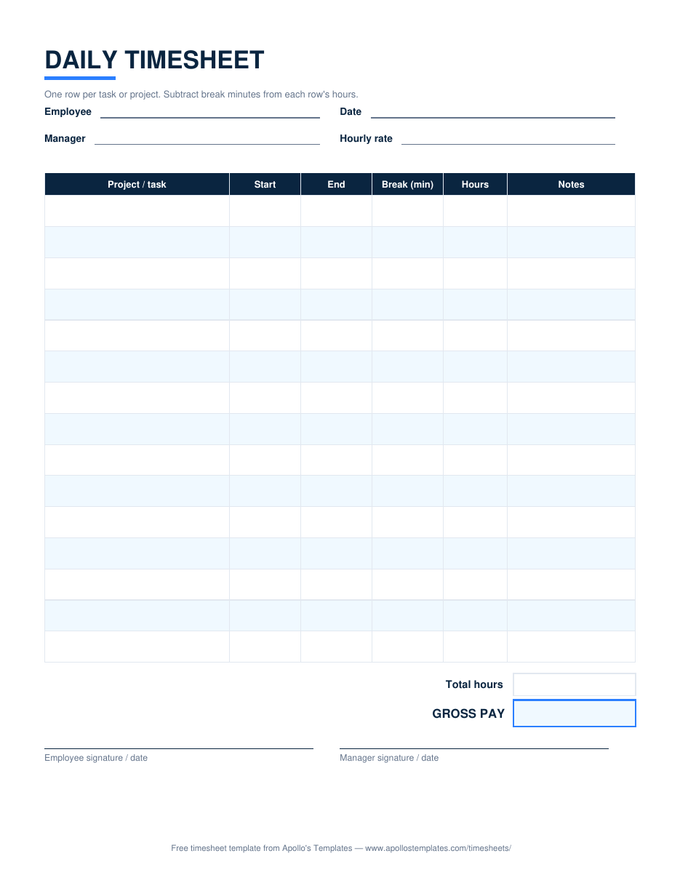
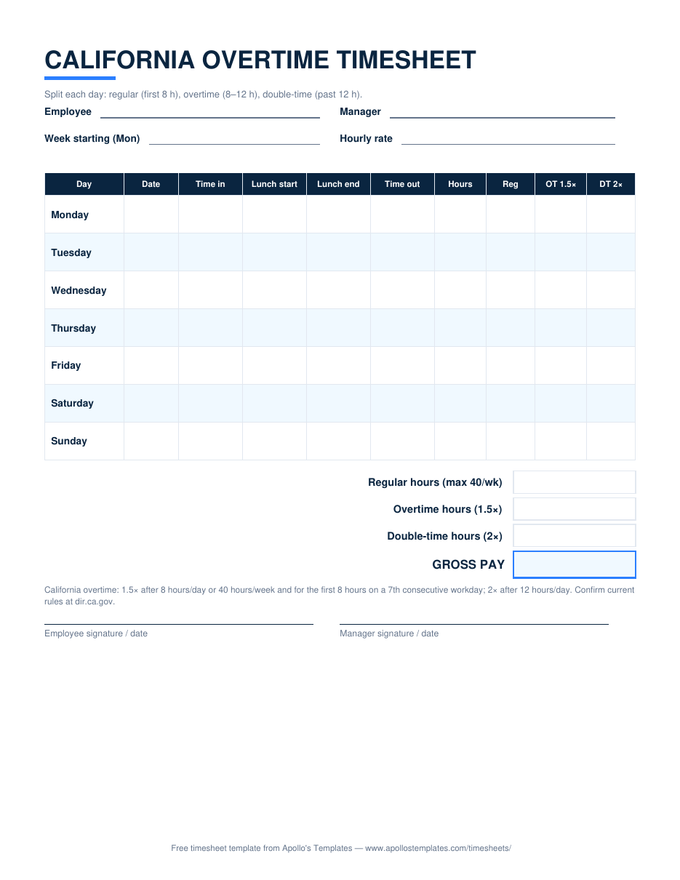
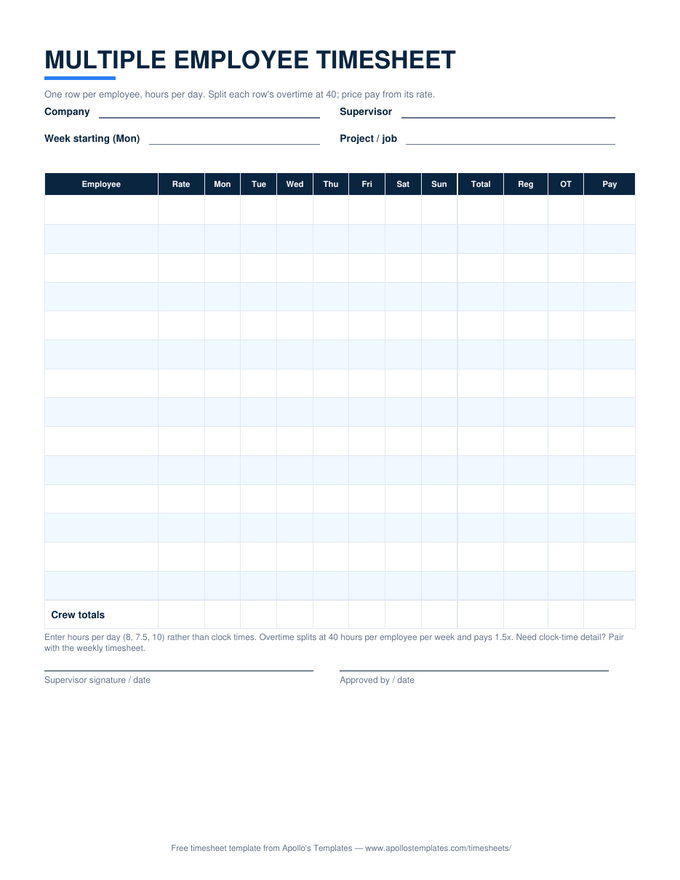
Match the paper to the pay cycle: weekly if payday comes every week (the simple in/out version if nobody takes unpaid lunches), biweekly for every-second-week paychecks, semi-monthly for 1st-and-16th paydays, monthly for salaried check-ins or invoicing. The daily sheet is for task-level tracking rather than payroll; the crew sheet puts a whole team's week on one page; and the California sheet exists because that state computes overtime by the day.
Updated through August 2026