Apollo's Templates
HomePresentationsGoogle SlidesGeneral Themes
Free Google Slides templates · 4 designs

Google Slides Templates

Twelve free presentation templates for Google Slides — four designs (Waves, Squares, Lines, The Basic) in three colorways each. 16:9 widescreen with eight pre-built slides per template. Click any card to copy directly into your Google Drive.

Using Microsoft Office?
Get these templates for PowerPoint
Editable .potx downloads — opens directly in PowerPoint 2007+ and Microsoft 365.
Open
Step 1 · Pick a design

Twelve designs, one consistent layout system.

All twelve templates use the same eight-slide structure (title, section divider, content, two-column, image + caption, pull quote, three-stat, and closing) so you can pick a look and start customizing immediately. Click any card to open in Google Slides and make a copy to your Drive.

Waves — Blue preview
Waves — Blue
Layered cresting wave field at the bottom of every slide in deep blues — corporate-ready cover with a small accent dot.
Use Google Slides
Waves — Gold preview
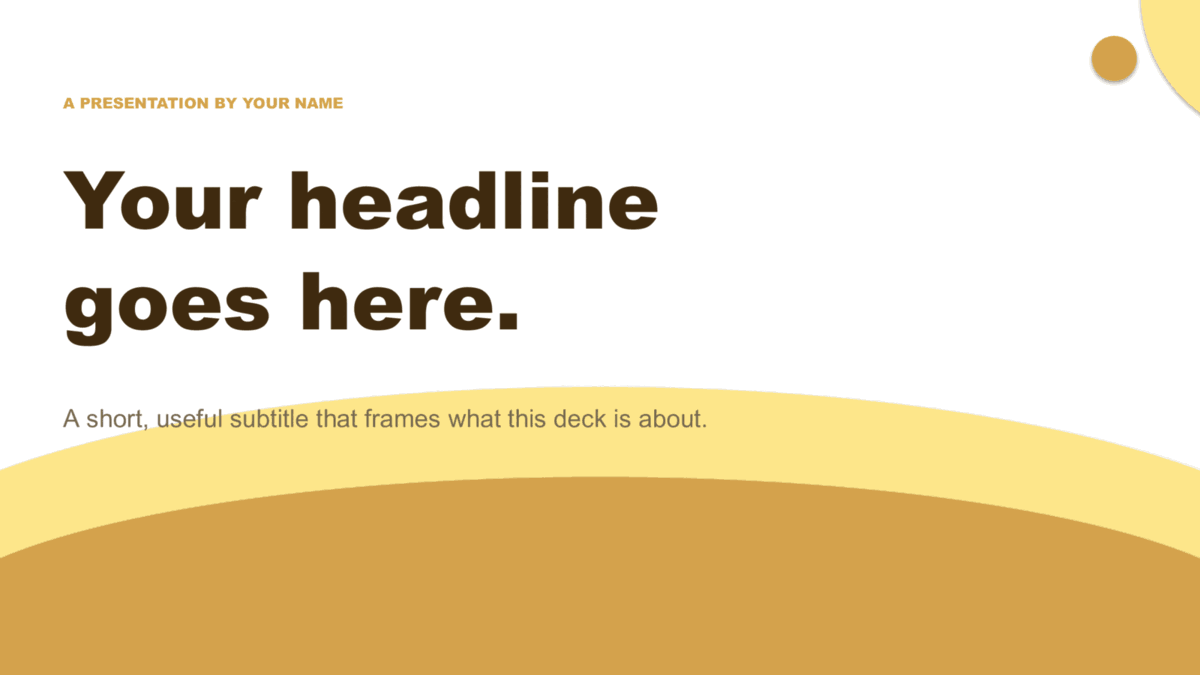
Waves — Gold
The Waves layout in warm cream-to-amber tones — feels editorial and approachable.
Use Google Slides
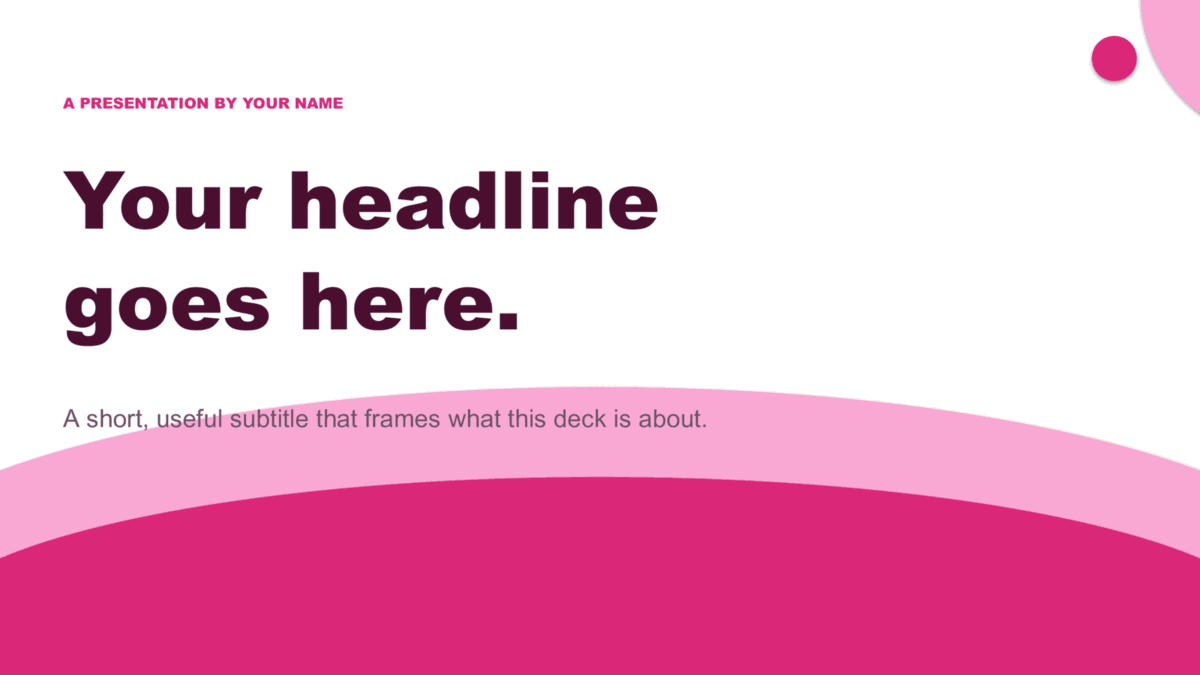
Waves — Pink preview
Waves — Pink
The Waves layout in dusty rose tones — soft, distinctive, and confident.
Use Google Slides
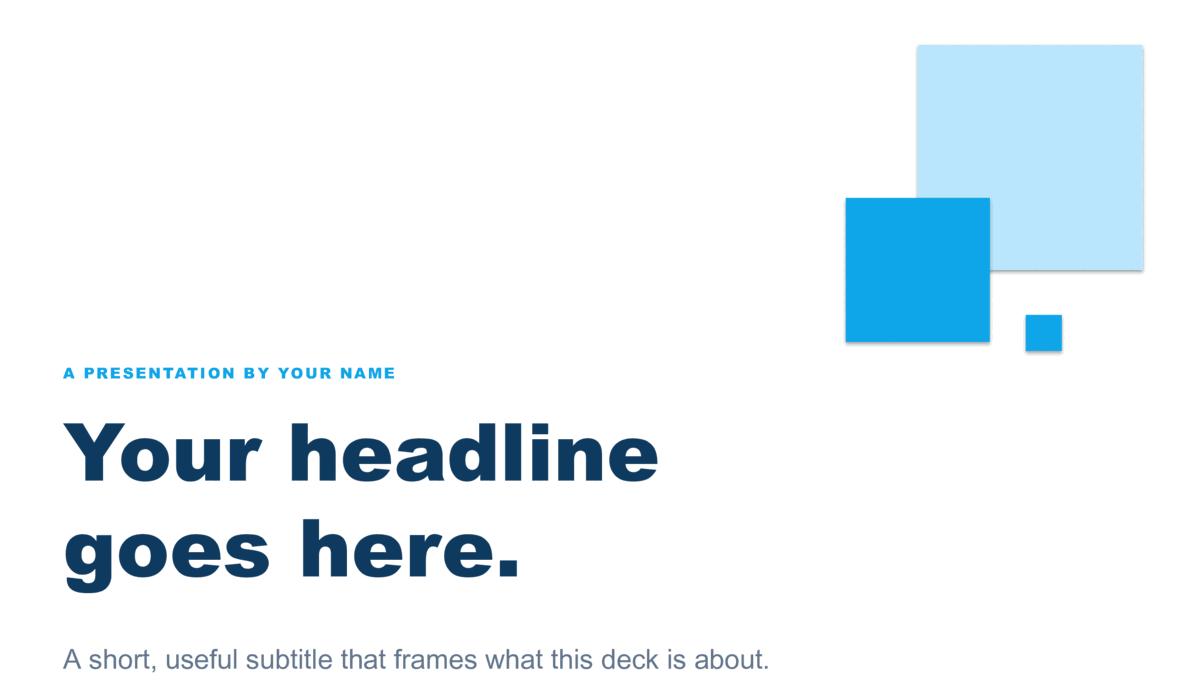
Squares — Blue preview
Squares — Blue
Anchored geometric cluster — three blue squares signal the system from any slide.
Use Google Slides
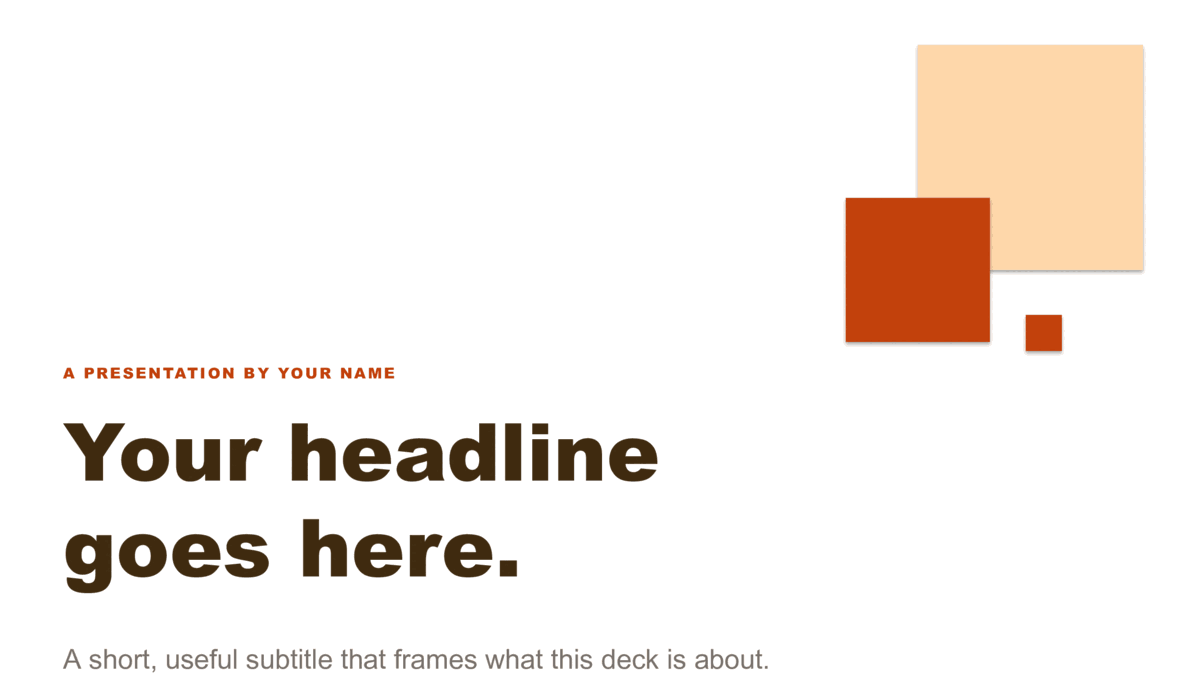
Squares — Copper preview
Squares — Copper
Squares motif in warm copper — earthy, refined, and easy to read.
Use Google Slides
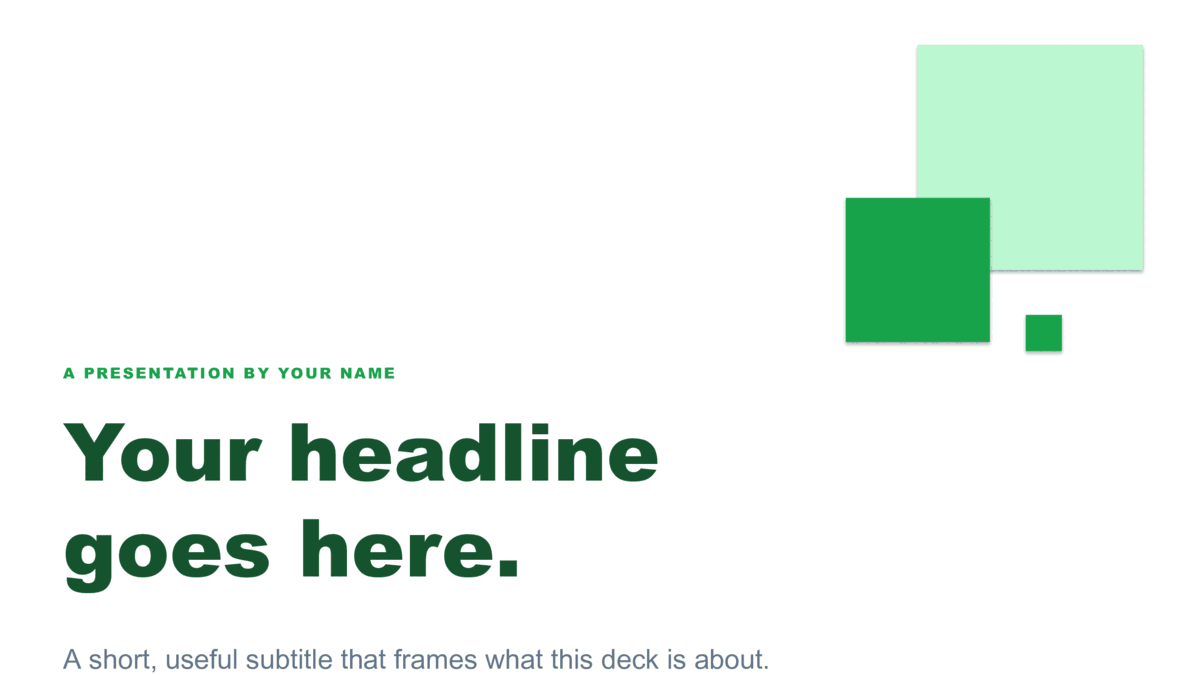
Squares — Green preview
Squares — Green
Squares motif in forest green — feels considered and grounded.
Use Google Slides
Lines — Blue preview
Lines — Blue
Hand-drawn cornflower curves on every slide — full-bleed covers plus cream-paper body slides.
Use Google Slides
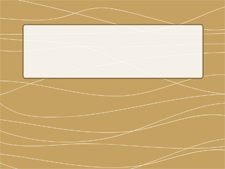
Lines — Brown preview
Lines — Brown
The Lines wave language in warm walnut tones — perfect for hospitality, food, and lifestyle decks.
Use Google Slides
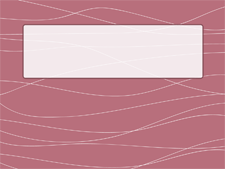
Lines — Pink preview
Lines — Pink
The Lines design in dusty rose — friendly, distinctive, and impossible to confuse with anyone else's deck.
Use Google Slides
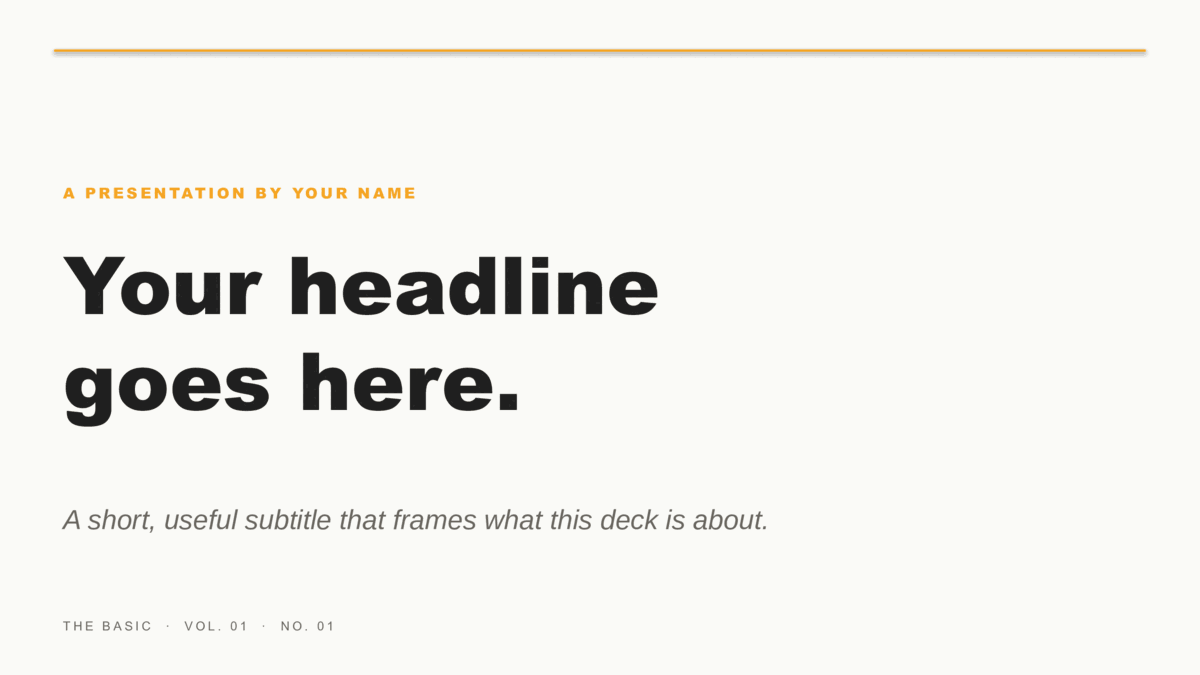
The Basic — Onyx & Saffron preview
The Basic — Onyx & Saffron
Bauhaus-confident — bold black serif on warm off-white with a single saffron hairline rule. The whole design is its typography.
Use Google Slides
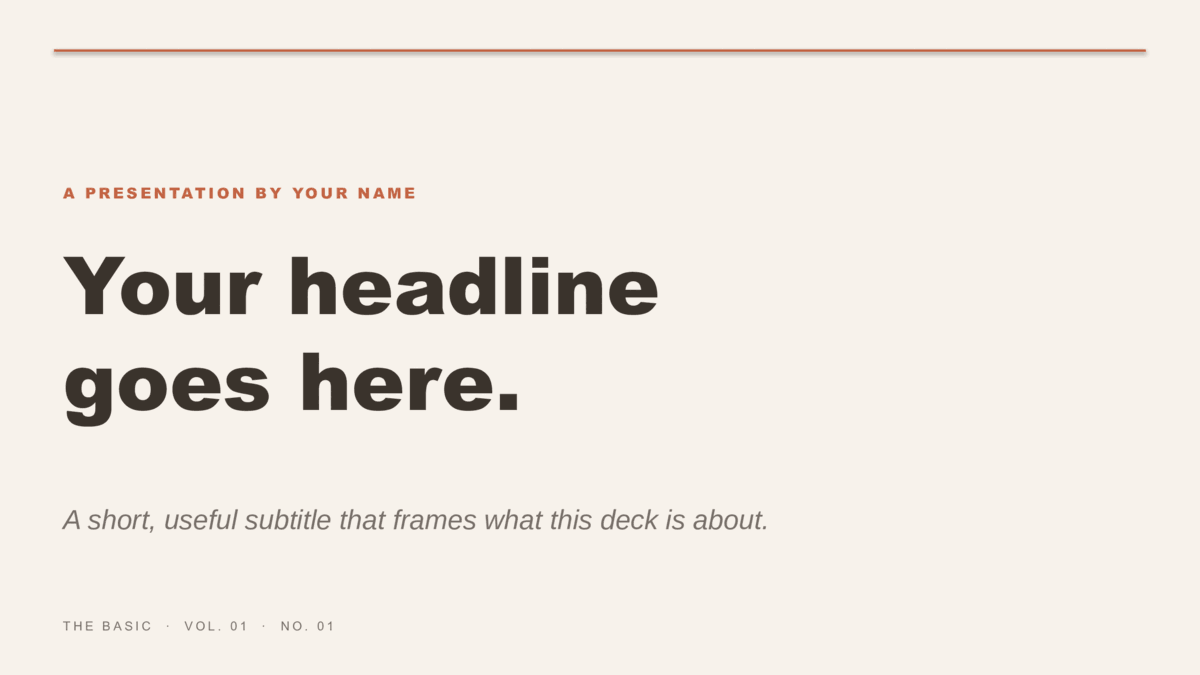
The Basic — Stone & Terracotta preview
The Basic — Stone & Terracotta
The Basic in earthy stone and terracotta tones — organic, premium, and grown-up.
Use Google Slides
The Basic — Plum & Sage preview
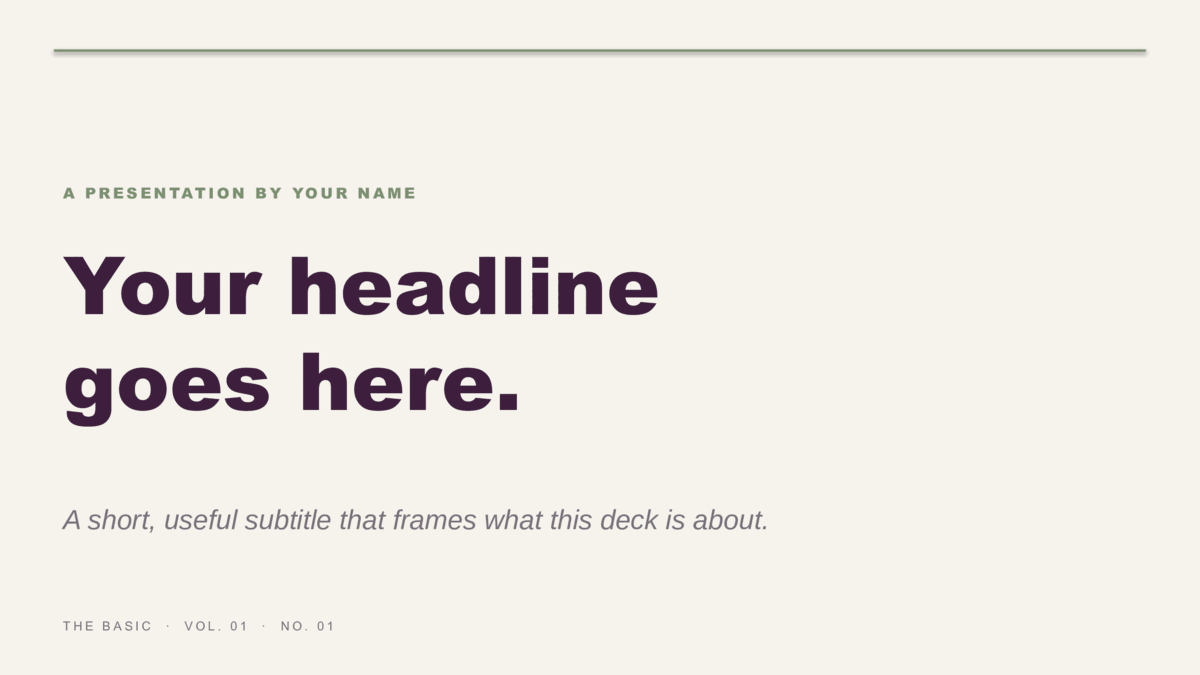
The Basic — Plum & Sage
Deep aubergine with sage accent — sophisticated, unexpected, and perfect for anyone tired of corporate blue.
Use Google Slides
Step 2 · Customize

Make a copy. Edit. Present.

  1. Click Use Google Slideson any card above. You’ll see the template preview — click Use template to copy it to your Google Drive.
  2. Each slide ships as a single background image with the full design baked in. To customize, click any slide and either add your own text boxes on top, or delete the background image to start fresh on that slide’s blank canvas.
  3. Need a fully-editable version with text fields, accent colors, and the ability to re-tint via the Slide Master? Download the PowerPoint .potx version from /presentations/powerpoint/ and import it into Google Slides via File → Import slides → Upload.
Free for any commercial or personal use. No attribution required.