
Email Cover Letter Templates
When you send a resume by email, the email itself is the cover letter — and the rules change: a subject line does the letterhead's job, the body shrinks to what fits on a phone screen, and the whole message exists to earn one click on the attachment. These three templates carry that shorter form — a standard application email, a referral version that leads with your contact's name, and a five-sentence express version — each with the To and Subject lines built in. Draft in Word or Google Docs, then paste into the email.
Draft it in a doc, send it as an email.
Standard for posted jobs, Referral for warm introductions, Short for fast-moving postings. Each opens with the To and Subject fields so the whole message — subject line included — gets drafted and proofread before it touches your outbox.
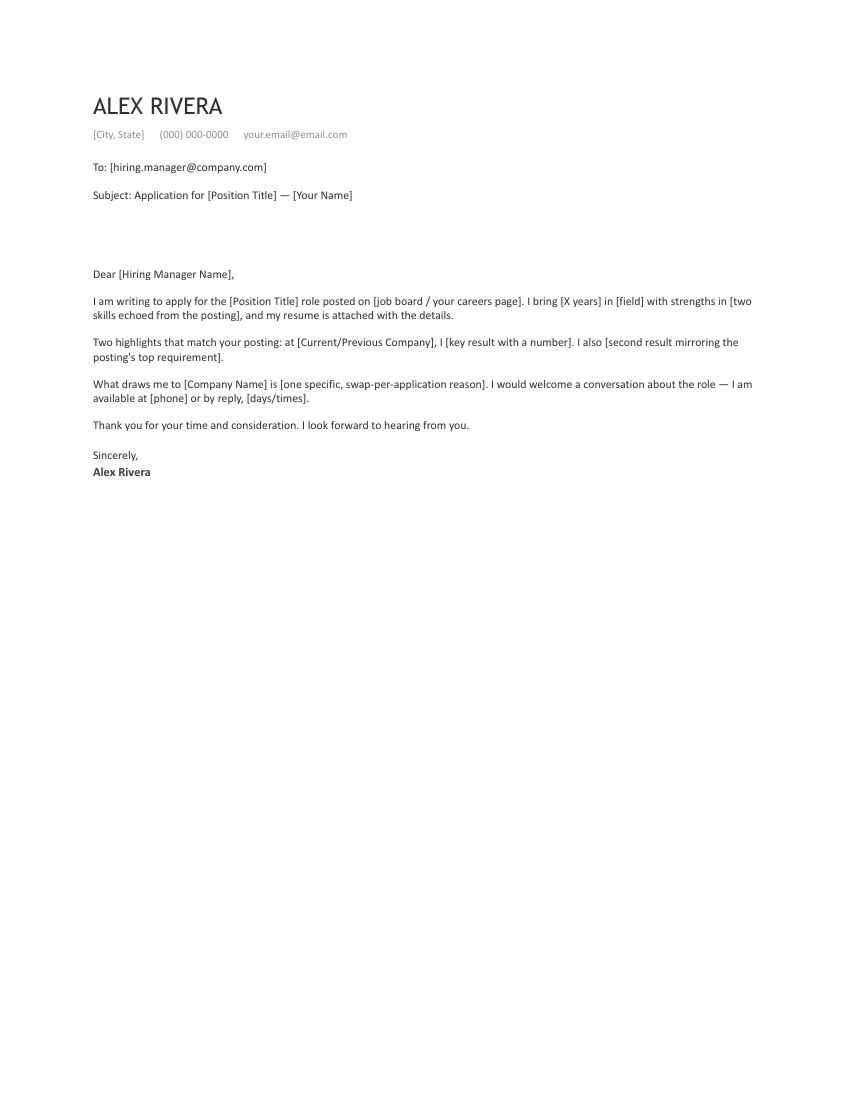
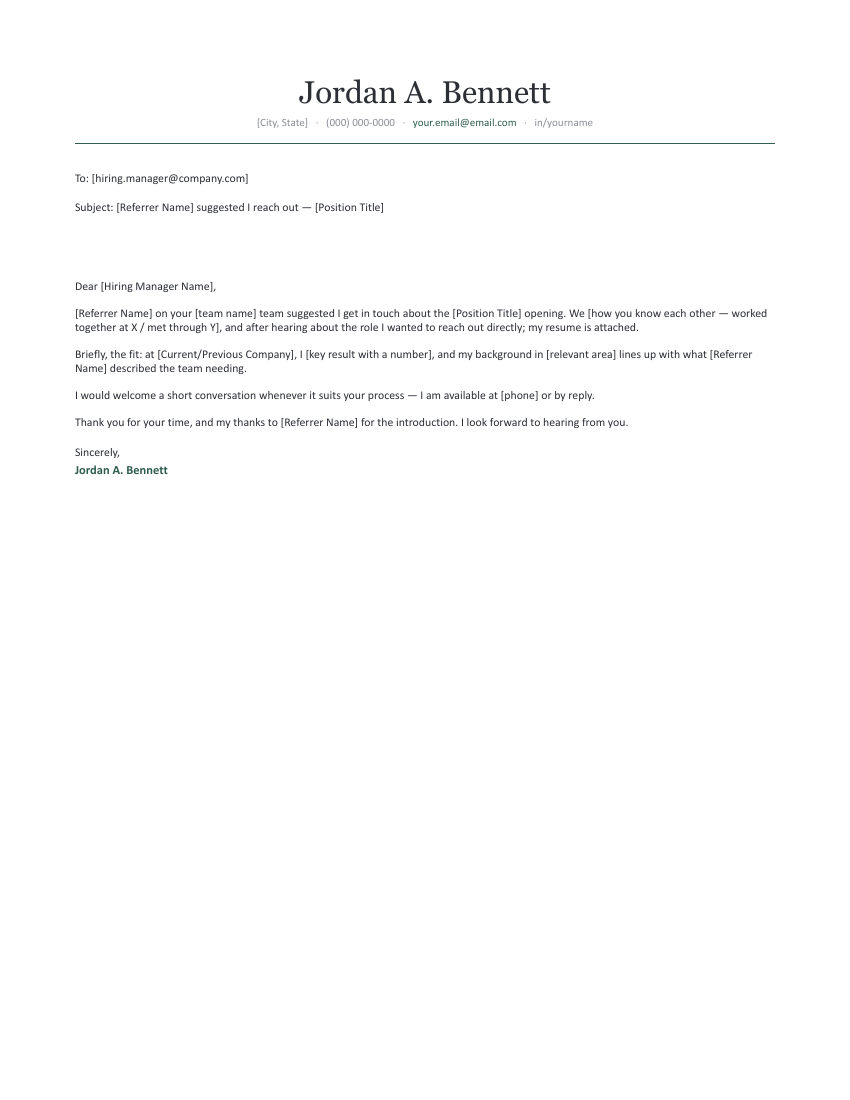
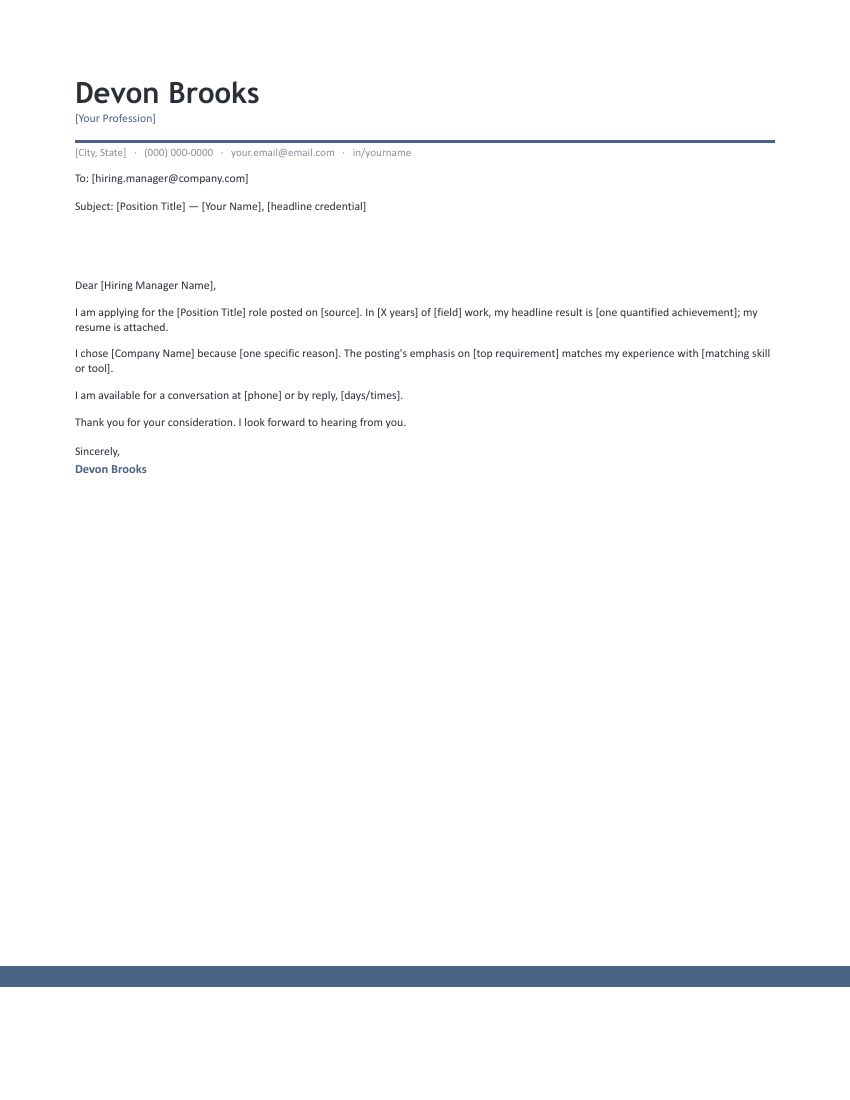
An email cover letter, read in full.
To: [hiring.manager@company.com]
Subject: Application for [Position Title] — [Your Name]
Dear [Hiring Manager Name],
I am writing to apply for the [Position Title] role posted on [job board / your careers page]. I bring [X years] in [field] with strengths in [two skills echoed from the posting], and my resume is attached with the details.
Two highlights that match your posting: at [Current/Previous Company], I [key result with a number]. I also [second result mirroring the posting's top requirement].
What draws me to [Company Name] is [one specific, swap-per-application reason]. I would welcome a conversation about the role — I am available at [phone] or by reply, [days/times].
Thank you for your time and consideration. I look forward to hearing from you.
Sincerely,
Alex Rivera
How a hiring manager reads an application email.
An emailed application is triaged, not read — usually on a phone, between other email. Every element has one job in that triage:
- The subject line decides the open. Role + your name, nothing clever. A referral name, if you have one, goes here — it’s the single highest-open-rate word you can put in a subject line.
- The first sentence decides the read. Name the exact role and where you saw it. Recruiters handling five postings at once need to file you in the right stack before anything else registers.
- The body earns the attachment click. Two or three sentences of evidence — your best number, the posting’s top requirement answered. Not your story; your headline.
- The attachment seals it. PDF, named
FirstLast-Resume.pdf— notresume_final_v3.pdf. The filename is read by more people than you’d think.
Send timing matters less than send hygiene: proofread the brackets, confirm the attachment is actually attached (write the body first, attach second, address last — in that order, a premature send is impossible), and use a professional address.
From template to outbox.
- Open a template in Google Docs or Word and fill the [brackets] — including the To and Subject lines.
- Keep it under 150 words — if it scrolls on a phone, cut the paragraph that restates your resume.
- Paste the body and subject into your email, attach the resume as FirstLast-Resume.pdf, and add the address last.
- Need the full-length attached version too? Grab a simple cover letter and keep both in the same design family.
Email cover letter FAQ
What should I write in an email when sending my resume?
What's the best subject line for a job application email?
Should the cover letter go in the email body or as an attachment?
How long should an email cover letter be?
How do I follow up if I don't hear back?
Email cover letter & job application email templates · Updated September 2026