Apollo's Templates
HomeBusinessExpense Report TemplatesPrintable
Pen and envelope ready

Printable Expense Report Templates

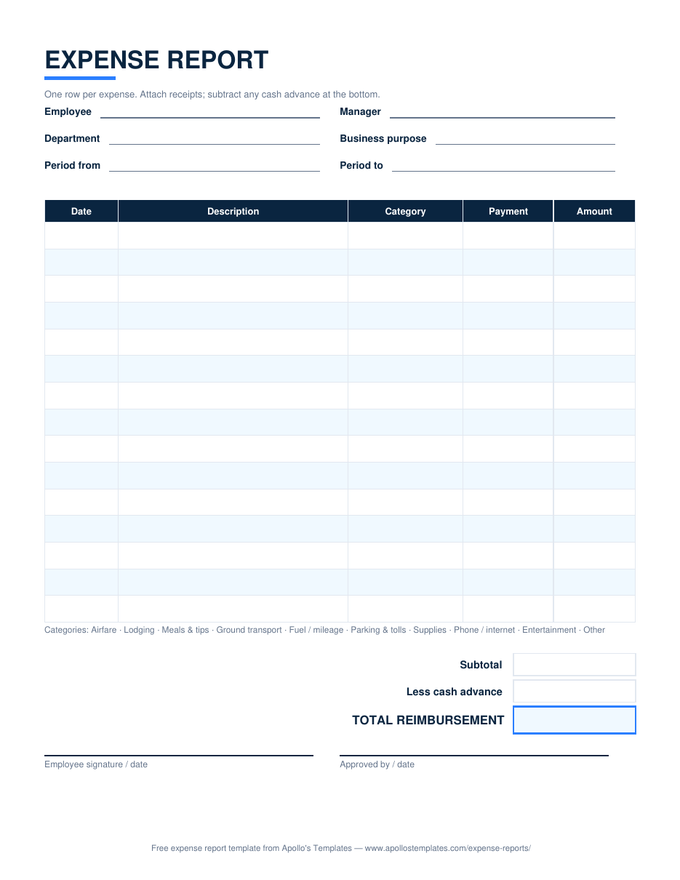
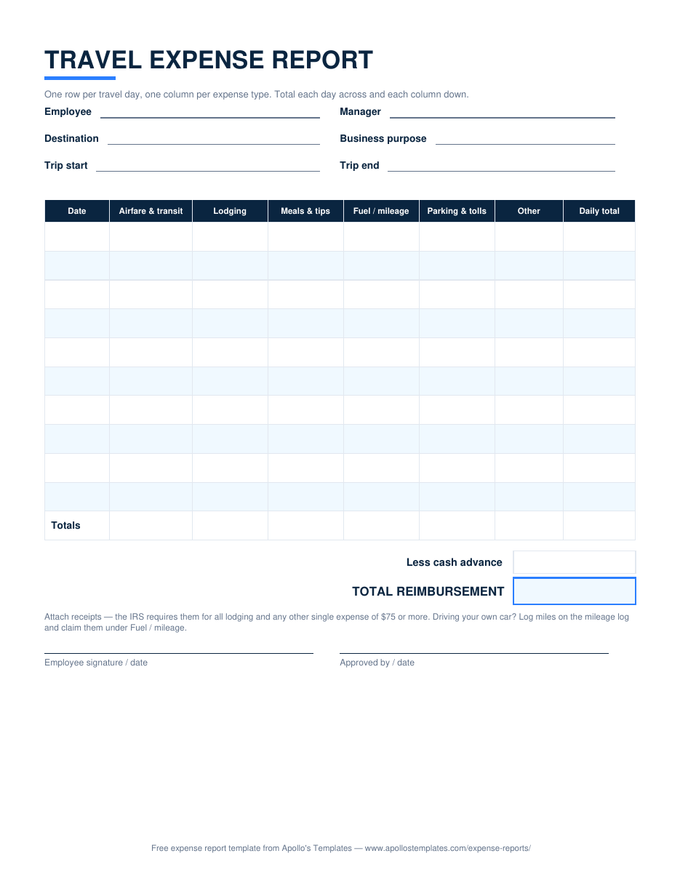
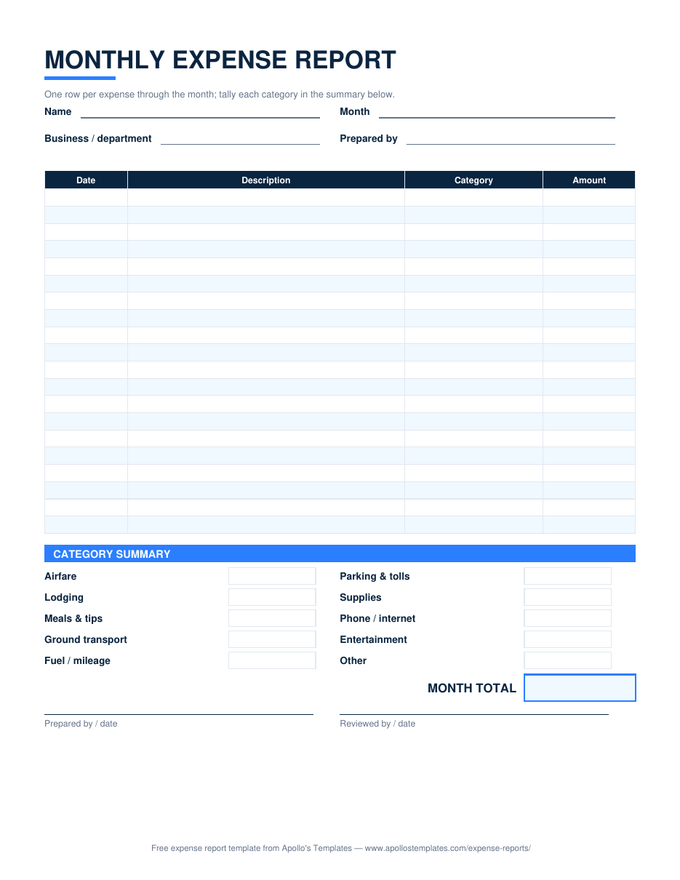
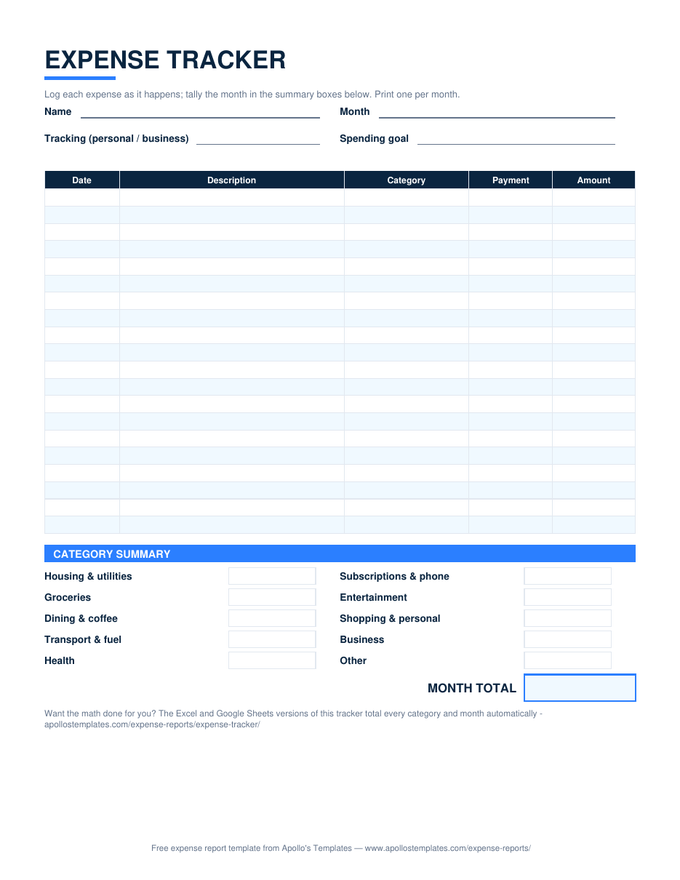
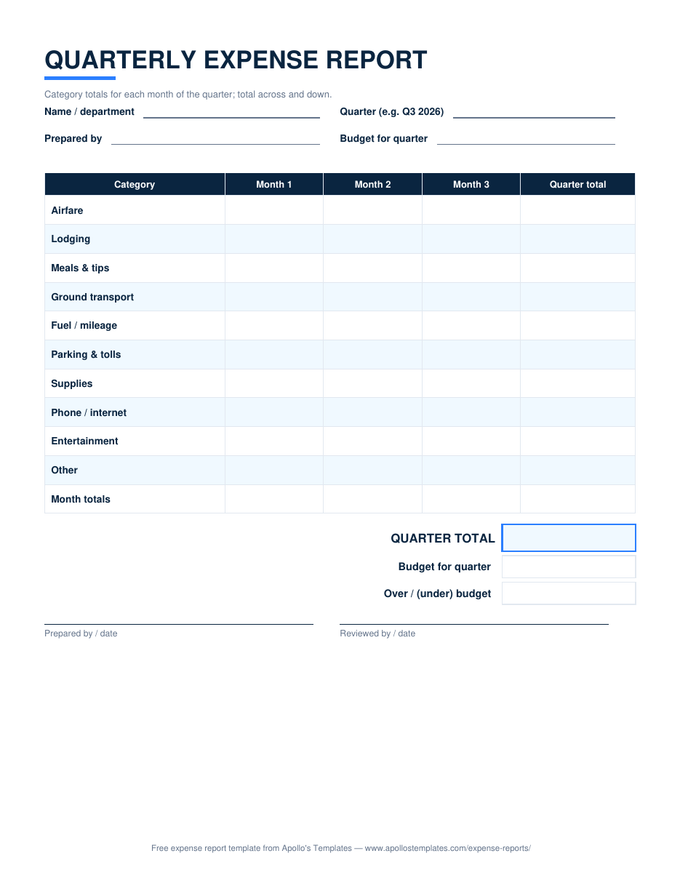
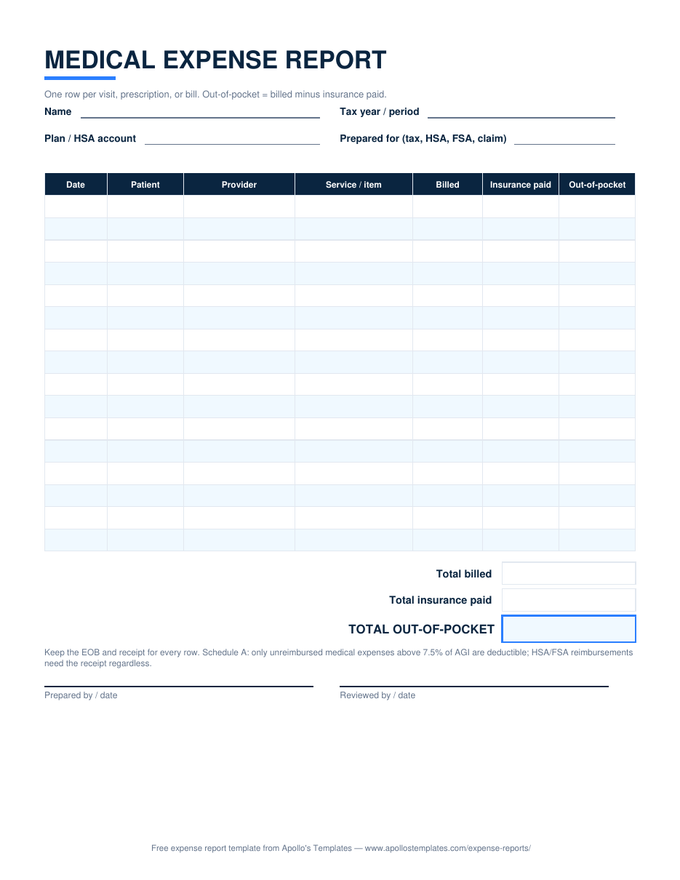
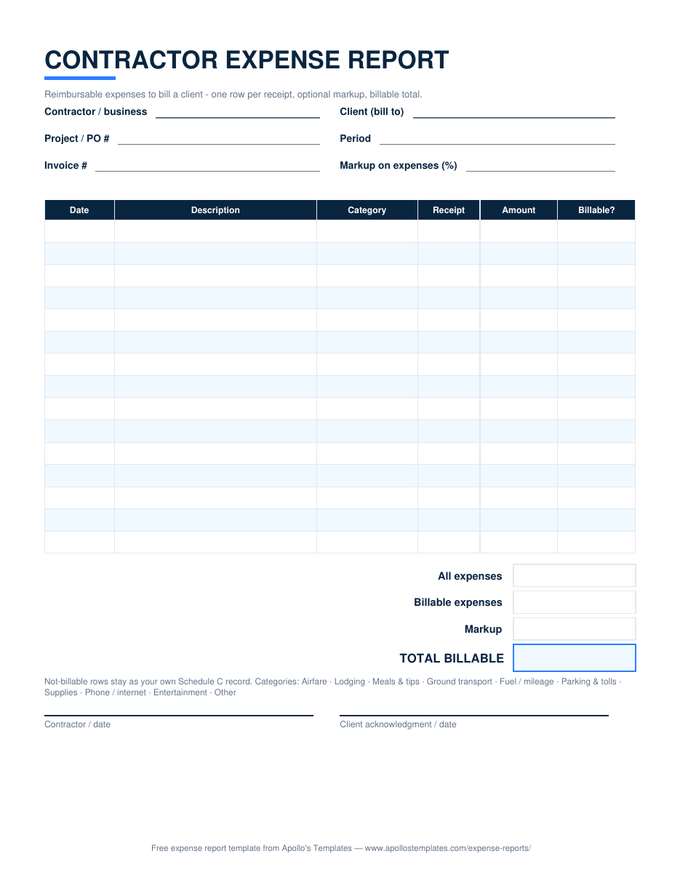
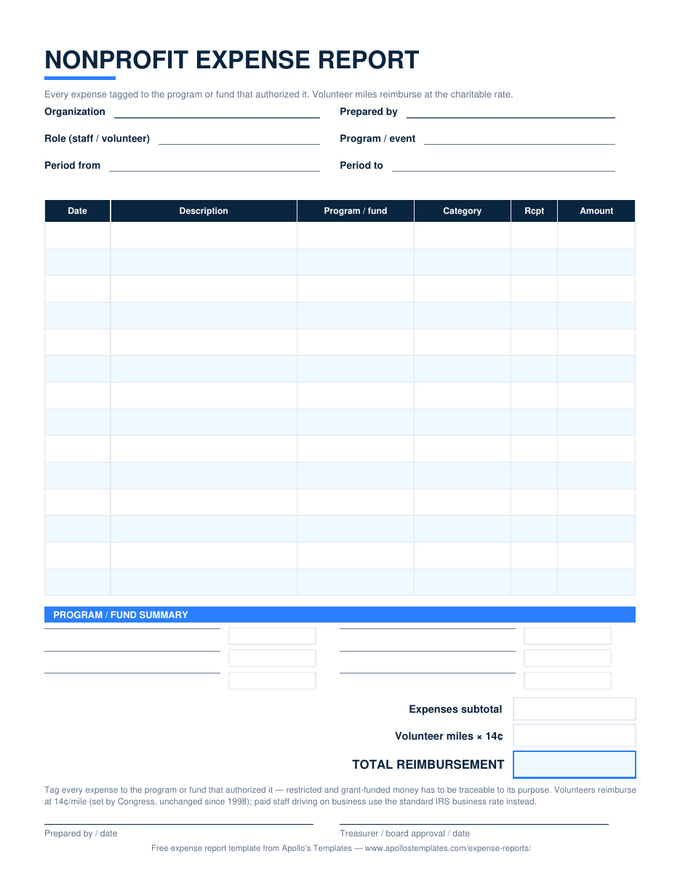
Every expense sheet in the library as a print-ready blank PDF — the versions for the receipt envelope, the glovebox, the cash box, and the clipboard that comes out when the credit-card statement lands. Portrait US Letter, half-inch margins, grayscale-friendly, signature lines on every form. Download, print a stack, done: no signup and no watermark, because a blank form with a toll booth in front of it isn't blank.

The paper fleet

Eight blank PDFs, every situation.
Worth knowing

Paper still wins at the point of capture.

Expenses happen away from desks — the parking garage, the client lunch, the supply run — and a form that’s physically next to the receipts gets filled in while the business purpose is still fresh. That’s not nostalgia, it’s the IRS’s own preference: records made at or near the time of the expense carry more weight than reconstructions, because memory of why fades faster than the receipt does.

The one thing paper can’t do is arithmetic. When the filled-in form comes back, the matching Excel versions total the rows, subtract the advance, and break the month down by category — same layouts, so transferring the numbers takes a minute per sheet.

When the math should do itself
Excel Expense Templates
The same eight layouts with working totals — the desk-side half of the paper workflow.
Open
Type instead of write
Word Expense Templates
Editable .docx versions for adding a company name before printing.
Open
Start here
Expense Report Templates
The whole library — every situation, every format — on one page.
Browse

Frequently asked questions

Are these blank expense reports — no signup, no watermark?
Completely. Each button downloads the PDF directly: no account, no email gate, no “SAMPLE” stamped across the page, no premium version with the good rows withheld. They print blank and stay blank; the fields are yours to fill with a pen. The PDFs are the product here, not the bait for something else.
Are they fillable PDFs, or print-and-write?
Print-and-write — honest answer. These are clean blank forms designed for a pen, not interactive PDFs with form fields. If you want to type into an expense report, you have two better options than a fillable PDF: the Excel and Google Sheets versions type *and* calculate, and the Word and Google Docs versions type and print. Most people who search for a fillable expense PDF actually want one of those; the PDF earns its place when the form is going on a clipboard or into an envelope.
What's the best way to print them?
Any way at all — they're deliberately boring to print. Portrait US Letter, half-inch margins, no background bleed, and the navy headers render fine in grayscale, so default settings on any printer work with no scaling to fiddle with. If you run expenses monthly, print a dozen at once and keep them wherever the receipts pile up — the envelope, the truck, the cash box.
Which blank form should I print?
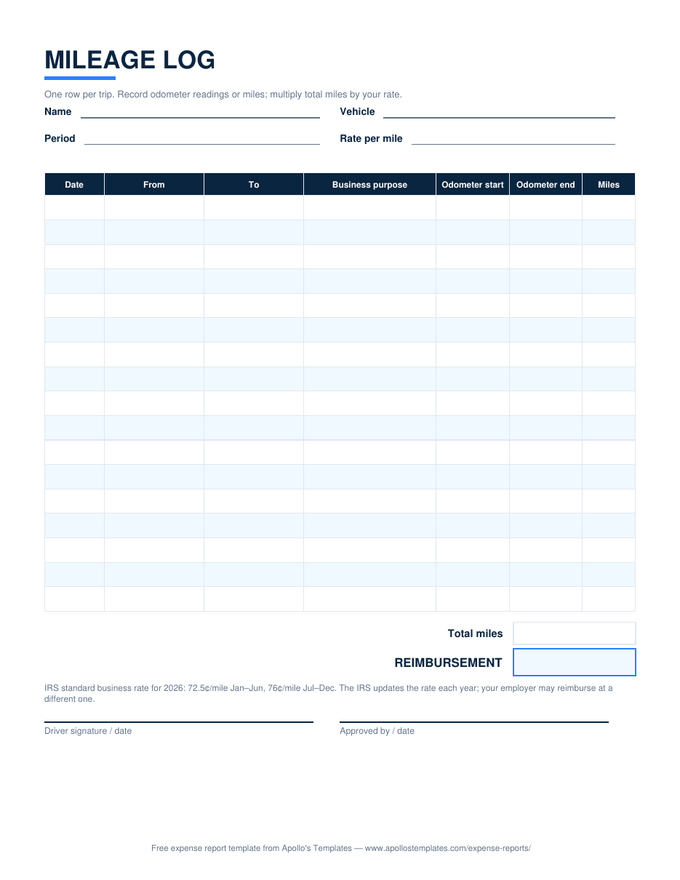
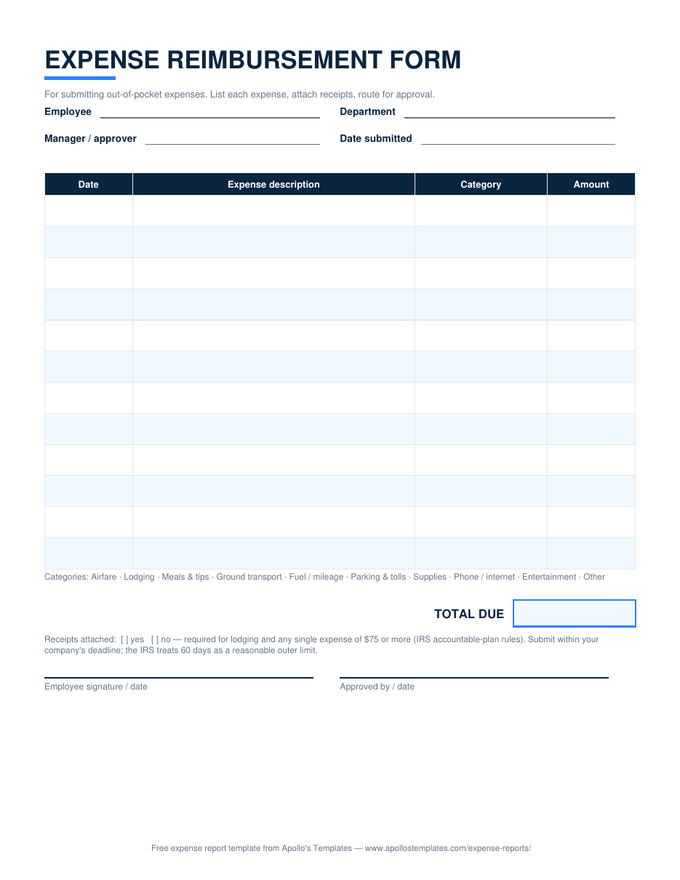
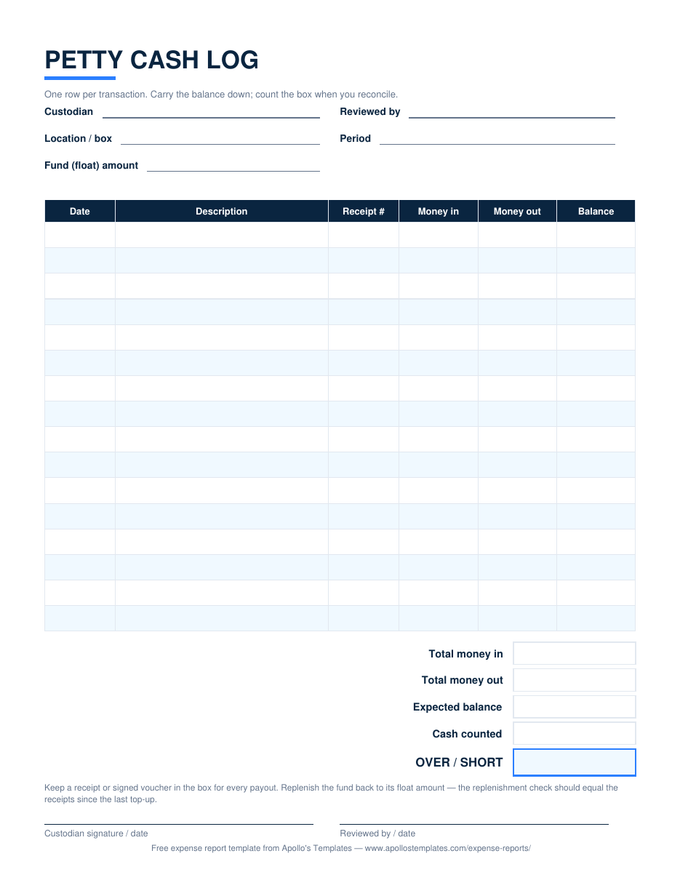
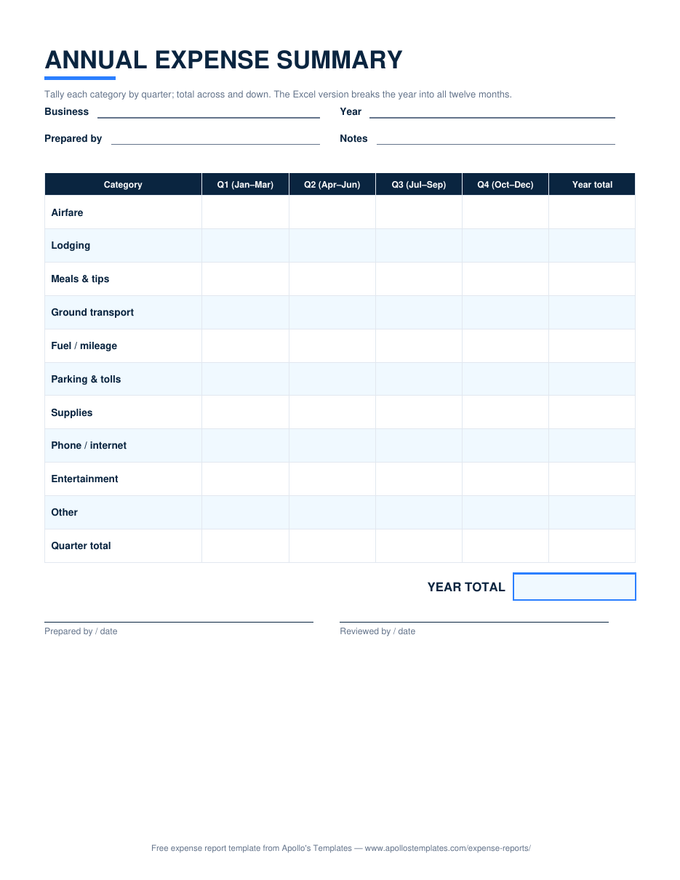
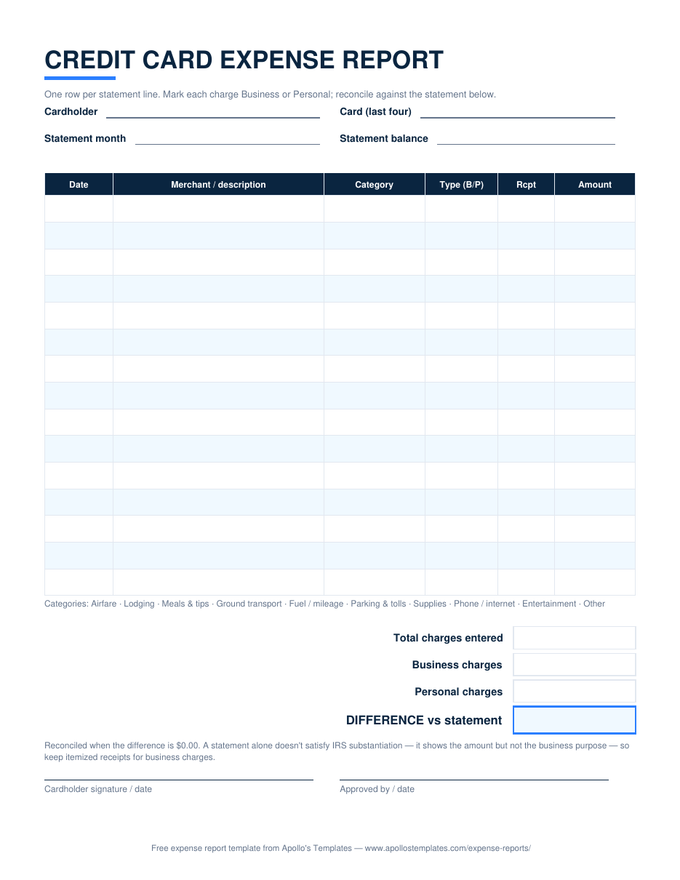
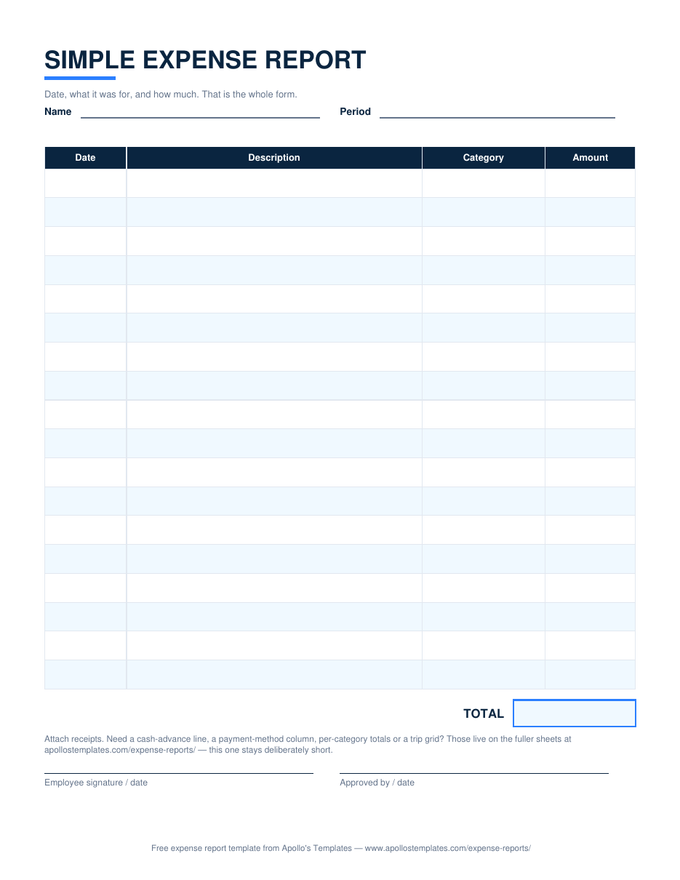
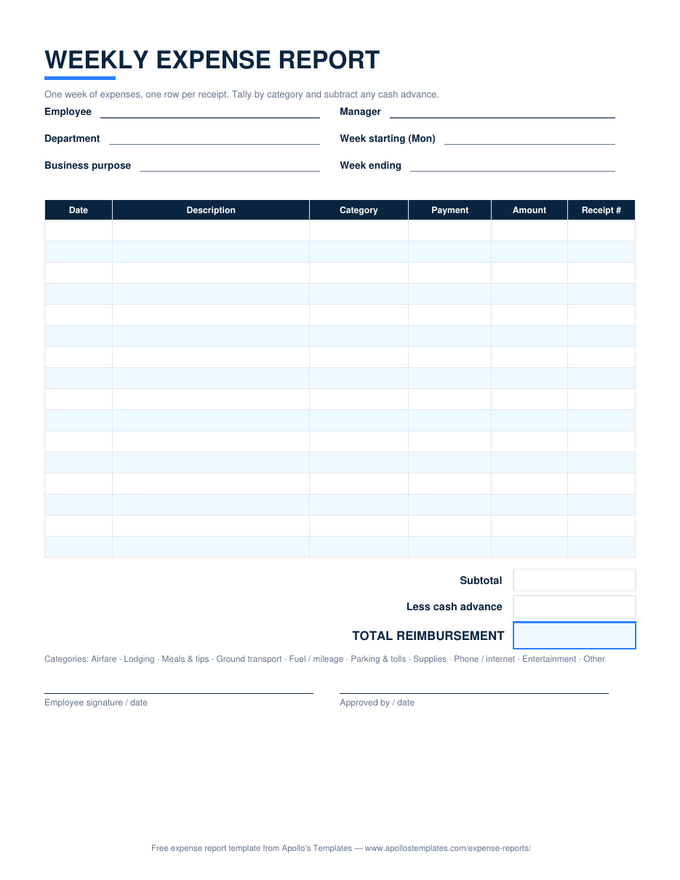
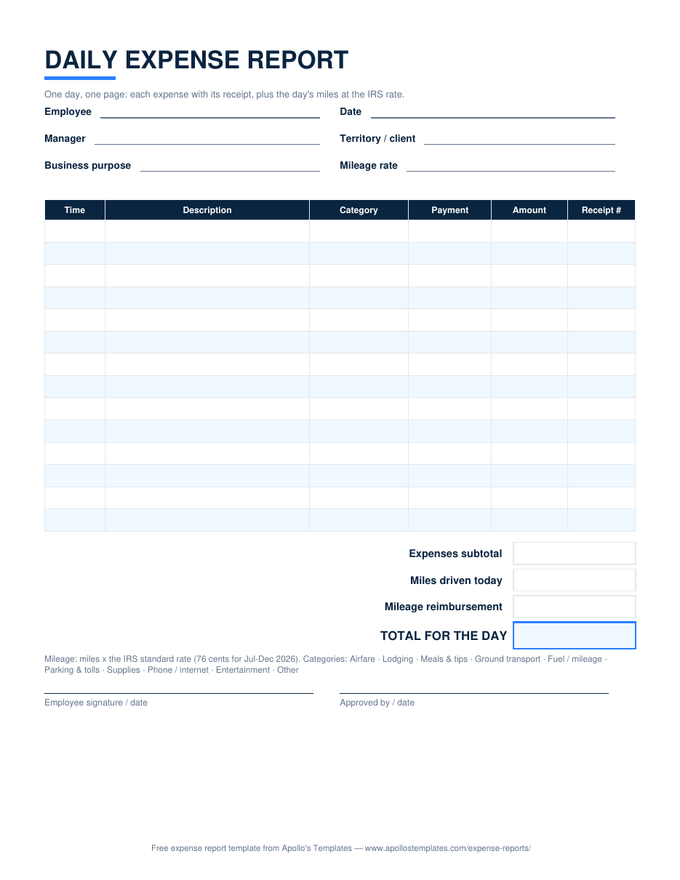
Match the paper to the situation: the standard report for general reimbursements, travel for a single trip, monthly for ongoing spending you tally by category, the reimbursement form when someone just needs money back quickly. The mileage log lives in the glovebox, the petty cash log in the cash box, and the credit-card sheet comes out when the statement arrives. Annual is the once-a-year page you fill from the other eleven.
Updated through August 2026