






Expense Report Generator
Build a finished expense report in your browser: the header, one row per expense with a category and how it was paid, a cash advance if there was one — and download a signable PDF with the category summary and reimbursement total computed. No account, no upload, no spreadsheet skills; the same layout as our standard expense report form, filled in.
Fill it in, download the PDF.
The same report as a reusable Excel or Google Sheets file.
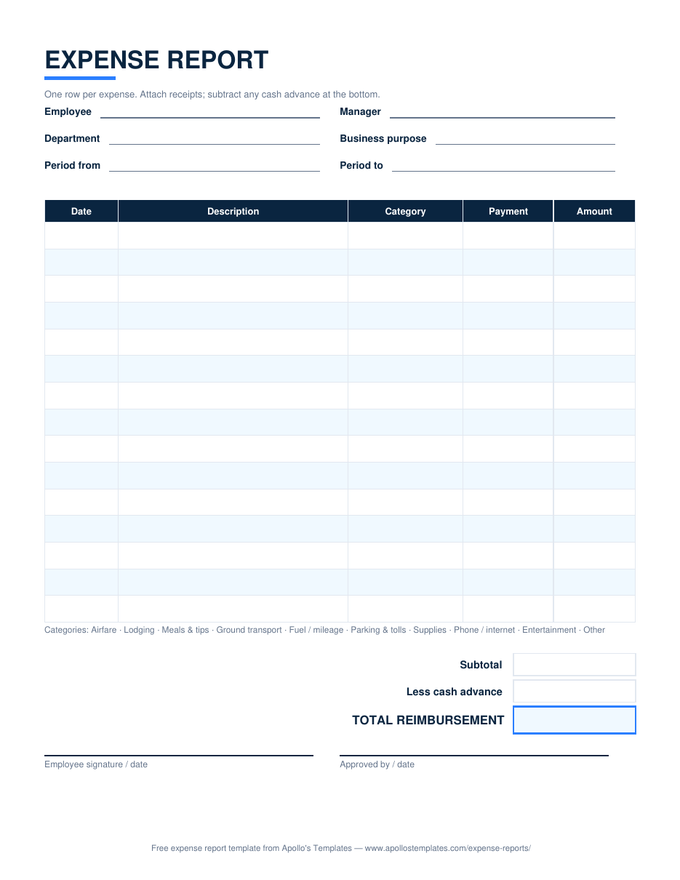
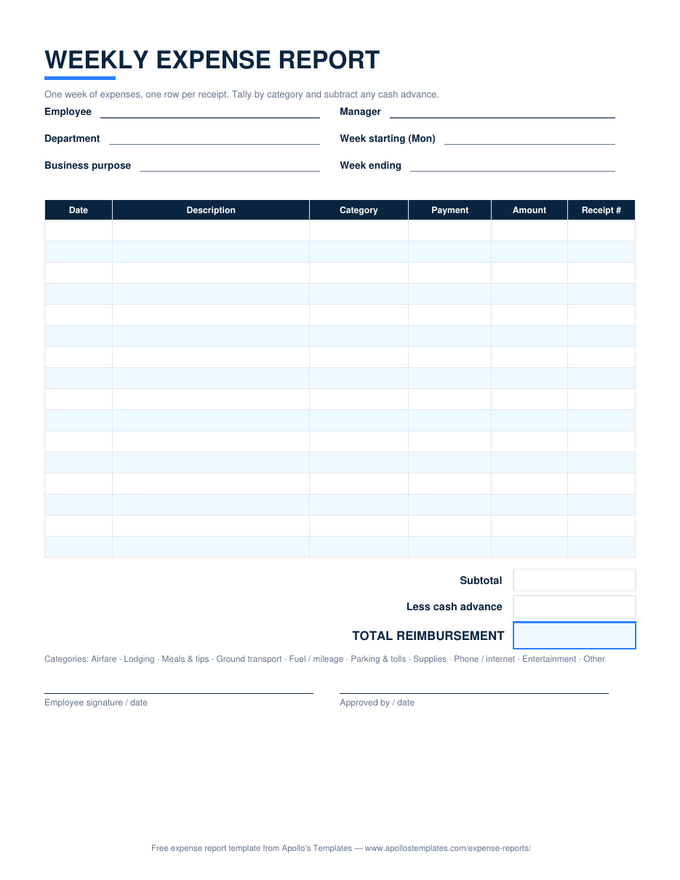
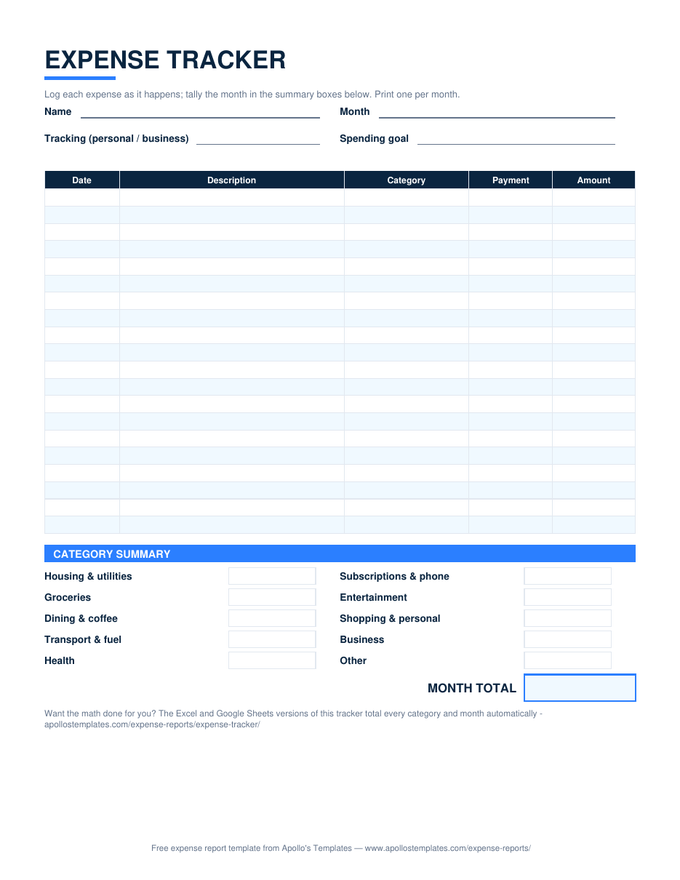
What the generated PDF includes.
The output follows the substantiation standard an accountable plan needs: employee, approver, department, business purpose, and period in the header; date, description, category, payment method, and amount on every row; a category summary; subtotal, cash advance, and total reimbursement; and two signature lines with the receipt reminder printed beneath them. It is the standard expense report form, filled in.
Attach the receipts behind the PDF — lodging and anything of $75 or more are required, everything else is smart — and submit. For recurring reports, download the Excel or Sheets template instead and let the formulas do next week’s math.