Apollo's Templates
HomeResumesGraphic Designer
Graphic designer resumes · Word & Google Docs

Free Graphic Designer Resume Templates

Free graphic designer resume templates in Microsoft Word and Google Docs — creative enough to look like a designer made them, structured enough to pass the ATS. Your resume is the first work sample, so each one leads with the two things creative hiring managers look for first: a prominent portfolio-link slot and the tool stack named exactly (Adobe Photoshop, Illustrator, InDesign, After Effects, and Figma). Four layouts for four design roles — brand/identity, UI/UX product, marketing/creative, and art director — whether you're writing an entry-level or no-experience graphic design resume or you've been art-directing for a decade. Pick a layout and color, then drop in your work.

The templates

Four designer layouts, each in three colors.

Brand for identity and logo designers, UI/UX Product for interaction and product designers, Studio for marketing and creative designers, and Art Director for senior and creative-leadership roles. Every one opens in Word or Google Docs, stays on one page, keeps a prominent portfolio link, and is built to be ATS-friendly — design that parses.
Brand — Onyx preview
WordGoogle Docs
Brand — Onyx
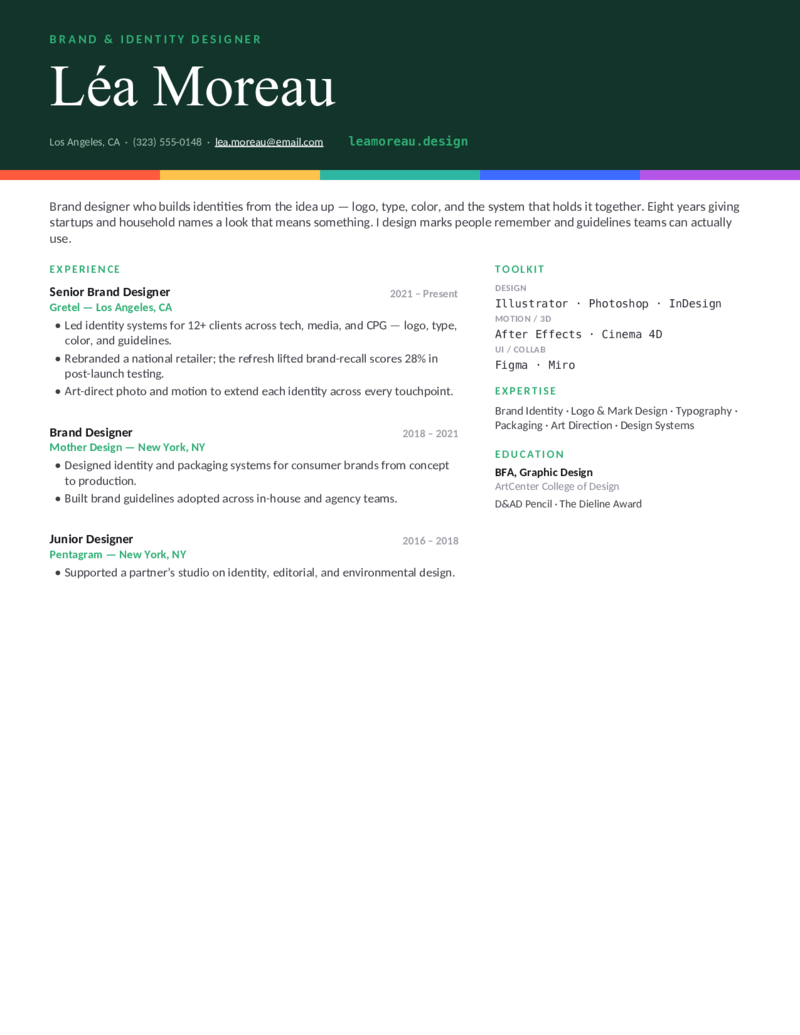
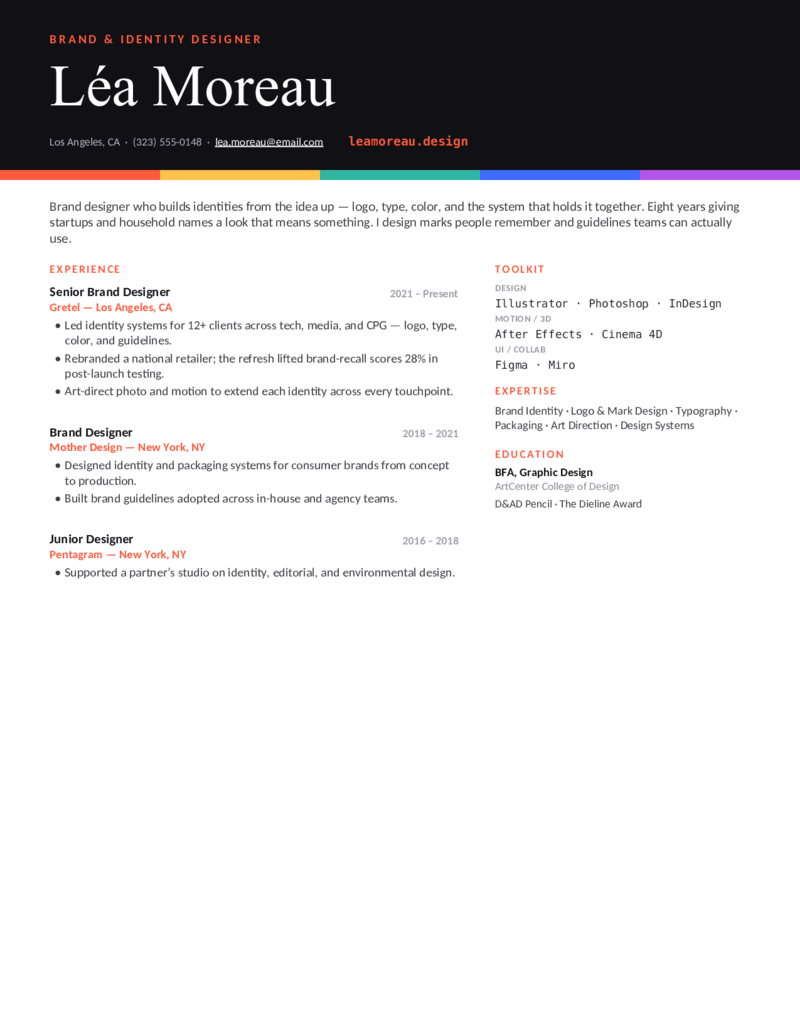
Brand & identity designer layout — a bold black masthead, oversized wordmark name, and a five-color palette strip. Adobe Illustrator, Photoshop, InDesign; logo systems, typography, packaging.
Brand — Blue preview
WordGoogle Docs
Brand — Blue
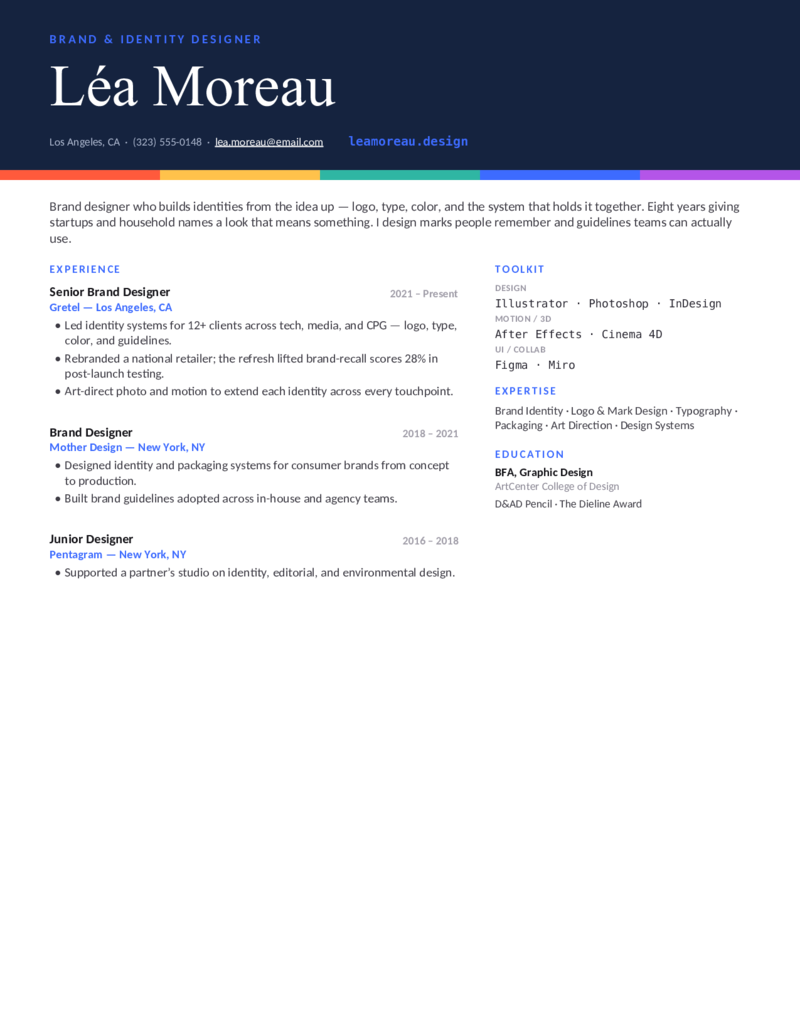
The brand-identity design with a deep-blue masthead — the same wordmark header and color-swatch device for visual identity, logo, and packaging designers who want a cooler palette.
Brand — Forest preview
WordGoogle Docs
Brand — Forest
The brand-identity layout with a forest-green masthead — a calmer, editorial take on the wordmark header for brand and identity designers.
UI/UX Product — Indigo preview
WordGoogle Docs
UI/UX Product — Indigo
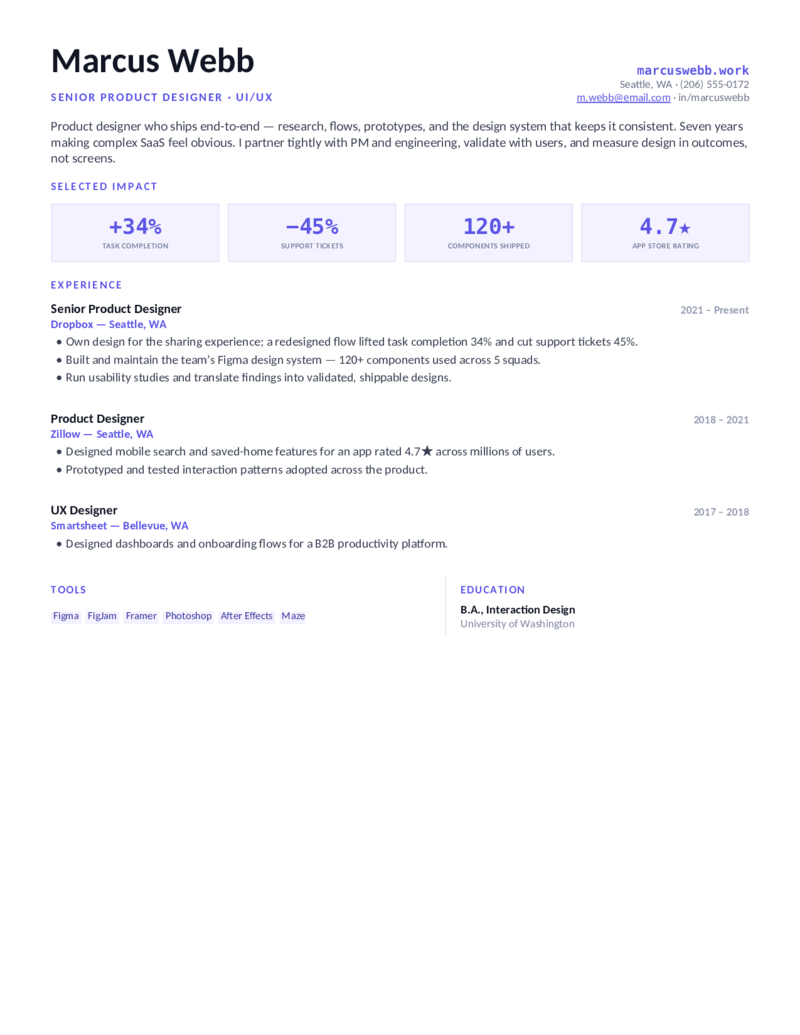
UI/UX product designer layout — a systematic grid with a Selected Impact strip (task completion, support tickets, components). Figma, Sketch, Adobe XD; wireframing, prototyping, design systems.
UI/UX Product — Teal preview
WordGoogle Docs
UI/UX Product — Teal
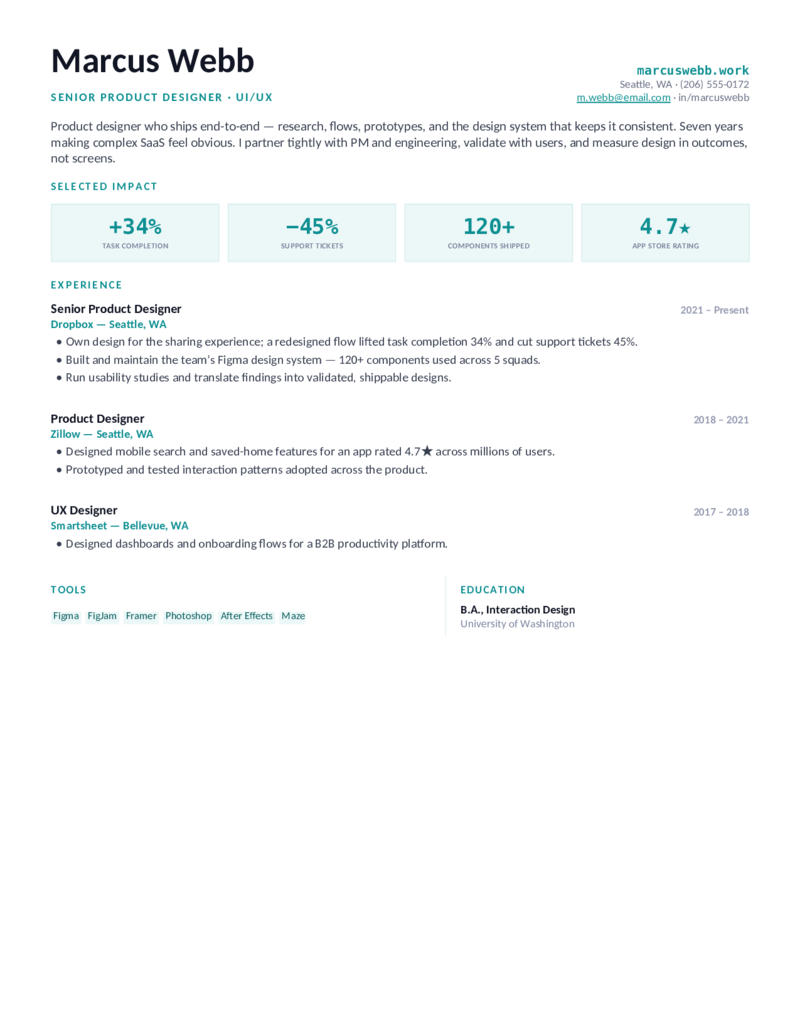
The product-designer design in teal — an outcomes-forward layout for UI/UX and product designers who lead with usability testing, design systems, and measured impact.
UI/UX Product — Violet preview
WordGoogle Docs
UI/UX Product — Violet
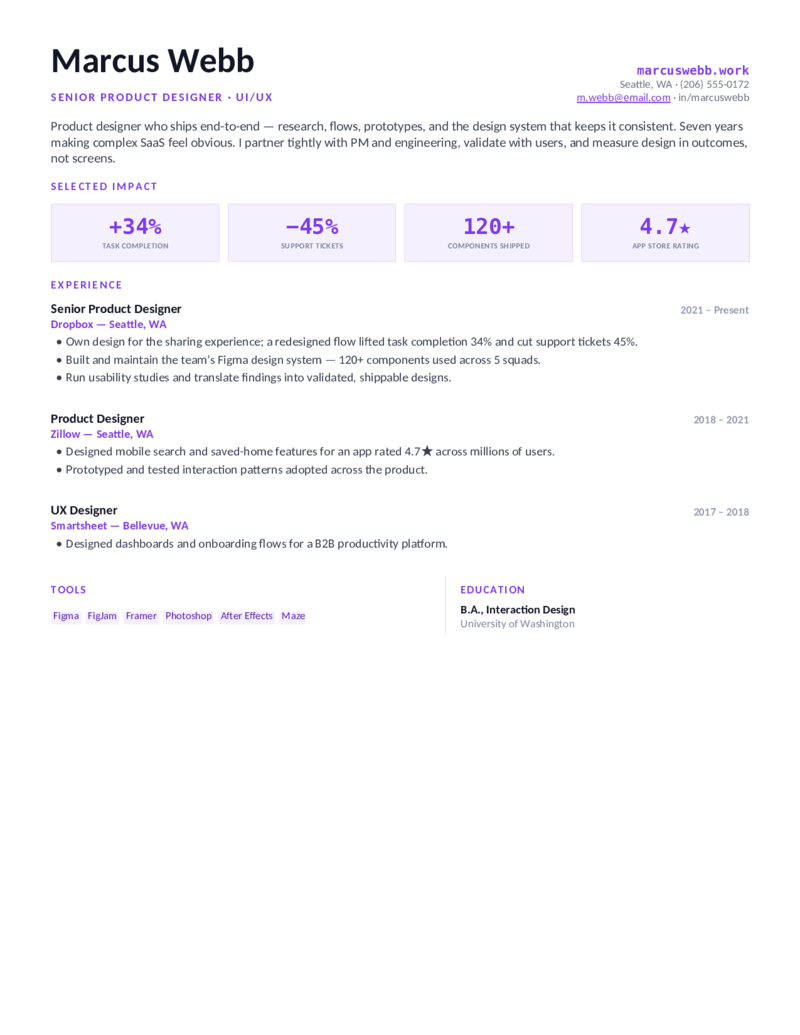
The UI/UX layout in violet — a clean impact-tile format for product and interaction designers who ship in Figma and measure design in outcomes, not screens.
Studio — Terracotta preview
WordGoogle Docs
Studio — Terracotta
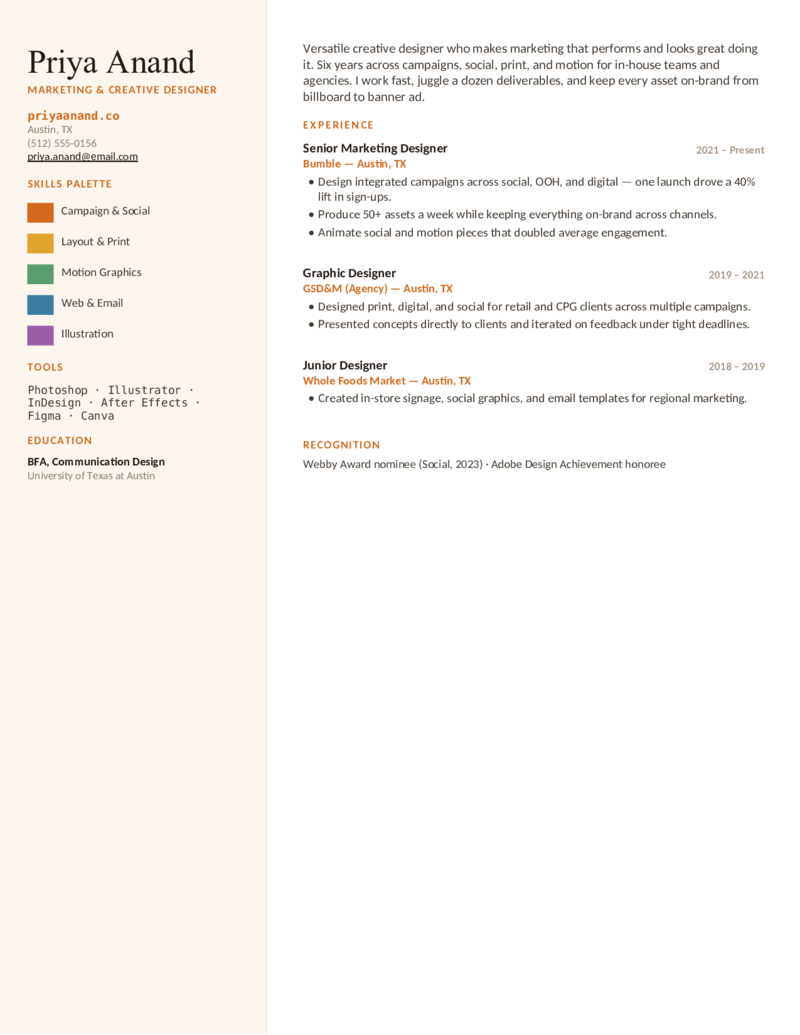
Marketing & creative designer layout — a warm sidebar with a paint-chip skills palette and campaign output. Adobe Photoshop, Illustrator, Canva; social, print, motion, conversion impact.
Studio — Teal preview
WordGoogle Docs
Studio — Teal
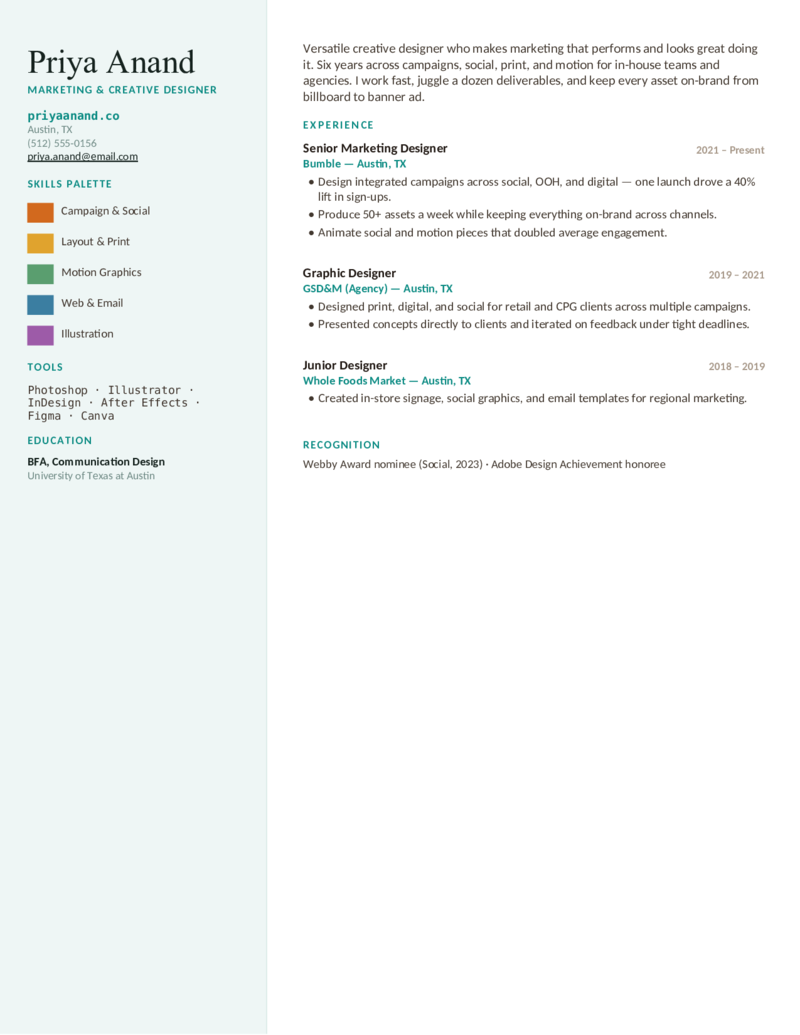
The creative-designer design in teal — a paint-chip palette sidebar for versatile marketing designers juggling campaigns, social, print, and motion across channels.
Studio — Plum preview
WordGoogle Docs
Studio — Plum
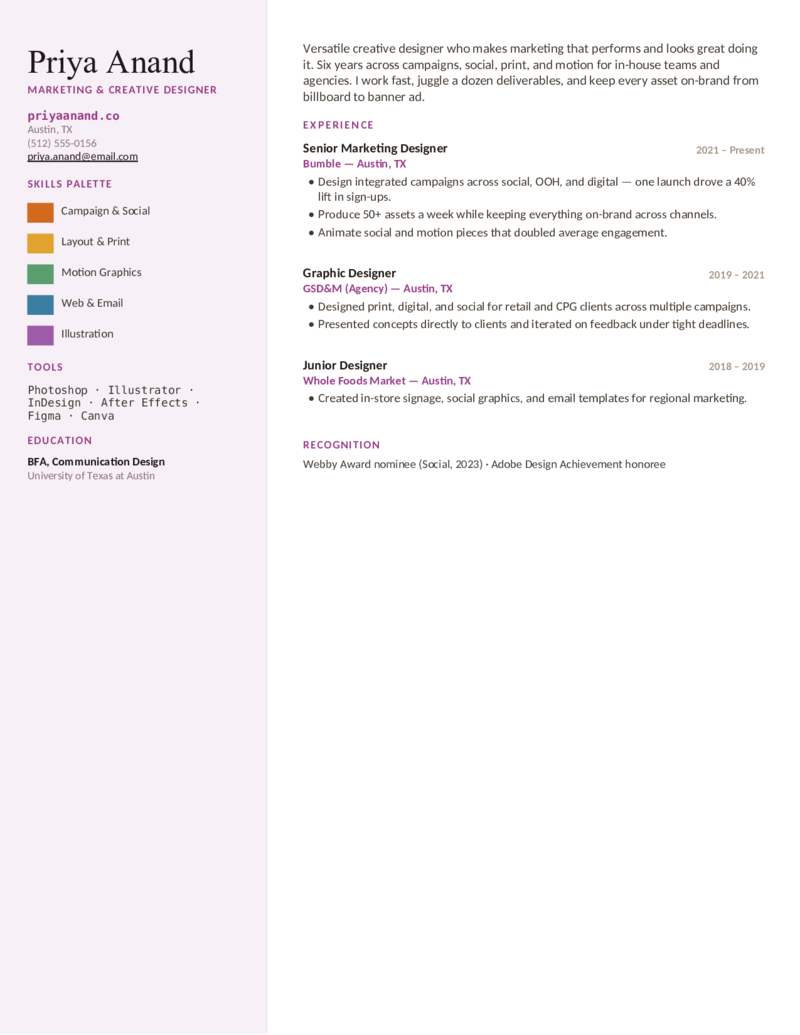
The marketing-designer layout in plum — a palette-forward sidebar format for creative and production designers who keep a high volume of assets on-brand.
Art Director — Rust preview
WordGoogle Docs
Art Director — Rust
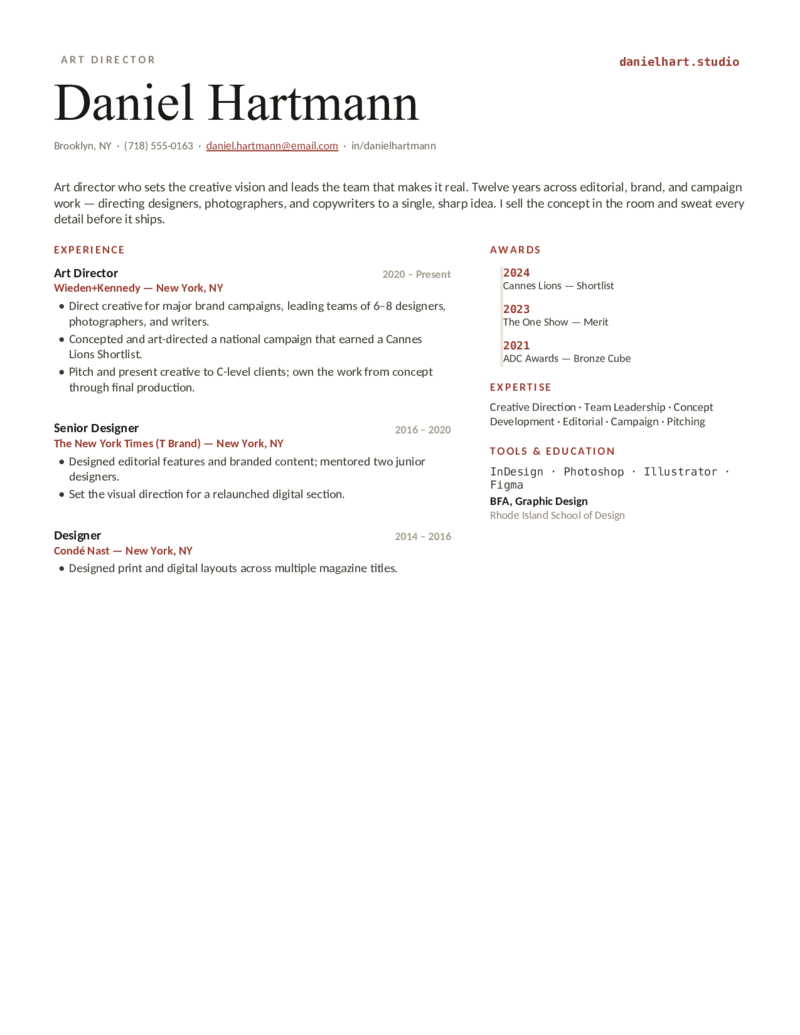
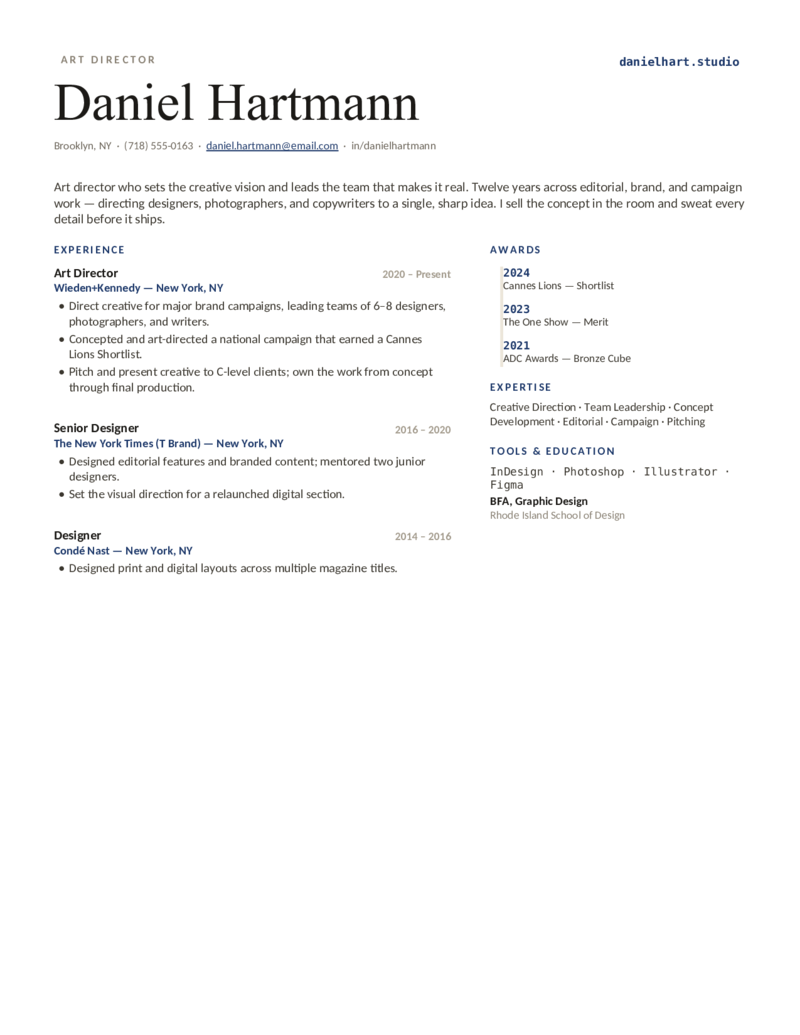
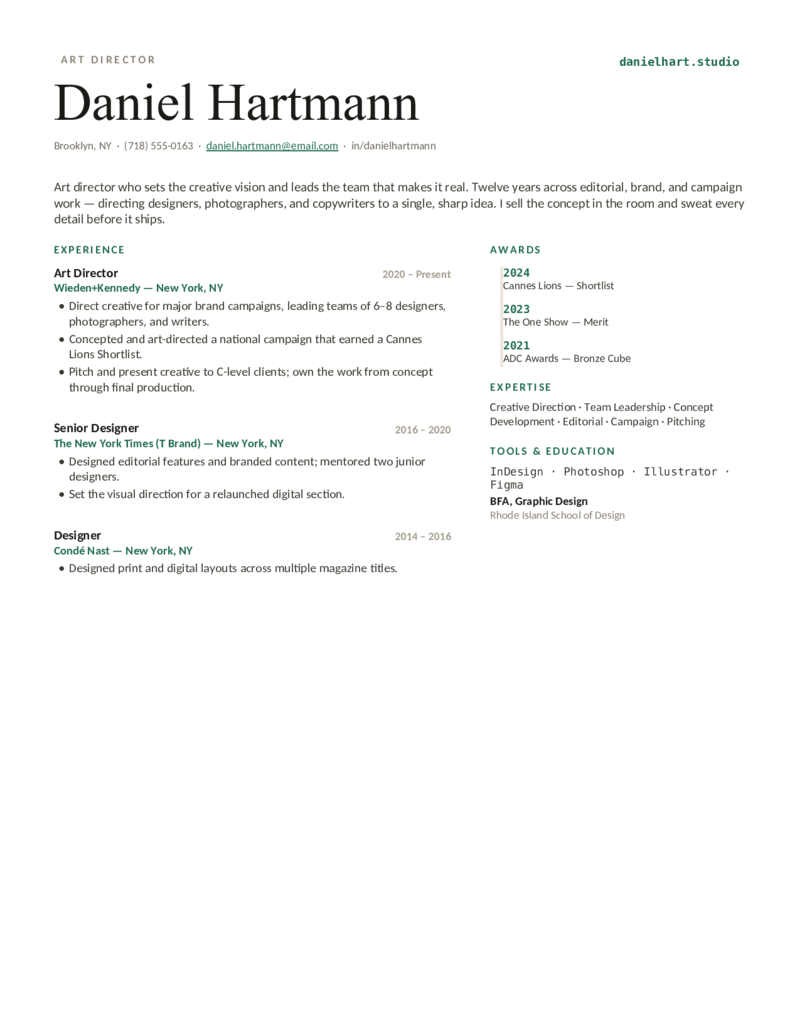
Art director / senior layout — an editorial masthead with an awards timeline and creative-leadership focus. Adobe Creative Suite; art direction, concept development, team leadership.
Art Director — Navy preview
WordGoogle Docs
Art Director — Navy
The art-director design with a navy accent — an editorial, awards-forward layout for senior designers, art directors, and creative directors with 10+ years.
Art Director — Forest preview
WordGoogle Docs
Art Director — Forest
The senior / art-director layout with a forest-green accent — an editorial masthead and awards rail for creative leaders who direct teams and own the vision.
What to include

What goes on a graphic designer resume.

A designer’s resume has to do two jobs at once: look like a designer made it, and still parse cleanly in an applicant tracking system. Put the things both a recruiter and the bot look for where they’ll be seen — which is exactly what these templates do:

  • A portfolio link, up top. A clickable URL to your site, Behance, or Dribbble in the header — recruiters click it first. It’s the single most important element on a design resume.
  • The tool stack, named exactly. Adobe Photoshop, Illustrator, InDesign, After Effects for brand, print, and motion; Figma (plus Sketch or Adobe XD) for UI/UX. Spell each out so the ATS matches the keyword.
  • Outcomes, not just deliverables. Brand-recall lift, sign-up or engagement gains, task-completion and support-ticket changes, assets shipped, awards. Tie the work to a result wherever you can.
  • The right emphasis for the role. Identity work leads with type, logo systems, and color; UI/UX with prototyping and design systems; marketing with campaign output; art direction with creative ownership and team leadership.

Keep the resume ATS-clean and let the portfolio be the showpiece. A gorgeous PDF that a parser can’t read costs you the interview; these layouts keep real, selectable text and standard headings so your name and experience always make it through. Related: our marketing and software templates for adjacent creative and product roles.

Make it yours

Fill it in and apply.

  1. Click Open in Google Docs to copy it into your Drive, or Download Word for the .docx.
  2. Put your portfolio URL in the header — your site, Behance, or Dribbble — and drop in your real numbers (brand-recall lift, assets shipped, task completion).
  3. Edit the tool stack to match the posting exactly — Adobe Photoshop, Illustrator, InDesign, After Effects, Figma — spelled in full for the ATS.
  4. Keep the resume to one page and ATS-clean; export a PDF to send and a Word copy for ATS portals, and let your portfolio carry the visuals.
Common questions

Graphic designer resume FAQ

Should a graphic designer resume be creative or ATS-friendly?
Both — but lead with ATS. Use a clean, single-column, ATS-parsable layout for the resume itself (real text, standard headings, no text trapped in images), and channel your creativity into the portfolio link and a tasteful accent color. A heavily designed resume an applicant tracking system can't parse loses your name, dates, and experience before a human ever sees it. These templates are built to thread that needle — designerly enough to look like a designer made them, structured enough to pass the bot.
Where do I put my portfolio link on a graphic design resume?
Put a clickable URL in the header, right under or beside your name — recruiters scan for a link to your personal site, Behance, or Dribbble and click it first. Don't bury it in the footer. For senior roles a custom-domain portfolio reads stronger than a hosted-profile link, and you can deep-link to a specific case study inside an experience bullet. Every template here gives the portfolio link a prominent spot in the header for exactly this reason.
How do I write a graphic designer resume with no experience?
Lead with education, a strong skills section, and 2–3 real projects — coursework, freelance gigs, volunteer posters or logos — each with a portfolio link and a measurable outcome where you can show one. Use a one-page layout and treat self-initiated and class projects as legitimate experience. The Brand and UI/UX designs work well for a first or student graphic designer resume.
How should I list Adobe and Figma skills on a graphic designer resume?
Spell out each tool by its exact name so the ATS matches the token: Adobe Photoshop, Adobe Illustrator, Adobe InDesign, and Adobe After Effects for brand, print, editorial, and motion work, plus Figma (and Sketch or Adobe XD) for UI/product work. List the six or seven tools you could actually teach rather than padding the section, and reinforce the key ones inside your experience bullets — not just a standalone list.
Should a graphic designer resume be one page?
Yes for students, entry-level, junior, and most mid-level designers — one page, tight and scannable. Senior designers, art directors, and creative directors with 10+ years can run to two pages, but the portfolio still does the heavy lifting; the resume is the index, not the gallery. Every template here is built to hold on a single page.
What's the difference between a graphic designer, UI/UX, and brand designer resume?
Same skeleton, different emphasis. A brand/identity designer foregrounds typography, logo systems, color, and print/packaging with the Adobe stack (the Brand design). A UI/UX or product designer foregrounds wireframing, prototyping, design systems, and usability testing in Figma (the UI/UX Product design). A marketing/creative designer foregrounds campaign output and conversion impact (the Studio design). An art director foregrounds creative ownership, direction, and quantified results (the Art Director design).

Graphic designer resume templates · Updated June 2026

Keep going

More resume templates.

Related
Marketing Resumes
For creative and marketing designers leaning into campaigns, brand, and growth — the marketing-side counterpart to the Studio design.
Open
Related
Software Engineer Resumes
A fit for UI/UX designers who work closely with engineering, or designers crossing into front-end and design-engineering roles.
Open
Pair it
Cover Letter Templates
Add a short cover letter that restates your portfolio link, your strongest project, and the tools you own.
Open