
Free IT Support & Help Desk Resume Templates
Free, ATS-friendly IT support resume templates in Microsoft Word and Google Docs. IT hiring runs on three signals — certifications, ticket metrics, and the exact stack you support — so each design leads with what the hiring manager scans for: a CompTIA A+ badge row, an SLA-and-CSAT KPI strip, a grouped infrastructure skills matrix, or a multi-client MSP layout. Whether you're answering tier 1 calls, running an enterprise service desk queue, administering servers, or driving between client sites with an RMM console open, pick the layout that matches the job and make it yours.
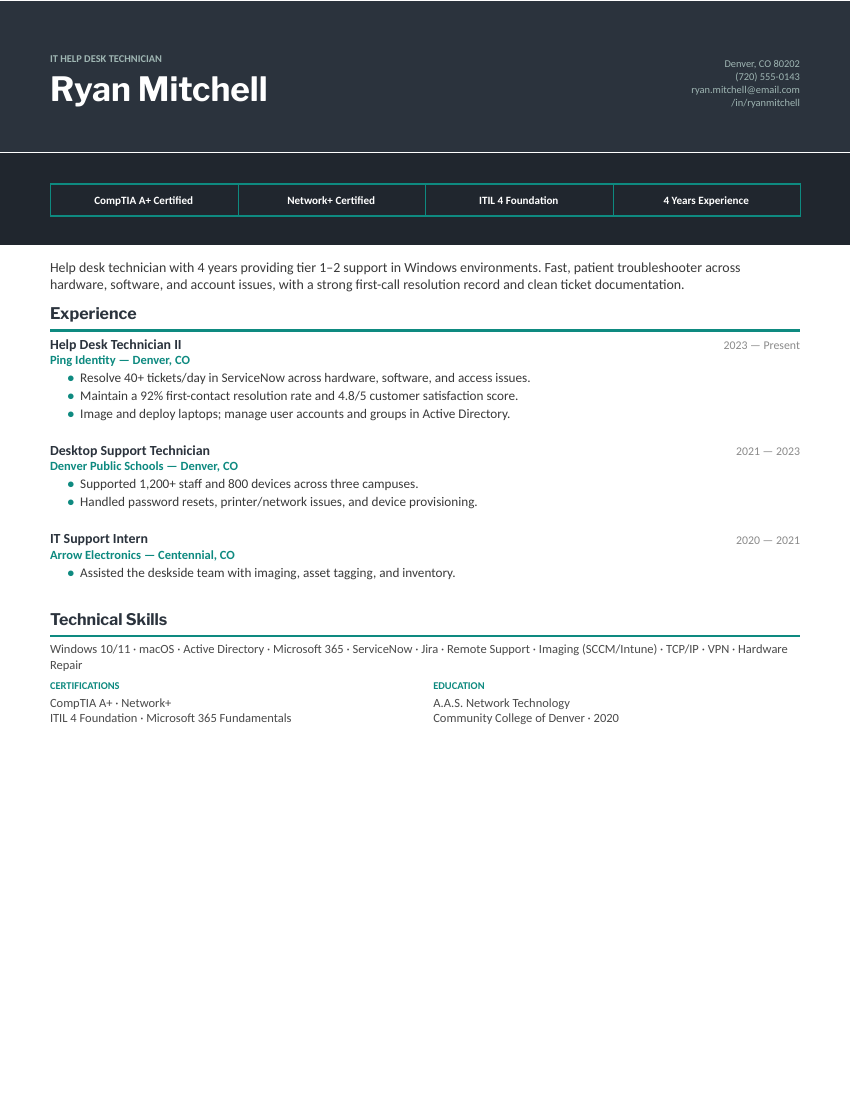
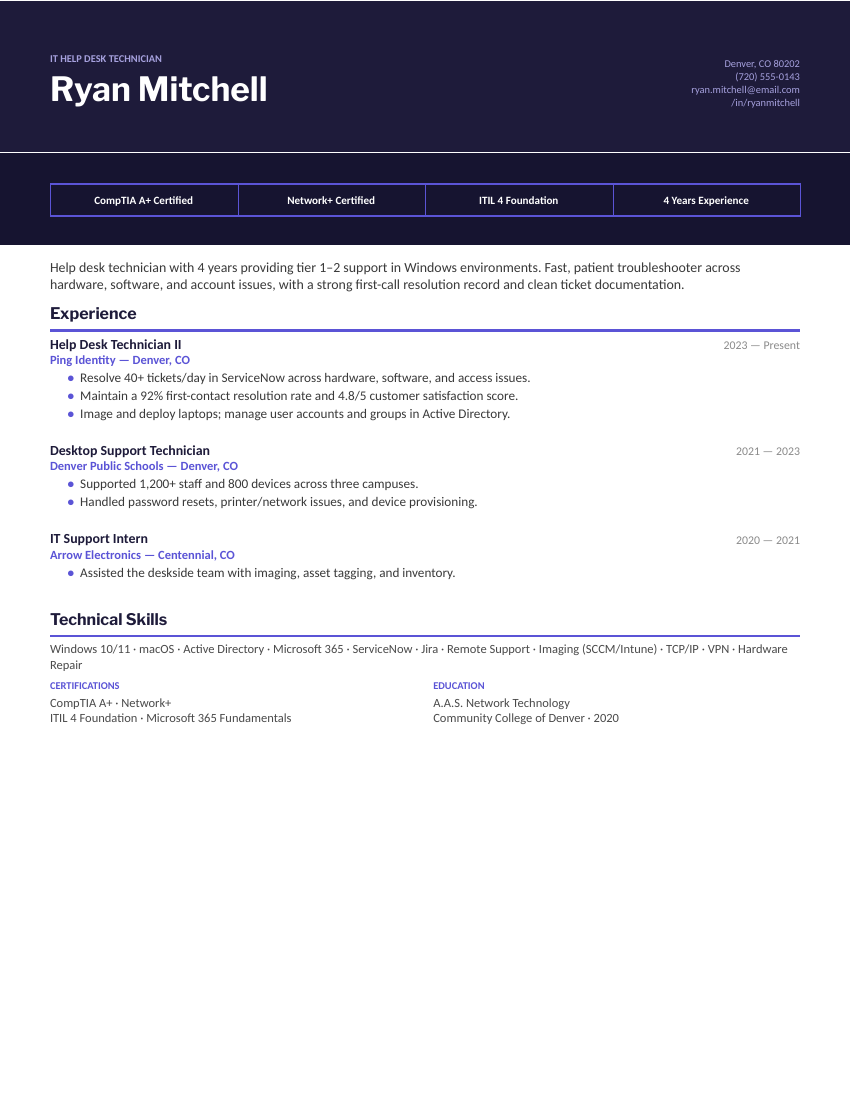
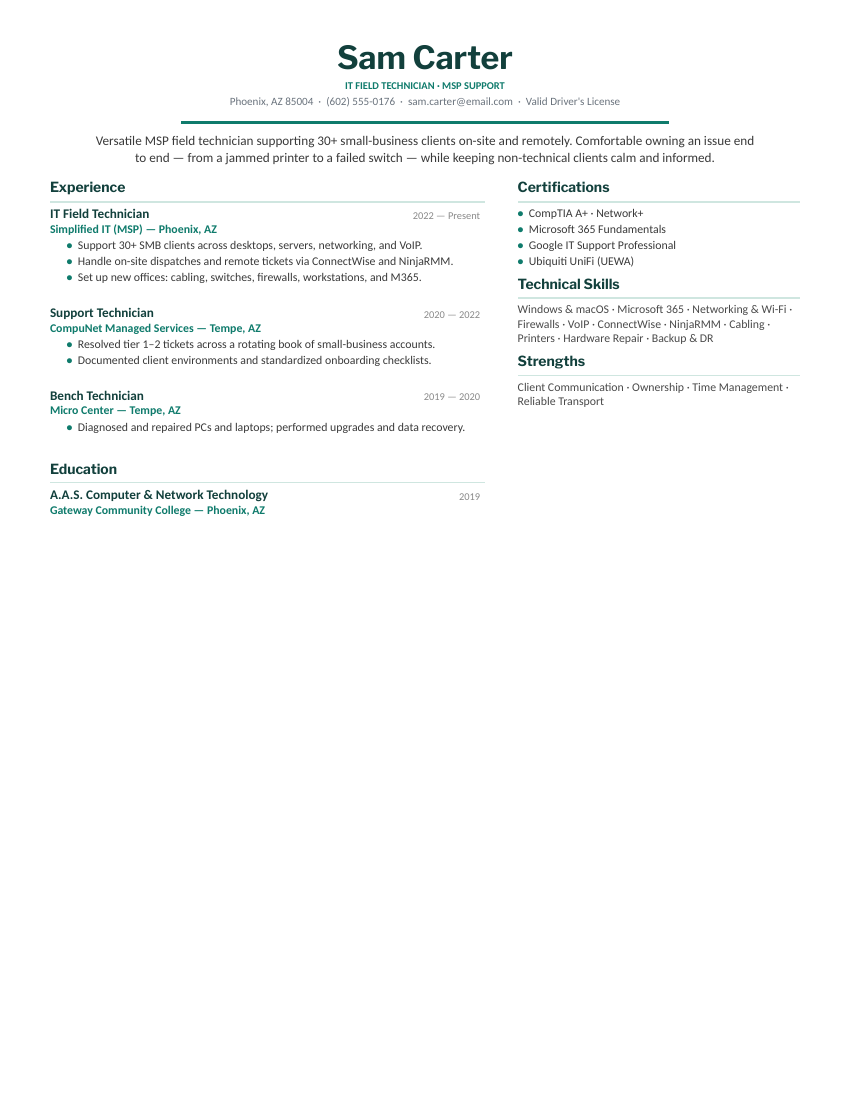
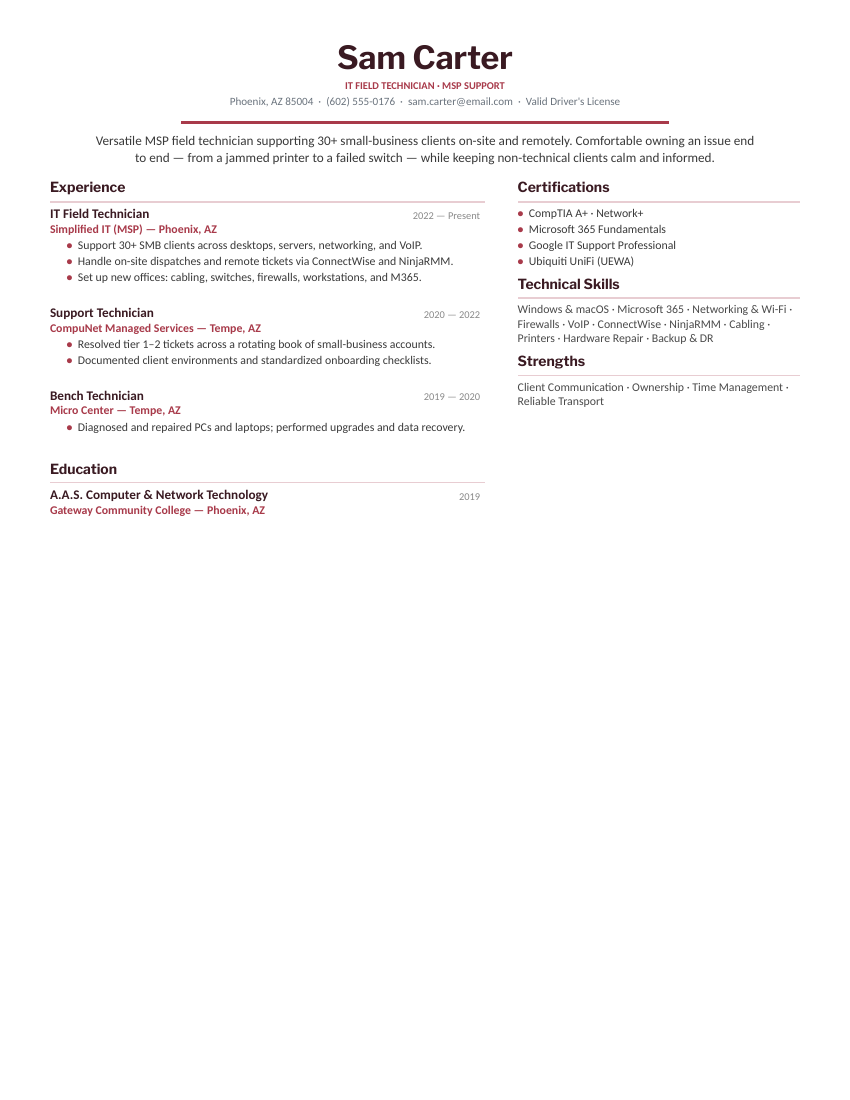
Four IT support designs, each in three colors.
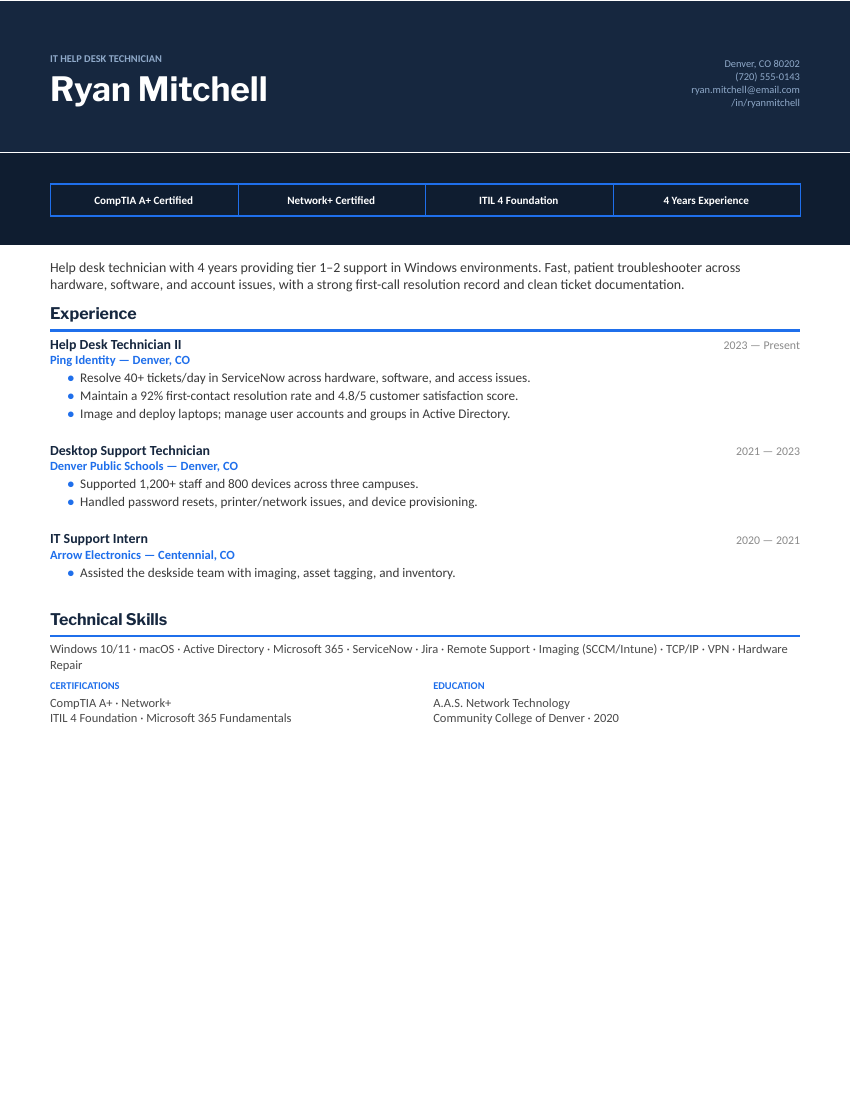
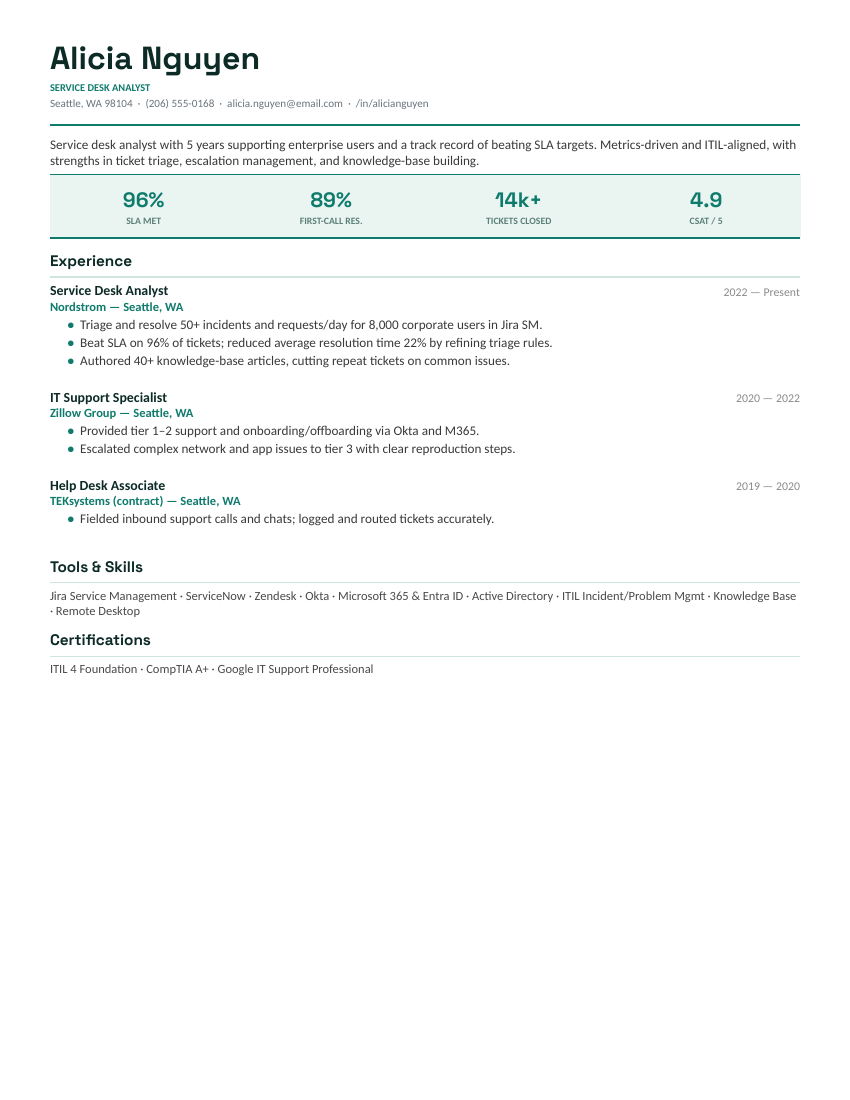
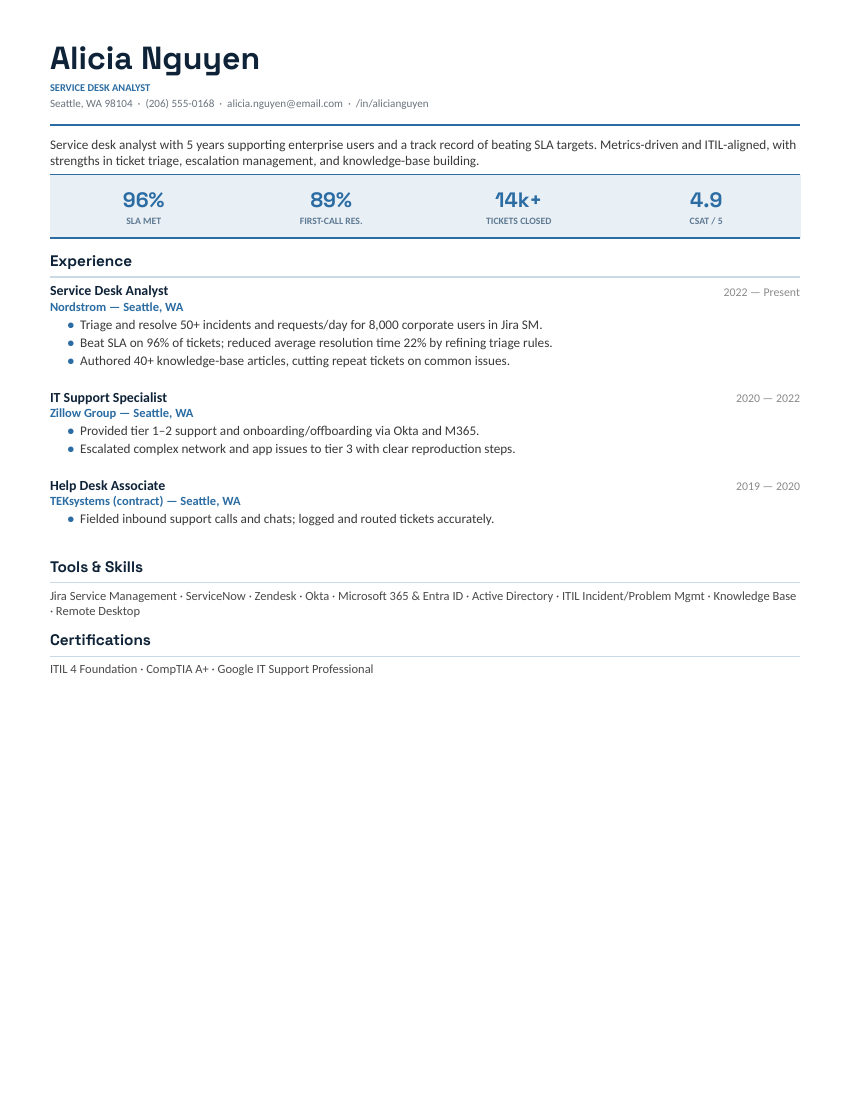
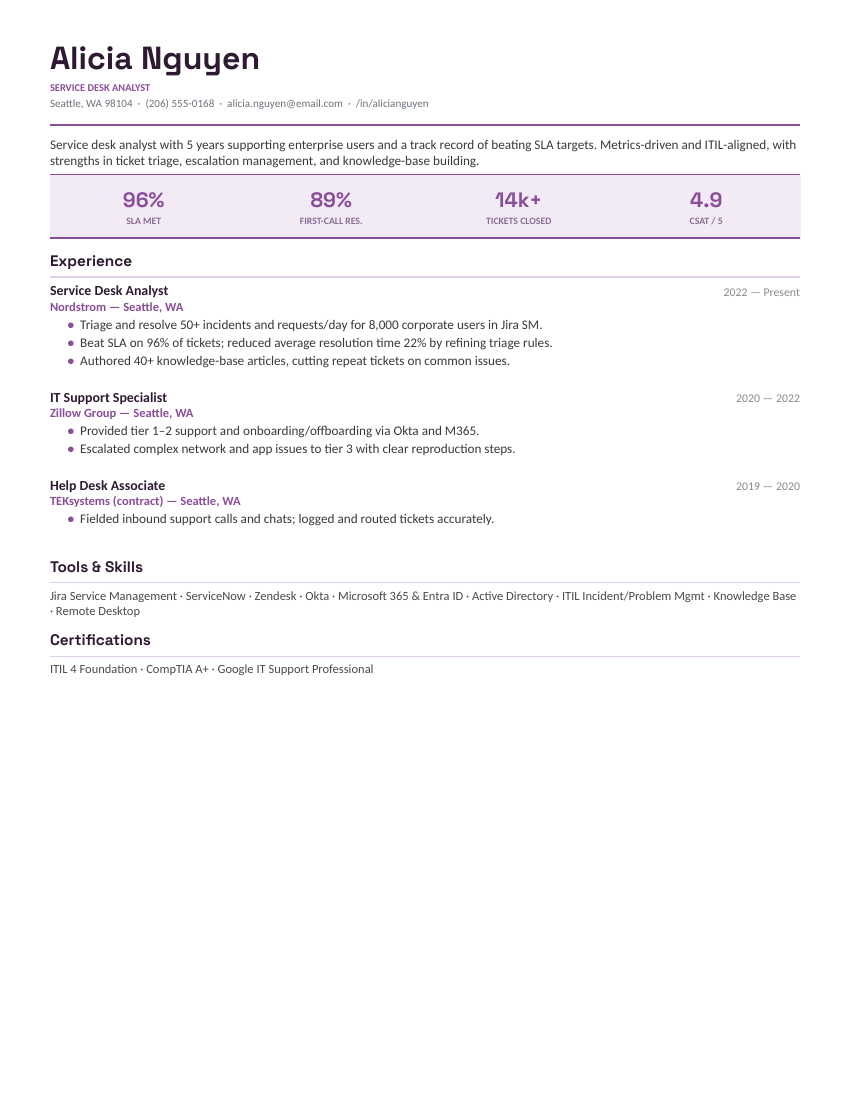
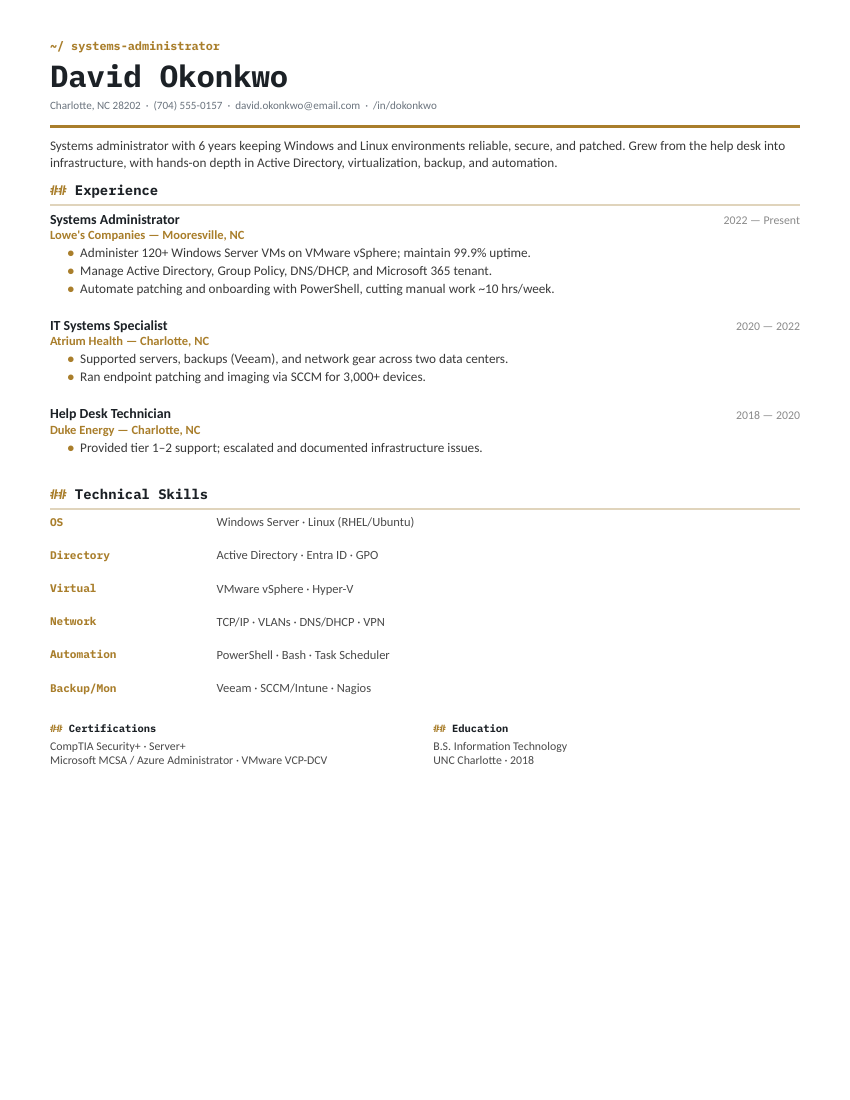
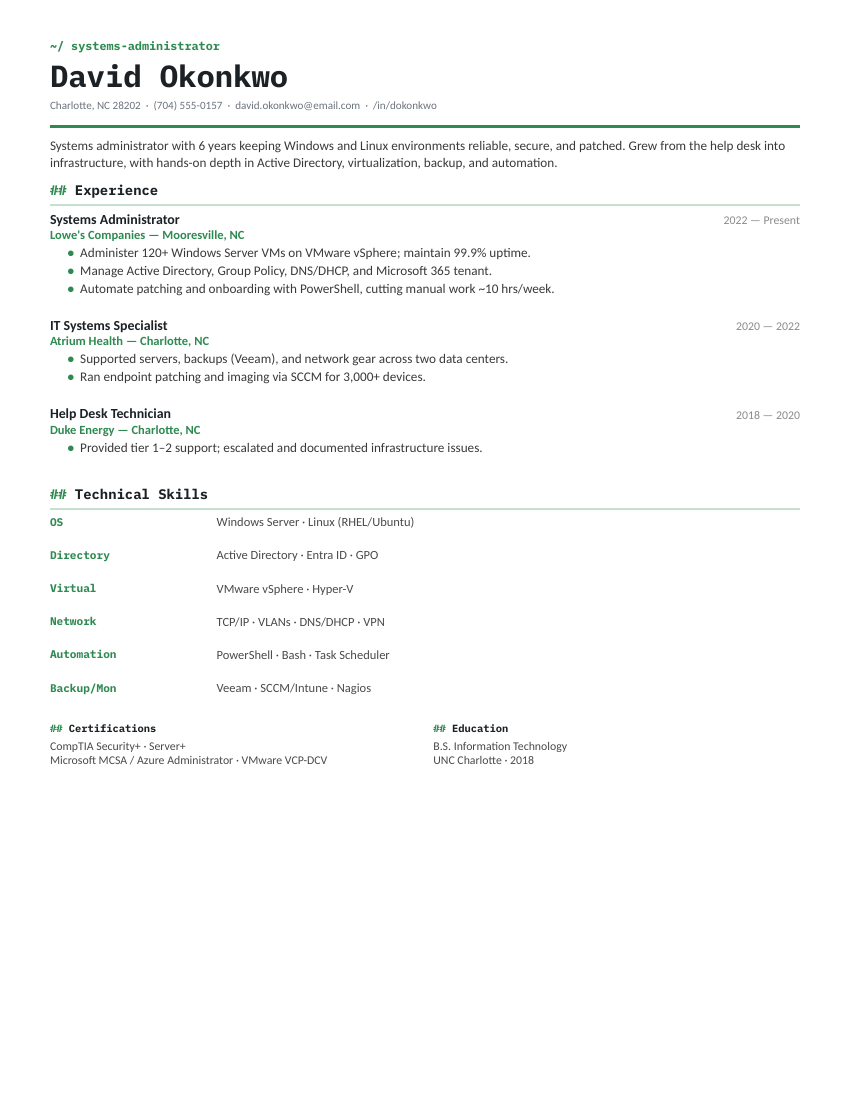
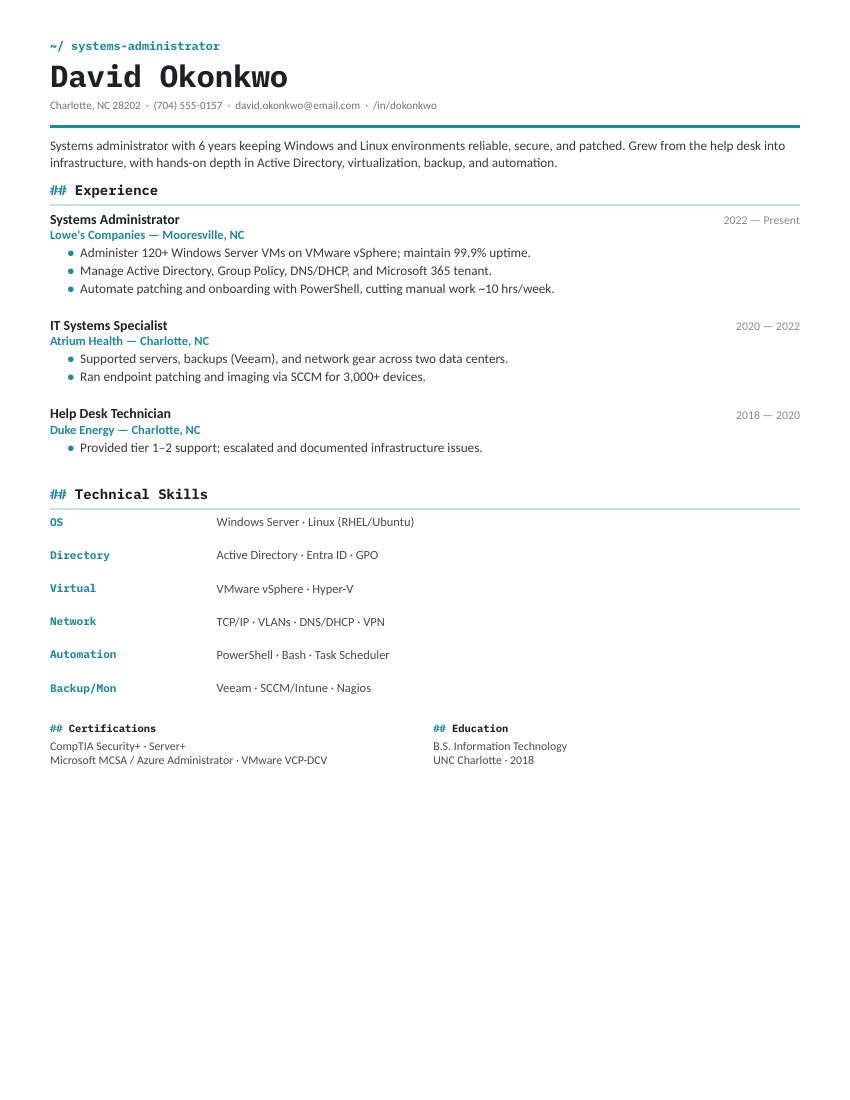
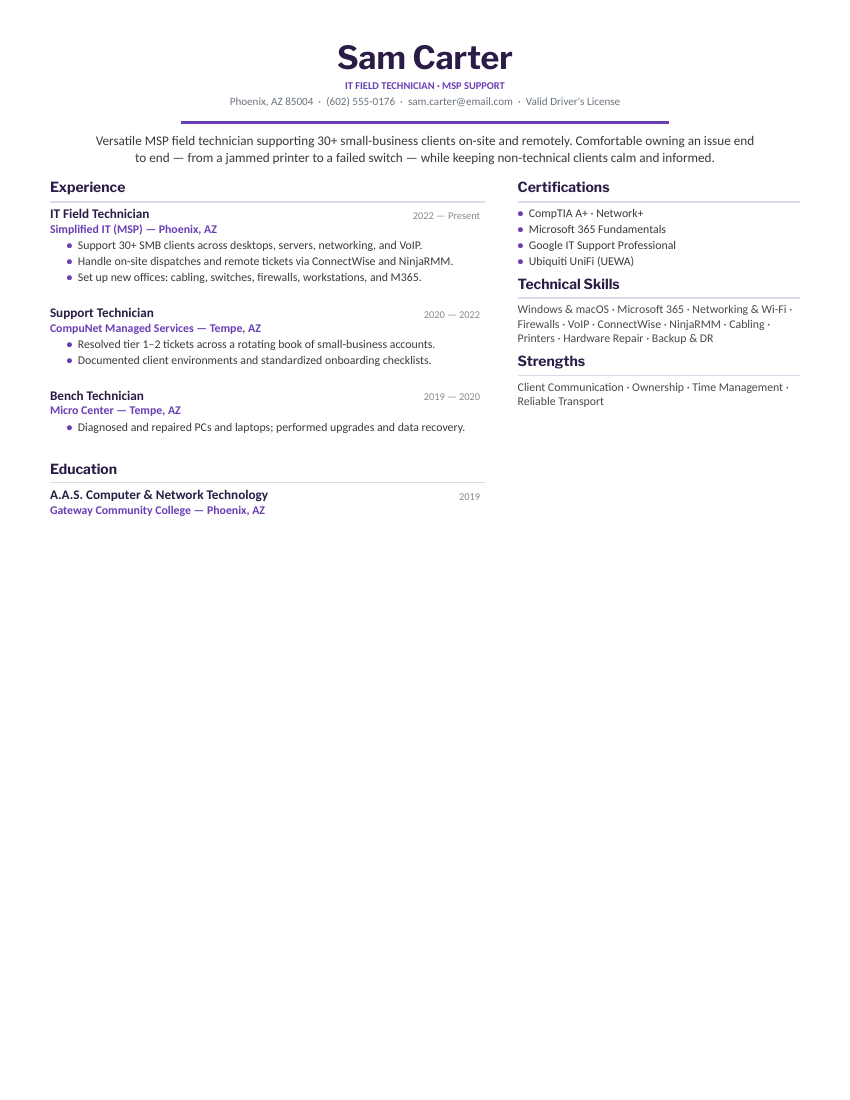
Desktop Support with a certification badge banner for tier 1–2 help desk roles, Service Desk Analyst with a KPI card row for metrics-driven enterprise desks, Systems Administrator in a terminal style with a grouped skills matrix, and MSP Field Technician in two columns for multi-client managed-services work. Every one opens in Word or Google Docs, stays on one page, and is built to be ATS-friendly.
What goes on an IT support resume.
IT support resumes are screened twice — once by an ATS keyword filter, once by a manager who has thirty seconds between escalations. Both are looking for concrete, verifiable signals, which is what these layouts put up top:
- Certifications, immediately visible. CompTIA A+ is the help desk baseline; Network+, Security+, ITIL 4 Foundation, and Microsoft 365 Fundamentals each unlock different postings. If you have them, don’t bury them — the Desktop Support design puts them in a badge row under your name.
- Ticket metrics. Tickets per day, first-contact resolution rate, CSAT score, SLA compliance, average resolution time. Support is one of the most measurable jobs in tech — a resume without numbers reads like you weren’t watching the dashboard.
- The exact stack. Windows 10/11, macOS, Active Directory, Entra ID, Microsoft 365, and your ticketing and remote tools by name — ServiceNow, Jira Service Management, Zendesk, SCCM/Intune, ConnectWise, NinjaRMM. ATS filters match on these exact strings.
- Scale. Users supported, devices managed, sites or clients covered, VMs administered. “Supported 1,200 staff across three campuses” says more than any adjective.
Aiming past the help desk? The classic ladder is help desk → desktop support → sysadmin or cloud. Show the rungs you’ve already grabbed — AD administration, PowerShell scripts, server patching, backup jobs — and use the Systems Administrator layout when infrastructure work outweighs ticket work.
Fill it in and apply.
- Click Open in Google Docs to copy it into your Drive, or Download Word for the
.docx. - Swap in your certifications and ticket numbers — the badge row, KPI cards, and bullets are placeholders for your real FCR rate, CSAT, and SLA figures.
- Name your ticketing system, remote tools, and OS versions exactly as the posting does — ATS filters match exact strings like “ServiceNow” and “Active Directory.”
- Keep it to one page, export a PDF for applications, and keep the Word copy for portals that ask for an editable file.
IT support resume FAQ
What should an IT support or help desk resume include?
Which of these four designs should I use?
How do I write an IT help desk resume with no experience?
What metrics belong on a help desk resume?
Do CompTIA certifications actually matter for IT support jobs?
How do I move from help desk to sysadmin — and how should the resume change?
IT support, help desk, service desk & systems administrator resume templates · Updated July 2026