Apollo's Templates
HomeInvitationsBirthdayMaker
Free online maker

Birthday Invitation Maker

Pick one of 171 designs across 56 themes, add a photo where the design has a window, type the party details once, choose a palette, and download a 5 x 7 PDF, print-ready PNGs or a phone-sized image. Everything happens in your browser.

Loading the invitation maker…
Browse first

Not sure which design? Start with who the party is for.
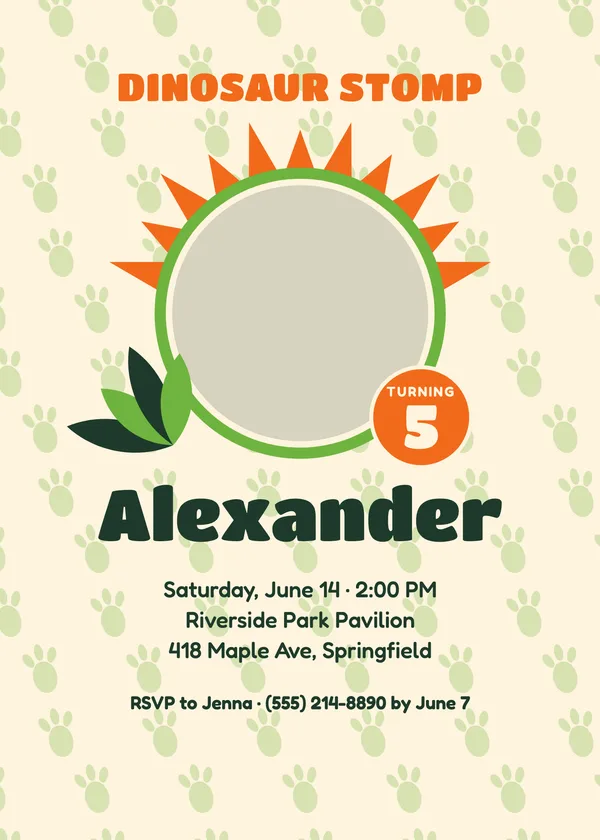
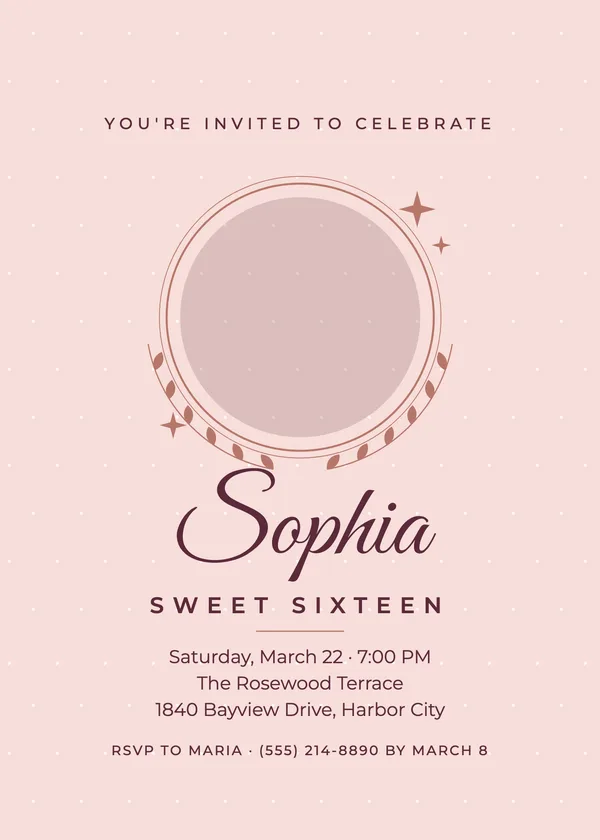
Kids
51 designs
Teens
51 designs
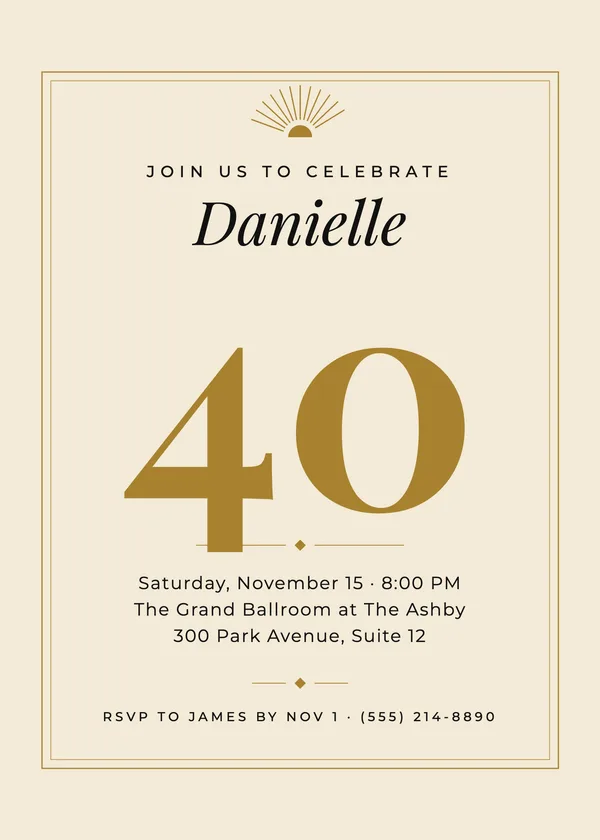
Adults
51 designs
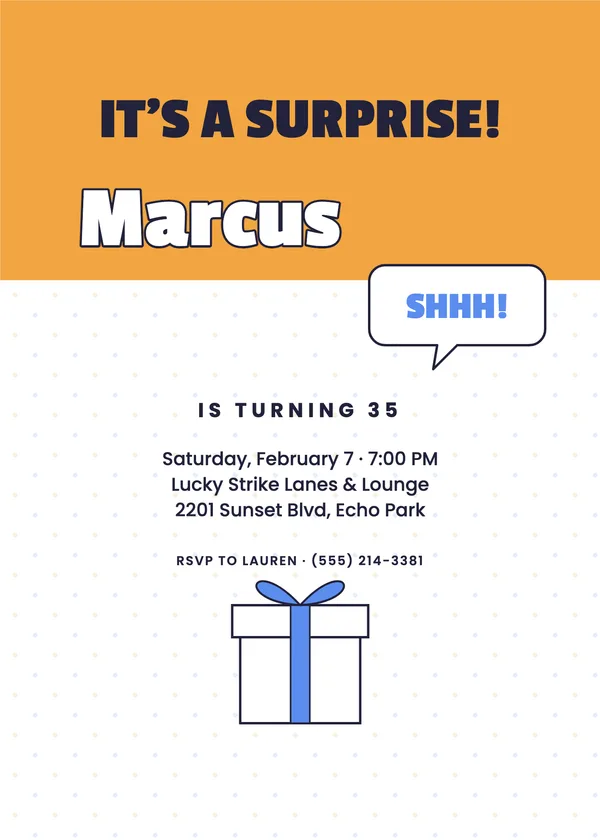
Surprise
18 designs

Every theme has its own page with all of its designs — for example dinosaurs, sweet sixteen, milestone or top secret. The original twelve fillable-PDF invitations are still on the birthday invitations page.

Printing

How to print a 5 x 7 invitation at home

The two-per-sheet PDF is the home route: print it on letter-size card stock at 100% (no “fit to page”), double-sided, flipping on the short edge, then cut on the crop marks. Two 5 x 7 cards come off each sheet. For a single card use the 5 x 7 PDF on 5 x 7 stock, or print it on letter paper and trim.

For a print shop or an online printer, send the print shop PNGs: 1575 x 2175 pixels is 5 x 7 inches plus an eighth-inch bleed at 300 dpi, which is what their upload form expects. Photo counters take the 4 x 6 PNGs as ordinary prints — often the cheapest way to make forty of them.

To send it instead of printing it, the text-or-email PNG is sized for a phone screen; it also works as a group-chat image or an email attachment.

Frequently asked questions

Is the invitation maker free?
Yes — every design and every download (PDF, PNG, Word) is free with no watermark, no account and no email.
What sizes can I download?
A 5 x 7 PDF with the front on page 1 and the back on page 2; a letter-size PDF with two cards per sheet and crop marks; 5 x 7 PNGs with an eighth-inch bleed for a print shop; 4 x 6 PNGs for a photo counter; a 1080 x 1512 PNG to text or email; and a Word file.
Where does my photo go?
Nowhere. The maker runs in your browser — the photo is cropped and placed on your own computer and never uploaded.
Can I change the colors?
Each design has its original palette plus two alternates drawn for it. Choose one under Colors; every token on the card — ink, accents and paper — switches together.
Does it work on a phone?
Yes. The preview sits under the form on a phone; downloads save to your photos or files. For a print run, a laptop is easier for the two-per-sheet PDF.
What if the name is long?
The maker measures the text and shrinks it to fit the design's width, so a long name or a four-line address stays inside the card. The preview shows exactly what prints.
Updated through May 2026