






Apollo's Templates
HomeSportsSports CardsGolfEnlarged Golf Card
Golf

Enlarged Golf Card

Loading the editor…
Did you know?
We make sport card templates for every sport — all 26 of them
Softball, soccer, hockey, swimming, dance, karate, pickleball, and more — same five designs, same free maker, no signup.
Open

This page builds the enlarged 3.5″ × 5″ size — frame-worthy keepsake dimensions. One card per sheet, centered, ready to slip into a 5×7 picture frame for a bedroom dresser or coach gift. The Classic design is the most printer-friendly of the three — sharp banner colors, no large dark fills.

JV and varsity golf rosters print these for the end of the season; juniors print them for tournament keepsakes. The 'Position' field doubles for handicap or season-low score.

The five Golf card designs

Each one takes the same photo and details — you can switch between them in the maker above without retyping anything. Every design prints at 3.5 × 5 inches, one card per US Letter sheet, which fits a 4 × 6 frame with a little trimming.

Golf card in the Classic design — a color banner across the top, the photo below it, and the name and details on a dark footer bar

Classic

At photo-card size the banner-and-bar frame reads like a little magazine cover. This is the version most families pick when the card is headed for a frame on a shelf rather than a binder.

Golf card in the Circle Badge design — a round sport badge centered at the top, the photo in a bordered frame below, and the name and position centered underneath

Circle Badge

The crest-and-frame layout turns into a small plaque at keepsake size — the natural choice when the card is a gift for a grandparent, a coach, or a senior-night table.
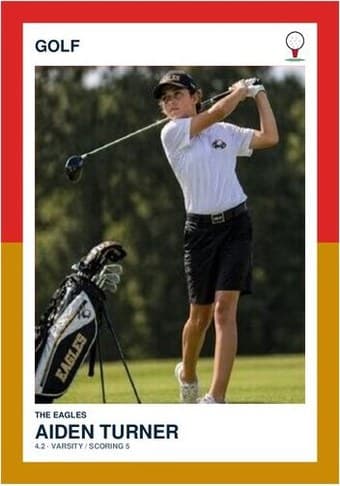
Golf card in the Split Halves design — a border split into two colors top and bottom, the photo centered between them, and the name and details on a white footer

Split Halves

The bigger canvas gives the two-color border room to breathe — at 3.5 × 5 the split reads clearly from across a room, which is exactly what a framed photo card needs.
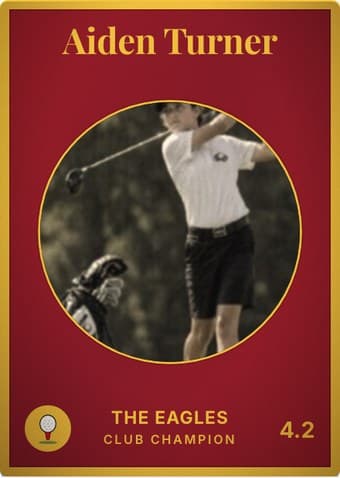
Golf card in the Vintage Card design — an aged photo in a gold-ringed circular window on a deep crimson card, with the name in a serif face arched across the top

Vintage Card

The design the photo-card size was made for — a sepia keepsake at 3.5 × 5 already looks like something found in an attic, and it frames accordingly. The aging toggle sits right under the photo.
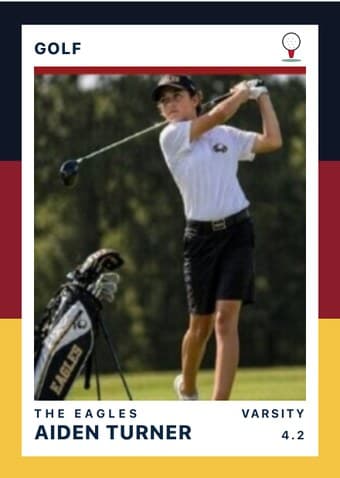
Golf card in the Triple Split design — three stacked color bands down the left edge, the photo on a white field, and the name and details across the footer

Triple Split

At 3.5 × 5 the bands become the design. Bold enough to hold a bedroom wall or a locker door from a distance, which is what an enlarged photo card is usually for.

The download is a print-ready PDF. There is no account to create, no watermark, and no design software to install — no Photoshop, no Word template, no Canva login.

Before you press print

  • Use a high-quality photo. A photo on the tee box with the driver, or on the green with the putter, both read instantly as golf.
  • Frame it. 3.5″ × 5″ is the standard photo-print size — slip the card into a 5×7 picture frame with a small mat, or put it in a clear acrylic stand for a desk or shelf.
  • Card stock or photo paper. 100 lb cardstock works; a glossy 4×6 photo paper sheet (cut down) reads even sharper if your printer supports it.
  • One per sheet. The Enlarged size centers a single card on the sheet — no cutting required if you frame from corner to corner.
  • Drag and zoom to crop. The photo frame shows exactly what ends up on the card. Center the face in the middle third — that’s the area readers’ eyes land on first.

Common questions

Will this fit a standard picture frame?
Yes — 3.5 × 5″ slips into a 5×7 picture frame with a small mat, or directly into a 4×6 acrylic stand for a desk or shelf.
How is this different from the Normal size?
Same layout, larger format. The Enlarged size is intended as a keepsake or gift (frame it, hang it, give it) rather than a stack of trading cards. One card per sheet, centered on US Letter.
Can I print multiple Enlarged cards on one sheet?
No — the Enlarged size is one-per-sheet by design (centered, frame-ready). For multiple cards per sheet, use the Normal (4-up) or Team (9-up) variant.
Do I need an account or login to use this?
No. The generator runs entirely in your browser — nothing gets uploaded to a server. You can use it anonymously, no signup, no Adobe Acrobat, no watermark.
What paper should I use?
60–100 lb cardstock for cards you'll handle a lot (binders, pockets). Standard printer paper bends and curls within a day. Glossy photo paper works for keepsake prints if your printer supports it.
Can I edit the PDF after I download it?
The PDF is flat — re-edit by coming back to this page and regenerating with new inputs. Re-uploading the photo and re-typing names is faster than fighting an Acrobat editor.
What goes on the back of a banquet or senior-night golf card?
Usually the things a scorecard never holds: home course and the tees played, the season scoring average, the low round and where it happened, and a line about the player from the coach. The quick-facts rows are yours to name, which matters here because golf has no jersey number and no standard stat block — the back is where a golf card finally gets to say what the front cannot. Open the card-back builder