






Blank Award Certificate Templates (14 Free Fillable PDFs)
Every design from the certificate makers as a blank: the same border, seal and layout, with the name, award title, recognition line, organization, date and signer as form fields you type in any PDF viewer — or print blank and write by hand. US Letter landscape, no signup, no watermark.
Blank award certificate borders, one per design
Click a design to download its fillable PDF. Each one is built from the same engine as the makers, so a blank and a generated certificate from the same design match to the point.
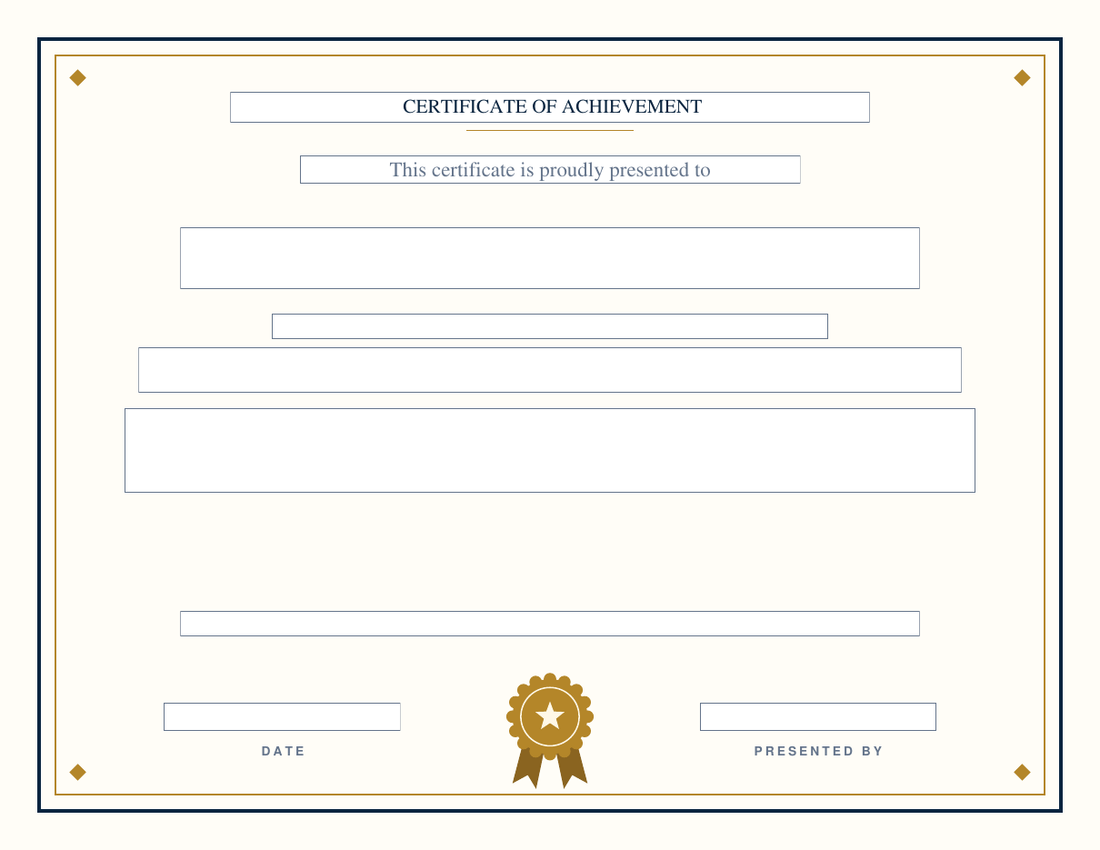
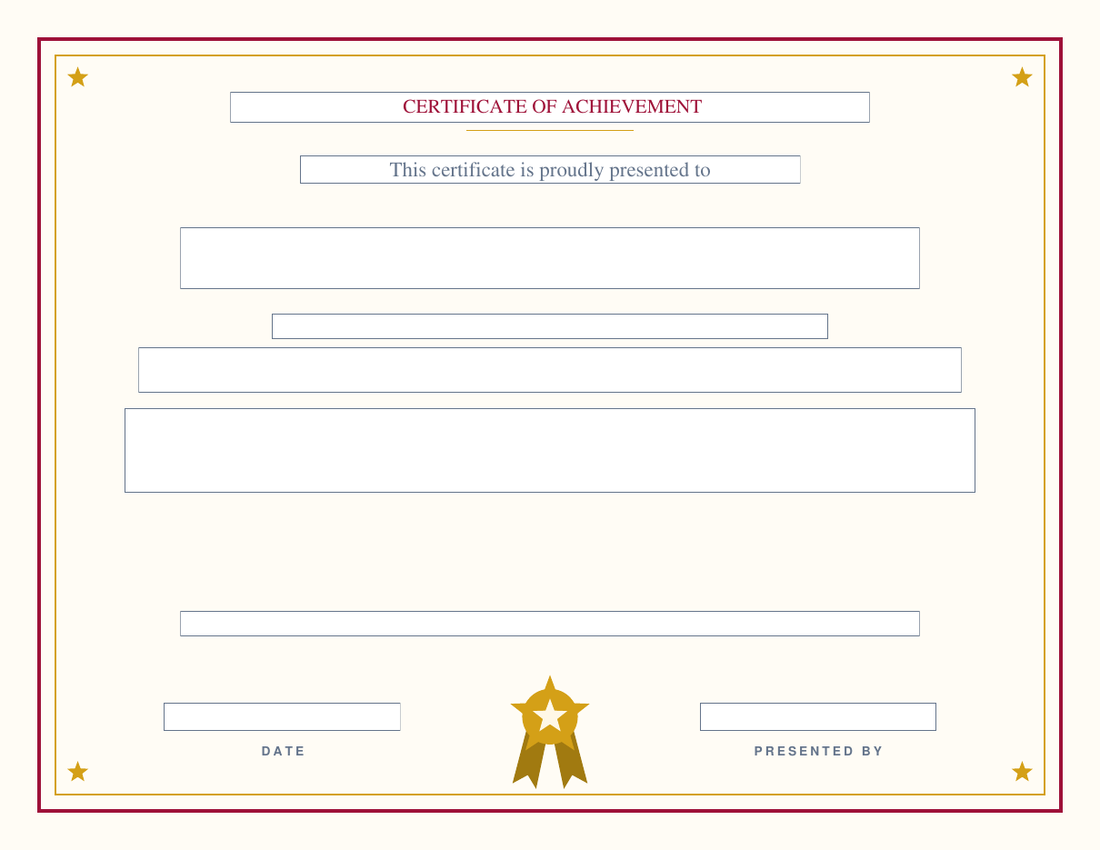
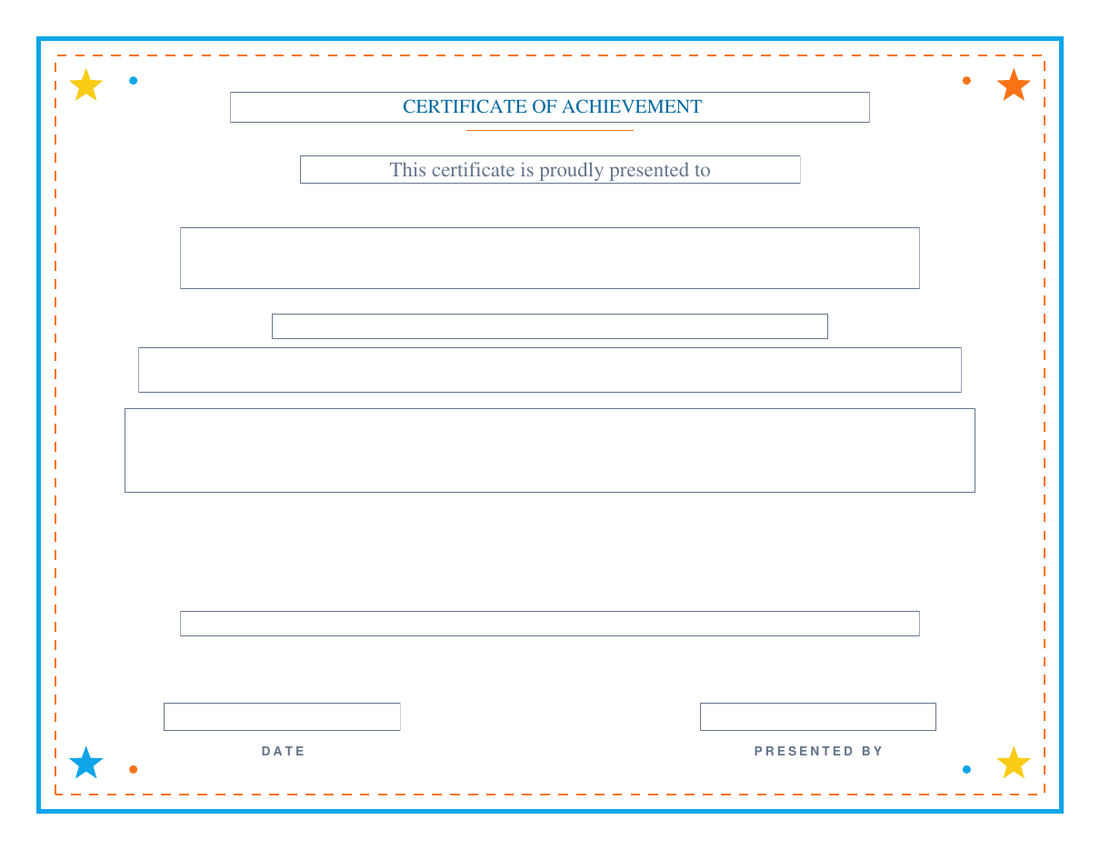
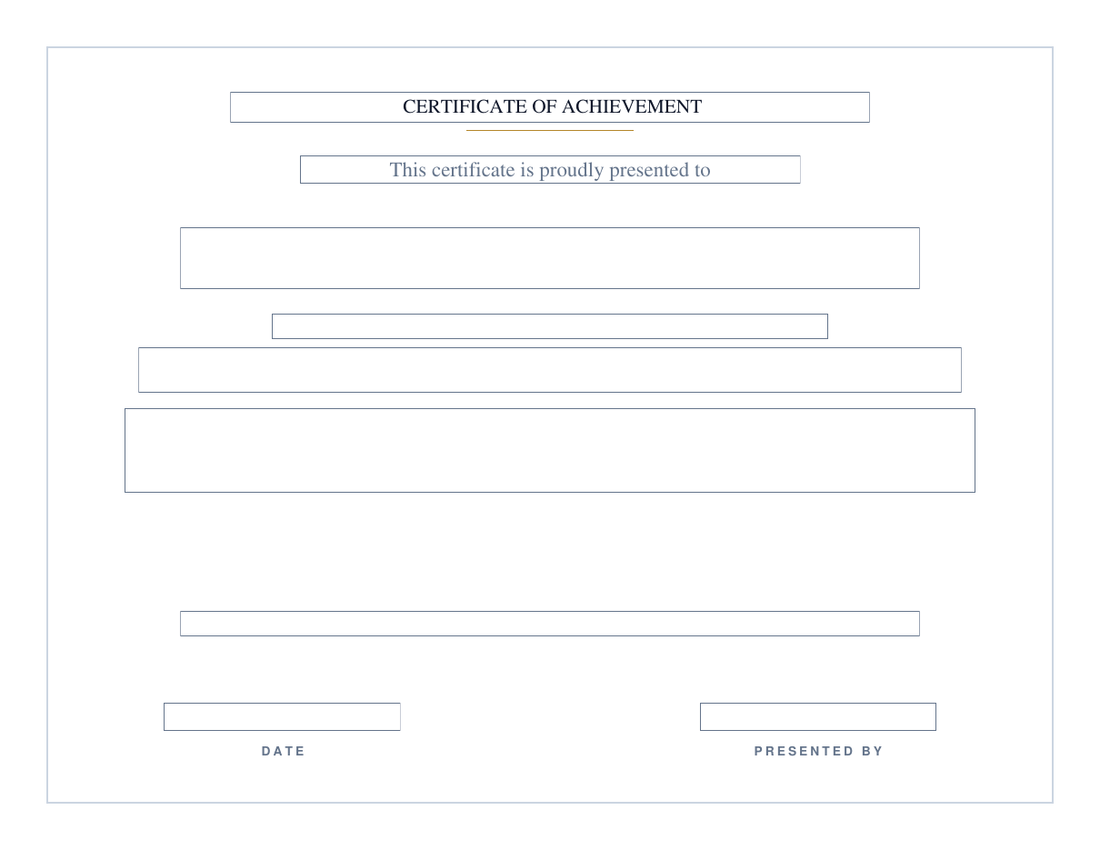
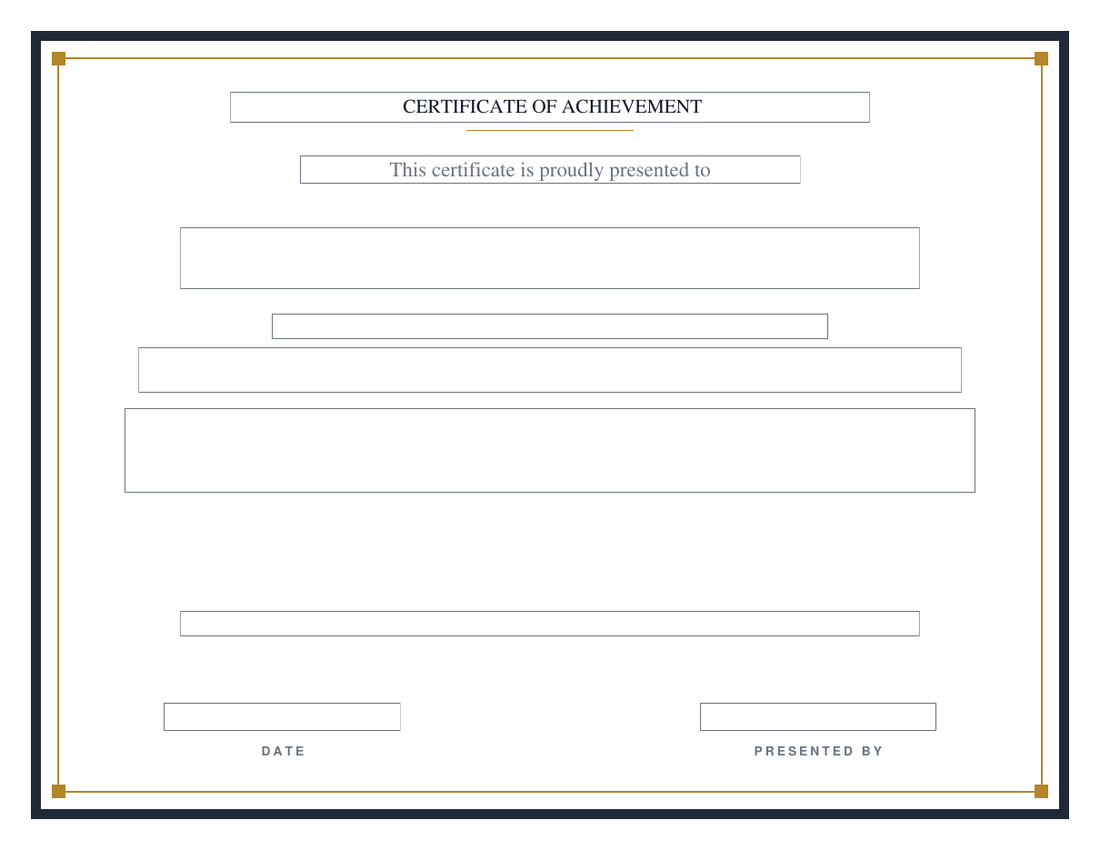
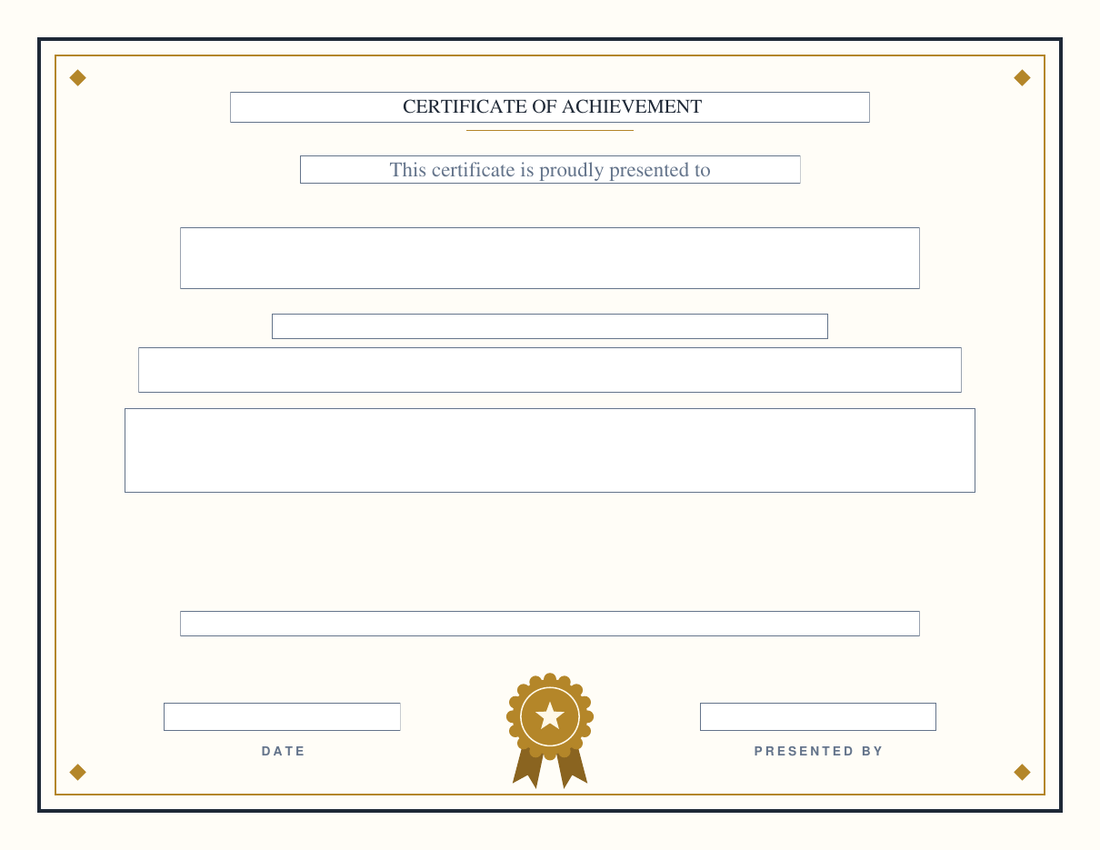
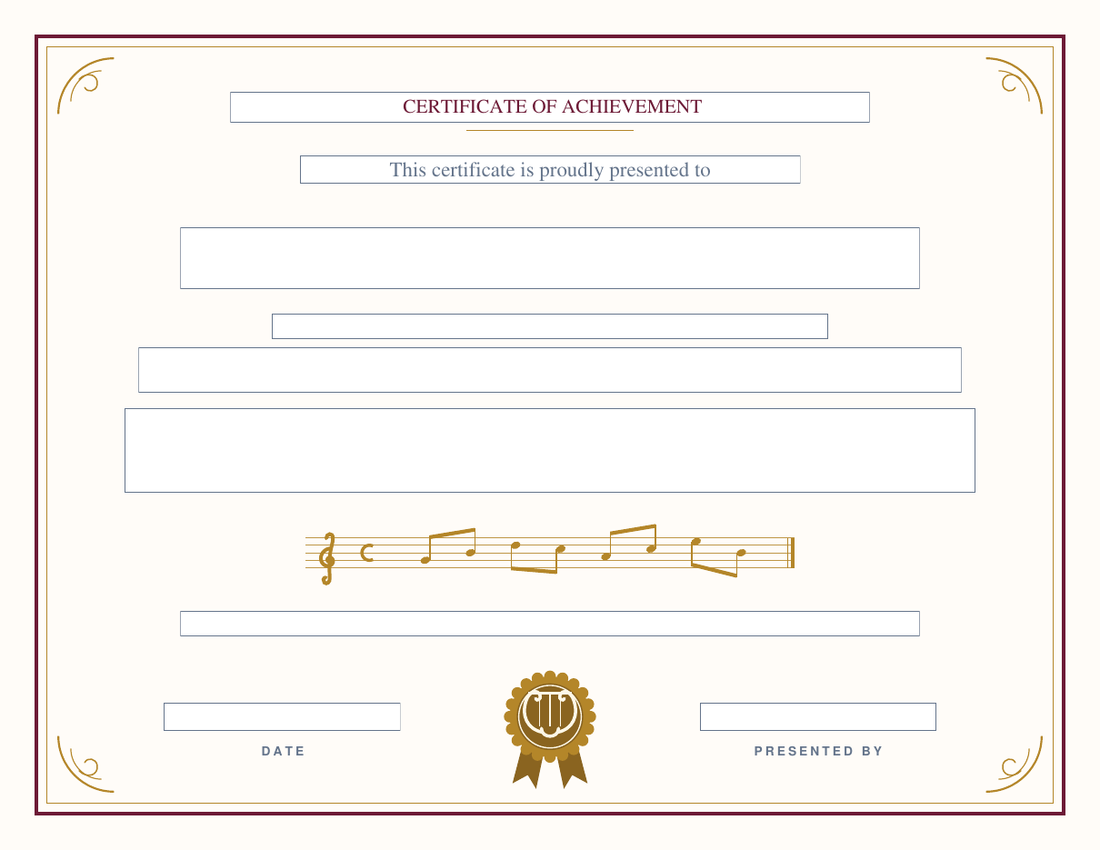
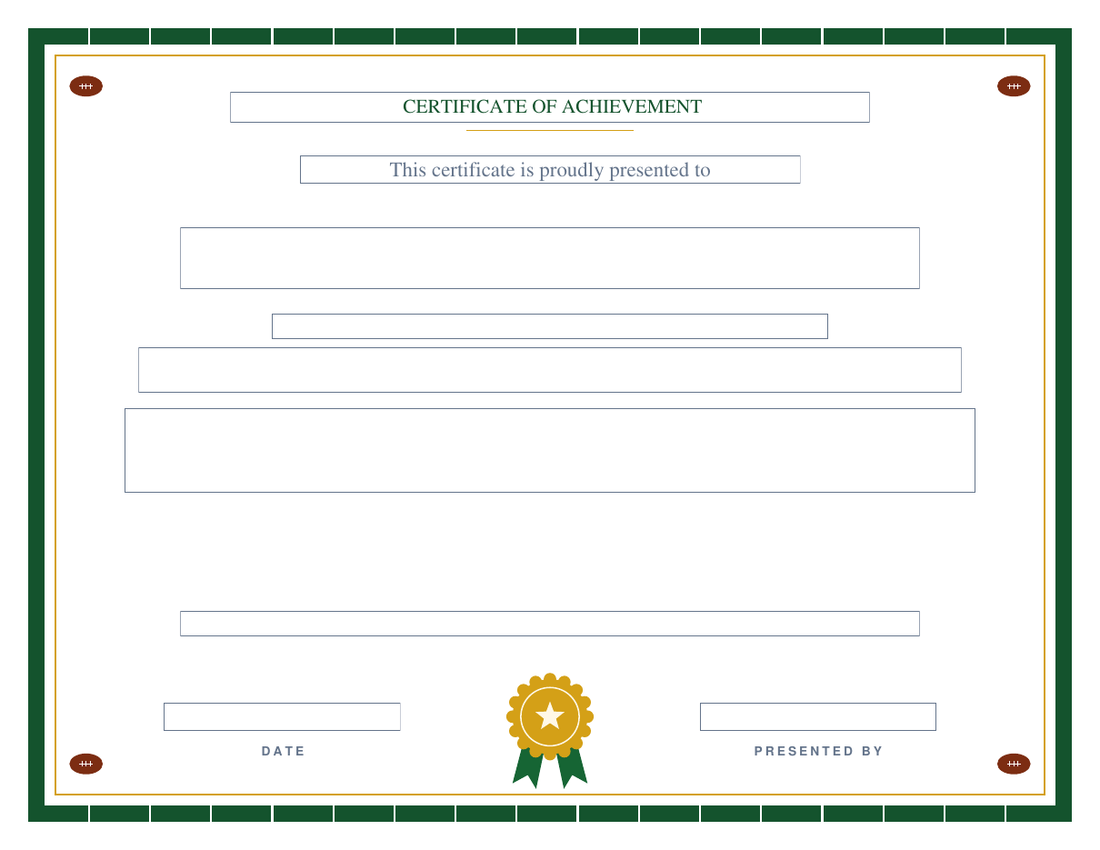
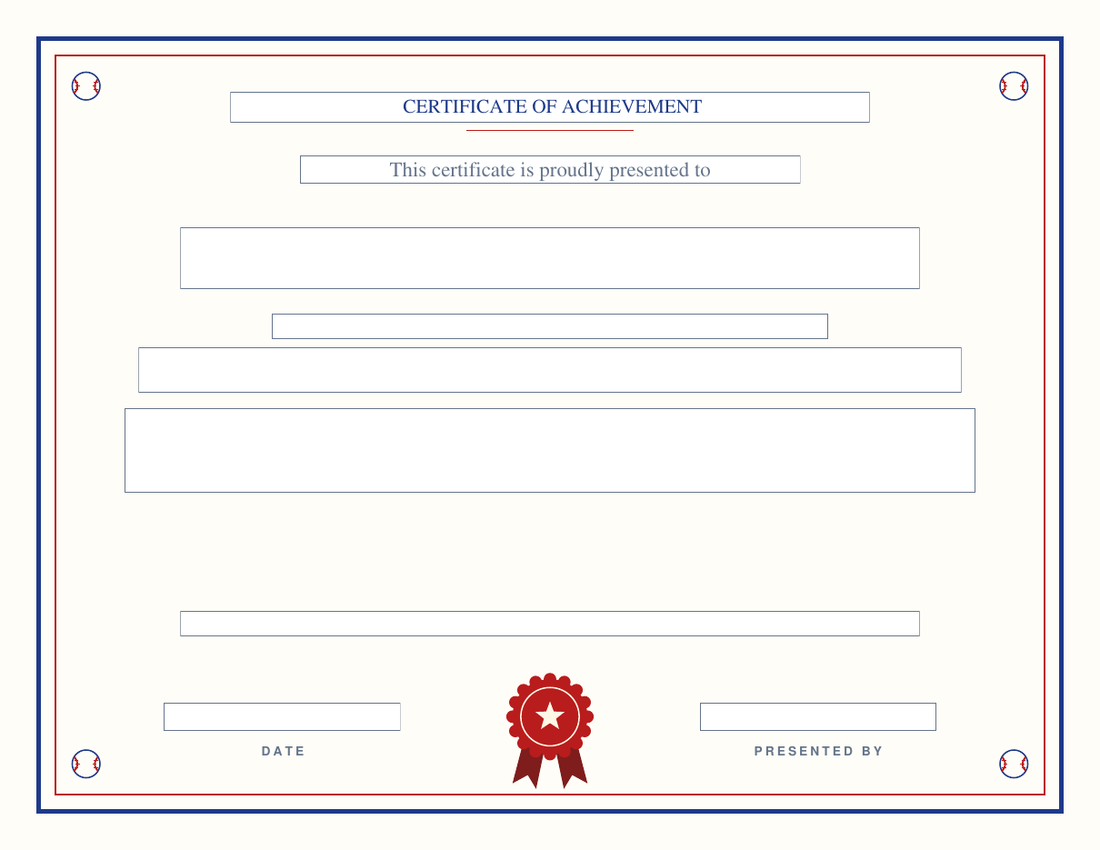
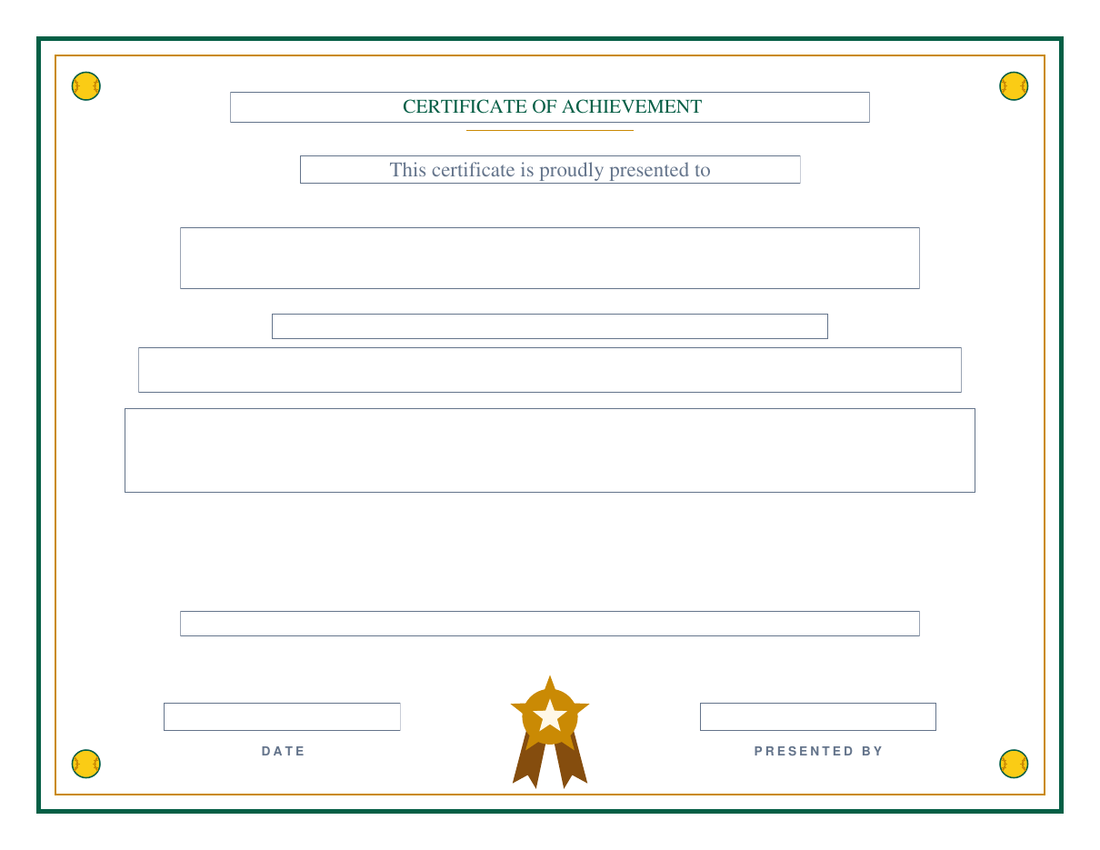
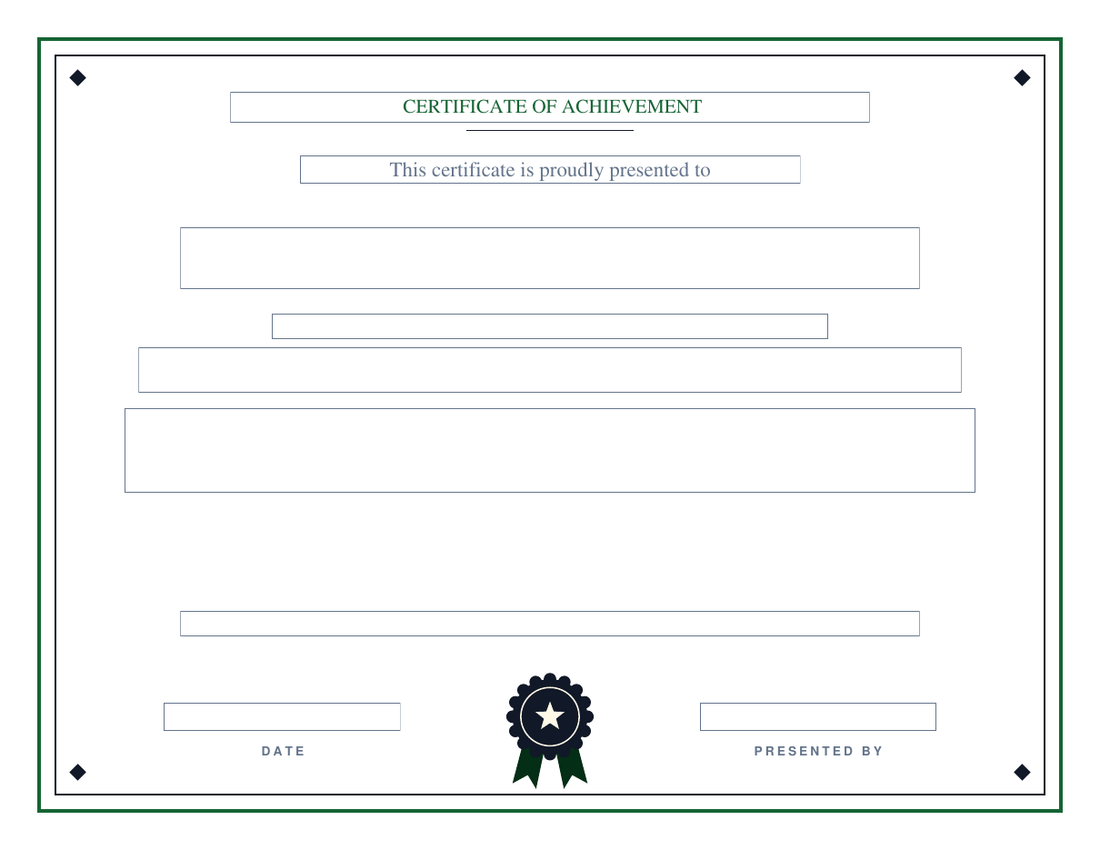
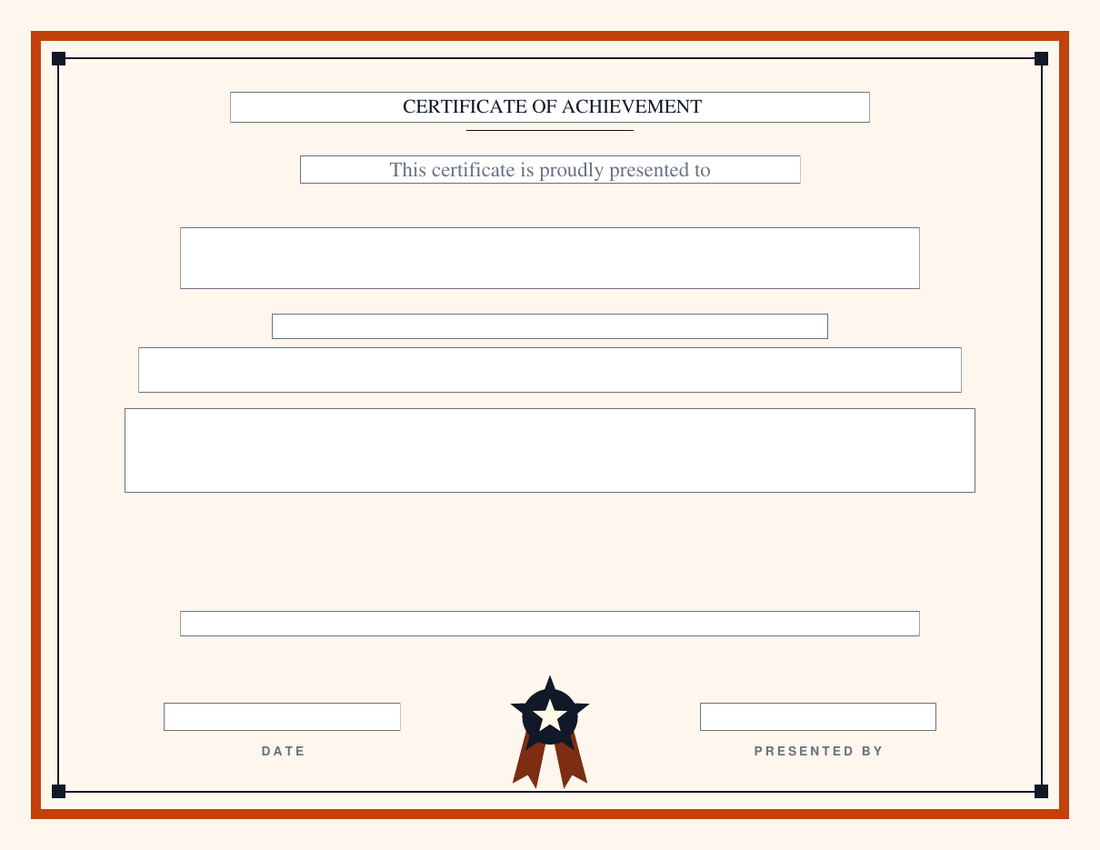
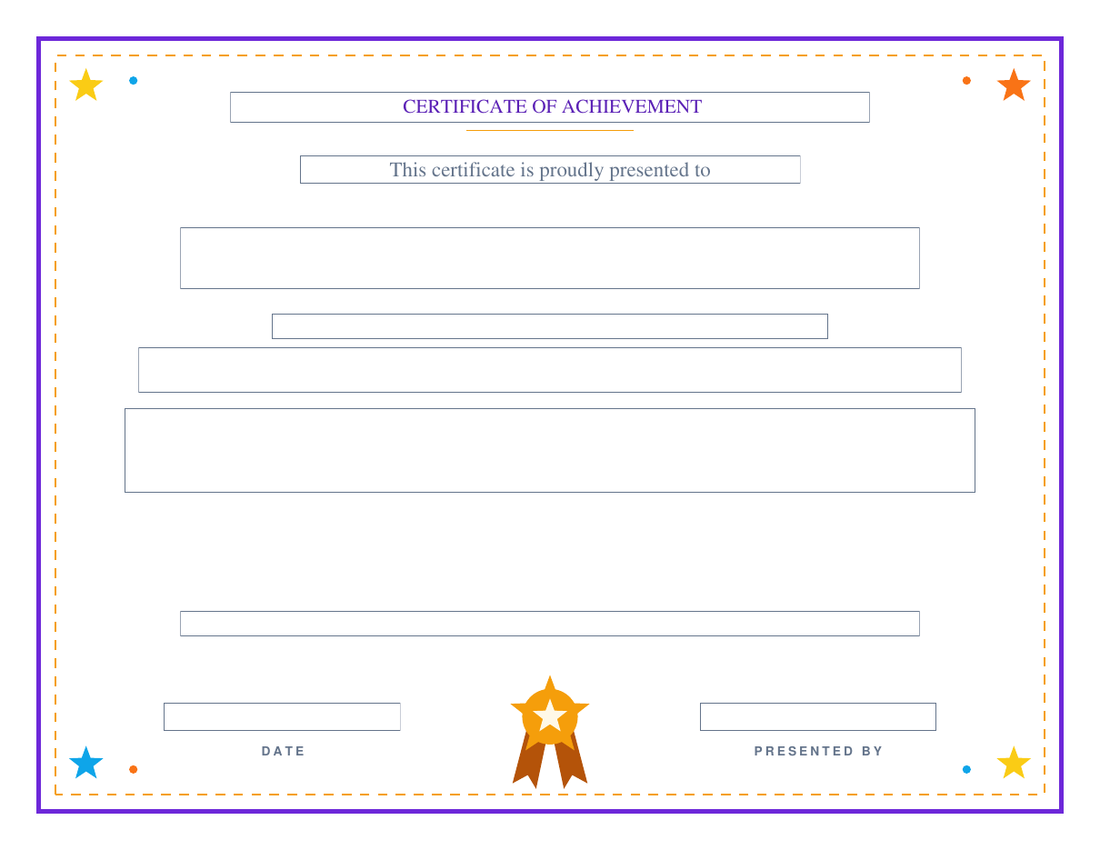
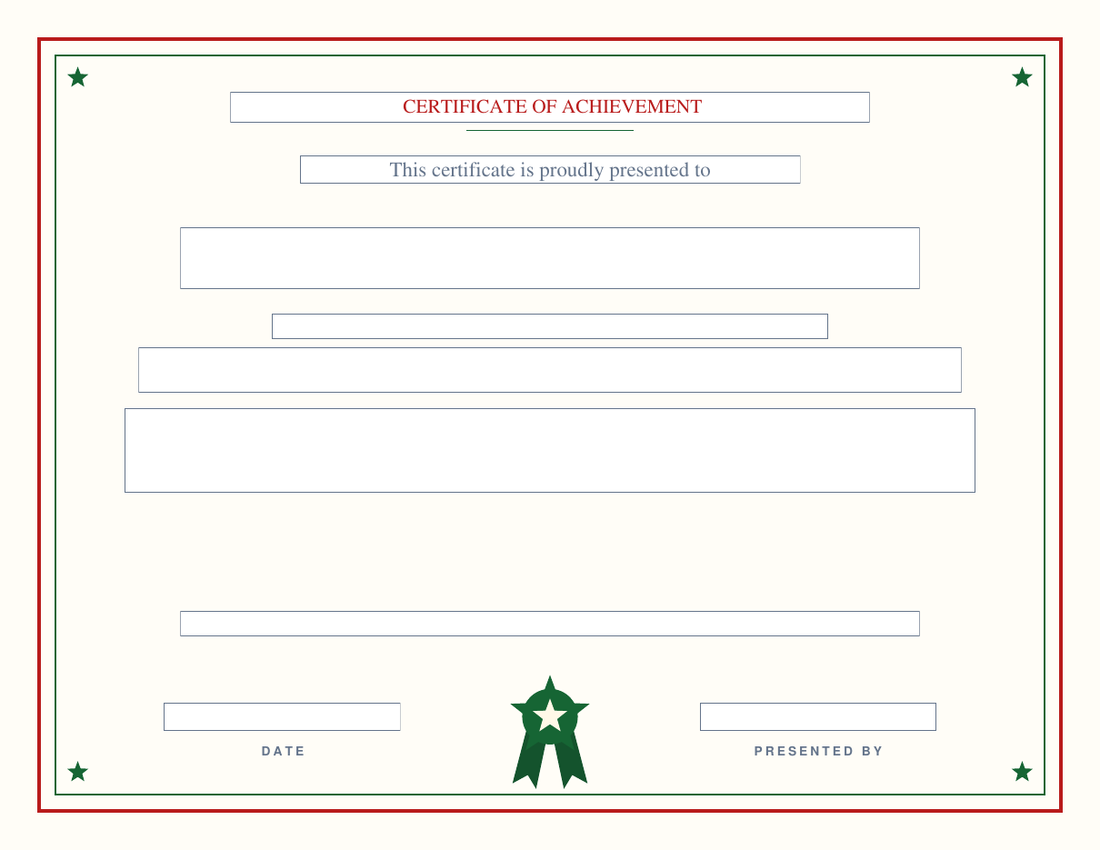
Want the display lettering? Use the maker for that design.
A form field can only hold a plain font. The makers set the name in each design’s script or engraved face and shrink it to fit, which is the part of a certificate people notice first. If you know the winner’s name before you print, the maker is the better tool; the blanks are for the night the winner is decided at the table, for a stack the front office fills in as needed, and for anyone who simply prefers a pen.
Every blank here has a maker: Classic, Gold Star, Playful and Modern on the student page; Executive on the employee page; Concert for music; Gridiron, Ballpark, Fastpitch, Pitch and Hardwood on the football, baseball, softball, soccer and basketball pages; Spotlight for funny awards; Holly for Christmas.
Blank award certificate questions
How do I fill in a blank award certificate PDF?
Open the downloaded file in any PDF viewer — Acrobat Reader, macOS Preview, Chrome, Edge, or the viewer on a phone — and click into each box: name, award, recognition line, organization, date and presenter. The boxes are real PDF form fields, so the typed text prints cleanly and the file can be saved with the entries in place. There is nothing to install and no account.
Can I print these blank and write on them by hand?
Yes. The form-field outlines are thin and print very faintly, so a blank certificate printed on card stock takes a pen well — useful when the winner is decided on the night, as at a light contest or a chili cook-off. If you would rather have no field outlines at all, print from a viewer with 'print form fields' turned off, or fill the fields with a space.
What's the difference between these blanks and the certificate makers?
The makers typeset the name and award title in each design's display font — a script name, engraved capitals — which you cannot do in a form field. The blanks give you the same border, seal and layout with those two lines as fields instead, so you can fill them in any viewer, or by hand, without using the generator. If you want the display typography, use the maker for that design; every blank here has one.
Are these award certificate borders free to use for a school or a business?
Yes — free for classrooms, teams, clubs, companies and personal use, with no watermark and no signup. The one thing not permitted is redistributing the files themselves as a template pack.
What size are the blank certificates and what paper should I use?
US Letter landscape, 11 × 8.5 inches, the size every certificate frame at an office-supply store is made for. Print on 80–100 lb card stock or parchment certificate paper for anything that will be framed; plain paper is fine for weekly classroom awards. Backgrounds are cream or white on every design, so none of them drains a color cartridge.
Updated September 2026 by David Nelsen — built for the front office that keeps a stack of blanks in the drawer. Every award certificate maker