






A complete Presidents’ Day emoji bingo kit: full-color picture cards with an eagle, the flag, the Capitol, the Liberty Bell, a quill and scroll, a top hat, cherries and the cherry tree, a ballot box and a gavel, cut-out calling cards, a master call sheet and printable markers. Boards are randomized for every player so no two share a card. Three designs cover the day. Heritage Seal is a navy-and-gold presidential seal above a Cinzel PRESIDENTS’ DAY on cream stock. We the People is a parchment scroll with a brush-script We the People and roman-numeral year. Modern Civic is a navy stripe block, a red band, a portrait silhouette and bold sans Presidents’ Day Bingo. Add a logo to brand every card, pick a color for the markers and call sheet, and download three PDFs that together make the whole game.
Want numbers instead of pictures? The Presidents’ Day Normal Bingo page prints classic 1-75 cards in these same three frames.
The three Presidents' Day emoji bingo designs
Choose a design above; cards, calling cards and markers print in that style.
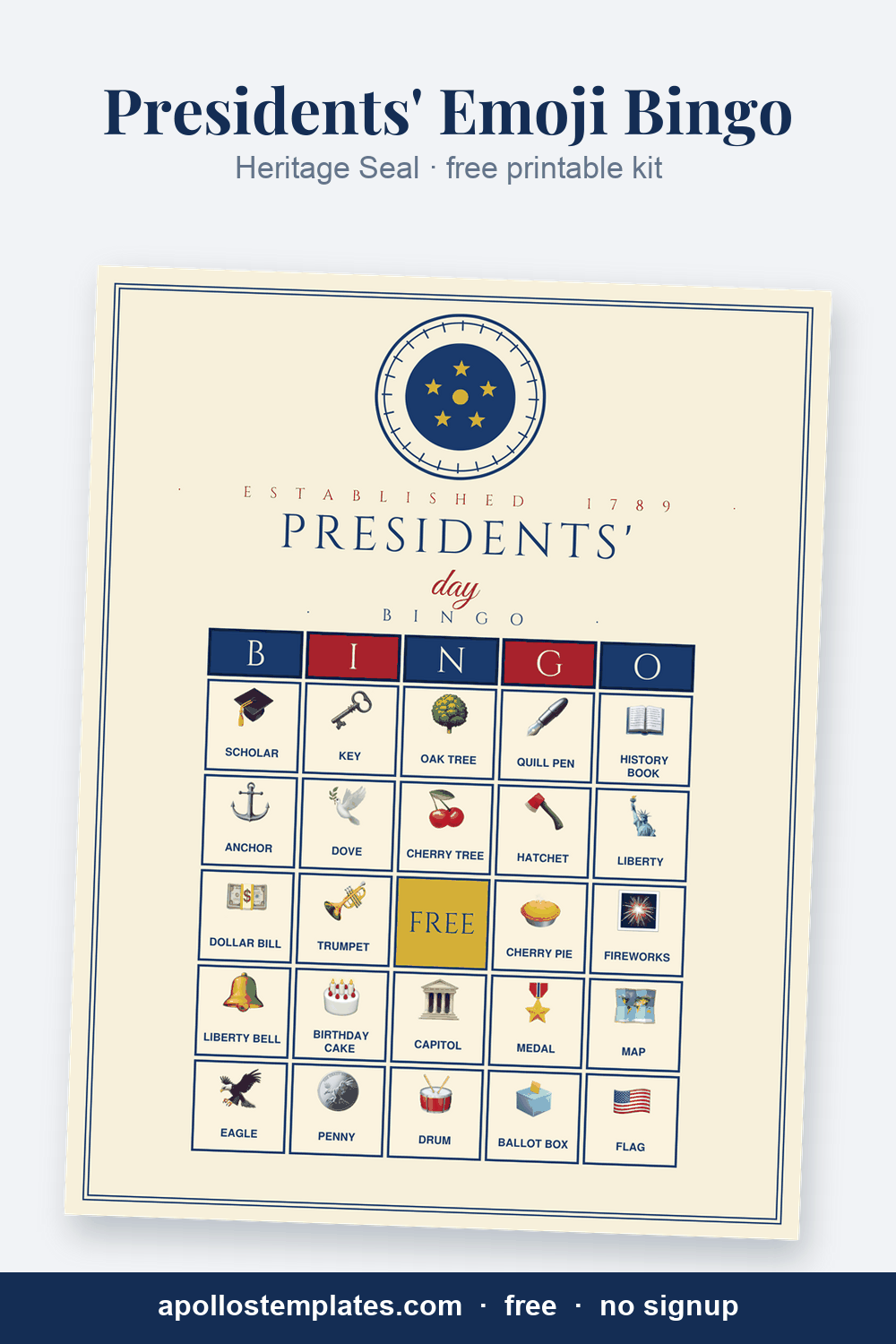
Heritage Seal
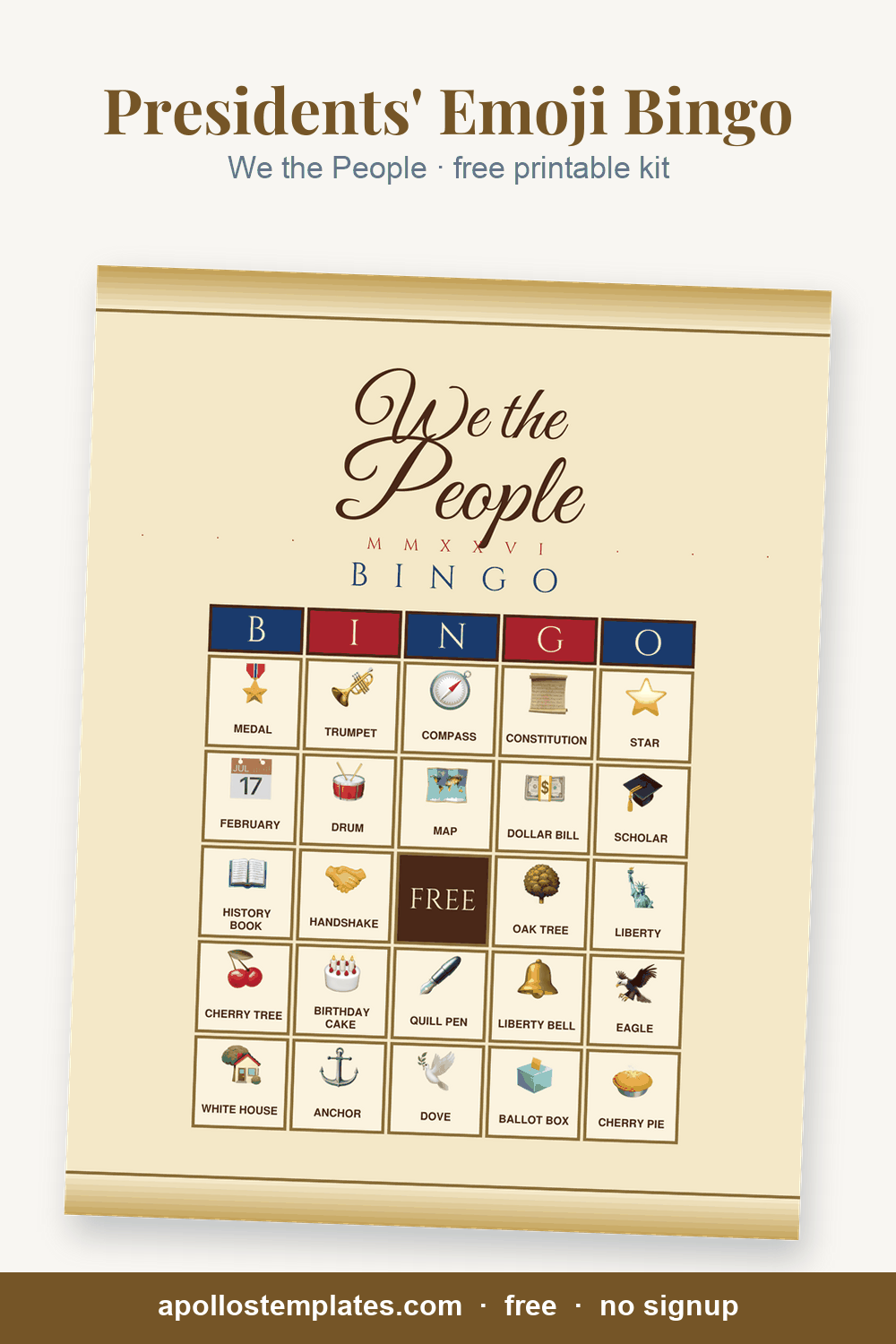
We the People
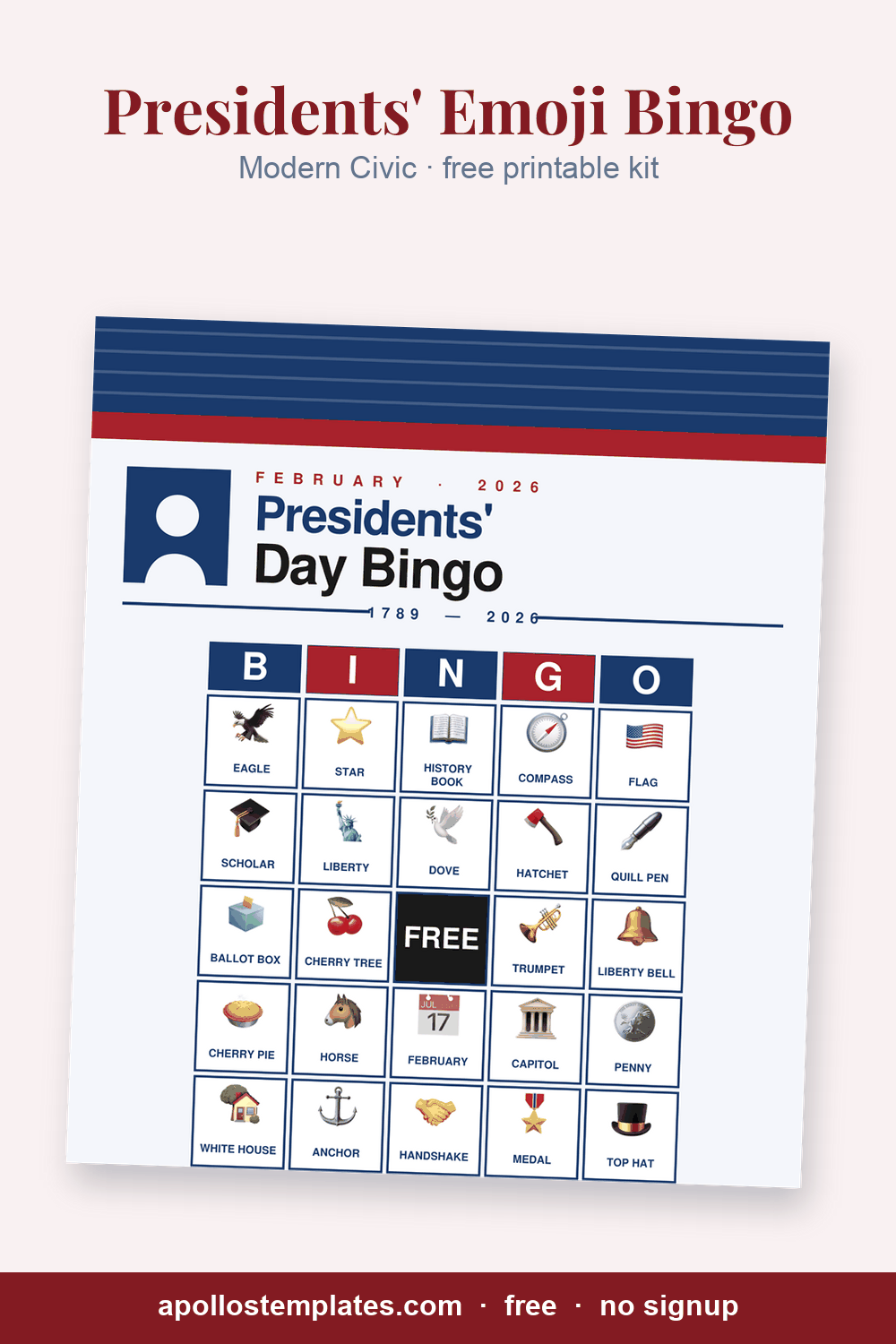
Modern Civic
Running a Presidents’ Day picture-bingo round
Run it the Friday before the long weekend, when the lesson on Washington and Lincoln needs a game to land. Print the cards at four per page for a class or one per page for a table, hand out pennies or star stickers as markers, and call from the Master Call Sheet: hold up the picture, say the name, and let the players find it. First to five in a row wins; a blackout round covers the whole card and runs about three times as long.
Picture bingo works for pre-readers and mixed-age tables because nobody has to hear a number and find it. It suits the third-Monday-in-February classroom, the library program and the civic club luncheon. The same three frames print classic 1-75 numbers on the Normal Bingo page linked above.
Presidents’ Day emoji bingo, frequently asked
Which Presidents' Day design suits a classroom?
We the People for lower grades, with the big script title and parchment; Modern Civic for middle school, where the clean sans and timeline read older. Heritage Seal is the formal card for a civic club or a library display.
Can I use it as a civics lesson rather than just a game?
Yes. Call the calling cards as questions: what bird is on the seal, which building holds Congress, whose face is on the penny. Students cover the answer. The 34 items were chosen so every one has a fact behind it.
Does the year on the card update?
Yes. We the People prints the current year in roman numerals and Modern Civic prints it in the date band and timeline, computed when you print.
How many cards for a whole grade of 90?
Twenty-three sheets at four per page, every card randomized. Print the Master Call Sheet once per classroom caller.
Can I add a school seal to the FREE cell?
Yes. Upload a PNG or JPG and the cropper places it in the center cell of every card in all three designs.