Apollo's Templates
HomeInvitationsChristmas PartyMaker
Free online maker

Christmas Party Invitation Maker

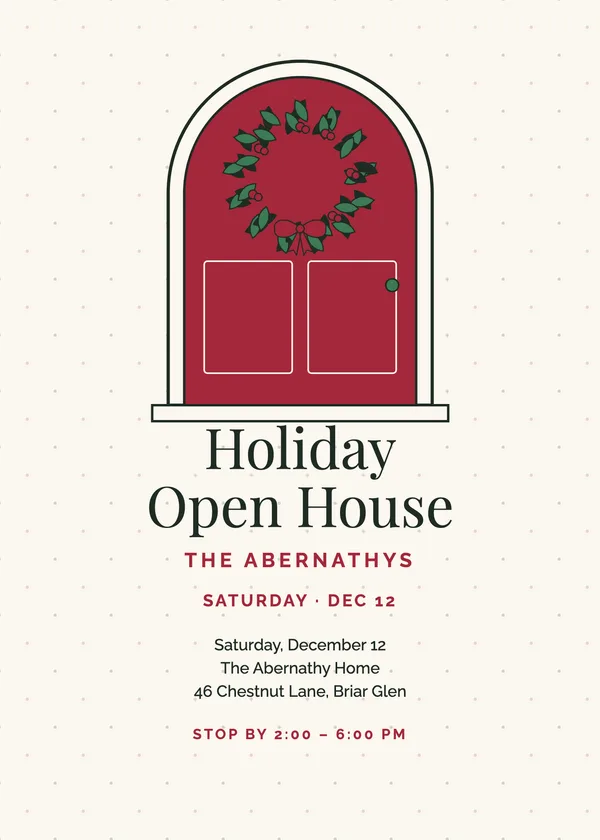
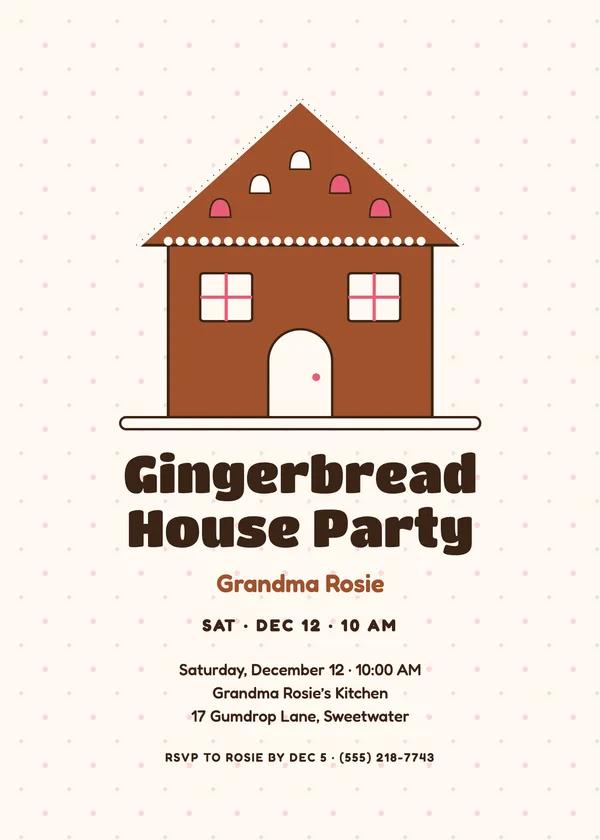
Pick one of 101 designs across 40 party themes, from the office holiday party to the ugly sweater contest, the cookie exchange and the classroom party. Type the details once, pick a wording for the back, choose a palette, and download a 5 x 7 PDF, print-ready PNGs or a phone-sized image.

Loading the invitation maker…
Browse first

Not sure which design? Start with the kind of party.
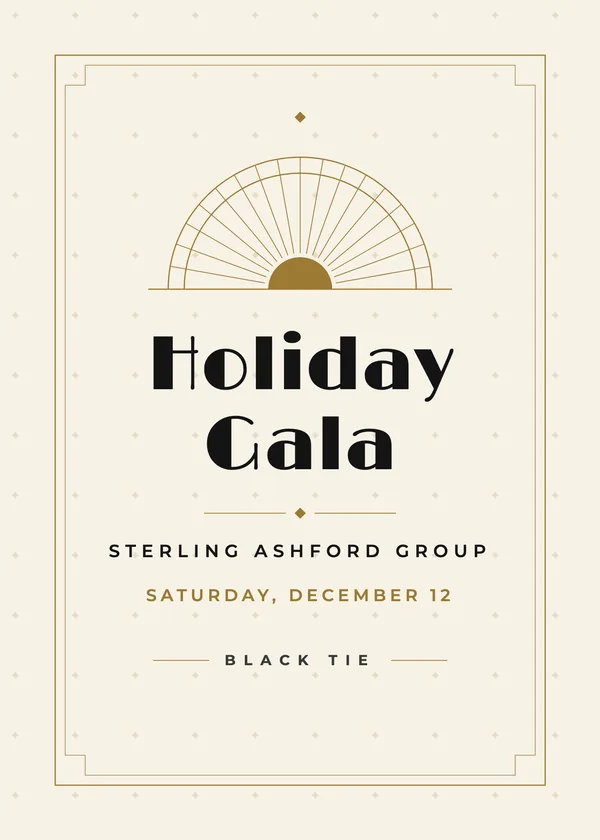
Office & Company
24 designs
Ugly Sweater & Fun
22 designs
Family & Friends
35 designs
Kids & School
20 designs

Every theme has its own page with all of its designs, for example ugly sweater, white elephant, corporate or cookie exchange. Looking for words rather than a card? See the invitation wording ideas and the office invitation emails.

Printing

How to print a 5 x 7 Christmas invitation at home

The two-per-sheet PDF is the home route: print it on letter-size card stock at 100% (no “fit to page”), double-sided, flipping on the short edge, then cut on the crop marks. Two 5 x 7 cards come off each sheet. For a single card use the 5 x 7 PDF on 5 x 7 stock, or print it on letter paper and trim.

For an office run, the black-and-white test is worth thirty seconds: print one front on plain paper first. The Office & Company designs were drawn to hold up in grayscale, so a department can print on the shared printer and still look finished.

For a print shop or an online printer, send the print shop PNGs: 1575 x 2175 pixels is 5 x 7 inches plus an eighth-inch bleed at 300 dpi. To send it instead of printing it, the text-or-email PNG is sized for a phone screen and works as an email attachment or a group-chat image.

Frequently asked questions

Is the Christmas invitation maker free?
Yes. Every design and every download (PDF, PNG and Word) is free, with no watermark, no account and no email address.
Can I use it for a work party?
Yes. The Office & Company designs are drawn for company parties: navy, charcoal, burgundy and gold rather than wall-to-wall red and green, and they read well printed in black and white on an office printer. For an email invitation, see the office invitation email samples.
What do I write on the back?
The back carries the date, time and place, the RSVP line and one short note. Open Wording ideas under the note field for a dress code, a gift limit, a potluck reminder or a funny line, or type your own.
Can I print a blank one and write it by hand?
Yes. Tick Leave the details blank and every line except the headline prints empty, ready for a pen. It is handy for a stack of classroom invitations.
What sizes can I download?
A 5 x 7 PDF with the front on page 1 and the back on page 2; a letter-size PDF with two cards per sheet and crop marks; 5 x 7 PNGs with an eighth-inch bleed for a print shop; 4 x 6 PNGs for a photo counter; a 1080 x 1512 PNG to text or email; and a Word file.
Does it work on a phone?
Yes. The preview sits under the form on a phone, and the phone-sized PNG is the quickest way to send the invitation to a group chat.
Updated through May 2026