Apollo's Templates
HomeBusinessInvoice TemplatesExcel
Formulas included

19 Excel Invoice Templates

Every invoice in the library as a direct .xlsx download \u2014 no account, no email gate, no watermark. Line amounts multiply from quantity and rate, the tax line computes from an editable percent cell, deposits subtract themselves, and the blue total keeps itself. Fill in your business block once, save it as your master, and Save As for each new invoice number.

The fleet

Nineteen invoices, totals working.
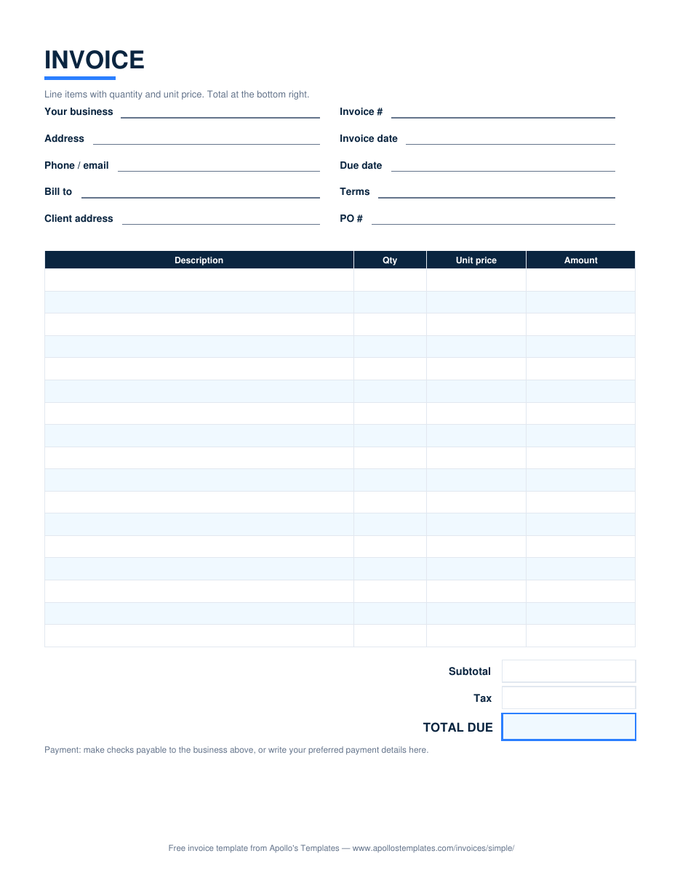
Simple Invoice

The universal bill — qty times price, tax, total.

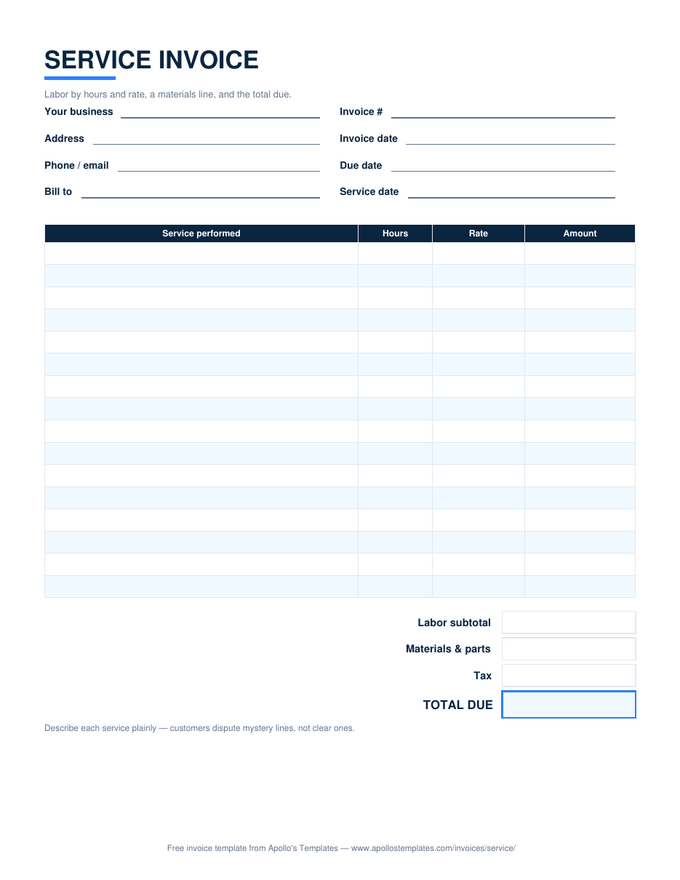
Service Invoice

Labor by hours and rate with a materials line.

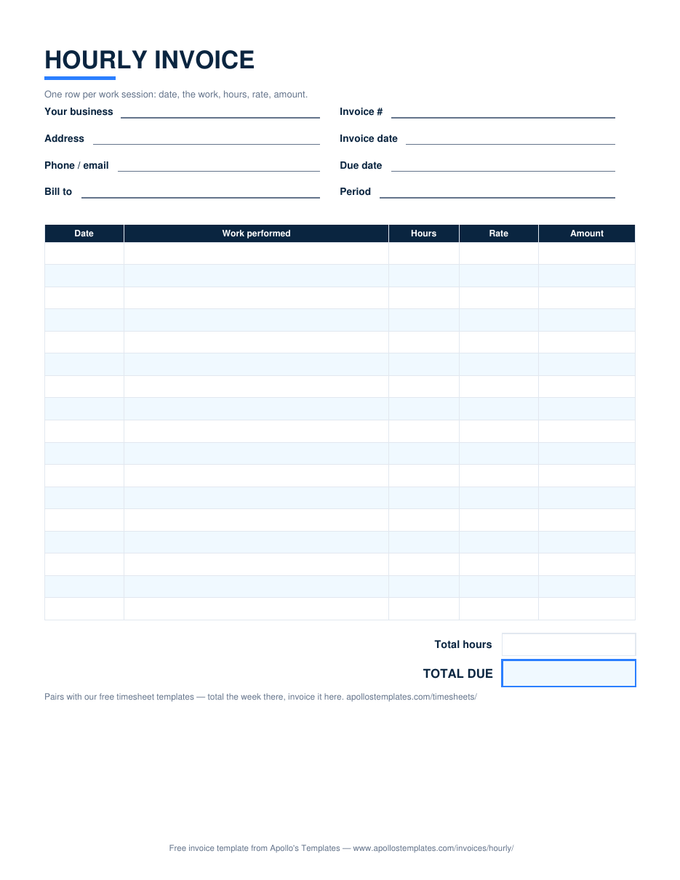
Hourly Invoice

Dated work sessions, hours times rate per row.

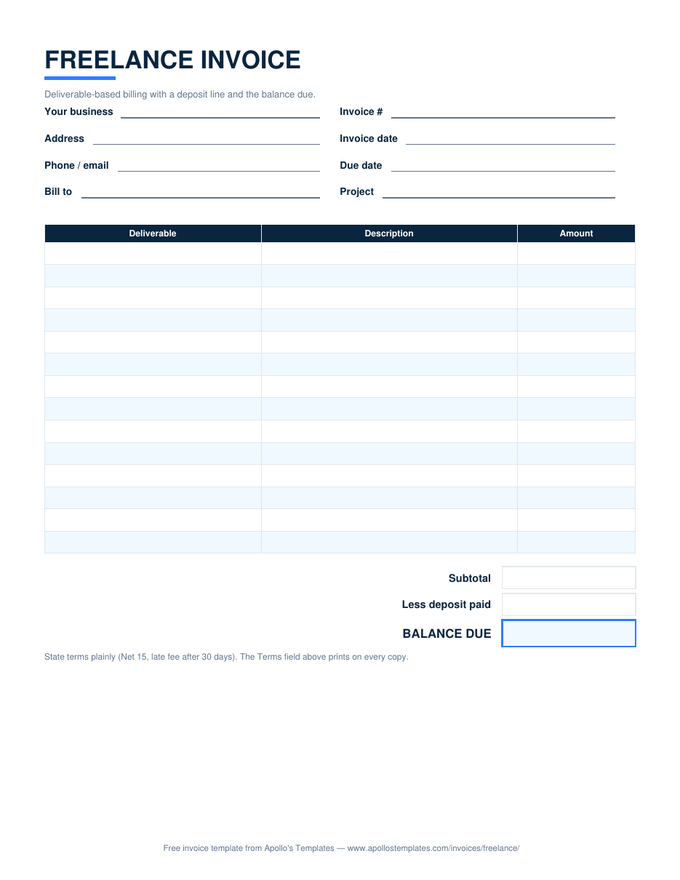
Freelance Invoice

Deliverable pricing with the deposit credited.

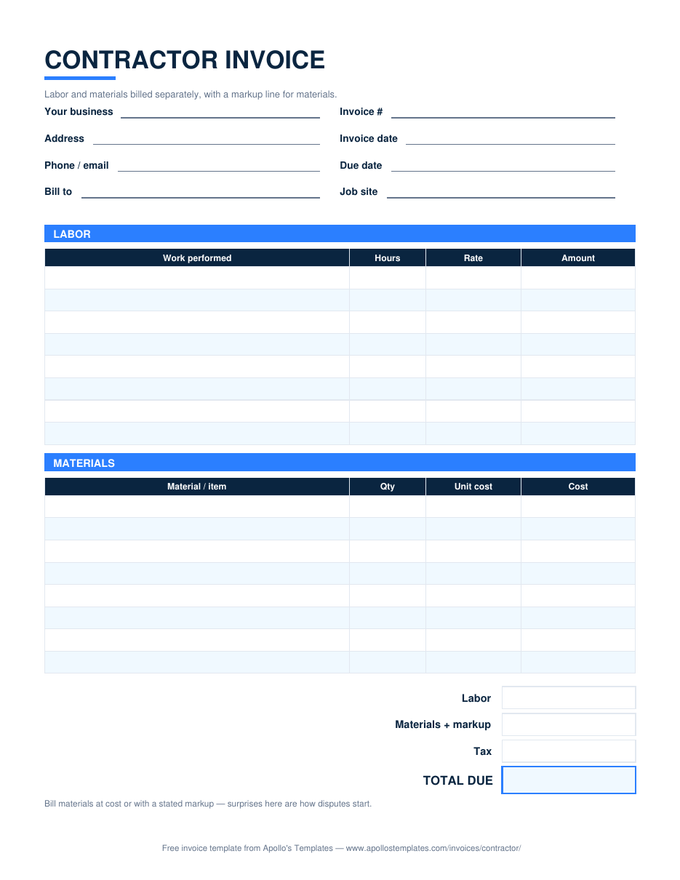
Contractor Invoice

Labor and materials separated, markup stated.

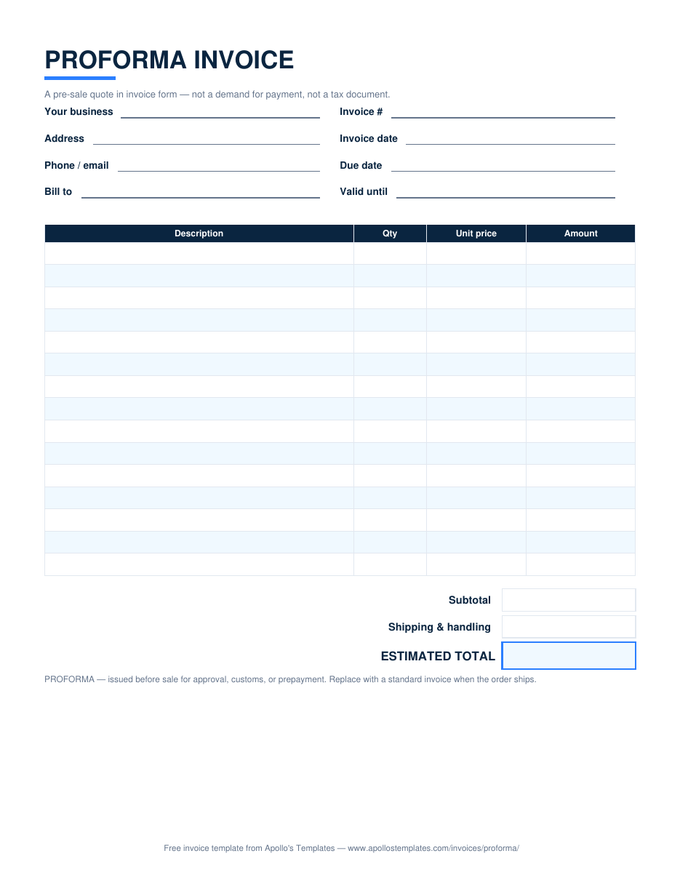
Proforma Invoice

The pre-sale quote in invoice form.

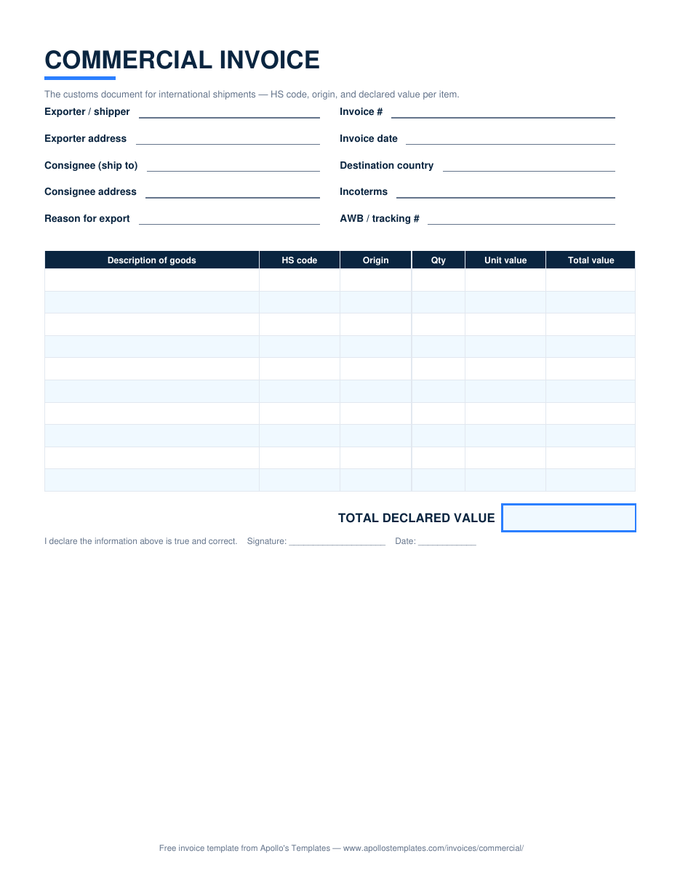
Commercial Invoice

The customs document — HS codes and declared value.

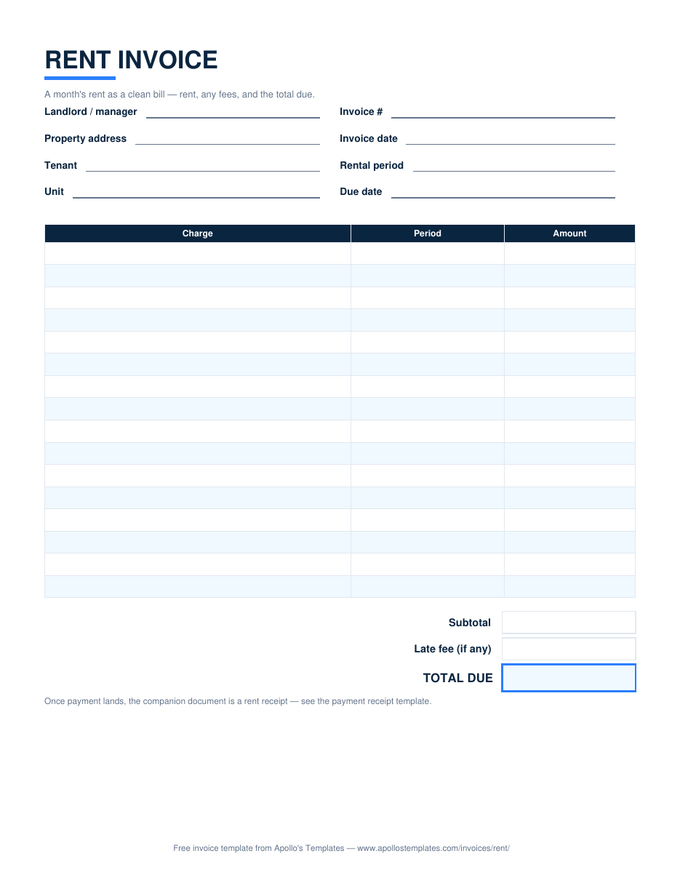
Rent Invoice

The month's rent as a clean bill.

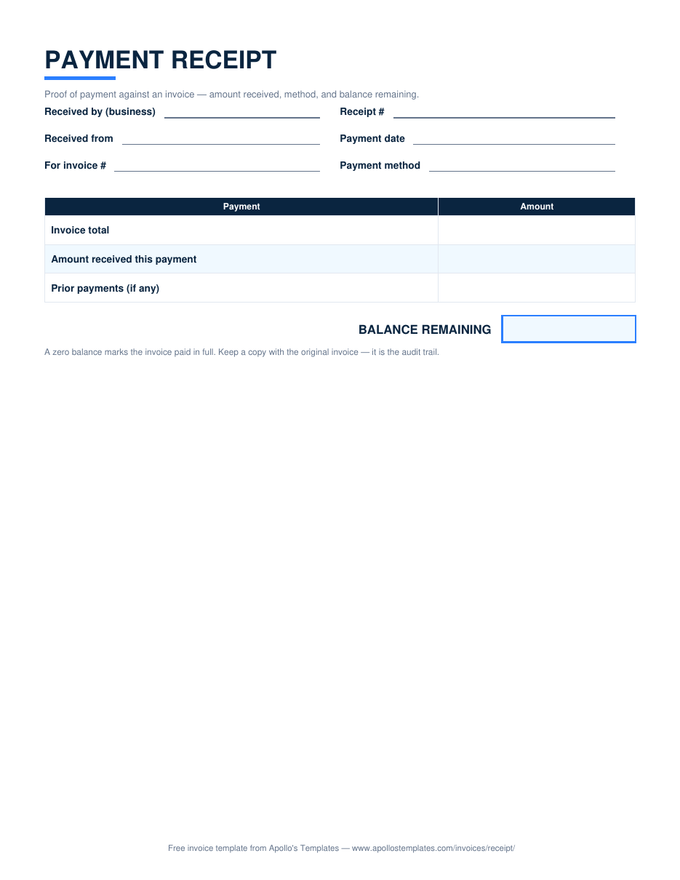
Invoice Receipt

Proof of payment with the balance remaining.

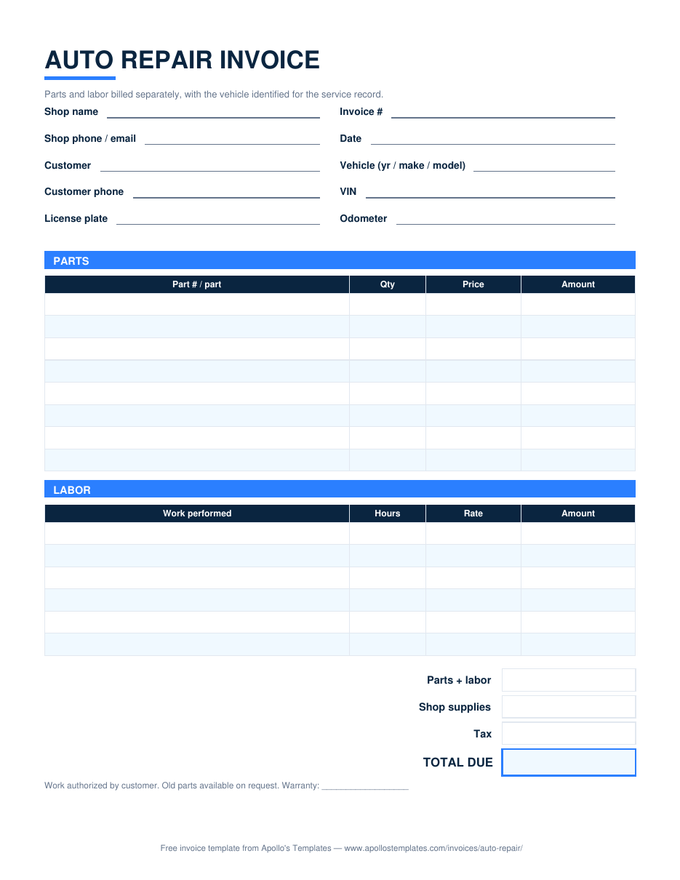
Auto Repair Invoice

Parts and labor split, vehicle identified.

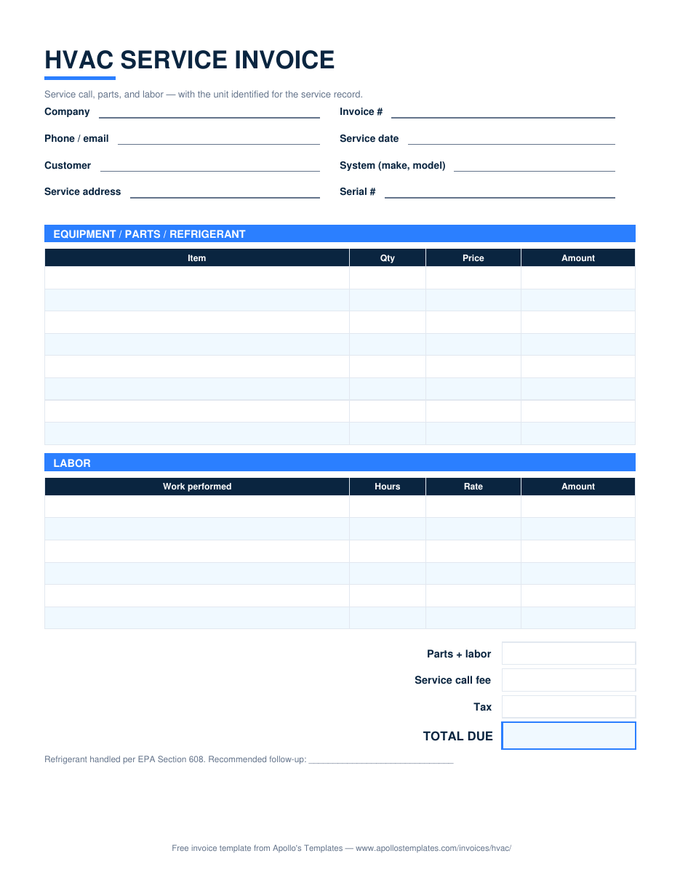
HVAC Invoice

Service call, parts, labor — unit identified.

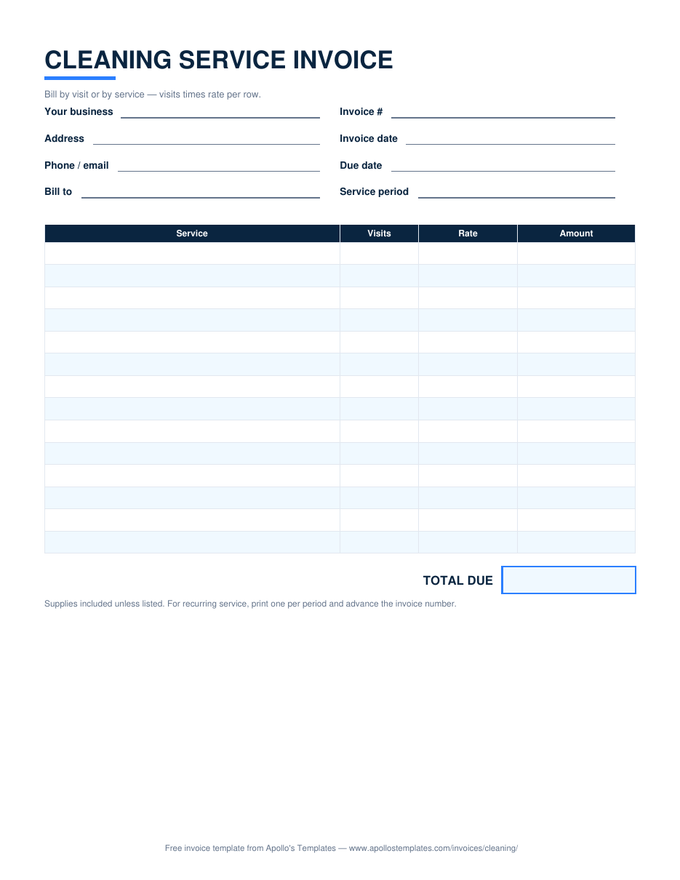
Cleaning Invoice

Visits times rate for recurring service.

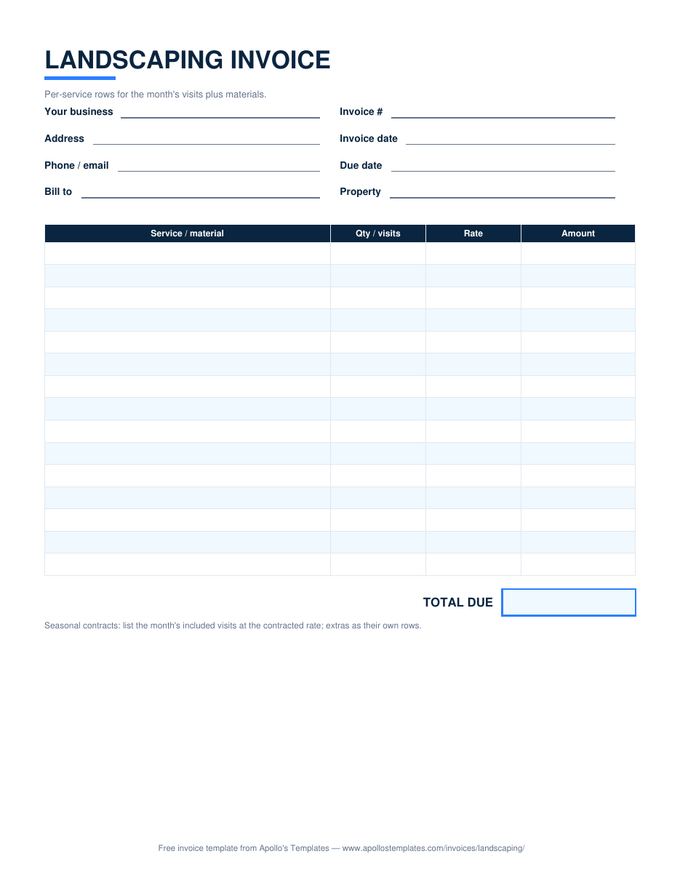
Landscaping Invoice

Per-visit rows plus mulch and materials.

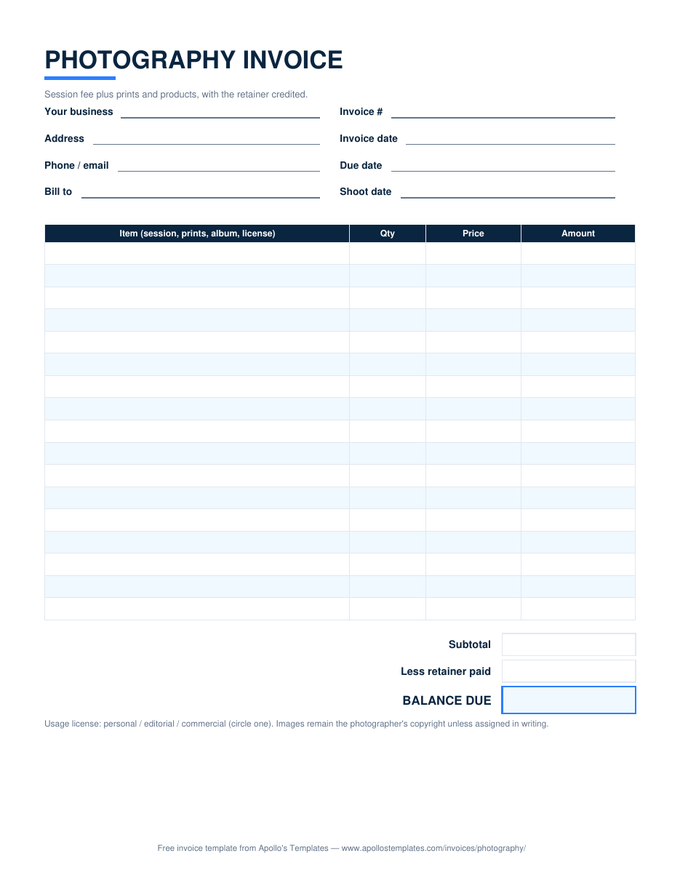
Photography Invoice

Session plus prints, retainer credited.

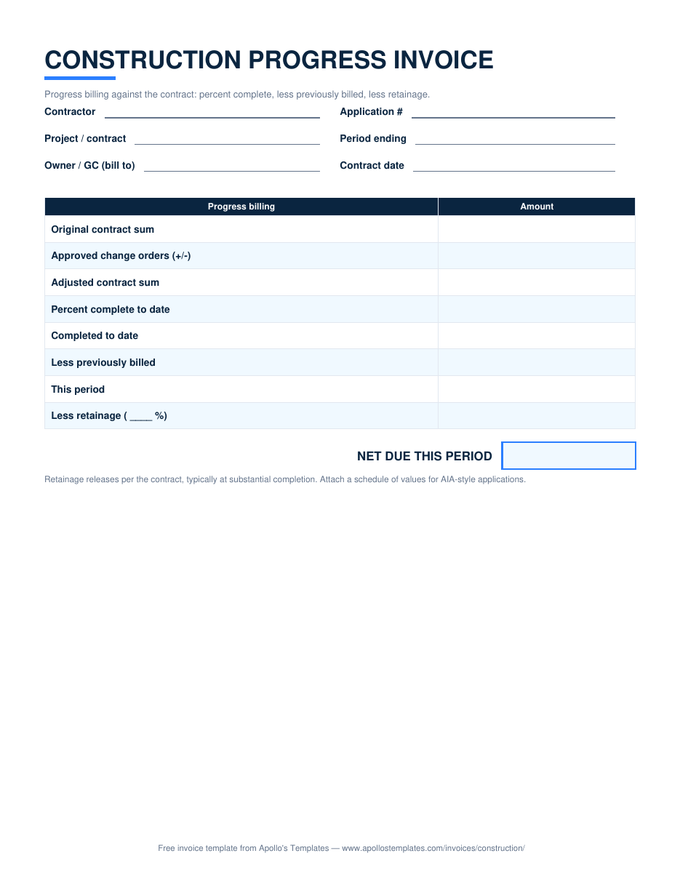
Construction Invoice

Progress billing with retainage math.

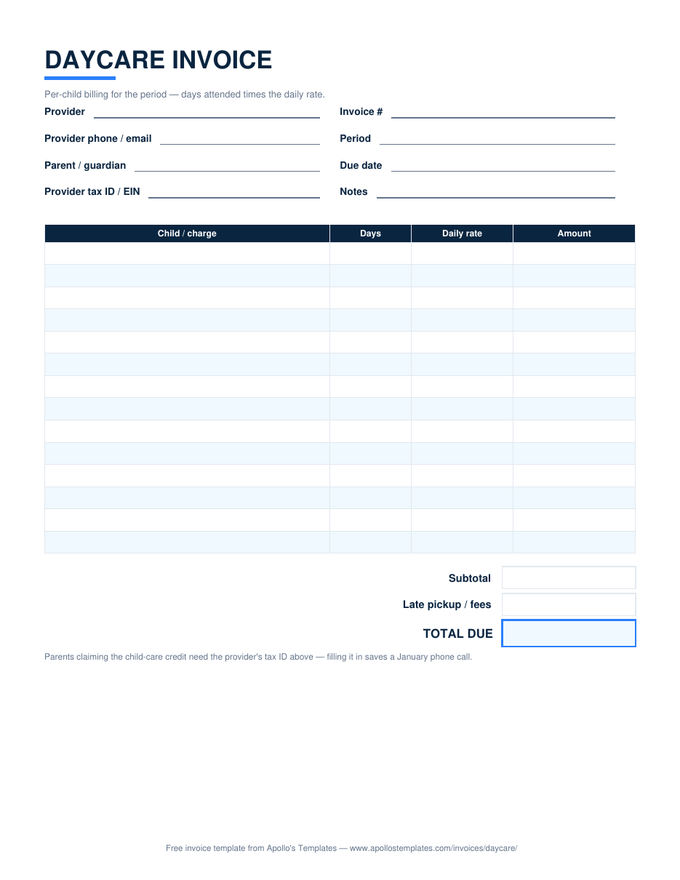
Daycare Invoice

Days times daily rate, tax ID included.

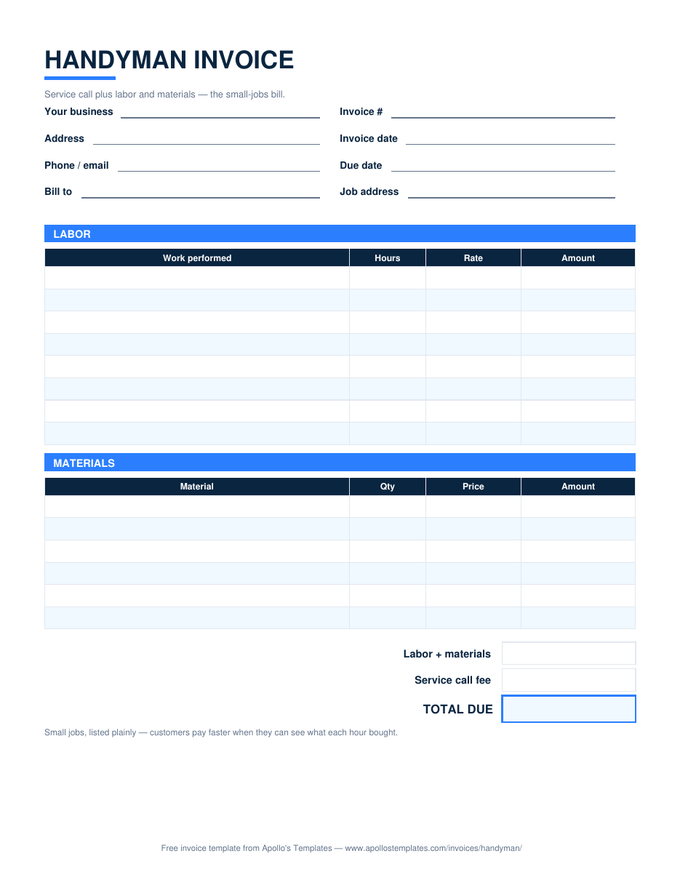
Handyman Invoice

The small-jobs bill, listed plainly.

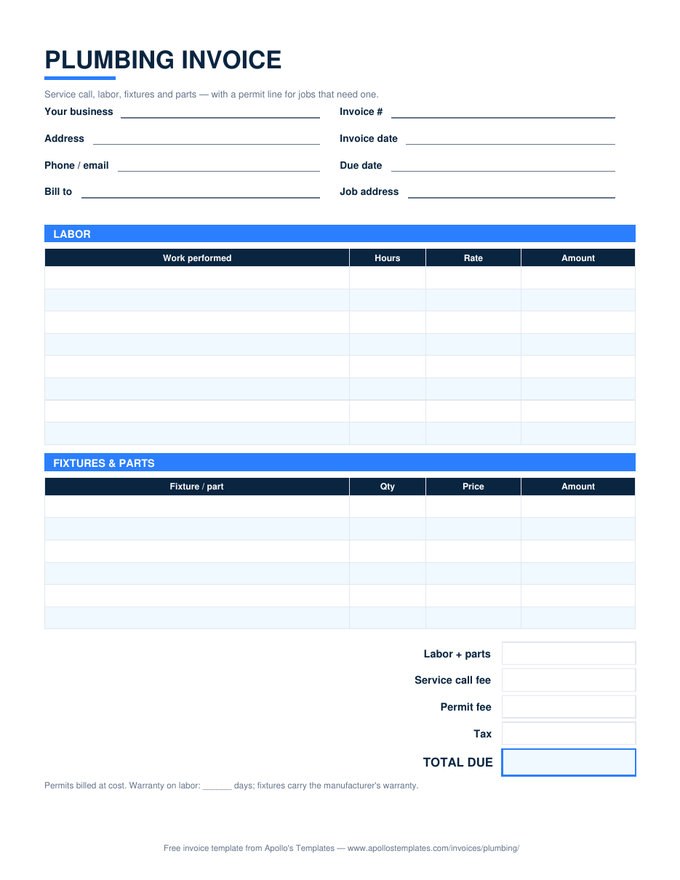
Plumbing Invoice

Labor, fixtures, and the permit line.

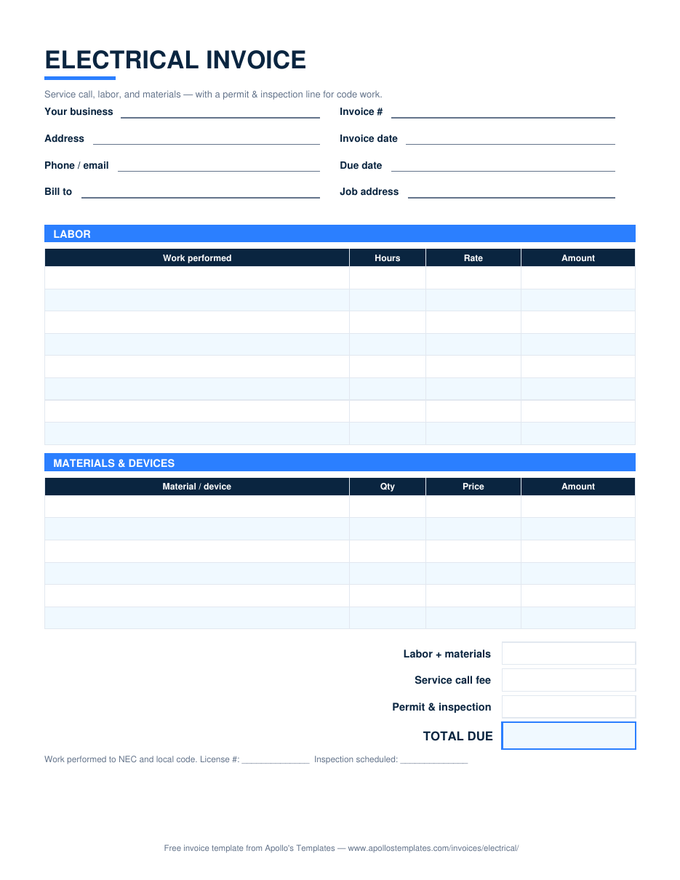
Electrical Invoice

Labor, materials, permit and inspection.
Why Excel

The desktop workhorse, with the math done.

An invoice template earns its keep in the totals block. Every sheet here computes line amounts, subtotal, tax, and total from what you type — the guarded formulas stay blank until a row has both quantity and rate, so a half-filled invoice never shows misleading zeros. The trades templates go further: parts and labor in separate tables, markup percents, retainage on the construction draw.

If you live in Google’s ecosystem instead, every one of these has a verified Sheets master one click away — same layout, same math. And when a client insists on a Word document, the .docx fleet matches these layouts line for line.

Zero installs
Google Sheets Invoice Templates
Make-a-copy versions with the formulas verified after conversion.
Browse
The hand-write versions
Printable Blank Invoices
All nineteen as blank PDFs for the clipboard and the glovebox.
Browse
Two-table trade bills
Contractor Invoice Template
Labor and materials separated, with a stated markup line.
Open

Frequently asked questions

Which versions of Excel do the invoice sheets work in?
Anything from Excel 2010 forward, including Excel for Mac and the free Excel web app — the workbooks use plain SUM, IF, COUNT, and ROUND, no macros and no add-ins. They also open cleanly in LibreOffice Calc. If a company machine blocks downloads with macros, these pass: there aren't any.
How does the tax cell work?
The Tax rate cell ships at 0%. Type your rate and the tax line computes as the line-item subtotal times the rate, rounded to the cent, and the total updates. Fee rows like service calls and permits sit below the subtotal on purpose — pass-through fees usually aren't taxed — but every cell is editable if your state does it differently.
Can I add more line rows?
Yes — insert rows anywhere inside the table, above the last existing row, and the subtotal's SUM range stretches automatically. The one habit to avoid is adding lines below the subtotal block; those land outside the range and the total goes quietly wrong.
How should I number invoices?
Pick a scheme you can sort: INV-2026-041 or just a counter that never resets. The number's whole job is to be unique and findable when a client says “which invoice?” — sequential numbers also make gaps obvious at tax time. The Invoice # field is free text, so any scheme works.
Updated through September 2026