Apollo's Templates
HomeBusinessInvoice TemplatesGoogle Sheets
One click to your Drive

19 Google Sheets Invoice Templates

Every invoice in the library as a make-a-copy Google Sheets link, with the math verified working after conversion \u2014 line amounts multiply from quantity and rate, the tax line computes from an editable percent cell, and the total keeps itself. Make one copy, fill in your business block, and duplicate the tab for each new invoice. Send with File \u2192 Download \u2192 PDF.

The fleet

Nineteen invoices, math included.
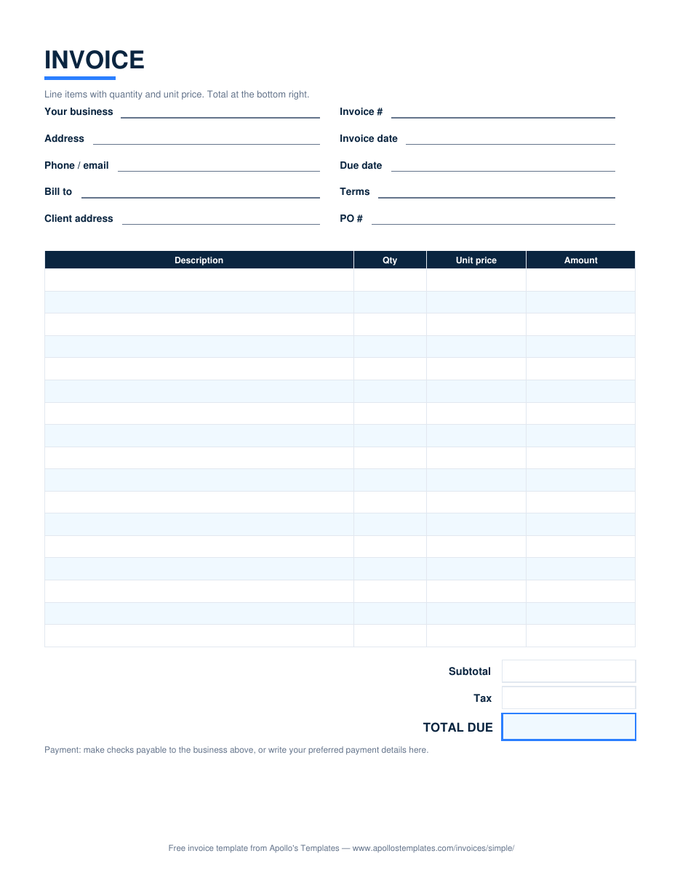
Simple invoice with description, quantity, unit price, and amount columns and subtotal, tax, and total boxes

Simple Invoice

The universal bill — qty times price, tax, total.
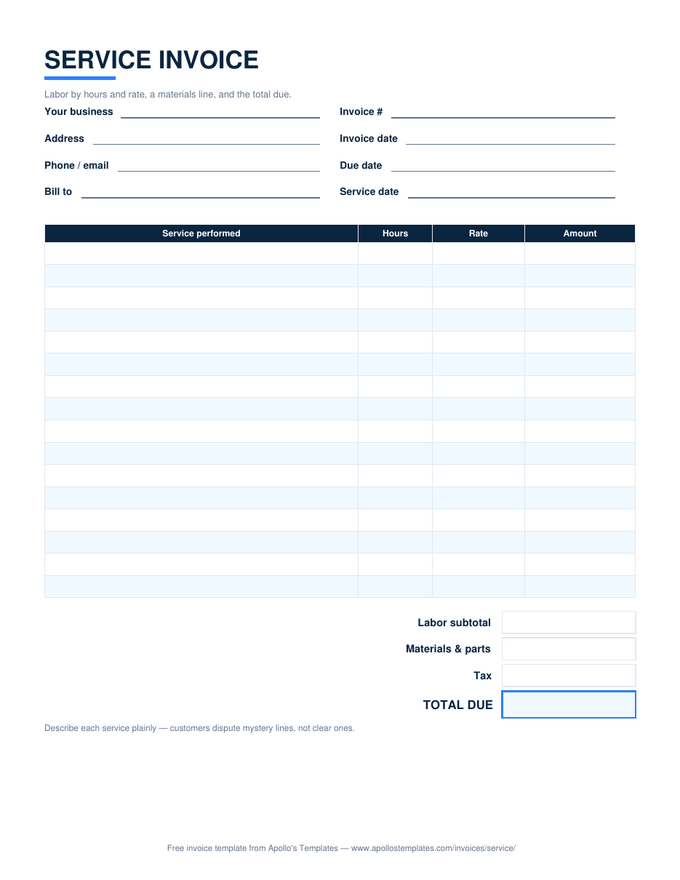
Service invoice with labor rows by hours and rate, a materials line, and a total due box

Service Invoice

Labor by hours and rate with a materials line.
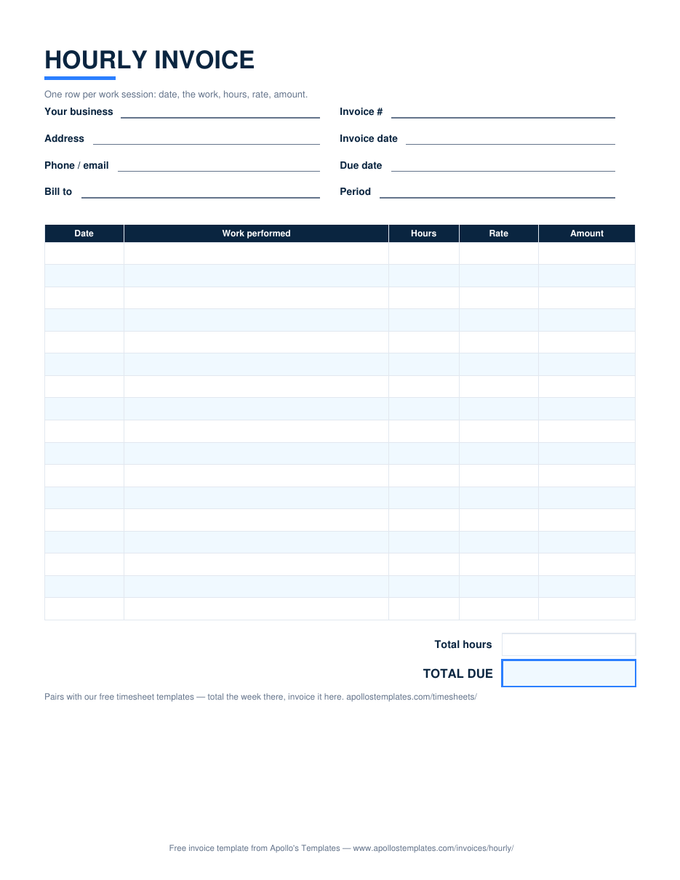
Hourly invoice with dated work-session rows, hours times rate per row, and total hours and total due

Hourly Invoice

Dated work sessions, hours times rate per row.
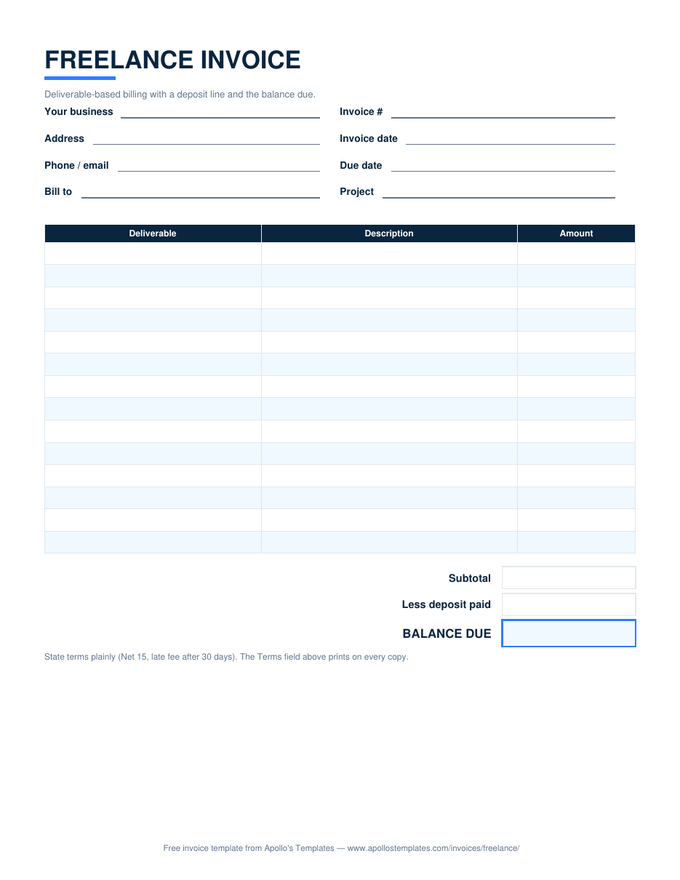
Freelance invoice with deliverable rows, a deposit line, and a balance due box

Freelance Invoice

Deliverable pricing with the deposit credited.
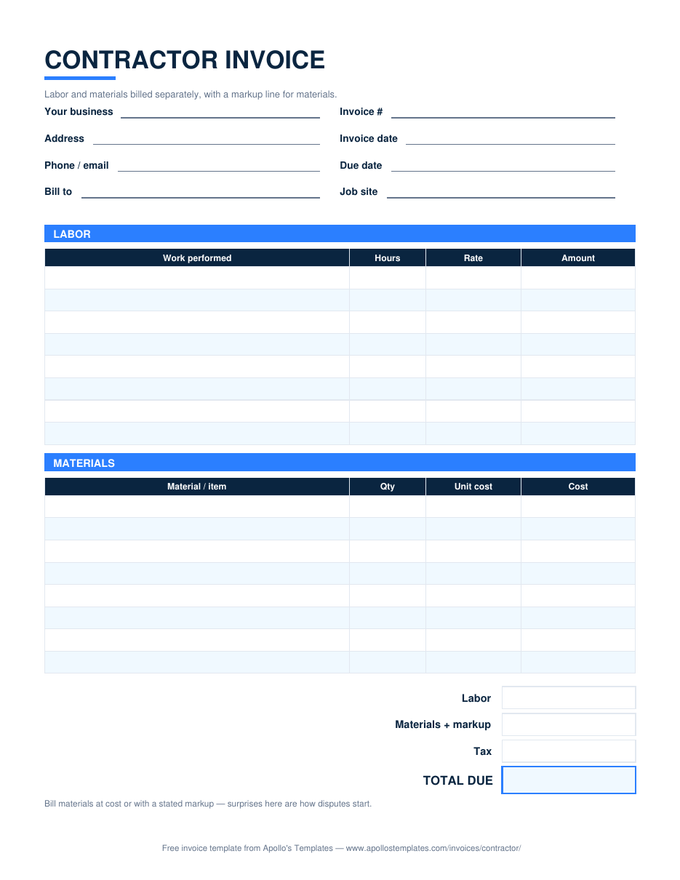
Contractor invoice with separate labor and materials tables, a markup line, and a total due box

Contractor Invoice

Labor and materials separated, markup stated.
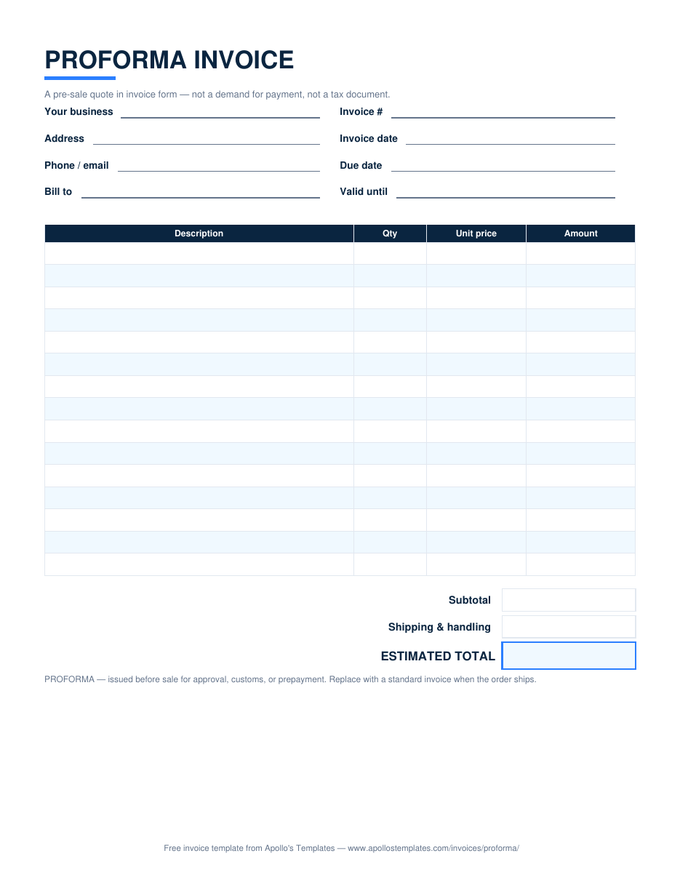
Proforma invoice with quote-style line items, a shipping line, and an estimated total box

Proforma Invoice

The pre-sale quote in invoice form.
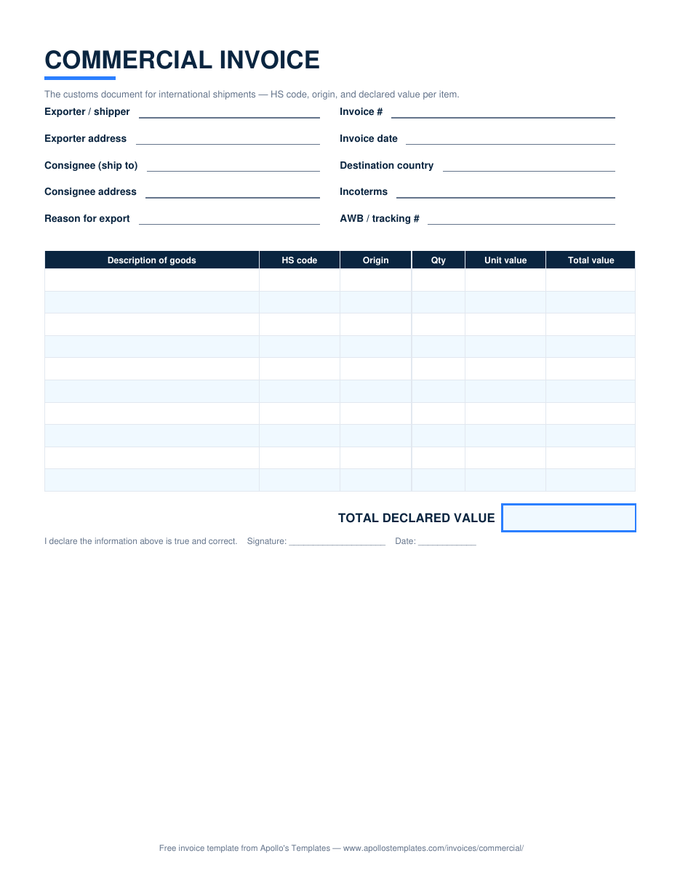
Commercial invoice for customs with HS code, origin, and declared value columns and a signature line

Commercial Invoice

The customs document — HS codes and declared value.
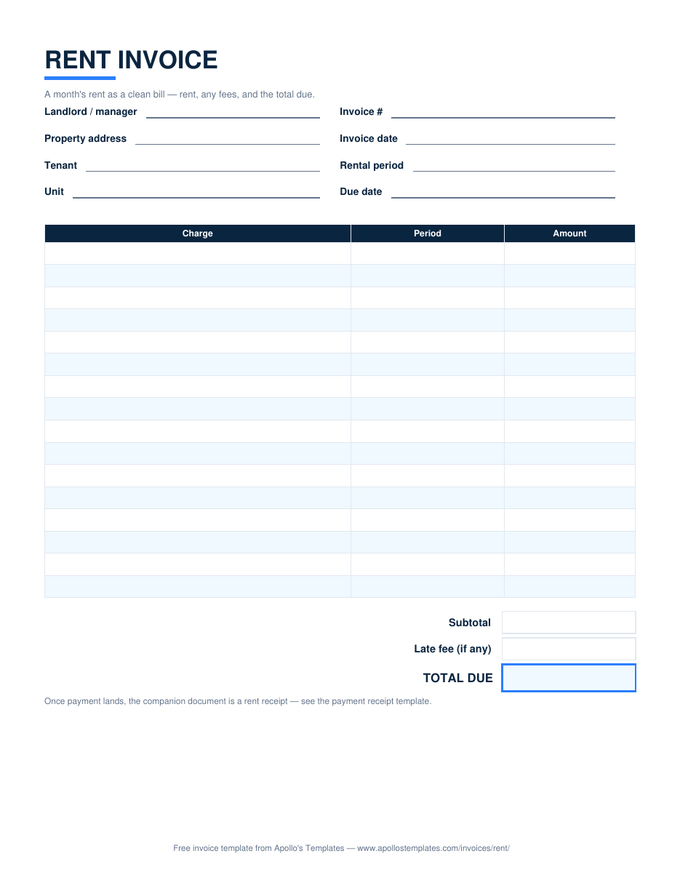
Rent invoice with charge rows for the rental period, a late fee line, and a total due box

Rent Invoice

The month's rent as a clean bill.
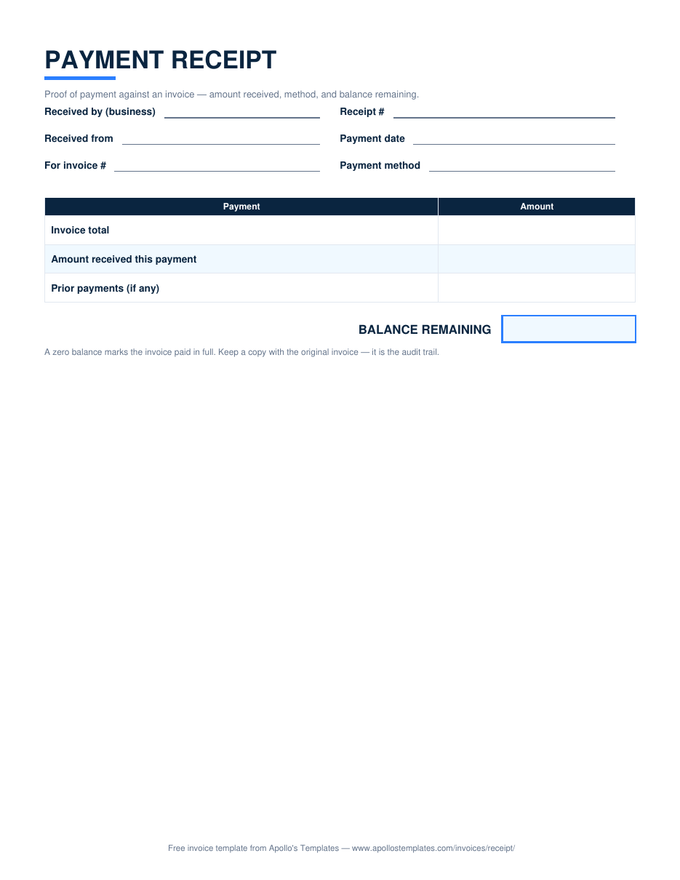
Payment receipt with invoice total, amount received, and a balance remaining box

Invoice Receipt

Proof of payment with the balance remaining.
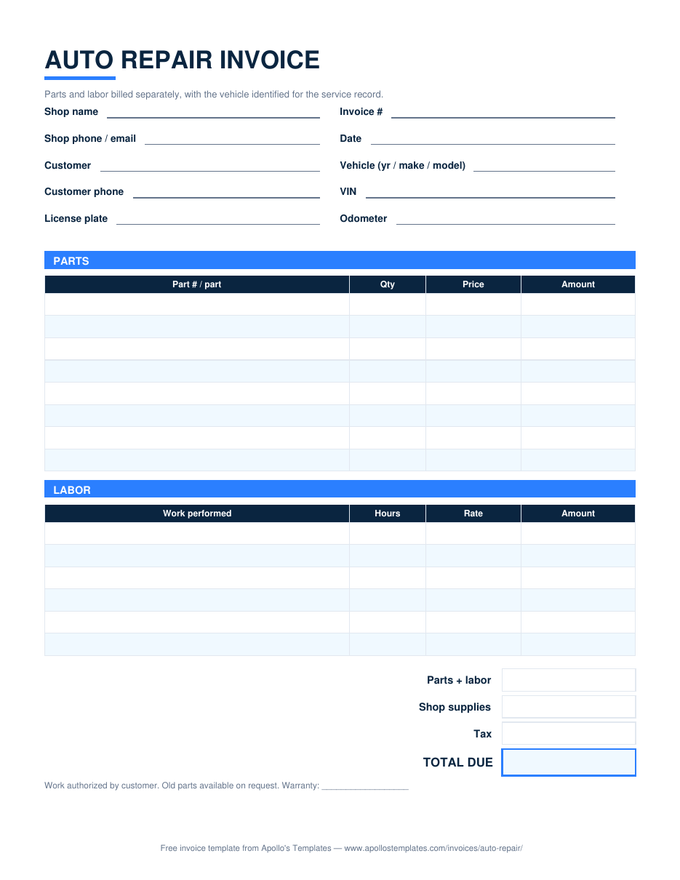
Auto repair invoice with a vehicle identification block and separate parts and labor tables

Auto Repair Invoice

Parts and labor split, vehicle identified.
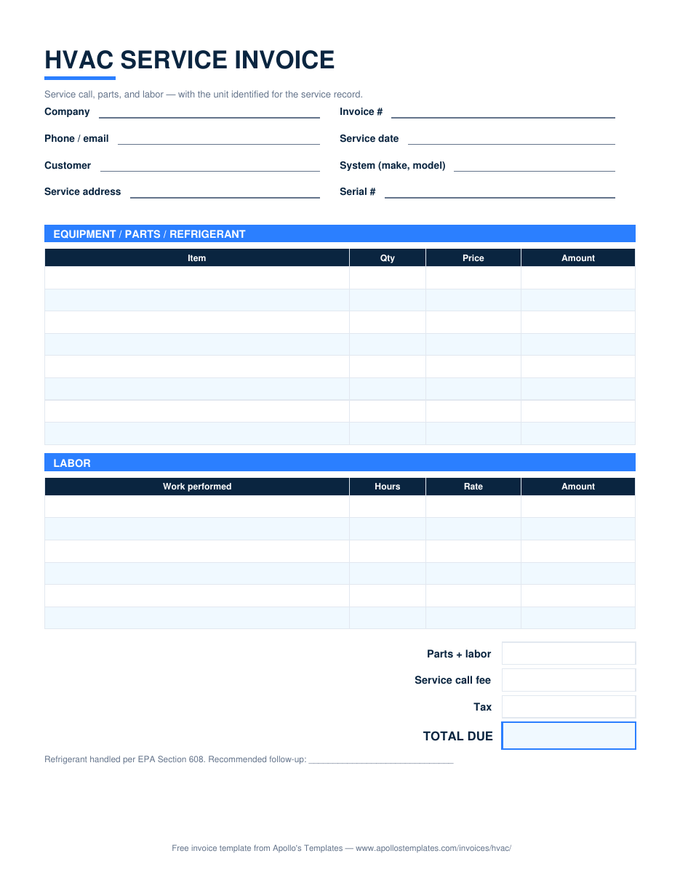
HVAC service invoice with equipment and labor tables, a service call fee line, and unit identification fields

HVAC Invoice

Service call, parts, labor — unit identified.
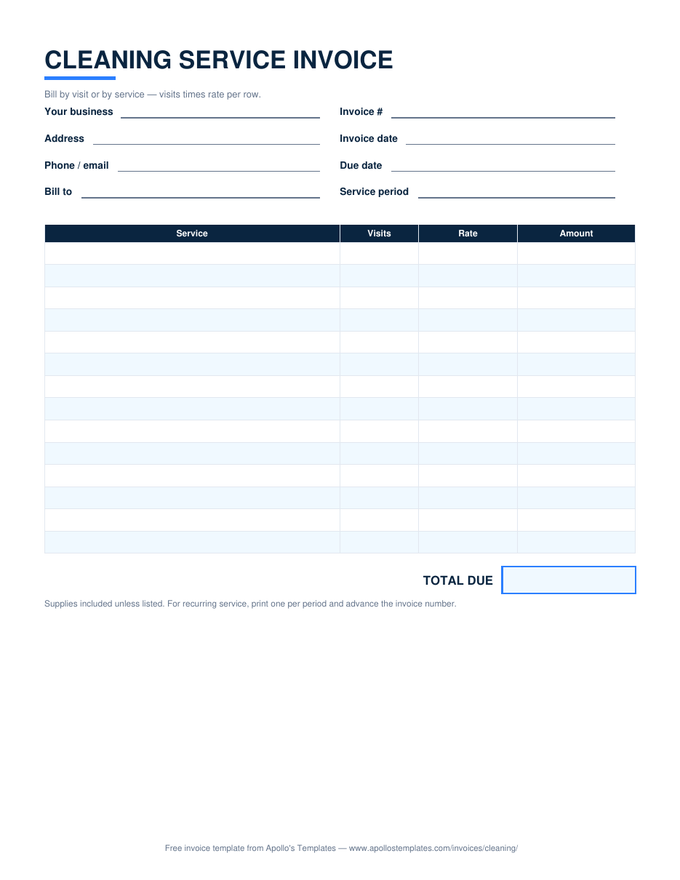
Cleaning service invoice with visits times rate rows and a total due box

Cleaning Invoice

Visits times rate for recurring service.
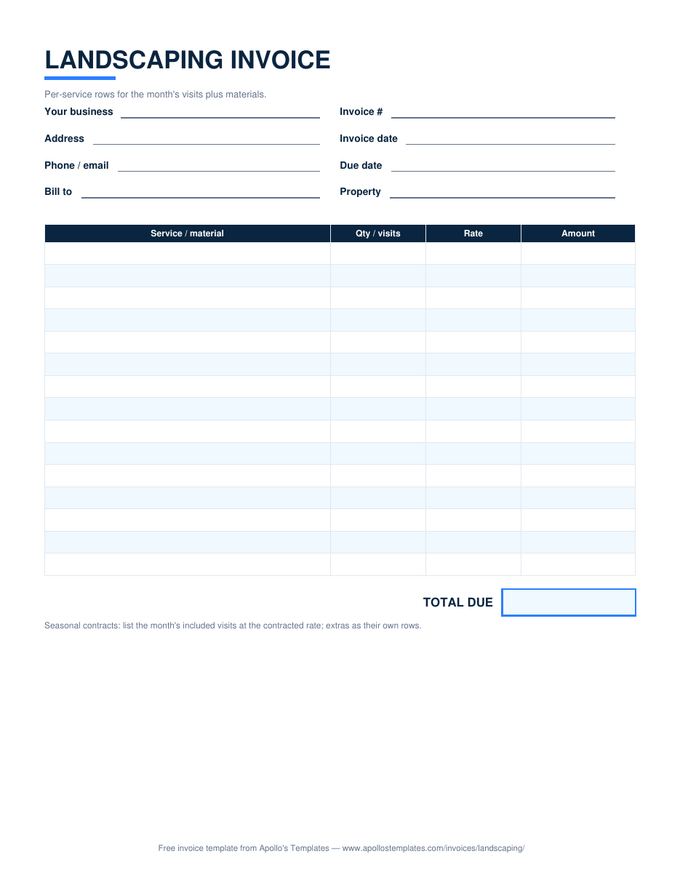
Landscaping invoice with per-service and materials rows and a total due box

Landscaping Invoice

Per-visit rows plus mulch and materials.
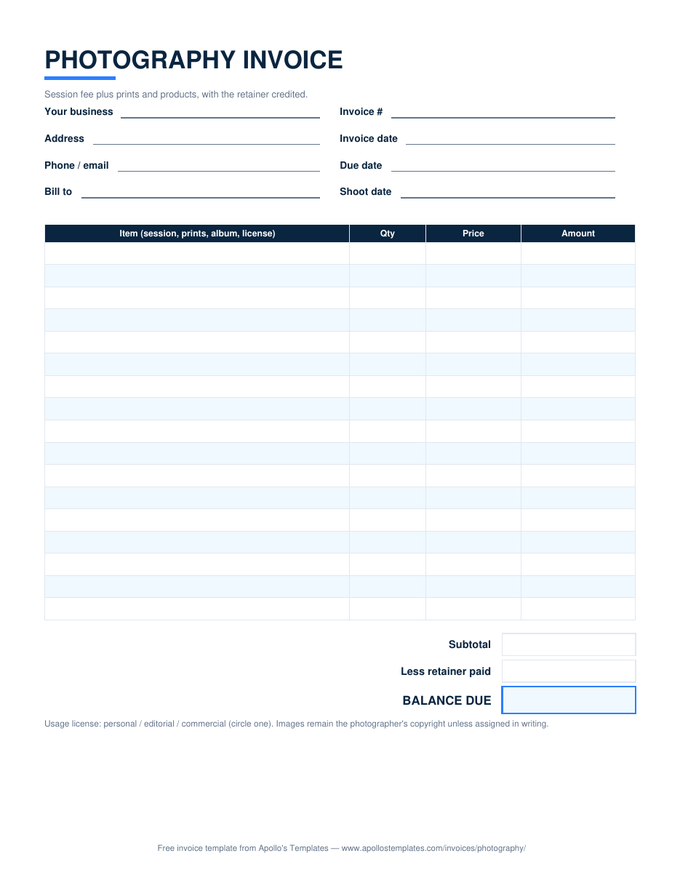
Photography invoice with session and print rows, a usage license note, and a retainer credit line

Photography Invoice

Session plus prints, retainer credited.
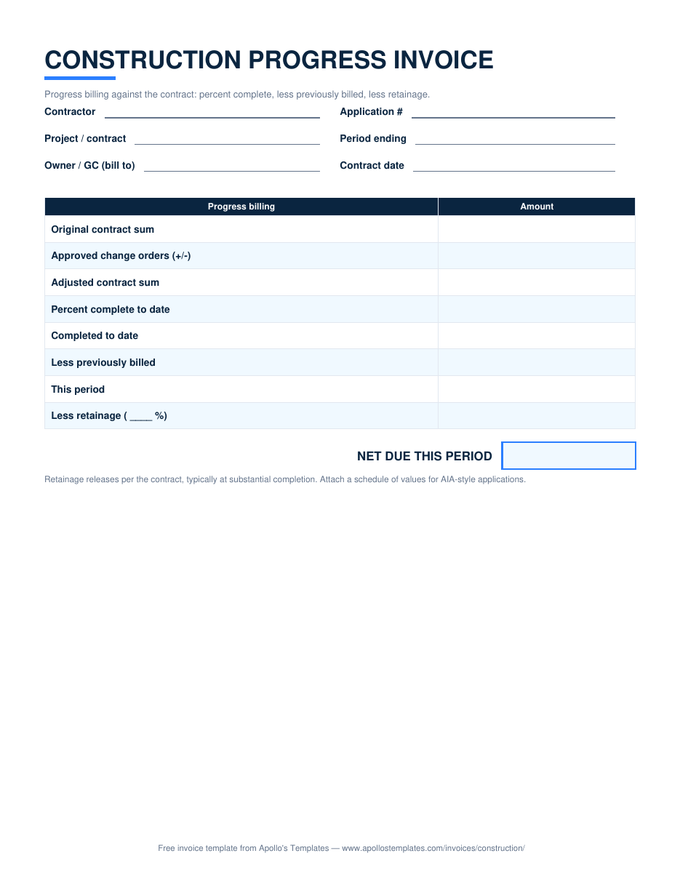
Construction progress invoice with contract sum, percent complete, previously billed, and retainage rows

Construction Invoice

Progress billing with retainage math.
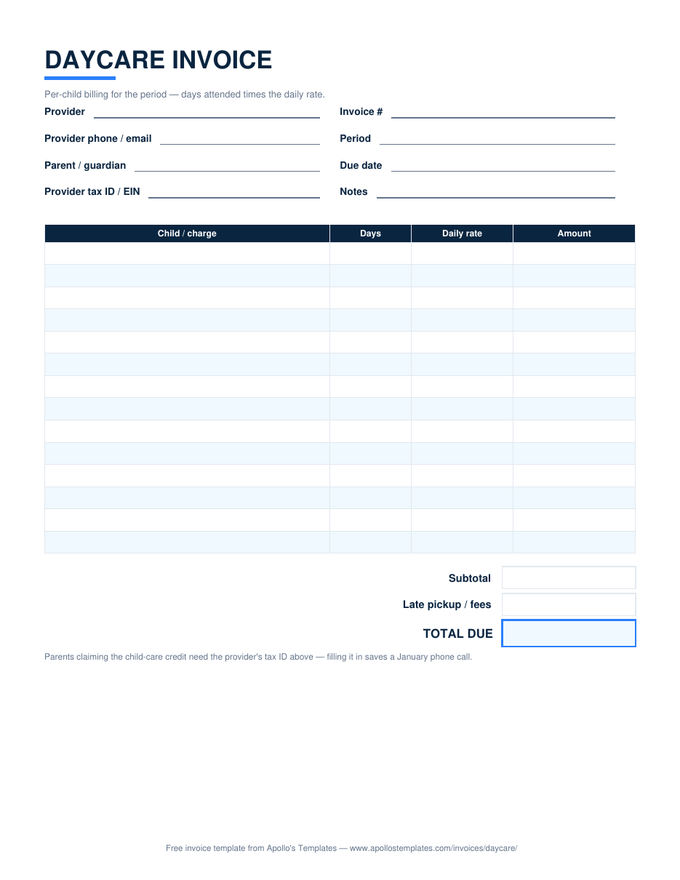
Daycare invoice with days-attended times daily-rate rows, a late pickup fee line, and a provider tax ID field

Daycare Invoice

Days times daily rate, tax ID included.
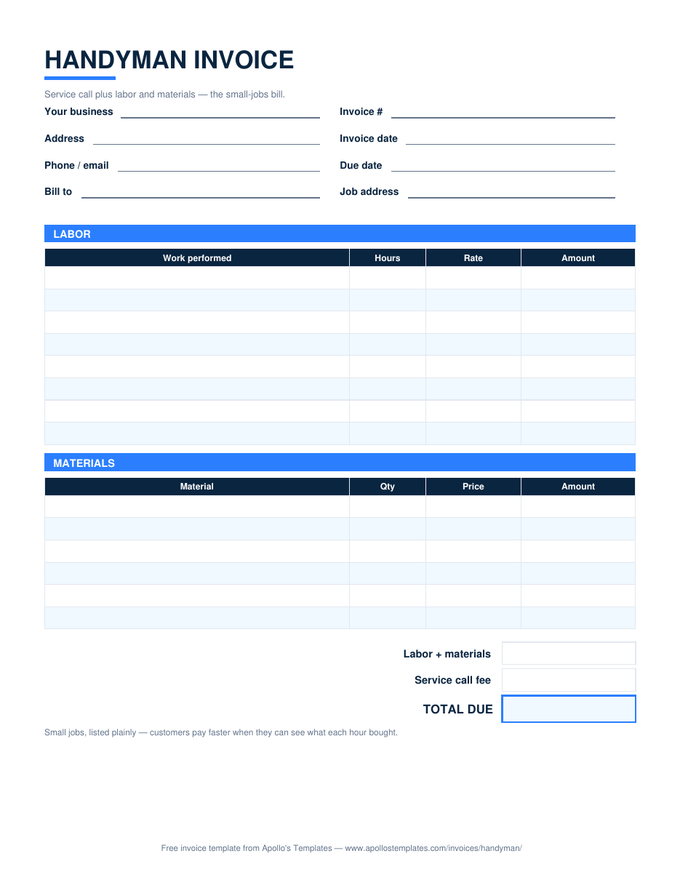
Handyman invoice with labor and materials tables and a service call fee line

Handyman Invoice

The small-jobs bill, listed plainly.
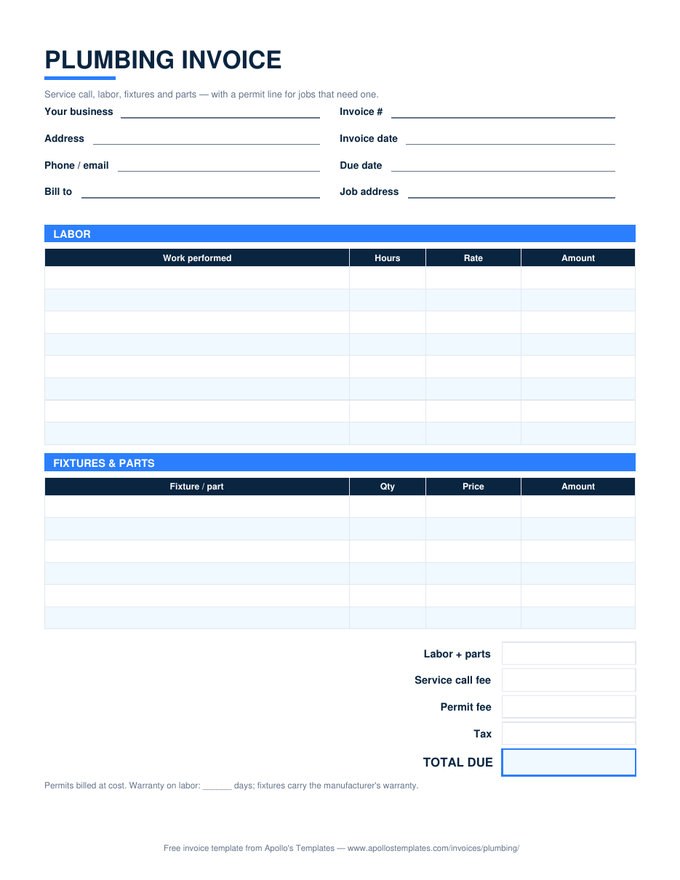
Plumbing invoice with labor and fixtures tables plus service call and permit fee lines

Plumbing Invoice

Labor, fixtures, and the permit line.
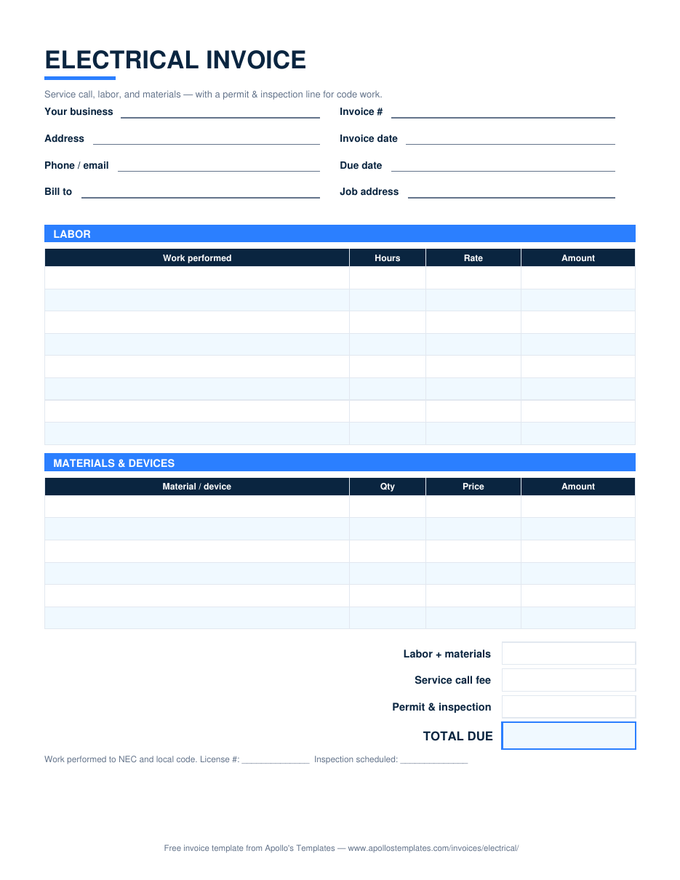
Electrical invoice with labor and materials tables plus service call and permit and inspection lines

Electrical Invoice

Labor, materials, permit and inspection.
Why Sheets

The version that does the arithmetic.

The failure mode of hand-typed invoices is quiet: a line amount that doesn’t match qty times price, a total that drifted a dollar from its lines, a tax figure someone eyeballed. Clients notice, and disputes start with arithmetic. These Sheets compute every derived number from the ones you type, so the invoice is internally consistent by construction.

Sheets is also the phone-friendly version — pull the copy up in the Google Sheets app at the job site, add the line while the work is fresh, and the running total is already right when you get home. For a document-first workflow with logos and letterhead, the Google Docs fleet holds the same nineteen layouts.

The document version
Google Docs Invoice Templates
The same fleet as clean, brandable Google Docs.
Browse
Prefer a desktop file
Excel Invoice Templates
The .xlsx originals these Sheets are converted from.
Browse
Billing by the hour
Hourly Invoice Template
Dated work sessions, hours times rate, total hours computed.
Open

Frequently asked questions

Do the formulas survive the conversion from Excel?
Yes, and we don't take that on faith — every template's sample copy is imported to Sheets and its computed cells read back and compared against hand-checked expectations before the template ships. Line totals, the tax percent cell, deposit subtraction, even the construction template's retainage chain all compute identically in Sheets.
How do I set my tax rate?
The Tax rate cell near the total ships at 0% — click it and type yours (say 7.25%). The tax line recomputes instantly and the total follows. It applies to the line-item subtotal; fee lines such as service calls or permits sit below it deliberately, since pass-through fees usually aren't taxed. Your rate and rules are yours to set — retype freely.
Can I keep all my invoices in one spreadsheet?
That's the workflow we'd suggest: one copy of the template, then duplicate the sheet tab (right-click the tab → Duplicate) for each invoice and rename it to the invoice number. A year of billing lives in one file, searchable, with the blank master as the first tab.
What's the fastest way to send one?
File → Download → PDF, then attach it to your email. Set the print area beforehand if you've added rows (File → Print → Set custom page breaks). Sharing the live Sheet link is for your bookkeeper, not your client — a bill should be a fixed record.
Updated through September 2026