Apollo's Templates
HomeBusinessInvoice TemplatesGoogle Docs
The document version

19 Google Docs Invoice Templates

Every invoice in the library as a make-a-copy Google Docs link. One click puts a private copy in your Drive \u2014 retype the business block once, save it as your own master, and every future invoice is a duplicate-and-edit away. Docs is the right version when an invoice is a document you send, not a calculation you run: brand it, export it as a PDF from the File menu, attach it to the email.

The fleet

Nineteen invoices, one click each.
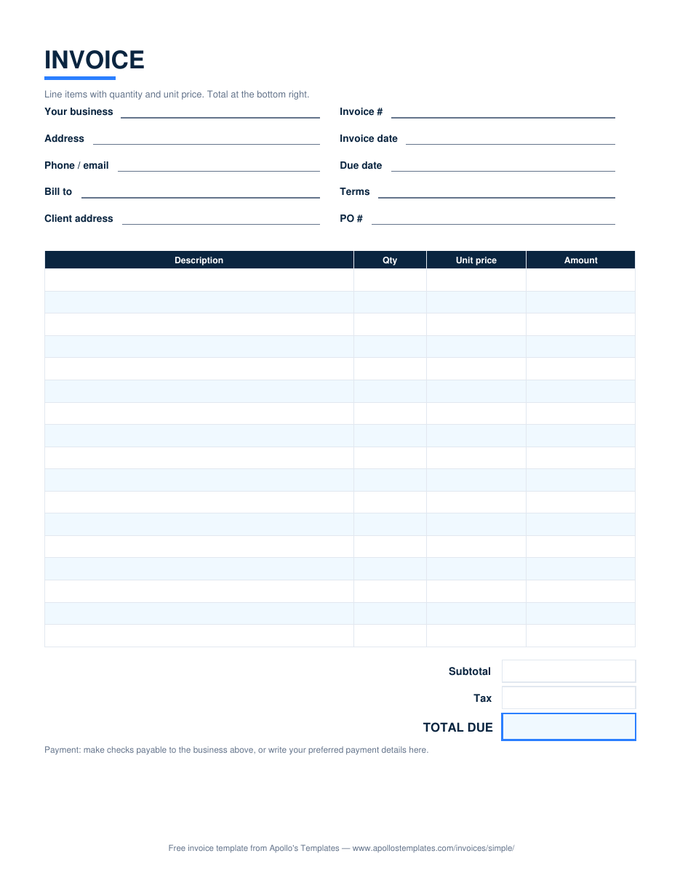
Simple invoice with description, quantity, unit price, and amount columns and subtotal, tax, and total boxes

Simple Invoice

The universal bill — qty times price, tax, total.
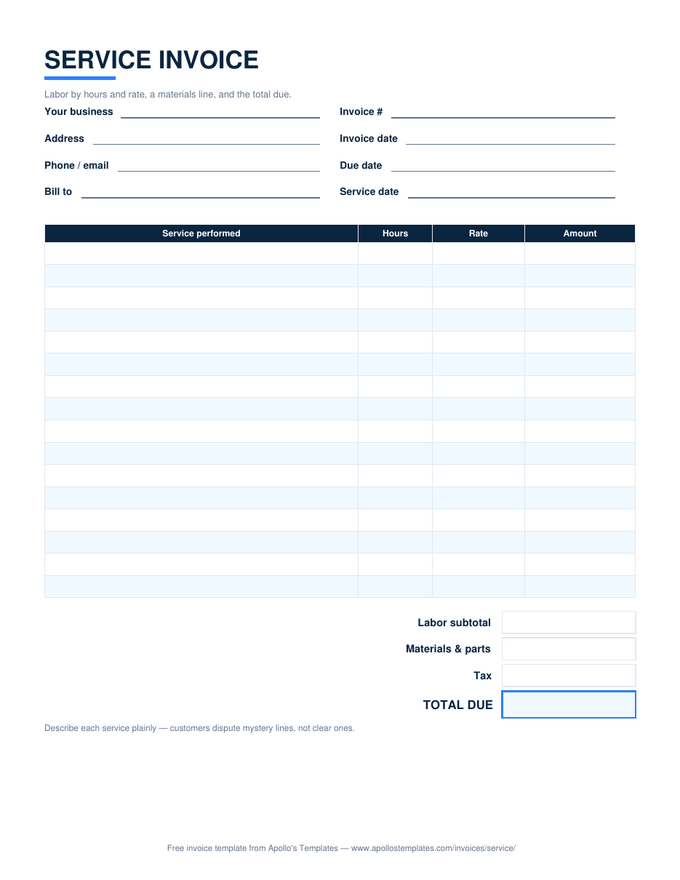
Service invoice with labor rows by hours and rate, a materials line, and a total due box

Service Invoice

Labor by hours and rate with a materials line.
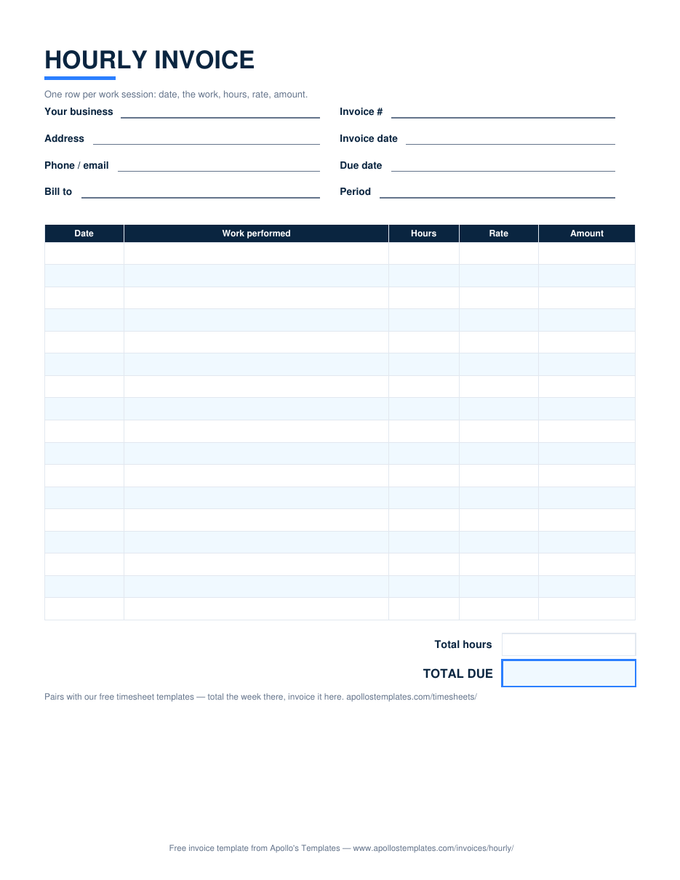
Hourly invoice with dated work-session rows, hours times rate per row, and total hours and total due

Hourly Invoice

Dated work sessions, hours times rate per row.
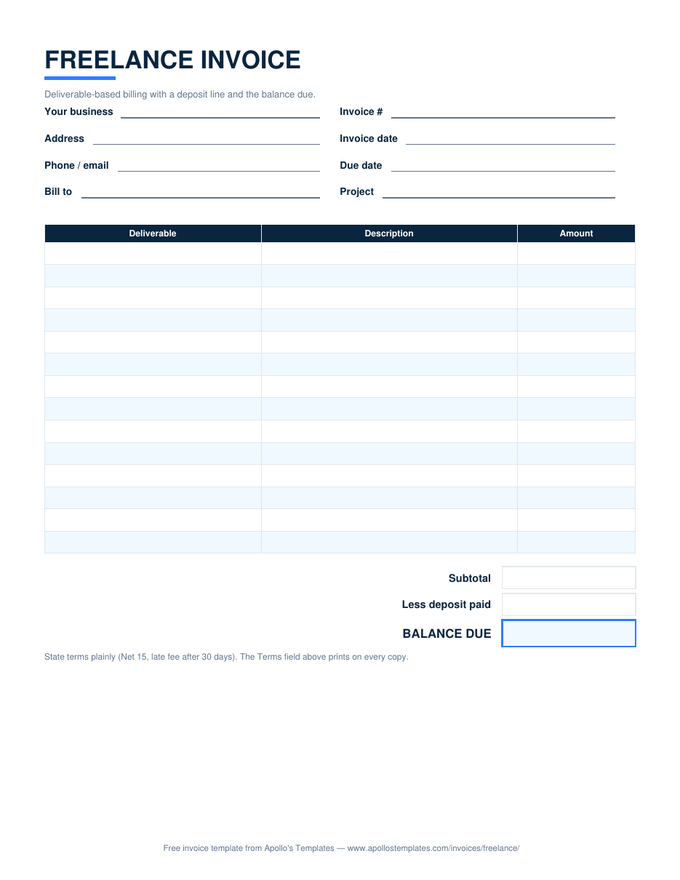
Freelance invoice with deliverable rows, a deposit line, and a balance due box

Freelance Invoice

Deliverable pricing with the deposit credited.
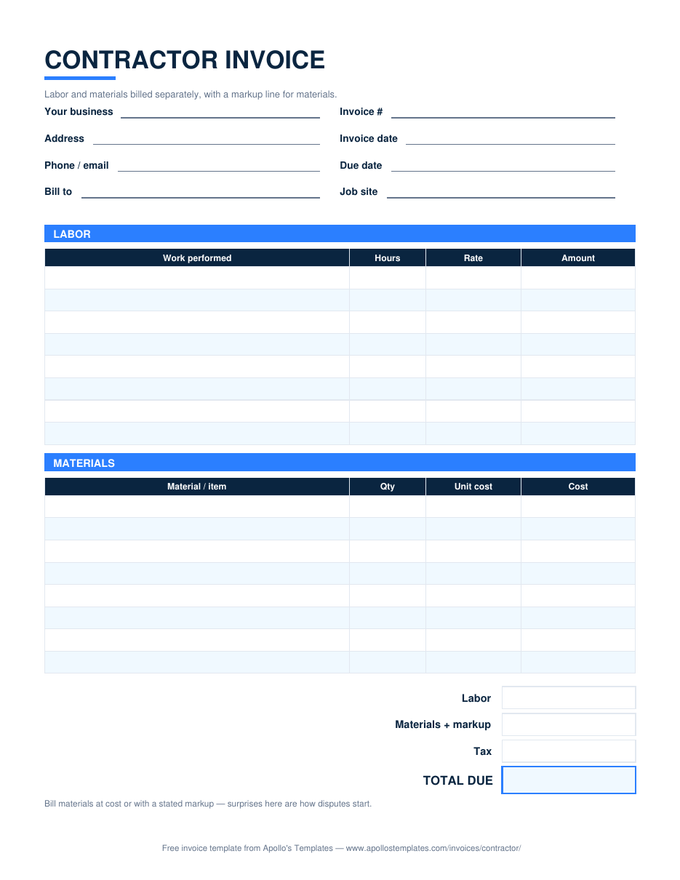
Contractor invoice with separate labor and materials tables, a markup line, and a total due box

Contractor Invoice

Labor and materials separated, markup stated.
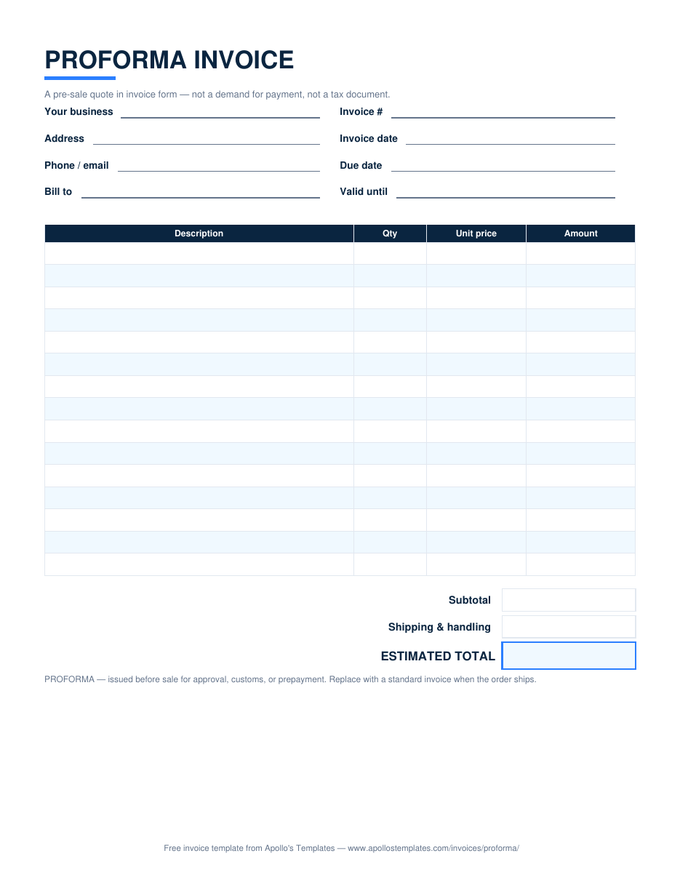
Proforma invoice with quote-style line items, a shipping line, and an estimated total box

Proforma Invoice

The pre-sale quote in invoice form.
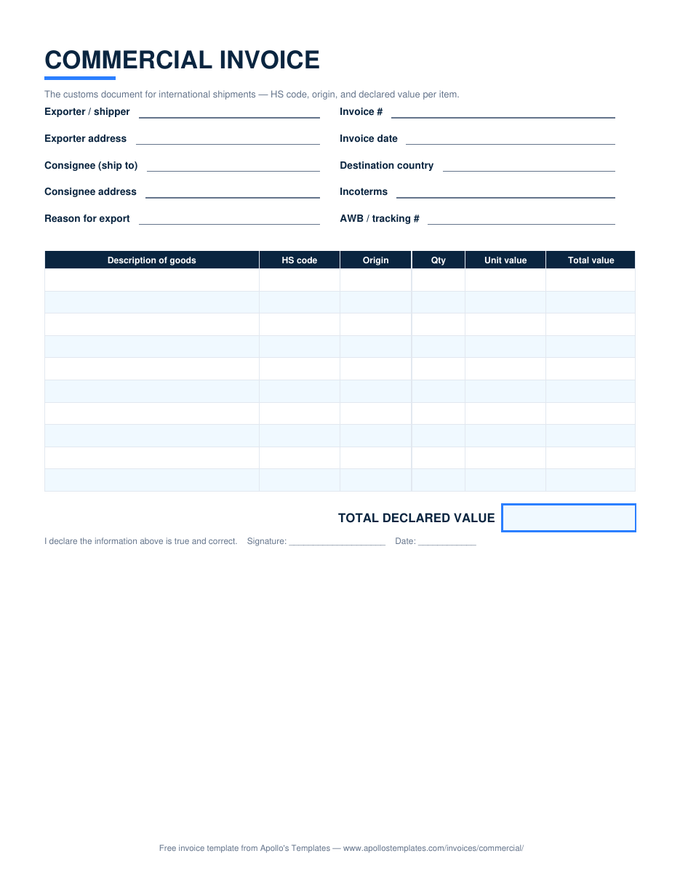
Commercial invoice for customs with HS code, origin, and declared value columns and a signature line

Commercial Invoice

The customs document — HS codes and declared value.
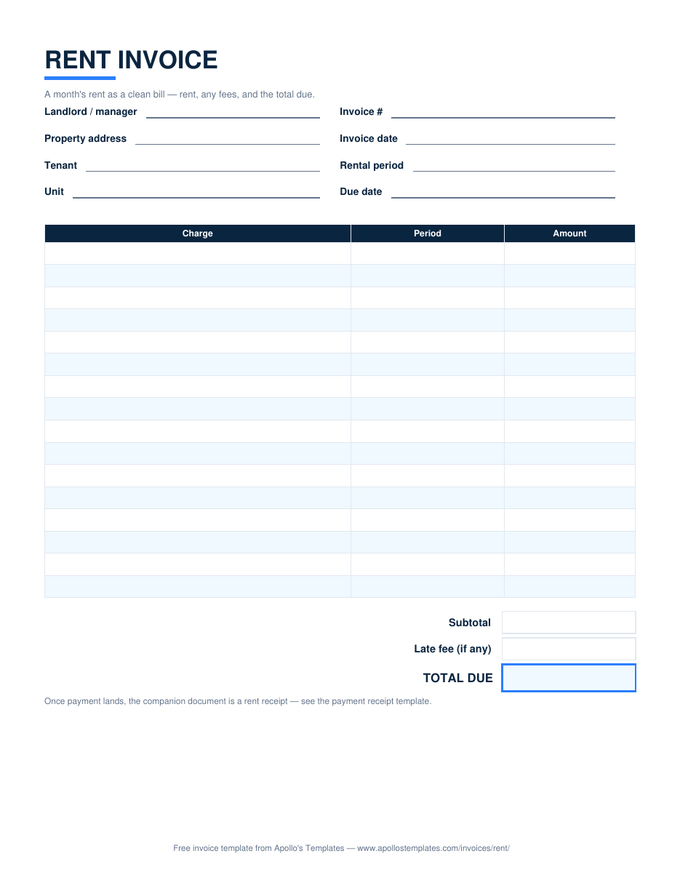
Rent invoice with charge rows for the rental period, a late fee line, and a total due box

Rent Invoice

The month's rent as a clean bill.
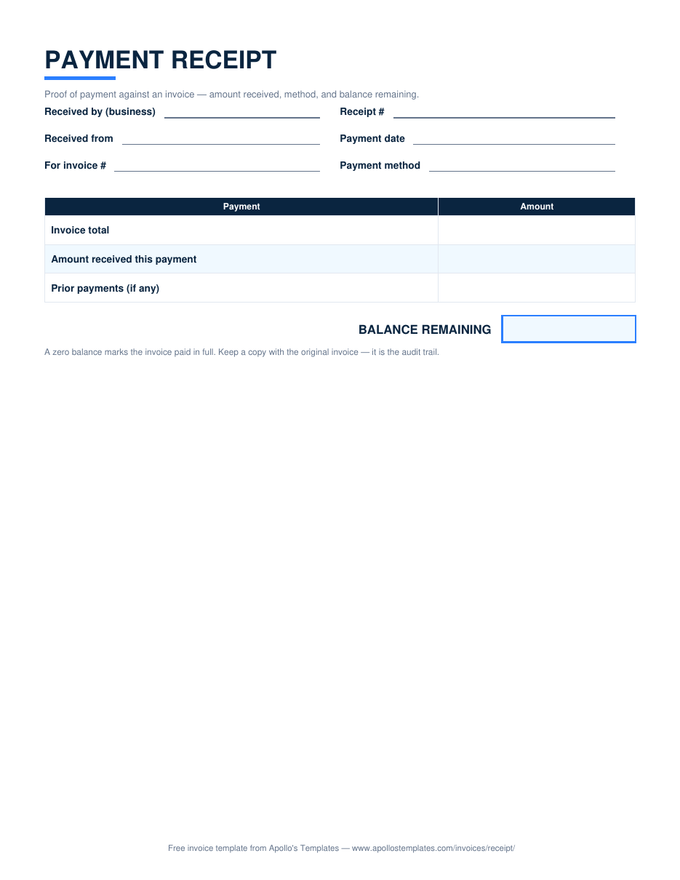
Payment receipt with invoice total, amount received, and a balance remaining box

Invoice Receipt

Proof of payment with the balance remaining.
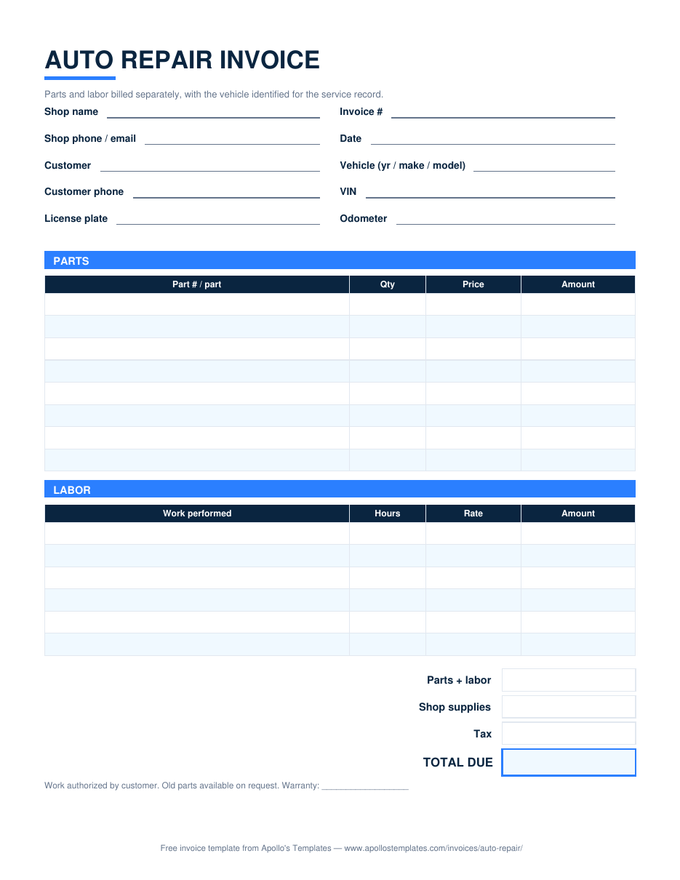
Auto repair invoice with a vehicle identification block and separate parts and labor tables

Auto Repair Invoice

Parts and labor split, vehicle identified.
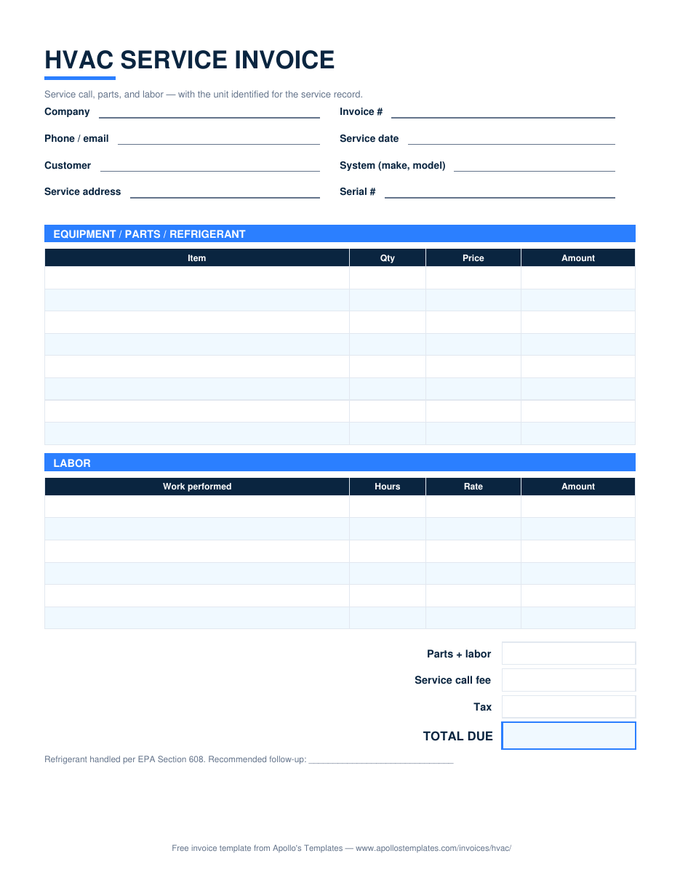
HVAC service invoice with equipment and labor tables, a service call fee line, and unit identification fields

HVAC Invoice

Service call, parts, labor — unit identified.
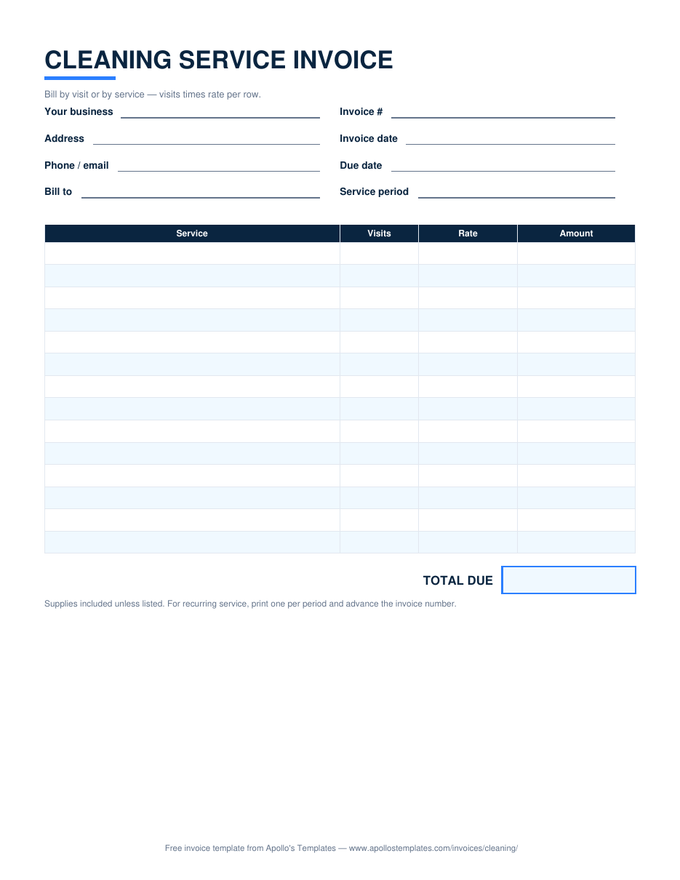
Cleaning service invoice with visits times rate rows and a total due box

Cleaning Invoice

Visits times rate for recurring service.
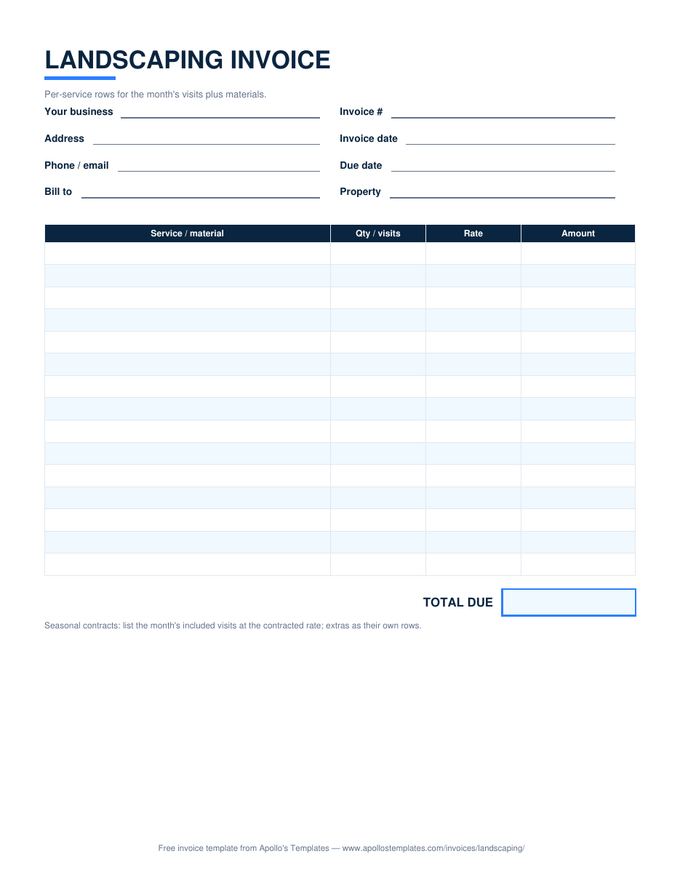
Landscaping invoice with per-service and materials rows and a total due box

Landscaping Invoice

Per-visit rows plus mulch and materials.
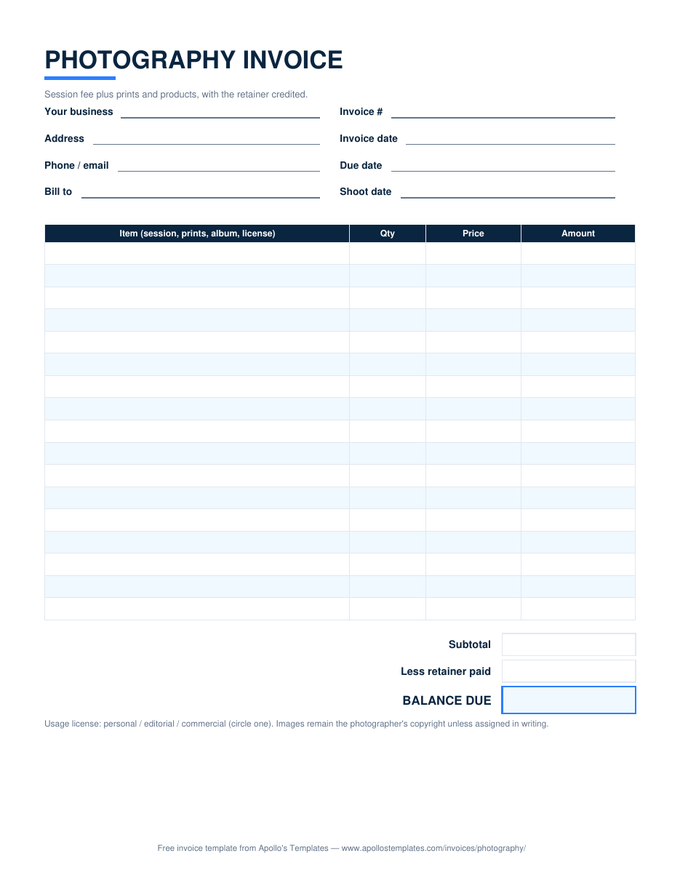
Photography invoice with session and print rows, a usage license note, and a retainer credit line

Photography Invoice

Session plus prints, retainer credited.
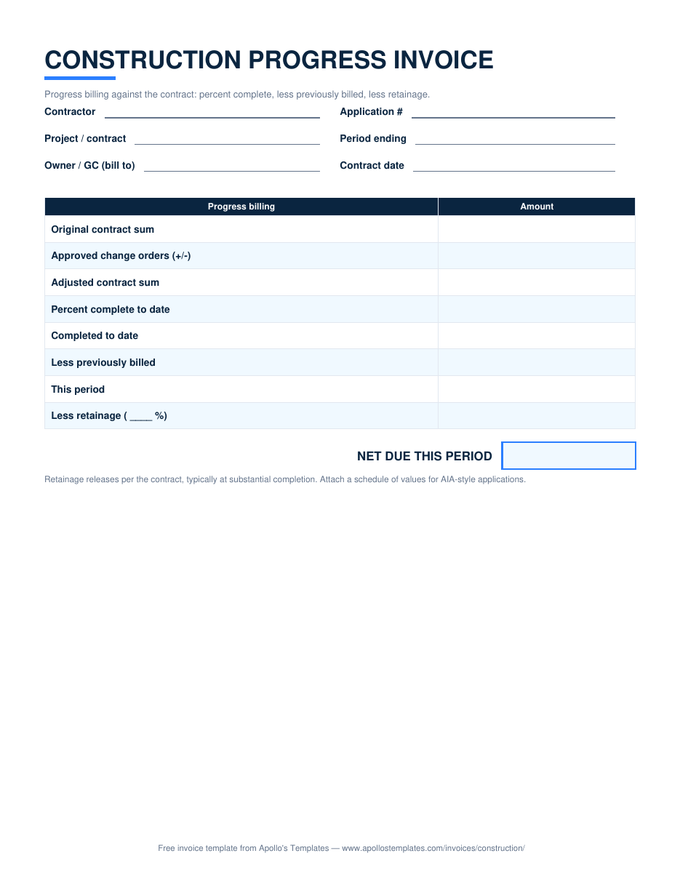
Construction progress invoice with contract sum, percent complete, previously billed, and retainage rows

Construction Invoice

Progress billing with retainage math.
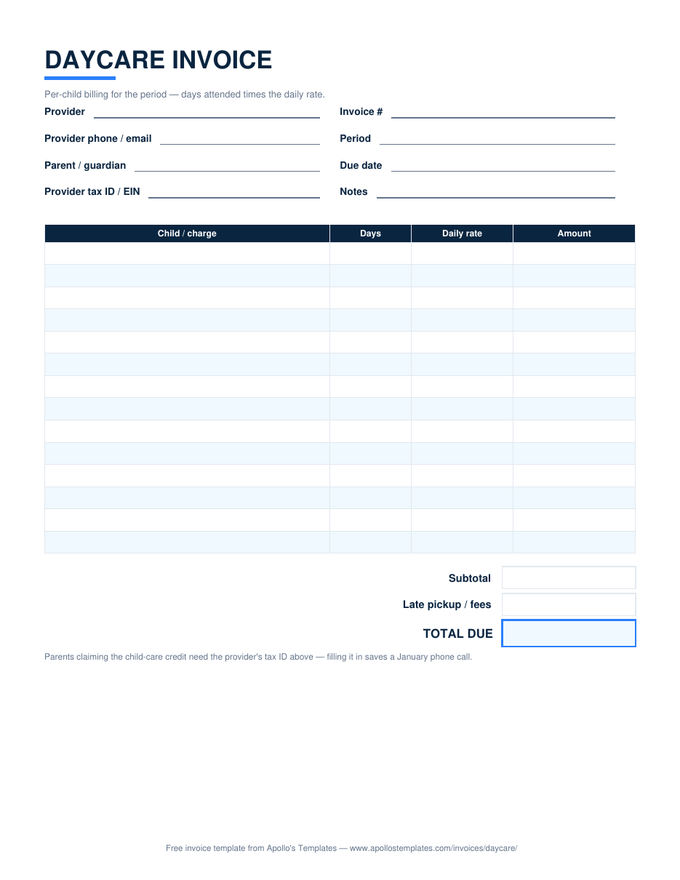
Daycare invoice with days-attended times daily-rate rows, a late pickup fee line, and a provider tax ID field

Daycare Invoice

Days times daily rate, tax ID included.
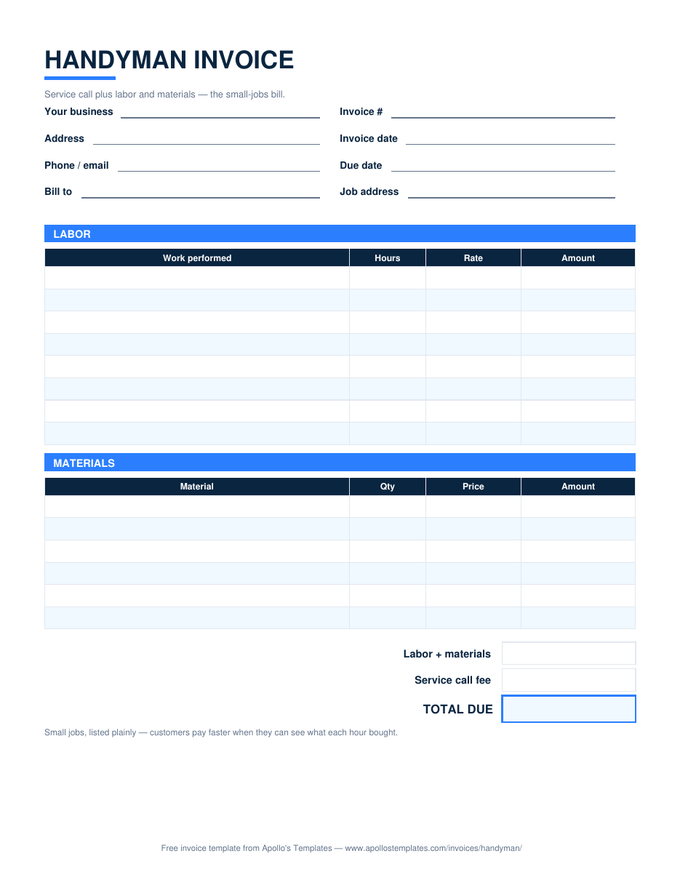
Handyman invoice with labor and materials tables and a service call fee line

Handyman Invoice

The small-jobs bill, listed plainly.
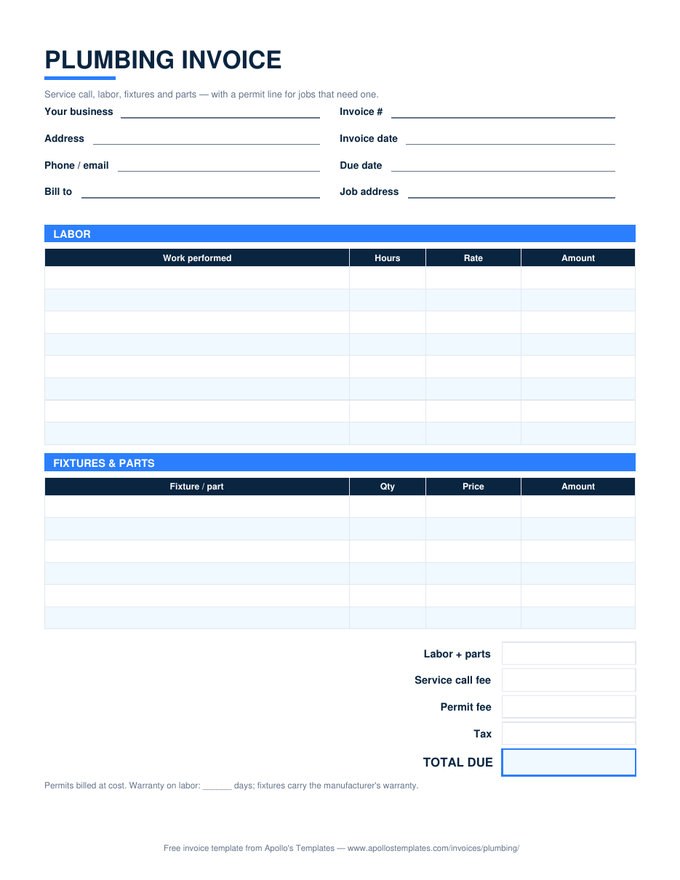
Plumbing invoice with labor and fixtures tables plus service call and permit fee lines

Plumbing Invoice

Labor, fixtures, and the permit line.
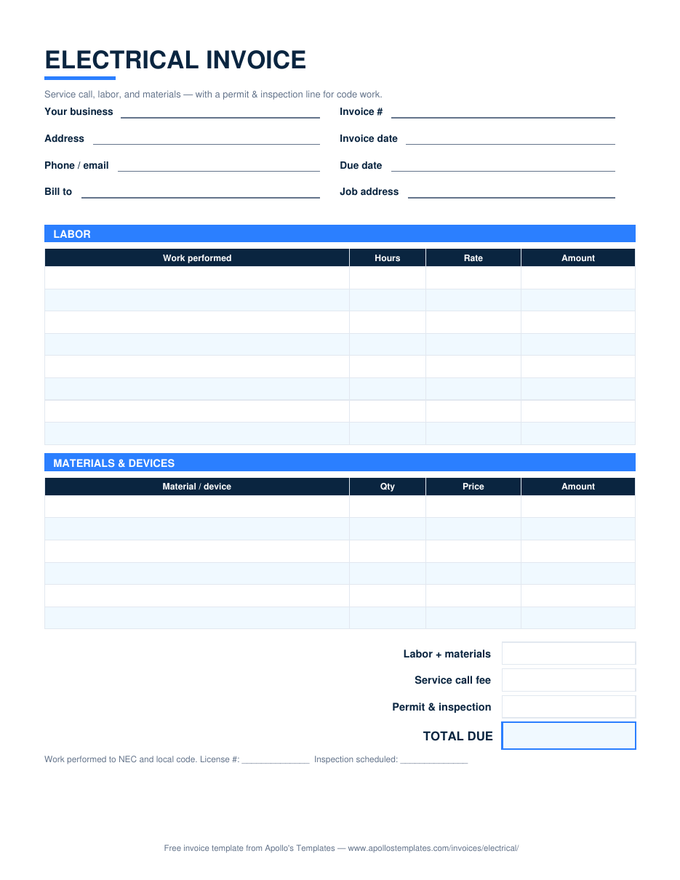
Electrical invoice with labor and materials tables plus service call and permit and inspection lines

Electrical Invoice

Labor, materials, permit and inspection.
Why Docs

A document you send, not a sheet you run.

An invoice spends most of its life as a sent document — attached to an email, opened by a client, filed by a bookkeeper. Google Docs is built for exactly that lifecycle: edit, export to PDF, send, duplicate for next month. No installs, no license, works from a Chromebook or a phone browser, and the copy in your Drive is a running archive of everything you’ve billed.

The one thing Docs won’t do is arithmetic. We’d rather say that plainly than pretend: if your invoices are three lines, typing the total is nothing; if they’re twenty lines with tax, use the Google Sheets versions of these same templates — every formula is verified working after conversion — and keep Docs for the letters.

The math-first version
Google Sheets Invoice Templates
The same nineteen invoices with line totals, tax, and totals computed for you.
Browse
Working offline
Invoice Templates for Word
The .docx fleet — identical layouts for Microsoft Word.
Browse
Start here if unsure
Simple Invoice Template
The universal bill: description, quantity, price, amount.
Open

Frequently asked questions

How do I get one of these into my Google Drive?
Click “Open in Google Docs” on any card and Google shows the template with a Make a copy button. The copy lands in your Drive, private to you and fully editable — we never see it. Fill in your business block, then use File → Make a copy for each new invoice so your filled-in master stays clean.
Do the Docs versions calculate totals like the spreadsheets?
No — a Google Doc is a document, so the amounts are typed, not computed. That is the honest trade: Docs gives you the cleanest editing and sending experience; the Google Sheets and Excel versions of every one of these templates do the multiplication and tax math for you. If your invoices have more than a few lines, start from the Sheets column instead.
How do I send an invoice made in Google Docs?
The professional route is File → Download → PDF, then attach that PDF to your email — the client gets a fixed document that renders identically everywhere. Sharing the Doc link itself works for collaborators but is wrong for billing: a live link keeps changing, and an invoice should be a record that doesn't.
Can I put my logo on these?
Yes — that's the main reason to pick the Docs or Word version. Insert → Image in the header area, resize to taste, and save the result as your master. The layout is a plain table underneath, so it survives logos, font changes, and color tweaks without breaking.
Updated through September 2026