Apollo's Templates
HomeBusinessInvoice TemplatesWord
Yours to brand

19 Invoice Templates for Word

Every invoice in the library as an editable Word table \u2014 the version you brand. Drop your logo in the header, set your fonts, save the result as your own master, and every invoice you send carries your identity instead of ours. Word doesn't calculate, and we won't pretend otherwise: type the amounts, or start from the Excel and Sheets versions when you want the math done.

The fleet

Nineteen invoices, ready to make yours.
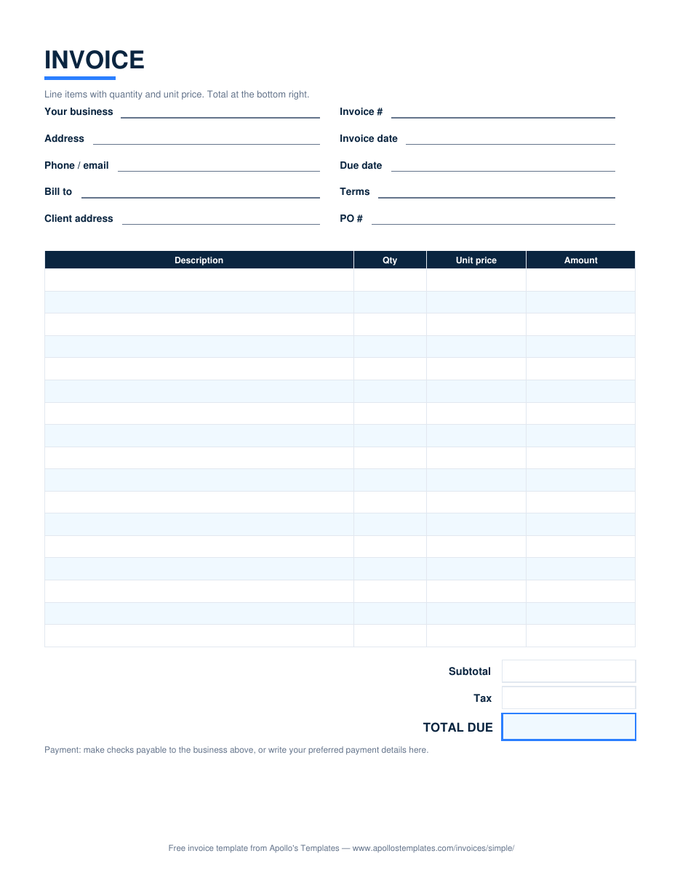
Simple invoice with description, quantity, unit price, and amount columns and subtotal, tax, and total boxes
Microsoft Word

Simple Invoice

The universal bill — qty times price, tax, total.
Download Word
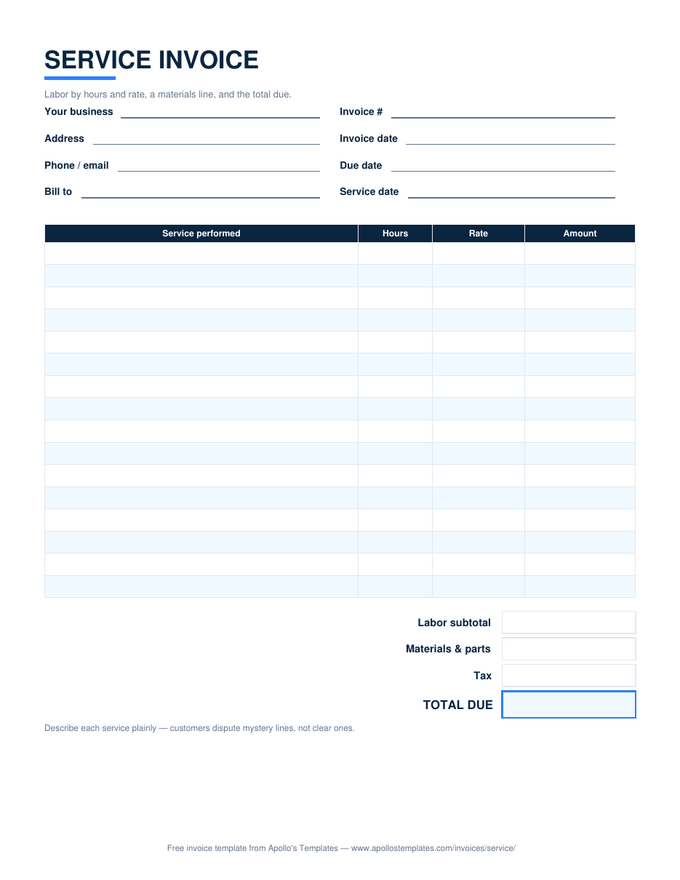
Service invoice with labor rows by hours and rate, a materials line, and a total due box
Microsoft Word

Service Invoice

Labor by hours and rate with a materials line.
Download Word
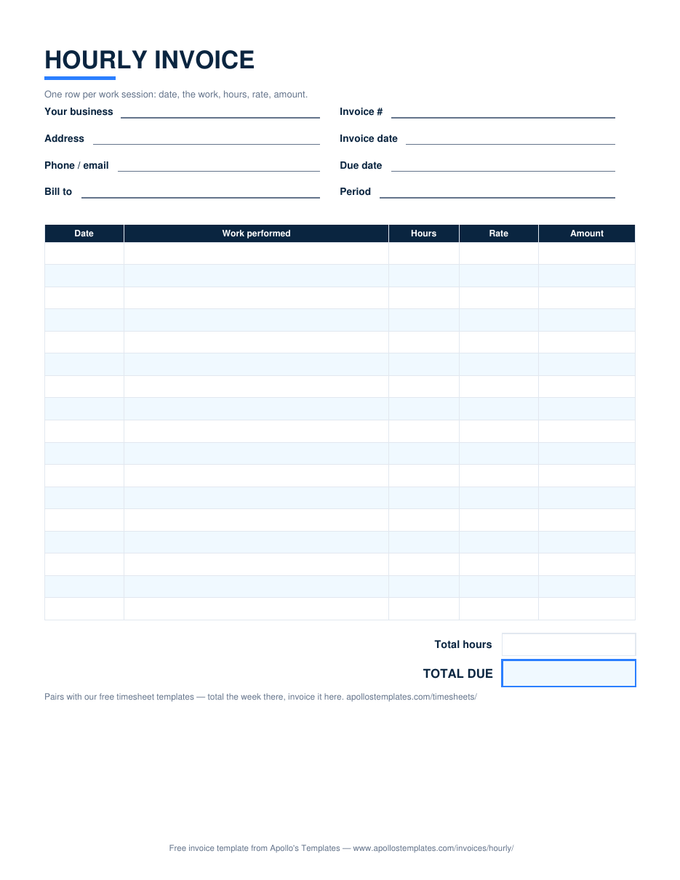
Hourly invoice with dated work-session rows, hours times rate per row, and total hours and total due
Microsoft Word

Hourly Invoice

Dated work sessions, hours times rate per row.
Download Word
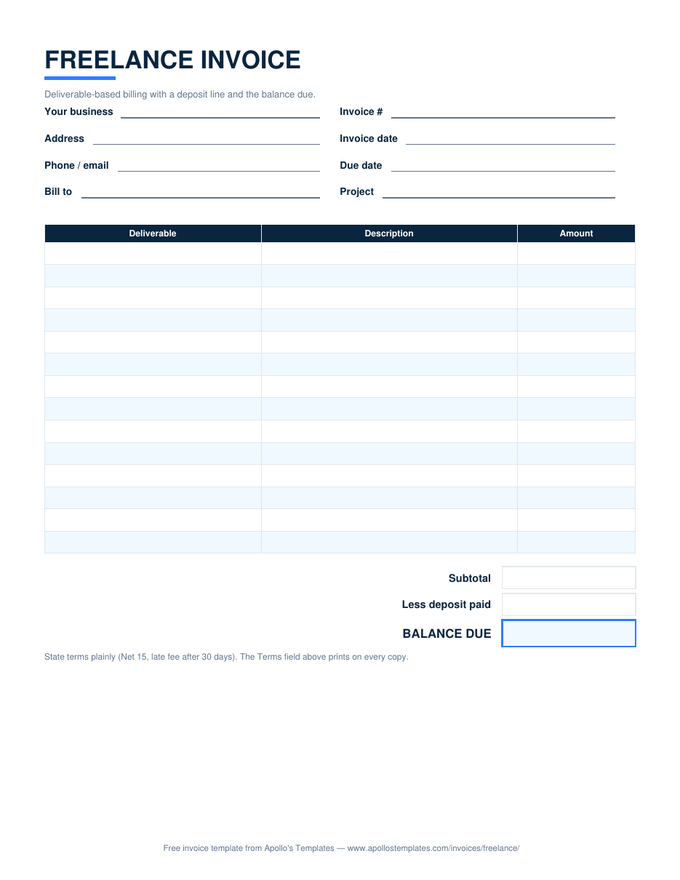
Freelance invoice with deliverable rows, a deposit line, and a balance due box
Microsoft Word

Freelance Invoice

Deliverable pricing with the deposit credited.
Download Word
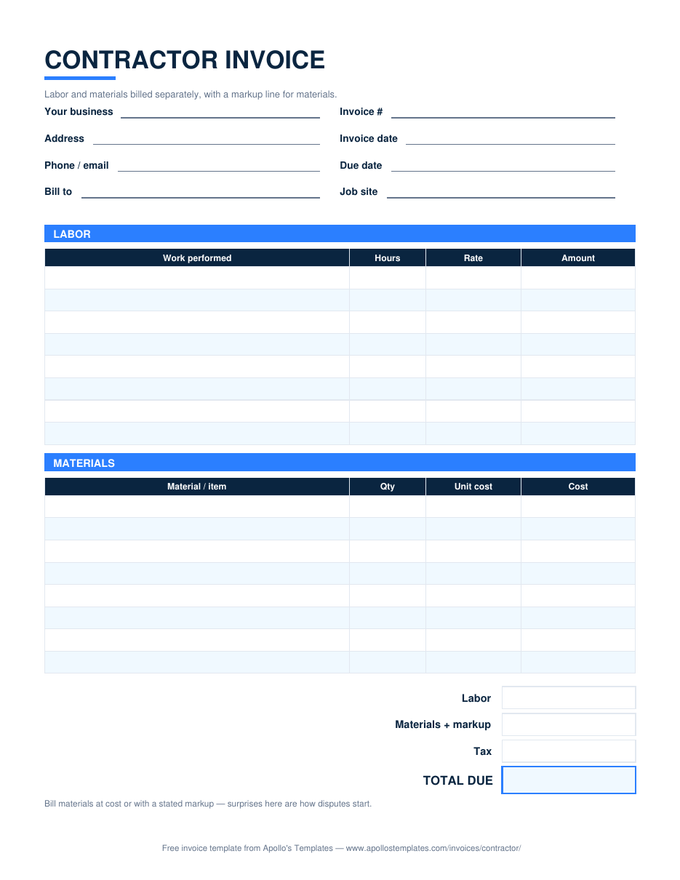
Contractor invoice with separate labor and materials tables, a markup line, and a total due box
Microsoft Word

Contractor Invoice

Labor and materials separated, markup stated.
Download Word
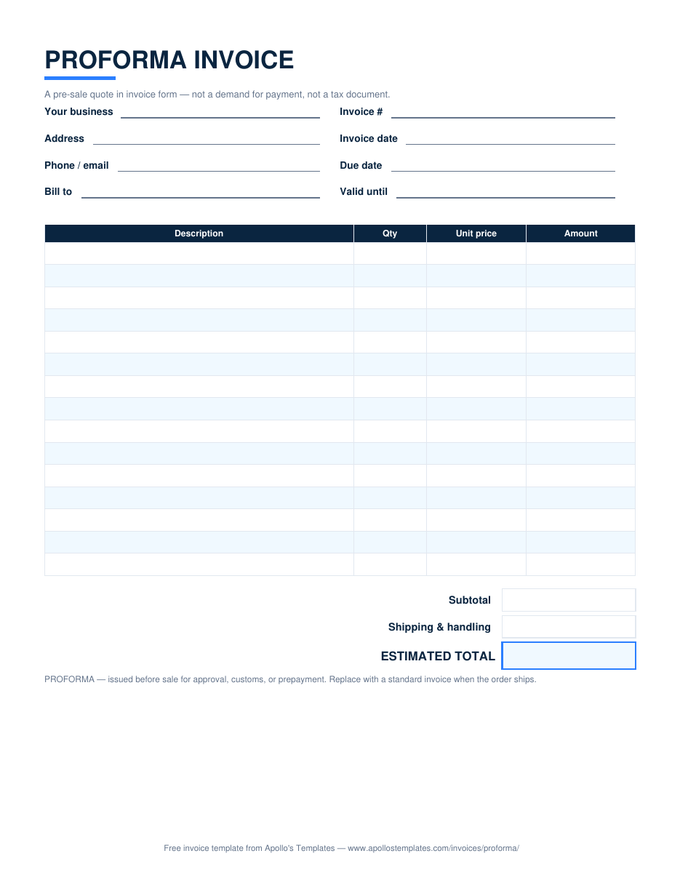
Proforma invoice with quote-style line items, a shipping line, and an estimated total box
Microsoft Word

Proforma Invoice

The pre-sale quote in invoice form.
Download Word
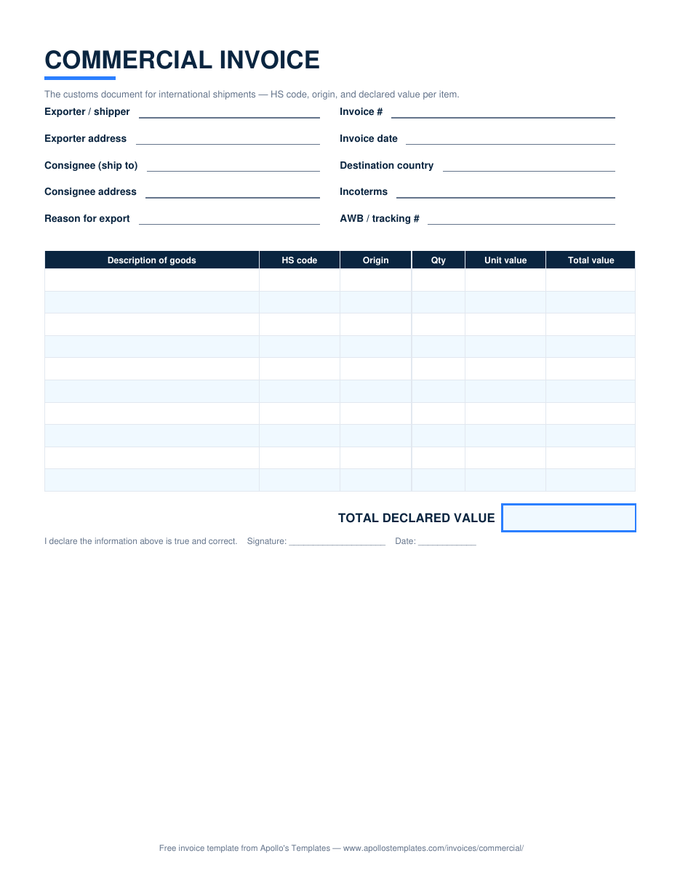
Commercial invoice for customs with HS code, origin, and declared value columns and a signature line
Microsoft Word

Commercial Invoice

The customs document — HS codes and declared value.
Download Word
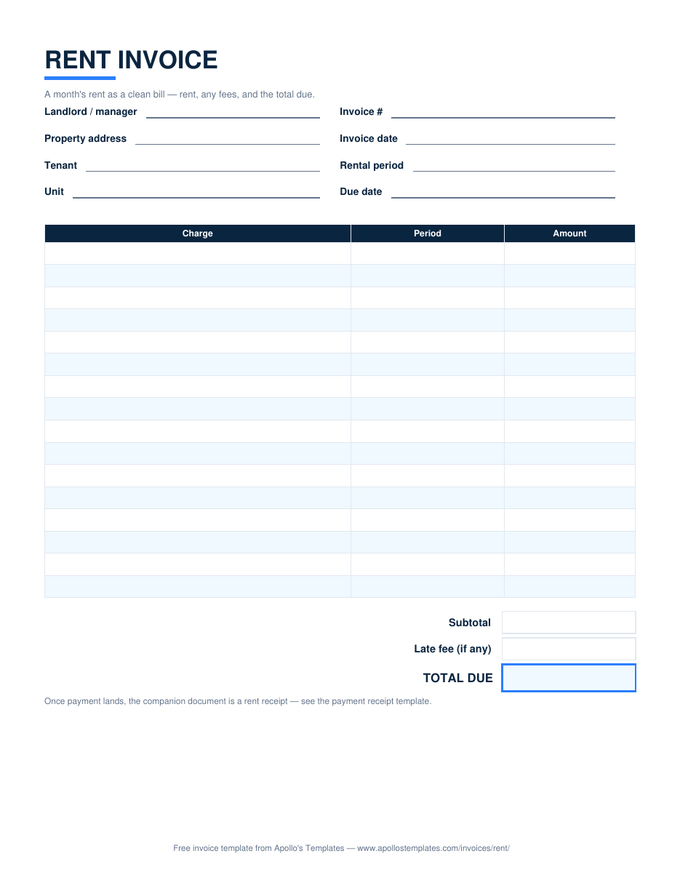
Rent invoice with charge rows for the rental period, a late fee line, and a total due box
Microsoft Word

Rent Invoice

The month's rent as a clean bill.
Download Word
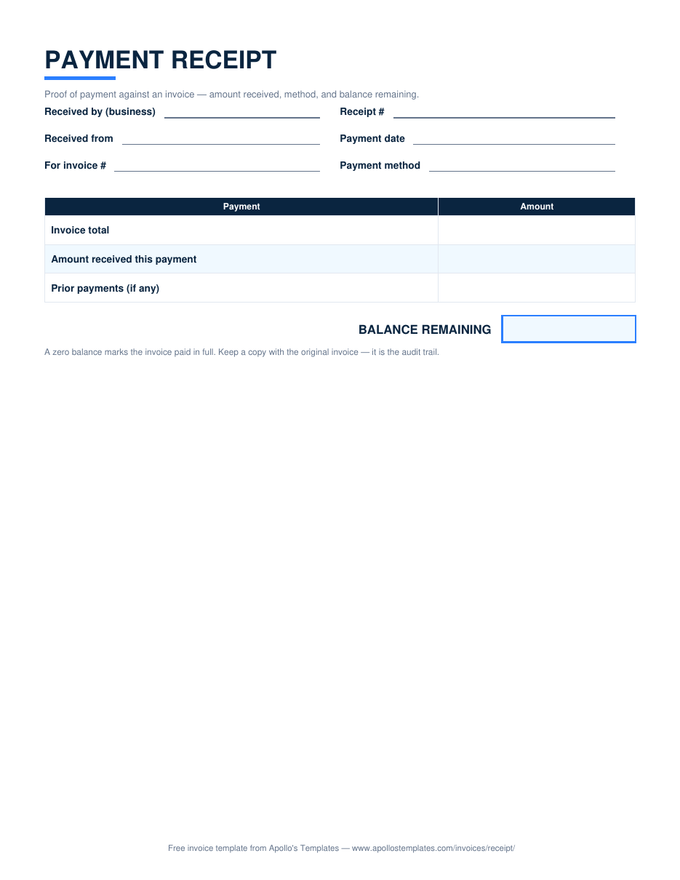
Payment receipt with invoice total, amount received, and a balance remaining box
Microsoft Word

Invoice Receipt

Proof of payment with the balance remaining.
Download Word
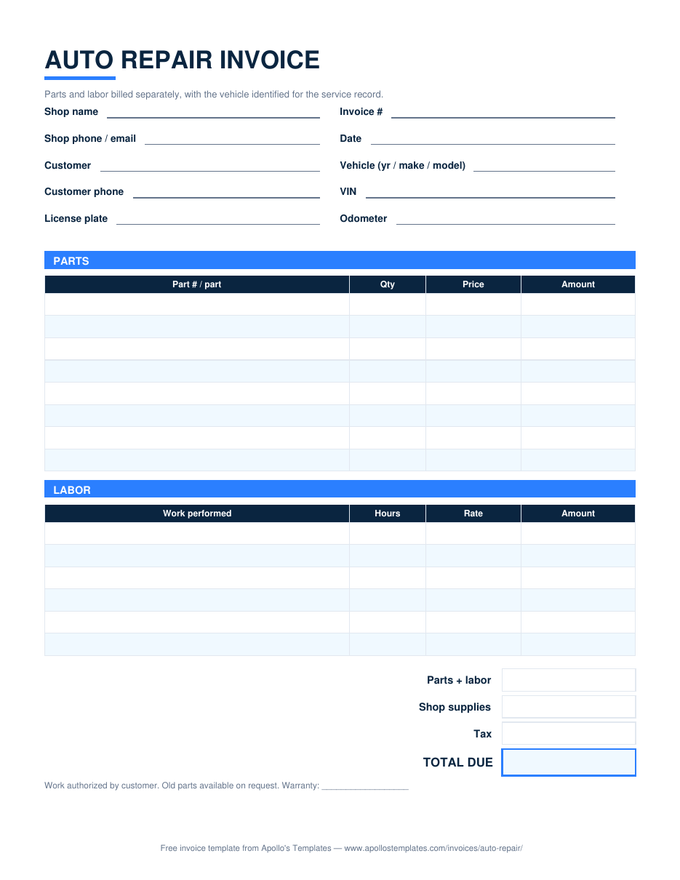
Auto repair invoice with a vehicle identification block and separate parts and labor tables
Microsoft Word

Auto Repair Invoice

Parts and labor split, vehicle identified.
Download Word
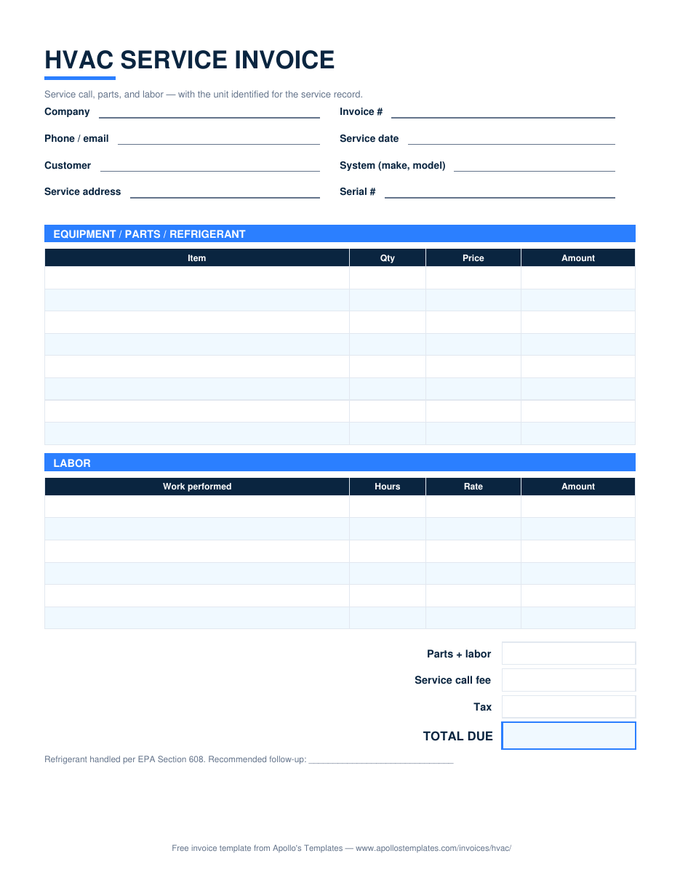
HVAC service invoice with equipment and labor tables, a service call fee line, and unit identification fields
Microsoft Word

HVAC Invoice

Service call, parts, labor — unit identified.
Download Word
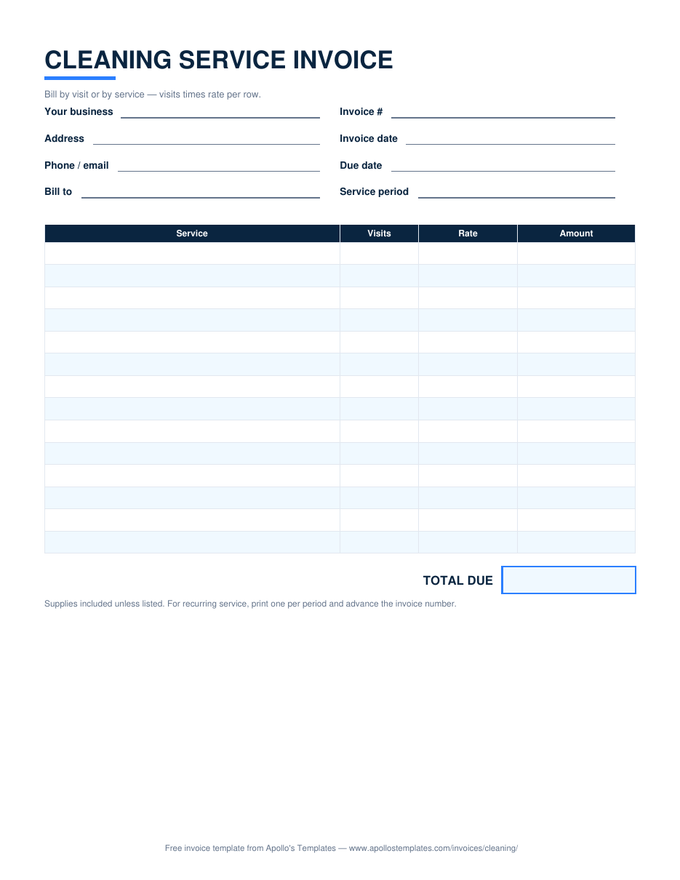
Cleaning service invoice with visits times rate rows and a total due box
Microsoft Word

Cleaning Invoice

Visits times rate for recurring service.
Download Word
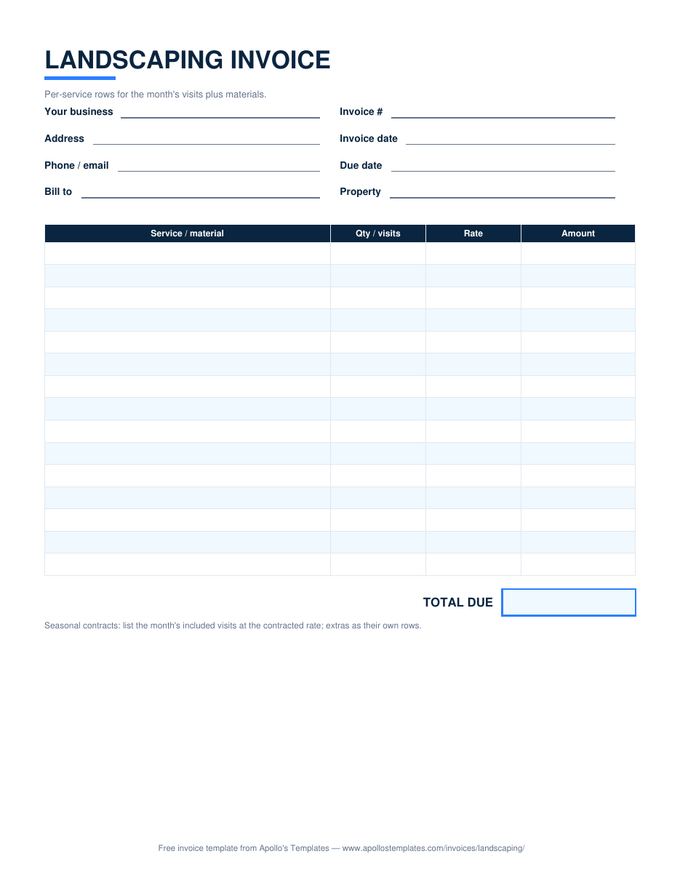
Landscaping invoice with per-service and materials rows and a total due box
Microsoft Word

Landscaping Invoice

Per-visit rows plus mulch and materials.
Download Word
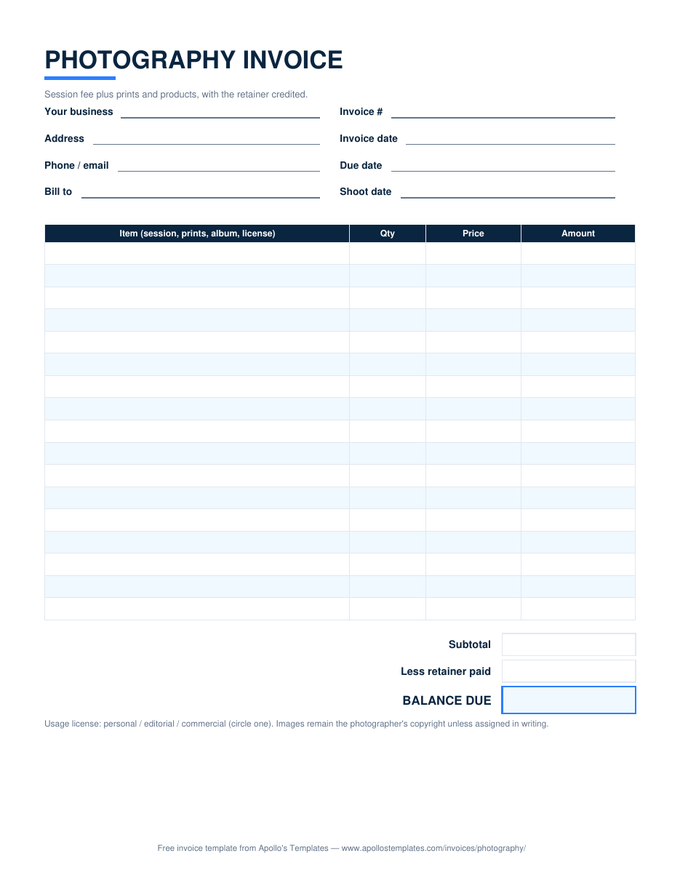
Photography invoice with session and print rows, a usage license note, and a retainer credit line
Microsoft Word

Photography Invoice

Session plus prints, retainer credited.
Download Word
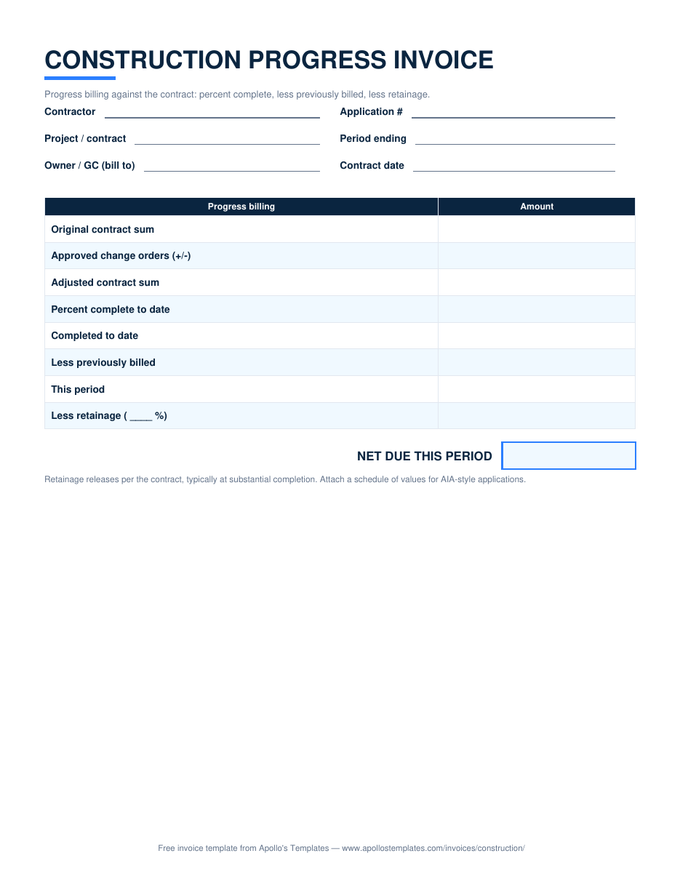
Construction progress invoice with contract sum, percent complete, previously billed, and retainage rows
Microsoft Word

Construction Invoice

Progress billing with retainage math.
Download Word
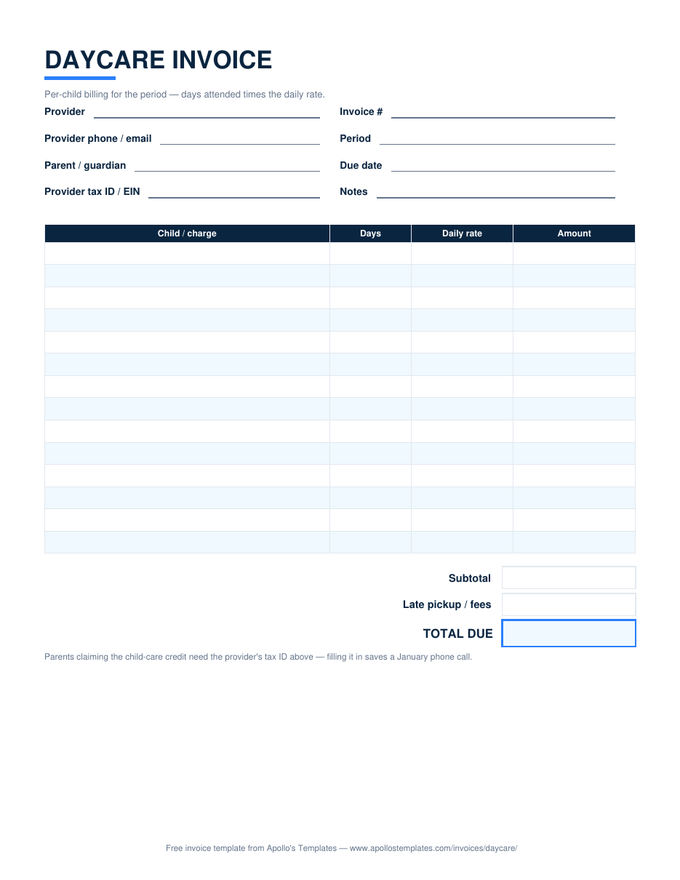
Daycare invoice with days-attended times daily-rate rows, a late pickup fee line, and a provider tax ID field
Microsoft Word

Daycare Invoice

Days times daily rate, tax ID included.
Download Word
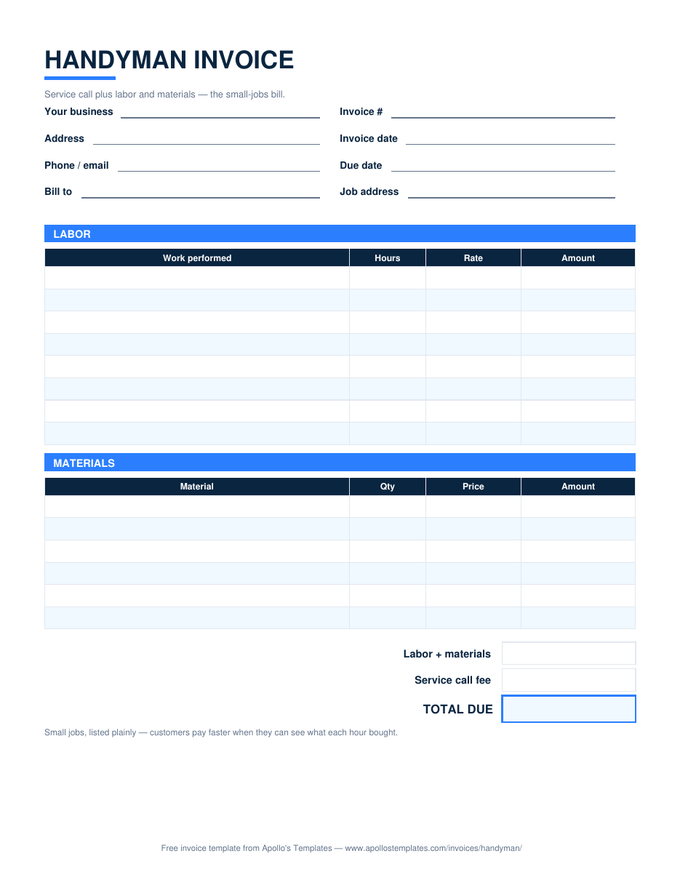
Handyman invoice with labor and materials tables and a service call fee line
Microsoft Word

Handyman Invoice

The small-jobs bill, listed plainly.
Download Word
Plumbing invoice with labor and fixtures tables plus service call and permit fee lines
Microsoft Word

Plumbing Invoice

Labor, fixtures, and the permit line.
Download Word
Electrical invoice with labor and materials tables plus service call and permit and inspection lines
Microsoft Word

Electrical Invoice

Labor, materials, permit and inspection.
Download Word
Why Word

The version your letterhead lives in.

For a lot of small businesses the invoice is stationery: it should look like the business, not like a spreadsheet. That’s Word’s job. These layouts are plain, well-behaved tables under the styling, so they take a logo, a color, and a font change without collapsing — and the result prints exactly as it shows.

Type the totals with a calculator beside you, or let a spreadsheet do it: the same nineteen layouts ship as Excel files and verified Google Sheets masters. A common split we see: Sheets for running the numbers, Word for the handful of clients who need a branded document.

Same layouts, live math
Excel Invoice Templates
The .xlsx fleet with totals, tax, and deposits computing.
Browse
Edit in the browser
Google Docs Invoice Templates
Make-a-copy Docs versions of this same fleet.
Browse
The deliverable bill
Freelance Invoice Template
Project lines, a deposit credit, and the balance due.
Open

Frequently asked questions

Why don't the Word invoices calculate totals?
Because Word tables don't really calculate — the field-code tricks that sort of work break the moment a row is added or a file is opened in another app, and a silently stale total on an invoice is worse than no formula at all. The layouts are typed-and-totaled by design; the same templates in Excel and Google Sheets do the math properly.
How do I add my logo and make this look like my business?
Insert → Pictures in the space beside the title, size it, and adjust the title text to sit with it. Change the fonts site-wide with Design → Fonts. Then File → Save As a template (.dotx) or just keep a MASTER.docx you duplicate — either way you do the branding exactly once.
Will these open in older Word, Pages, or LibreOffice?
The files are standard .docx with plain tables — Word 2010 onward, LibreOffice Writer, and Apple Pages all open them cleanly. We normalize the file internals specifically so desktop Word never throws the “unreadable content” error that plagues generated documents.
Word, PDF, or Excel — which should I actually send?
Send a PDF, whatever you edit in — File → Save As → PDF in Word. A .docx attachment invites silent edits and re-flowed layouts on the client's machine; a PDF is the fixed record an invoice is supposed to be. Keep the Word file as your working master.
Updated through September 2026