






Watermark Letterhead
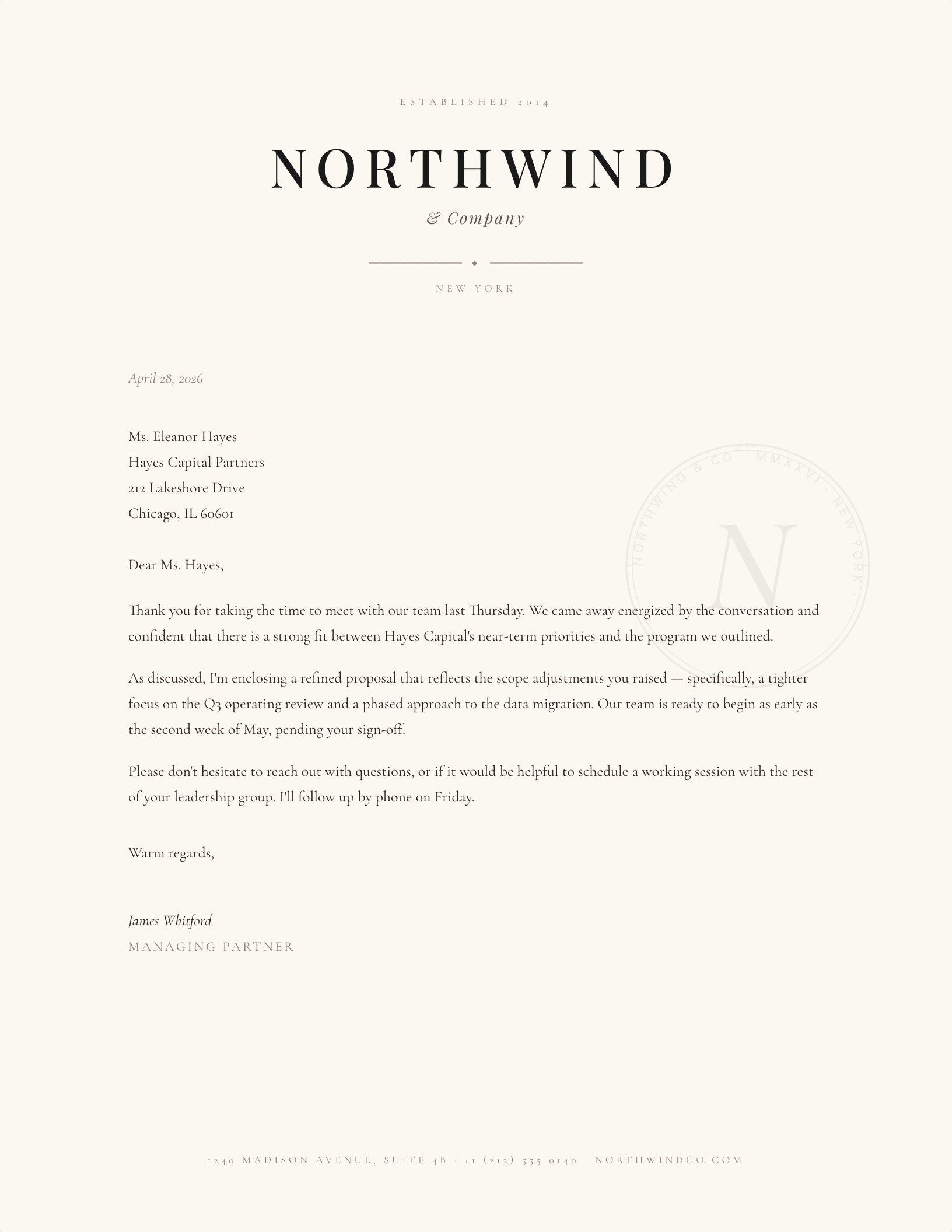
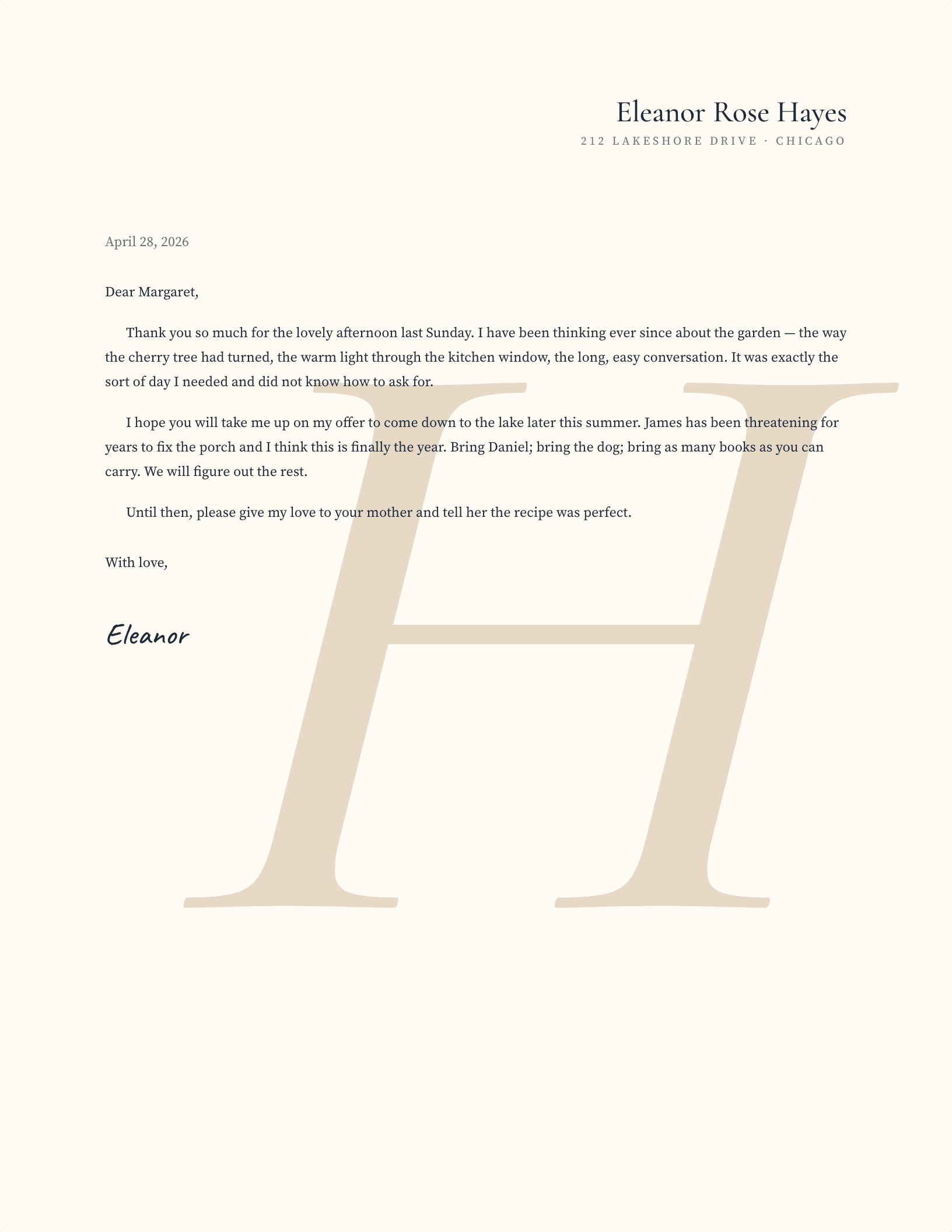
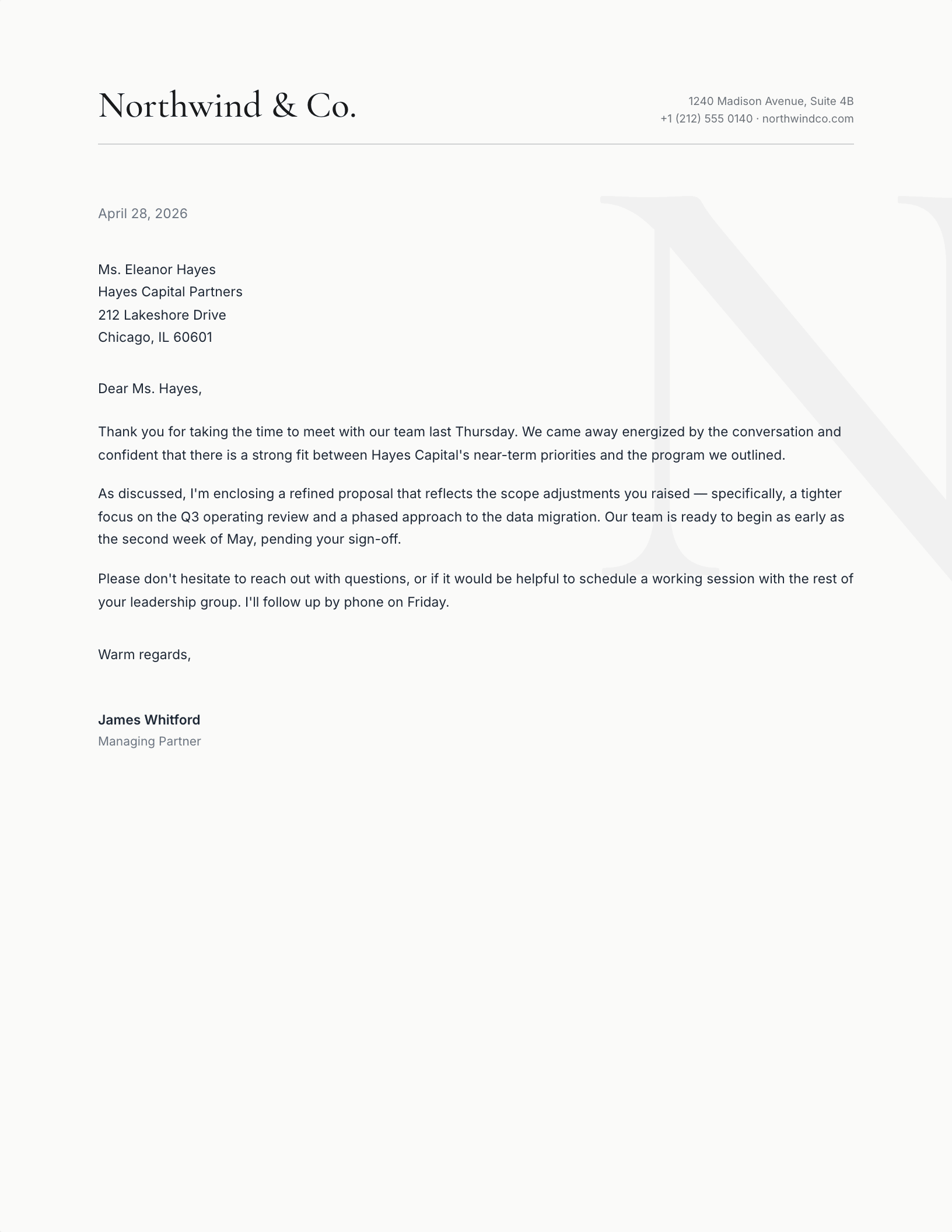
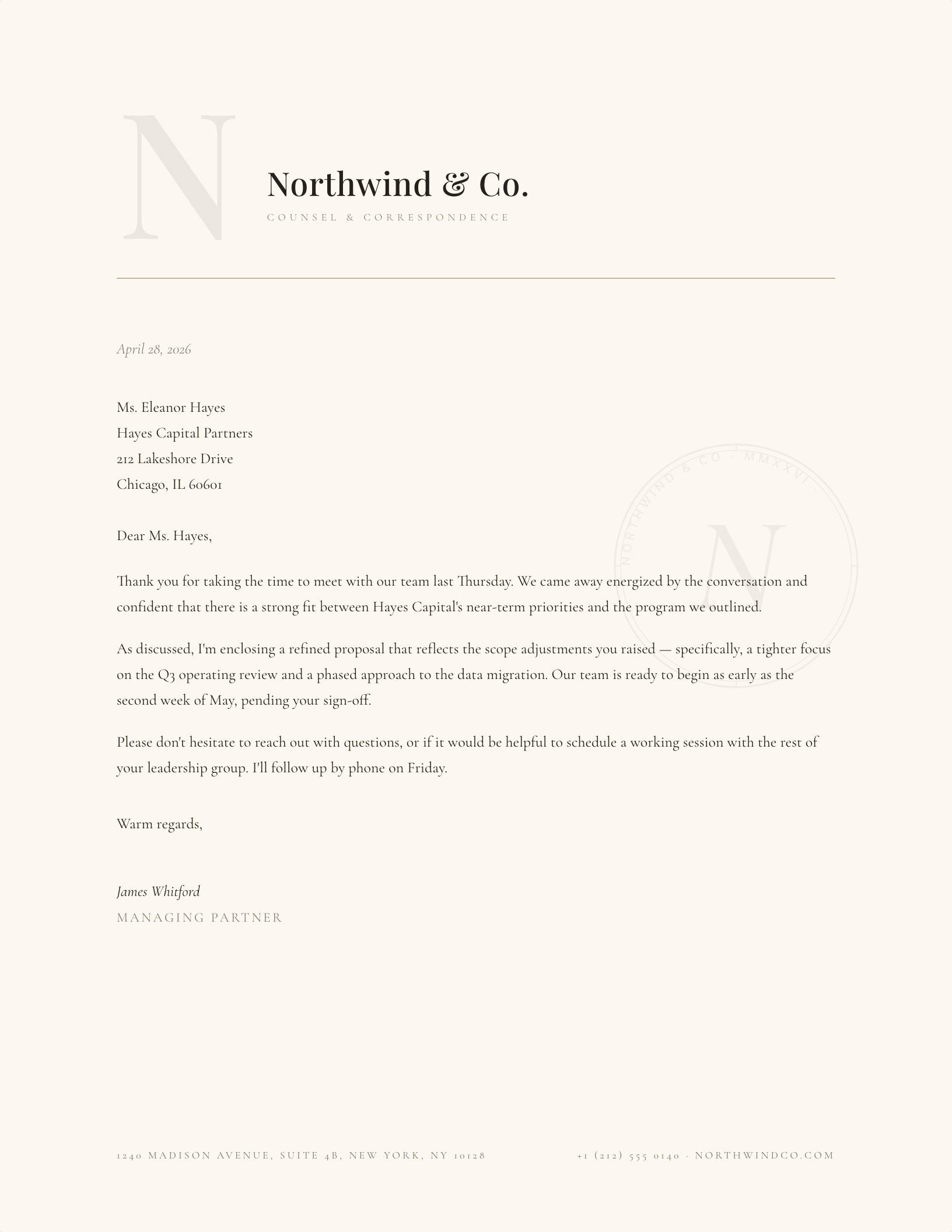
A watermark letterhead sets a large, pale initial behind the letter itself — presence without competing with your words. Every design is personalised letterhead, made live: choose the letter, font, colour and exactly how faint the wash sits, then download for Word or Google Docs with it already in place. If you would rather add a watermark to a document yourself, the questions below cover that too.
Common questions
What is a watermark on a letterhead?
A watermark is artwork printed underneath the text rather than beside it — traditionally a mark pressed into the paper itself, and on a modern letterhead a large, very pale initial or logo sitting behind the correspondence. The point is presence without interruption: it identifies the page at a glance but never asks to be read. That is the whole reason it is set faint rather than simply made smaller.
Where is the best place to put a watermark on letterhead?
Centred, slightly above the middle of the page, and large. It sounds counterintuitive — big and central is exactly where the text is — but a watermark that hides in a corner reads as a mistake, while one centred behind the body reads as intentional. The rule that matters more than placement is contrast: keep it faint enough that a reader's eye skates over it. Both designs here are positioned this way already, and the nudge controls move it if your letters run long.
My watermark is covering the text — how do I fix that?
Almost always it is opacity rather than position. A watermark that competes with the words is too dark, not too big, so the first thing to try is making it paler — on these designs, push the transparency dial up a step or two and re-download. If you are fixing a document of your own in Word, select the image, open Picture Format, and raise the transparency to somewhere in the 80 to 90 percent range; then set Wrap Text to Behind Text so the paragraphs flow over it instead of around it. Both changes together solve nearly every case.
How do I add a watermark to a letterhead in Microsoft Word myself?
Design → Watermark → Custom Watermark is the built-in route, and it takes either a picture or your own text. It works, but it applies the mark to every page and gives you limited control over size and position. For a letterhead you usually want more say than that: insert the image normally, set Wrap Text to Behind Text, drag it where you want, then raise its transparency under Picture Format. That second method is what these templates use, which is why the watermark can be moved and rescaled after you download. It behaves the same in Word 2013 through Microsoft 365 and on Word for Mac.
Can I do this in Google Docs or LibreOffice instead?
Both, with a caveat. Google Docs has Insert → Watermark, which handles images well and text less well — and remember to turn on View → Show print layout or you will not see it at all. LibreOffice Writer puts it under Format → Watermark, applied through the page style. Either way, the simplest path is to open one of these templates as a Google Docs copy and change the letter, since the positioning and transparency are already solved.
What paper should a watermark letterhead print on?
A watermark rewards better stock more than most designs do. Ivory or cream at 24 to 32 lb gives the wash something to sit in, and the slight warmth of the sheet does half the work of making a pale mark look deliberate rather than washed out. Bright white at 20 lb is the least flattering combination — the mark tends to read as a printing fault. If you are using genuinely watermarked stock, keep the printed mark faint or drop it entirely and let the paper carry it.
Will the watermark interfere with reading the letter?
Not at the default settings — the wash renders at high transparency, tuned to sit behind body text without fighting it. The transparency dial lets you pull it even fainter, or bolder for a cover-page look.
Does the watermark print?
Yes — it is part of the page, not a screen effect. On most printers a high-transparency wash prints as a subtle tint; if your printer renders it too faint, lower the transparency a step or two and re-download.
What is the difference between the two watermark designs?
Watermark Initial is personal stationery — your initial in a warm wash with a right-aligned name block. Right Justified Watermark is the business version — a company name block top-left with the wash letter set behind the correspondence area.
Can I match the watermark to my brand color?
Yes — beyond the preset palette, the rainbow tile opens a full color picker, and the transparency dial controls how much of it shows. The live preview shows exactly what will download.
The watermark collection is actively maintained — designs updated through September 2026.