






Fax Cover Sheet — PDF
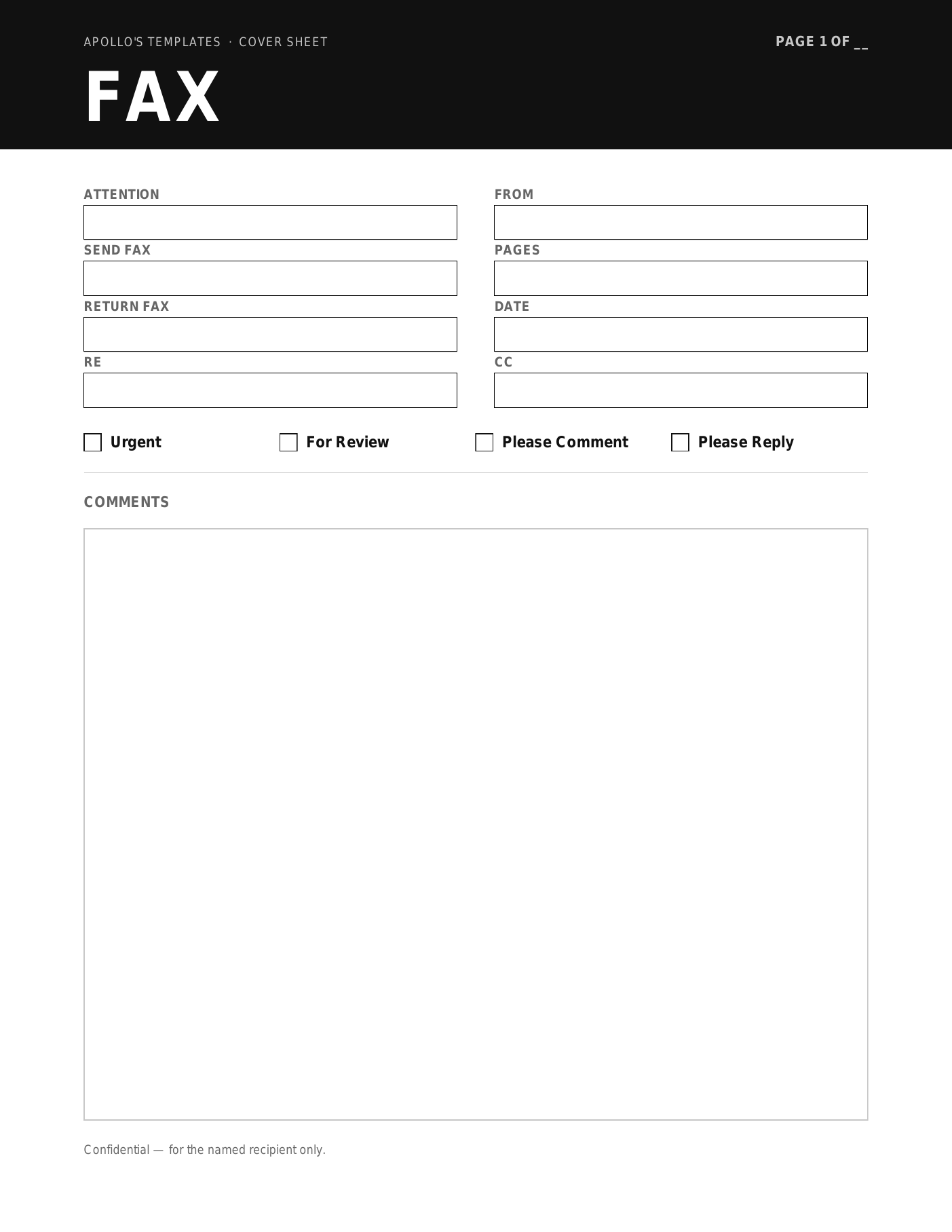
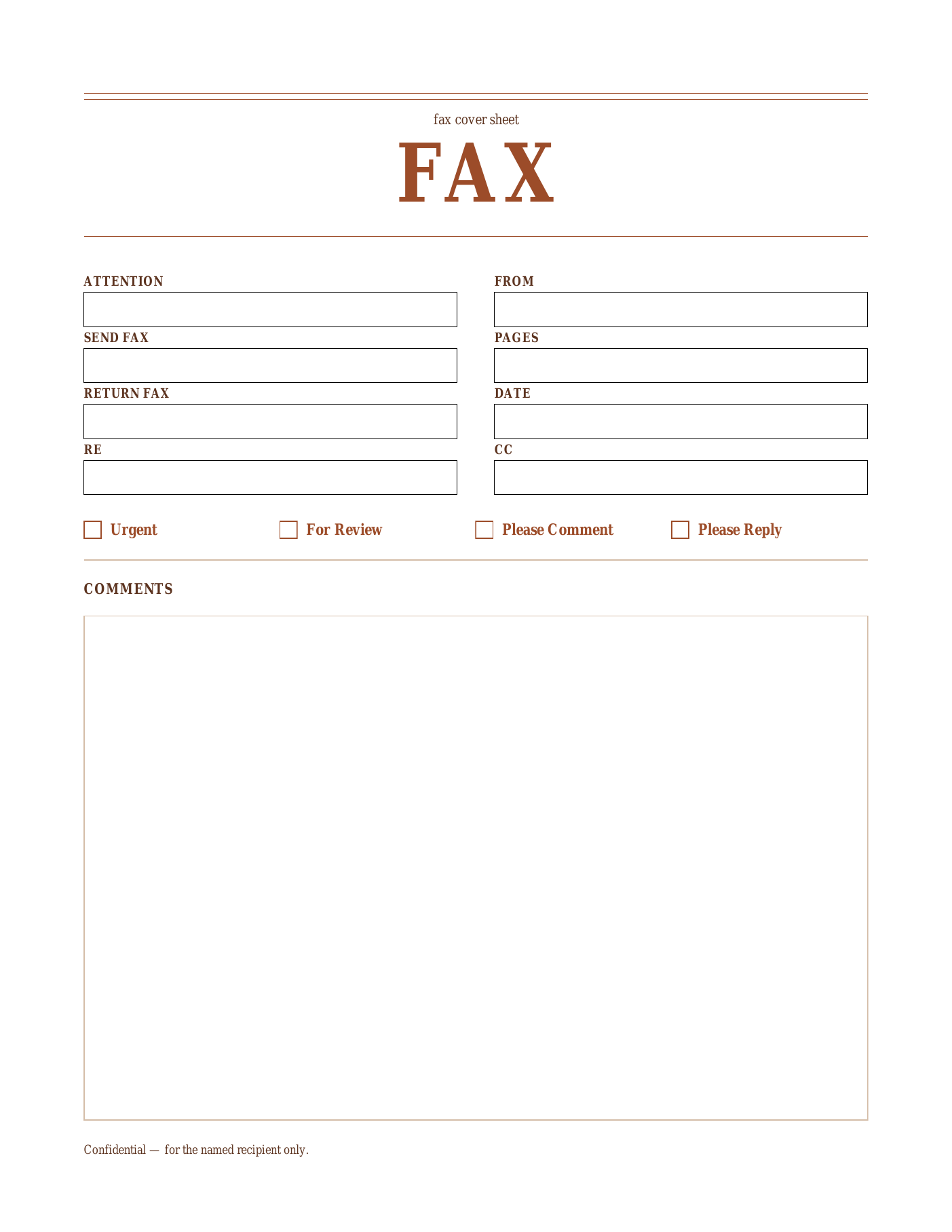
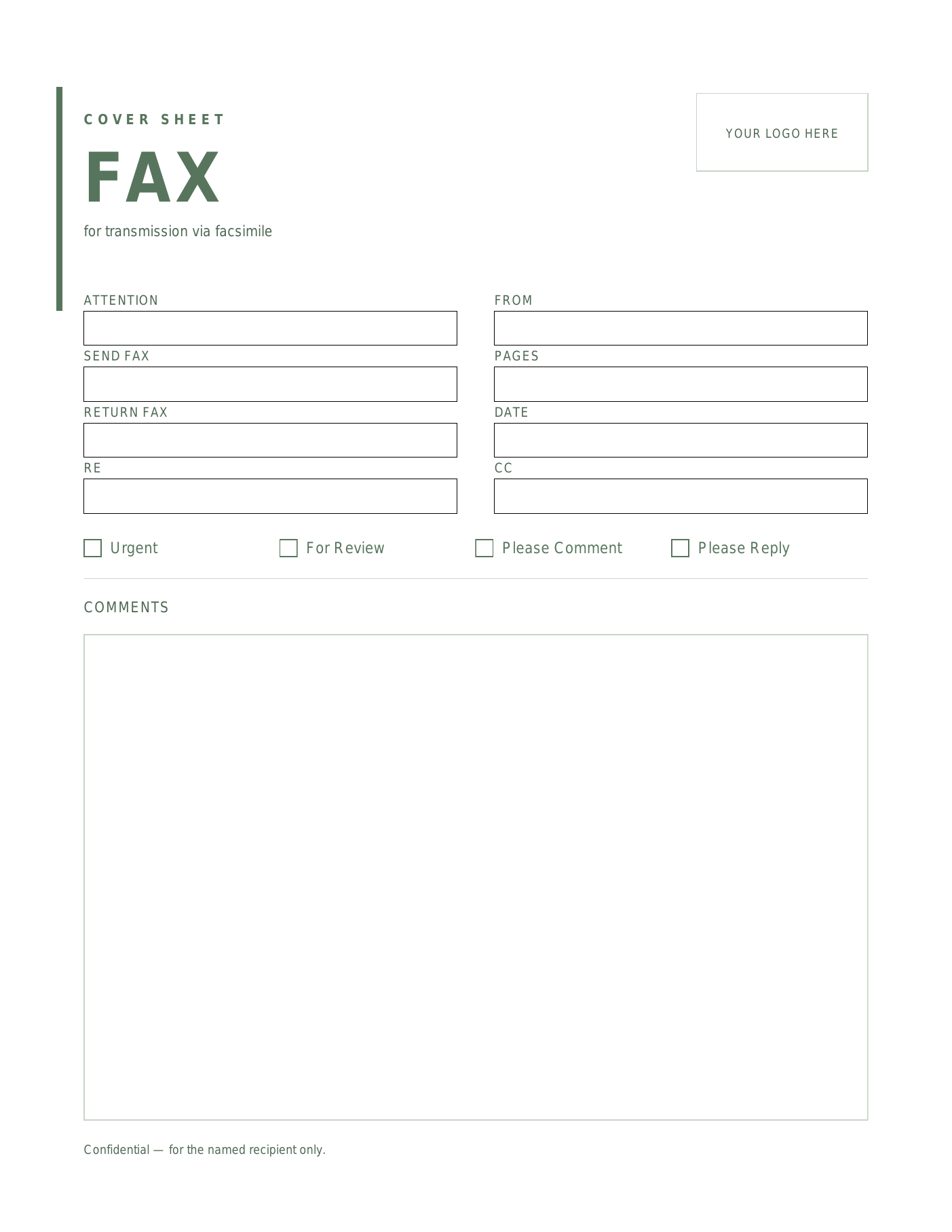
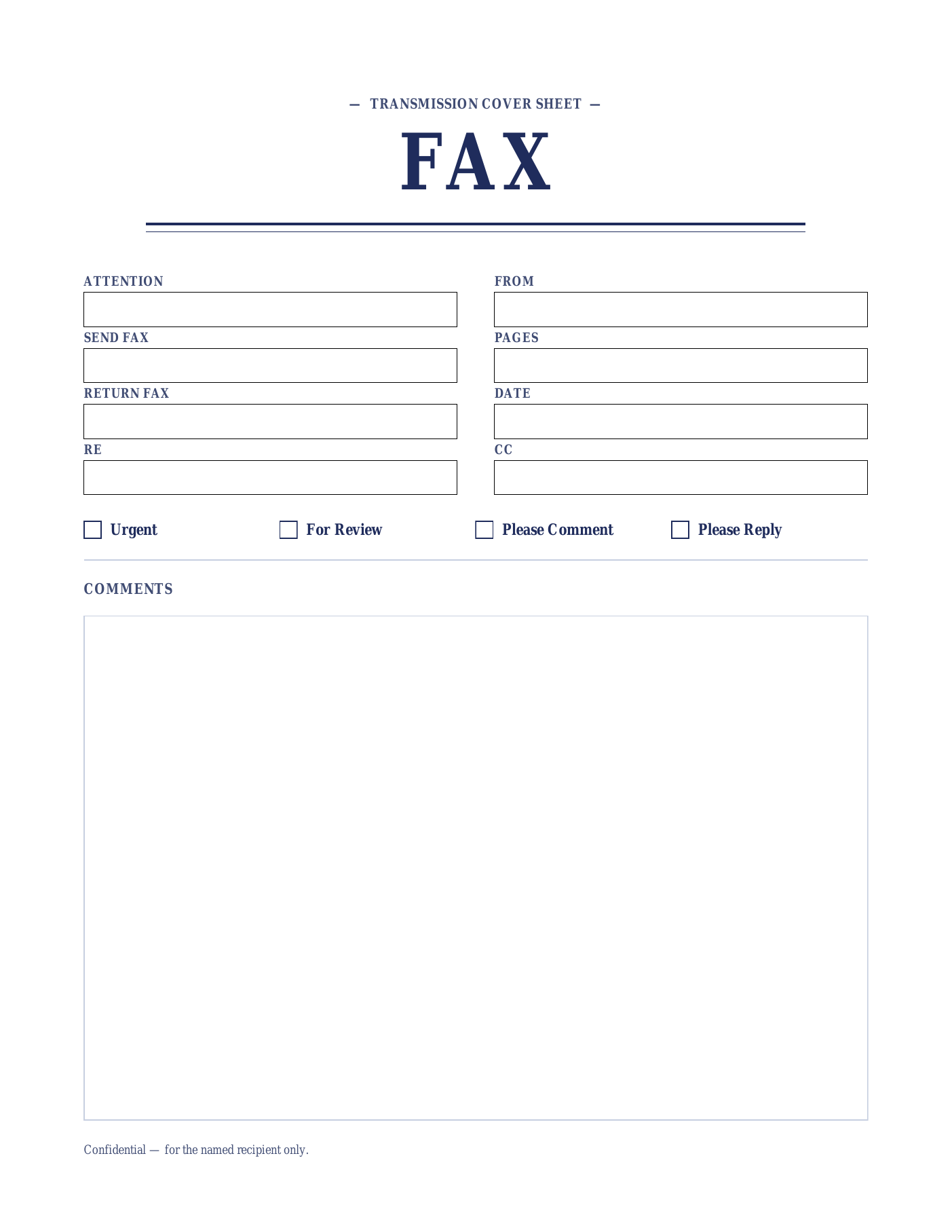
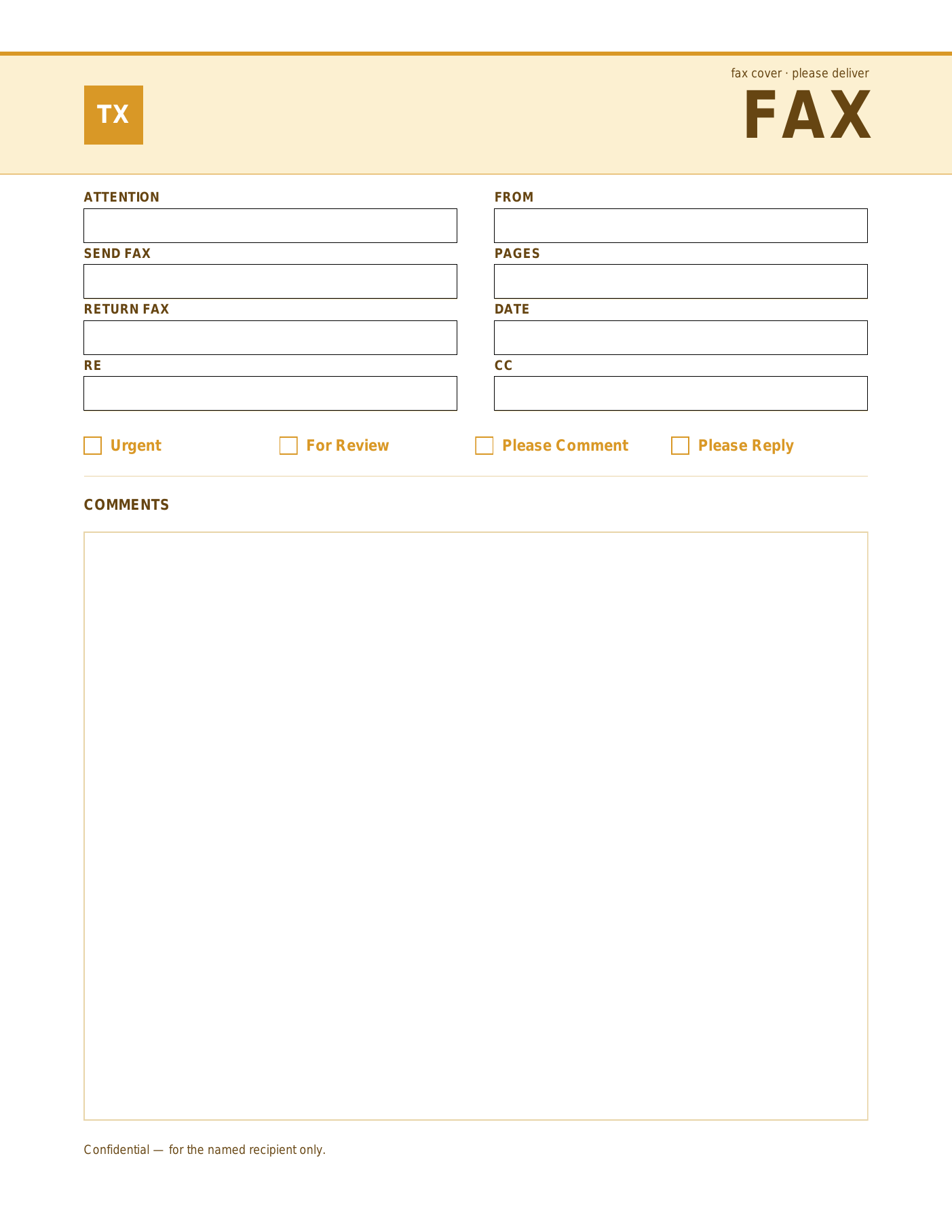
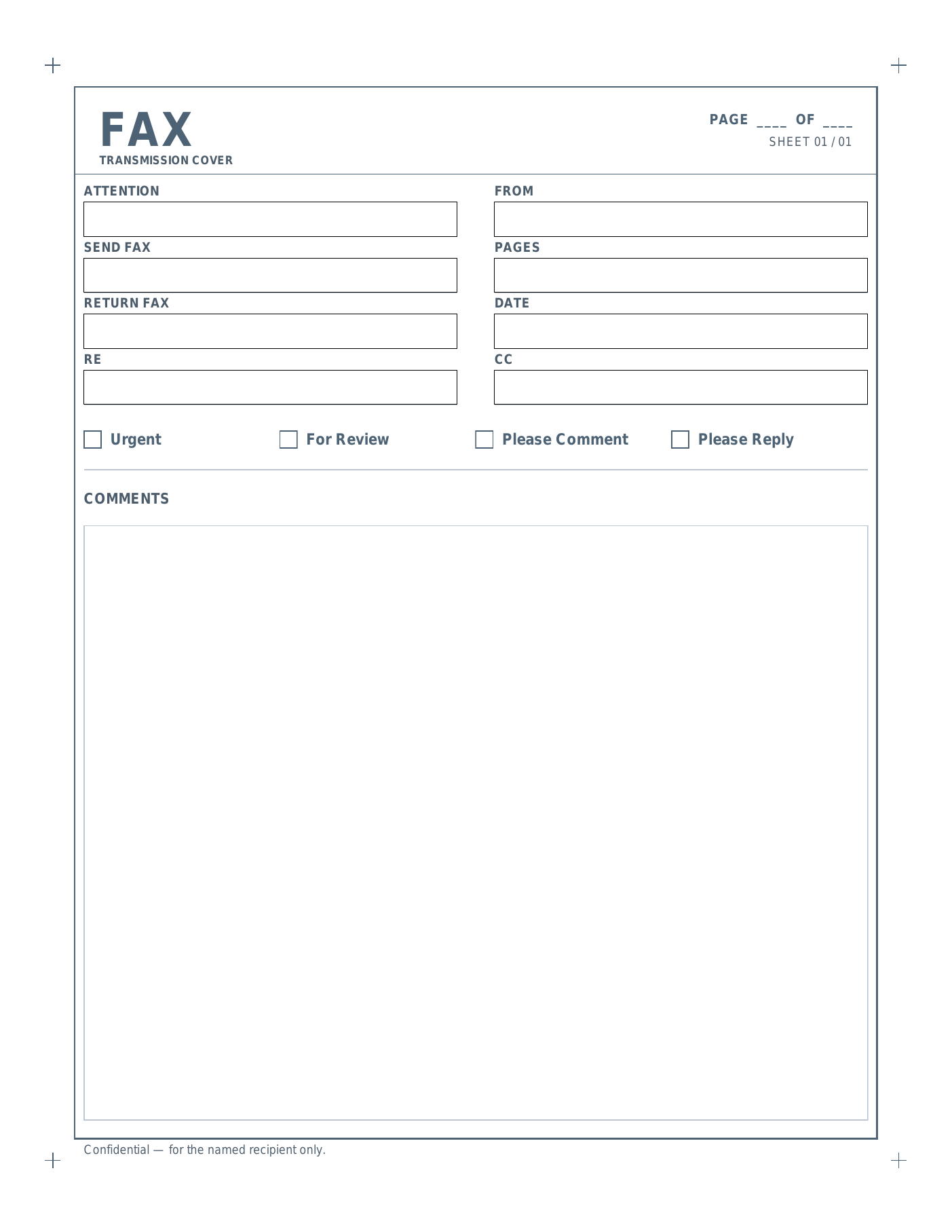
Six fillable PDF fax cover sheets in distinct styles. Edit the title text, fill in the To / From fields, and print.
Six layouts.
Why the fillable PDF version.
Fastest path from blank cover sheet to printed page.
The fillable PDF is for users who just need to fill, print, and fax. Open it in Chrome, Firefox, Safari, Adobe Reader, macOS Preview, or any other modern PDF viewer — there’s nothing to install, no signup, and the same file works on Windows, macOS, Linux, iOS, and Android.
Click into each named field (Attention, From, Send Fax, Return Fax, Date, Pages, RE, CC), type, tick the delivery checkbox, and print. To save a filled copy for your records, use your browser’s “Print to PDF” option (Acrobat Reader without Acrobat Pro can’t save filled forms directly).
The trade-off vs. the Word version: you can’t change colors, fonts, or field labels — those are baked into the PDF. If you need a branded cover sheet with your logo, or you fax often enough to want a saved company template, the editable Microsoft Word .dotx is the better starting point.
All six designs (Onyx, Sienna, Sage, Indigo, Marigold, and Slate) are AcroForm-fillable PDFs — the modern, universally supported format. They render correctly in every PDF viewer we’ve tested.
Open, fill, print.
- Open the PDF in any modern browser or PDF viewer.
- Click into a field (To, From, Subject, Comments, etc.) and type.
- Tick the appropriate checkbox (Urgent / For Review / Please Comment / Please Reply).
- Print, or save a filled copy via your browser’s “Print to PDF” option.