
Facsimile Cover Sheet — Word
Six editable Microsoft Word facsimile templates in distinct styles. Customize once, save a reusable copy, and print whenever you need to send a fax.
Six layouts.
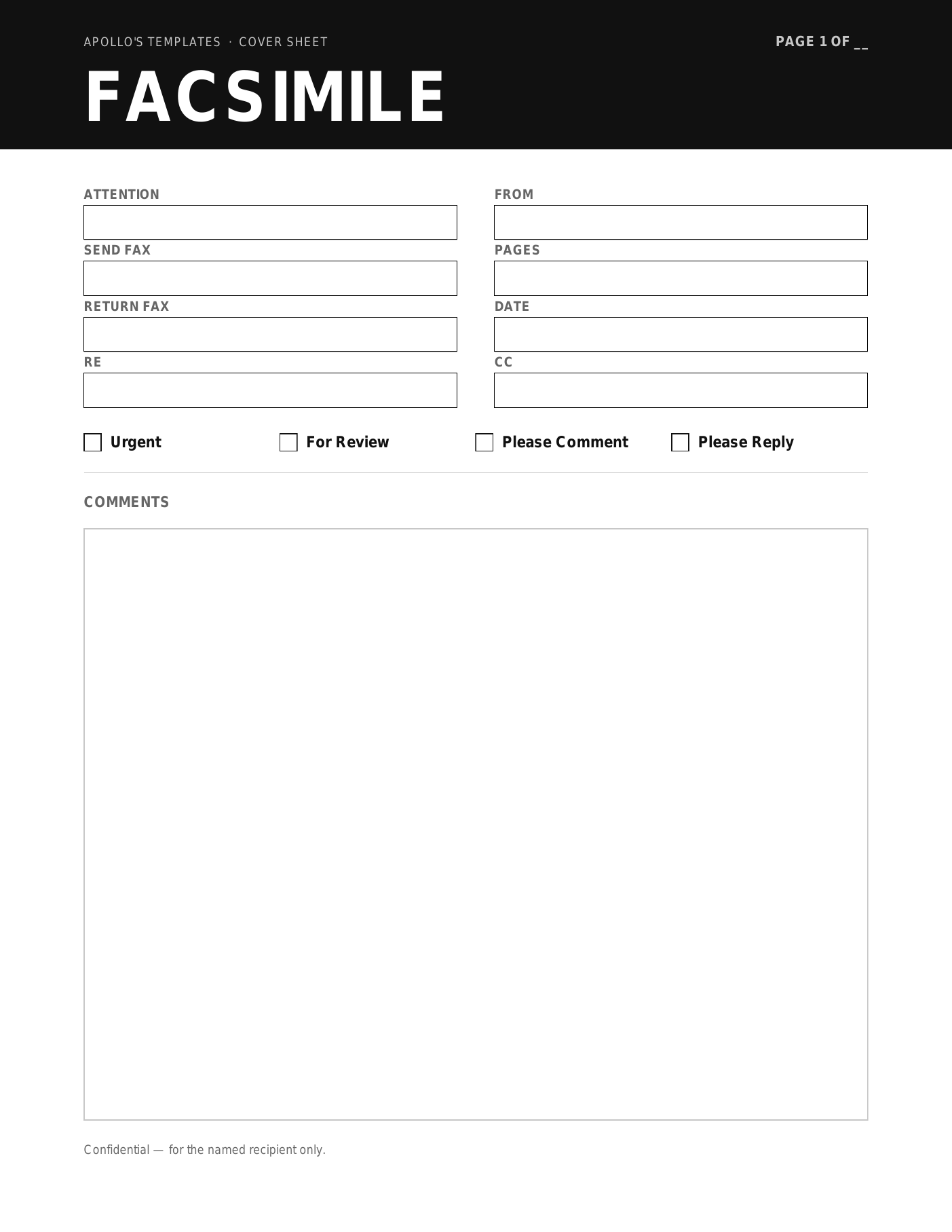
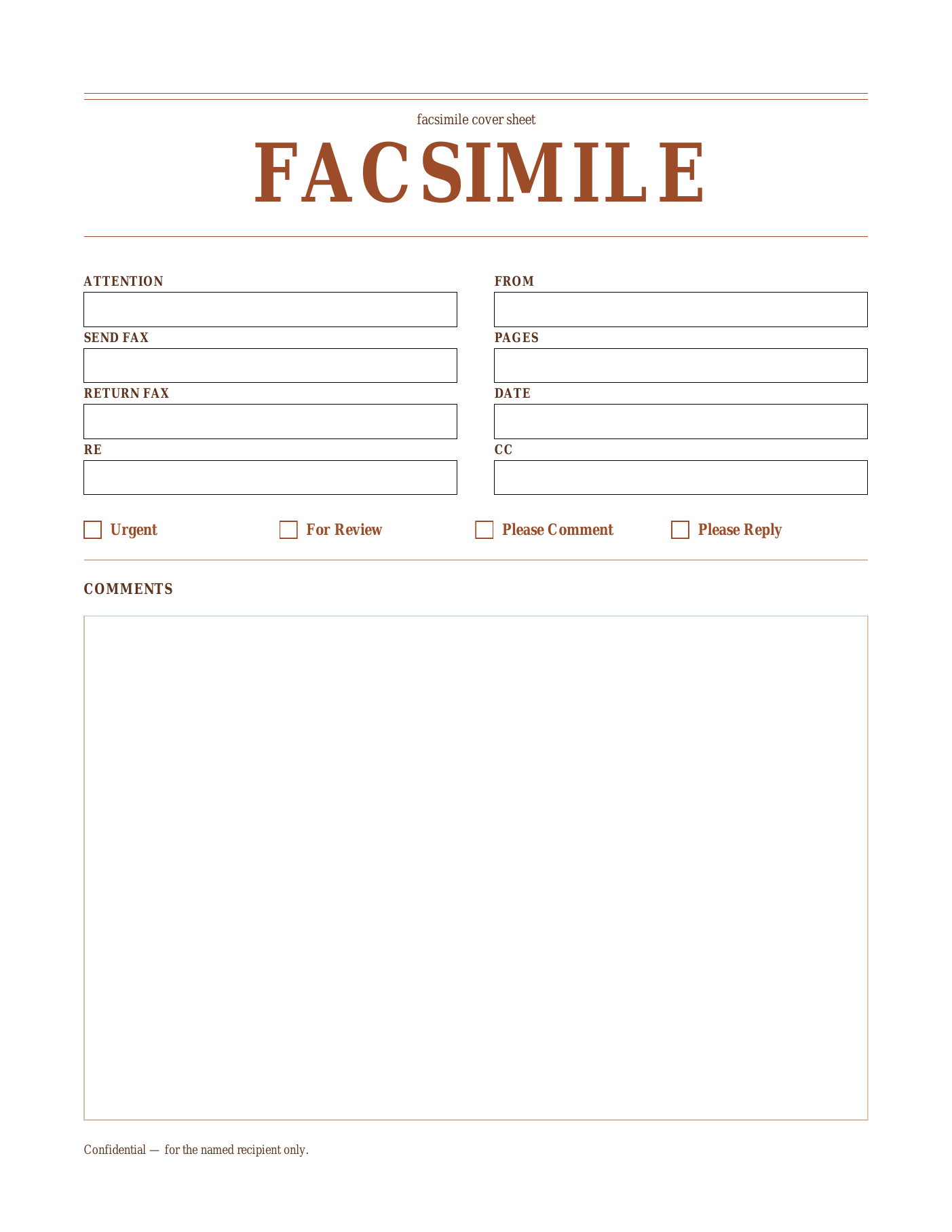
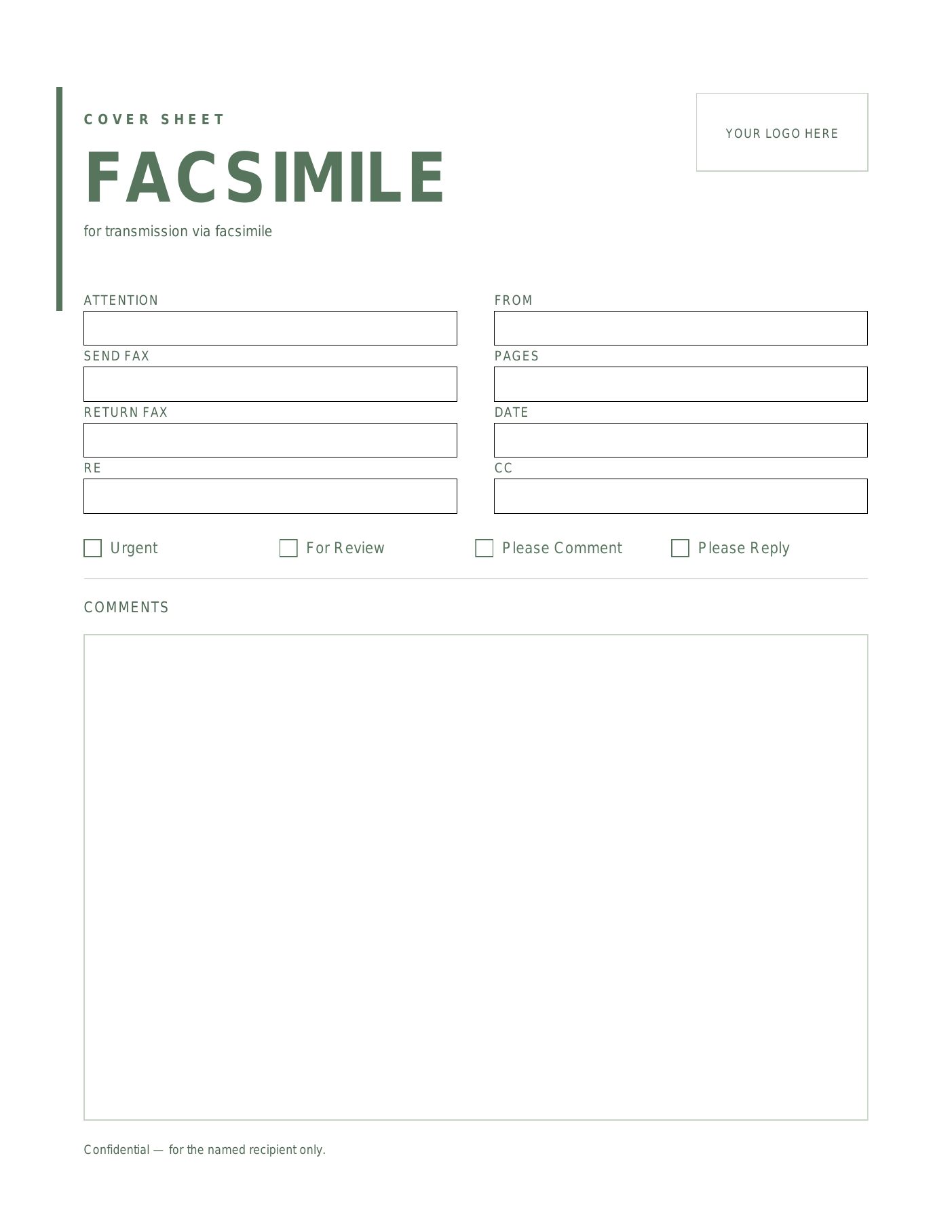
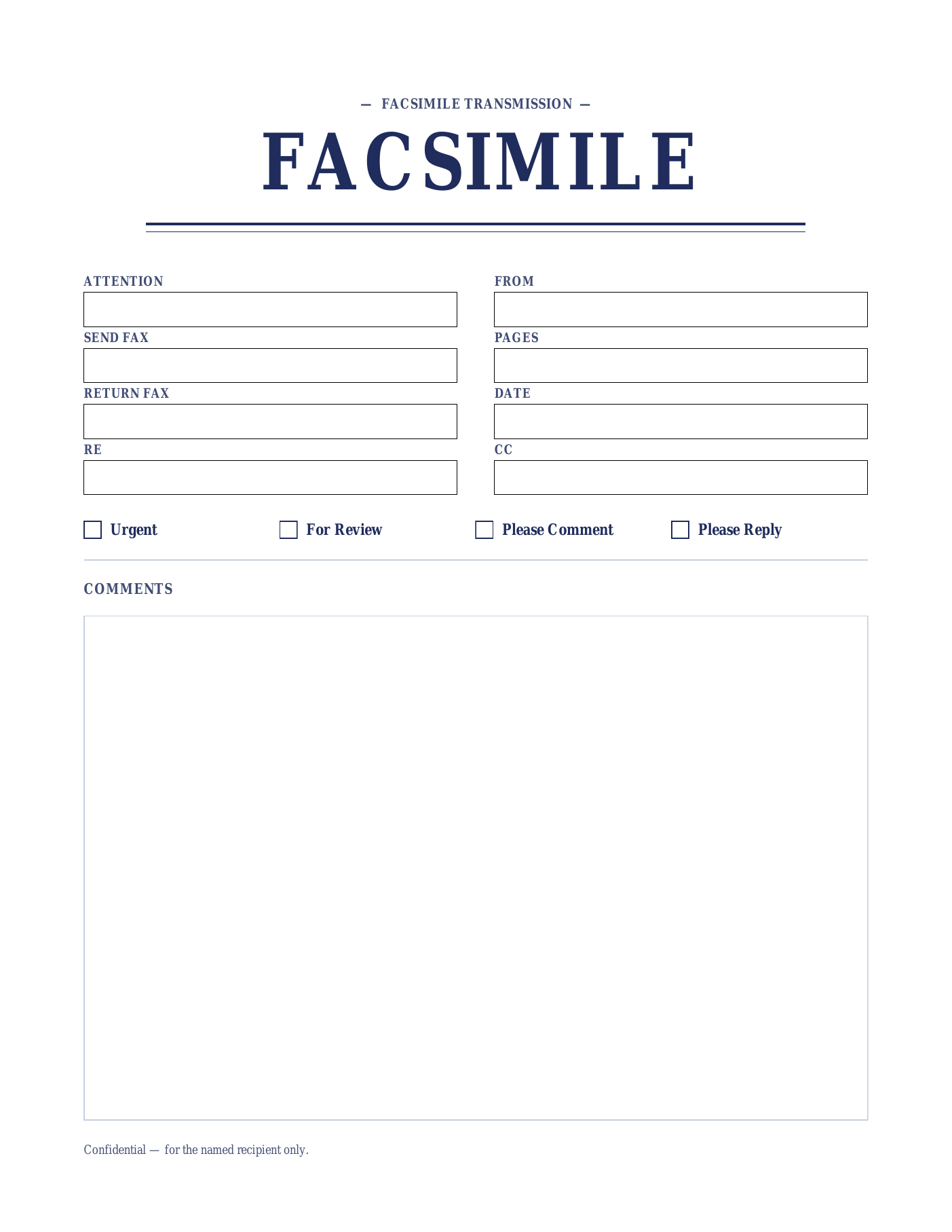
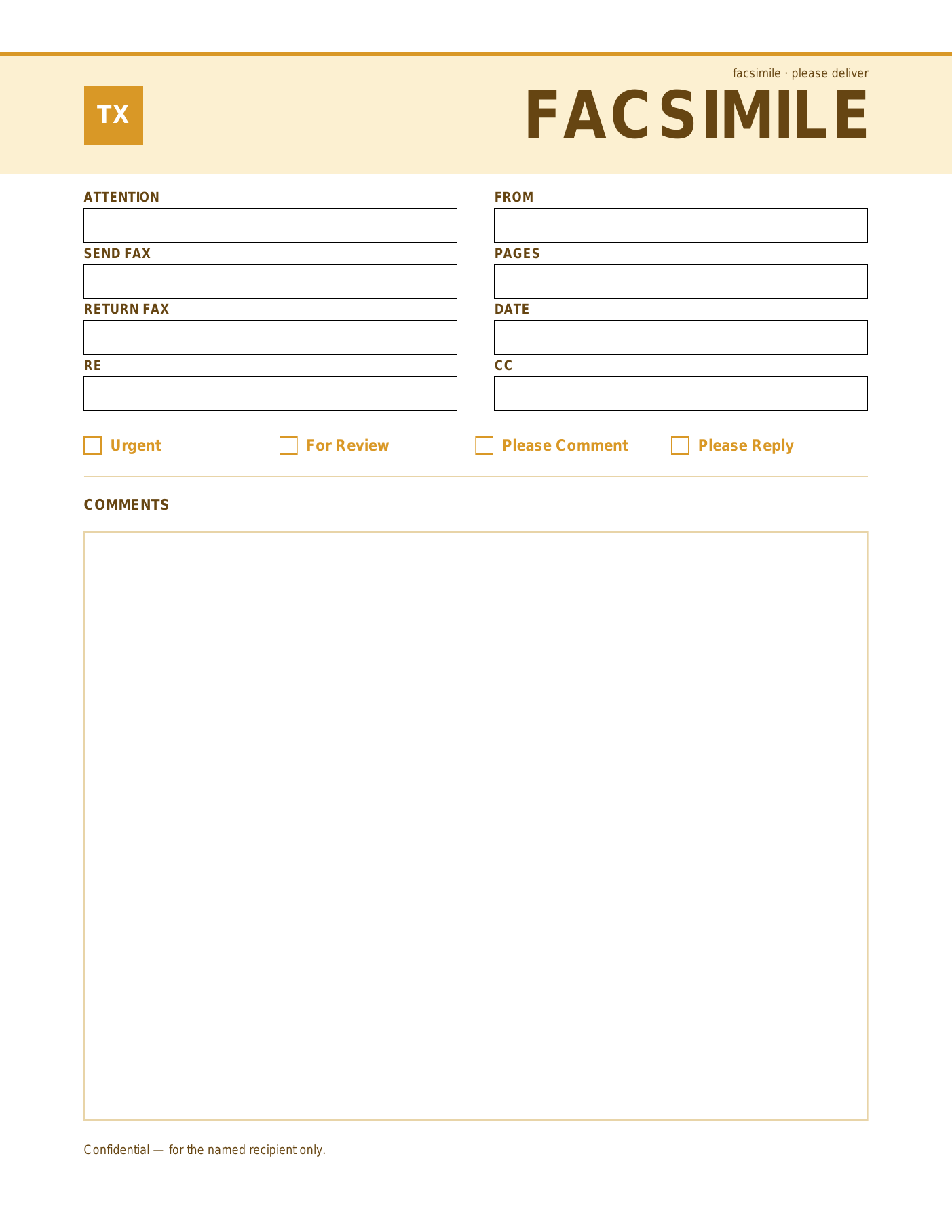
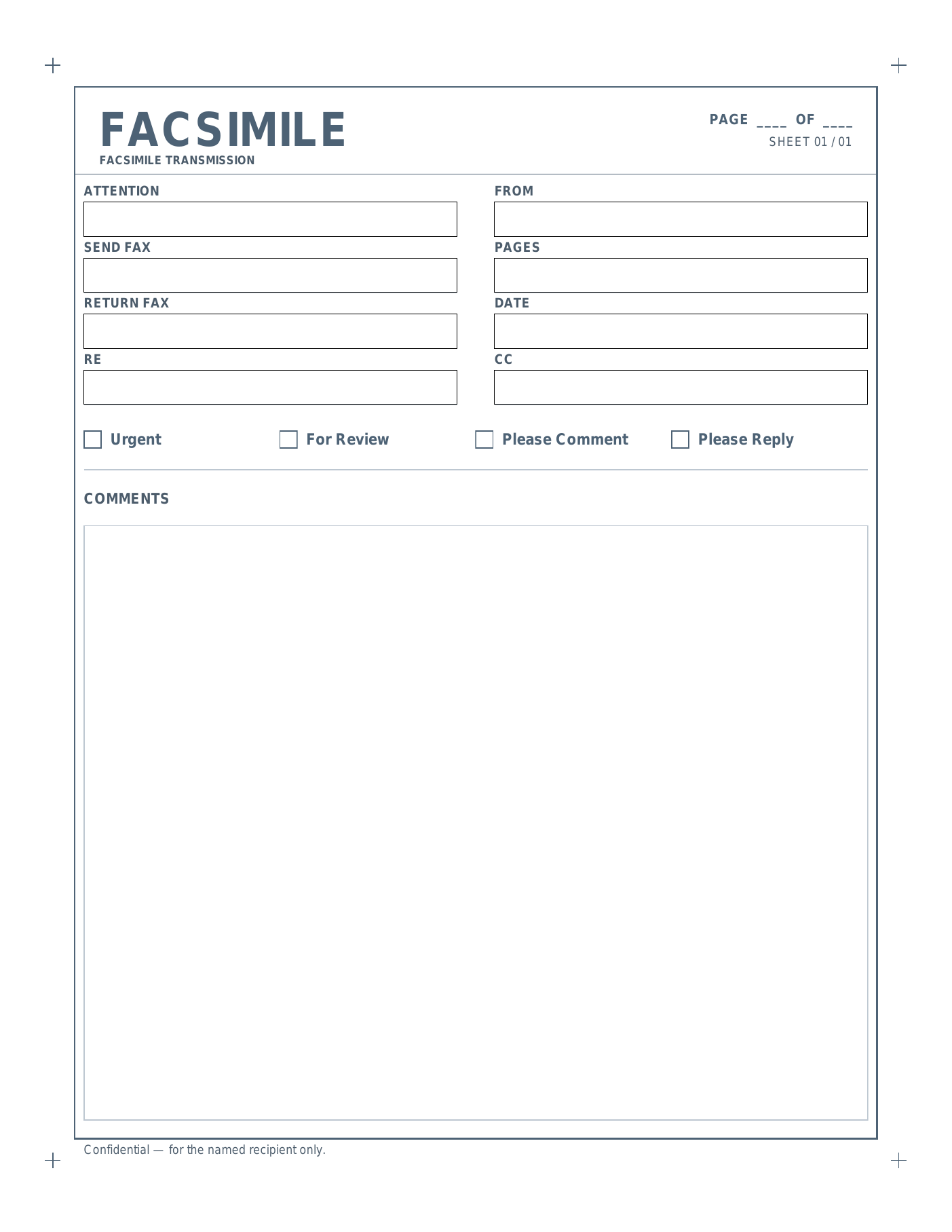
Why the Word + FACSIMILE version.
The most formal of the four — full layout control, formal terminology.
The Microsoft Word .dotx with FACSIMILE wording is the most formal of the four collections — common in law firms, government contracts, and financial-services offices where formal terminology and full layout control both matter. Open the .dotxin Word, customize once with your firm’s brand, save as a .docx, and reuse for every transmission.
Word gives you the layout control that legal and compliance contexts often need: rephrase the field labels, expand the Comments block, add a CONFIDENTIAL stamp or attorney-client privilege notice, drop in your logo, or duplicate the page for multi-page formal correspondence. The .dotx file format keeps the master clean so different team members can each save their own personalized .docx.
For HIPAA-relevant sends, paste your firm’s standard PHI confidentiality notice into the Comments block — these templates aren’t pre-stamped with one yet, but the field accepts a full paragraph. The same approach handles attorney-client privilege boilerplate.
Every Apollo’s Templates fax design ships in both wordings (FAX and FACSIMILE) — but if your office uses formal correspondence regularly, this is the version to keep. Onyx, Sienna, Sage, Indigo, Marigold, and Slate all open and edit the same way.
Open, edit, save, reuse.
- Open the
.dotxin Word — this creates a new document from the template. - Click into the empty cells in the field grid and type your details.
- Tick the relevant checkbox by replacing
☐with☒or typing an X next to it. - Save as a
.docxto reuse, or print/export to PDF.
Frequently asked questions
What makes the Word + FACSIMILE version the most formal option?
Can I add a CONFIDENTIAL stamp or attorney-client privilege notice?
Does the .dotx keep my master template clean?
Will the FACSIMILE Word files open outside Microsoft Word?
Also in OpenDocument and Google Docs.
The formal wording, without needing Microsoft Word.
Not on Microsoft Office? Every facsimile cover sheet here is also published as an OpenDocument (.odt) file for LibreOffice Writer and Apache OpenOffice, as a plain .docx, and as a Google Doc you can copy straight into your own Drive. Same design, no signup, nothing to install.