
Facsimile Cover Sheet — PDF
Six fillable PDF facsimile cover sheets in distinct styles. Edit the title text, fill in the fields, and print.
Six layouts.
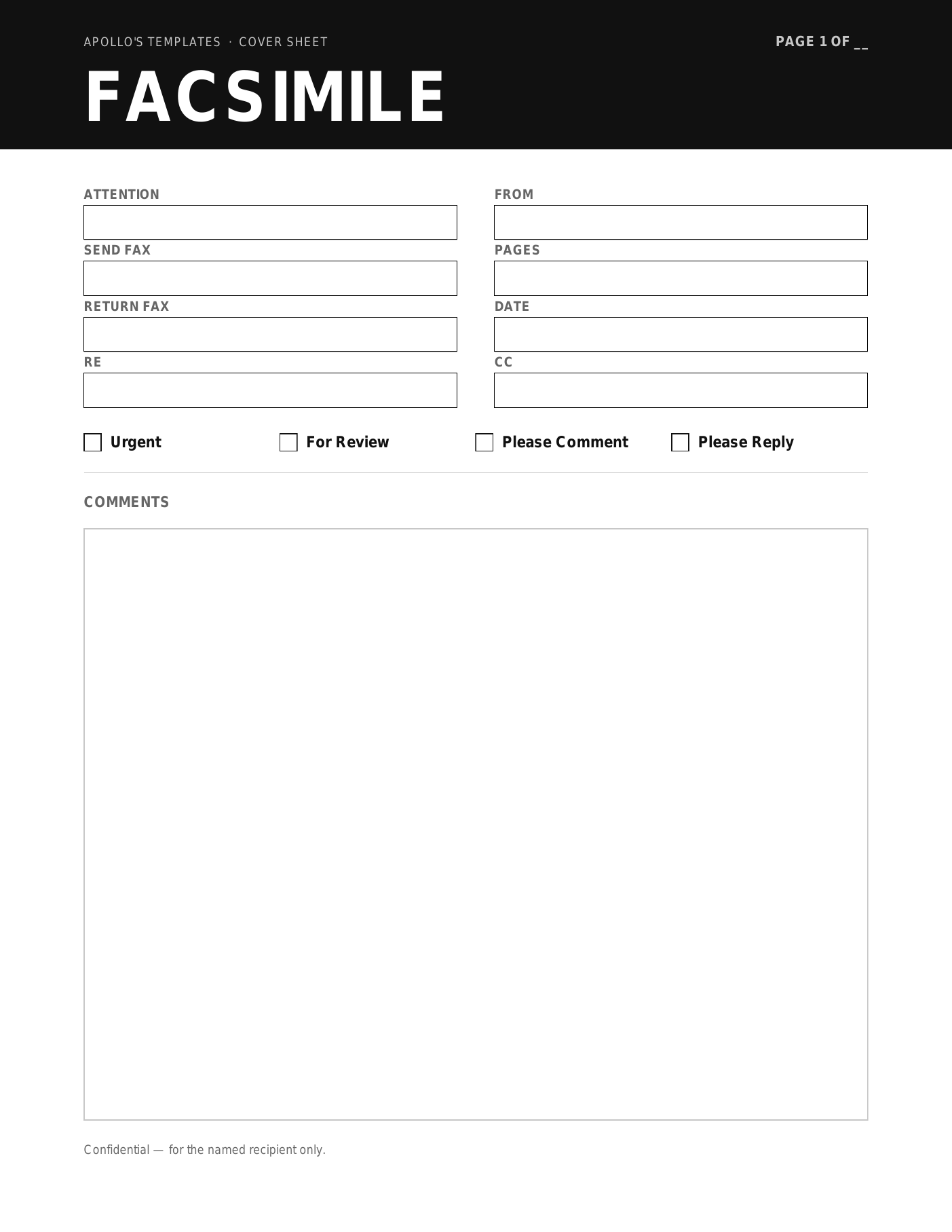
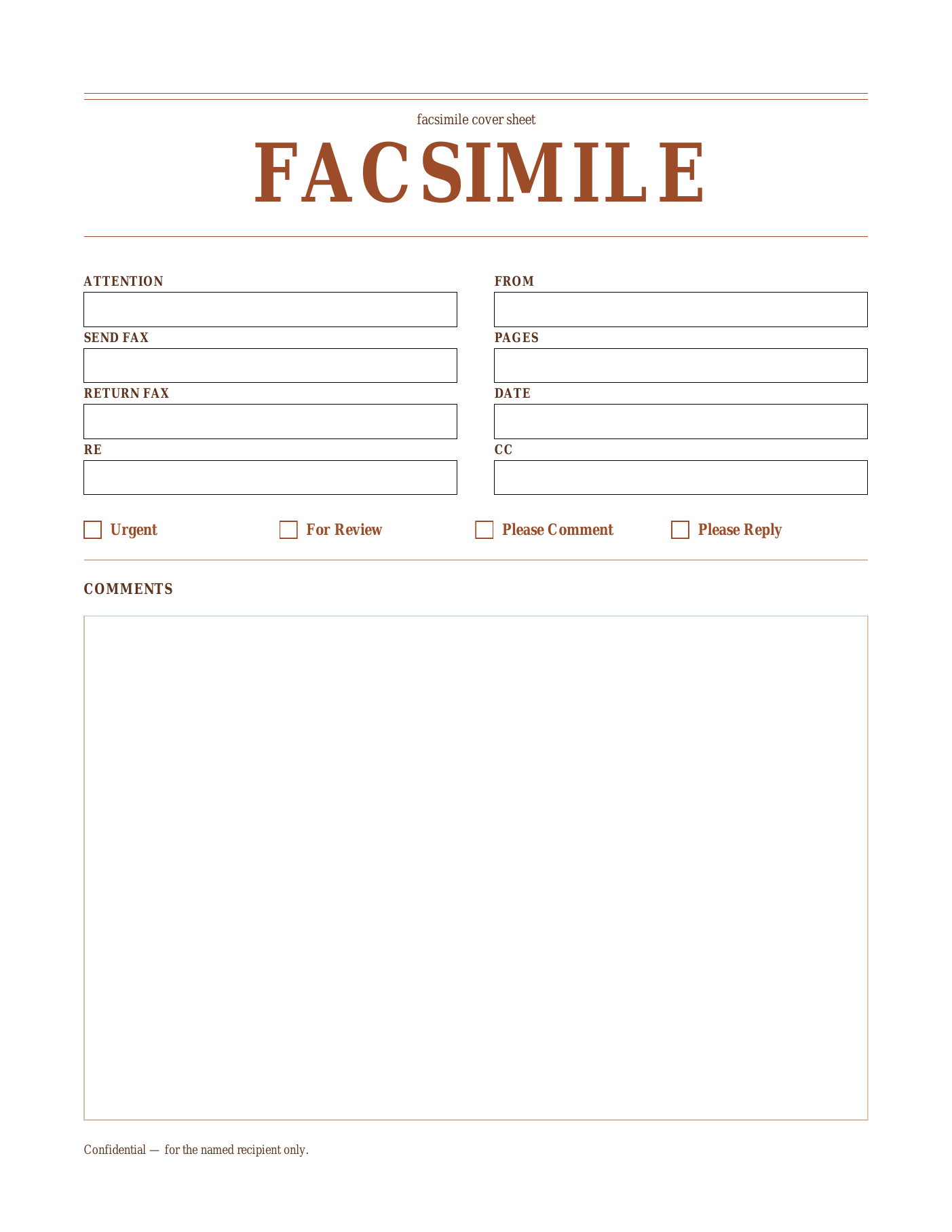
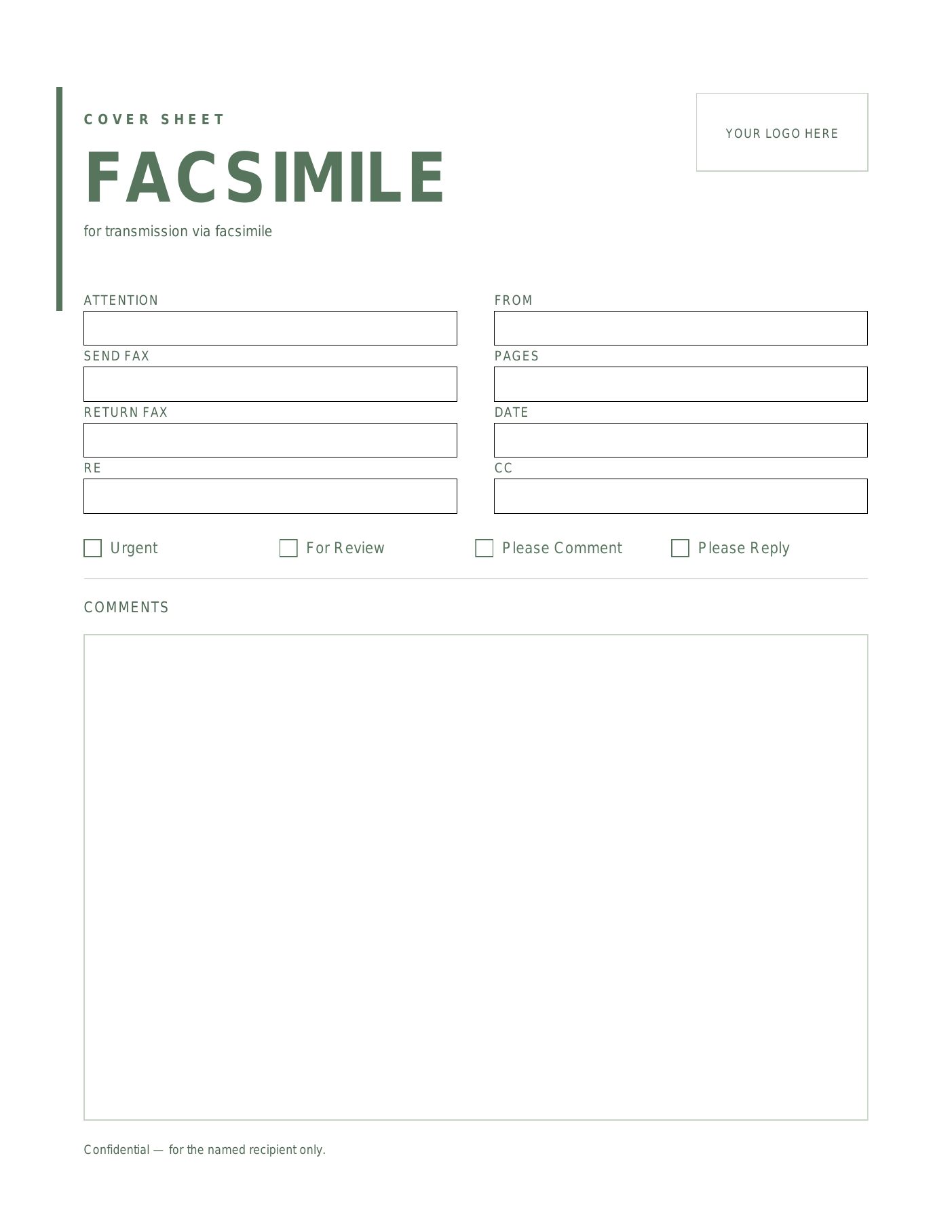
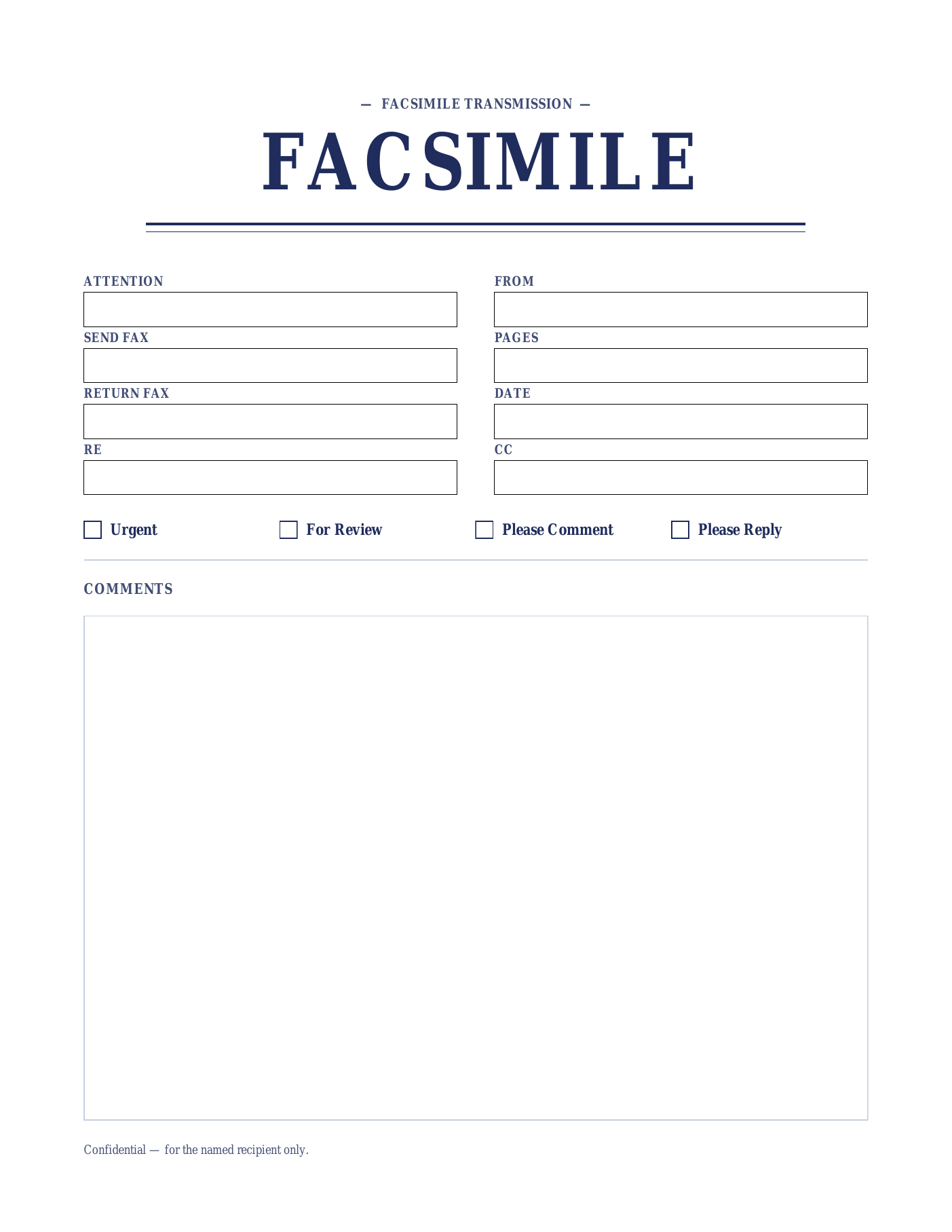
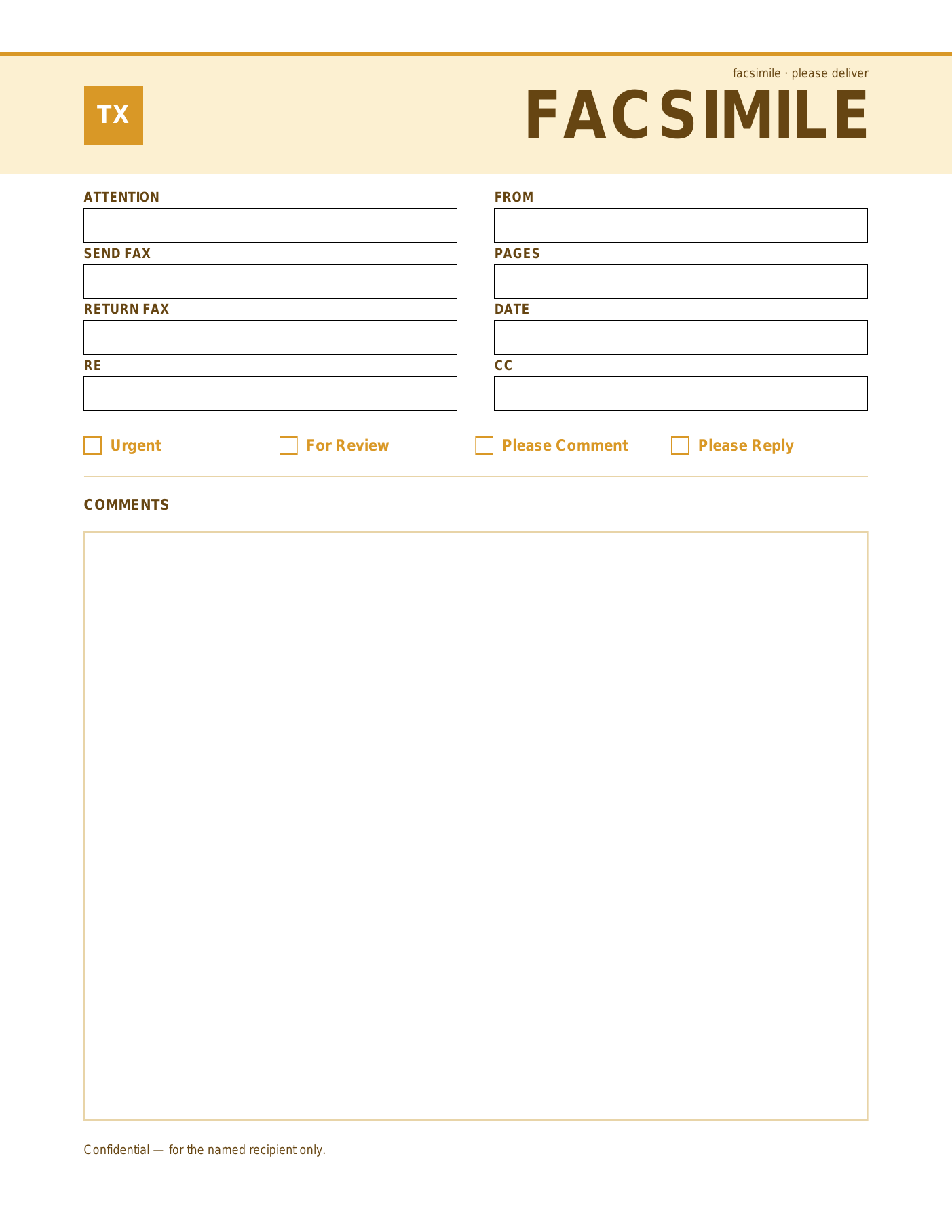
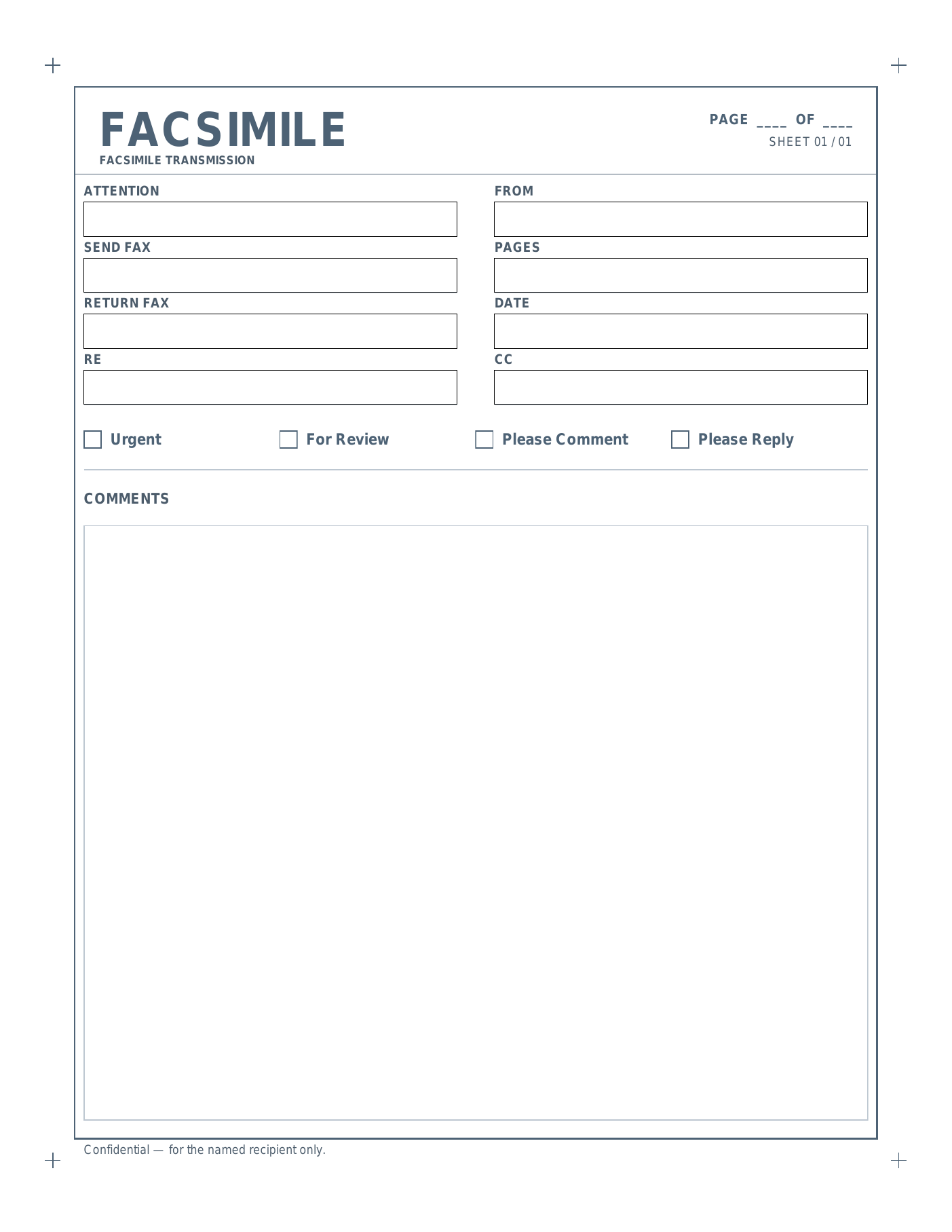
Why the FACSIMILE wording.
The formal version of FAX — legal, government, and financial-services correspondence.
“Facsimile” is the formal, full-name version of “fax” — most commonly seen on legal documents, government cover pages, and old-school formal business correspondence. Choosing FACSIMILE over the everyday FAX wording is purely cosmetic, but in some contexts (a court filing, a federal-agency cover, a financial-services compliance fax) the formal terminology reads more in keeping with the documents it’s wrapping.
The mechanics are identical to the FAX version: click into each named field (Attention, From, Send Fax, Return Fax, Date, Pages, RE, CC), type your details, tick the delivery checkbox, and print. Every PDF is AcroForm-fillable in any modern browser or PDF reader, on every operating system. No signup, no email, no watermark.
If you’re sending protected health information (PHI), add your firm’s standard HIPAA confidentiality notice to the Comments block — these templates aren’t pre-stamped with one yet, but the field is generous enough to fit a full paragraph notice. For attorney-client privileged content, the same approach works for a privilege notice.
All six designs (Onyx, Sienna, Sage, Indigo, Marigold, and Slate) ship in both wordings — pick the FAX version if your office uses casual language, or this FACSIMILE version when formality matters.
Open, fill, print.
- Open the PDF in a browser or PDF viewer.
- Click into a field (Attention, From, Send Fax, etc.) and type.
- Tick the appropriate checkbox and add comments below.
- Print, or save a filled copy via “Print to PDF”.