
Fax Cover Letter — Word Templates
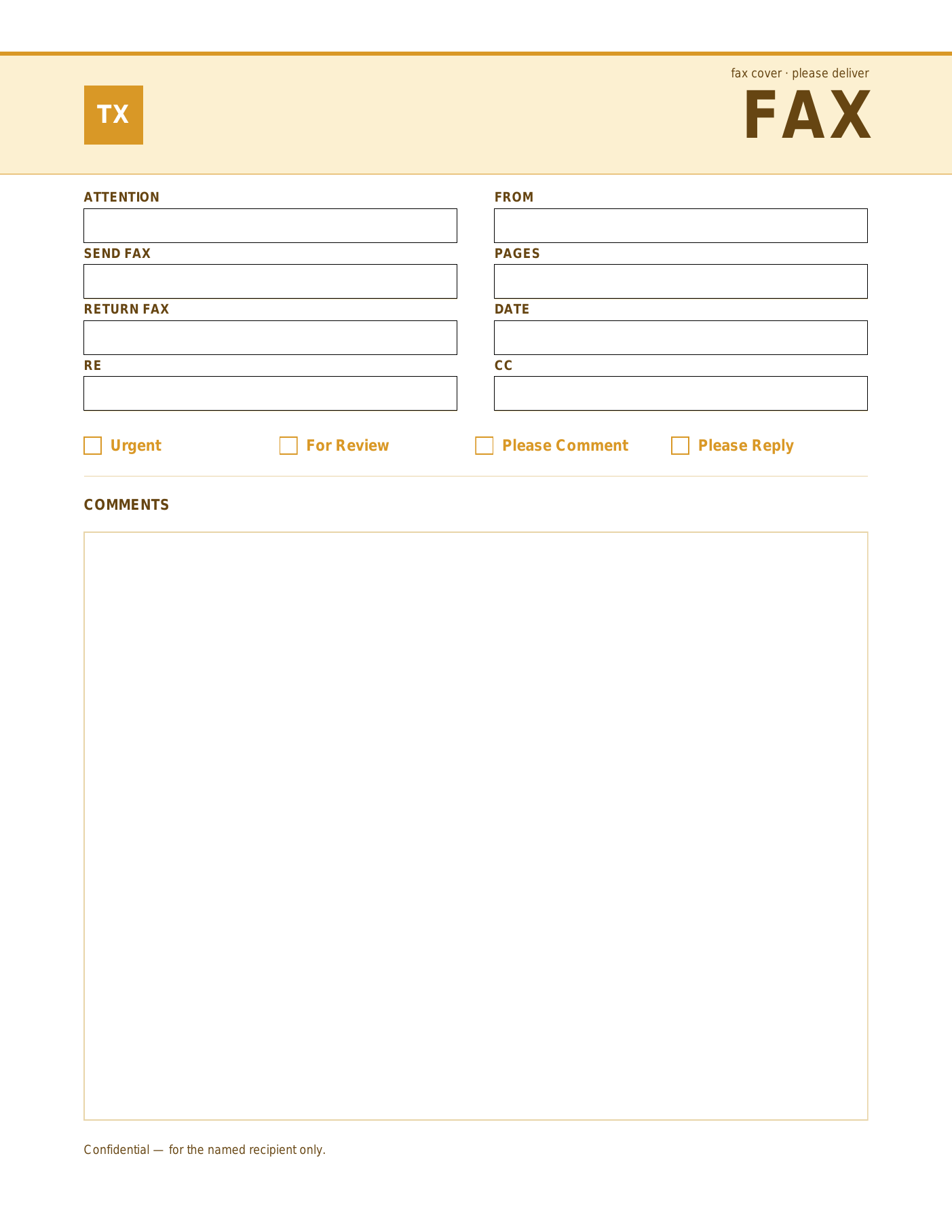
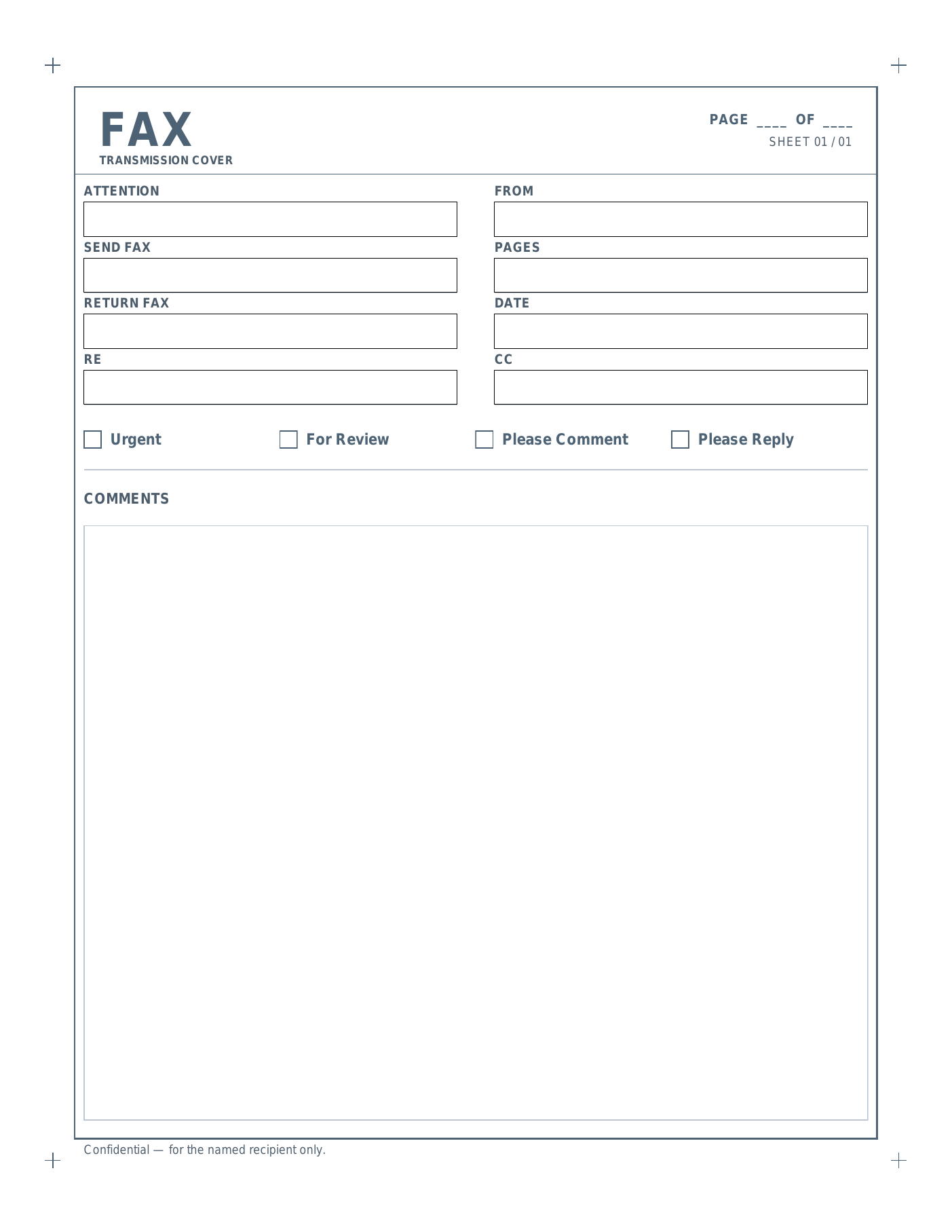
Six Microsoft Word fax cover letter templates in distinct styles. Edit titles, drop in your logo, save a .docx, and reuse whenever you need to fax something.
Six layouts.
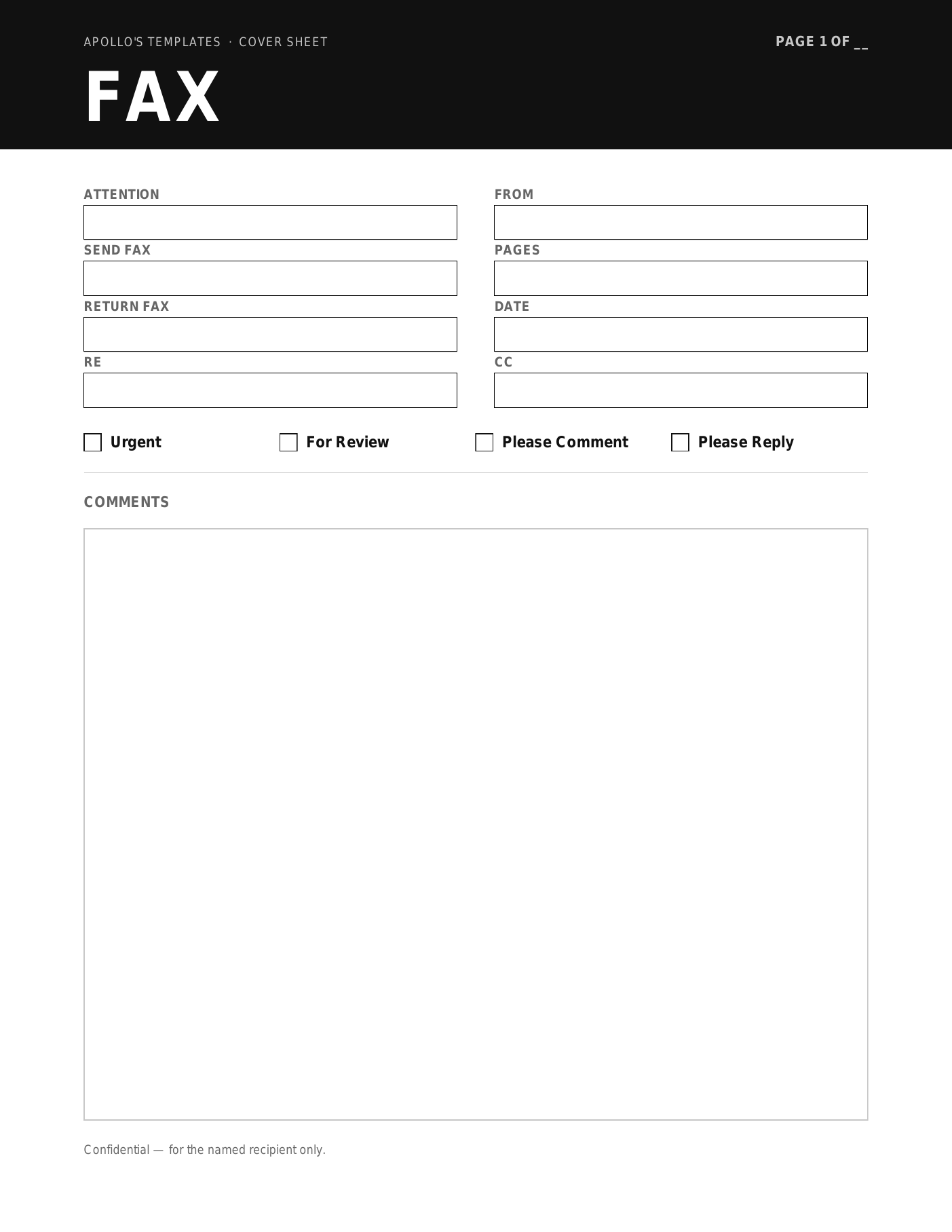
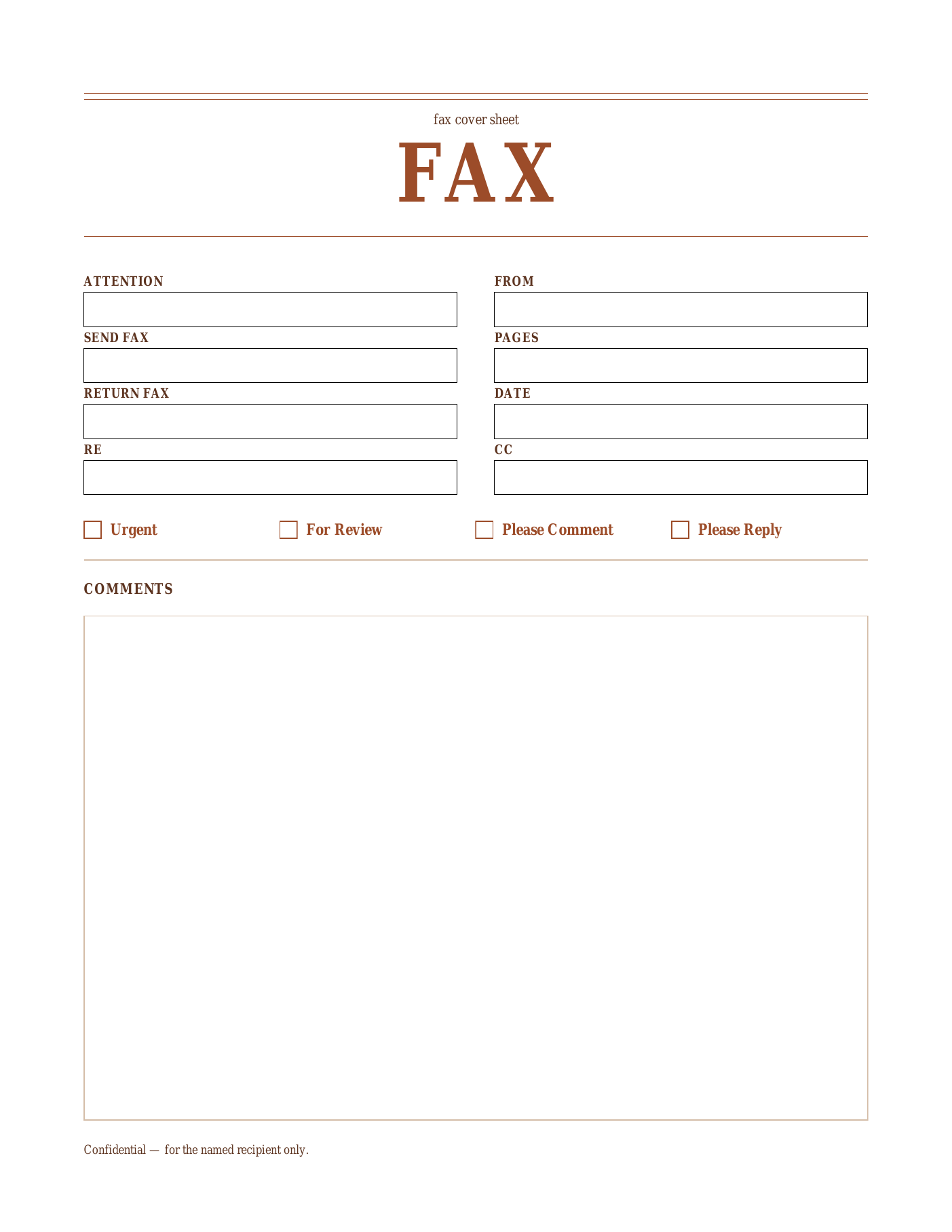
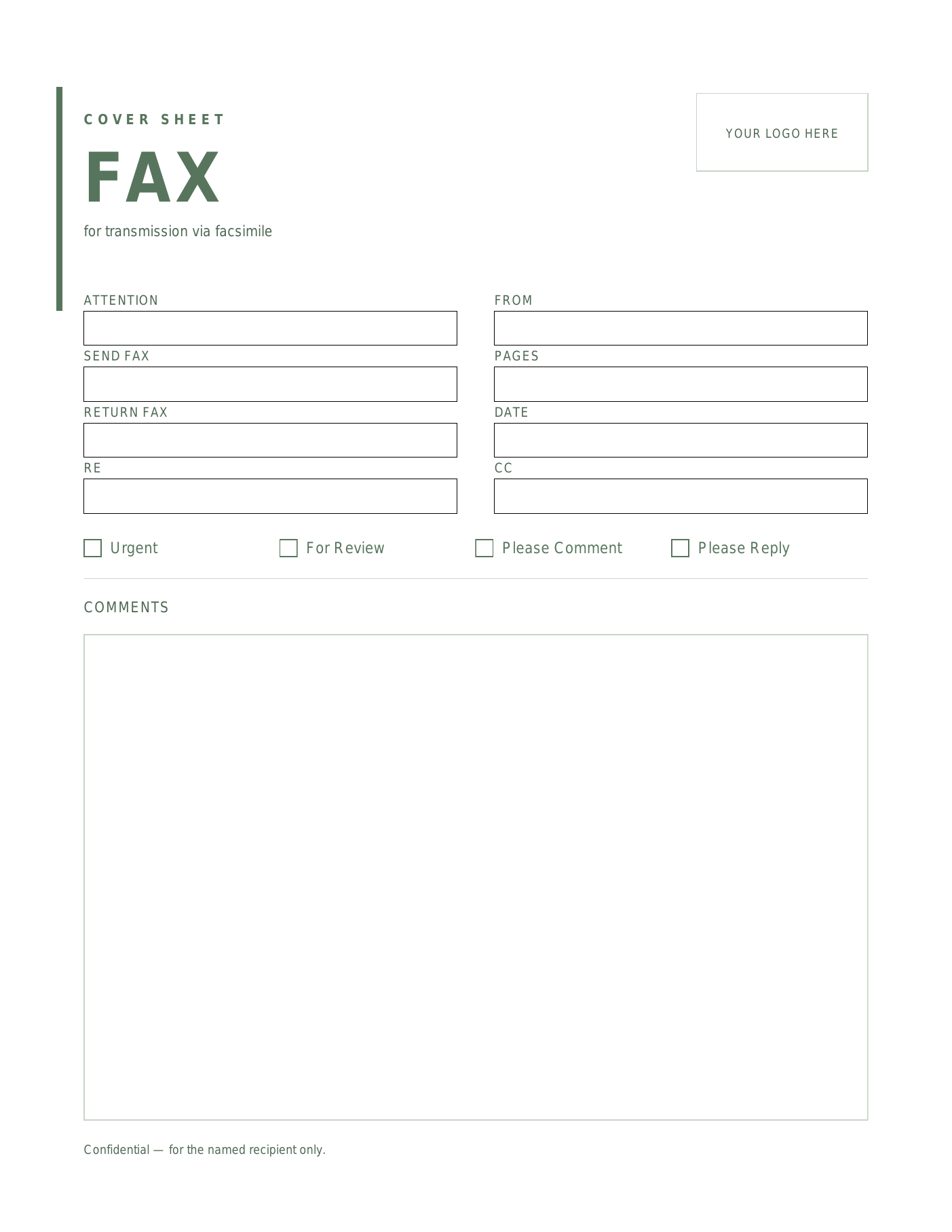
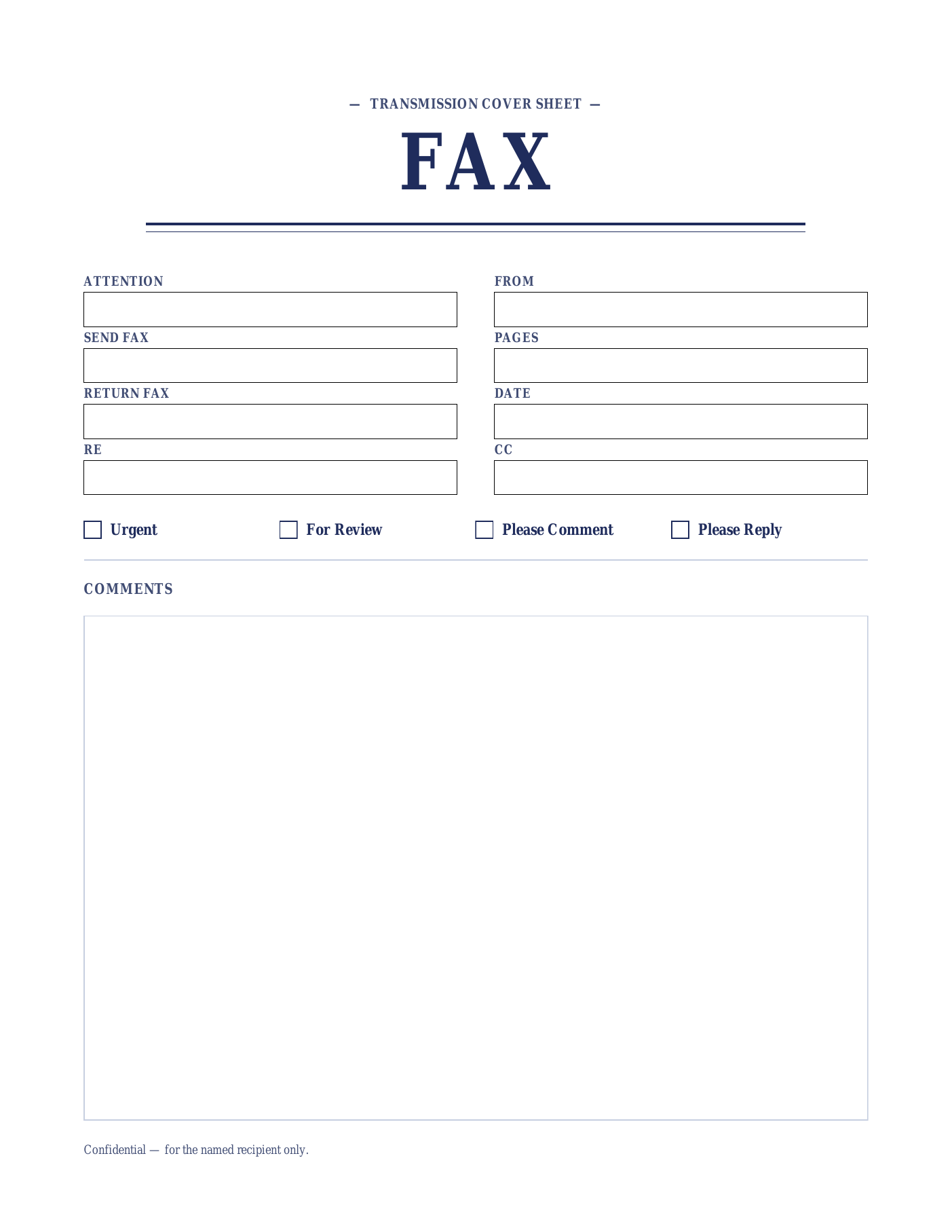
Why the Microsoft Word version.
Customize once, save a branded master, reuse for every send.
The Microsoft Word .dotx version is for businesses that fax often enough to want a branded, reusable cover sheet. Open the .dotx in Word — this opens a fresh document so the master template stays untouched — then customize once and save as a .docx. From there, every fax just opens your saved .docx, gets filled in, prints, and goes out.
Word gives you control the PDF can’t: change the title color to match your brand, swap the font, drop in your company logo (Insert → Picture), edit the field labels in your language, or add an extra row for compliance notes. Every cell in the field grid is a normal Word cell — type into it, format it, save it.
The .dotx files also open cleanly in LibreOffice Writer and Google Docs (with minor formatting variance), so Mac, Windows, Linux, and Chromebook users are all covered. Output is the same six designs — Onyx, Sienna, Sage, Indigo, Marigold, and Slate — just editable instead of fixed.
If you only need to fill, print, and fax once, the fillable PDF is faster — no editing required. The Word version is the right pick when the cover sheet itself needs to carry your brand.
Open, edit, save, reuse.
- Open the
.dotxtemplate in Microsoft Word — this creates a fresh document, leaving the original template intact. - Click into the empty cells in the field grid (Attention, From, etc.) and type your details.
- Tick the relevant checkbox by replacing
☐with☒or typing an X next to it. - Save as a
.docxfor reuse, or print to PDF for emailing.
Frequently asked questions
Why is the download a .dotx and not a .docx?
Can I use these without Microsoft Word?
How do I put my company logo on the Word cover sheet?
Can I change the field labels or add an extra row?
Also in OpenDocument and Google Docs.
Chromebook, Mac, Linux — or simply no Office licence.
Not on Microsoft Office? Every fax cover sheet here is also published as an OpenDocument (.odt) file for LibreOffice Writer and Apache OpenOffice, as a plain .docx, and as a Google Doc you can copy straight into your own Drive. Same design, no signup, nothing to install.