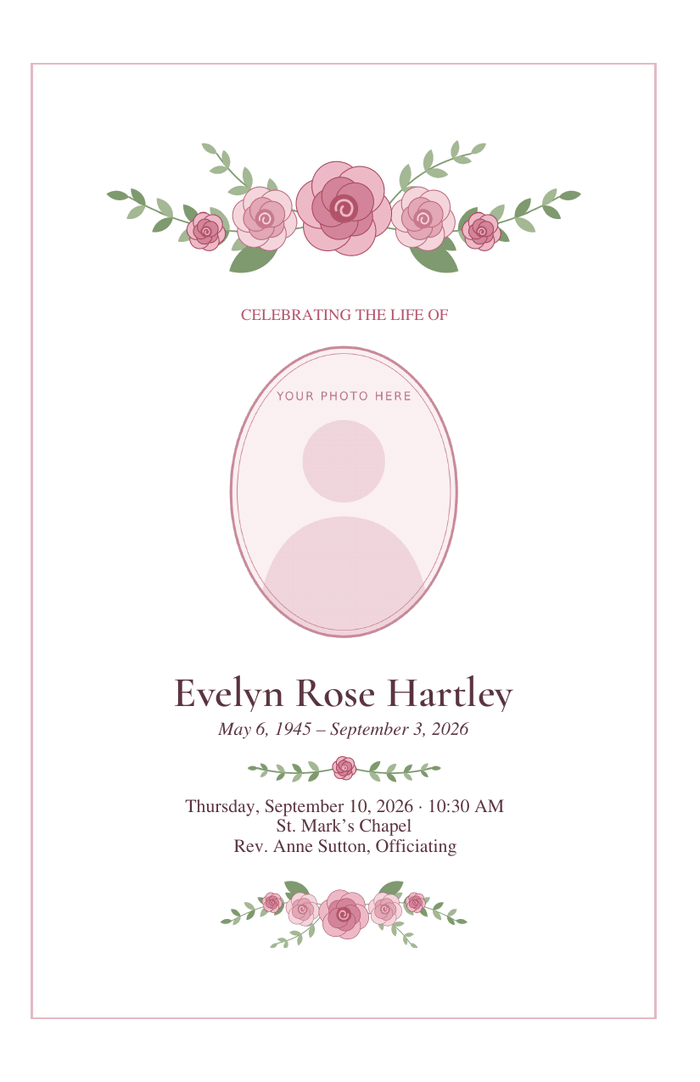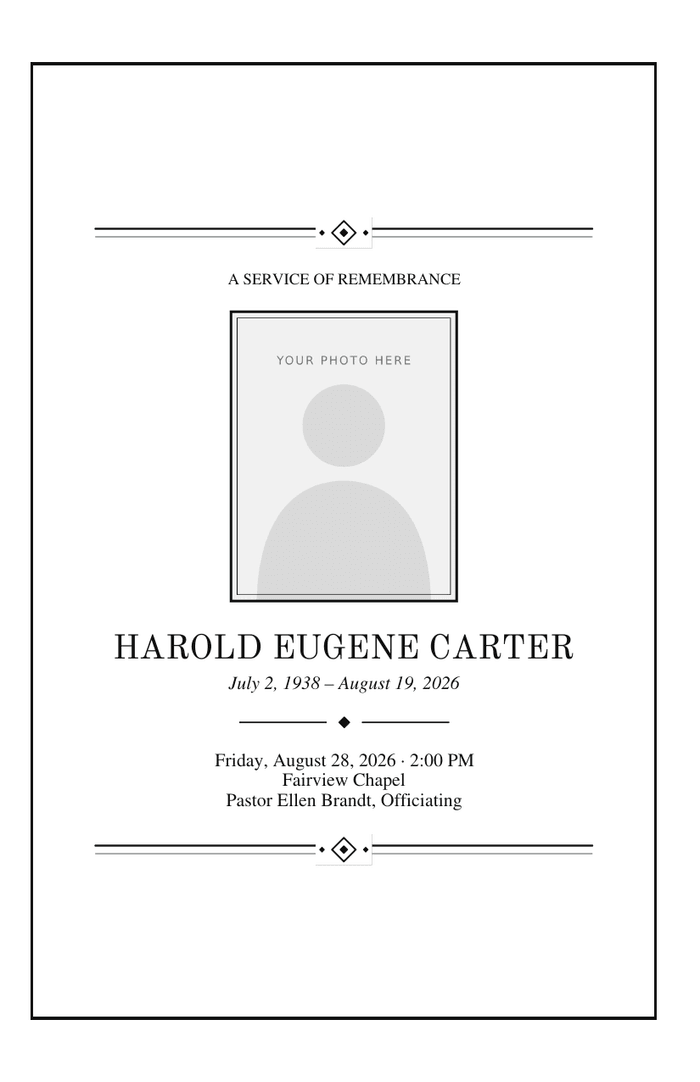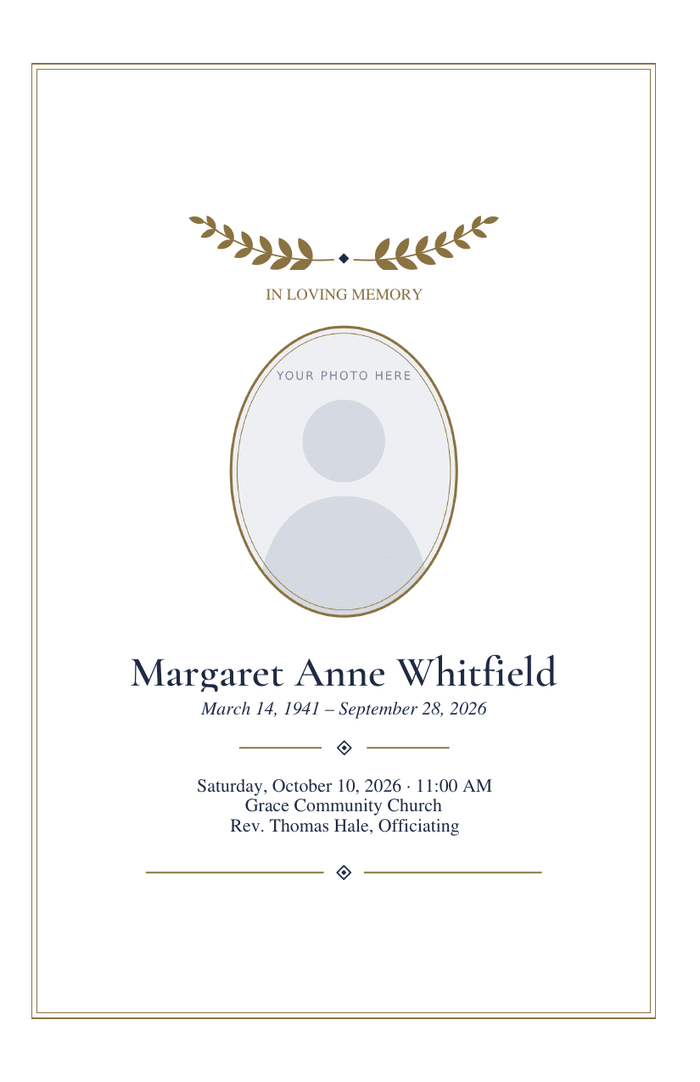
Classic Funeral Program — Bifold
Navy and gold with a laurel sprig. Suits almost any service.
1 sheet, printed both sides, folded once · US Letter

You can make a funeral program yourself in an evening, on an ordinary computer and printer. The steps are the same in Microsoft Word and Google Docs, and they start from a template so that the layout, which is the hard part, is already done.
A bifold is the easiest first program. Pick Word if it is on your computer, Google Docs if not, or the PDF if you only need to type.
Folded programs print on both sides of the paper. In the print dialog, turn on two-sided printing and choose flip on short edge; flip on long edge would put the inside upside down. Set the paper to US Letter and the scale to 100 percent or Actual size, not Fit to page.
A printer that cannot print two-sided works too: print page 1 on every sheet, turn the stack over, put it back in the tray and print page 2. Try it with two sheets first.
If you would rather not print at home, save or download the file as a PDF and take it to a copy shop or office-supply store. Ask for two-sided colour copies on 28 or 32 lb paper, folded. Most can do fifty while you wait.