Apollo's Templates
Wedding · we eloped

Elopement Announcements

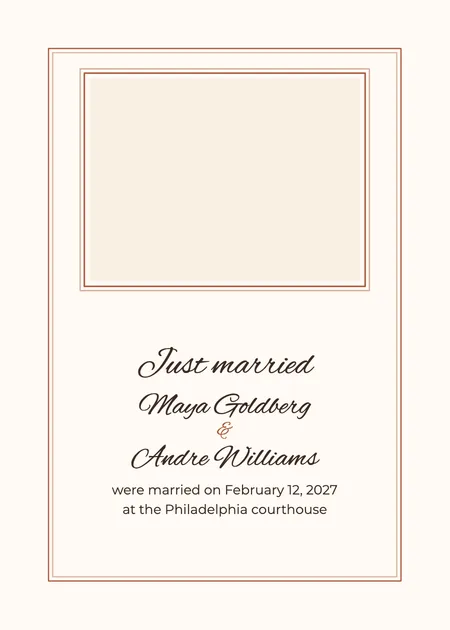
We Eloped turns the save the date into an announcement: "Just married", with the couple's names and the line "were married on February 12, 2027 at the Philadelphia courthouse". The invitation is for the party afterward, opening "We eloped!" and "said I do at the courthouse and would love to celebrate with you". A pattern of small linked rings fills the back. It opens in Terracotta & Sand, with Black & White and Emerald & Gold as the other palettes.

Pick a design · one suite

Open it and customize the suite

We Eloped

Four matching cards · shown in Terracotta & Sand · 3 palettes · no photo needed · Alex Brush
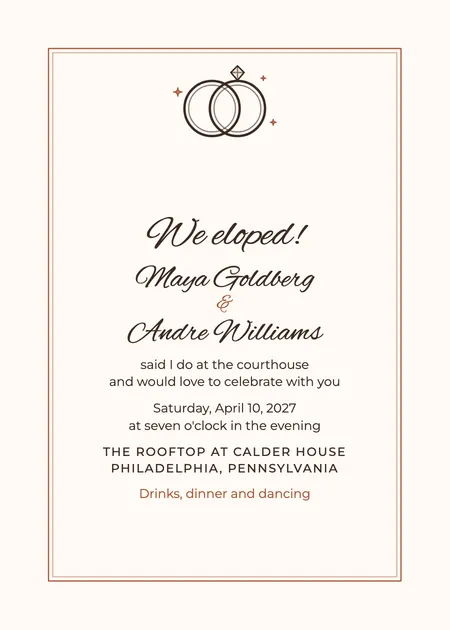
We Eloped wedding invitation: two linked wedding rings above a We Eloped headline in scriptWe Eloped wedding invitation back: a pattern of small linked rings
Invitation5 x 7 in · front and back
We Eloped announcement: a photo window, with "Just married", the couple's names, the date and the placeWe Eloped announcement back: a ring and diamond in a small frame on a pattern of linked rings
Announcement5 x 7 in · front and back
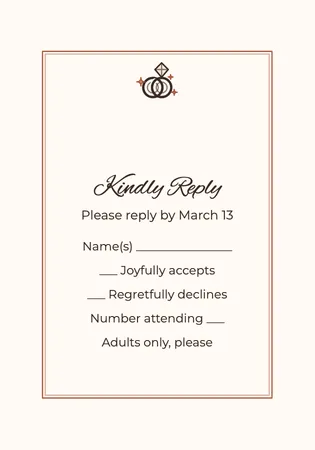
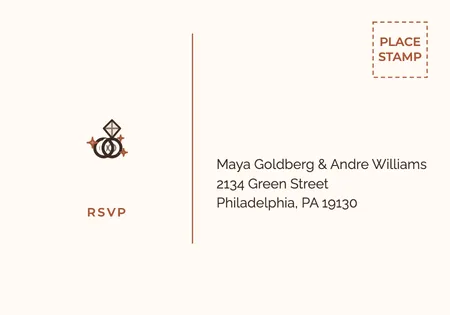
We Eloped RSVP card in Terracotta & Sand: "Kindly Reply" and a reply date above "Joyfully accepts" and "Regretfully declines" lines, a count of guests and an adults-only lineWe Eloped RSVP postcard back: a stamp box and return address beside a ring and diamond
RSVP Card3.5 x 5 in · front and back
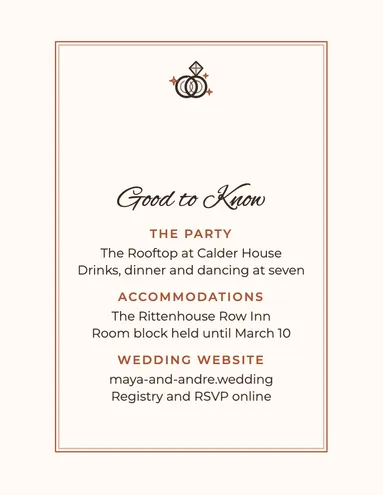
We Eloped details card: "Good to Know" with sections for the party, accommodations and wedding websiteWe Eloped details card back: a repeating pattern of linked rings
Details Card4.25 x 5.5 in · front and back
Select & Customize
Planning tip
Send the announcement first, so family hears the news from you, and follow with the party invitation once you have a venue and a date.
How it works

Names, wording, colors, download

Open a design above in the maker. Type both names, the date and time, the venue and the city once, or print the fill-in cards and write them by hand. The website link prints as a QR code, and the invitation and save the date also download as a phone-sized picture to text.

Choose one of the three palettes drawn for the design, then download the whole suite as Letter or A4 sheets with crop marks, any single card as a PDF, print-shop PNGs with bleed, a Word file, or a phone-sized picture of the invitation to text. For the words, see the wedding invitation wording guide; for the envelopes, how to address wedding invitations; for the dates, when to send them. More on each card: save the dates, RSVP cards and details cards.

More Simple, Photo & Digital

More simple, photo & digital wedding invitations

Photo Classic wedding invitation: a large landscape photo window above the names, with small corner flourishesPhoto Portrait wedding invitation: a tall arched portrait photo window above the names

Photo

2 designs · Photo Classic, Photo Portrait
Fill-in wedding invitation: blank ruled lines for names, date, time, place and RSVP, to fill in by hand

Fill-in

1 designs · Fill-in
Reception Only wedding invitation: two champagne coupes and confetti under a script line reading We said I do, now let's celebrate

Reception Only

1 designs · Reception Only
Phone First wedding invitation: a chat bubble reading Save the evening above large plain names

Phone-first

1 designs · Phone First
QR Invite wedding invitation: a sprig over a QR code to scan for the RSVP and wedding website

Wedding Website Card

1 designs · QR Invite
Simple Type wedding invitation: plain serif type between two short rules, with no art

Simple Type

1 designs · Simple Type

All simple, photo & digital wedding invitations

Frequently asked questions

Can I send the announcement without a party?
Yes. Download only the announcement card. Each card in the suite downloads on its own, as a single card or a sheet.
Is there a reply card for the celebration?
Yes. The sample asks for replies a month ahead and prints "Adults only, please" under the head count, which you can keep or remove.
Updated November 2026