Apollo's Templates
Wedding · write it by hand

Fill-in Wedding Invitations

The Fill-in design is for writing by hand: the save the date, RSVP card and details card print with blank lines for a pen, and the invitation opens with "Please join us for the wedding of". A pair of laurel sprigs sits on open paper on the back of the invitation. It opens in Sage & Gold, with Navy & Silver and Blush & Rose Gold as the other palettes, so a stack of blanks costs little ink.

Pick a design · one suite

Open it and customize the suite

Fill-in

Four matching cards · shown in Sage & Gold · 3 palettes · no photo needed · Parisienne
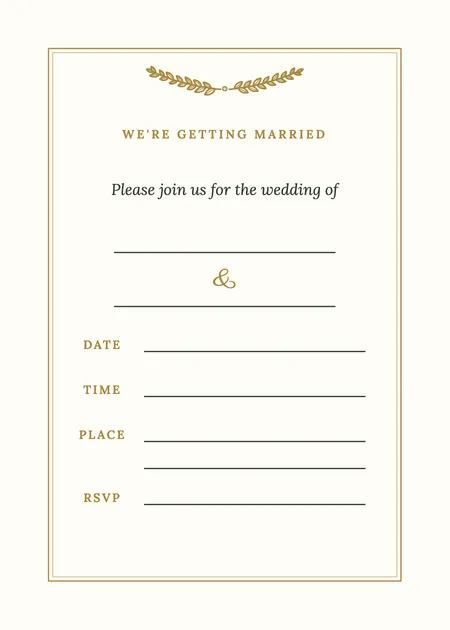
Fill-in wedding invitation: blank ruled lines for names, date, time, place and RSVP, to fill in by handFill-in wedding invitation back: a single laurel sprig pair on open paper
Invitation5 x 7 in · front and back
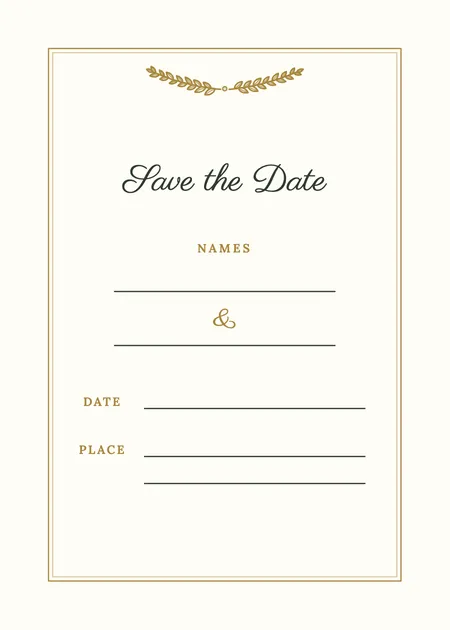
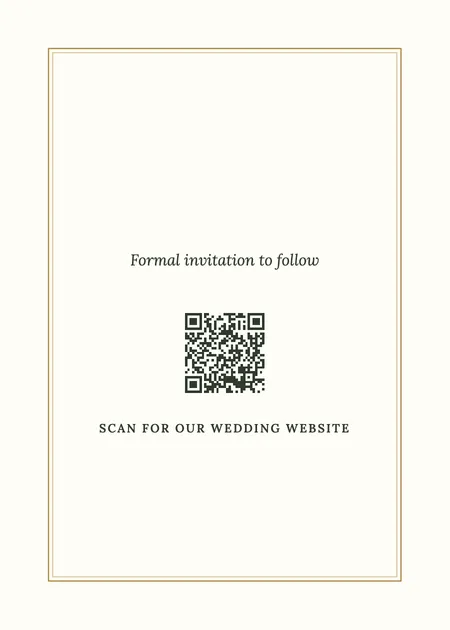
Fill-in save the date card: "Save the Date" under a laurel sprig, with blank lines for the names, date and placeFill-in save the date back: a laurel sprig above "Formal invitation to follow" and a QR code for the wedding website
Save the Date5 x 7 in · front and back
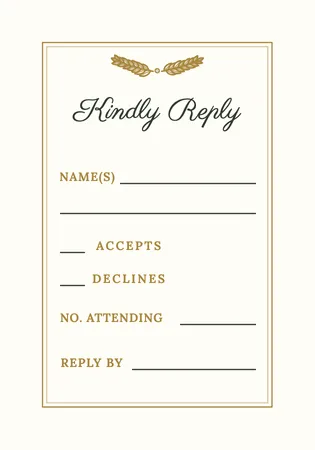
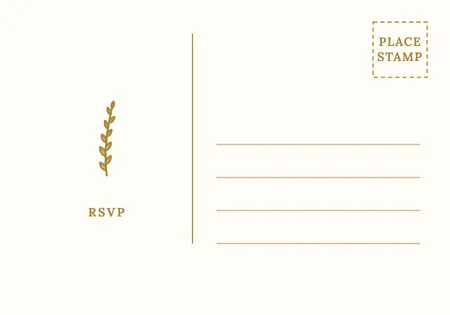
Fill-in RSVP card in Sage & Gold: "Kindly Reply" and a reply date above lines to fill inFill-in RSVP postcard back: a stamp box, a laurel sprig and blank lines for your return address
RSVP Card3.5 x 5 in · front and back
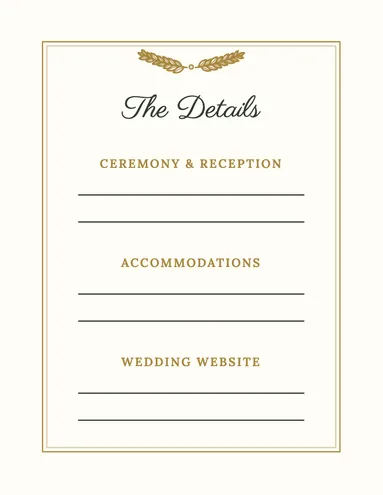
Fill-in details card: "The Details" with blank lines to fill in by handFill-in details card back: a repeating pattern of small leaves
Details Card4.25 x 5.5 in · front and back
Select & Customize
Planning tip
Write one card first and let it dry before stacking; on smooth card stock even a fine-tip pen can smudge onto the card above.
How it works

Names, wording, colors, download

Open a design above in the maker. Type both names, the date and time, the venue and the city once, or print the fill-in cards and write them by hand. The website link prints as a QR code, and the invitation and save the date also download as a phone-sized picture to text.

Choose one of the three palettes drawn for the design, then download the whole suite as Letter or A4 sheets with crop marks, any single card as a PDF, print-shop PNGs with bleed, a Word file, or a phone-sized picture of the invitation to text. For the words, see the wedding invitation wording guide; for the envelopes, how to address wedding invitations; for the dates, when to send them.

More Simple, Photo & Digital

More simple, photo & digital wedding invitations

Photo Classic wedding invitation: a large landscape photo window above the names, with small corner flourishesPhoto Portrait wedding invitation: a tall arched portrait photo window above the names

Photo

2 designs · Photo Classic, Photo Portrait
We Eloped wedding invitation: two linked wedding rings above a We Eloped headline in script

Elopement & Courthouse

1 designs · We Eloped
Reception Only wedding invitation: two champagne coupes and confetti under a script line reading We said I do, now let's celebrate

Reception Only

1 designs · Reception Only
Phone First wedding invitation: a chat bubble reading Save the evening above large plain names

Phone-first

1 designs · Phone First
QR Invite wedding invitation: a sprig over a QR code to scan for the RSVP and wedding website

Wedding Website Card

1 designs · QR Invite
Simple Type wedding invitation: plain serif type between two short rules, with no art

Simple Type

1 designs · Simple Type

All simple, photo & digital wedding invitations

Frequently asked questions

Why choose a fill-in invitation?
It suits a small wedding where you would rather write each card by hand, or a couple who want to print the blanks now and fill them in once the details are settled.
What pen works best?
A fine-tip archival or gel pen on matte card stock. Test it on a spare sheet first, since some glossy papers bead the ink.
Updated November 2026