Apollo's Templates
HomeTo-Do List TemplatesExcel
Spreadsheets that count

10 Excel To-Do List Templates

Every to-do list here as an .xlsx that does the bookkeeping: a \u2713 dropdown in the first column, finished tasks that grey out on their own, done counts that read 3 of 5 without a formula from you, and \u2014 on the full to-do list \u2014 priority and status dropdowns with overdue tasks turning red. No macros, no add-ins, nothing that triggers a security banner. Each card also opens as a Google Sheets copy.

The Excel fleet

Ten lists, every count working.
To-Do List — priority, due, status

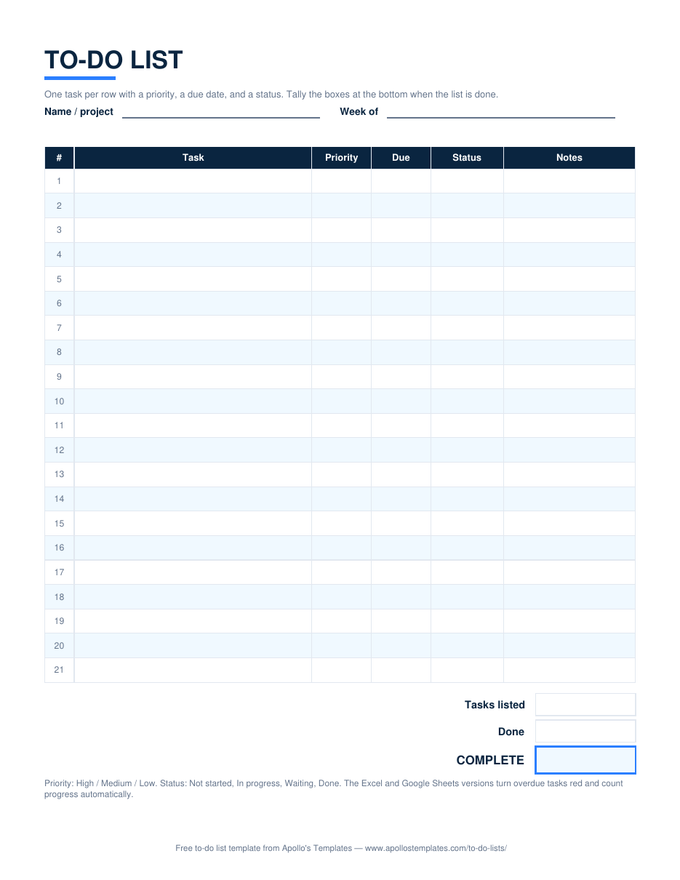
The spreadsheet to-do list: dropdowns for priority and status, overdue tasks turn red, done rows grey out, progress counts itself.

Daily — top 3 and a schedule

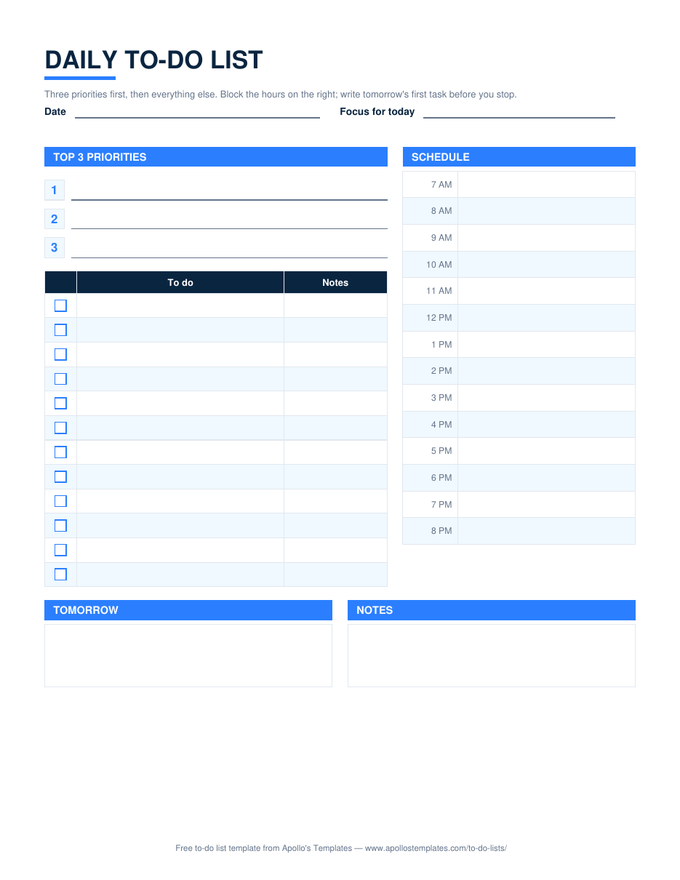
Three priority lines, a ✓ task list, an hourly column; Done today reads 2 of 4 on its own.

Weekly — self-dating columns

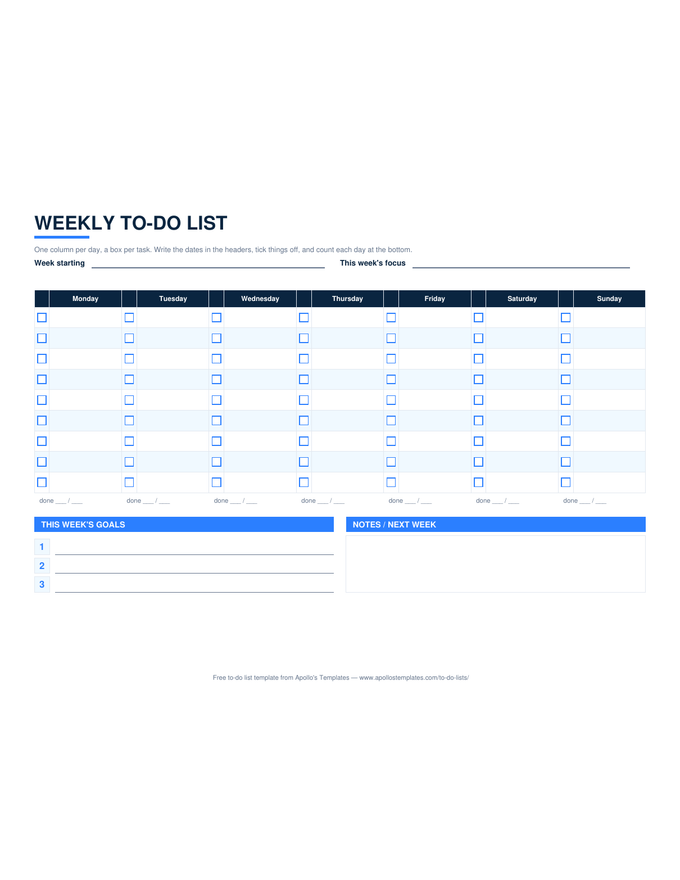
Type Monday's date; seven headers update. Per-day done counts and a week total.

Monthly — goals and due dates

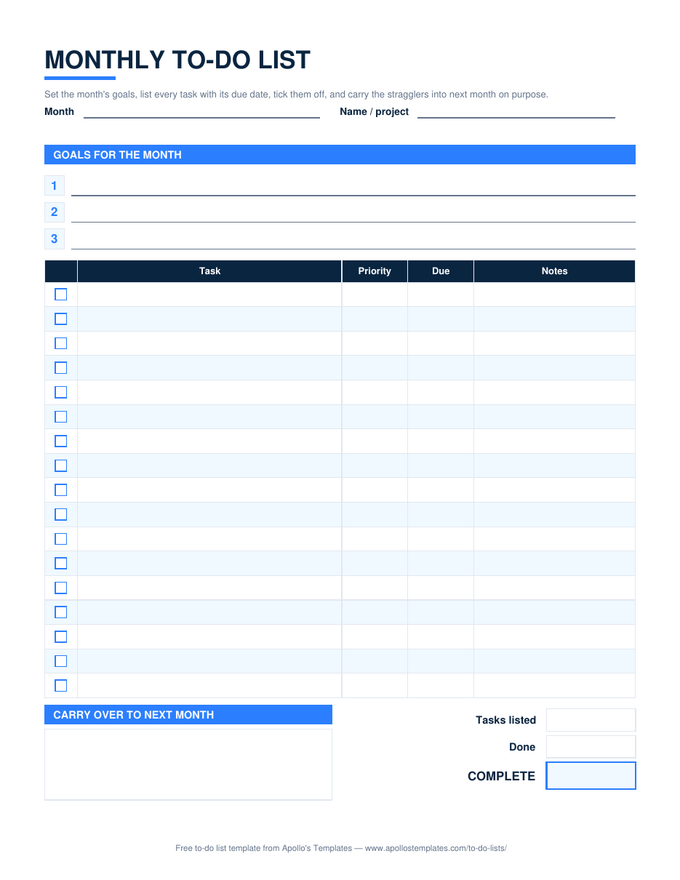
Goal lines, a ✓ task table with priority and due, overdue in red, a week-of-month helper, and a percent.

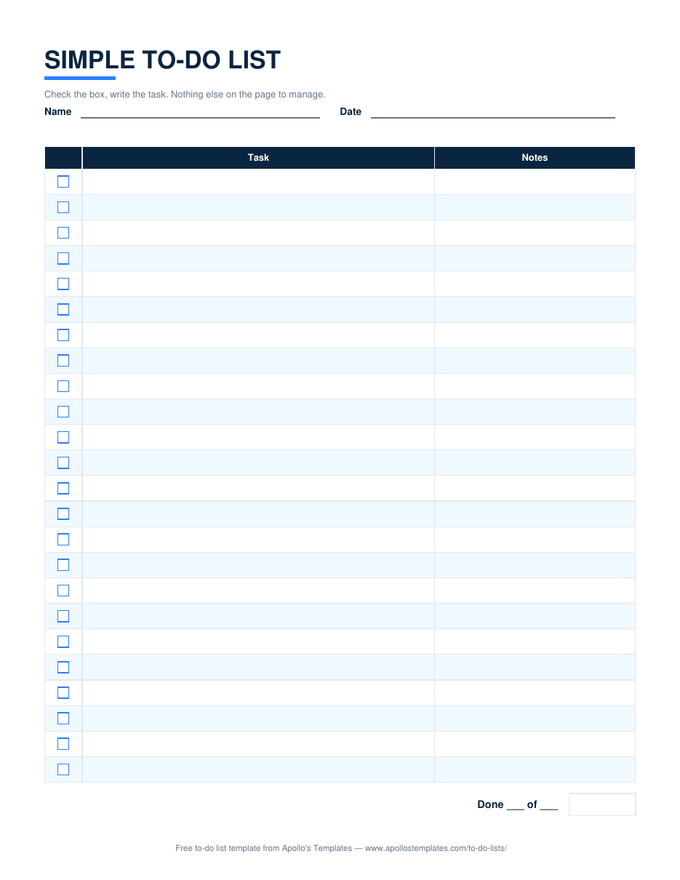
Simple — one count, nothing else

Box, task, notes, and a 3 of 5 done line. Deliberately the short one.

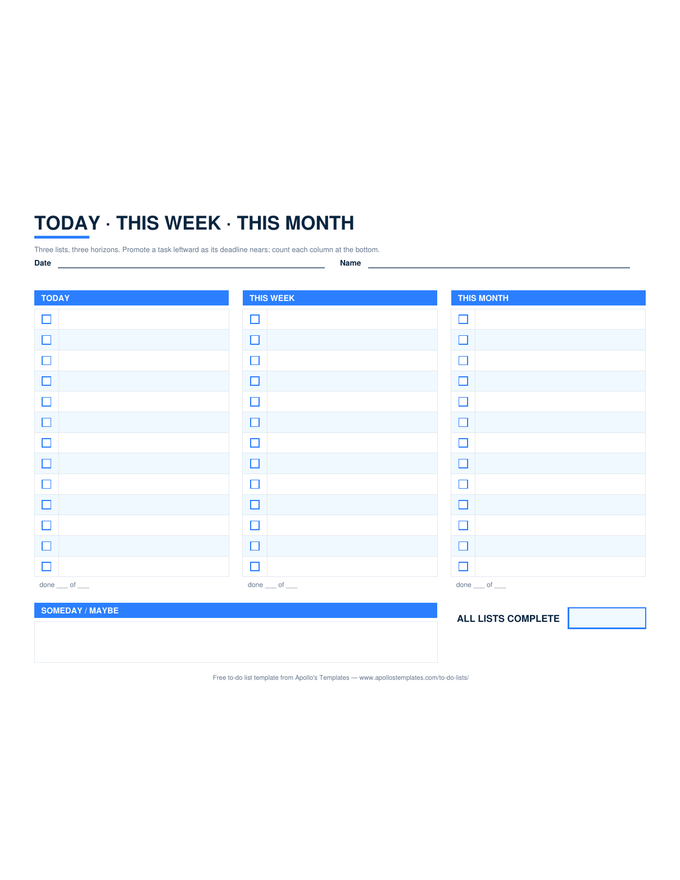
Today · This Week · This Month

Three ✓ columns on a landscape sheet, each counted, plus an overall percent.

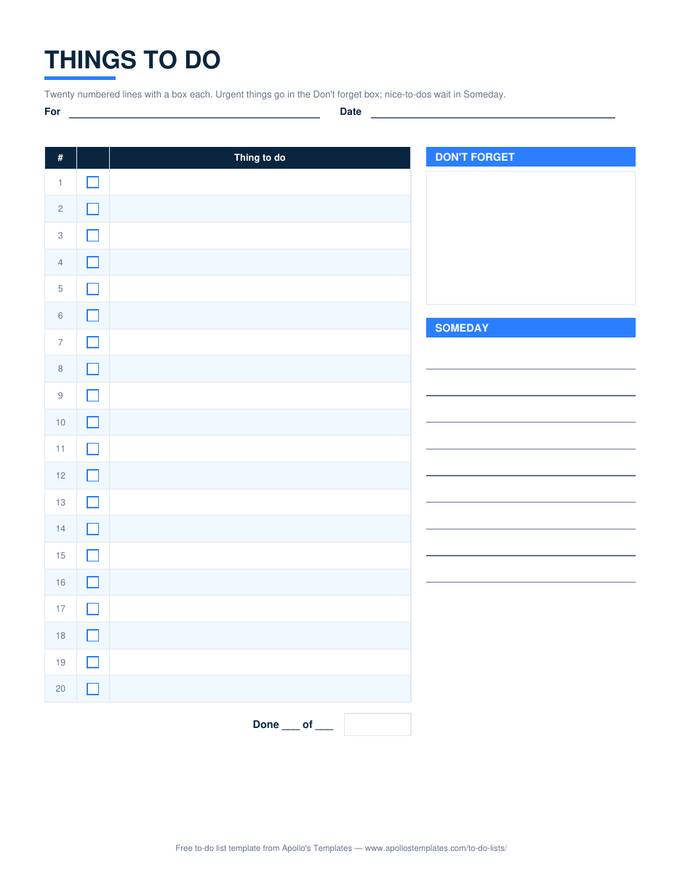
Things to do — numbered

Twenty numbered rows with a ✓ dropdown, a don't-forget box, a someday list.

Checklist — a percent per section

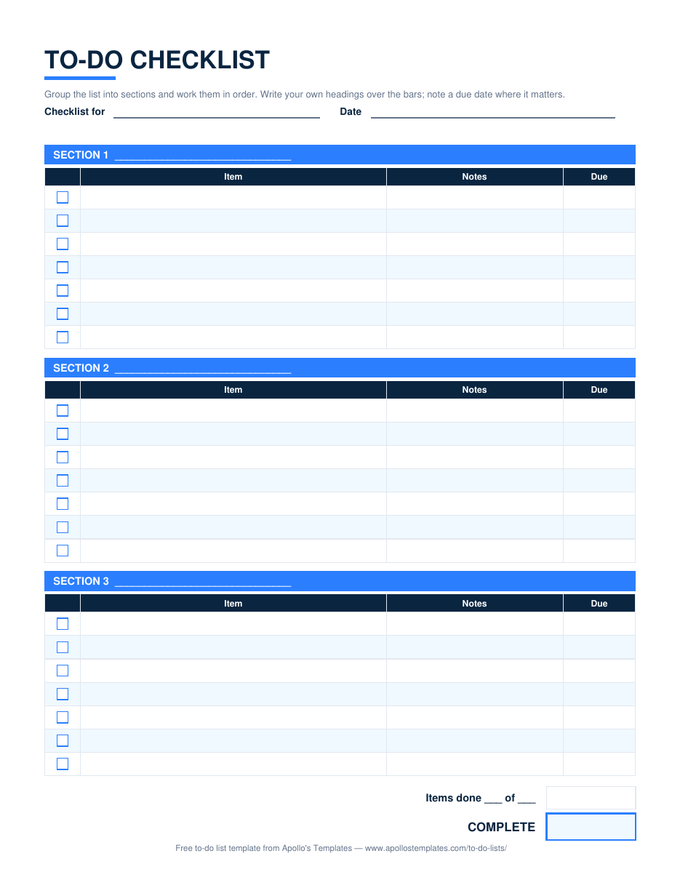
Three sections with editable headings; each shows its own progress, the sheet shows the total.

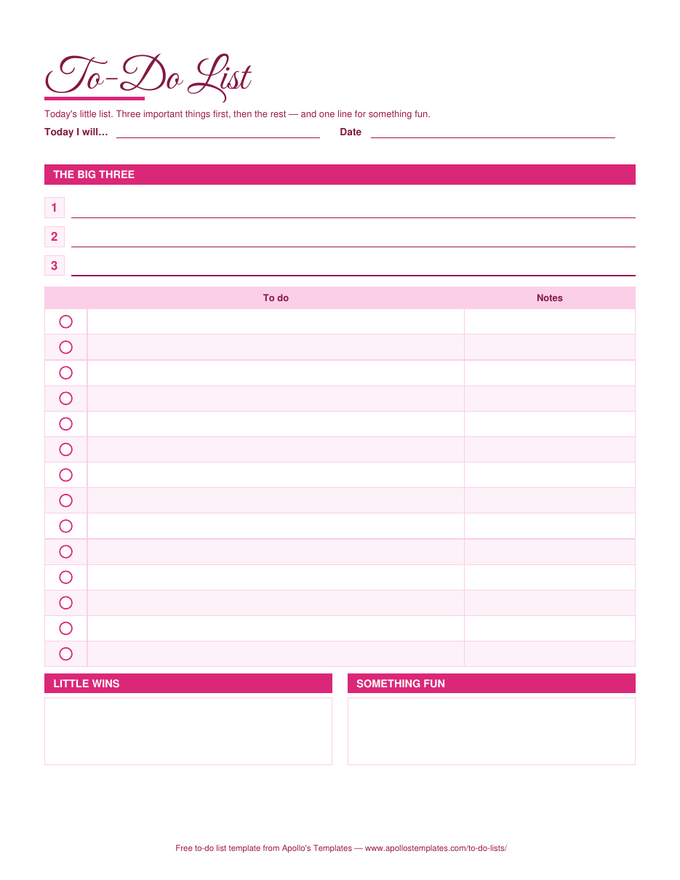
Cute — rose palette

The pretty design as a working sheet: Big Three, ✓ dropdown, done count in the same colors.

Blank — twenty-six lines

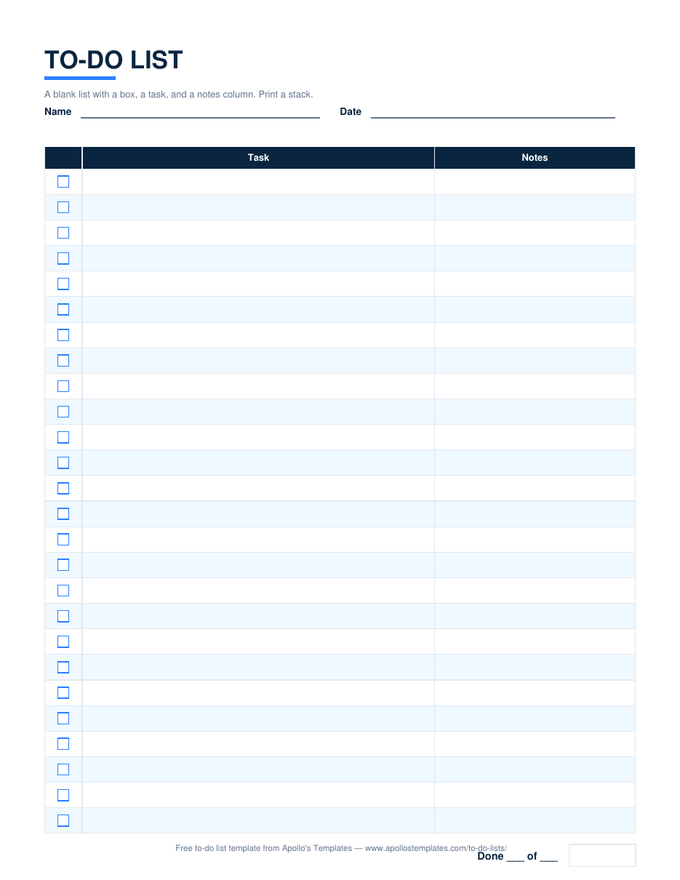
The plain blank list with the done count, for people who type into a blank page.
Worth knowing

A spreadsheet to-do list earns its keep on the count.

The reason to keep a to-do list in Excel instead of on paper is not the columns; it is that the sheet can tell you something back. A done count that reads 7 of 12 at three in the afternoon is information; a percent that has not moved in a week is a warning; a red row is a task that needs a decision. Every list here is built so that feedback appears without you writing a formula.

Keep one workbook per month or per project and add a tab per week. Excel’s tab copy keeps the formulas and the dropdowns, and a year of tabs is a surprisingly good record of what you actually did.

Owners, status, dashboards
Task List Templates for Excel
The work-side sheets: task list, tracker, project, employee, log.
Browse
The same sheets in Drive
Google Sheets To-Do Lists
Make-a-copy versions with the counts verified after conversion.
Browse
Paper instead
Printable To-Do Lists
Twelve blank PDFs in three looks.
Browse
Hours, not tasks
Timesheet Calculator
When the spreadsheet you need adds up time.
Start

Frequently asked questions

Which Excel to-do list should I start with?
The first card — the to-do list with priority, due date, and status — if your tasks have deadlines and you want the sheet to nag: overdue rows turn red, done rows grey out, and the progress box keeps a percent. The simple list if you want a box and a task and nothing else. The daily and weekly sheets if the list is really about a day or a week.
How does the ✓ column work?
Click a cell in the first column and a dropdown offers ✓. Pick it and the task text greys out with a strike-through, and the count at the bottom updates — COUNTIF on the ✓ column against COUNTA on the task column, so blank rows never count. Clear the cell to un-tick. It works the same in Google Sheets.
Why do overdue tasks turn red and can I turn it off?
The full list and the monthly list compare the Due cell to today and flag any task that is past due and not done — the one thing a paper list cannot do. It is a conditional format, so Home → Conditional Formatting → Clear Rules removes it if you prefer a calmer sheet.
Do these work in older Excel and in LibreOffice?
Any Excel from 2010 onward, Excel for the web, LibreOffice Calc, and Apple Numbers. The formulas are COUNTA, COUNTIF, IF, TODAY, and DAY; the dropdowns are standard data validation. The weekly sheet's self-dating headers are plain date arithmetic, so they survive every converter we have tried.
Updated through September 2026