Apollo's Templates
HomeTo-Do List TemplatesGoogle Sheets
Make a copy, start ticking

10 Google Sheets To-Do List Templates

Each card opens a native Google Sheets copy in your Drive \u2014 no download, no conversion step, and the parts that matter survive the trip: the \u2713 dropdown, the grey-out on finished tasks, the done counts, the overdue red on the dated lists, and the self-dating week headers. We import each sheet after building it and read the computed cells back to make sure. Prefer a file? Every card has the Excel download too.

The Sheets fleet

Ten lists, one click each.

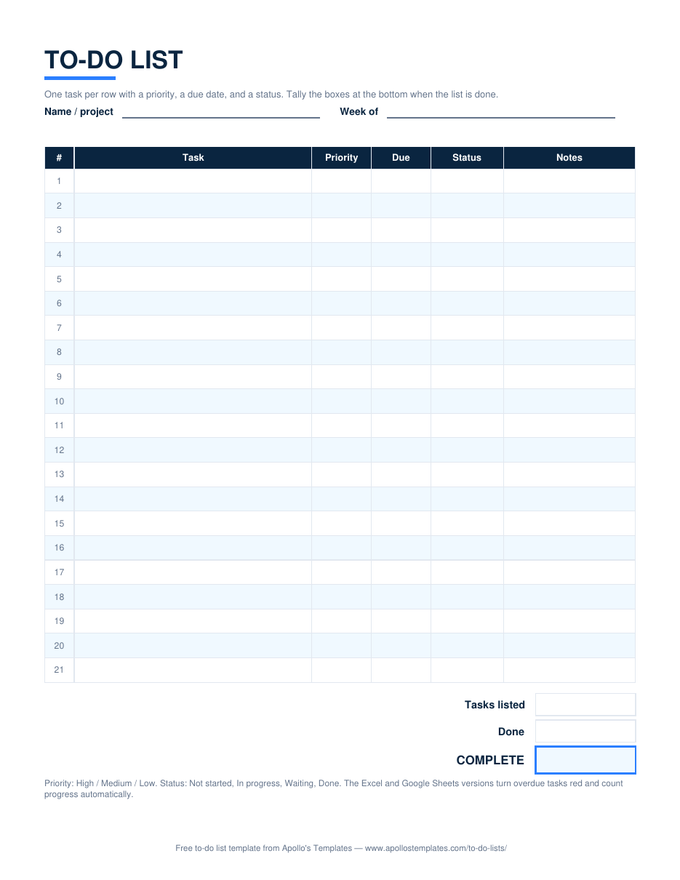
To-do list with numbered task rows, priority, due date, and status columns, and a tasks-listed, done, and percent-complete box at the bottom

To-Do List — priority, due, status

One click copies it to your Drive with the dropdowns, the overdue red, and the progress percent working — verified after conversion.
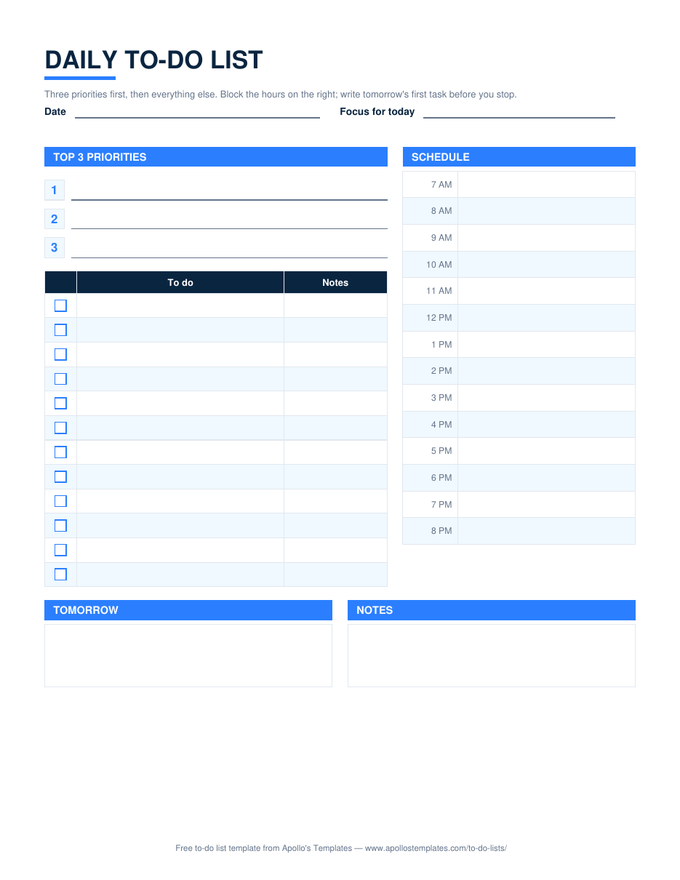
Daily to-do list with three numbered priority lines, a checkbox task list, an hourly schedule column from 7 AM to 8 PM, and tomorrow and notes boxes

Daily — phone-friendly

Fill the top 3 and tick tasks from your phone; the schedule column and Done today count come along.
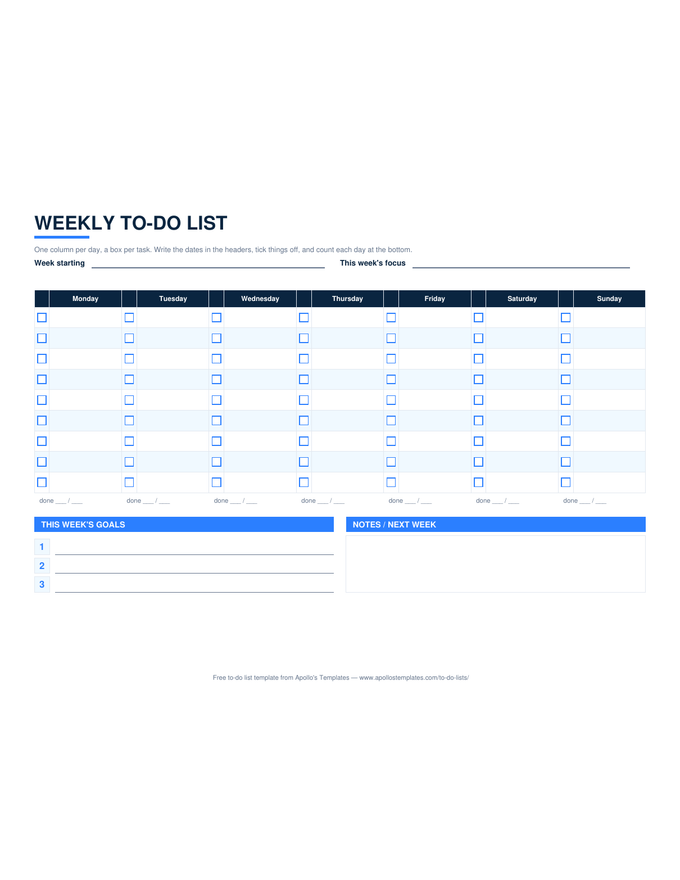
Weekly to-do list in landscape with seven day columns, a checkbox beside each task line, a per-day done count, a goals block, and a notes box

Weekly — dates itself in Sheets

Type the week's first date and all seven headers update in your Drive copy.
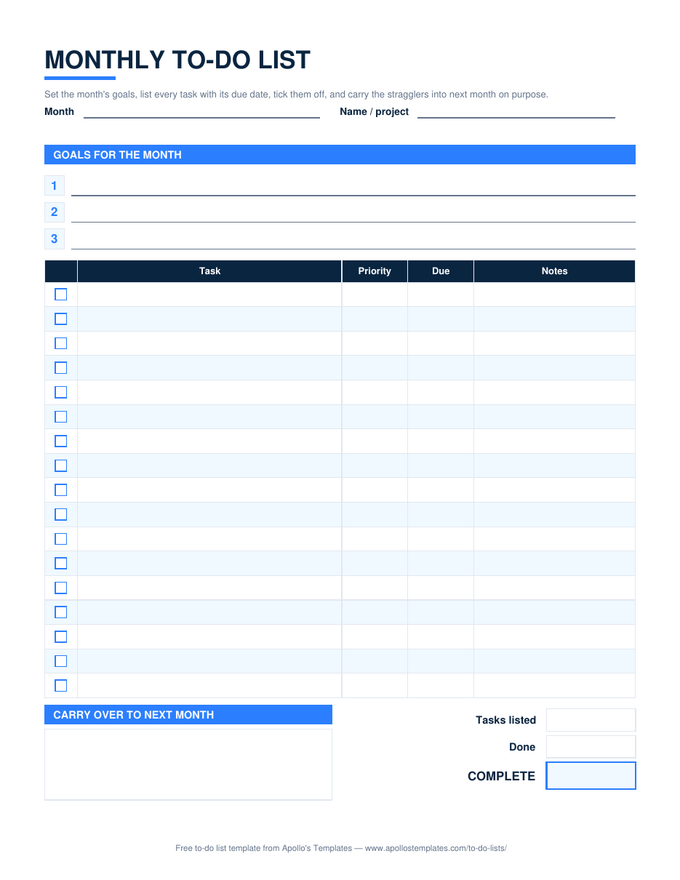
Monthly to-do list with numbered goal lines, a task table with checkbox, priority, due, and notes columns, a carry-over box, and progress boxes

Monthly — shared with the house

Share one copy; everyone sees the same goals, ticks, and percent.
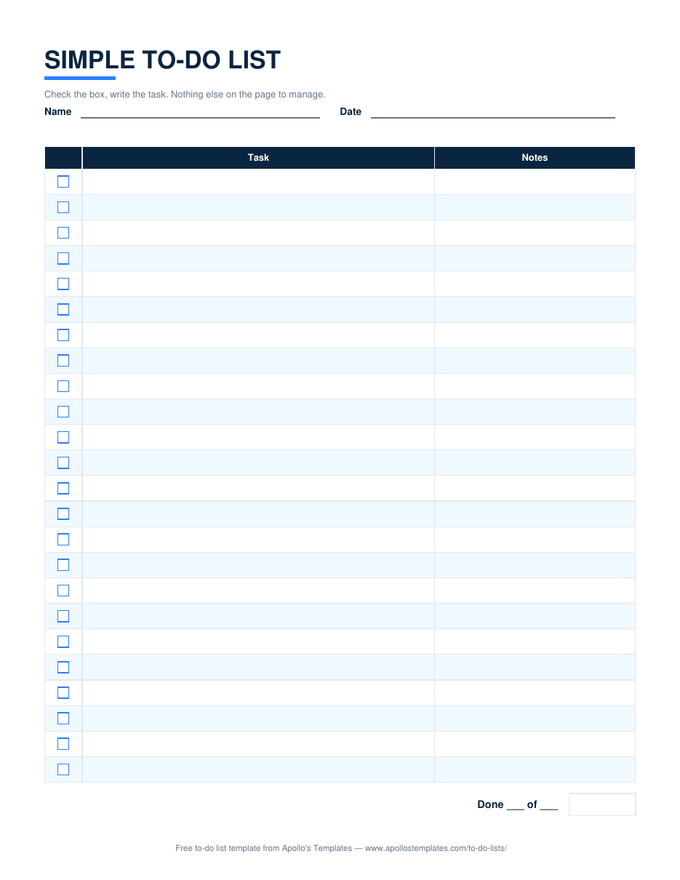
Simple to-do list with a checkbox column, a wide task column, a notes column, and a done-count line

Simple — the three-column sheet

Box, task, notes, and a done line. The simplest Google Sheets to-do list here.
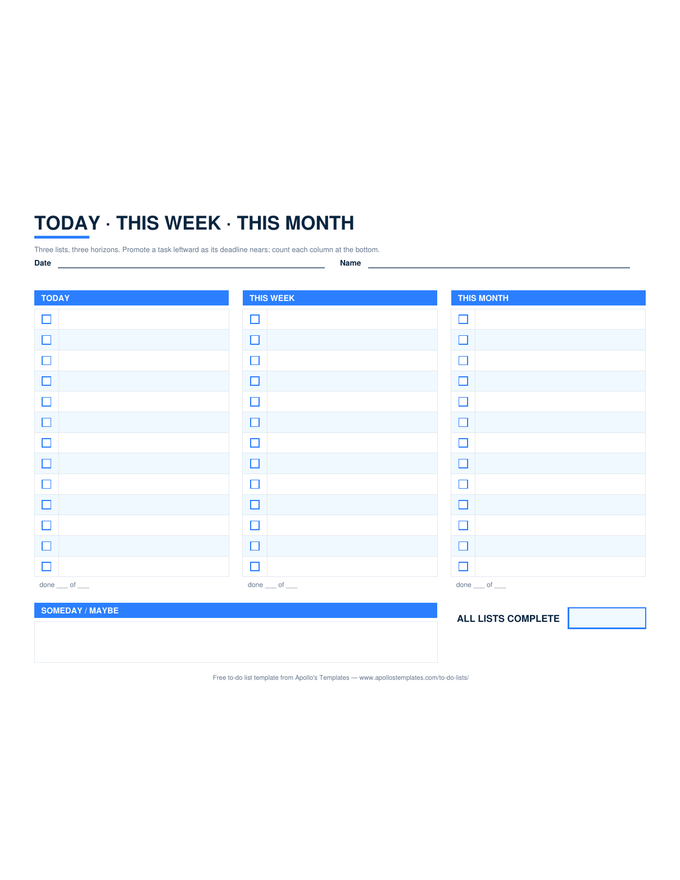
Three-column to-do list in landscape headed Today, This Week, and This Month, each with checkbox rows and a done count, plus a someday box

Today · This Week · This Month

Three horizons, three counts, one landscape sheet in your Drive.
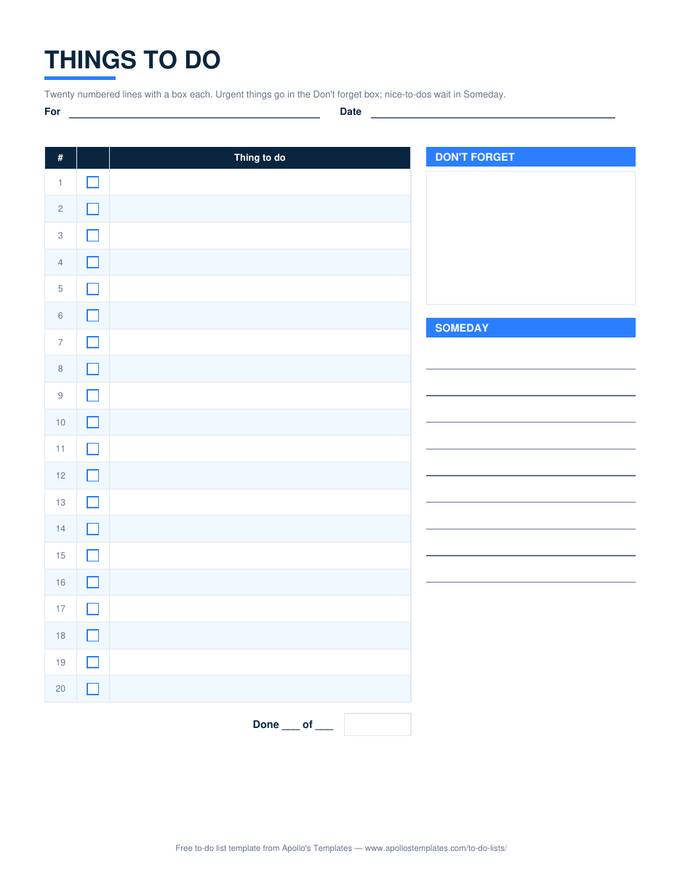
Things to do list with twenty numbered checkbox lines beside a don't-forget box and a someday list

Things to do — numbered rows

The notepad list as a sheet: numbers, ✓ dropdown, done count.
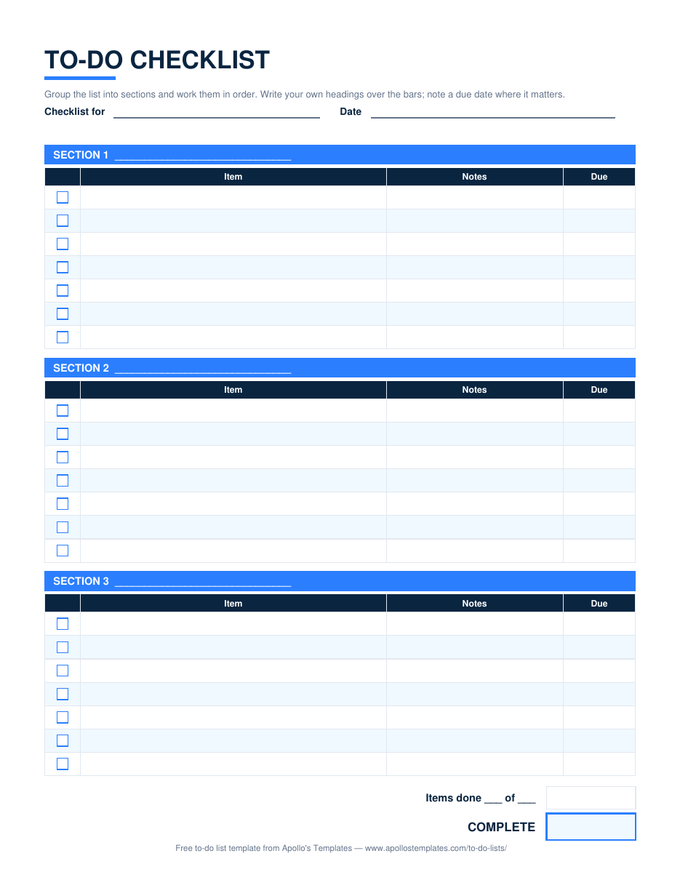
To-do checklist with three section bars, each over a table of checkbox, item, notes, and due columns, and an items-done total

Checklist — percent per section

Rename the section bars in Sheets; each keeps its own progress.
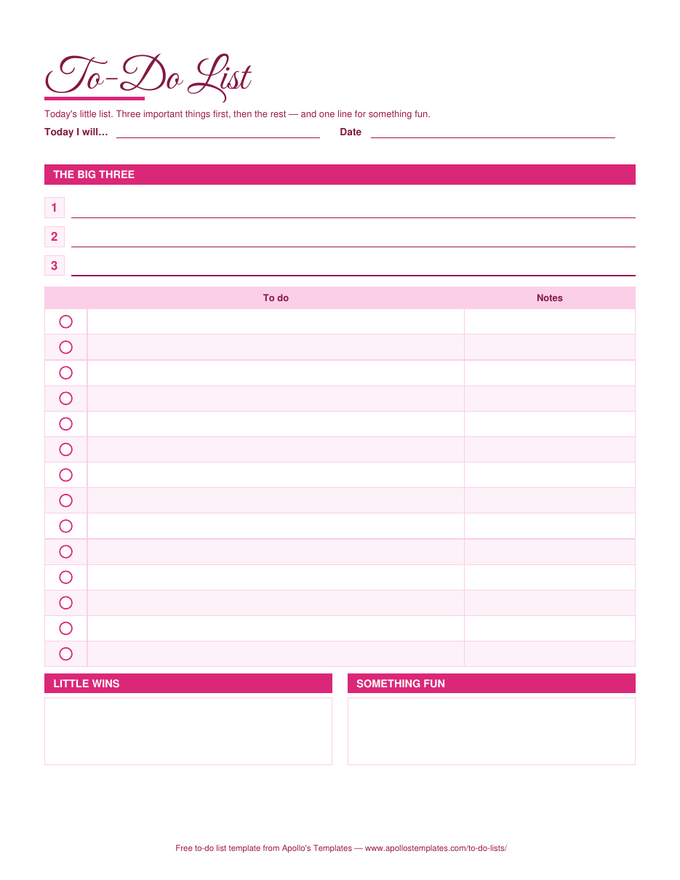
Cute to-do list in a rose palette with a script title, three big-three lines, circle check marks beside each task, and little-wins and something-fun boxes

Cute — rose palette

The warm colors survive the import; so does the count.
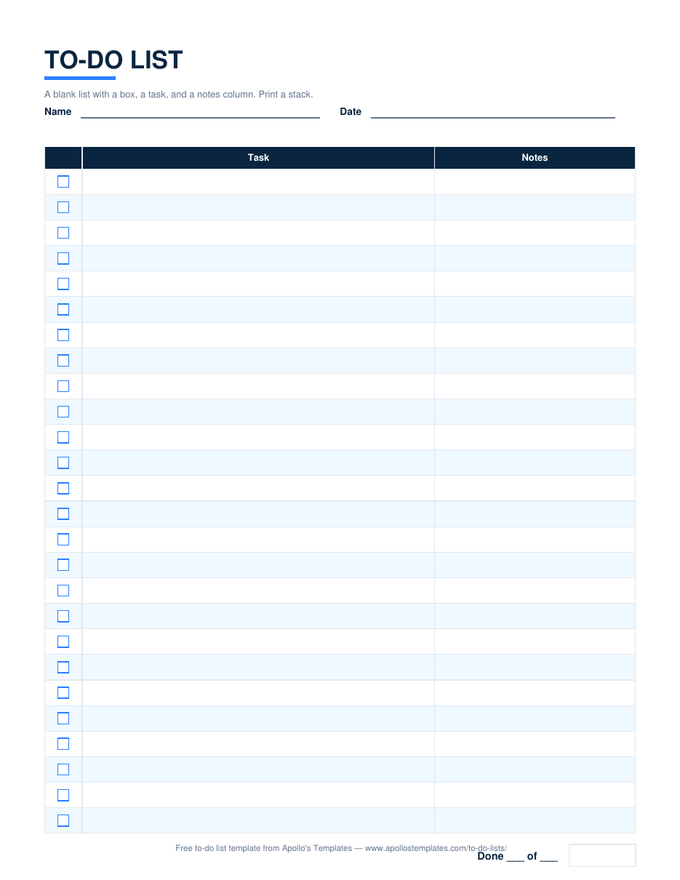
Blank printable to-do list with a checkbox column, task lines, a notes column, and a done-of line, in the plain navy look

Blank — twenty-six lines

A blank counted list in Sheets for when paper isn't handy.
Worth knowing

The Sheets version is the one that follows you around.

A to-do list in Google Sheets is a to-do list on every device you own without a subscription. The trade-off against paper is friction — opening an app is slower than glancing at a page — so the lists that work best in Sheets are the ones you keep open all day (the daily list) or share (the monthly list and the checklist).

Rename your copy with the date or the project the moment it opens. A Drive full of files called Copy of Daily To-Do List Template is the most common way this habit dies.

Download the .xlsx instead
Excel To-Do Lists
The same ten as files, with every count working.
Browse
Document versions
Google Docs To-Do Lists
Type-and-print lists in Docs.
Browse
Start with the plain one
Simple To-Do List
Box, task, notes, one count.
Open

Frequently asked questions

How do I get the template into my own Google Drive?
Click Open in Google Sheets on any card; Google shows a Make a copy page; click the button and the sheet opens in your Drive, owned by you. Nothing is shared back to us and the original cannot be edited by visitors.
Do the counts and dropdowns really work after conversion?
Yes — that is the thing we test. After every rebuild we import a sample-filled copy of each sheet, export the computed cells, and compare them to the expected values (3 of 5 done, 40%, the weekly per-day counts). The formulas are deliberately simple — COUNTIF, COUNTA, TODAY — because those convert perfectly.
Can I use these on my phone?
The Google Sheets app handles the ✓ dropdown with a tap, which makes the daily and simple lists genuinely usable on a phone. The weekly and three-horizon sheets are landscape and are better on a tablet or laptop.
Can several people share one list?
Yes, the normal Sheets way — share your copy. The monthly list and the checklist are the ones households tend to share; for a team that needs an owner per task, the task list templates are the better tool.
Updated through September 2026