Apollo's Templates
HomeTo-Do List TemplatesGoogle Docs
Type it, share it, print it

10 To-Do List Templates for Google Docs

The document versions: every list as a Google Doc with real tables, \u2610 marks in the first column, and the same layouts as the printable PDFs \u2014 the daily list's top three and hour grid, the weekly landscape grid, the checklist's section bars, the cute list's rose palette. Click a card and a copy lands in your Drive to type into, share with the house, or print. Word downloads sit beside each one.

The Docs fleet

Ten lists as documents.

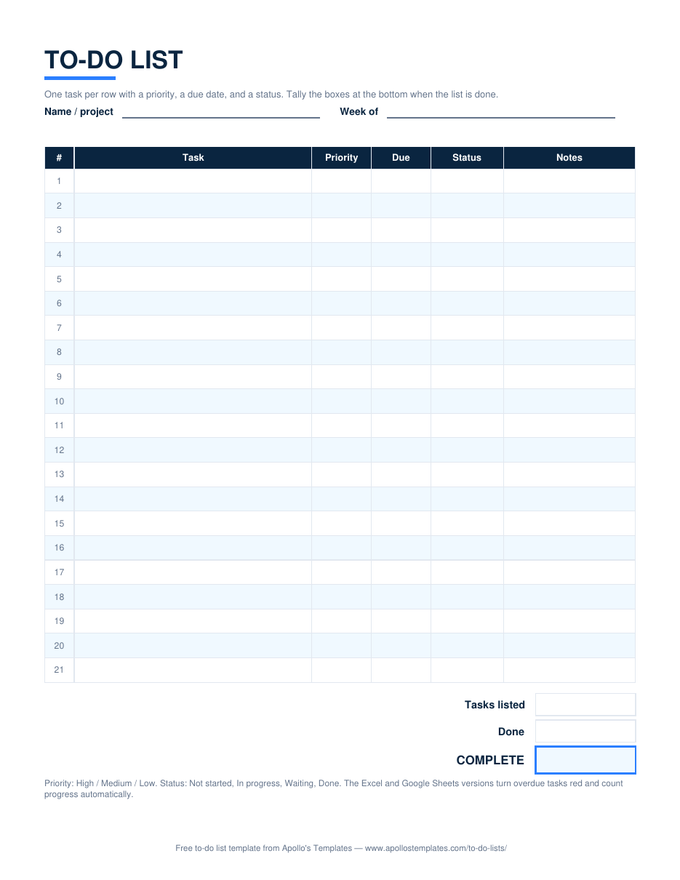
To-do list with numbered task rows, priority, due date, and status columns, and a tasks-listed, done, and percent-complete box at the bottom

To-Do List — priority, due, status

The full table as a Google Doc: number, task, priority, due, status, notes, and the progress boxes to fill by hand.
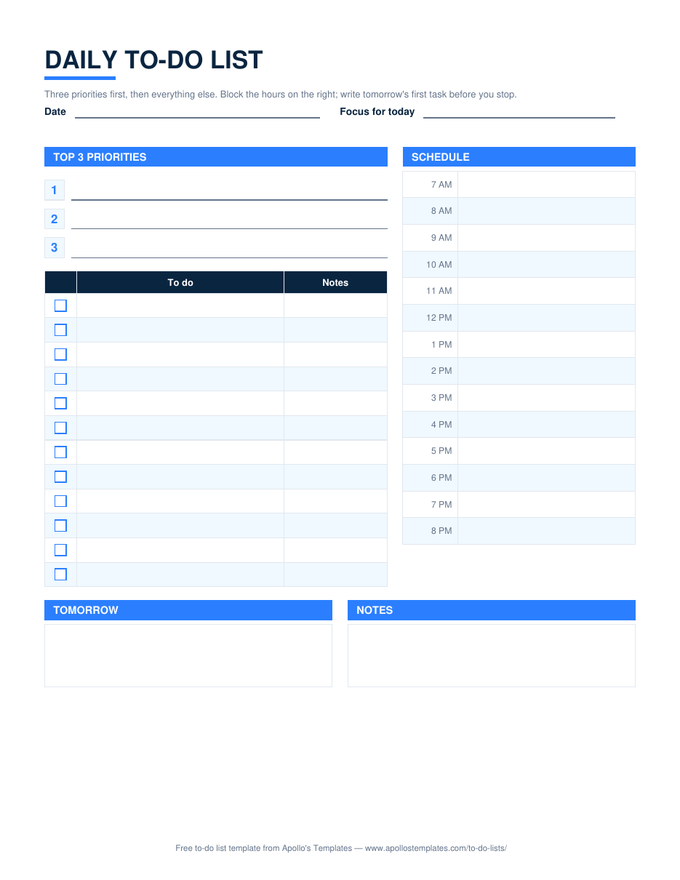
Daily to-do list with three numbered priority lines, a checkbox task list, an hourly schedule column from 7 AM to 8 PM, and tomorrow and notes boxes

Daily — top 3 and a schedule

Priority lines, a ☐ task table, a two-column hour grid, tomorrow and notes boxes.
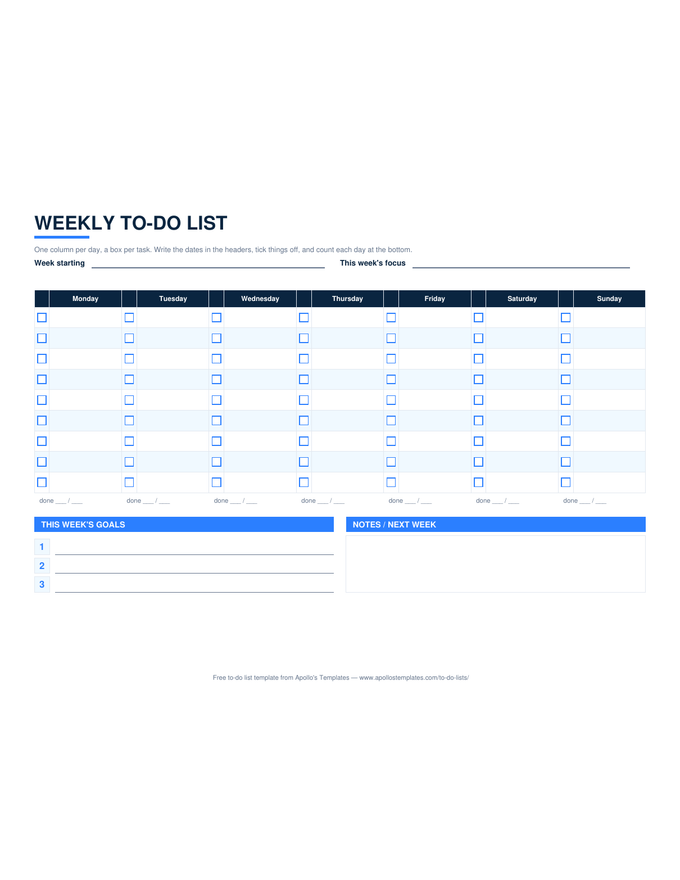
Weekly to-do list in landscape with seven day columns, a checkbox beside each task line, a per-day done count, a goals block, and a notes box

Weekly — landscape grid

Seven day columns with ☐ boxes, goals and notes underneath, as a landscape Doc.
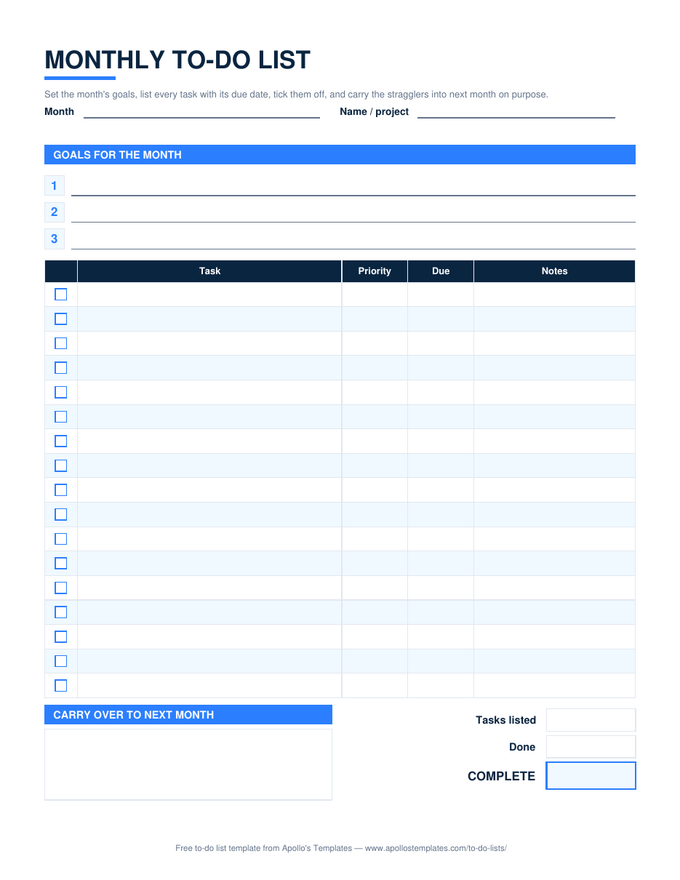
Monthly to-do list with numbered goal lines, a task table with checkbox, priority, due, and notes columns, a carry-over box, and progress boxes

Monthly — goals and carry-over

Goal lines, a ☐ task table with priority and due, the carry-over box.
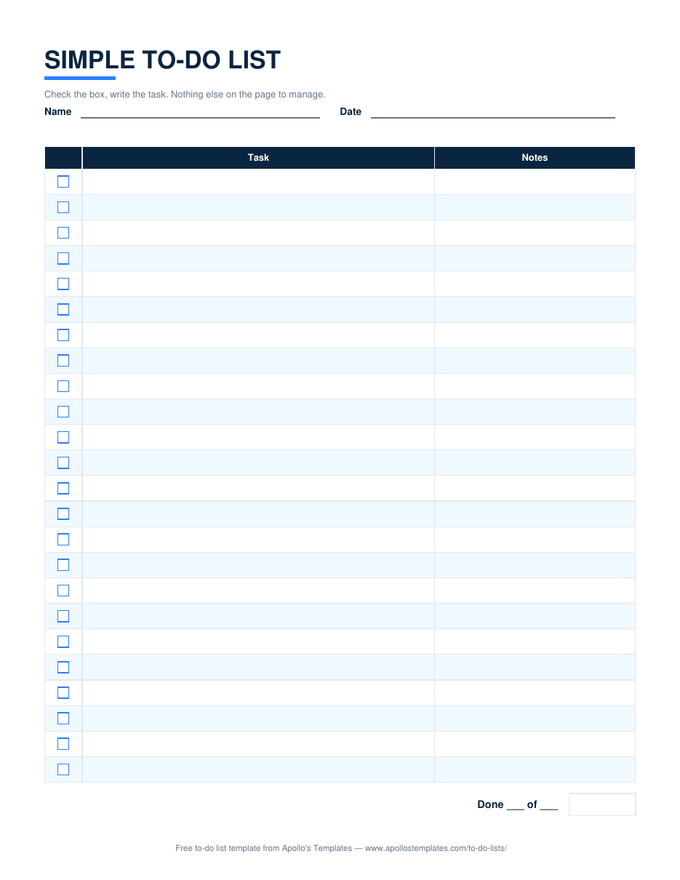
Simple to-do list with a checkbox column, a wide task column, a notes column, and a done-count line

Simple — three columns

Box, task, notes. The Google Docs to-do list most people are looking for.
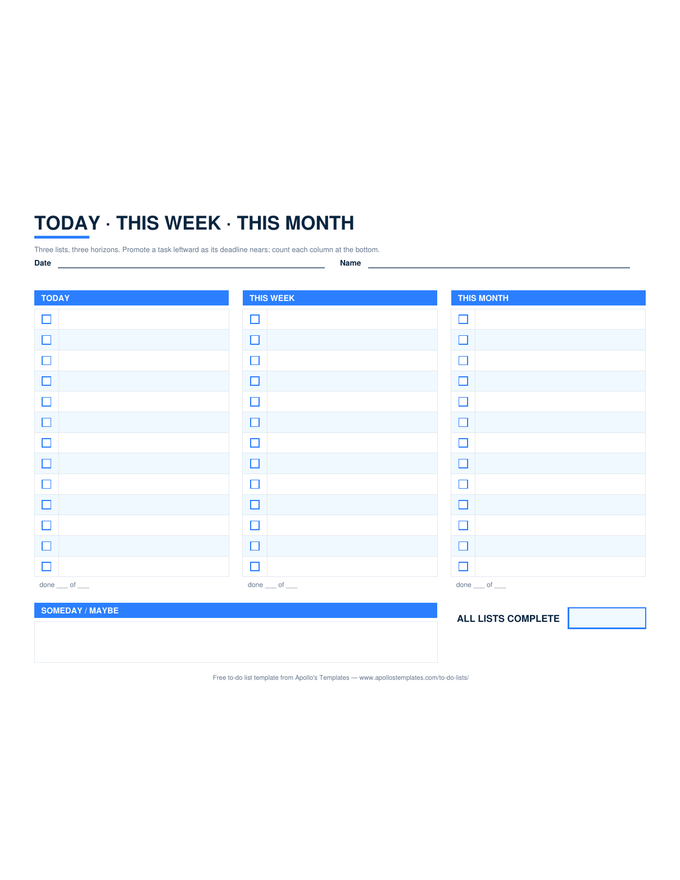
Three-column to-do list in landscape headed Today, This Week, and This Month, each with checkbox rows and a done count, plus a someday box

Today · This Week · This Month

Three ☐ columns side by side on a landscape Doc.
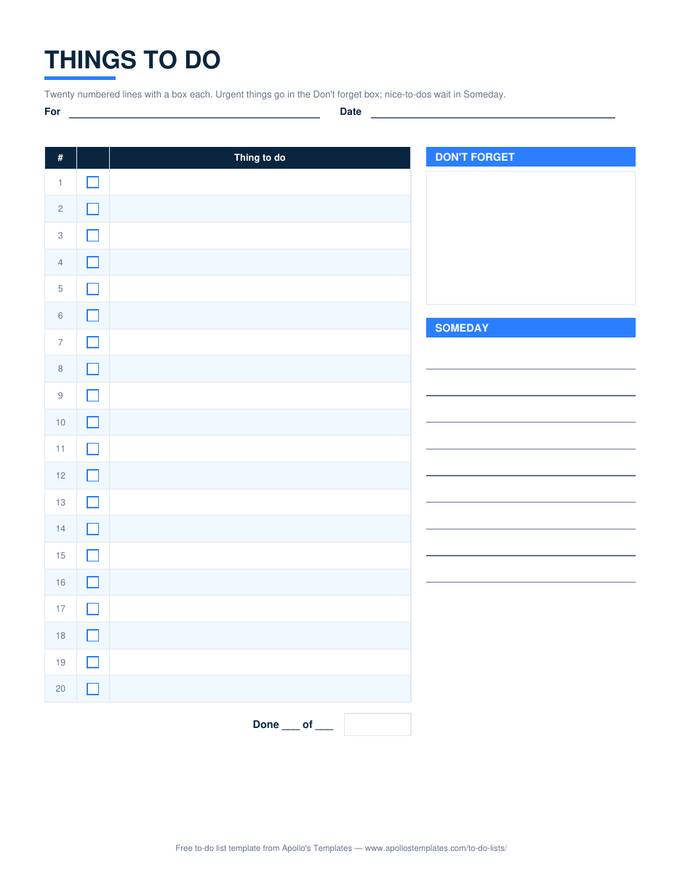
Things to do list with twenty numbered checkbox lines beside a don't-forget box and a someday list

Things to do — numbered

Twenty numbered ☐ lines, a don't-forget box, someday lines.
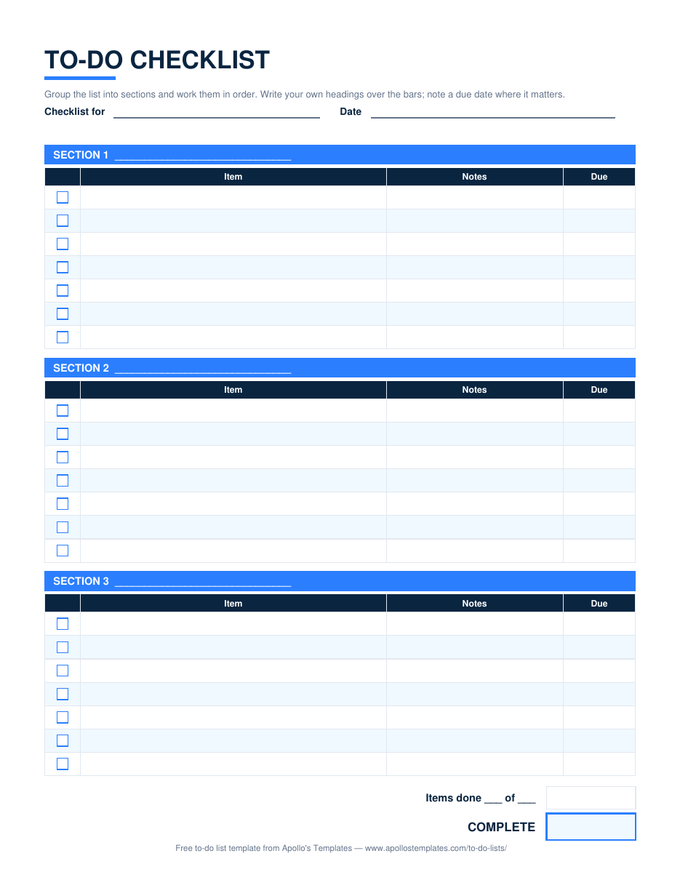
To-do checklist with three section bars, each over a table of checkbox, item, notes, and due columns, and an items-done total

Checklist — three sections

Section bars you can retitle, ☐ item tables, notes and due columns.
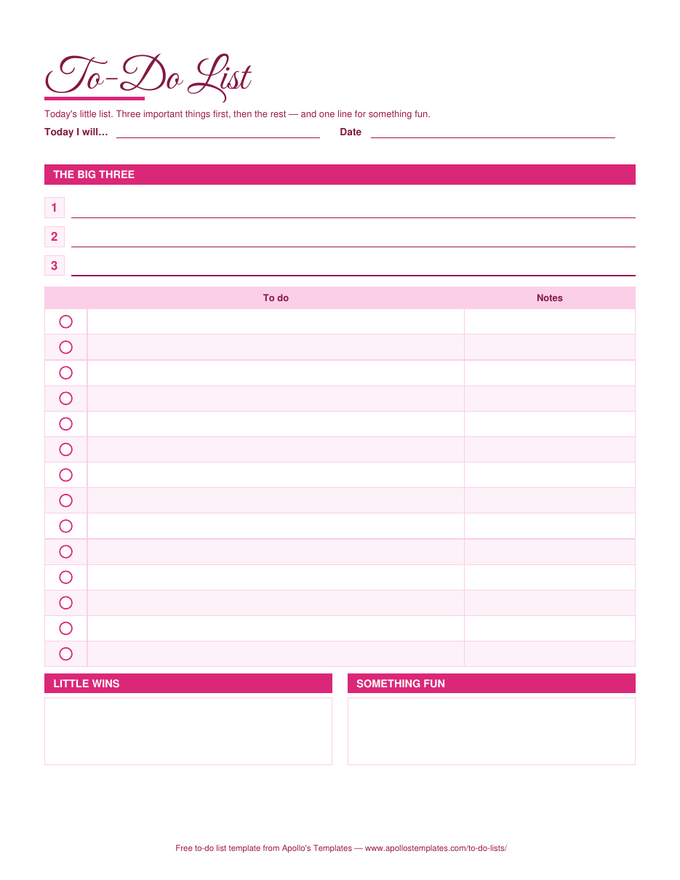
Cute to-do list in a rose palette with a script title, three big-three lines, circle check marks beside each task, and little-wins and something-fun boxes

Cute — rose palette

The cute to-do list template for Google Docs: script-style title, rose bars, the Big Three, little wins.
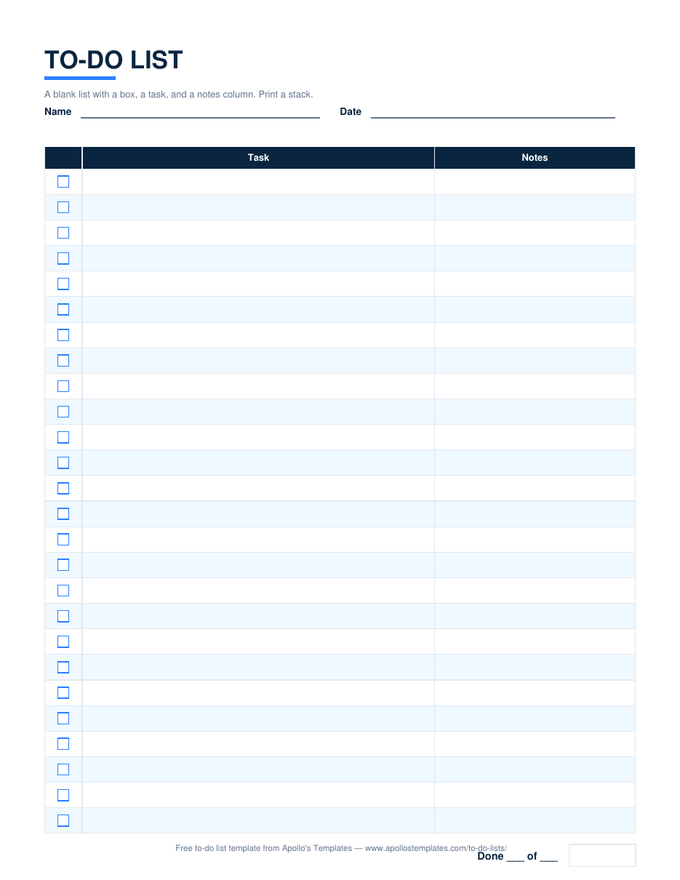
Blank printable to-do list with a checkbox column, task lines, a notes column, and a done-of line, in the plain navy look

Blank — twenty-six lines

A blank ☐ list to type into or print from Docs.
Worth knowing

A list in Docs is a list your household can see.

Docs’ sharing is the reason to keep a to-do list there instead of in a notes app: one link, everyone edits, no accounts to create. The monthly list and the checklist are the natural fits — the chore rotation, the trip packing list, the party plan — and the comment thread on a task is often more useful than a status column.

Set the sharing to anyone with the link can edit only for the people who need it; otherwise share by email. The copy is yours, and we never see it.

Same layouts, .docx files
Word To-Do Lists
Download and edit offline.
Browse
The counting versions
Google Sheets To-Do Lists
✓ dropdowns and done counts in your Drive.
Browse
The pretty one
Cute To-Do List
Rose palette, Big Three, little wins.
Open

Frequently asked questions

Google Docs or Google Sheets for a to-do list?
Docs if the list is something you read and print — a packing list, a chore list on the fridge, a checklist you reuse. Sheets if you want the sheet to count for you and flag overdue items. Same layouts either way; the Sheets page has the counting versions.
How do I tick a box in Google Docs?
The ☐ in the first column is a character: click it, type X or paste ☑, or select the row's text and use strike-through. If you would rather have clickable checkboxes, Docs' Format → Bullets → Checklist converts a column of items in a couple of clicks; we ship the character version because it opens identically in Word and LibreOffice too.
Is the cute to-do list available in Google Docs?
Yes — the Cute card copies the rose design with its script-style title, the Big Three lines, and the little-wins and something-fun boxes. Docs keeps the colors faithfully; it is the cute to-do list template for Google Docs people usually cannot find without a signup wall.
Will the landscape lists print correctly from Docs?
The weekly and three-horizon lists are set to landscape in the document itself, so File → Print keeps the orientation. Choose Fit to page if you are on A4 paper.
Updated through September 2026