Apollo's Templates
HomeTo-Do List TemplatesWord
Editable, printable

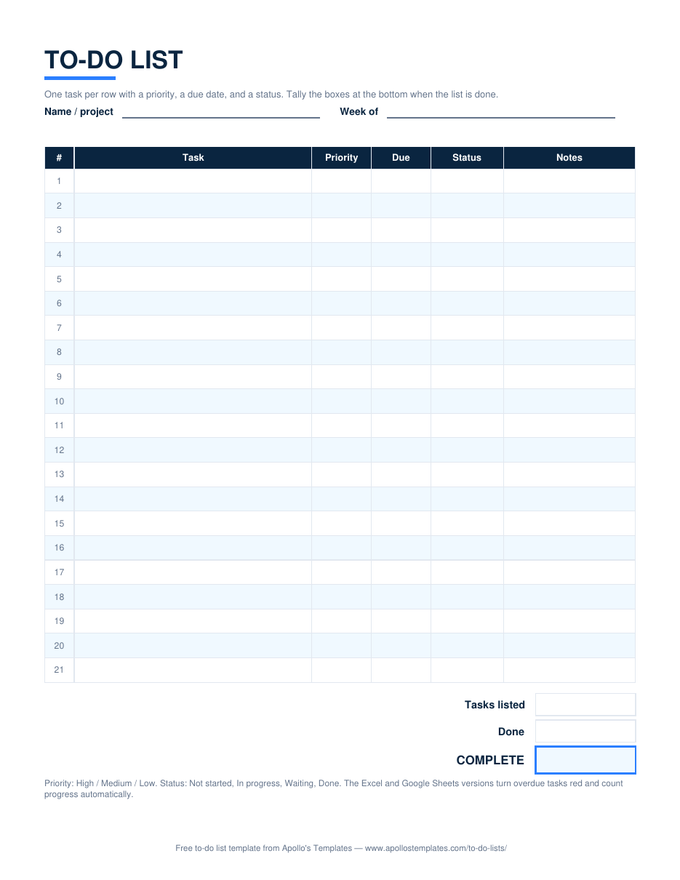
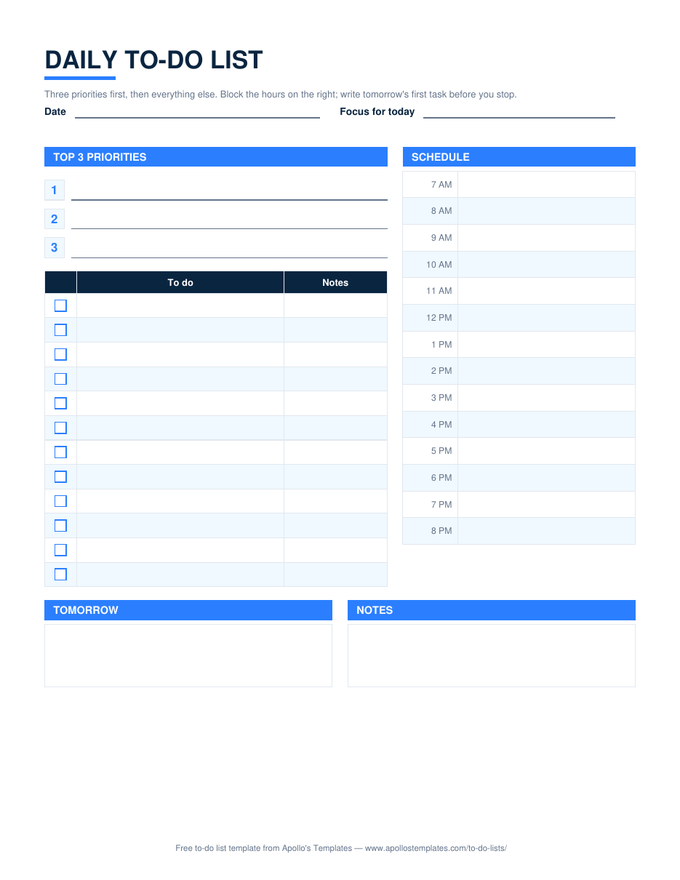
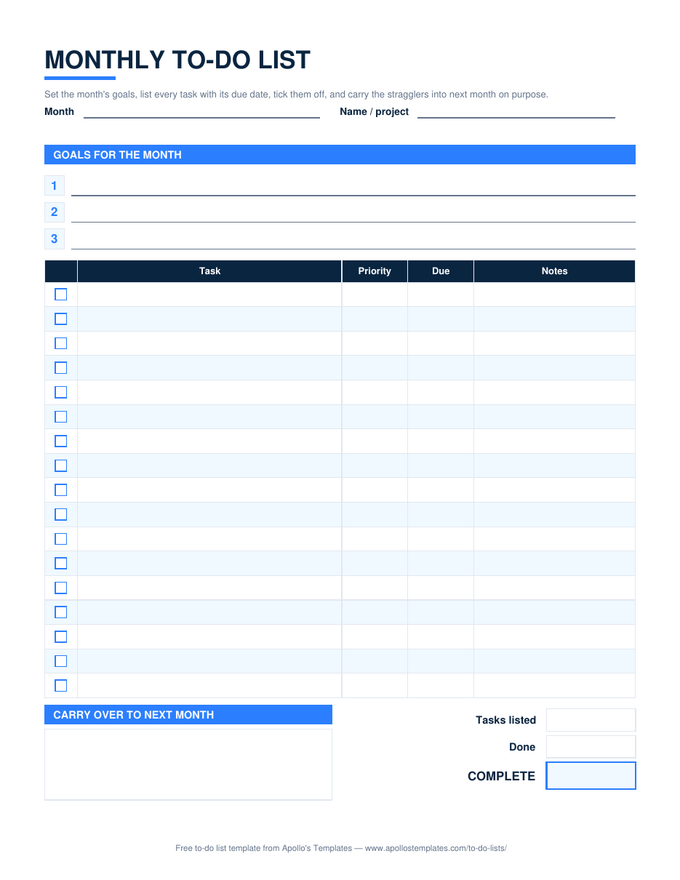
10 To-Do List Templates for Word

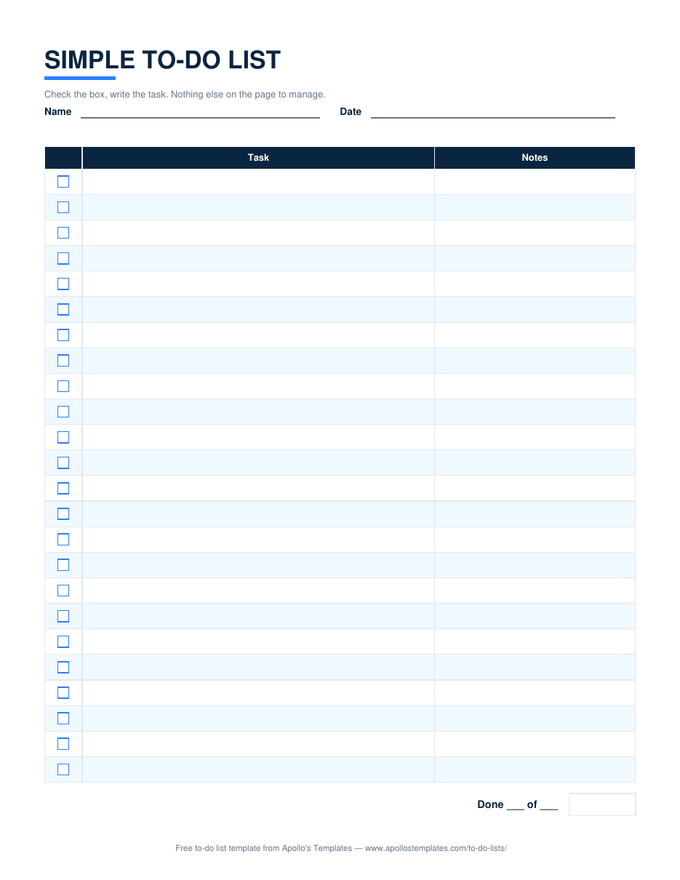
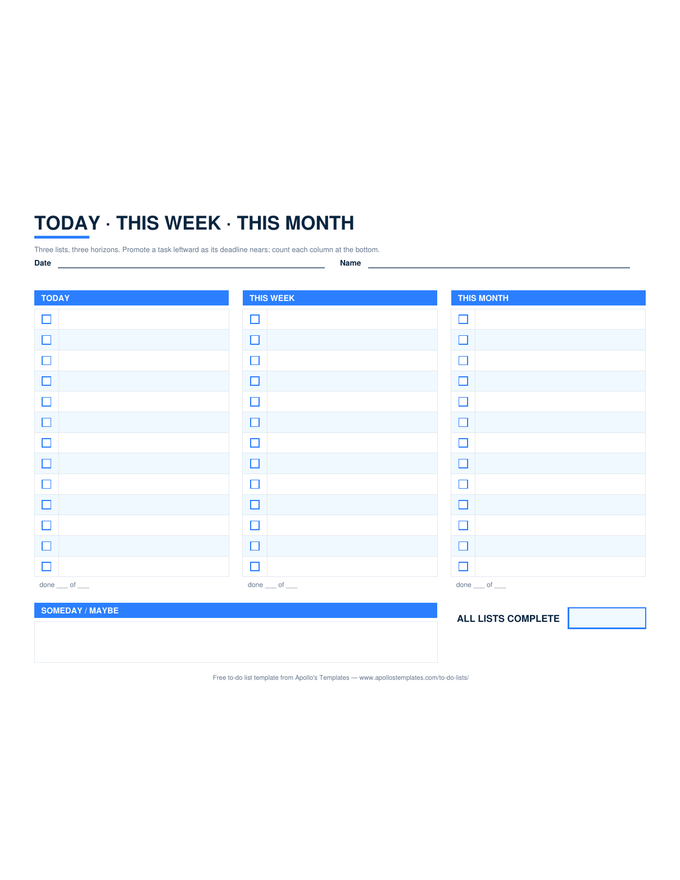
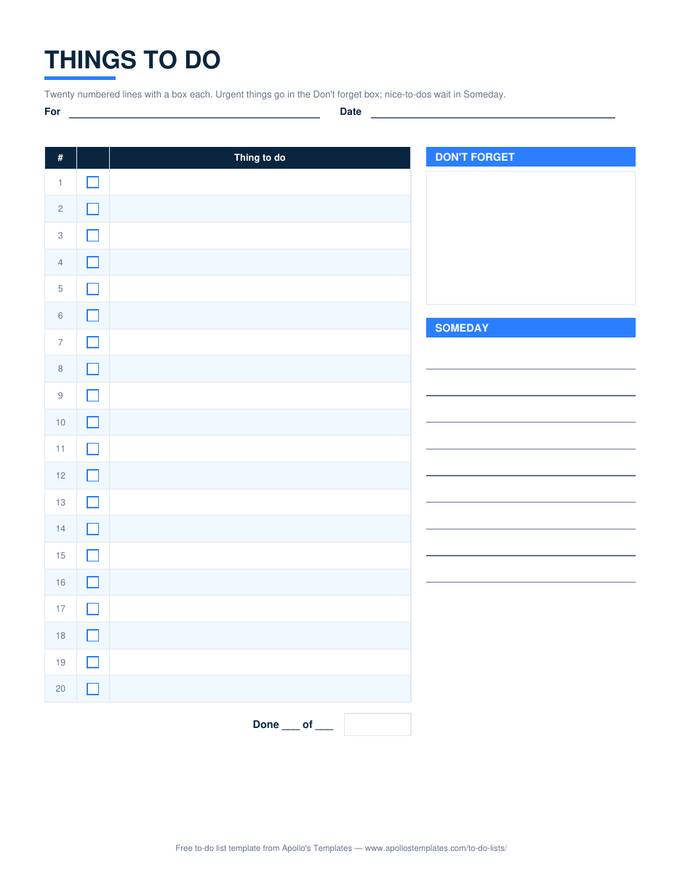
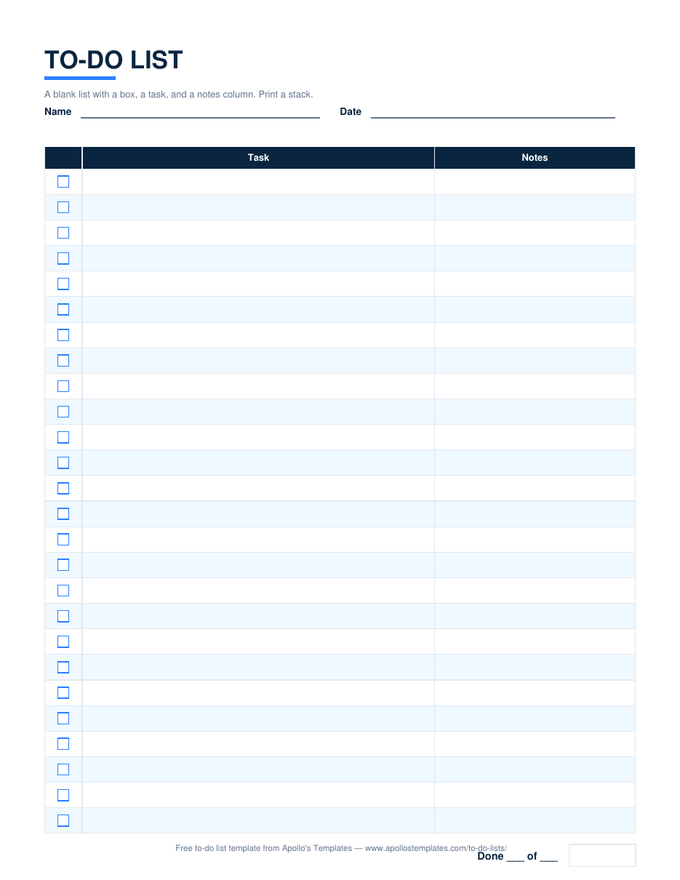
Every list as a .docx you can open, retitle, and print: real tables with a \u2610 column, the same layouts as the PDFs, and the house colors (or the rose ones, on the cute list). Word is the right format when the list is a document you reuse \u2014 the checklist you retitle for each event, the weekly grid with your own day labels, the pad you print twenty of. Each card also opens as a Google Doc.

The Word fleet

Ten lists as .docx tables.

Worth knowing

Word is for the list you will print twenty of.

The Word versions exist for the lists that become forms: the opening checklist taped inside a cupboard, the weekly grid on the fridge, the packing list you print every trip. Put your own title on it once, save it as your template, and the next copy is one click. Word tables do not count anything, and the pages say so — the Excel and Sheets versions are one link away when you want the sheet to do the arithmetic.

If Word warns about the file when it opens, that is the download coming from the internet, not the document; every .docx here is a plain table with no macros.

Same files in Drive
Google Docs To-Do Lists
One-click copies to type and share.
Browse
The checklist people want in Word
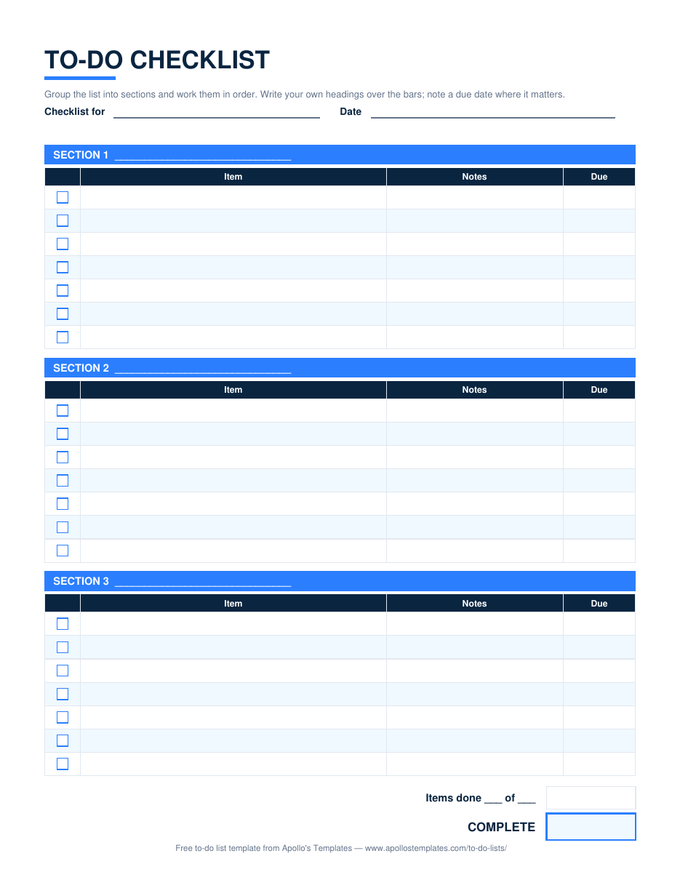
To-Do Checklist
Sections, boxes, notes, due.
Open
Counting versions
Excel To-Do Lists
✓ dropdowns, done counts, overdue red.
Browse

Frequently asked questions

How do I add rows to a Word to-do list?
Click in the last cell of the table and press Tab; Word adds a row with the same borders and the ☐ character carries down if you copy the row instead. To add a section to the checklist, copy the section's two tables and paste them below.
Can I get real clickable checkboxes in Word?
Yes: turn on the Developer tab (File → Options → Customize Ribbon), put the cursor in a ☐ cell, and insert a Check Box Content Control; copy it down the column. We ship the ☐ character version because it opens identically in Word, Google Docs, LibreOffice, and on phones.
Which is the weekly to-do list template for Word?
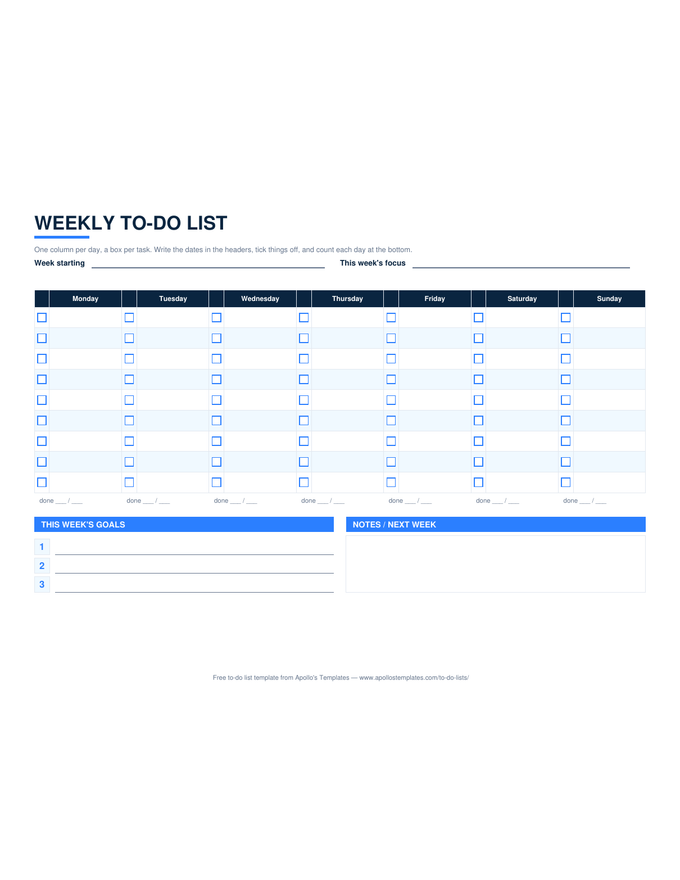
The Weekly card: a landscape .docx with seven day columns, a ☐ beside each task line, and the goals and notes boxes underneath. Change the day labels in the header row if your week starts on Sunday.
Is there a cute to-do list template in Word?
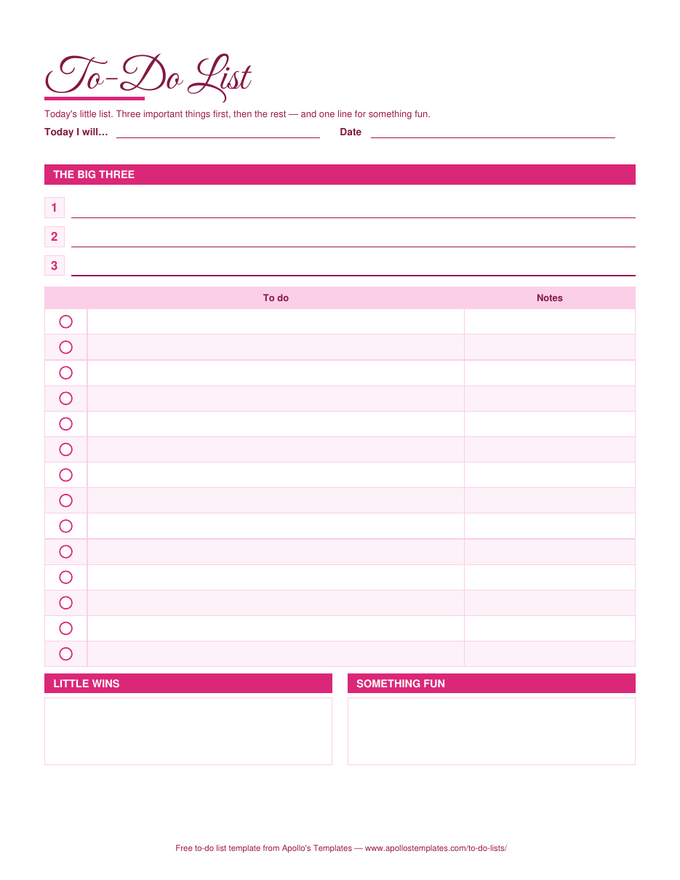
Yes — the Cute card is the rose design as a Word document, with the Big Three lines, the ☐ list, and the little-wins and something-fun boxes. It prints well in color and reads fine in black and white.
Updated through September 2026