






10 Task List Templates for Excel
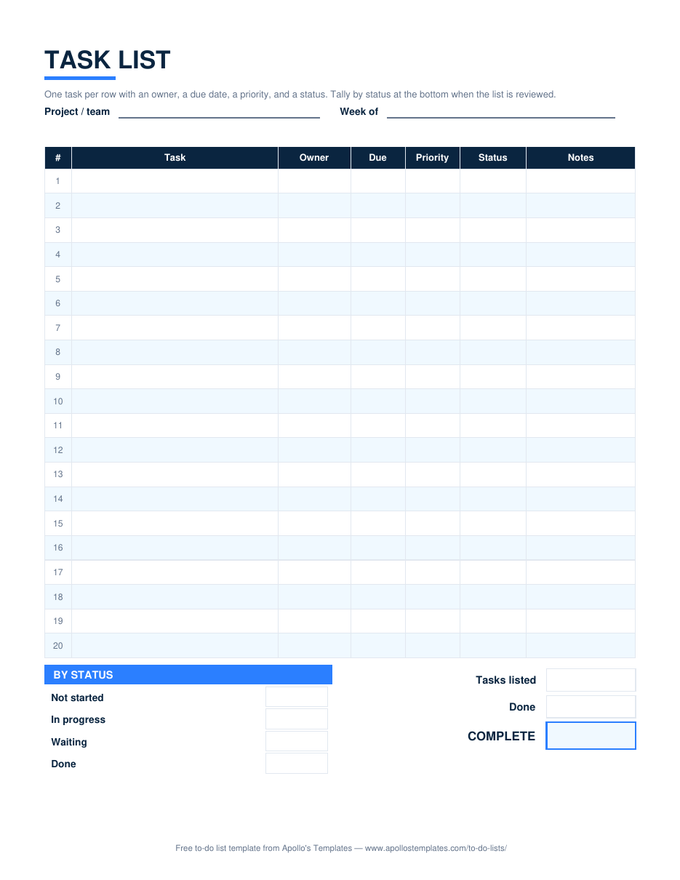
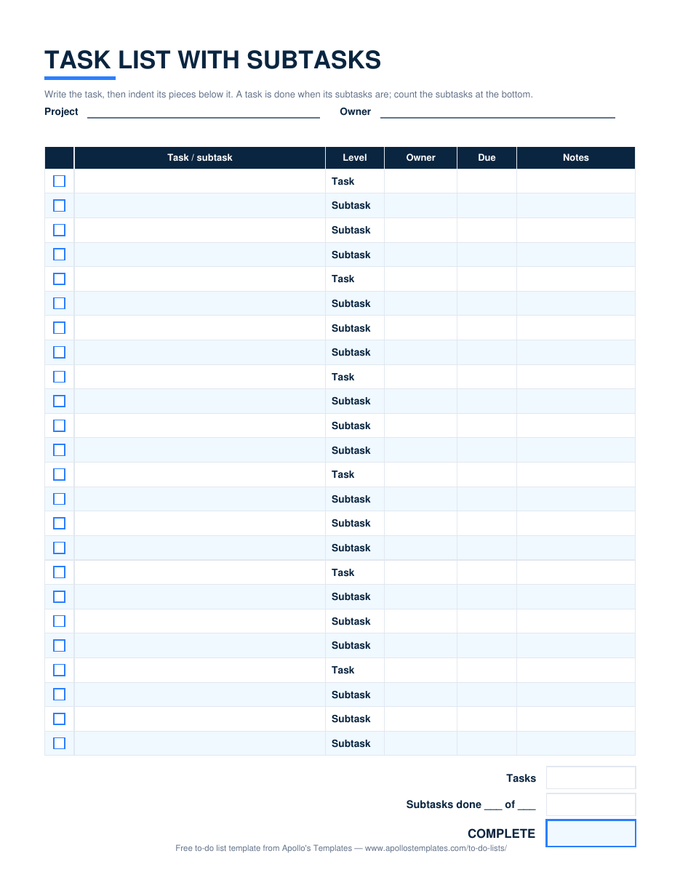
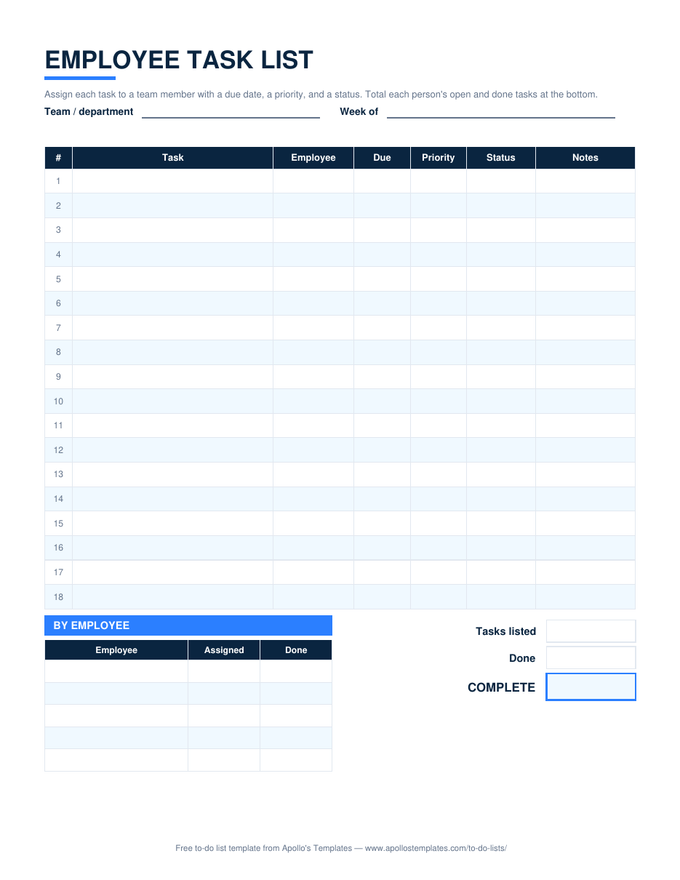
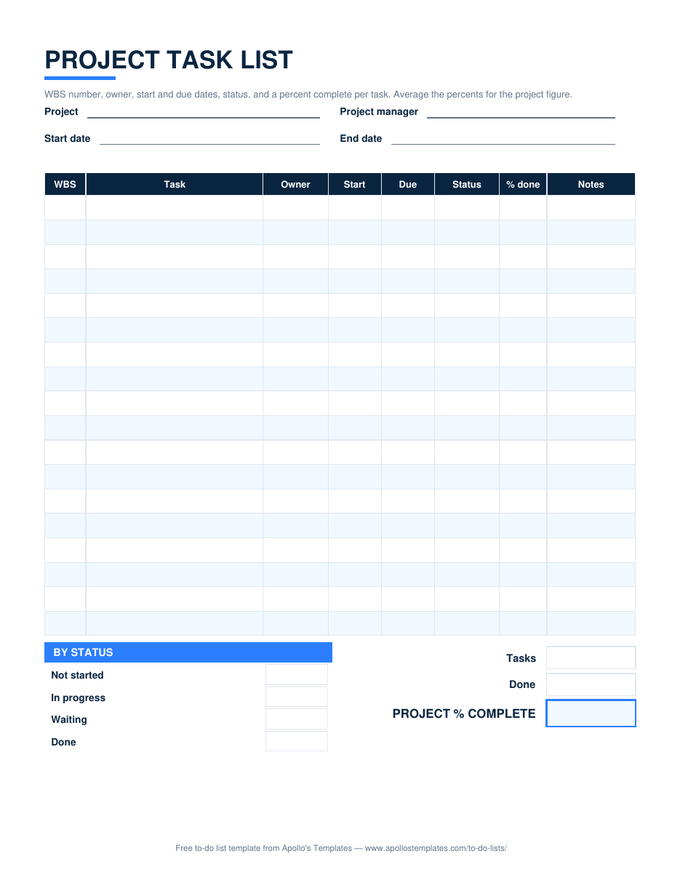
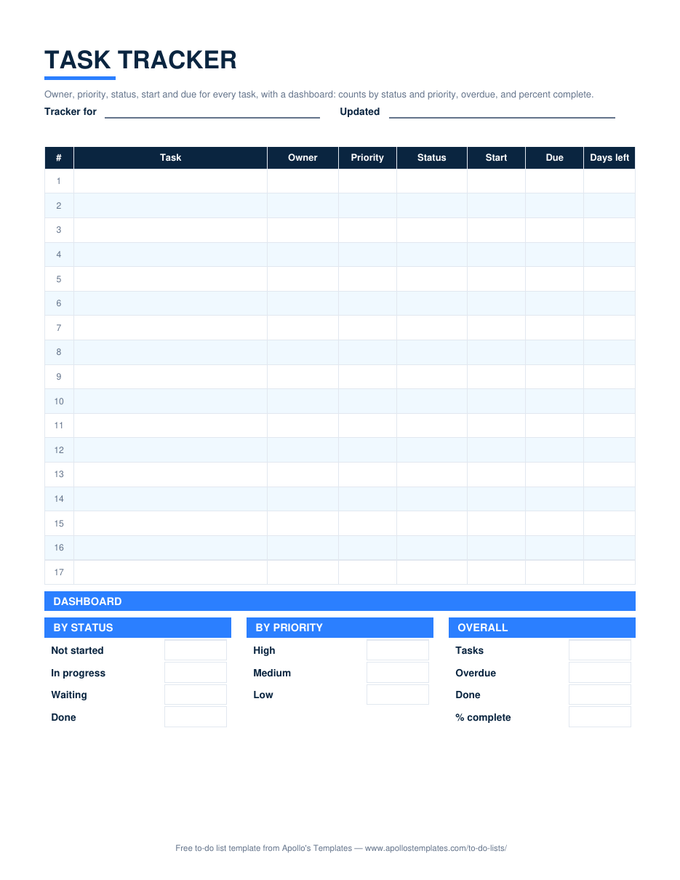
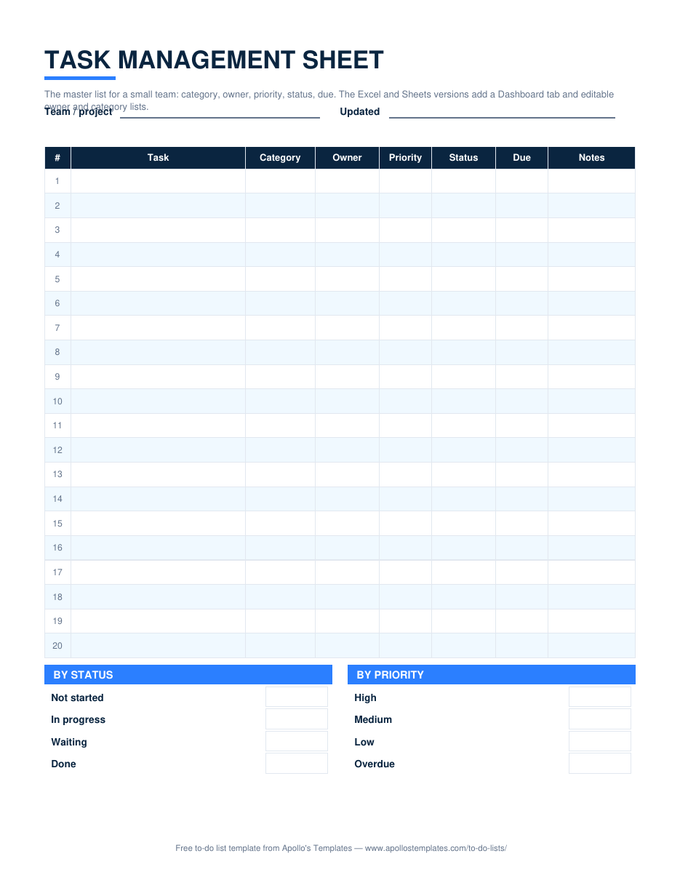
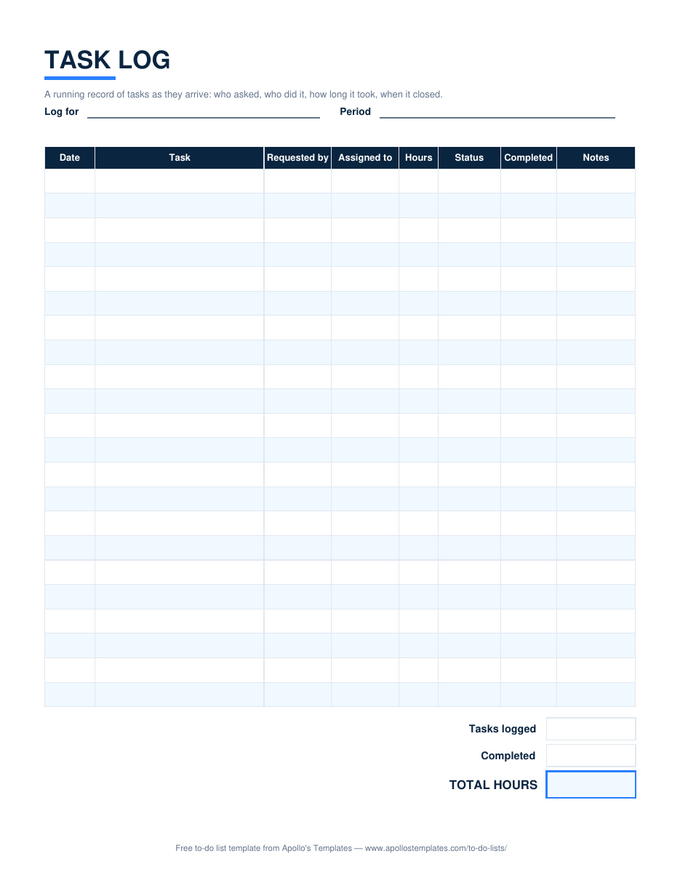
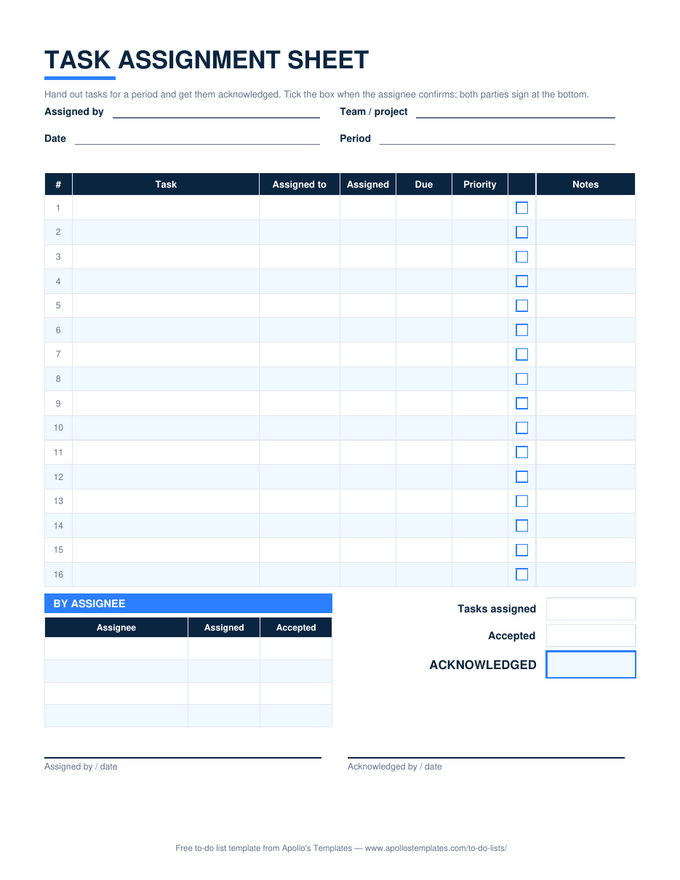
The work-side sheets in one place: every task list here has an owner, a status dropdown, and a due date, and every one does its own counting \u2014 by status, by priority, by person, or by day \u2014 with overdue rows turning red. No macros, no add-ins. Each card also opens as a Google Sheets copy with the formulas verified after conversion.
Ten task sheets, every count working.
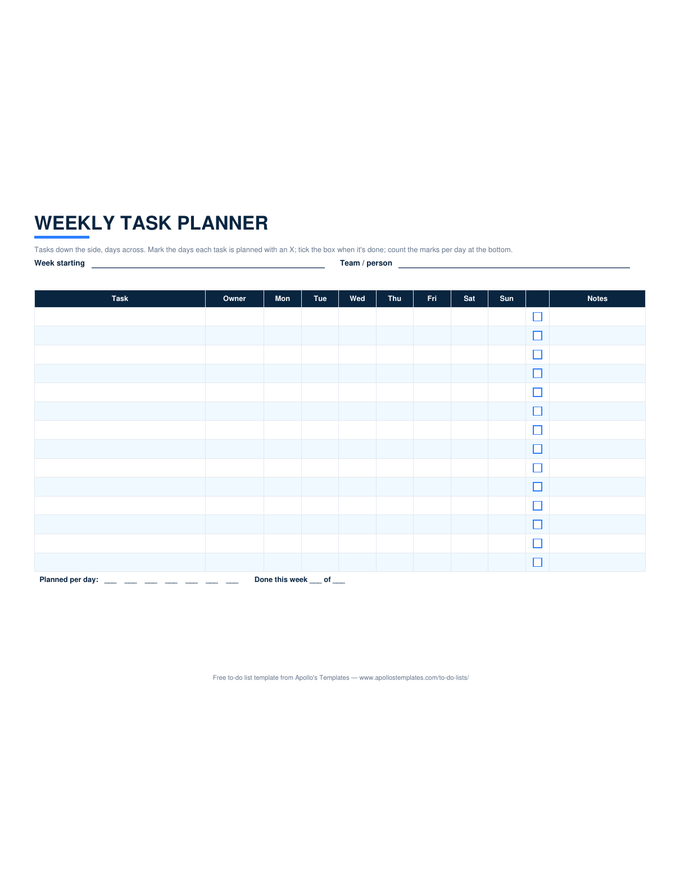
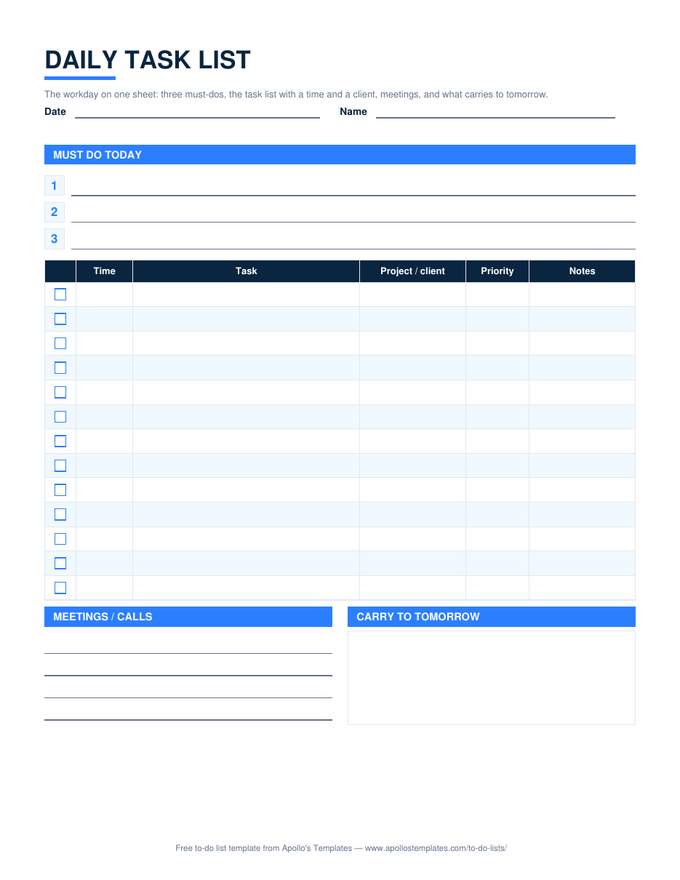
Status dropdowns are the whole system.
Every sheet here uses the same four statuses — Not started, In progress, Waiting, Done — and every count is built on them. That is not a limitation; it is what lets the dashboards work and what lets you move rows between sheets without rewriting anything. Add a status only if a count depends on it, and add it to the dropdown, never as free text.
Waiting is the status that pays for the whole exercise. A task list without it hides blocked work inside In progress; a list with it shows, in one count, how much of the team’s week is stuck behind someone else.