Apollo's Templates
HomeTo-Do List TemplatesWith subtasks
Tasks and their pieces

Task List with Subtasks Template

Big tasks hide their progress. Launch the pricing page is one row until you break it into copy, layout, review, and publish \u2014 and then a list can tell you it is half done instead of not done. This sheet has a Level column: mark a row Task and it goes bold; mark the rows under it Subtask and they indent visually and count toward progress. The percent at the bottom counts subtasks, so a task is only finished when its pieces are.

Three formats

Tasks with subtasks, three ways.

Excel — subtasks counted

Level dropdown (Task / Subtask), ✓ column, owner and due; task rows bold automatically; 2 of 5 subtasks and a percent at the bottom.
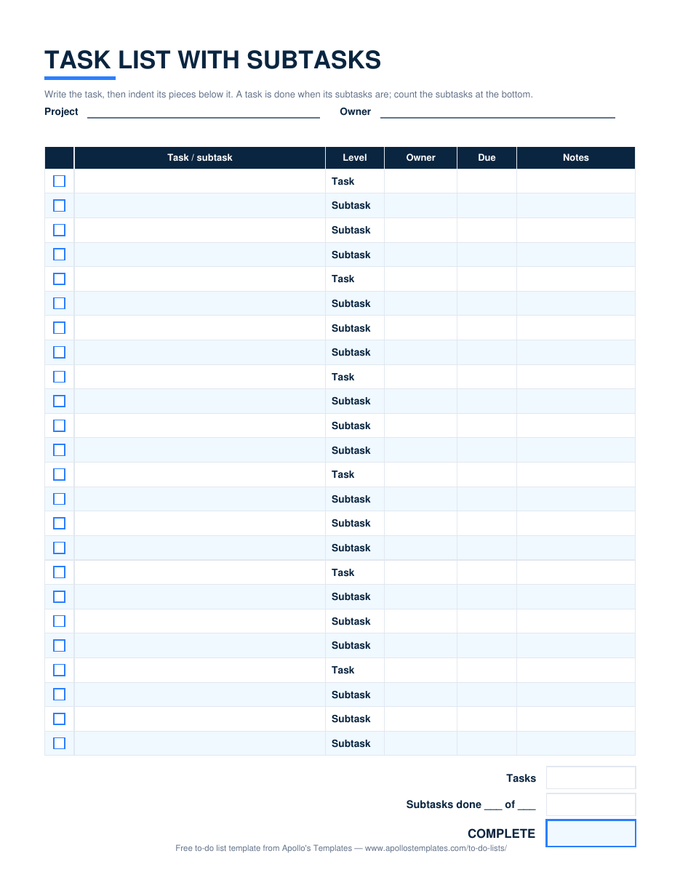
Task list with subtasks: checkbox rows where bold task rows sit above indented subtask rows, with level, owner, due, and notes columns and a subtasks-done count
PDF

Printable PDF

Twenty-four rows pre-labeled in task-then-subtask groups, with owner, due, and notes.
Download PDF

Word (.docx)

The hierarchy as a Word table — retype the levels, add rows, print for the kickoff.
Worth knowing

Two levels is enough.

Every outliner tempts you toward sub-sub-subtasks, and every list that goes there stops being read. Two levels — the thing, and the pieces of the thing — cover almost all real work and keep the sheet printable. If a subtask needs subtasks, it was a task; promote it and give it its own row.

Write subtasks as verbs that finish: send the draft, book the room. A subtask called Marketing never gets ticked because nothing ever completes it.

The flat version
Task List
Owner, due, priority, status — one level.
Open
Numbered levels for a project
Project Task List
WBS numbers, percent complete per task, project percent.
Open
Everything as Excel
Task List Templates for Excel
The work-side sheets in one place.
Browse

Frequently asked questions

How do I make subtasks collapse under their task in Excel?
Select the block of Subtask rows and use Data → Group; Excel adds a minus sign in the margin that folds them away. Group each task's subtasks separately and you get an outline you can expand one task at a time. Google Sheets has the same under View → Group.
Why does progress count subtasks and not tasks?
Because a task with five pieces and one finished is not 0% and not 100%; it is 20%. Counting the subtasks gives the honest number. Tasks without subtasks still count — tick the task row itself and it is counted as its own single piece in the Tasks total.
Can a subtask have its own owner and due date?
That is the point of the Owner and Due columns being on every row: the task might belong to a lead while its pieces are spread across three people with different dates. The overdue highlight applies per row, so a late subtask shows even when the task's own date is fine.
Is this the same as a work breakdown structure?
It is a two-level one. A full WBS numbers every level (1.1, 1.1.2) and belongs on the project task list, which has a WBS column. This sheet is for the everyday case — a handful of tasks, each with a few pieces — where numbering would be more ceremony than the work deserves.
Updated through September 2026