






8 designs · two formats each.
Every template ships in both Microsoft Word (.dotx) and Google Docs. The .dotx download opens in Word as a fresh document; the Google Docs link opens a copy directly in your browser.
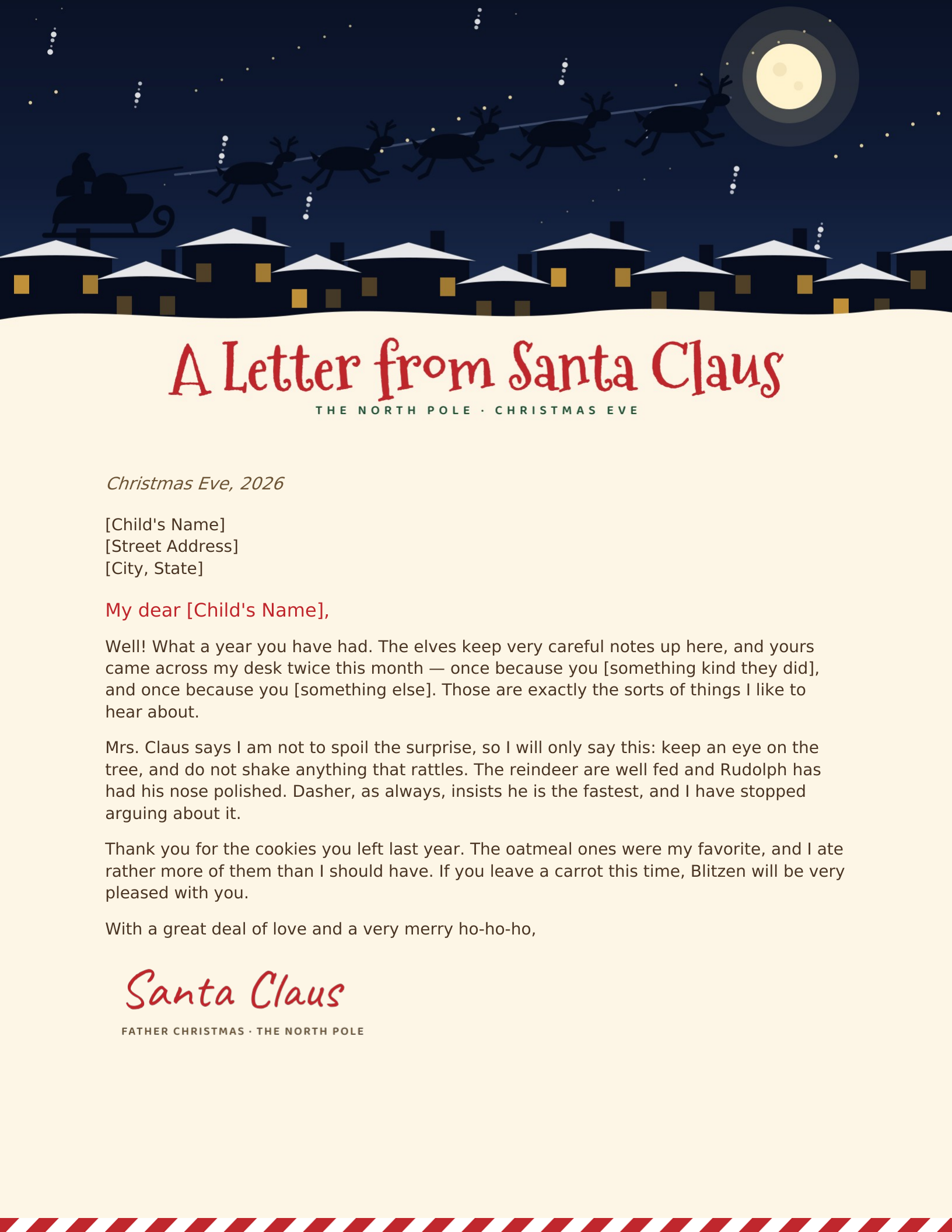
Christmas Eve Flight
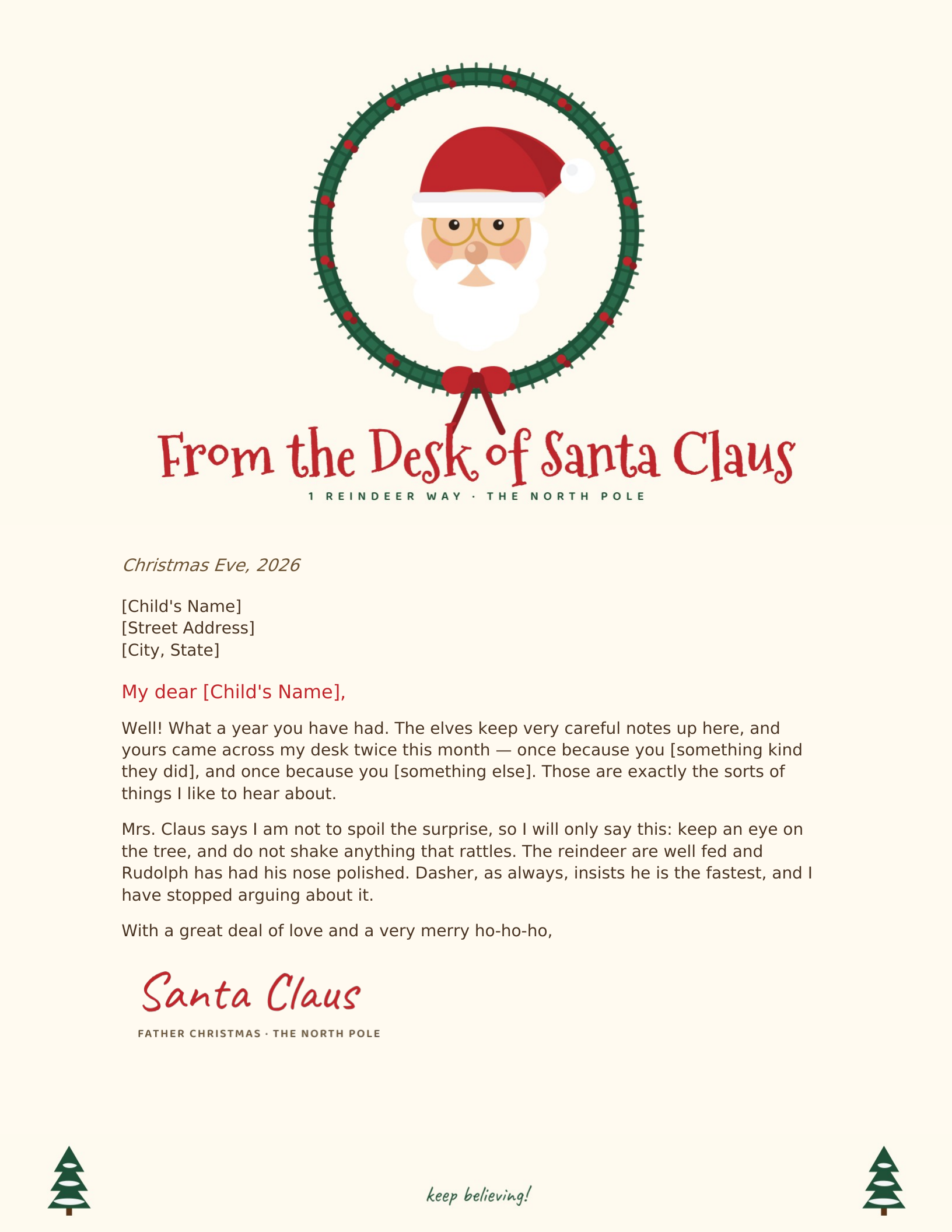
From the Desk of Santa Claus
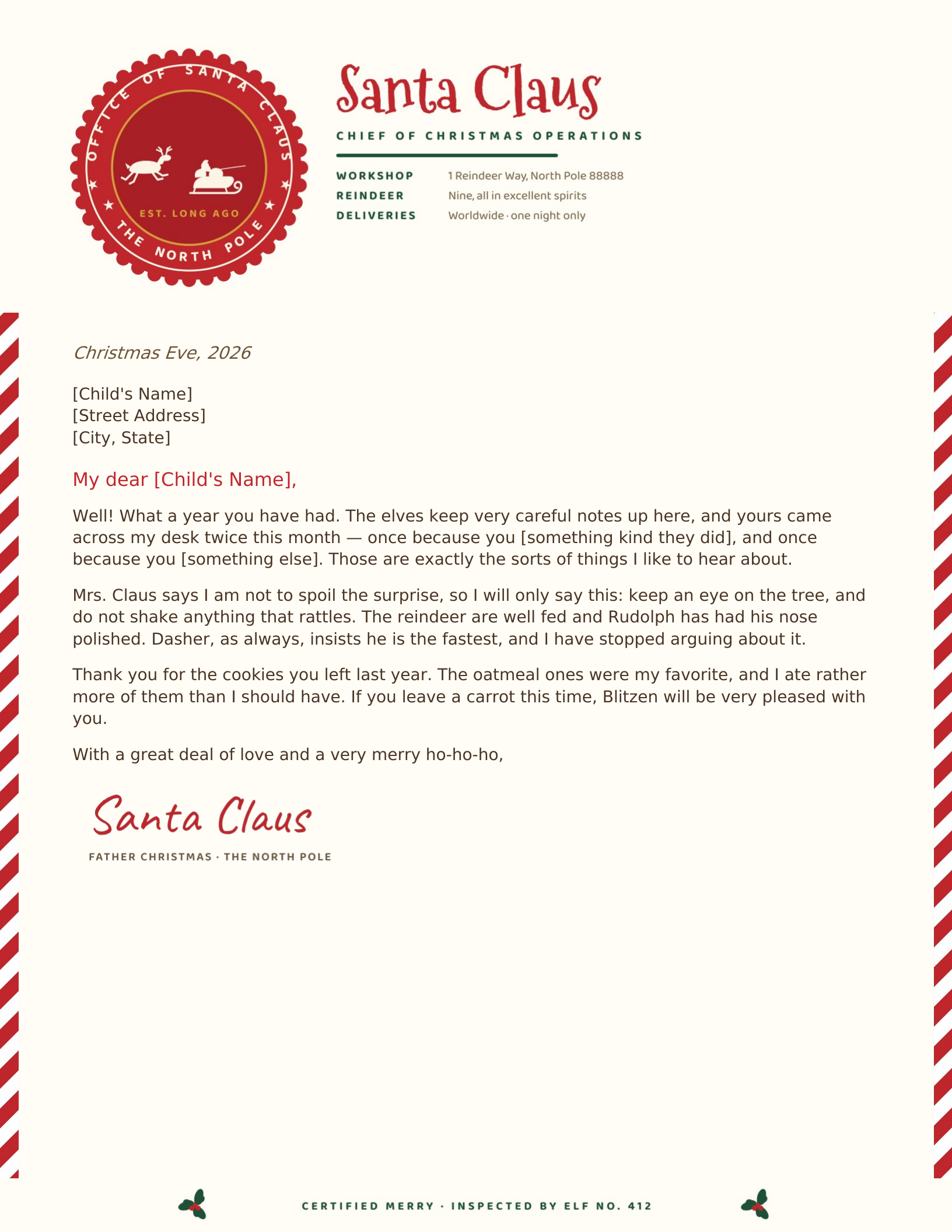
Official North Pole Seal
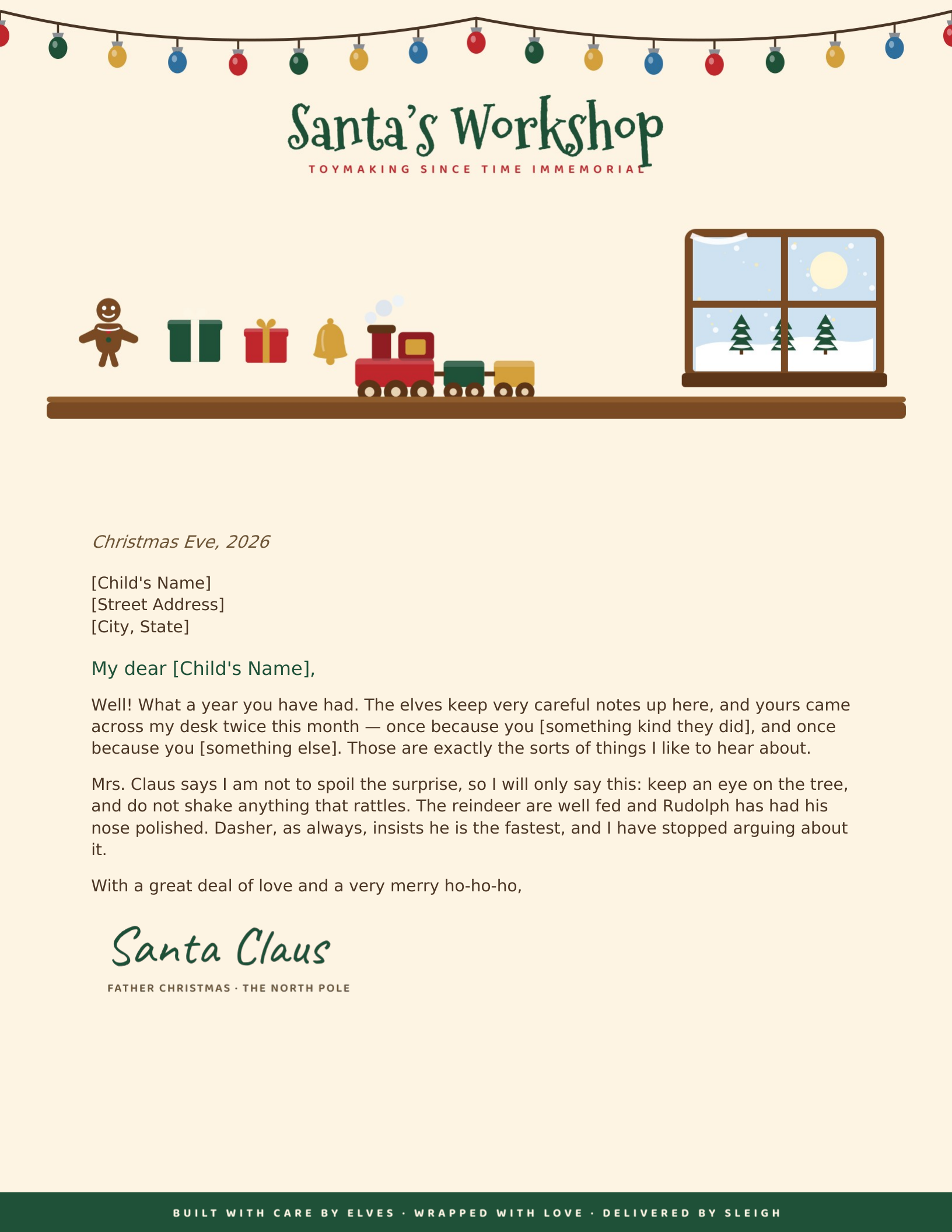
The Elves' Workshop
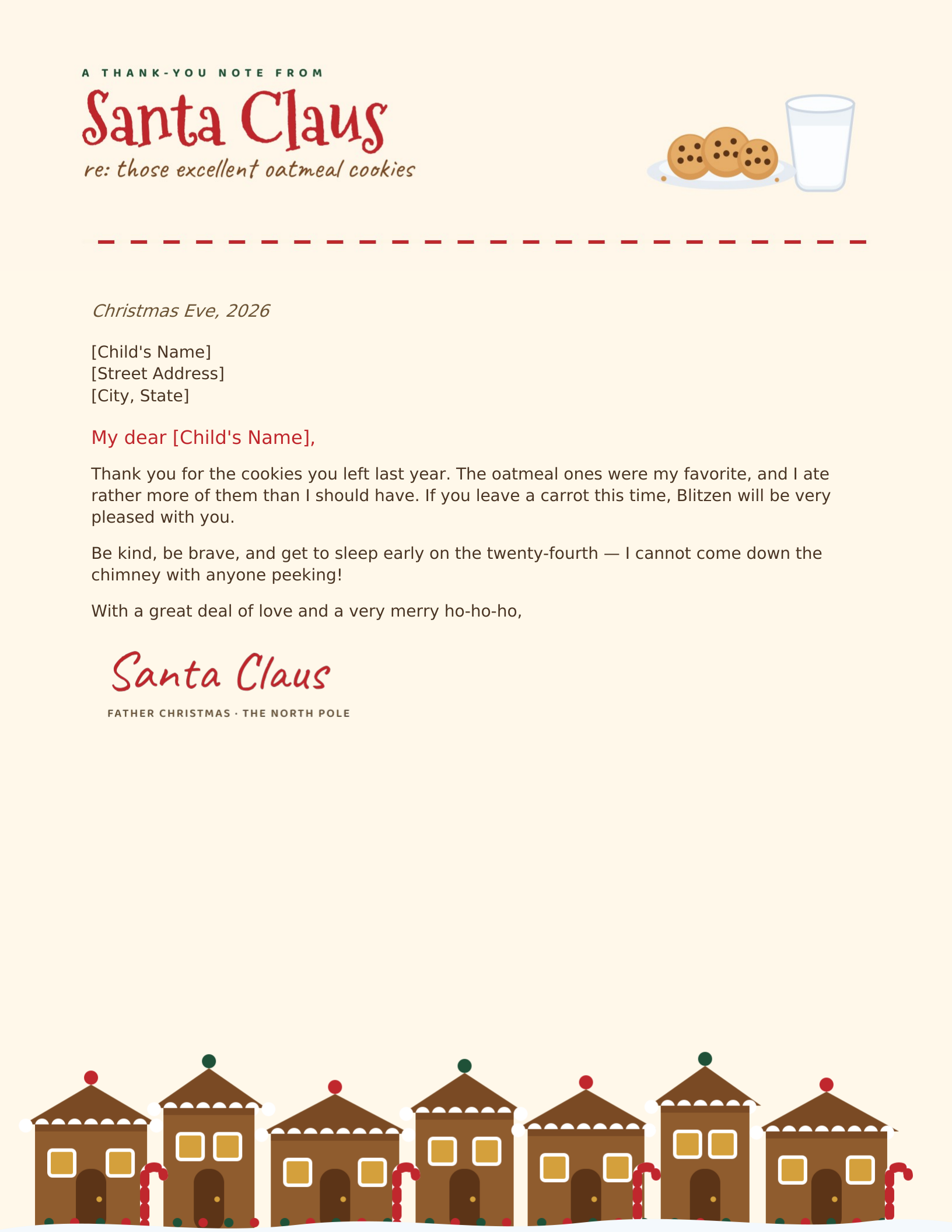
Cookies & the Gingerbread Village
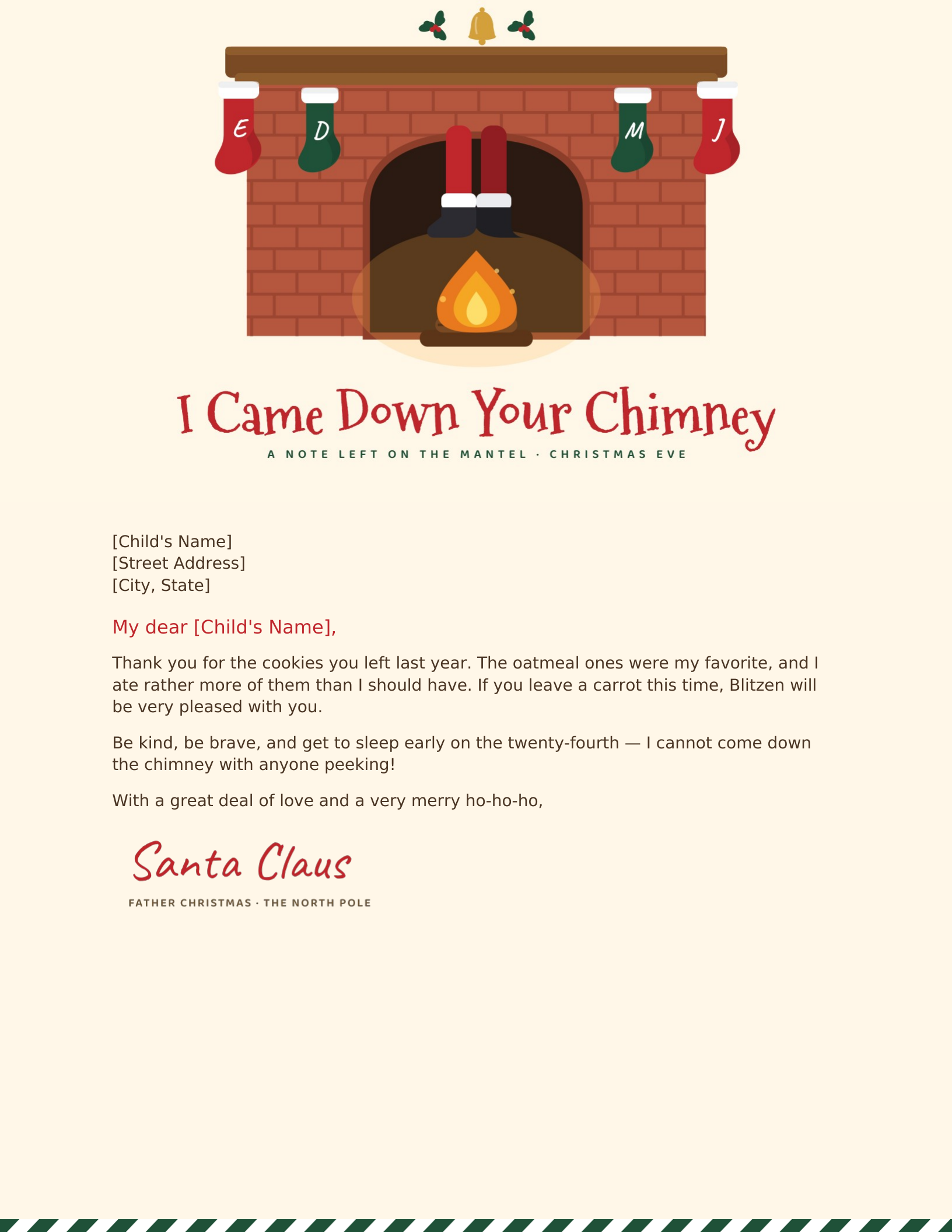
Down the Chimney
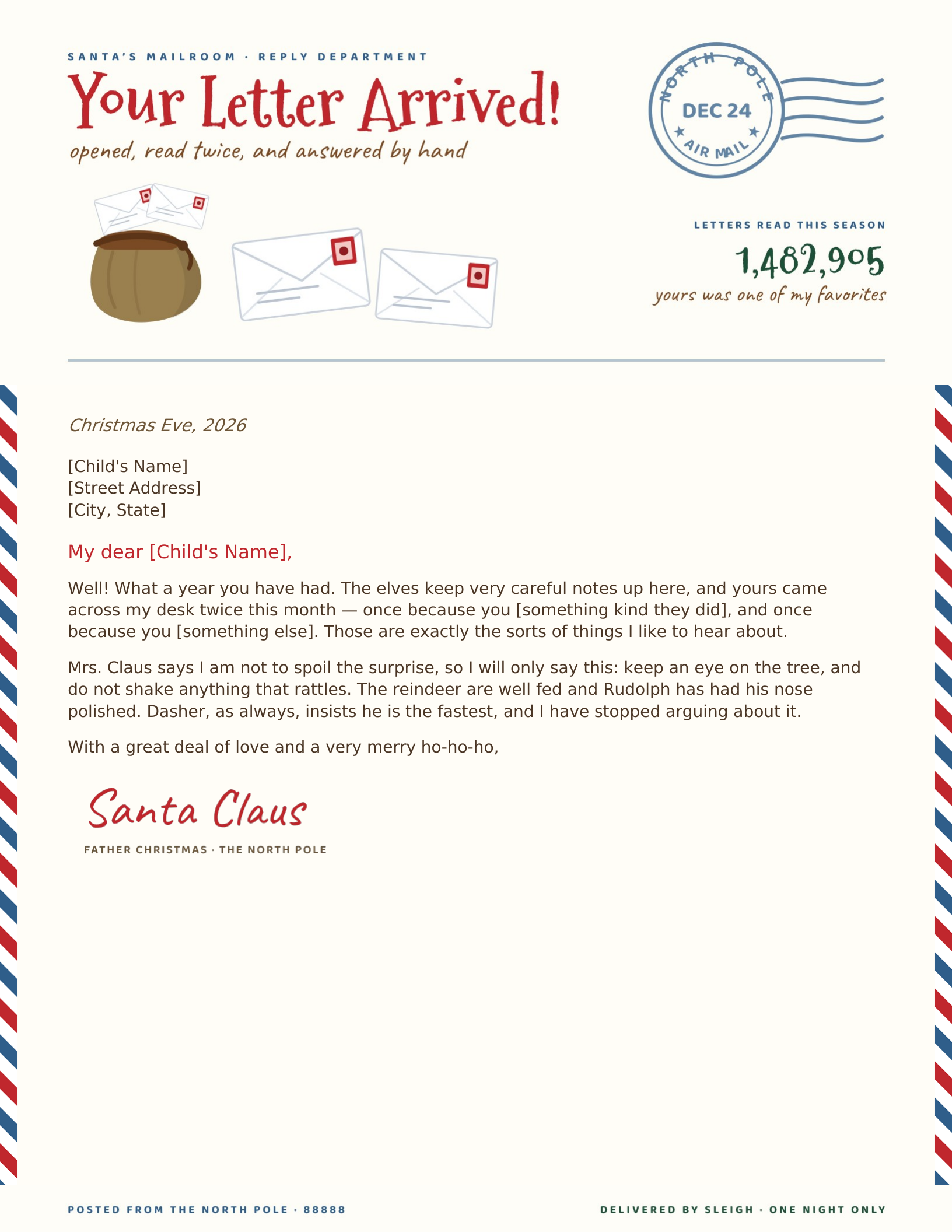
Airmail Reply from the Mailroom
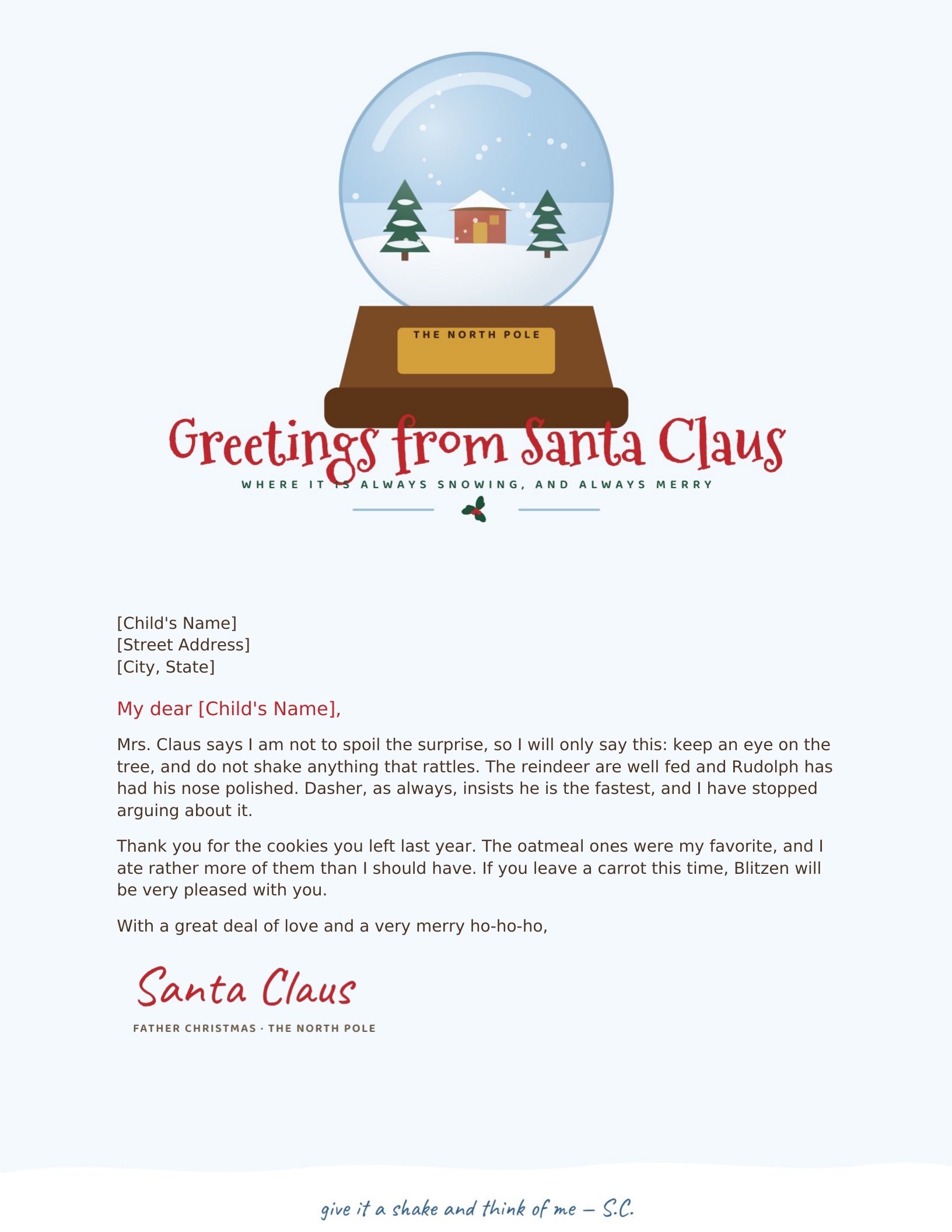
The Snow Globe
Which of these should you use?
A letter from Santa works on exactly one thing: detail. A child who reads “you have been very good this year” knows they are reading a form letter. A child who reads that Santa heard about the sled they shared in February, by name, does not. Every one of these ships with the specimen text written around blanks — [Child’s Name], [something kind they did] — because those two or three specifics are the whole trick.
The artwork is drawn rather than photographic, so it prints cleanly on a home printer and holds up at full page size. The letter itself is real editable text in both formats; only the illustrations and Santa’s signature are fixed, so you can rewrite every word without anything sliding out of place.
Which one should you print?
- First letter, younger child — Christmas Eve Flight or From the Desk of Santa Claus. Both put Santa or the sleigh right at the top where a four-year-old looks first.
- The child wrote first — Airmail Reply. It is built as an answer, postmark and all, which makes the exchange feel real.
- An older child starting to wonder — Official North Pole Seal. The bureaucratic detail, right down to the elf inspection number, buys a lot of credibility.
- Left with the cookies — Cookies & the Gingerbread Village, or Down the Chimney as a note on the mantel next morning.
Printing it so it feels real
Use 28 lb paper rather than standard 20 lb copy paper — it is the single change that makes the biggest difference, and a ream costs very little. Nothing here bleeds to the paper edge, so you do not need borderless printing. If you want to go further, a cold cup of tea dabbed at the corners and ten minutes to dry ages it convincingly, and a red wax seal on the envelope finishes the job.
Free to download, print and edit for your own family. Please don’t redistribute the template files themselves elsewhere on the web.
More for the season: Christmas letterhead → · all holiday templates →
Updated through July 2026.
Customize in two minutes.
- Pick a design and choose your editor — Microsoft Word downloads the template (a
.dotxfile; opening it creates a fresh document and leaves the original intact for next time), or Google Docs prompts you to make a copy in Drive. - Replace the placeholder tokens —
[Your Name],[Family Name],[Street Address],[Recipient], etc. Embedded graphics (monograms, crests, ornaments) can be replaced with your own — right-click → Change Picture (Word), or click → Replace image (Google Docs). - Type your letter where the sample paragraph is. Save and print on standard 8.5 × 11 paper, or send as a PDF.
Specifications: US Letter, 8.5 × 11 inches, portrait. Word downloads are .dotx templates and open in Word 2007 through Microsoft 365, including Word for Mac. Google Docs versions open as a copy in your own Drive. Every file is one page, fully editable, and free to use — no account and no watermark.