Apollo's Templates
HomeTo-Do List TemplatesTask log
The record, as it happens

Task Log Template

A log is the sheet you write on as tasks arrive, not the one you plan from: the date it came in, what it was, who asked, who took it, how long it took, and when it closed. It is how a help desk, an office manager, or a contractor's admin proves what the week actually contained. Hours total themselves in Excel and Google Sheets, along with a count of tasks logged and completed; the PDF and Word versions are the clipboard and the typed copy.

Three formats

The task log, three ways.

Excel — hours total

Twenty-four rows with a status dropdown; tasks logged, completed, and total hours compute at the bottom. Done rows grey out.
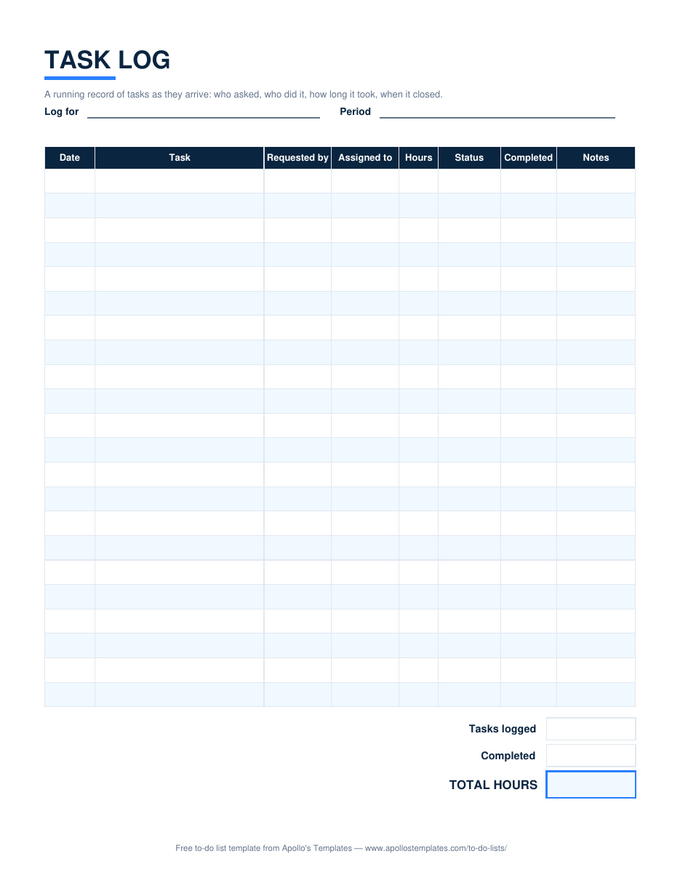
Task log with date, task, requested by, assigned to, hours, status, completed date, and notes columns, and tasks-logged, completed, and total-hours boxes
PDF

Printable PDF

The log as a printable page for the desk or the van — write it as tasks come in.
Download PDF

Word (.docx)

The log columns as a Word table for a weekly summary or a client report.
Worth knowing

Log it when it arrives, not when it is done.

The value of a log is the arrival date. Written at the end of the week, a log becomes a list of things that got done; written as tasks come in, it also shows the things that didn’t, and the gap between arrival and completion is the number that explains why the team feels behind. Keep the sheet open and add the row the moment the request lands.

Total by requester once a month. The Requested by column, sorted, usually shows that one source generates half the interruptions — which is a conversation, not a spreadsheet problem.

What is still open
Task List
Owner, due, priority, status.
Open
Time per task, computed
Daily Timesheet
Start and end times with hours that add themselves.
Open
Bill the logged hours
Hourly Invoice Template
Dated sessions times rate.
Open

Frequently asked questions

What is a task log used for?
Evidence and billing. A log answers who asked for what and how long it took, which is what you need to justify a headcount, bill a client for ad-hoc work, or explain where a week went. It is the raw material for the task list (what is still open) and the timesheet (what to pay for), not a replacement for either.
How should I record hours?
In decimals — 1.5, not 1:30 — so the total adds. The Hours column is formatted to one decimal and the total at the bottom is a plain SUM. If you need start and end times per task with the hours computed, the daily timesheet in the timesheet section does that arithmetic.
Is there a daily task log version?
Use this sheet with one tab per day, or filter by the Date column; the totals adapt to whatever rows are present. A daily log for one person's own work is closer to the daily task list, which has times and a carry-to-tomorrow box rather than a requester column.
What counts as Completed?
A date in the Completed column. The Completed count uses COUNT on that column, so a row with a status of Done but no date is not counted — a deliberate nudge to write the date, because the completion date is the one piece of a log people later need and rarely have.
Updated through September 2026