






Professional Letterhead Templates
Ten professional letterhead templates for Google Docs and Microsoft Word, built for practitioners and small firms — law, medicine, architecture, accounting, consulting, engineering, therapy and dental. Every one is a free download in both formats.
10 professional letterhead designs
Every template ships in both Microsoft Word (.dotx) and Google Docs. The .dotx download opens in Word as a fresh document; the Google Docs link opens a copy directly in your browser.
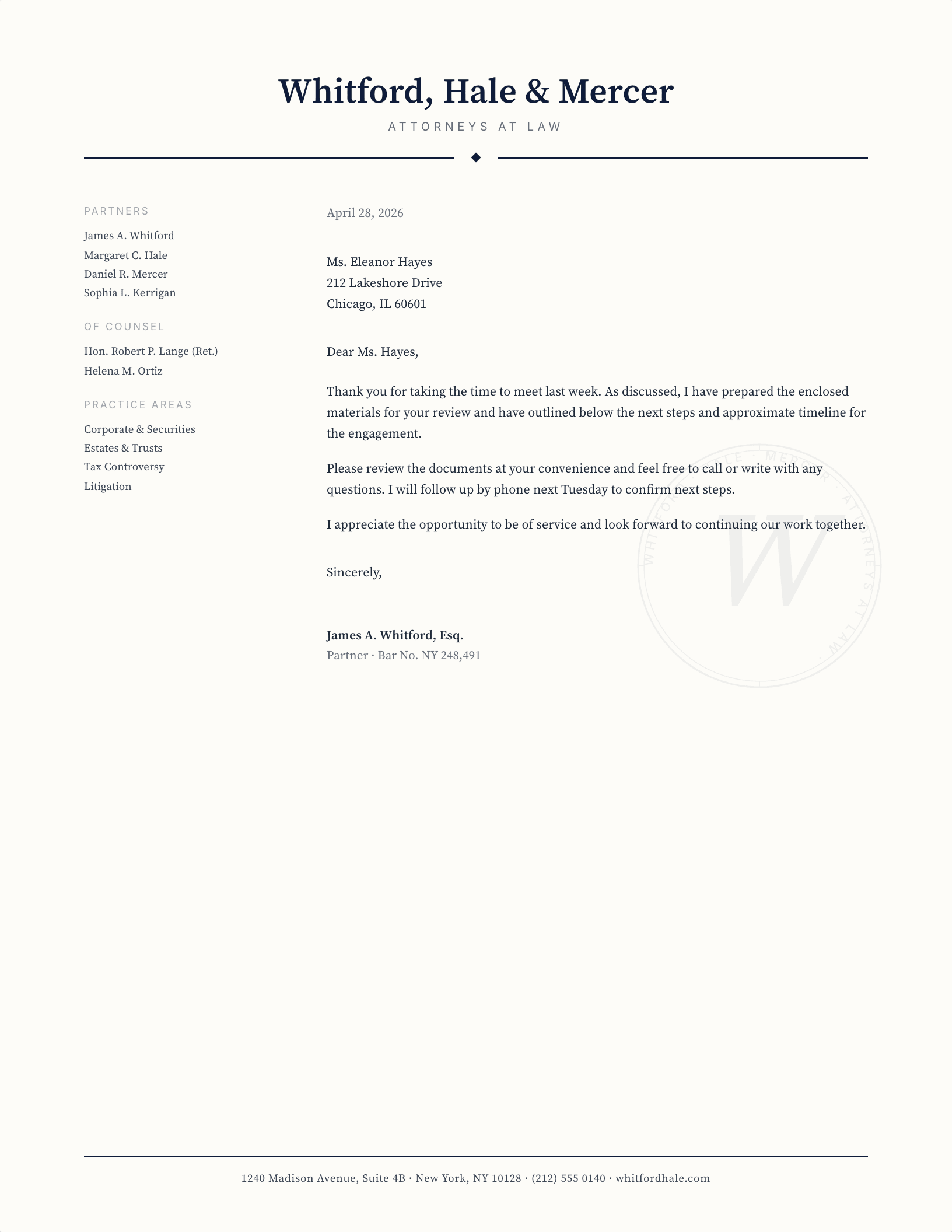
Law Firm — Named Partners Sidebar
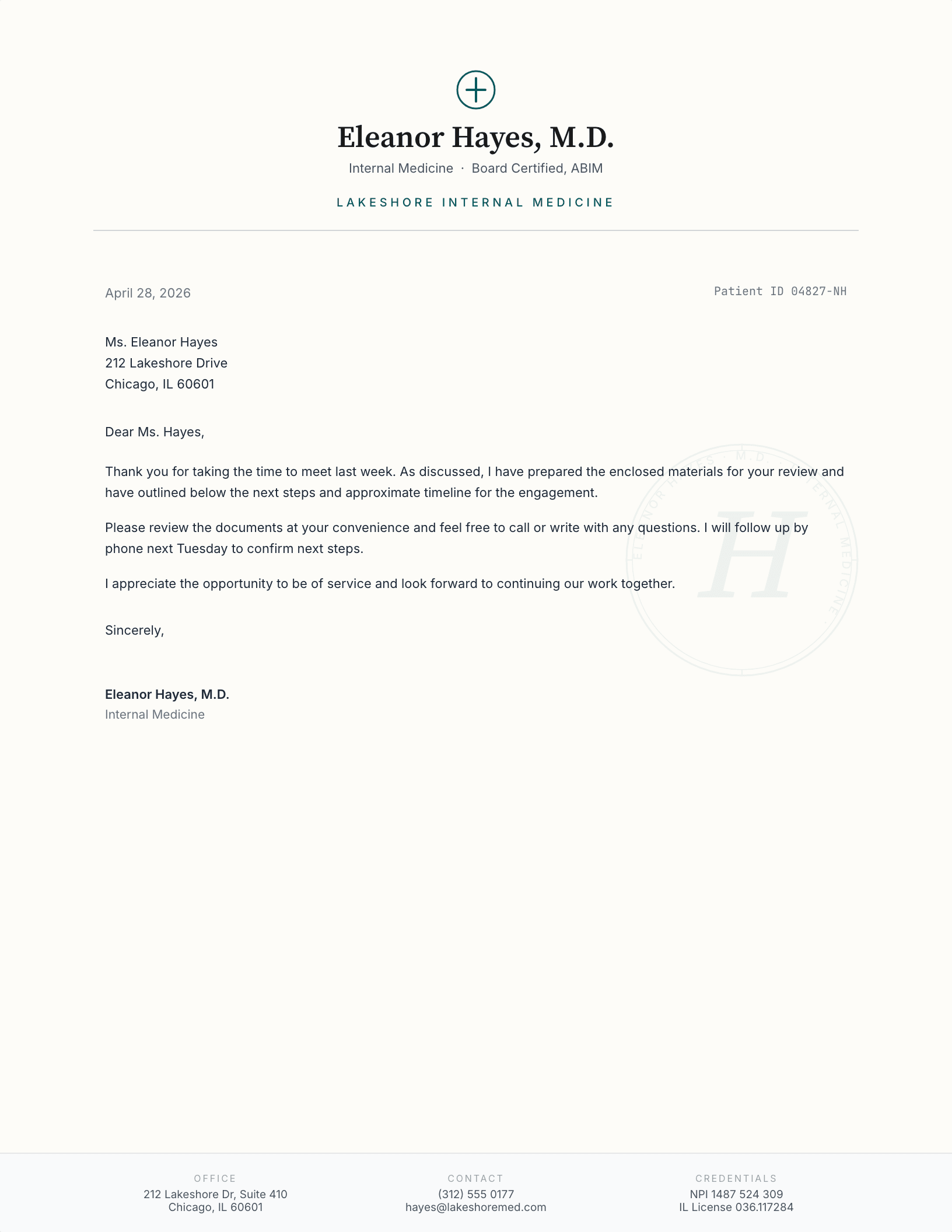
Medical Practice — Provider Lockup
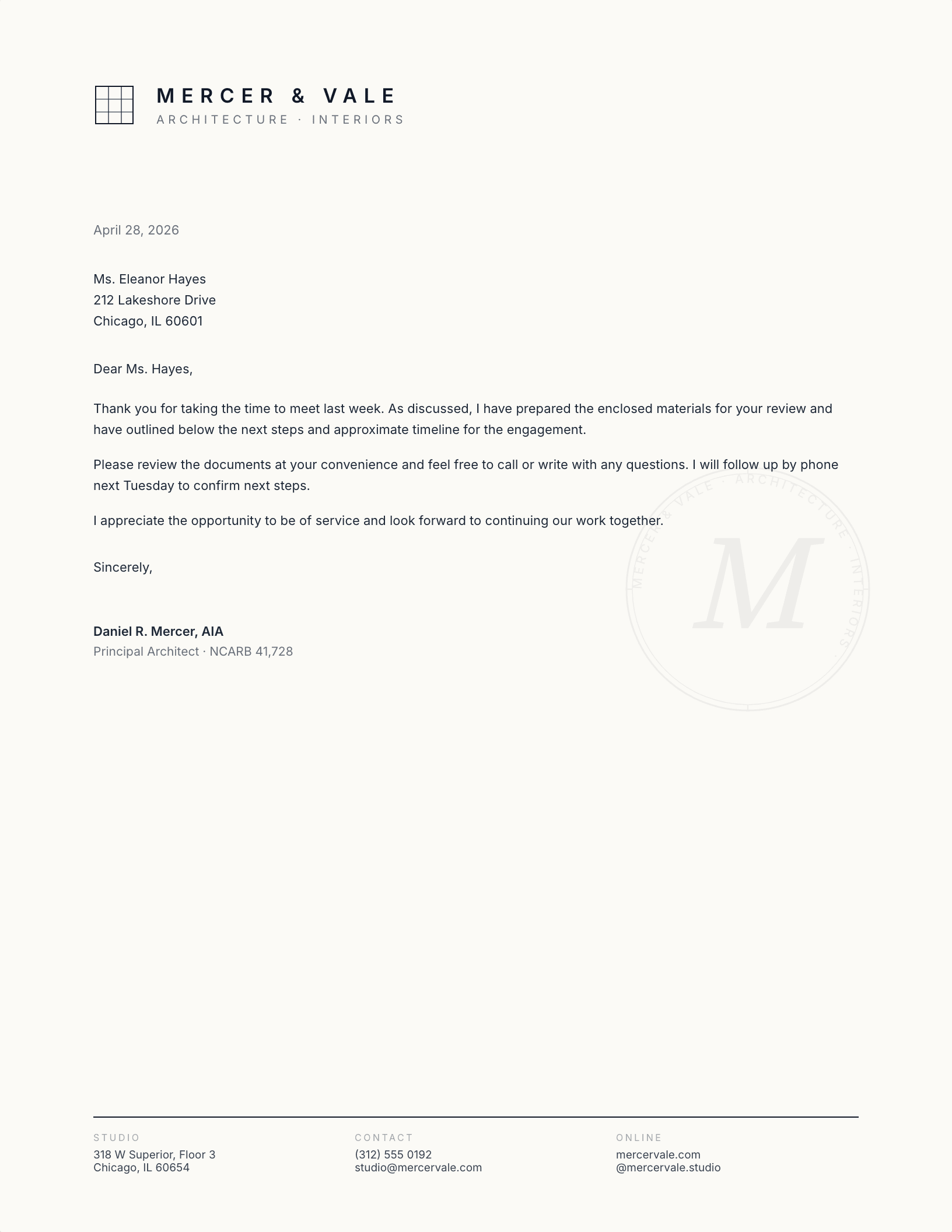
Architecture Studio — Grid Mark
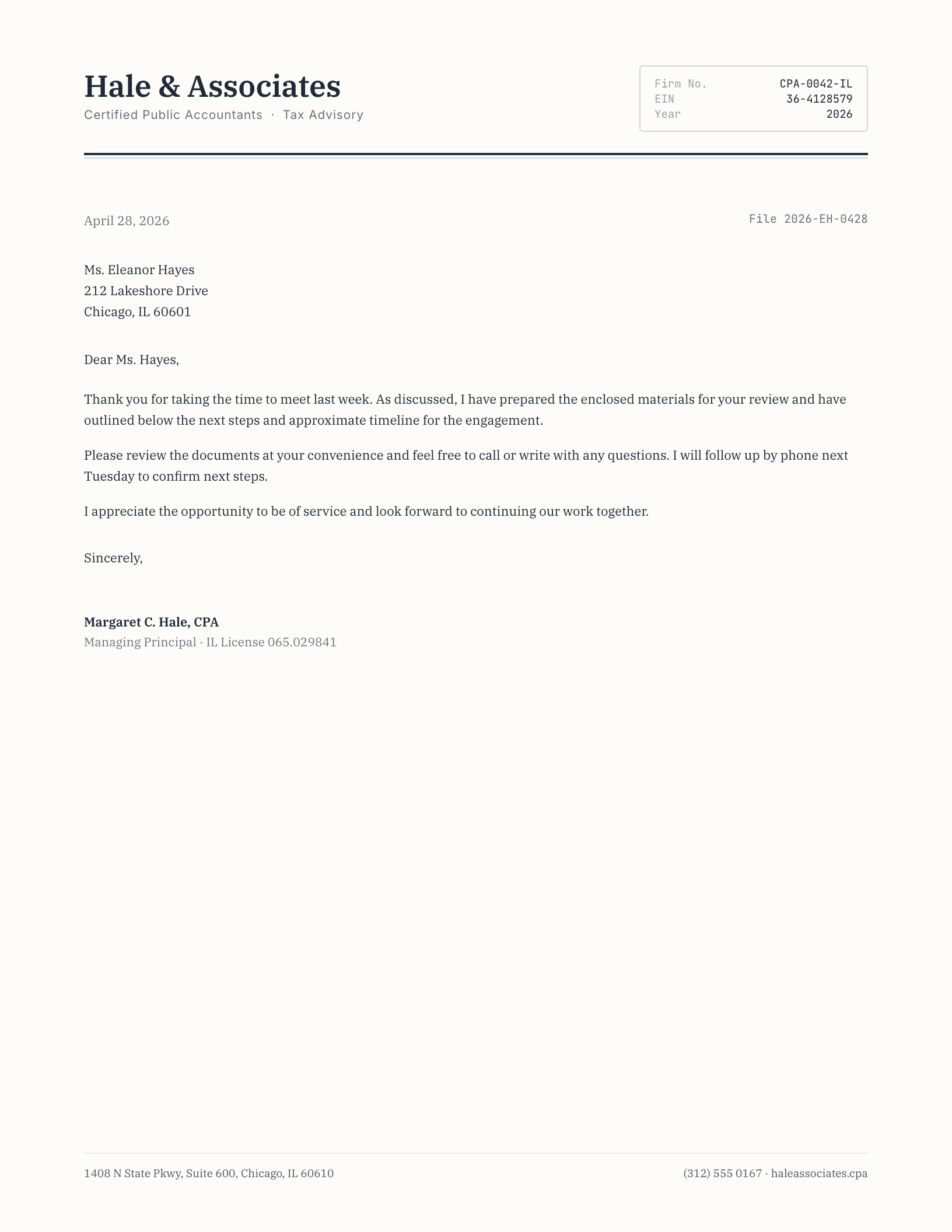
CPA / Accounting — Tabular Header
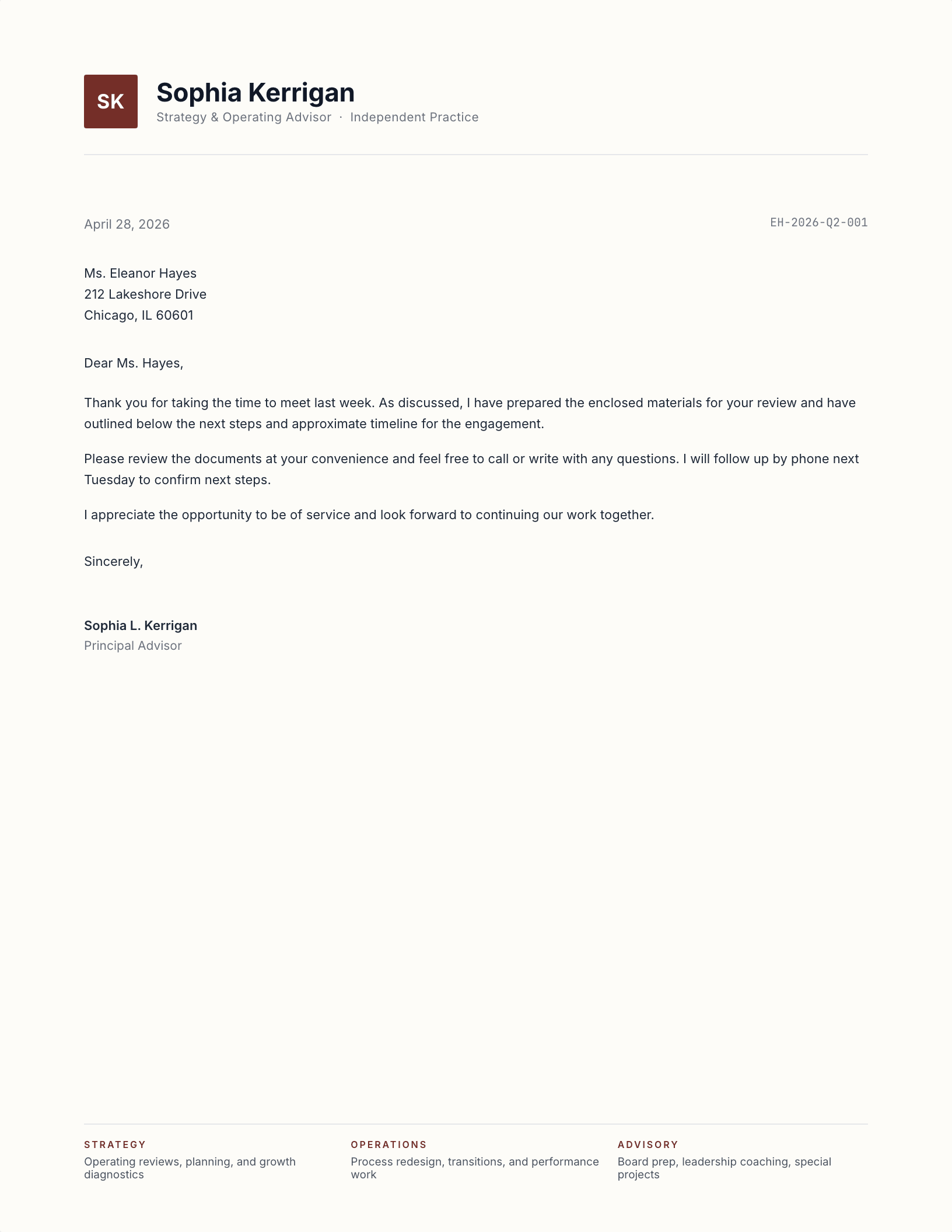
Consulting — Initial Tile
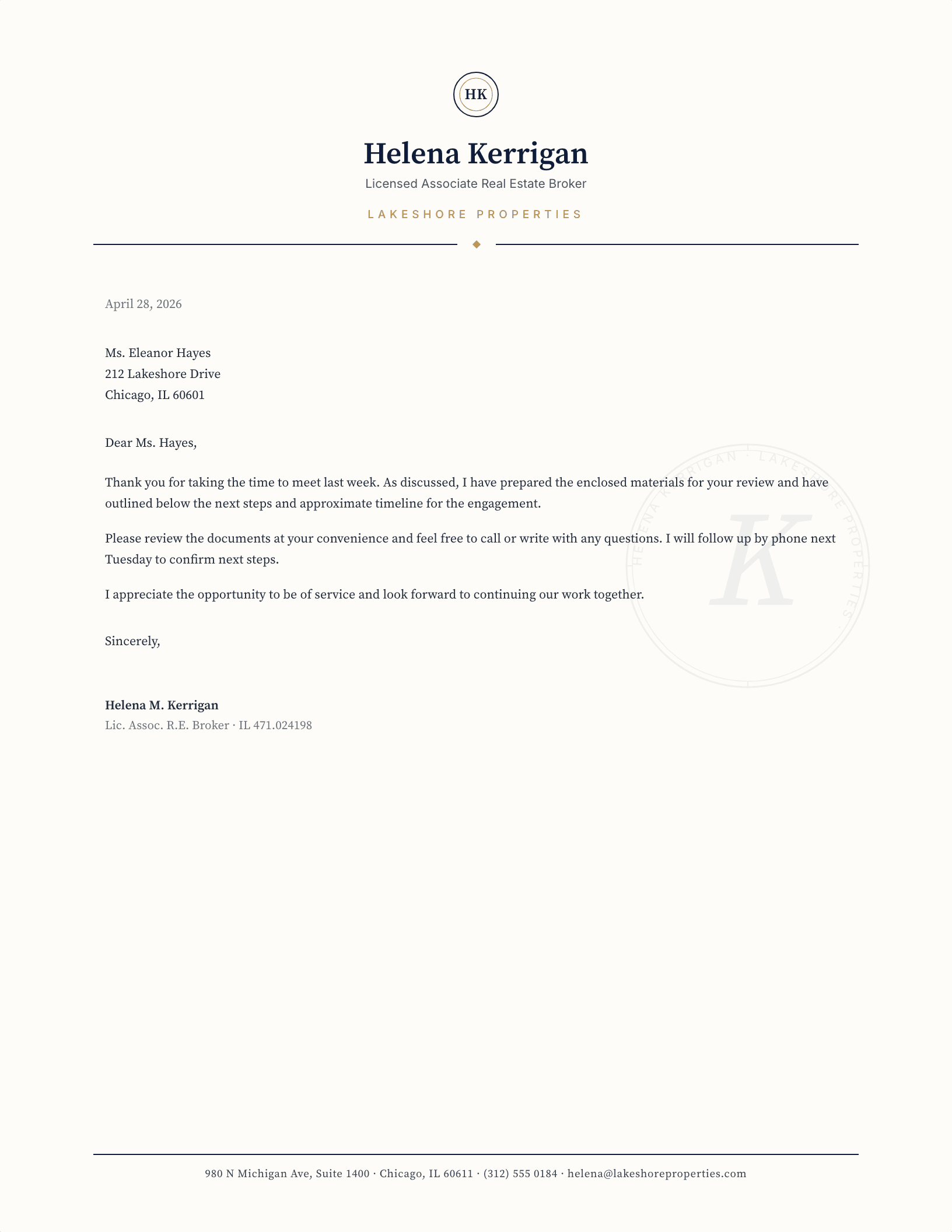
Real Estate — Estate Crest
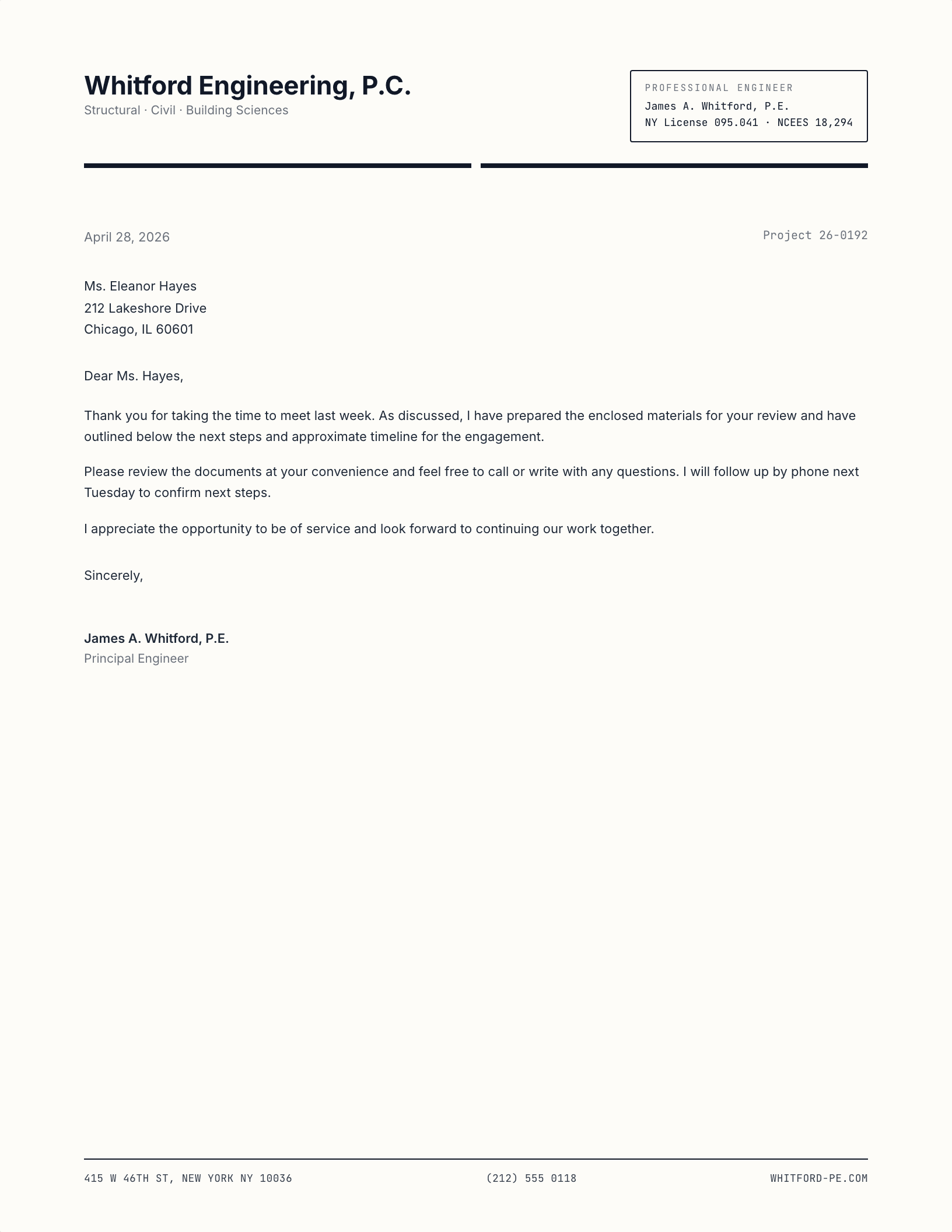
Engineering — Stamp + Spec
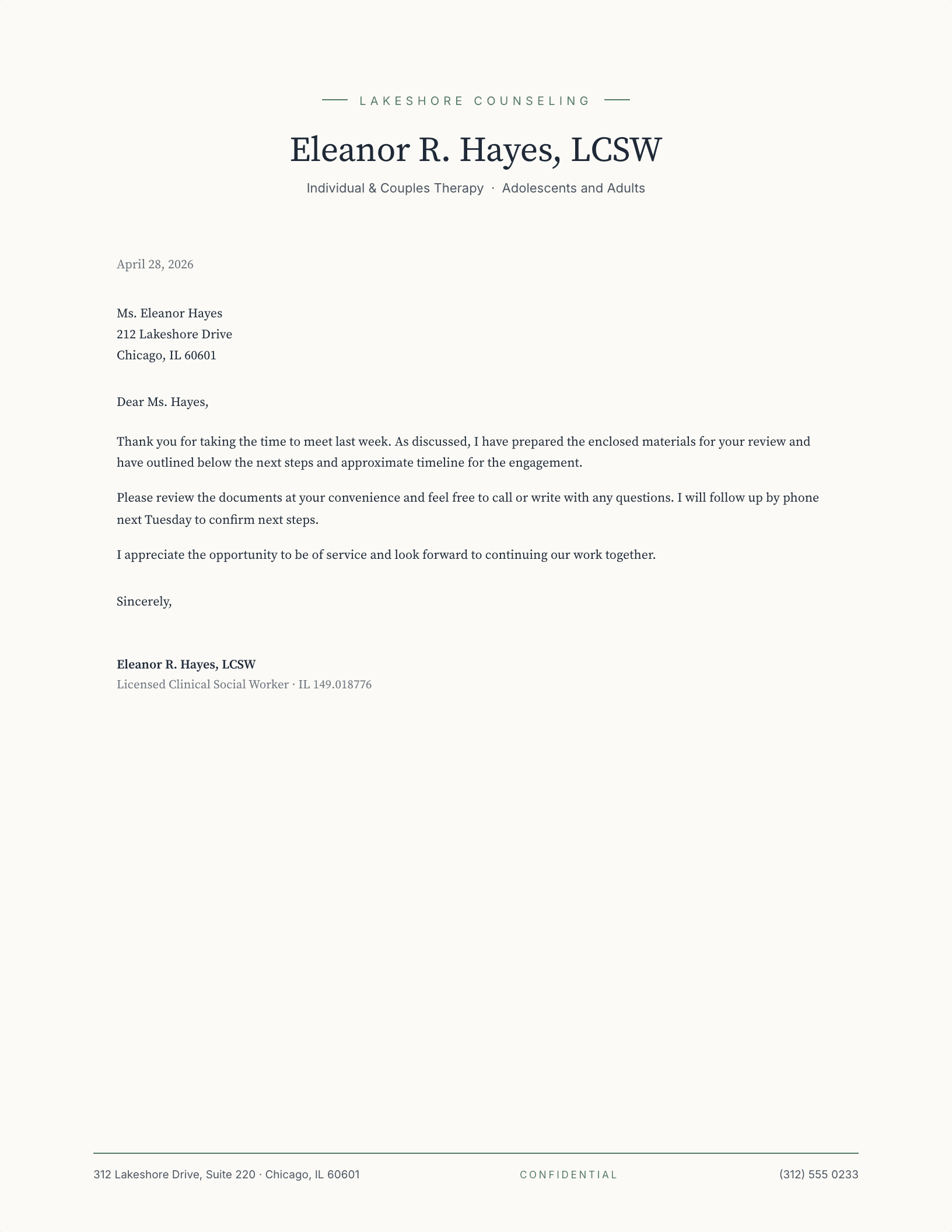
Therapy — Soft Centered
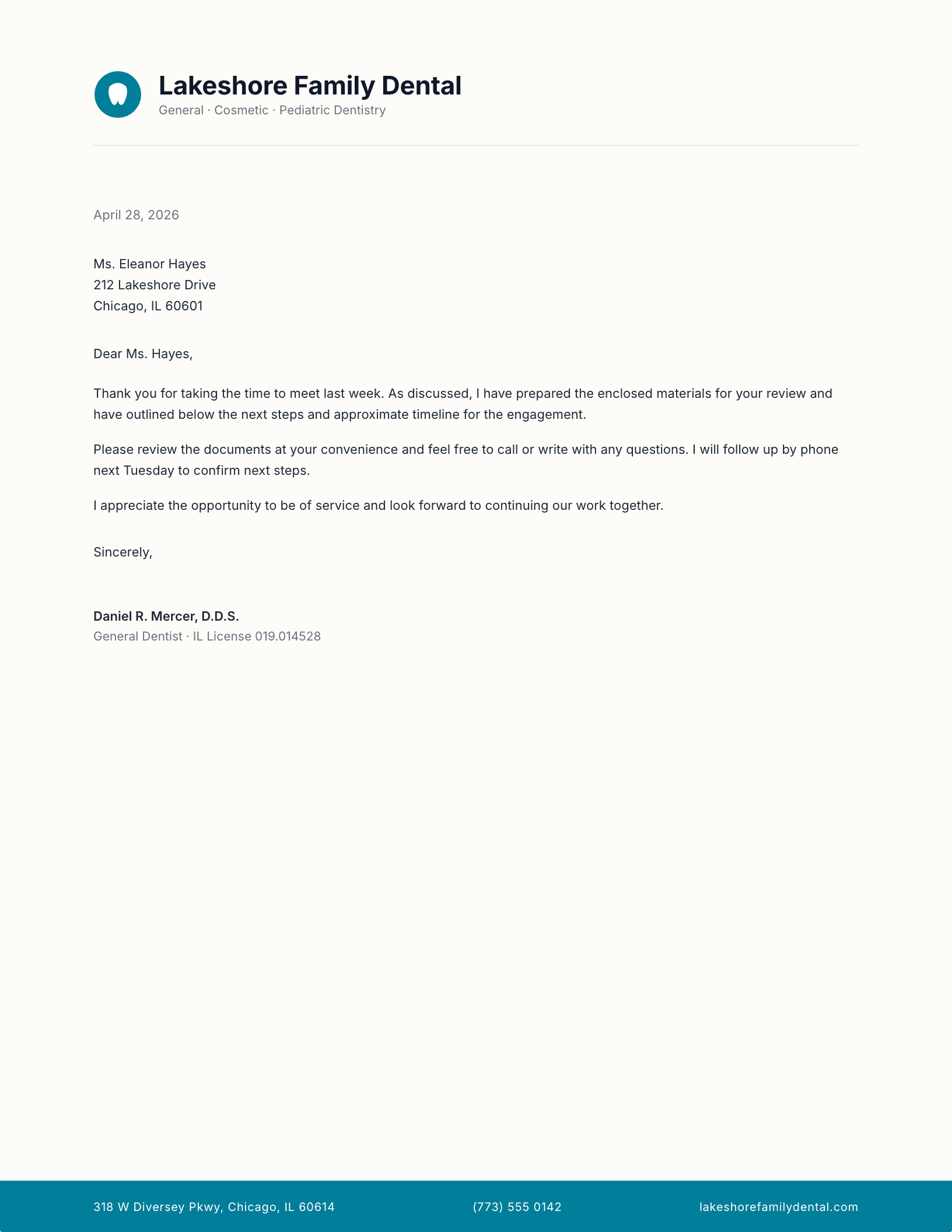
Dental Practice — Friendly Mark
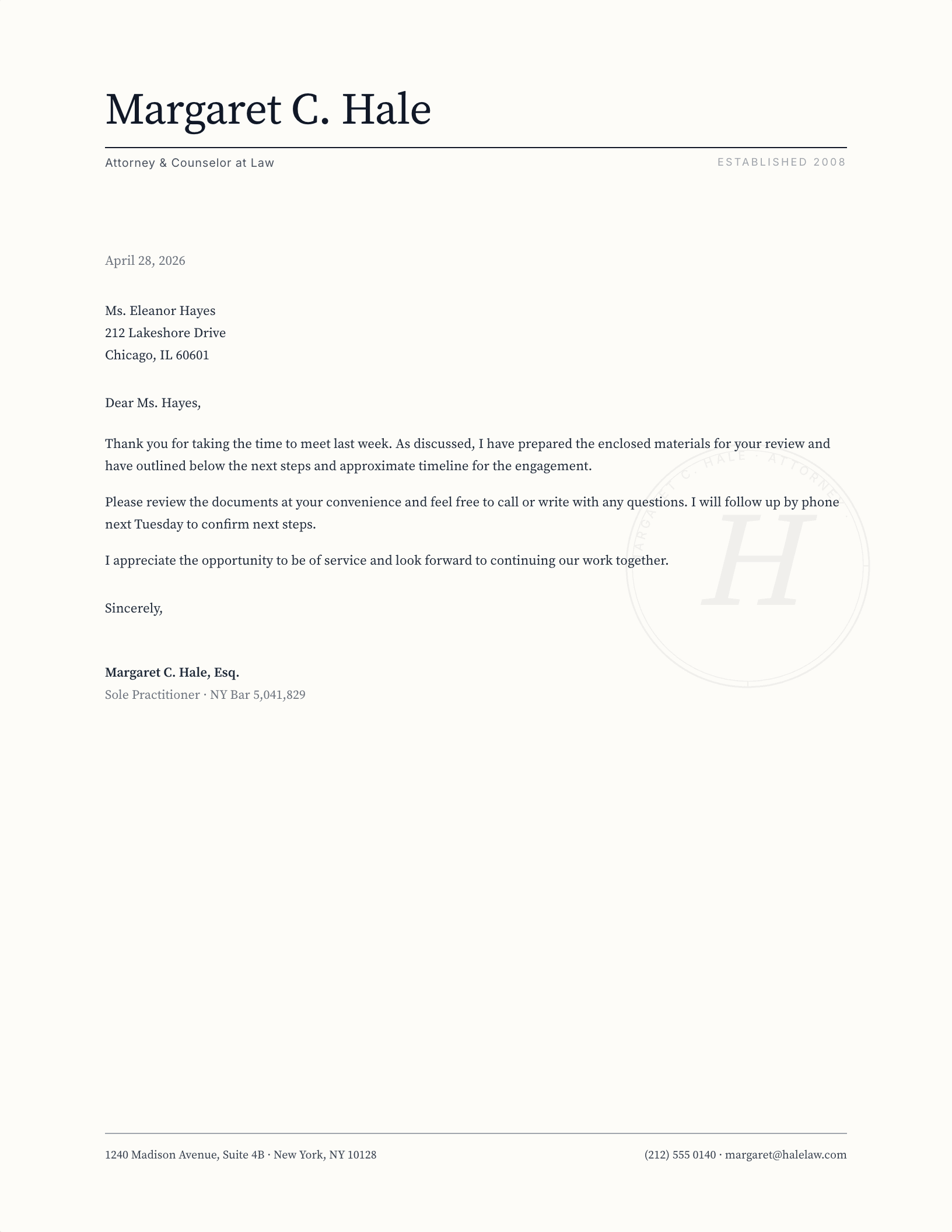
Solo Practitioner — Hairline Signature
What makes a letterhead look professional?
A professional letterhead has a narrower job than a corporate one. It is not expressing a brand system across forty offices; it is telling one reader that the person writing to them is qualified, reachable, and accountable for what the letter says. That is why every design here puts credentials and contact detail where the eye lands first, and keeps ornament to almost nothing.
If you work in Google Docs, use the Google Docs button on any card. It opens a copy straight into your Drive with the layout already built — no import step, no fonts to install, and nothing to break when you share it with a colleague. It is the fastest route to a finished letter, and it is the one most people who search for a professional letterhead template are actually looking for.
If you work in Word, the free download is a .dotx template rather than a document. Opening it creates a fresh untitled letter and leaves the original intact, so the file survives being used every week for years. It opens in Word 2007 and everything since, including Microsoft 365 and Word for Mac.
Which professional letterhead template should you pick?
- Regulated practice — law, medicine, accounting. Choose one with a credential line under the name. Bar number, licence number or firm registration belongs on the letterhead itself, not buried in the sign-off.
- Professional services — consulting, engineering, architecture. The designs with a discipline subline carry “[ADVISORY · ASSURANCE · TAX]”-style caps you can rewrite to your own service lines.
- Solo practitioner — therapy, coaching, private practice. The lighter layouts read personal rather than institutional, which matters when the letter is going to a client rather than a counterparty.
All ten are free to use and edit for your own practice. The only thing we ask is that you do not redistribute the files themselves elsewhere on the web.
Updated through September 2026.
Edit it in about two minutes
- Pick a design and choose your editor — Microsoft Word downloads the template (a
.dotxfile; opening it creates a fresh document and leaves the original intact for next time), or Google Docs prompts you to make a copy in Drive. - Replace the placeholder tokens —
[Your Name],[Family Name],[Street Address],[Recipient], etc. Embedded graphics (monograms, crests, ornaments) can be replaced with your own — right-click → Change Picture (Word), or click → Replace image (Google Docs). - Type your letter where the sample paragraph is. Save and print on standard 8.5 × 11 paper, or send as a PDF.
Specifications: US Letter, 8.5 × 11 inches, portrait. Word downloads are .dotx templates and open in Word 2007 through Microsoft 365, including Word for Mac. Google Docs versions open as a copy in your own Drive. Every file is one page, fully editable, and free to use — no account and no watermark.