






Property Management Letterhead Templates
Ten free property management letterhead templates for Microsoft Word and Google Docs. Multifamily, HOA, single-family portfolio, commercial, affordable housing, vacation rental, maintenance and formal-notice designs — each already laid out with the contacts a management office actually needs: residents, owners, vendors and a 24-hour emergency line.
10 property management letterhead examples
Every template ships in both Microsoft Word (.dotx) and Google Docs. The .dotx download opens in Word as a fresh document; the Google Docs link opens a copy directly in your browser.
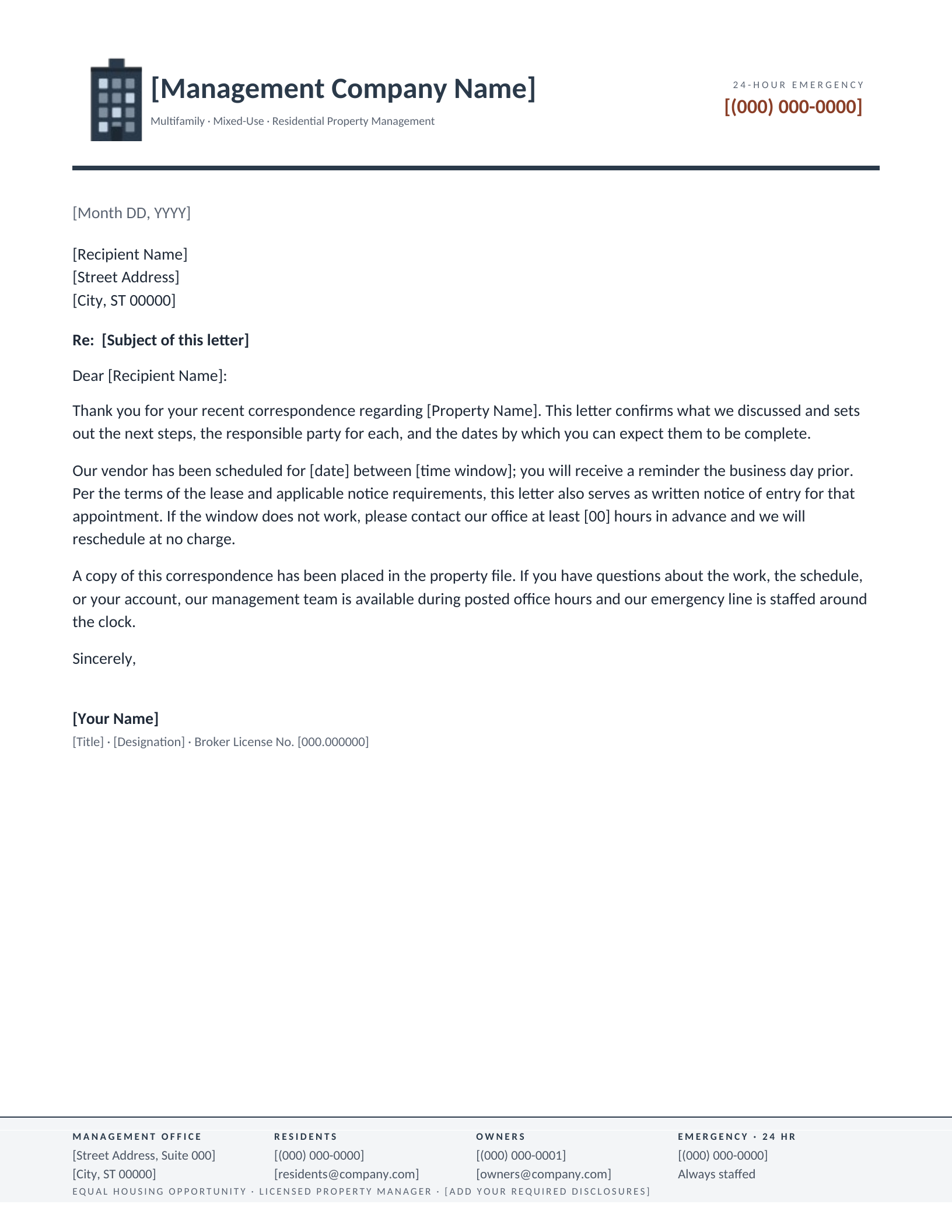
Residential Multifamily
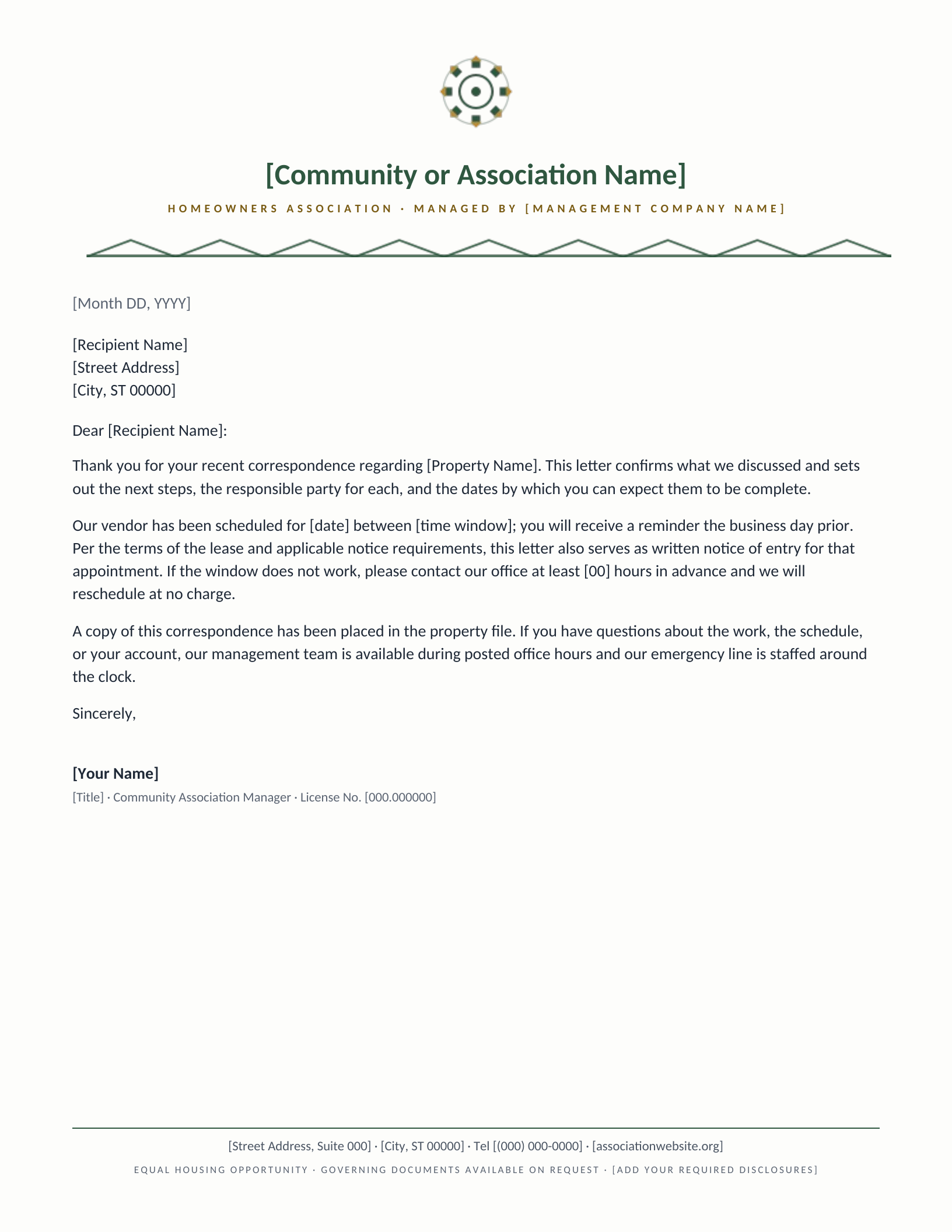
HOA & Community Association
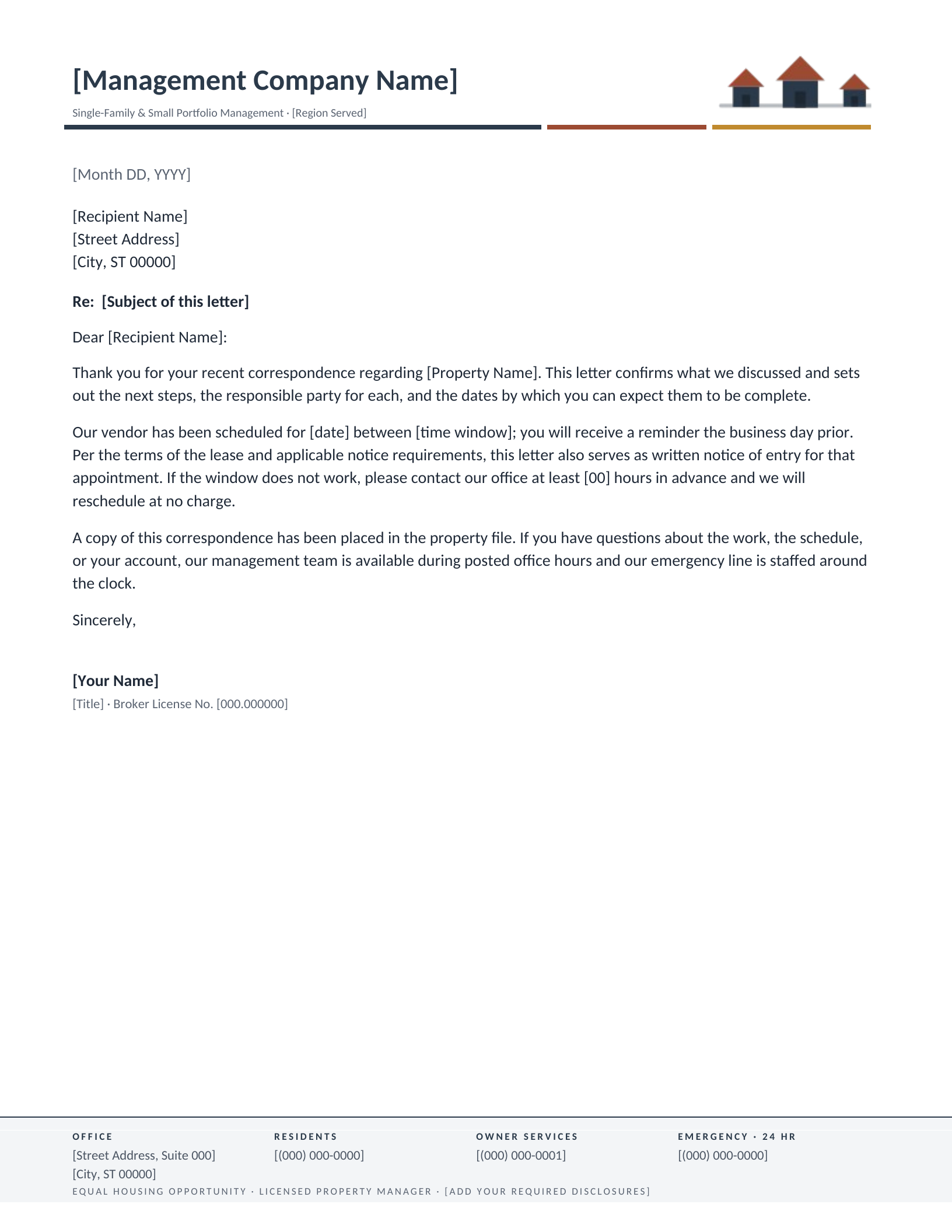
Single-Family Portfolio
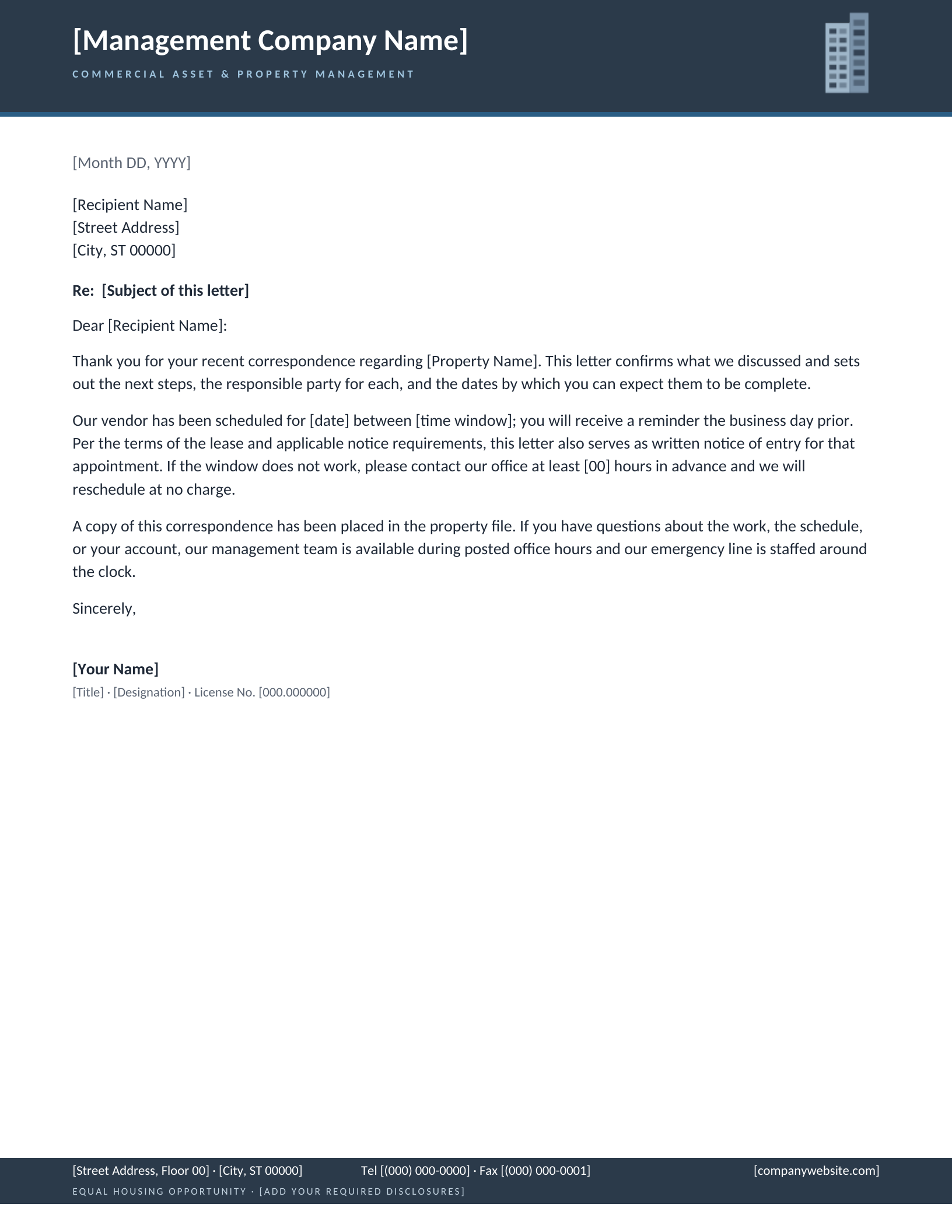
Commercial & Office Property
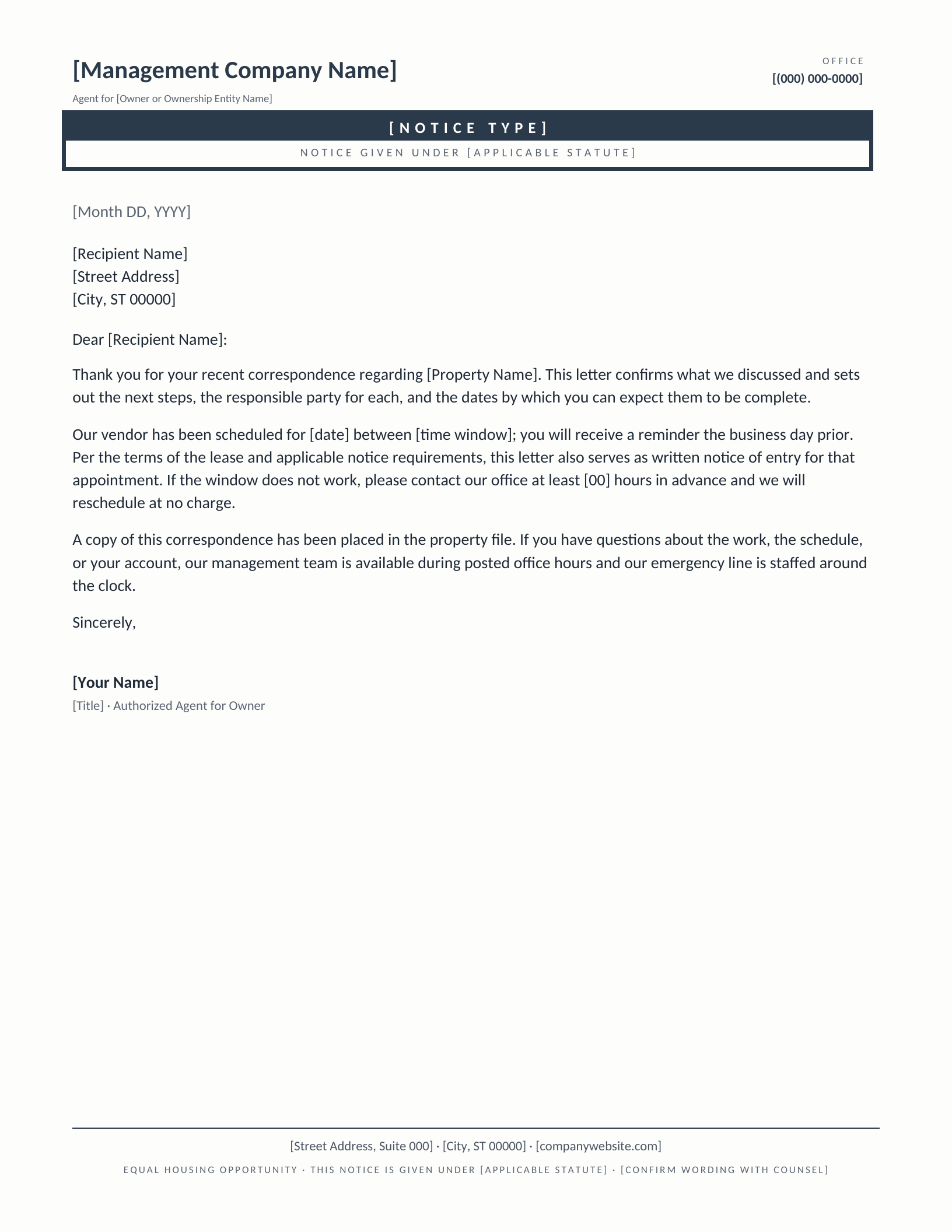
Formal Notice
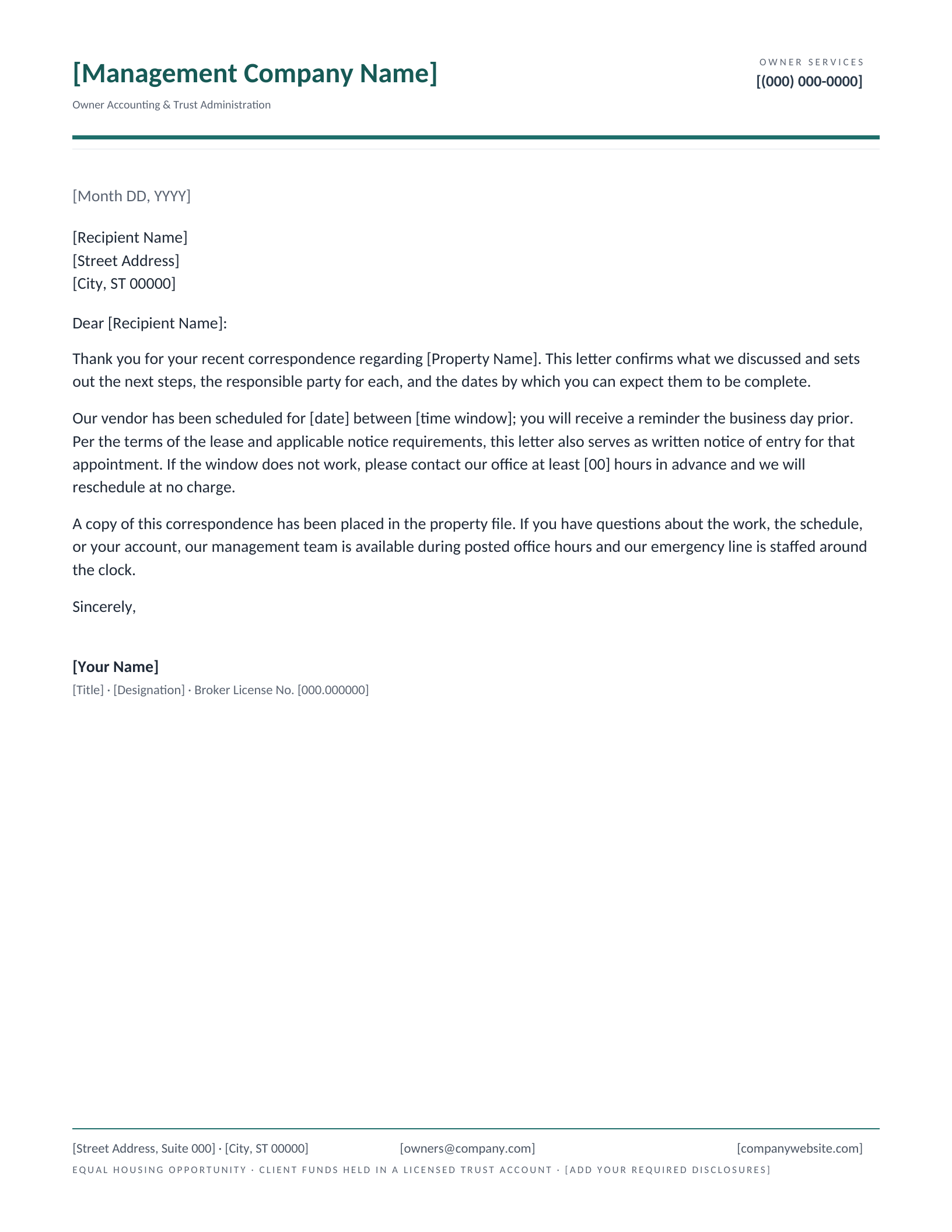
Owner Statement & Trust Accounting
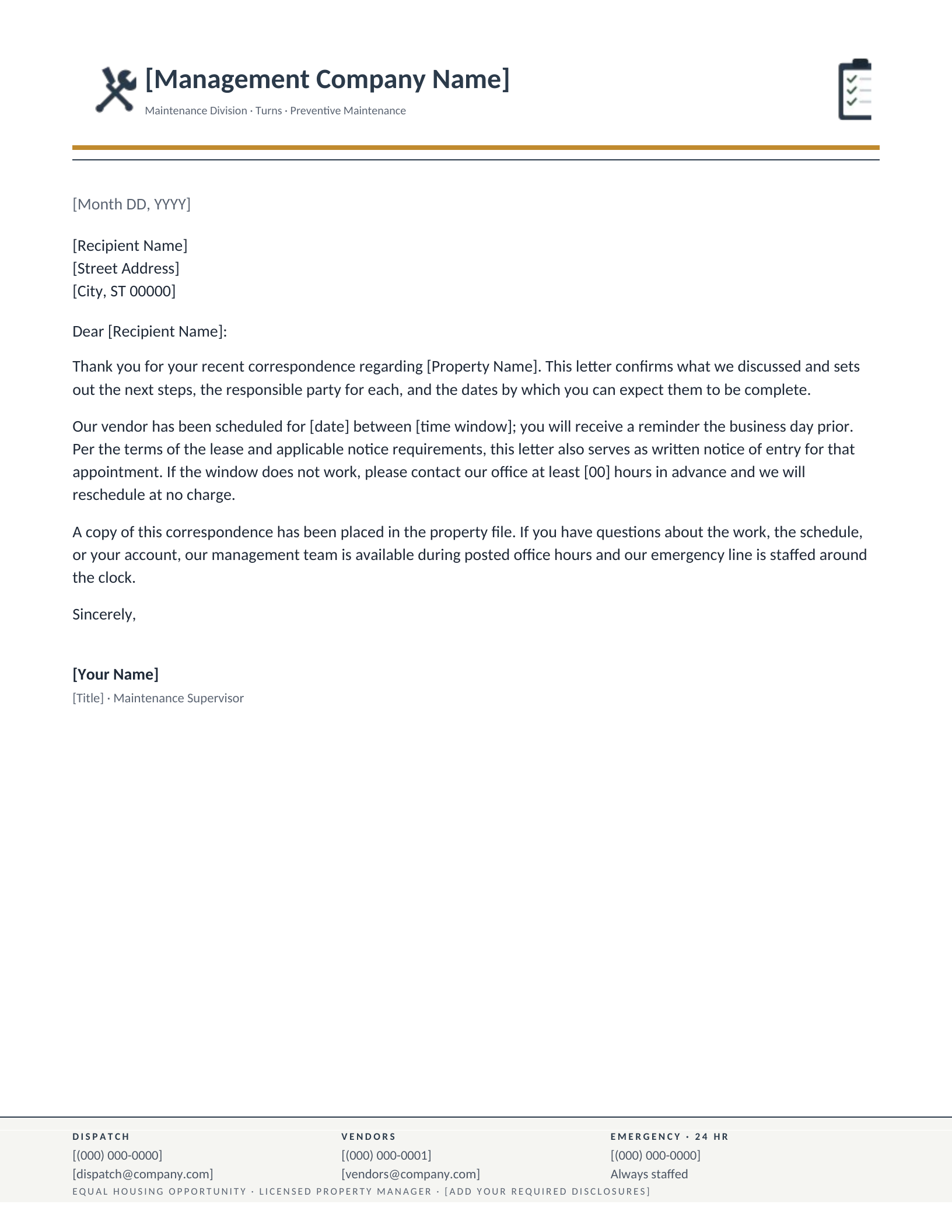
Maintenance & Work Orders
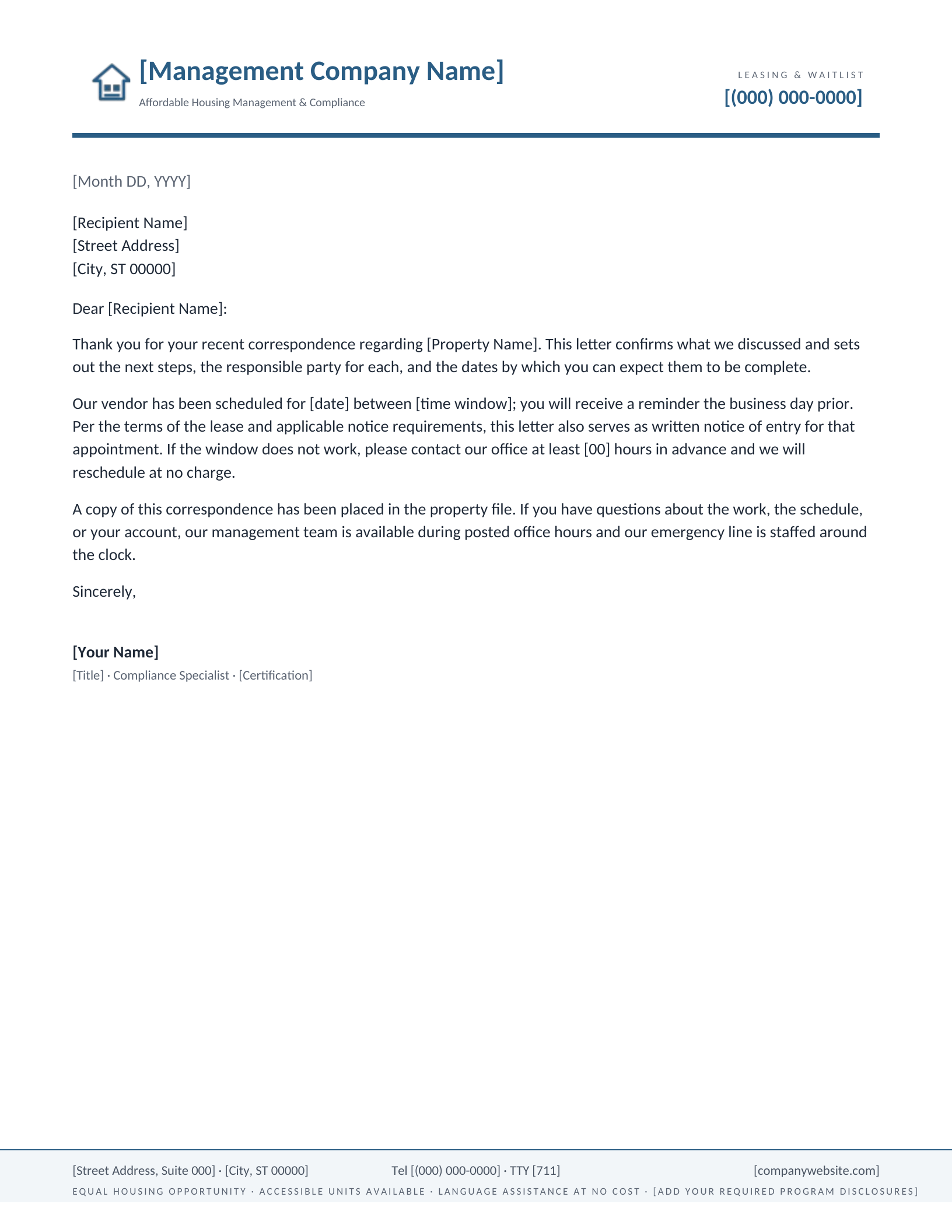
Affordable Housing & Compliance
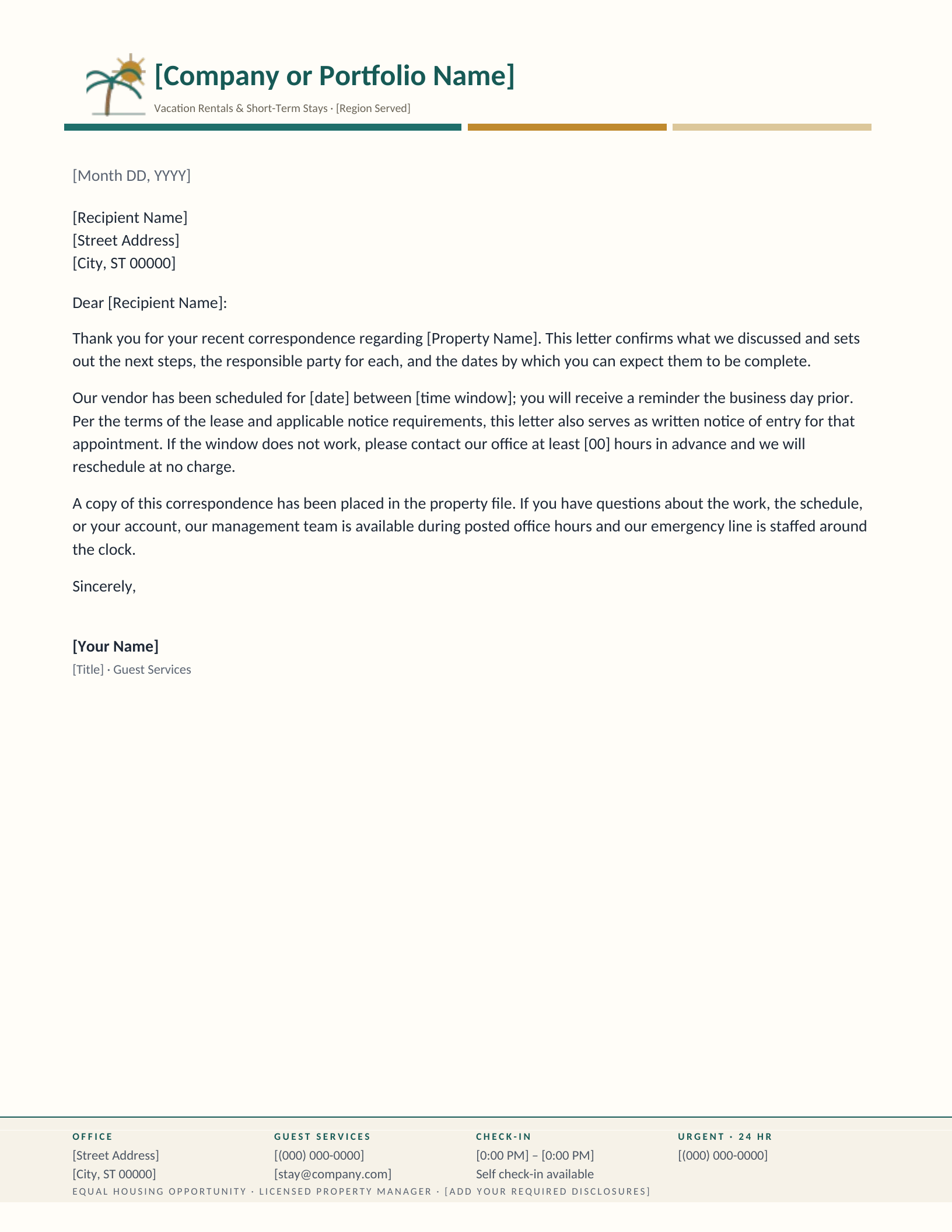
Vacation & Short-Term Rental
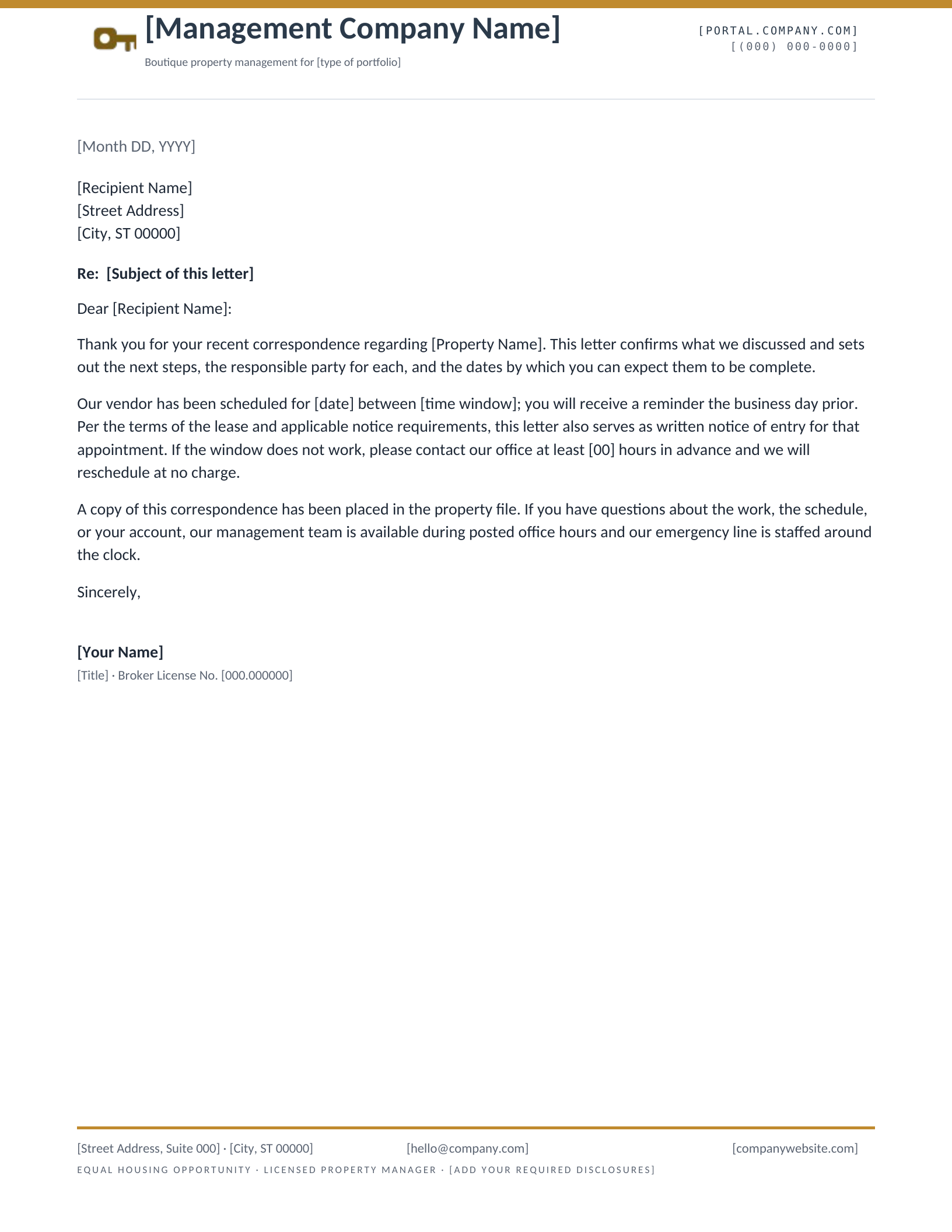
Boutique & Modern
Which letterhead fits what you manage?
A property management letterhead has an unusual problem to solve. Most business stationery is written to one kind of reader; yours is not. The same sheet goes to a resident about an entry notice, to an owner about a disbursement, and to a vendor about a work order — and each of them needs a different number to call. That is why nine of these ten put more than one contact route in the footer, and why four of them carry a full four-column audience block. It is the one structural thing this category needs that no other letterhead category does.
No per-property data blocks, on purpose
None of these reserve space for a single property’s address, unit count or parcel number. That is deliberate. A letterhead is stationery for a whole portfolio, and the moment it names one building it stops being reusable for the other forty. Property details belong in the body of the letter, where they change from one letter to the next. What stays constant — your company, your licence, your phone numbers, your notices — is what the masthead and footer carry.
Which one fits your portfolio
- Apartments and mixed-use — Residential Multifamily. The four-column footer is doing the most work here, because a resident, an owner and an after-hours emergency all have separate routes.
- Scattered single-family homes — Single-Family Portfolio. Its mark is three houses at different scales rather than one building, which is the honest picture of that business.
- An HOA or condo board — HOA & Community Association, which names the managing agent under the community name and points owners at the governing documents.
- Offices, retail and industrial — Commercial & Office Property. Institutional weight, no residential warmth.
- Notices you have to get right — Formal Notice, which puts the notice type in a box at the top and leaves a slot for the statute it is given under.
Before you send anything
Is the Fair Housing notice in the footer sufficient?
No, and it is placeholder text on purpose. The footer reserves the space and sets the type so the notice has a proper home in the layout, but what it needs to say depends on your state, your licence and — for affordable housing — your programme. Replace the bracketed wording with your own before you send. The mark on the Affordable Housing design is a stylised house-and-equals device we drew; it is not the official Equal Housing Opportunity logo, and you should use your own approved artwork where one is required.
Can I use the Formal Notice design as a legal notice?
As stationery, yes — but the wording is yours to get right. Notice periods, delivery methods and required language are set by state and often by city, and a template cannot know which apply to you. The design gives the notice a proper banner and a line naming the statute; confirm the content with counsel before it goes out, particularly for anything touching tenancy.
Will these open in an older copy of Word?
Word 2007 and everything since — 2010, 2013, 2016, 2019, 2021, Microsoft 365 and Word for Mac. The download is a .dotx template rather than a document, so opening it starts a fresh letter and leaves the original intact. Every design also opens as a Google Docs copy.
Can I put my own company logo on these?
Yes — right-click the drawn mark and choose Change Picture in Word, or click it and choose Replace image in Google Docs. If you would rather start from a layout built around an uploaded logo, the logo letterhead makers position it for you against a live preview.
All ten are free to download and edit for your own company. Please do not redistribute the template files themselves elsewhere on the web. If you also handle sales, the real estate letterheads cover brokerage and listing correspondence.
Drawn and measured in August 2026.
Add your company details
- Pick a design and choose your editor — Microsoft Word downloads the template (a
.dotxfile; opening it creates a fresh document and leaves the original intact for next time), or Google Docs prompts you to make a copy in Drive. - Replace the placeholder tokens —
[Your Name],[Family Name],[Street Address],[Recipient], etc. Embedded graphics (monograms, crests, ornaments) can be replaced with your own — right-click → Change Picture (Word), or click → Replace image (Google Docs). - Type your letter where the sample paragraph is. Save and print on standard 8.5 × 11 paper, or send as a PDF.
Specifications: US Letter, 8.5 × 11 inches, portrait. Word downloads are .dotx templates and open in Word 2007 through Microsoft 365, including Word for Mac. Google Docs versions open as a copy in your own Drive. Every file is one page, fully editable, and free to use — no account and no watermark.