
Free Office Manager Resume Templates
Free, ATS-friendly office manager resume templates in Microsoft Word and Google Docs — built around what office-manager hiring screens for: someone who runs the office. Each uses a numbered ledger spine and opens with an ops-metric line, then foregrounds the essentials — facilities and vendor management, office budgets and procurement, staff supervision and onboarding, scheduling, and the office software you use. Whether you're a corporate office manager, a medical or dental practice office manager, an office & HR manager, or a small-business / startup office manager — or stepping up from an admin role — pick a layout and color and fill in your numbers.
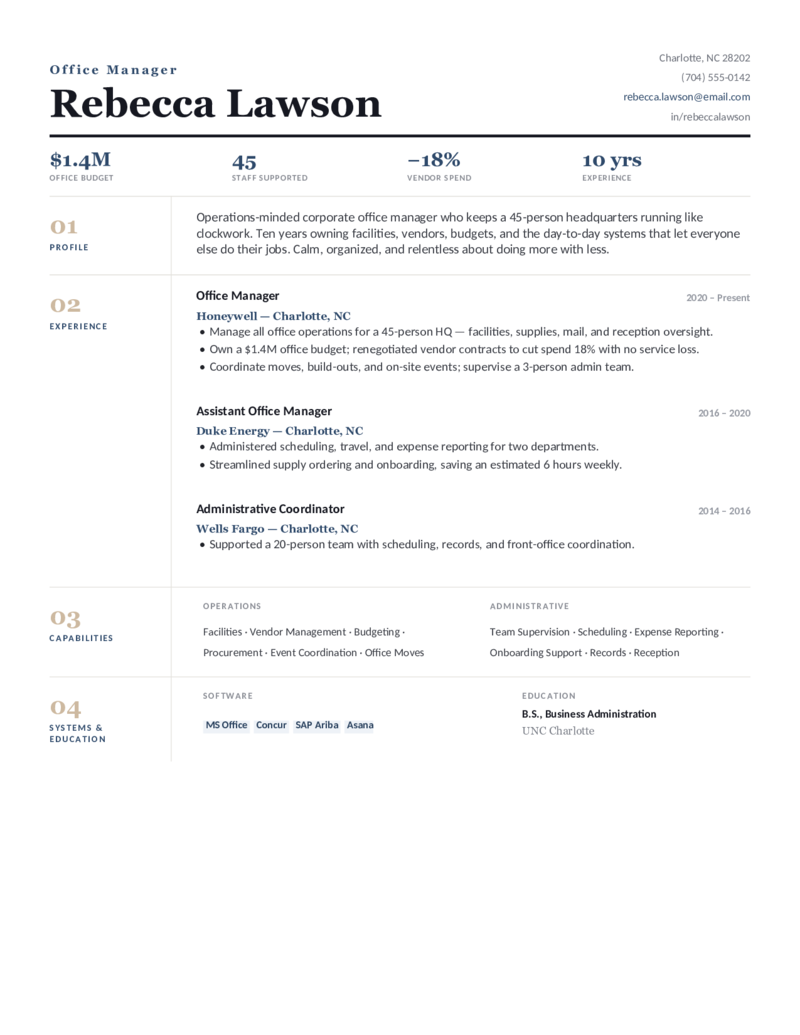
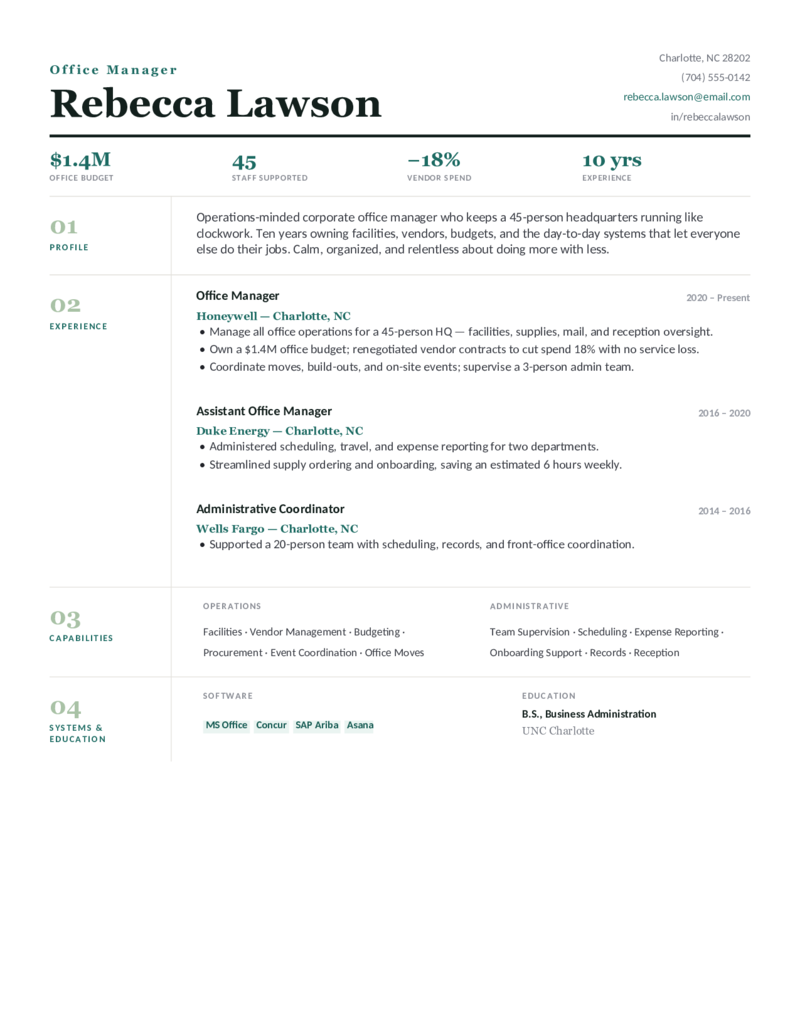
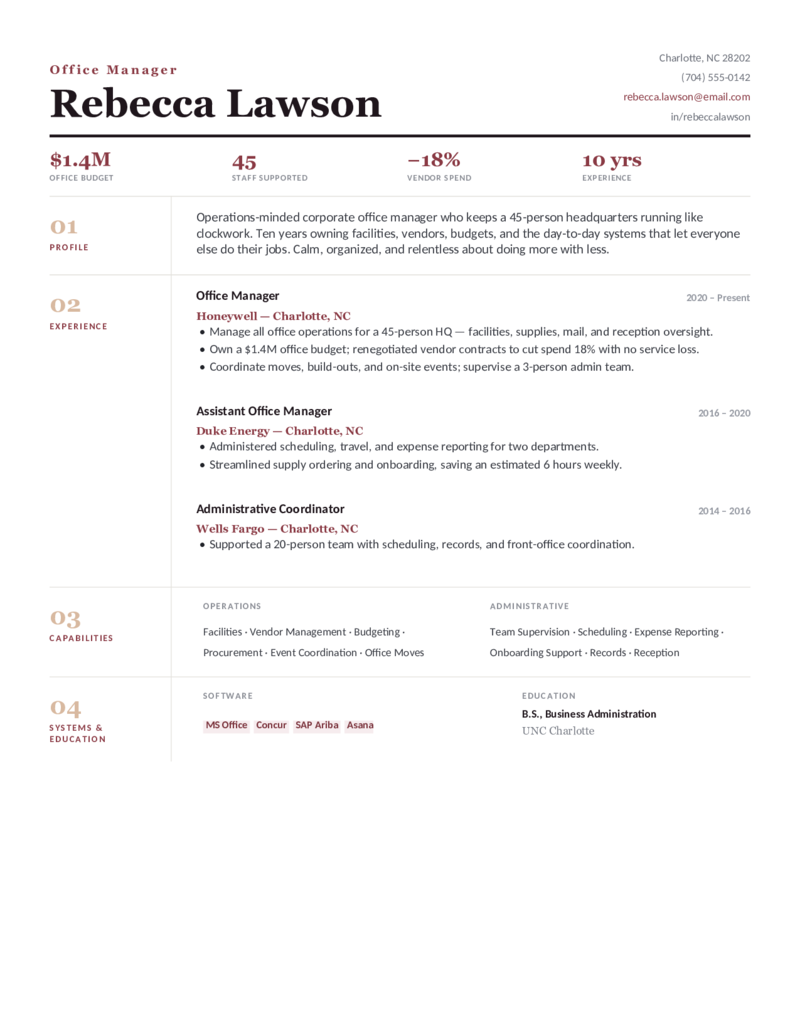
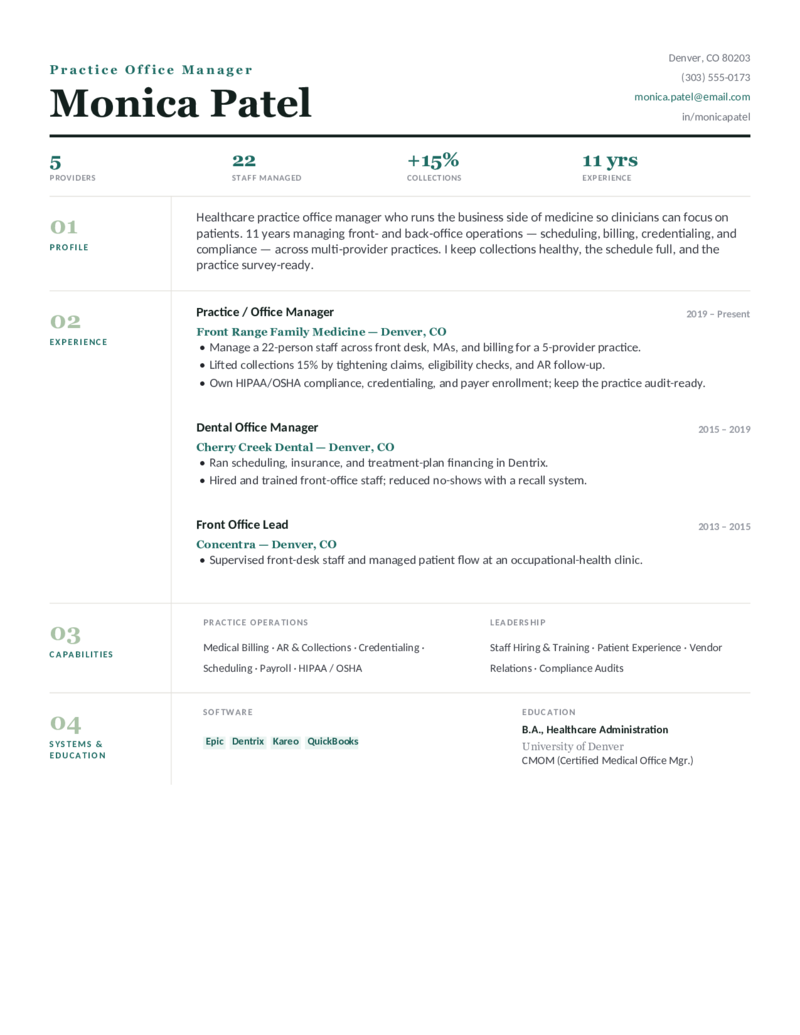
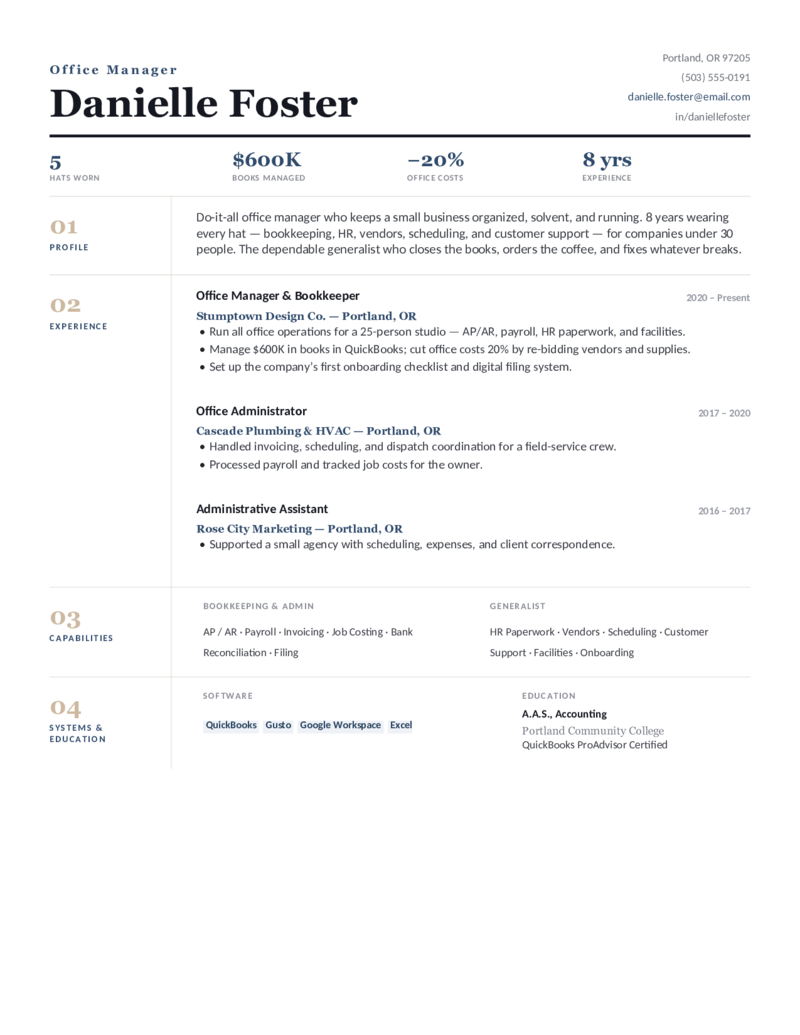
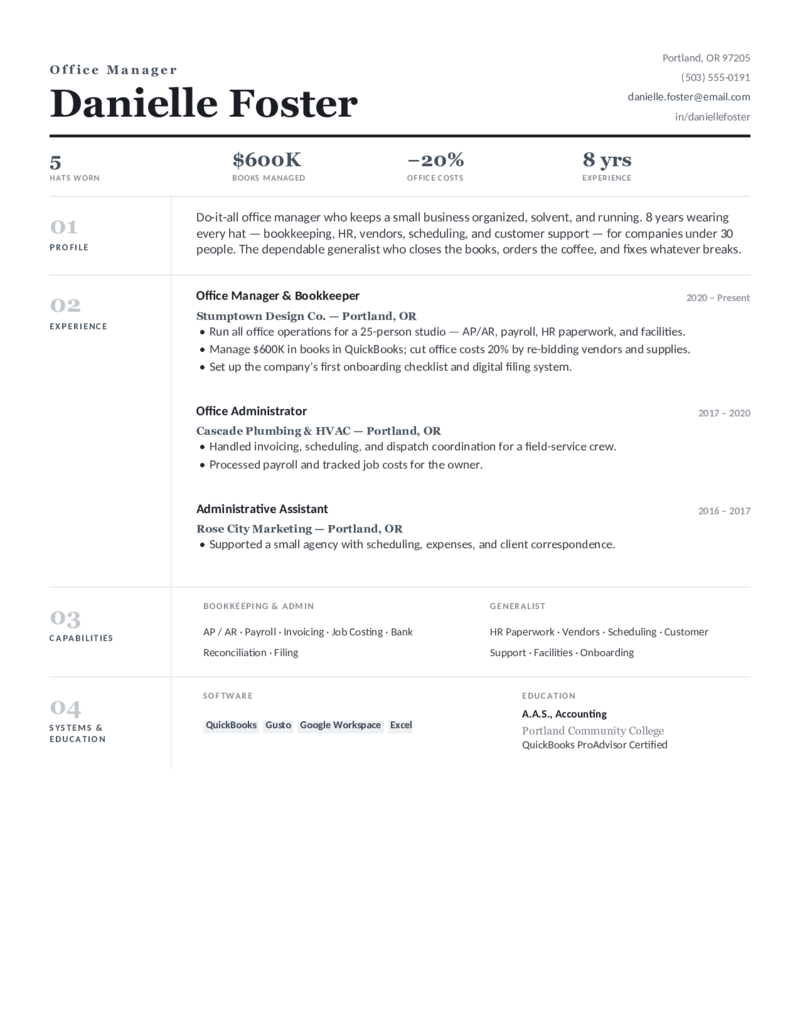
Four office manager designs, each in three colors.
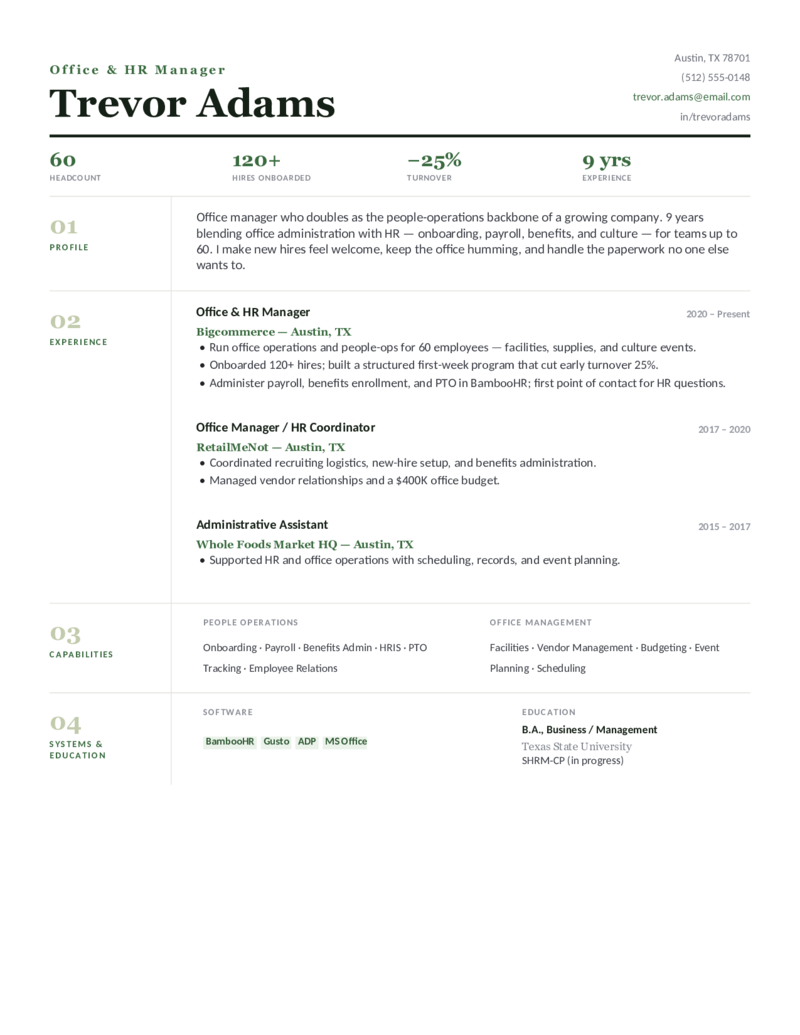
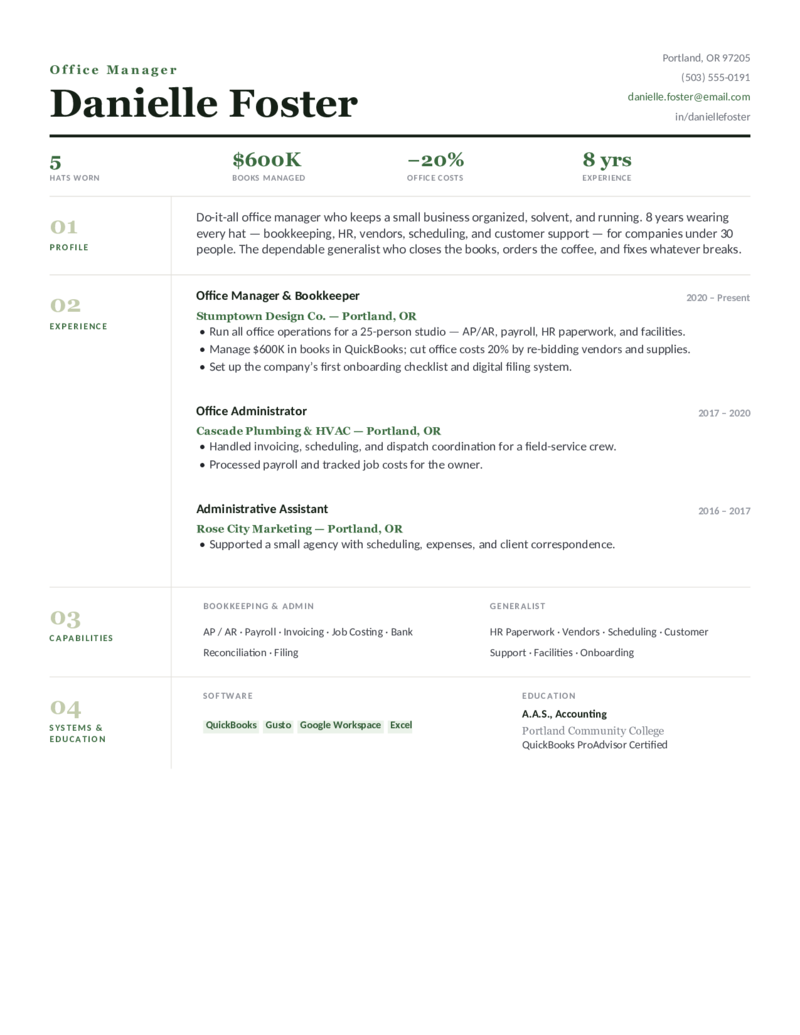
Corporate for HQ and corporate office managers, Medical Practice for clinic and dental practice managers, Office & HR for office managers who double as people-ops, and Small Business for the do-it-all office-manager-and-bookkeeper. Every one opens in Word or Google Docs, holds on one page, and is built to be ATS-friendly — with your budget, vendors, and staff front and center.
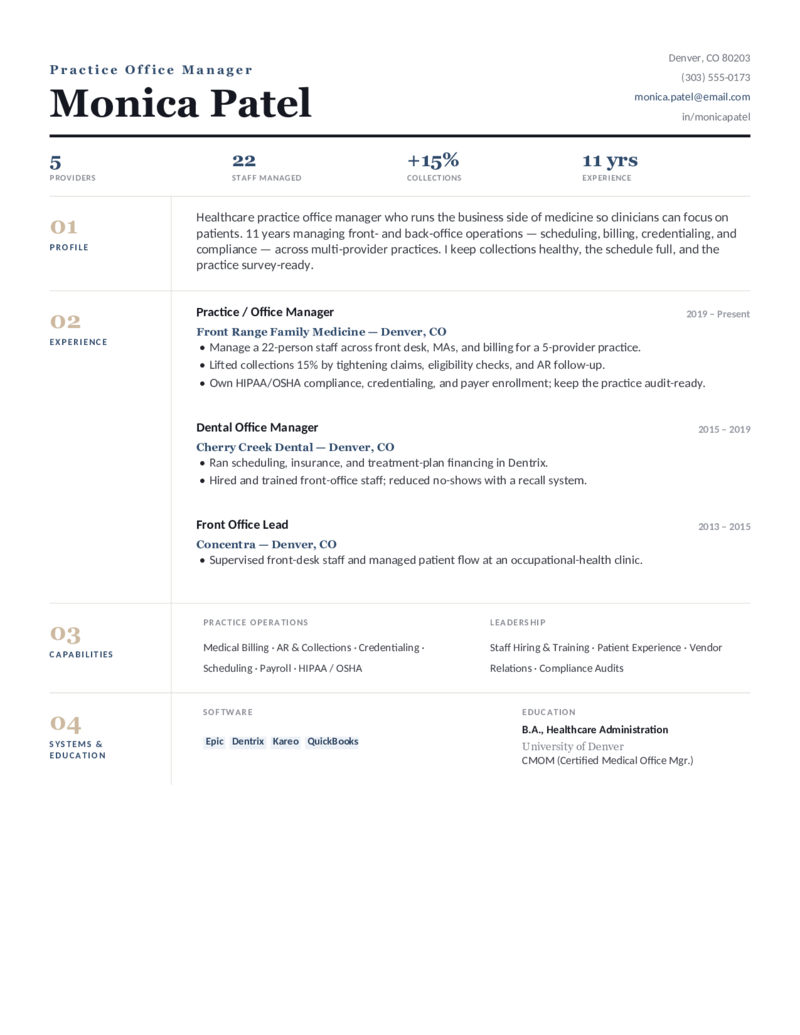
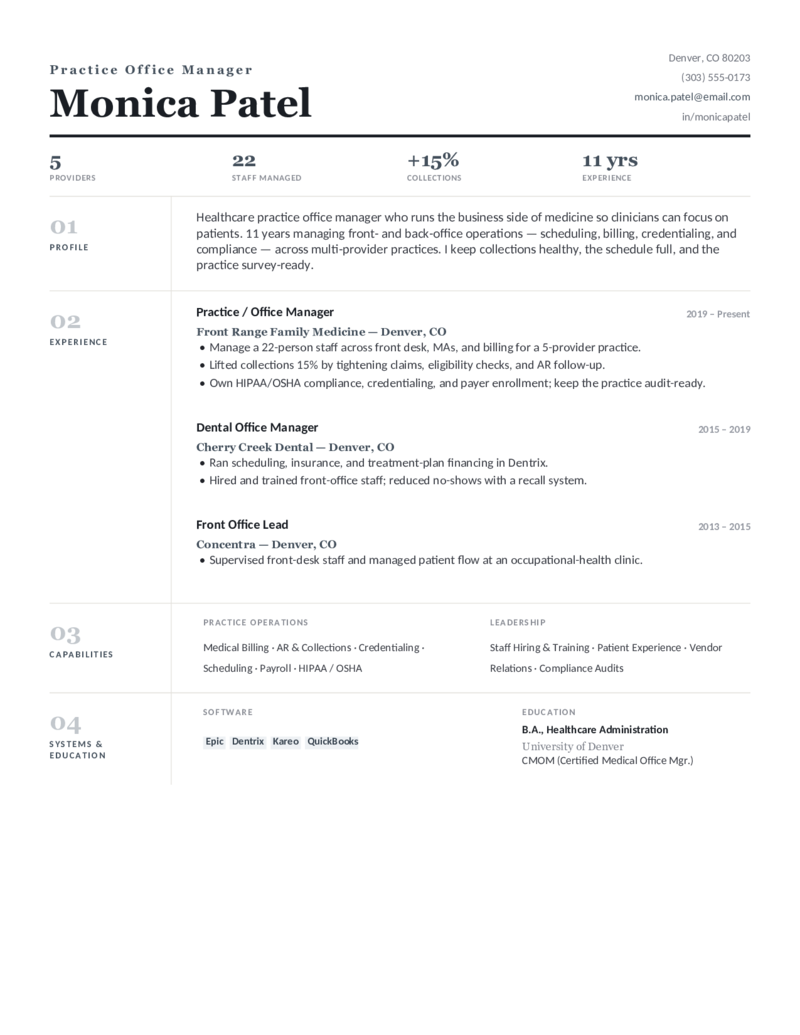
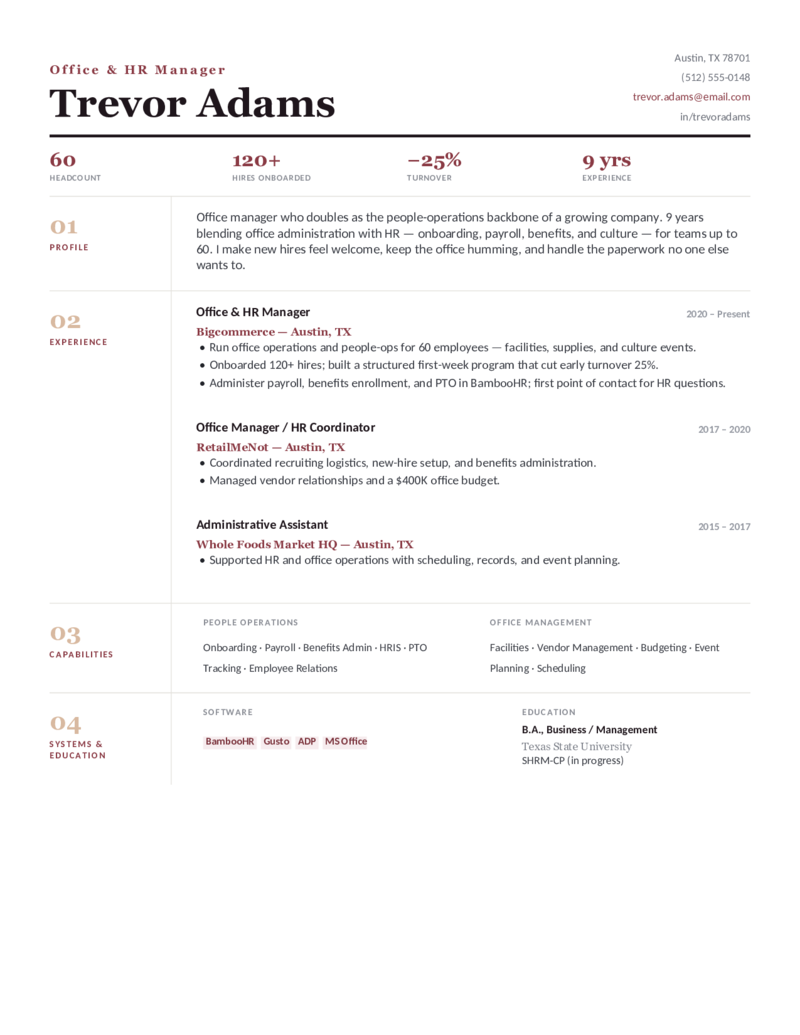
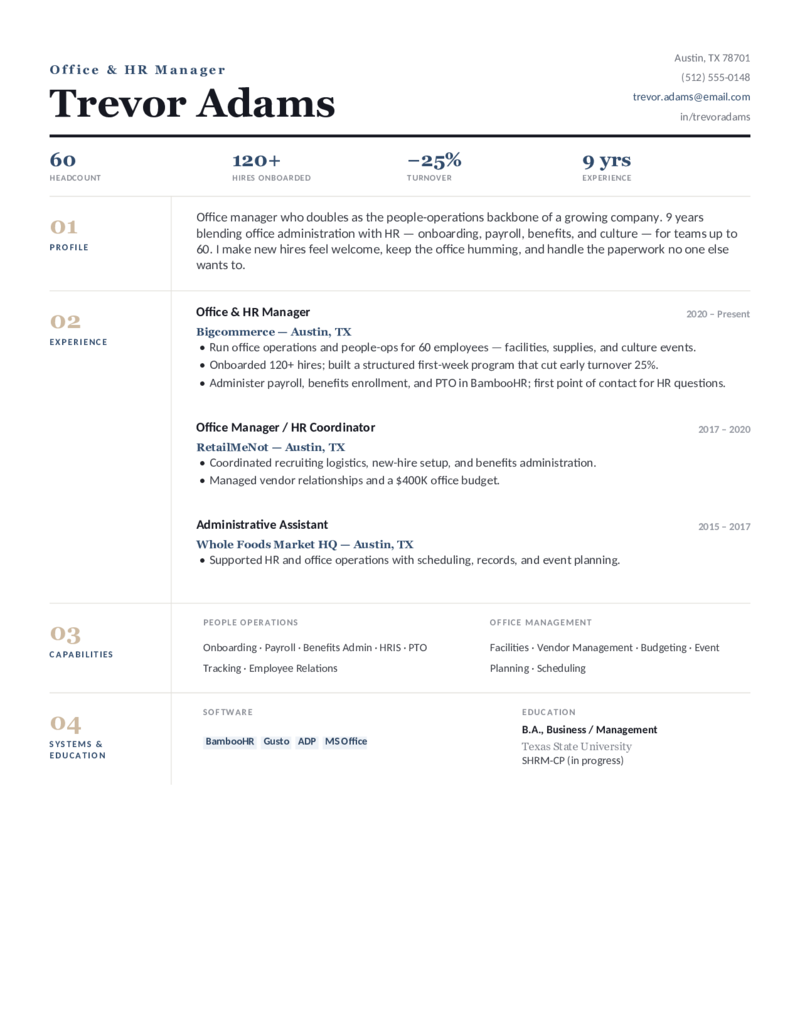
What goes on an office manager resume.
An office manager runs the office, so the resume has to prove you can own operations, not just support a person. Put the things office-manager hiring and the ATS look for where they’ll be seen — which is exactly what these templates do:
- Operations, front and center. Facilities and vendor management, procurement and supplies, office moves and events — the work that keeps the place running. This is the core office-manager skill.
- Budget & the numbers. The office budget you own, the cost you cut, and the headcount you support — with real figures (“$1.4M office budget,” “cut vendor spend 18%,” “supported 45 staff”). Money, headcount, and time saved are what hiring scans for.
- Staff & software. Team supervision, onboarding, and scheduling, plus the tools you use — Microsoft 365 or Google Workspace, QuickBooks, and payroll/HRIS. For a practice, name the EHR and billing system; for HR-heavy roles, the HRIS (BambooHR, Gusto, ADP).
- The right scope. Make it clear you run the office — office operations, policies, expense management — rather than only supporting an executive. That scope is what separates an office manager from an administrative assistant.
Stepping up from an admin role? Reframe support tasks as ownership and lead with the operations, vendor, and budget work you already touched. If your role is really executive support, the administrative assistant templates fit better; for broader business and supply-chain scope, see operations manager.
Fill it in and apply.
- Click Open in Google Docs to copy it into your Drive, or Download Word for the
.docx. - Fill the ops-metric line with your real numbers — office budget, staff supported, vendor savings, headcount, years of experience.
- Edit the capabilities to match the posting exactly — facilities, vendor management, budgeting, procurement, staff supervision, and your office software — for the ATS.
- Keep it to one page; export a PDF to send and a Word copy for ATS portals.
Office manager resume FAQ
How do I write an office manager resume when I'm moving up from an admin assistant role?
What's different about a medical or dental office manager resume?
How do I quantify budget, vendors, and headcount on an office manager resume?
What skills should an office manager put on a resume?
Are these office manager resume templates ATS-friendly?
Should an office manager resume be one page or two?
Office manager resume templates · Updated June 2026