






8 Free Sudoku Excel Templates
Sudoku grids as real spreadsheets — .xlsx files you can type into, print, restyle or extend. Blank 9×9 through 16×16 and samurai, plus a pencil-mark grid with nine candidate squares in every cell and a self-checking grid that turns a cell red the moment a number repeats in its row, column or box. No macros, no signup, nothing locked.
A fresh numbered 9×9 lands at 3:01 AM Pacific in five lines, Easy to Sadistic, each with exactly one solution. Pick how you want to solve today:
Eight grids, every size.
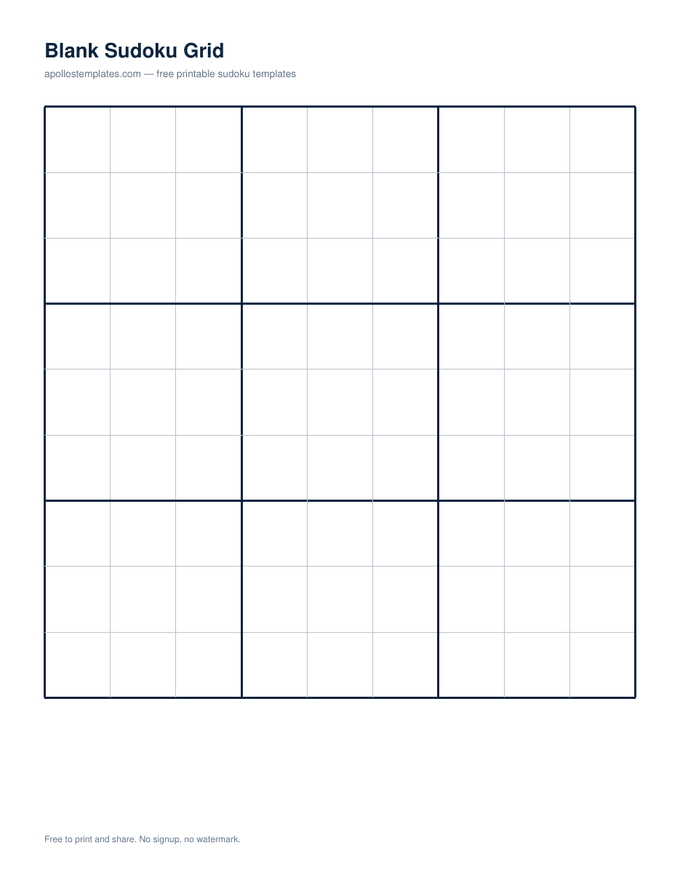
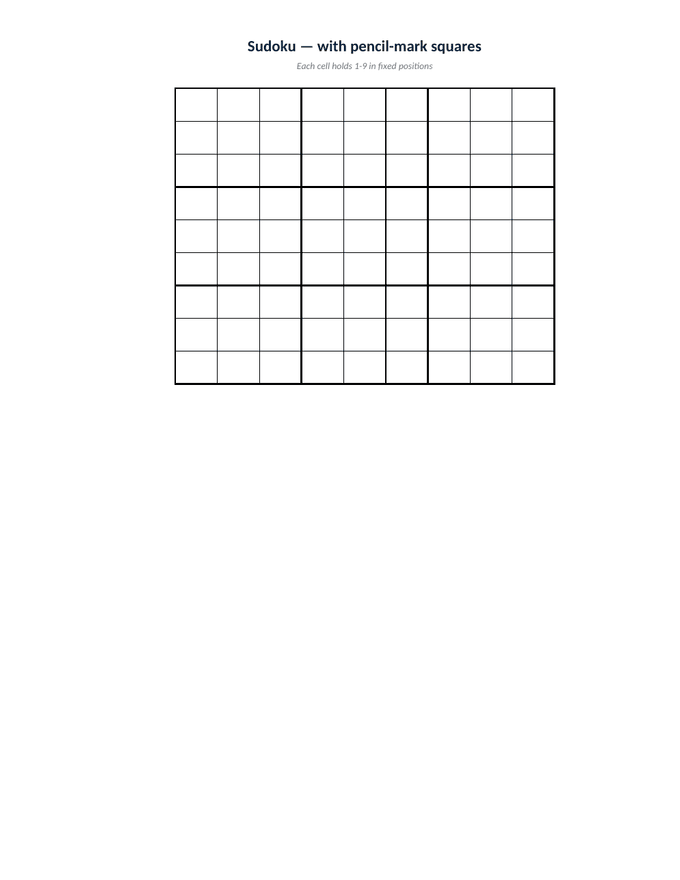
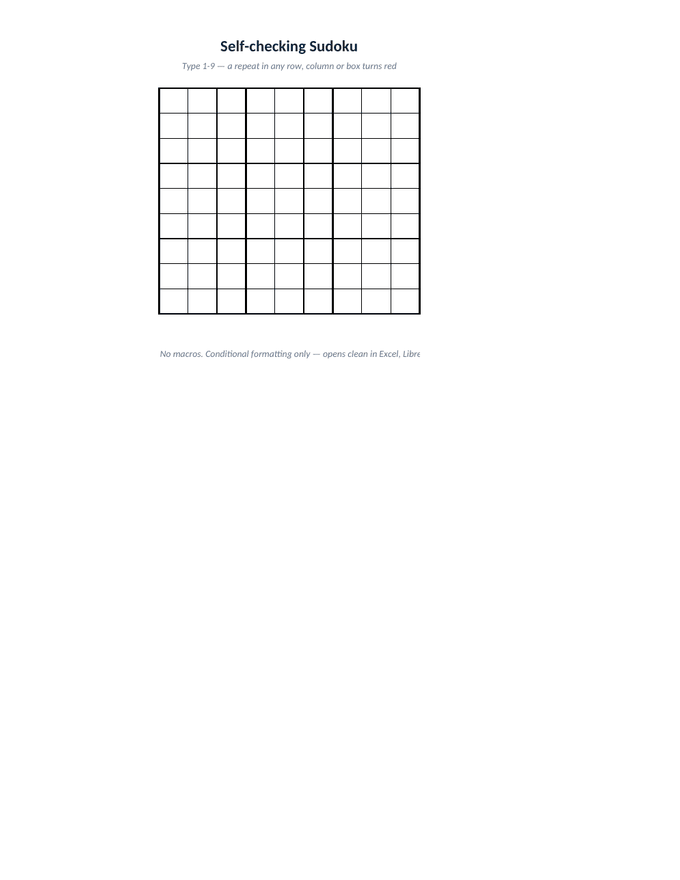
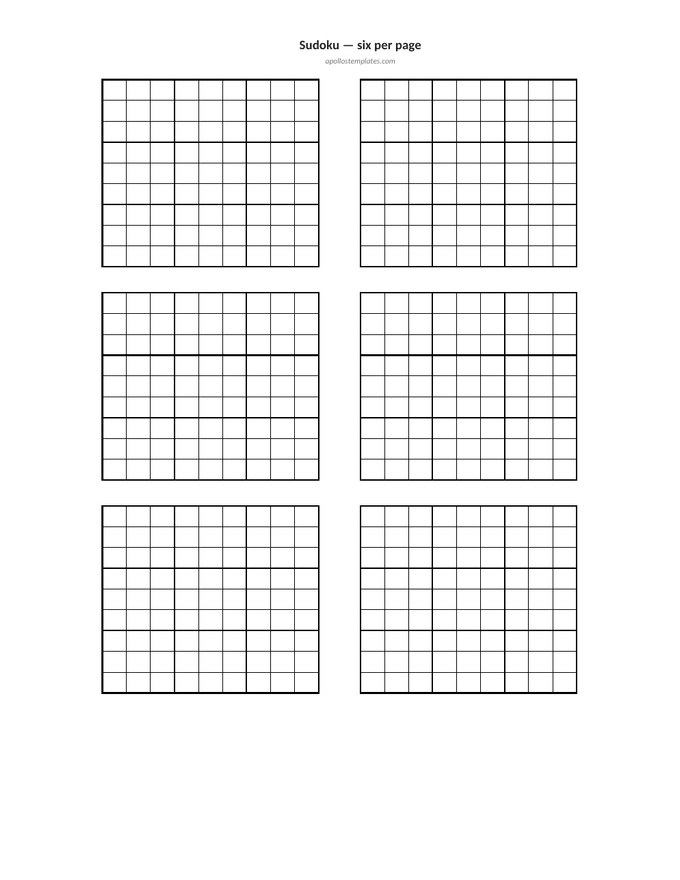
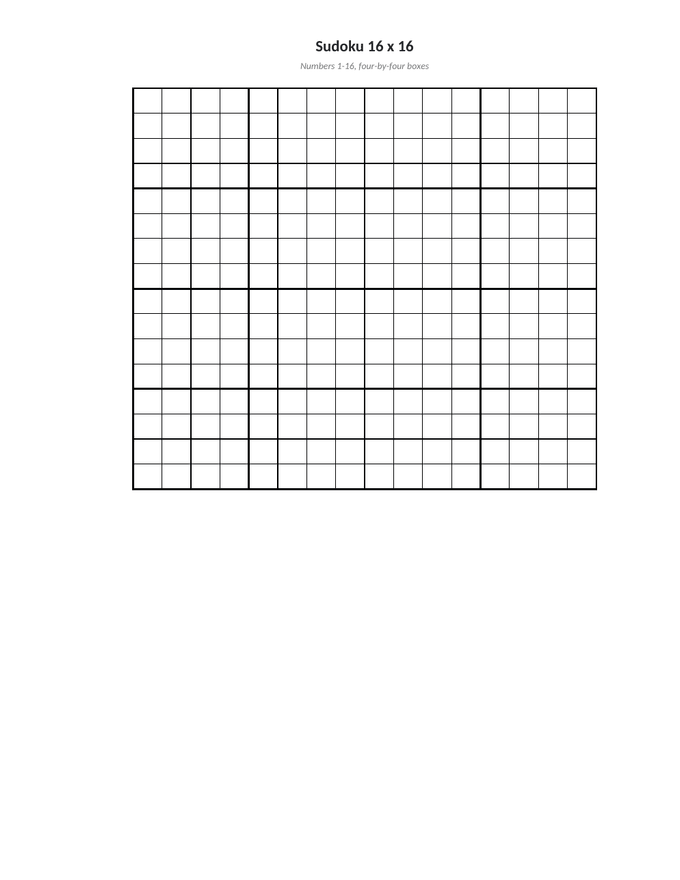
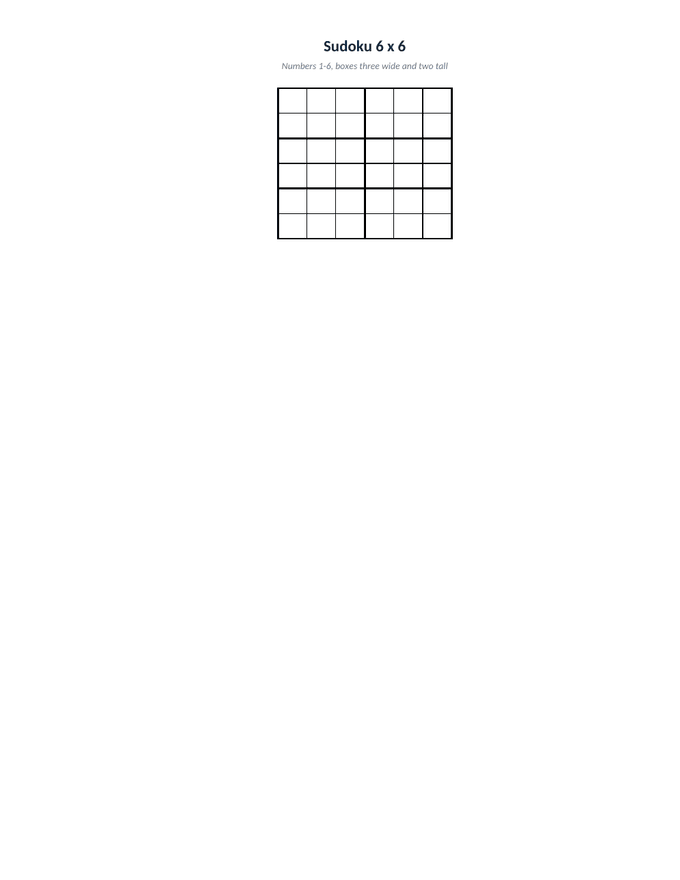
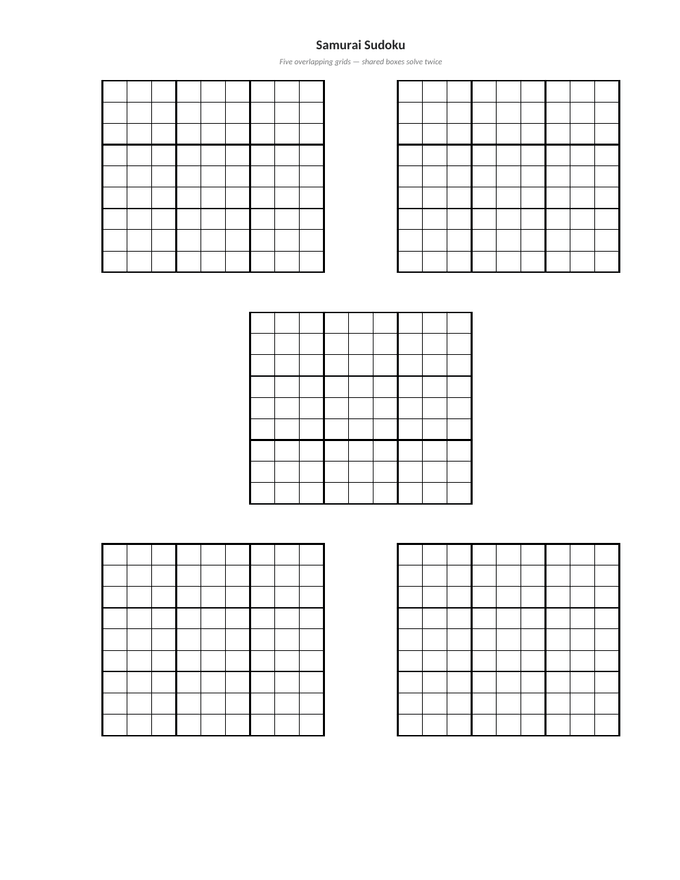
Sudoku Excel templates are spreadsheet grids you type into, print, or rebuild.
A sudoku template in Excel is not a puzzle — it is the empty frame a puzzle goes into. Each file here is one worksheet: square cells, the three-by-three boxes ruled heavier than the cells inside them, page setup already fitted so it prints on one sheet without you touching the scaling dialog, and whole-number validation so a stray letter cannot land in a square.
Everything is plain spreadsheet furniture — borders, column widths, data validation and conditional formatting. That is what keeps the files small, fast, and openable in Excel, LibreOffice Calc and Google Sheets alike. It is also why you can take one apart: widen the cells for large print, restyle the rules, or paste a grid into a worksheet you are already building.
Prefer paper? The printable sudoku templates cover the same sizes as PDFs, along with holiday, kids and styled editions.
Every sudoku template.
Every sudoku template on this site prints the same technique-graded 9×9 puzzle — only the frame around it changes. Pick the one that matches the occasion, or start from a blank sudoku template and write your own.
Sudoku Excel template FAQ.
Do these sudoku Excel templates use macros?
No. Every file is a plain .xlsx — no VBA, no .xlsm, and no security banner when you open it. That is deliberate: macro-enabled workbooks are blocked outright by many workplace policies, and a template nobody can open is not a template. The self-checking grid does its work with conditional formatting, which is a native Excel feature.
Will they open in Google Sheets or LibreOffice?
Yes. Because there are no macros, all eight import cleanly into Google Sheets (File → Import) and open natively in LibreOffice Calc. The number validation and the self-checking grid's duplicate highlighting both survive the trip, since conditional formatting and data validation are supported in all three.
How does the self-checking grid know I made a mistake?
It does not know the solution — it checks the rules. A conditional-formatting formula counts how many times your value already appears in the same row, the same column, and the same three-by-three box, and turns the cell red when any count passes one. That catches every rule violation the moment you type it, without the workbook needing to hold an answer key.
Can I type into these, or are they only for printing?
Both. Each grid accepts whole numbers within its range — 1 to 9, 1 to 6, or 1 to 16 — and rejects anything else with a short prompt. Print one blank for pen and paper, or fill it in on screen and keep it.
Are the grids editable — can I change the size or styling?
Nothing is locked or password-protected. Column widths, row heights, fonts and borders are all yours to change, which is the main reason to take the Excel version over the PDF. Widen the cells for large print, or recolour the box rules to match a worksheet you are building.
What is the pencil-mark grid for?
Candidate notes. Each sudoku cell is drawn as its own three-by-three block of small cells, so the pencilled candidate 1 always sits top-left and 9 always sits bottom-right. Keeping positions fixed is what makes a grid scannable — you can sweep the page for every possible 2 without re-reading each cell.