Apollo's Templates
HomeBudget TemplatesPrintable
Fridge-door finance

Printable Budget Templates

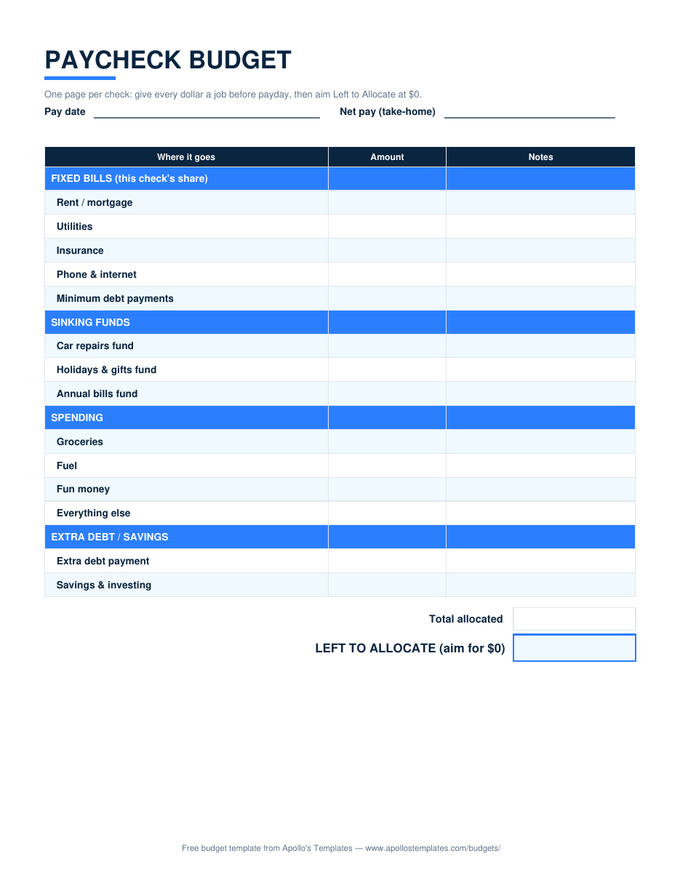
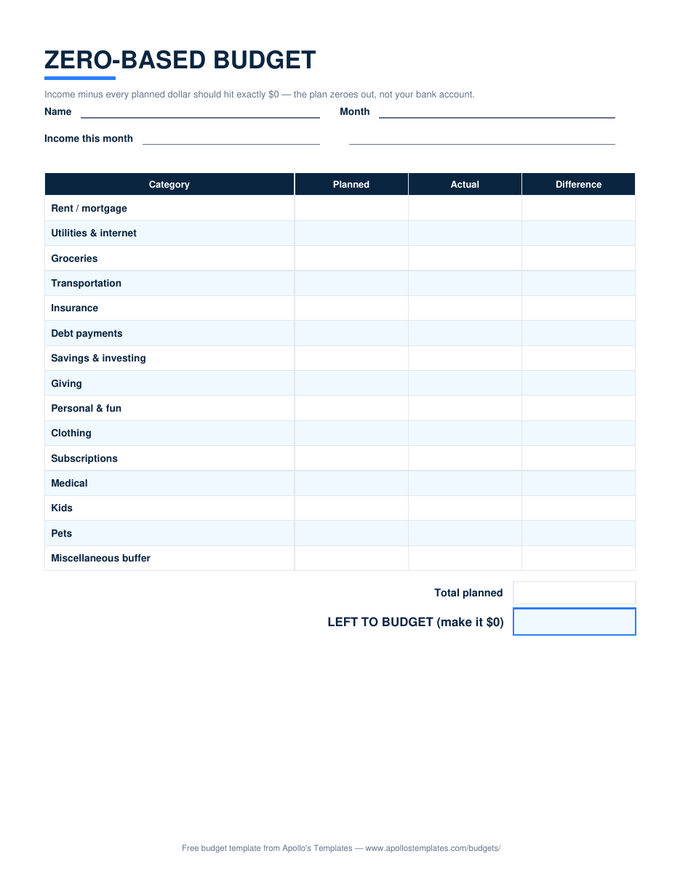
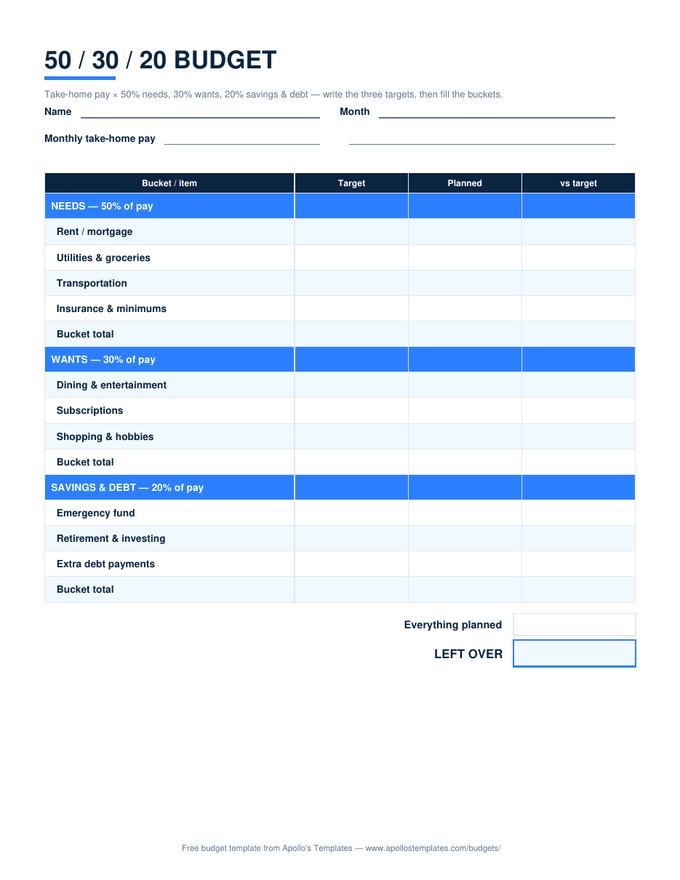
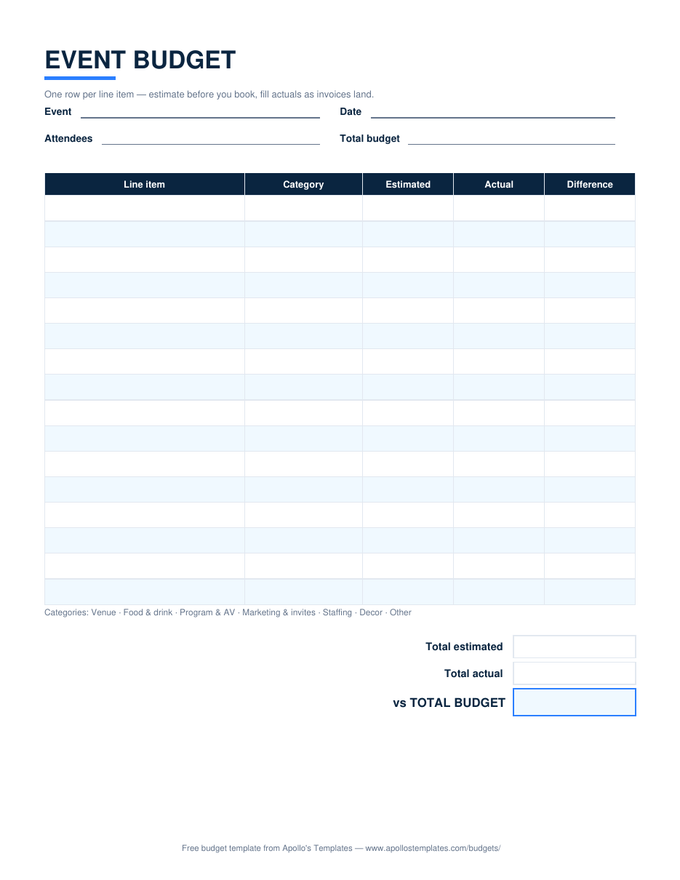
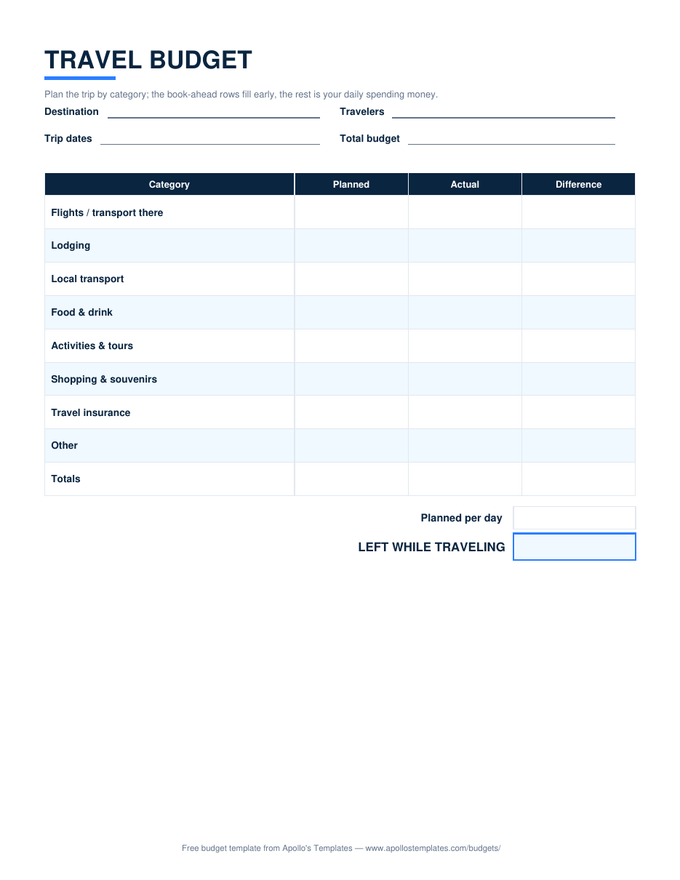
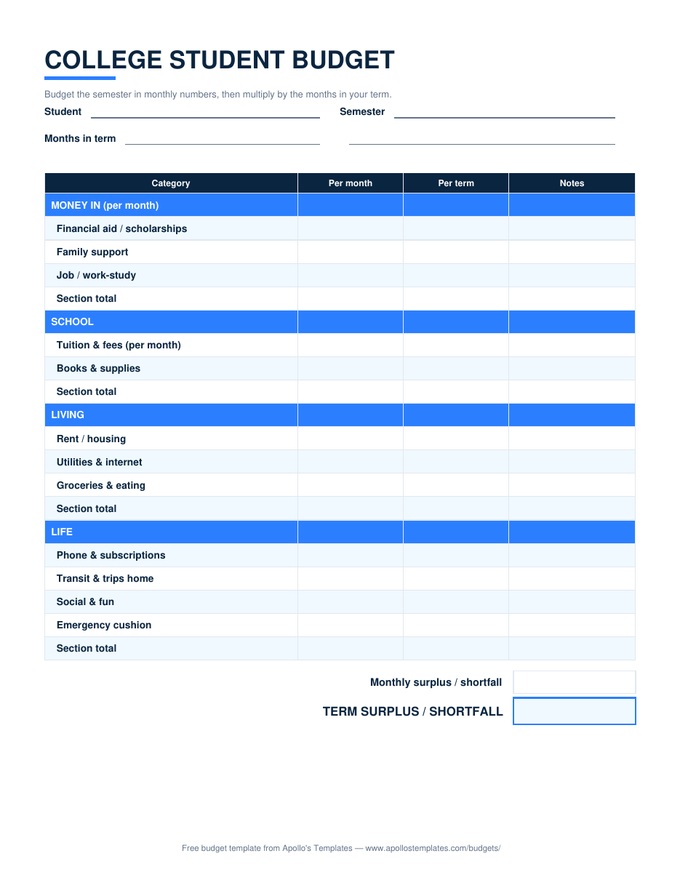
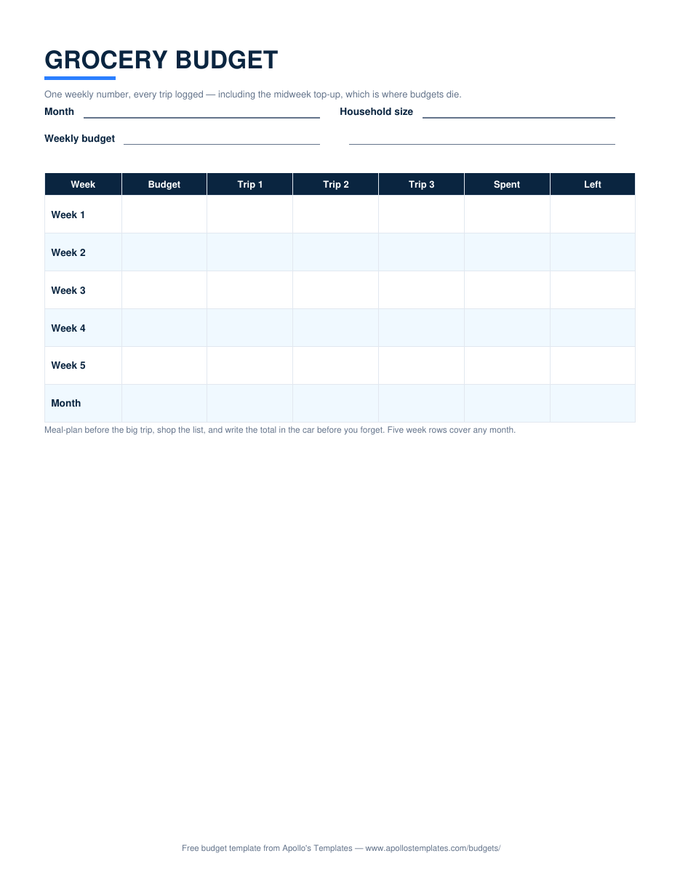
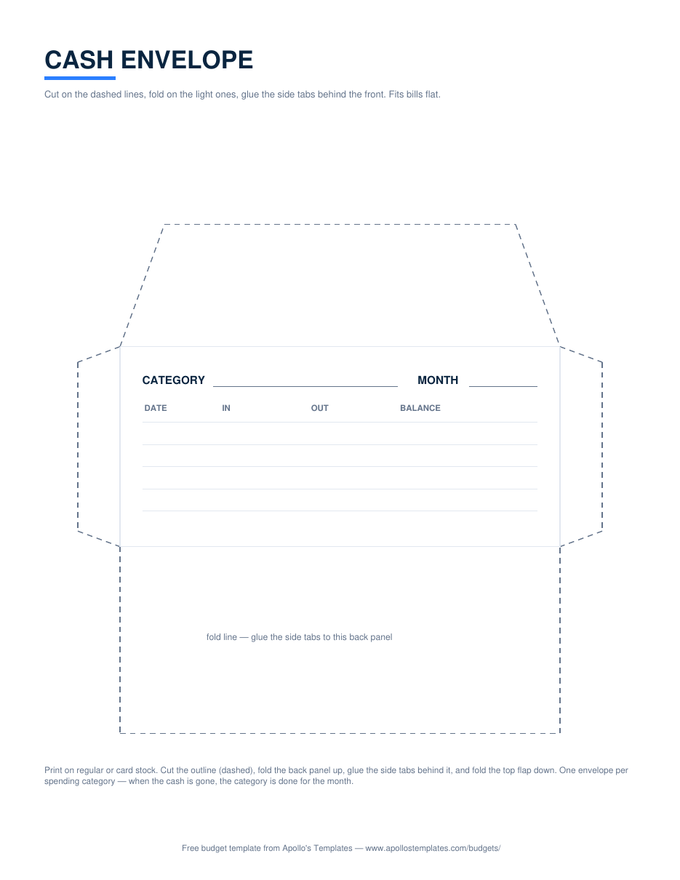
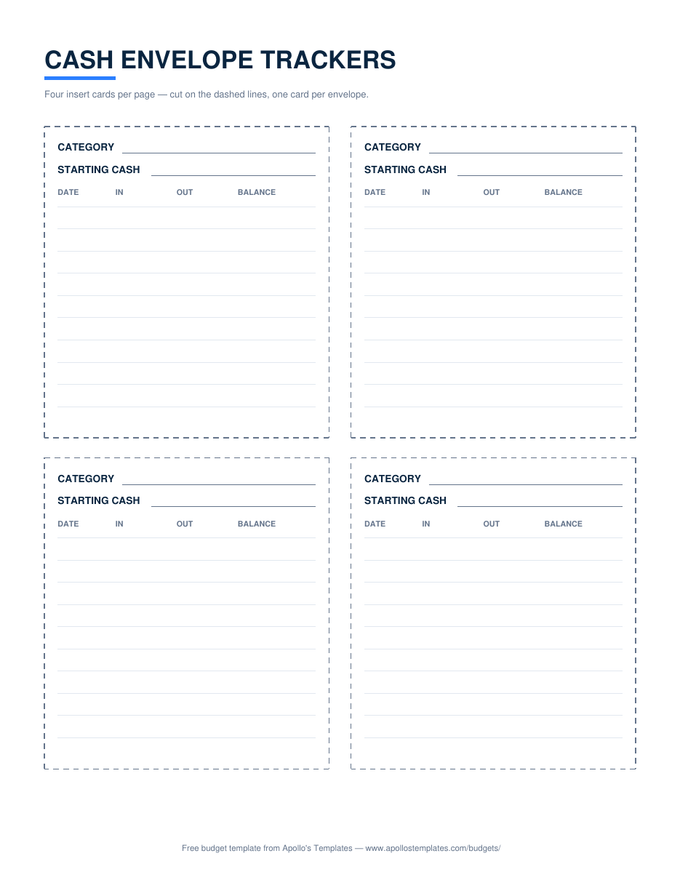
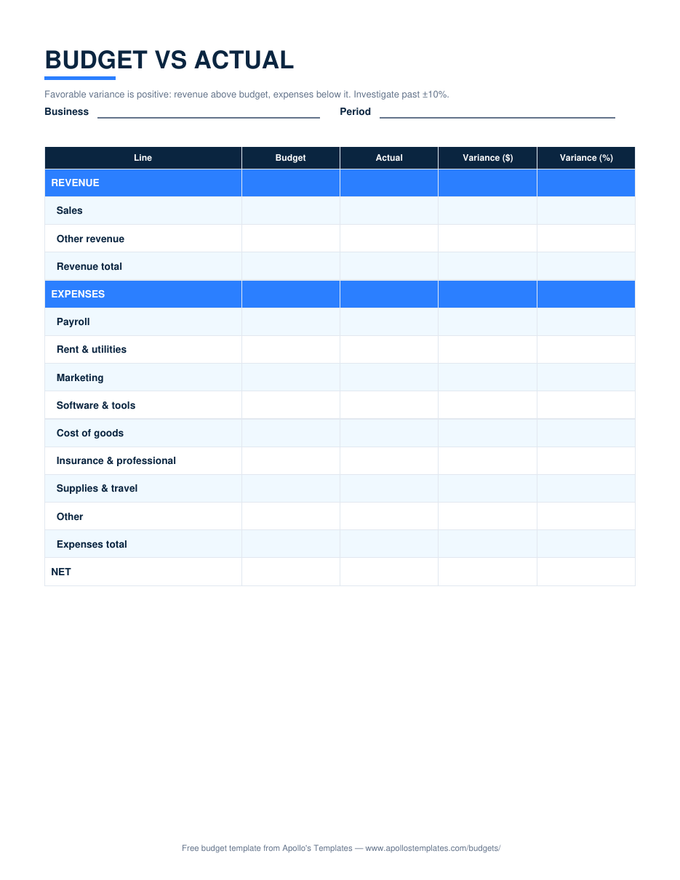
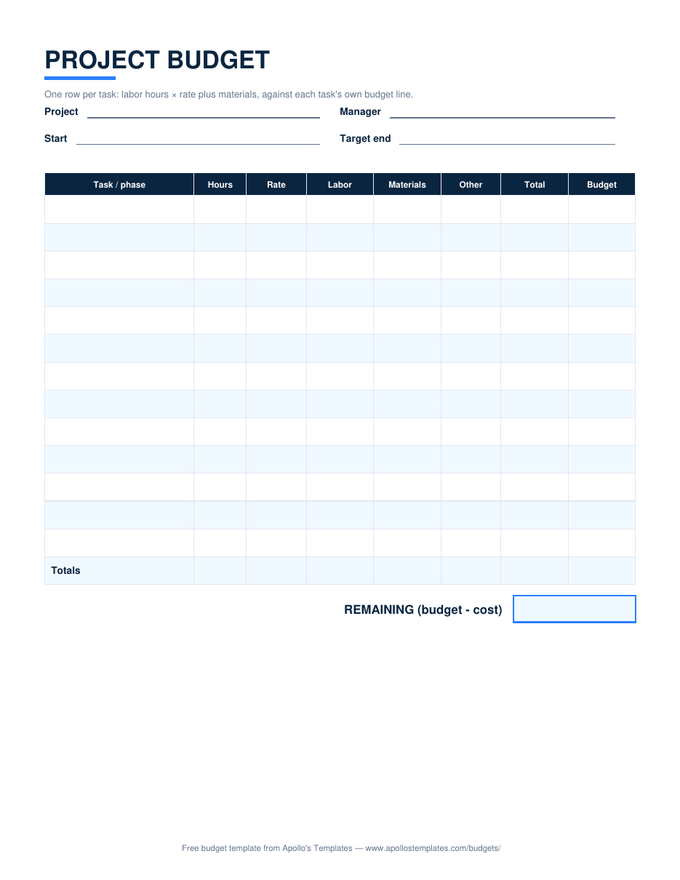
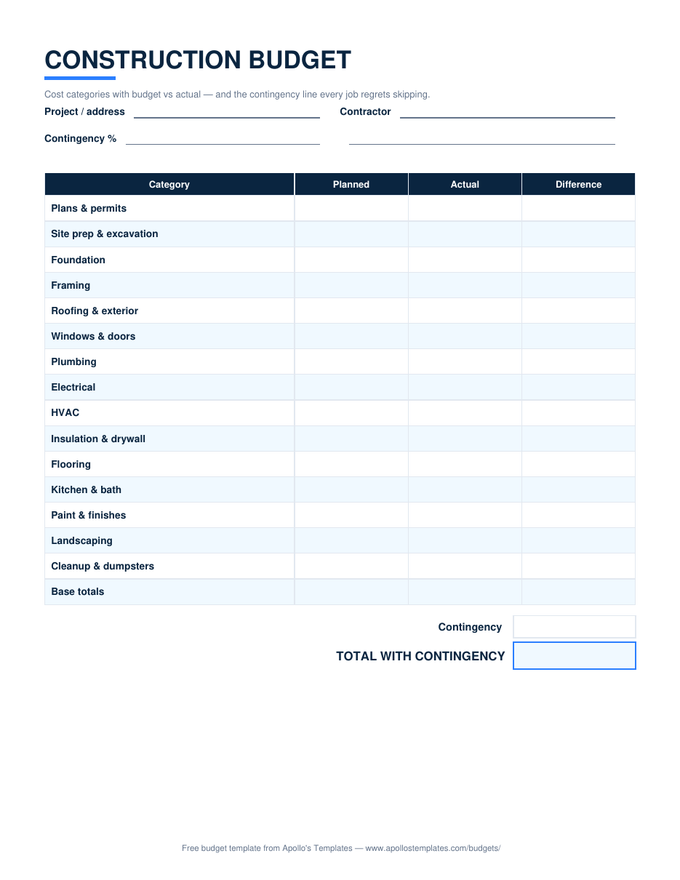
Every budget in the library as a print-ready blank PDF \u2014 because for a lot of people, the budget that works is the one on the fridge, filled in with a pen, seen every day by everyone it governs. Portrait US Letter, half-inch margins, grayscale-friendly, no signup and no watermark. The planned/actual columns print with generous cells; the cash-envelope pattern and its tracker cards live here too, being paper products by birth.

The paper fleet

Fourteen blank PDFs, pen-ready.
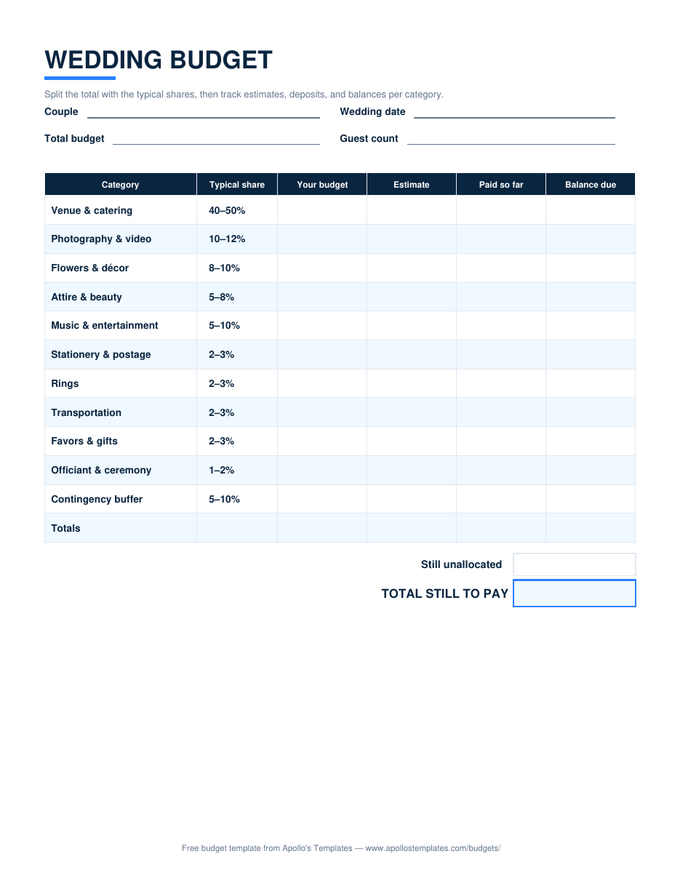
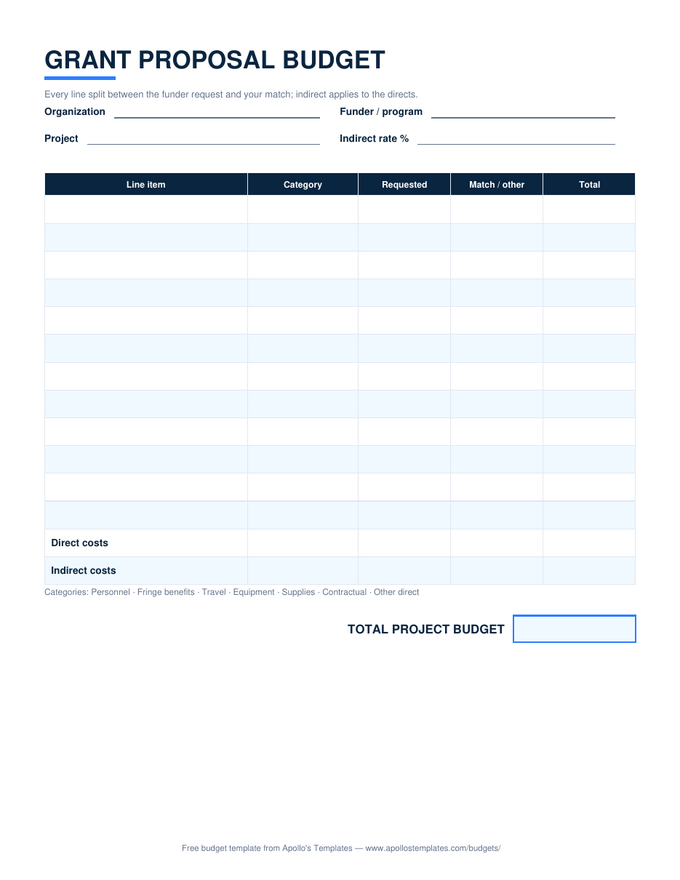
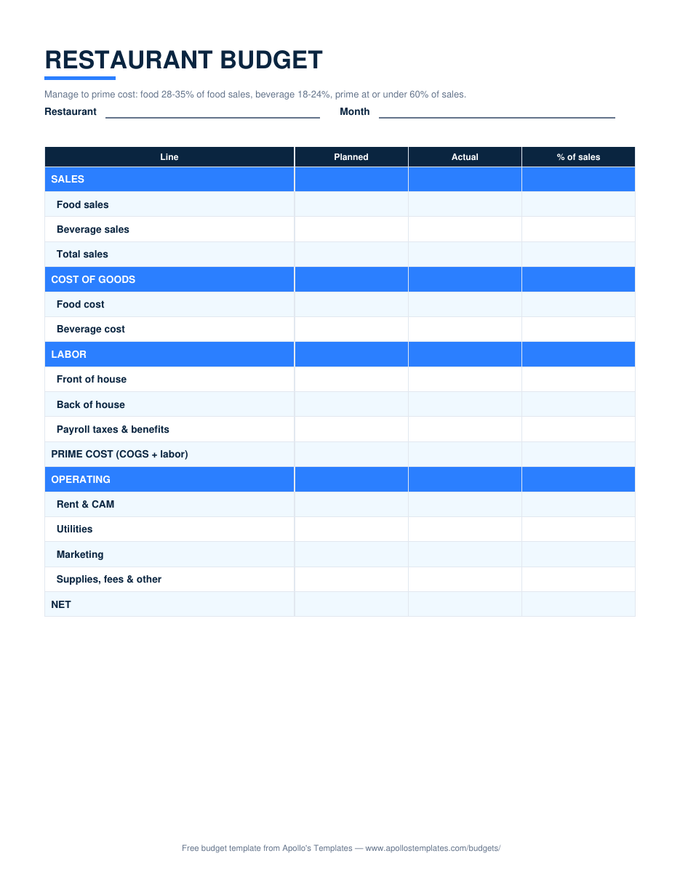
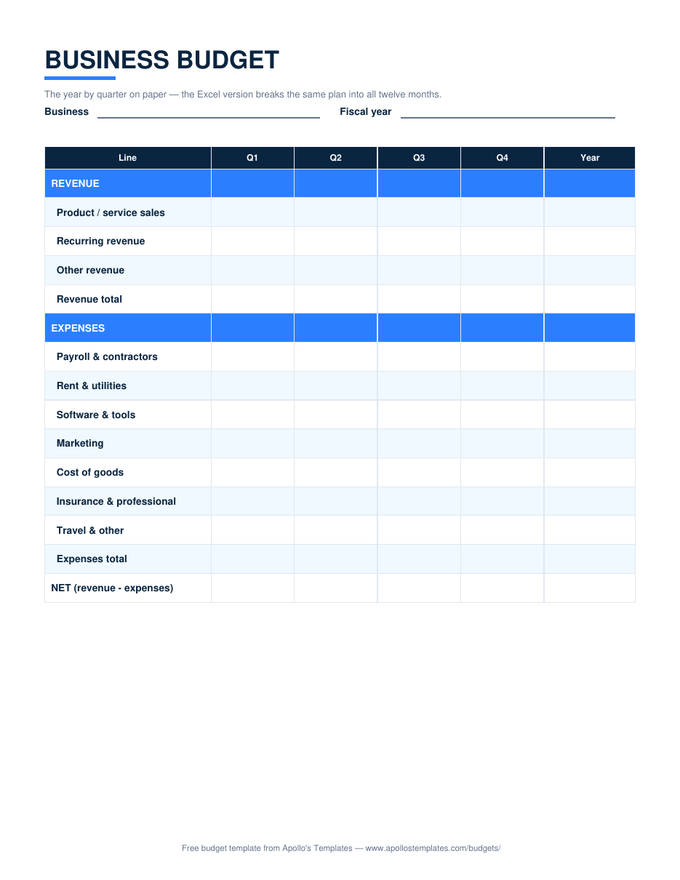
Business & orgs on paper

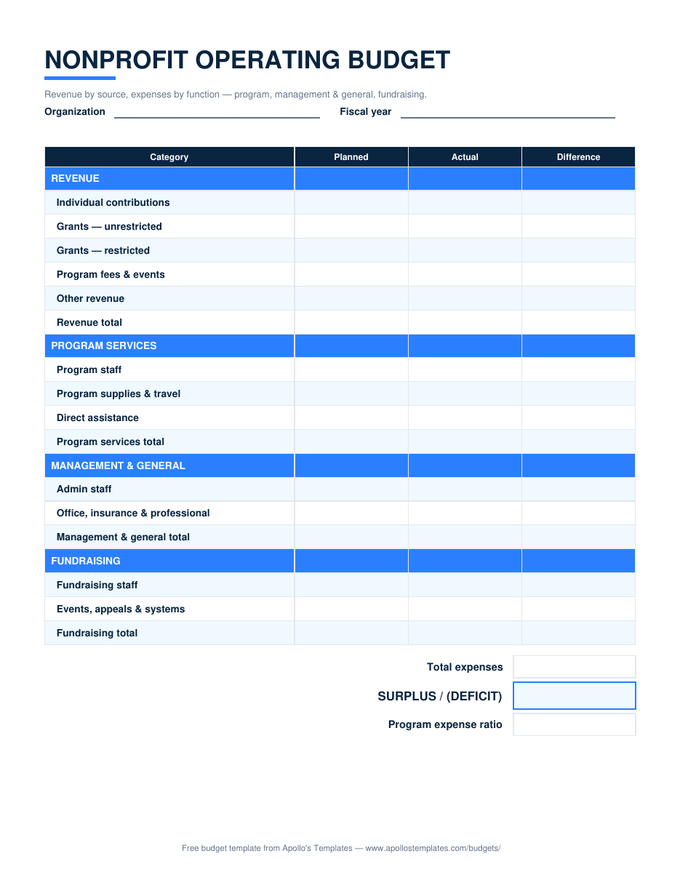
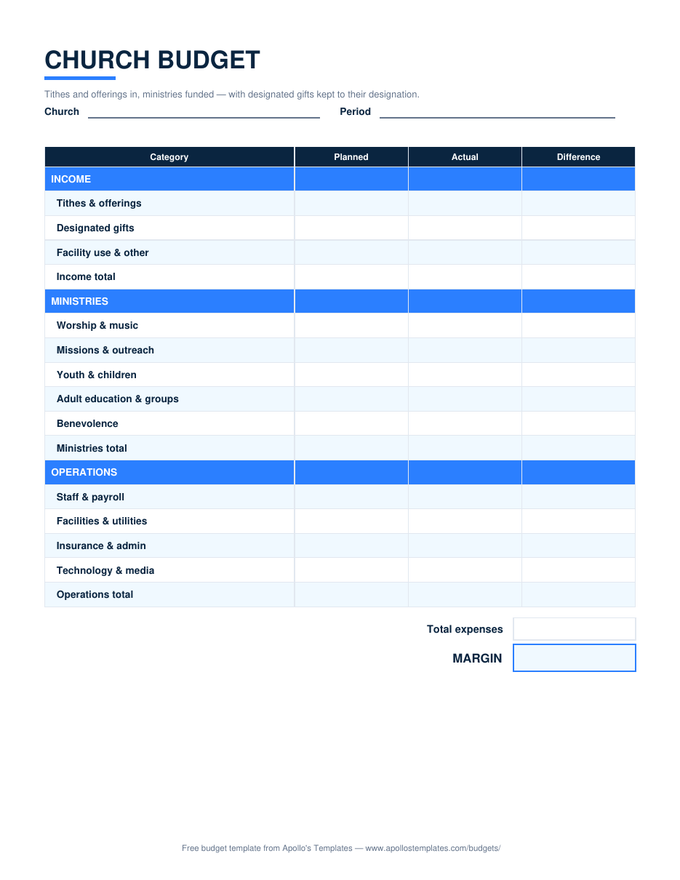
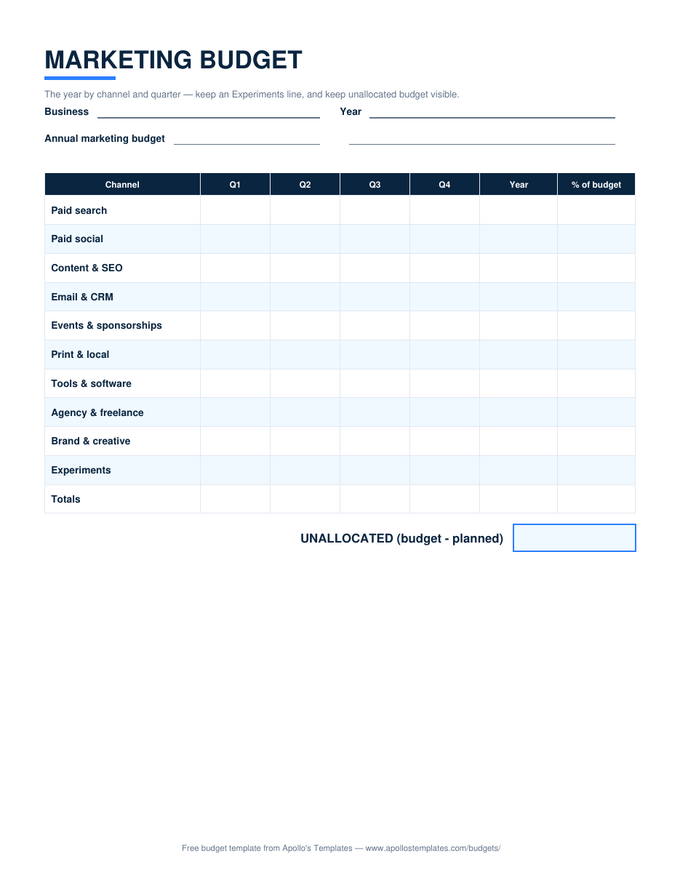
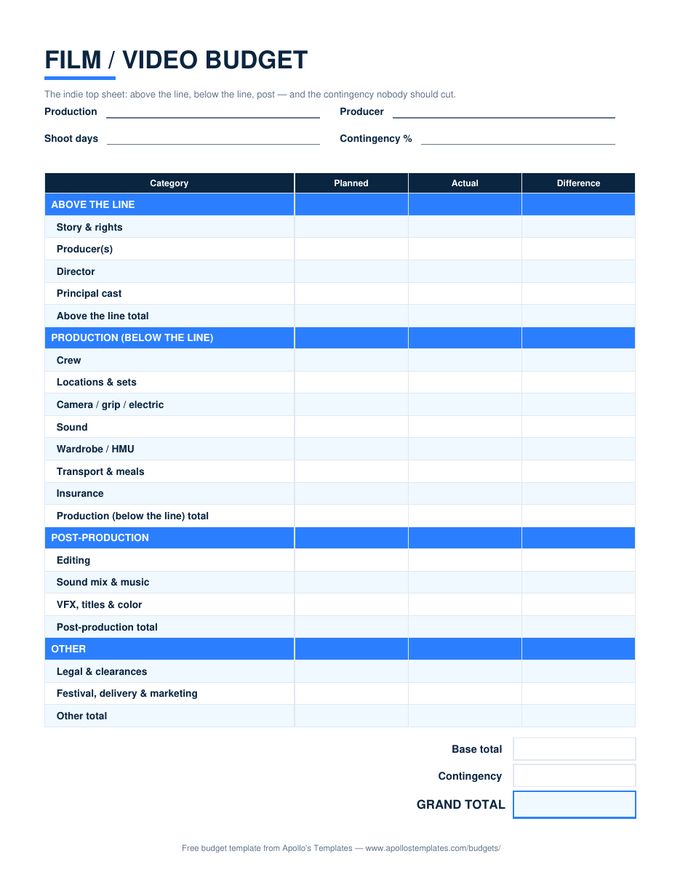
The organizational ten, print-ready.
Worth knowing

Paper budgets survive because they're visible.

Apps lose to the fridge door on one metric that turns out to matter most: ambient visibility. A budget inside a phone is consulted; a budget on the fridge is seen— by you at breakfast, by the household all month, without anyone deciding to look. For shared money especially, the public paper copy does something no private app does: it makes the plan communal furniture instead of one person’s project.

The workflow that makes paper work: fill the Planned column in pen at the month’s start (commitment), log actuals in pencil as the weeks run (reality), and keep the finished months in a folder — a year of them is a household’s financial autobiography, readable in ten minutes. If the arithmetic bothers you at month end, the same layouts compute themselves in the Excel versions; plenty of people plan on paper and reconcile on screen.

The envelope system
Cash Envelope Printables
The fold-and-glue envelope pattern and tracker cards, up close.
Open
Pen now, math later
Excel Budget Templates
The same layouts computing themselves for month-end reconciling.
Open
Type before printing
Budget Templates for Word
Customize categories and pre-fill bills, then print your own blanks.
Open

Frequently asked questions

Are these really blank — no signup, no watermark?
Completely. Each button downloads the PDF directly: no account, no email gate, no SAMPLE stamp, no premium version holding back the good rows. They print blank and stay blank — the fields are yours. We're a free template library; the PDFs are the product, not bait.
Are they fillable PDFs, or print-and-write?
Print-and-write — honest answer. These are clean forms designed for a pen, not interactive PDFs with typing fields. If you want to fill a budget on a screen, you have two better options than a fillable PDF anyway: the Excel and Google Sheets versions type and calculate, and the Word and Google Docs versions type and print. The paper versions earn their place on the fridge and the clipboard, which is where they're headed.
What's the best way to print them?
Any way — they're deliberately boring to print. Portrait US Letter, half-inch margins, no background bleed, and the navy headers render fine in grayscale, so default settings work on any printer. Budgeters who live on paper often print three months of their sheet at once; the cash-envelope pattern is the one file worth heavier paper — card stock folds into a sturdier envelope.
Which one should I put on the fridge?
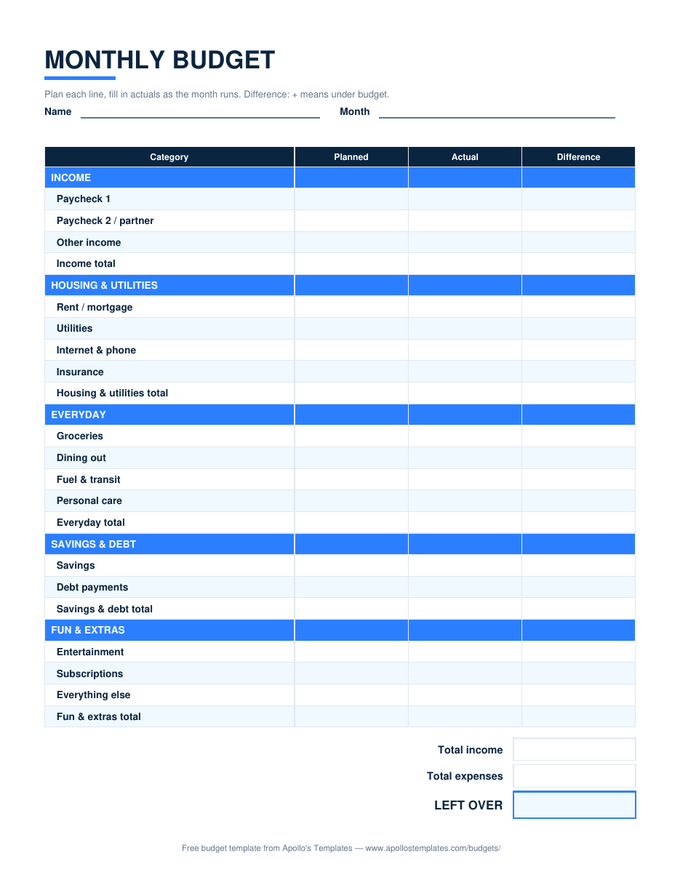
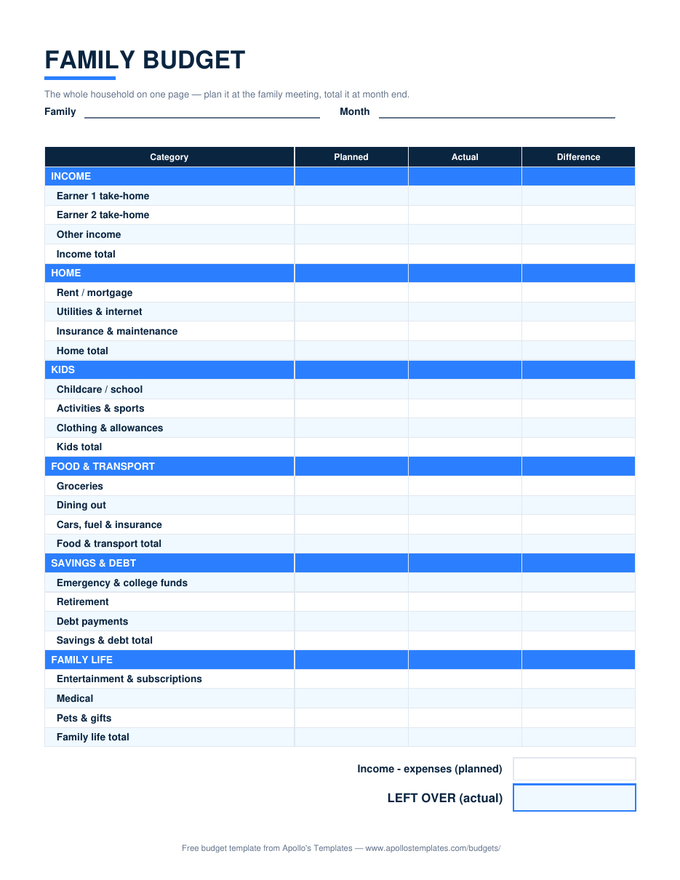
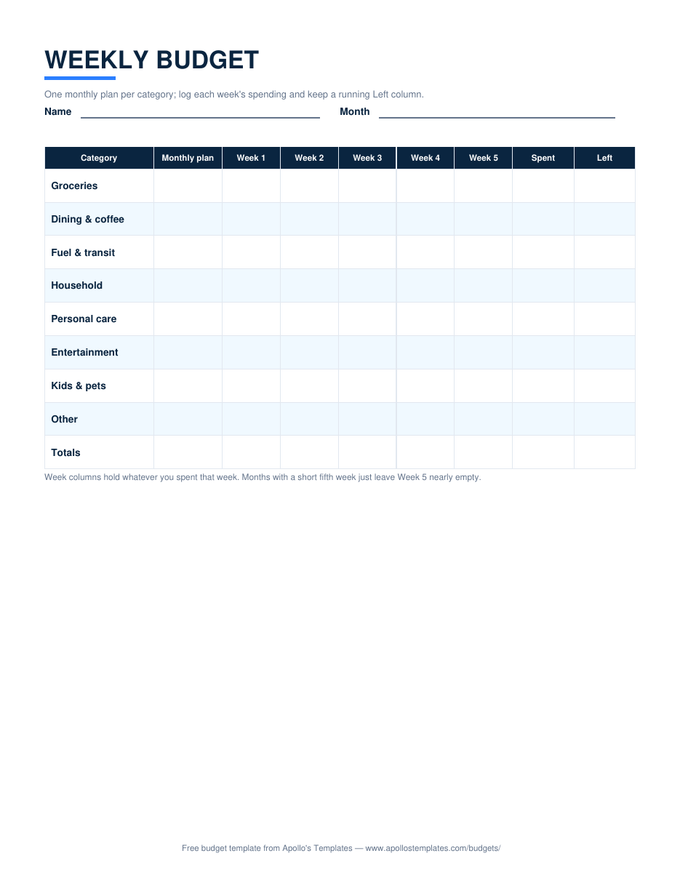
The monthly budget is the classic fridge sheet — the whole month, planned and actual, at a glance. Households running the family meeting post the family version; paycheck budgeters post the current check's plan and swap it each payday; the grocery grid earns a spot near the shopping list. The real answer is whichever sheet governs the money decisions that happen in the kitchen — that's the room where budgets are kept or broken.
Updated through August 2026