Apollo's Templates
HomeBudget TemplatesExcel
Math included

Excel Budget Templates

Every budget in the library as a working spreadsheet \u2014 not a grid that happens to open in Excel, but formulas that total the groups, compare planned to actual, compute savings rates and per-day rates and left-to-budget lines while you type. No macros, no locked cells, no upgrade nag, nothing that trips a security banner. Download the .xlsx, or send any of them straight to Google Sheets with the formulas verified surviving the trip.

The Excel fleet

Twelve spreadsheets, all self-calculating.
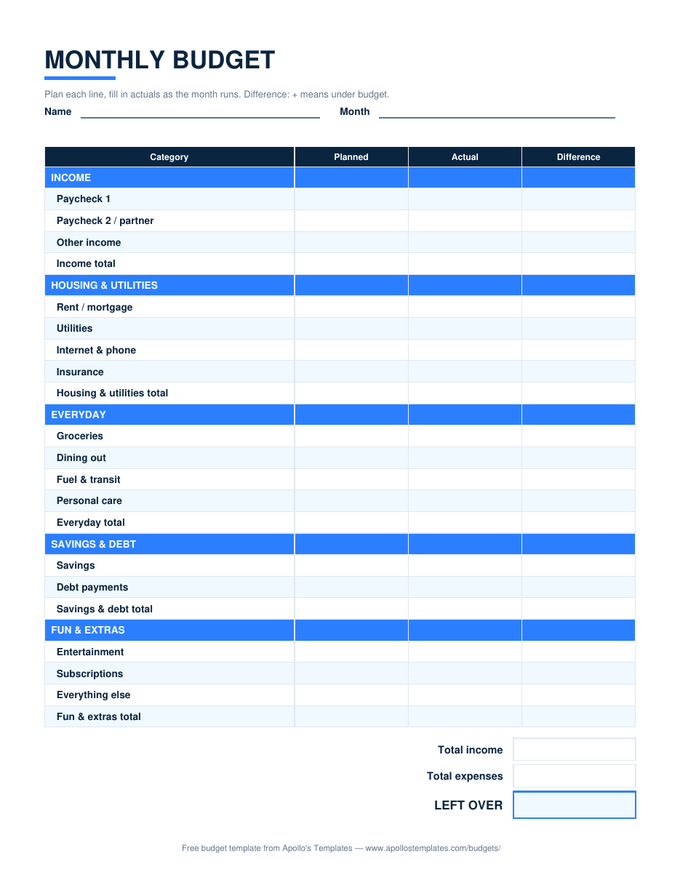
Monthly Budget

Grouped categories, planned/actual/difference, and a summary with your savings rate.

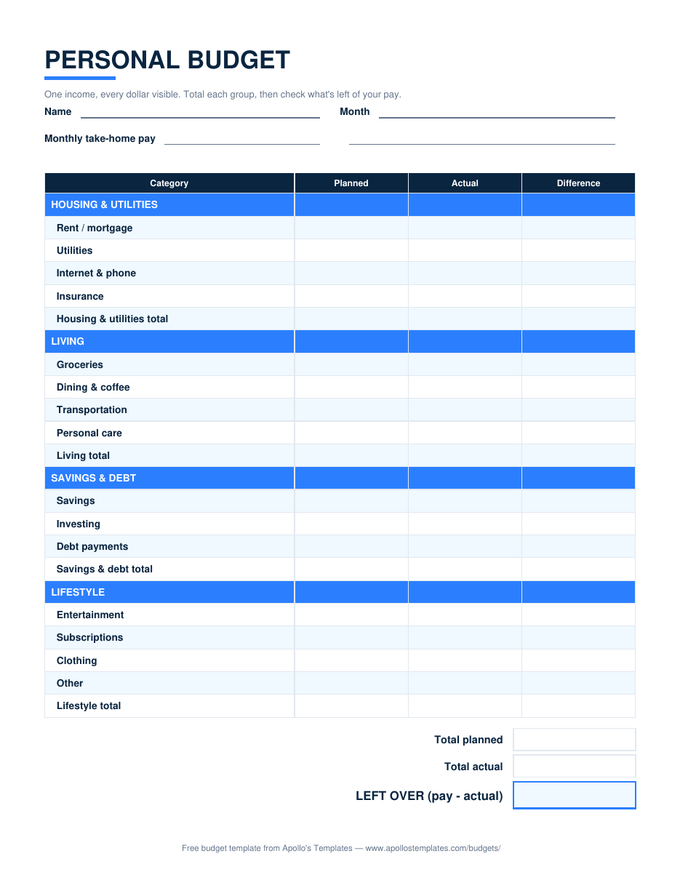
Personal Budget

Single-income layout with a %-of-pay column per group — drift shows while the month is live.

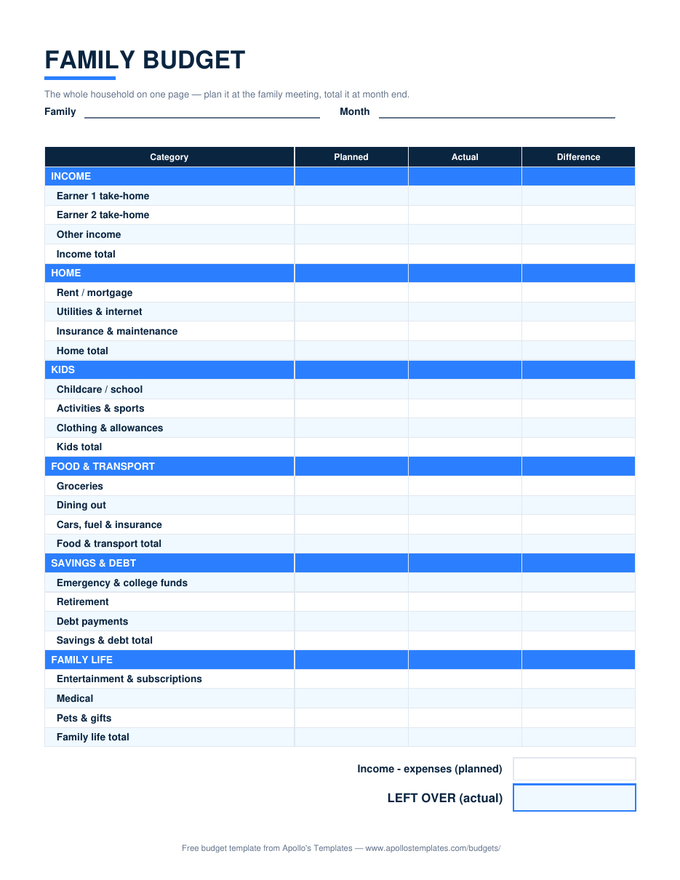
Family Budget

Two-earner income block, kids' categories, and the family-meeting LEFT OVER rows.

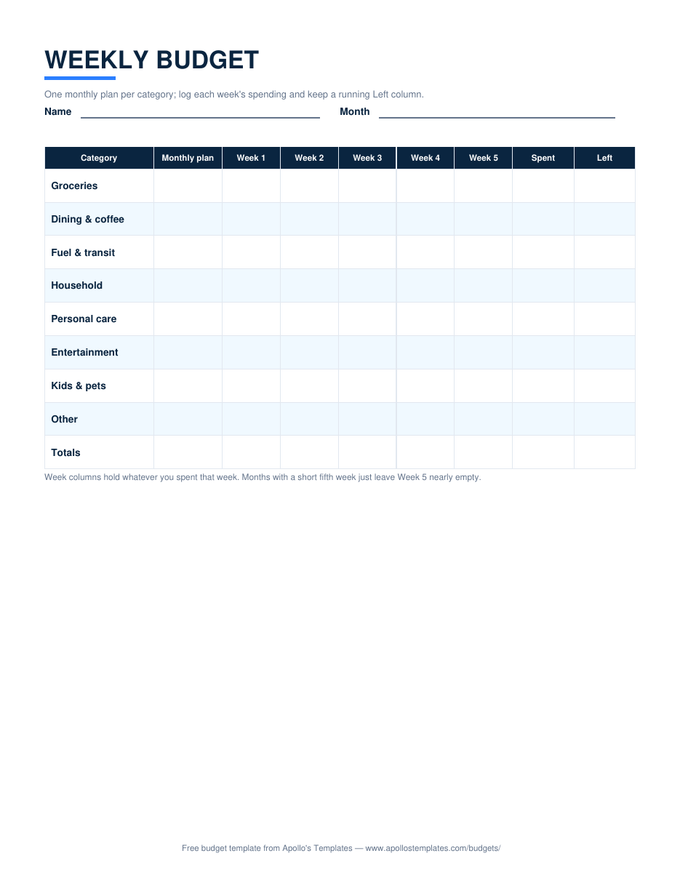
Weekly Budget

A monthly plan per category with five week columns — Spent and Left keep themselves.

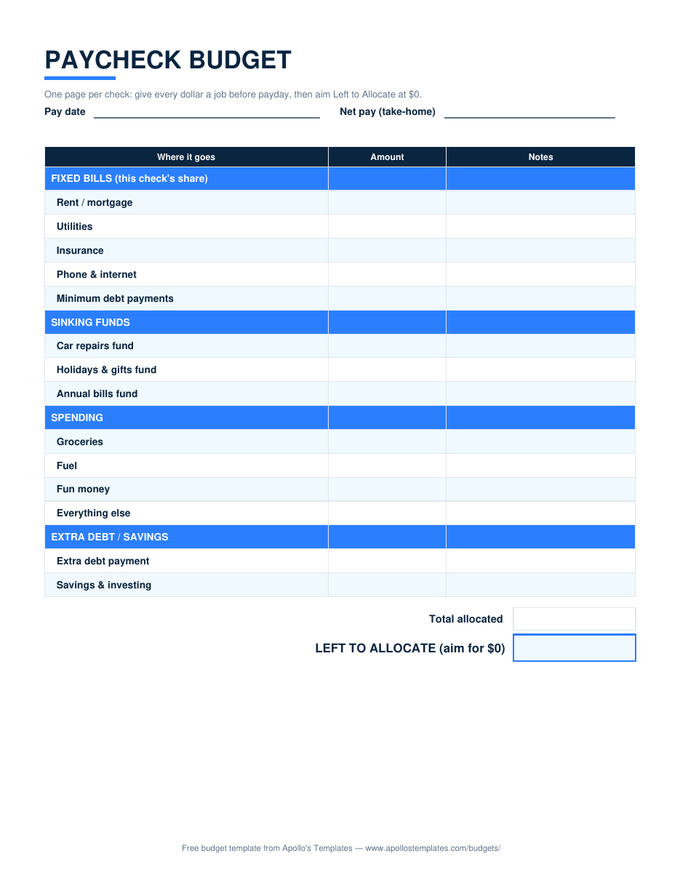
Paycheck Budget

Four sheets: two paycheck plans, a bill calendar with per-check SUMIF splits, sinking funds.

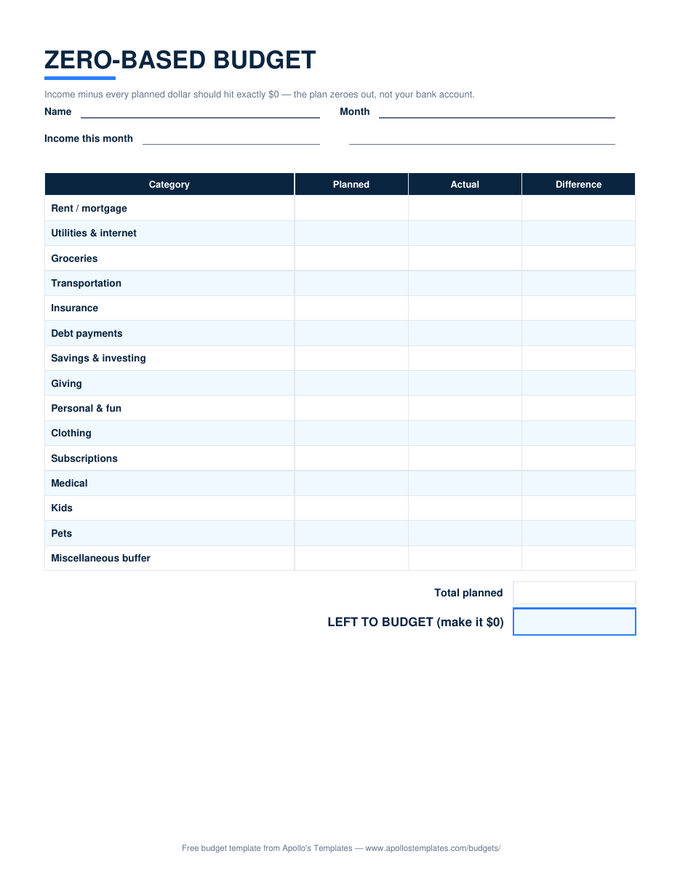
Zero-Based Budget

Every dollar assigned — LEFT TO BUDGET computes live and wants to read $0.00.

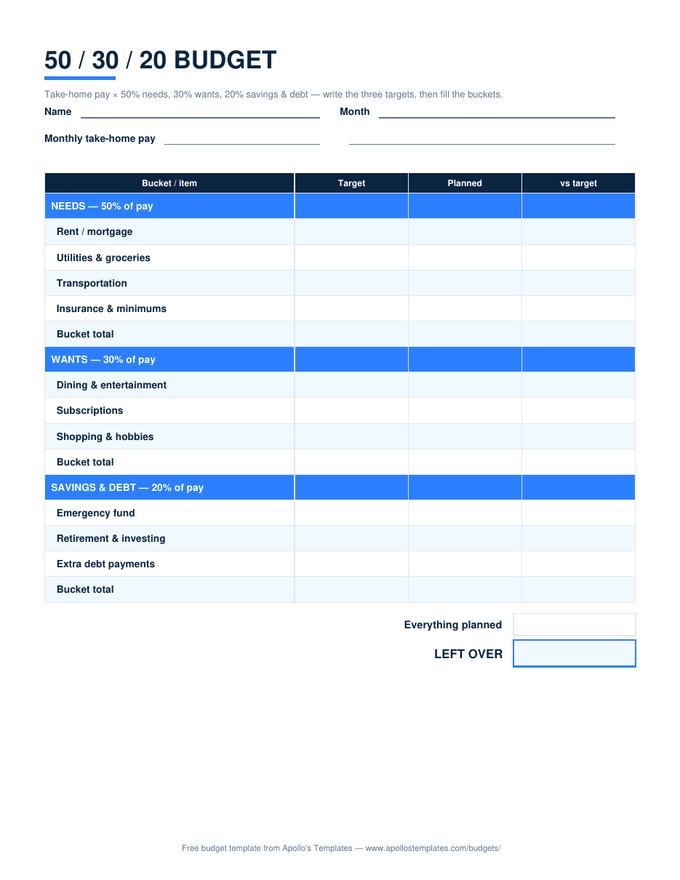
50/30/20 Budget

Targets compute from take-home pay; each bucket shows over or under automatically.

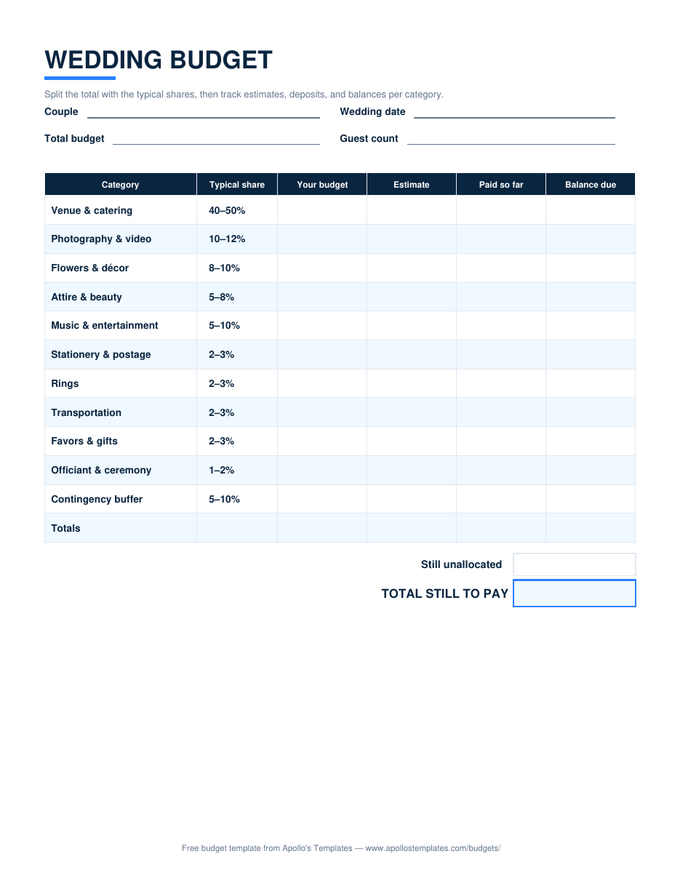
Wedding Budget

Typical-share guidance, budget vs estimate vs paid, balance due, and cost per guest.

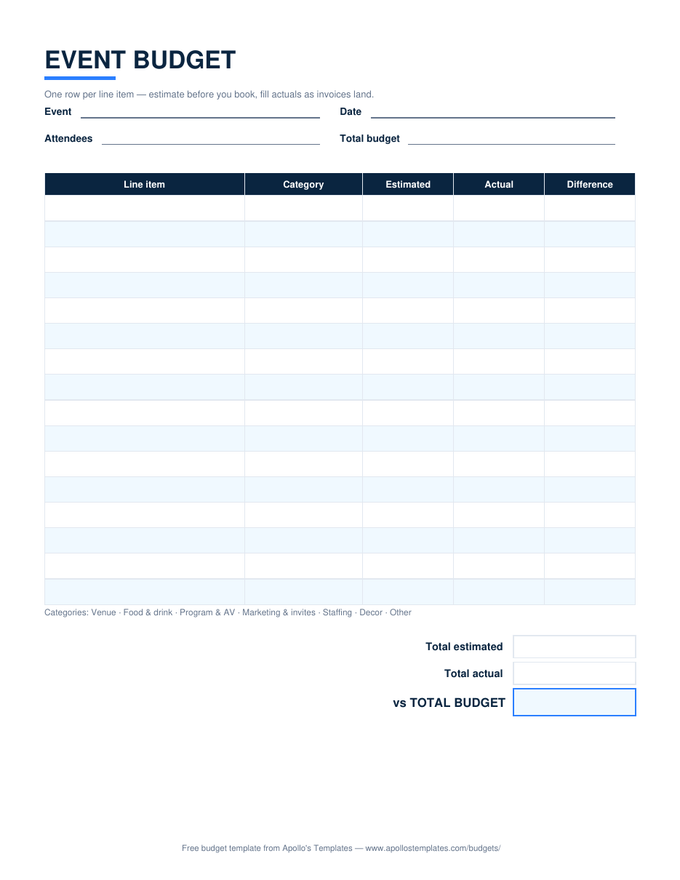
Event Budget

Line items with a category dropdown, SUMIF category summary, per-attendee cost.

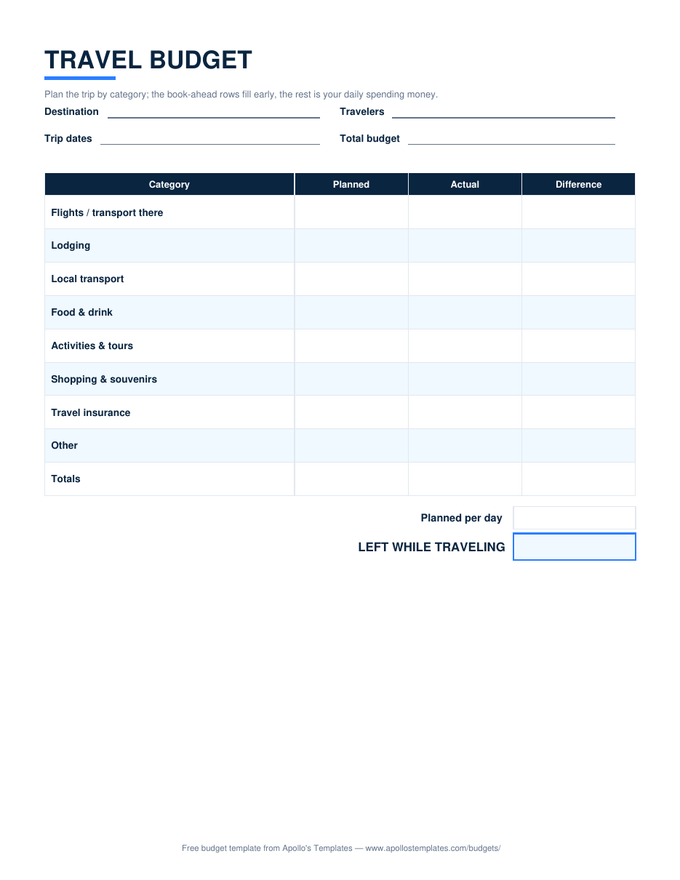
Travel Budget

Nights and per-day math from your dates; LEFT WHILE TRAVELING updates as you spend.

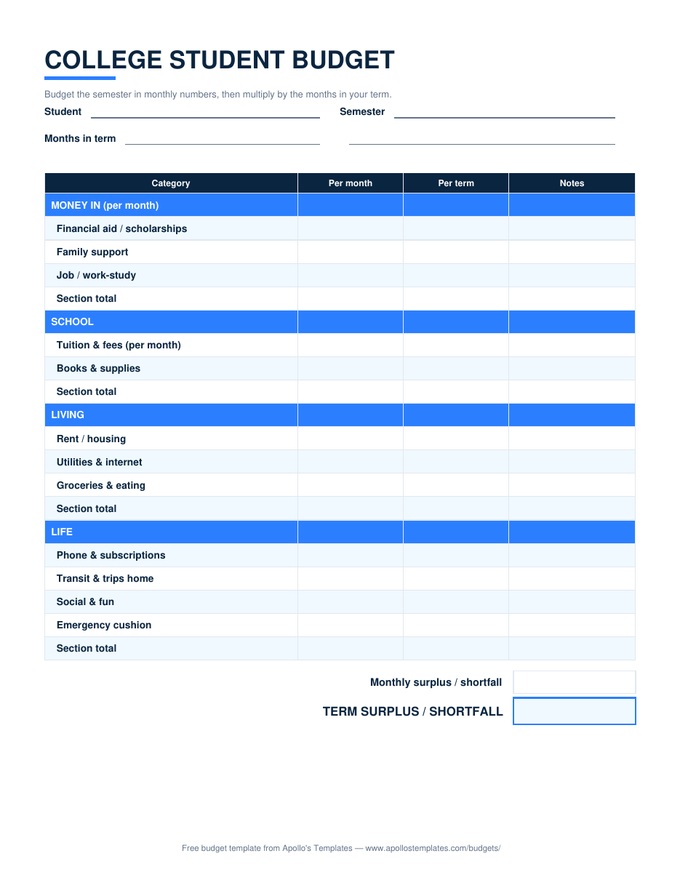
College Budget

Budget monthly; the per-term columns multiply by your months automatically.

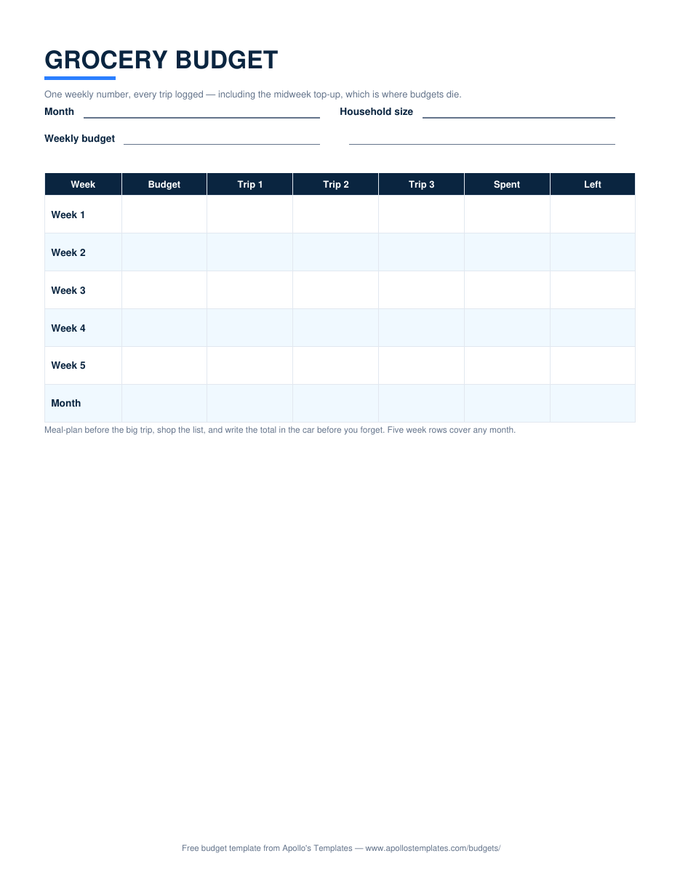
Grocery Budget

A weekly number, three trips per week, and a month row that keeps the total honest.
The business & org fleet

Ten more, from operating grids to top sheets.
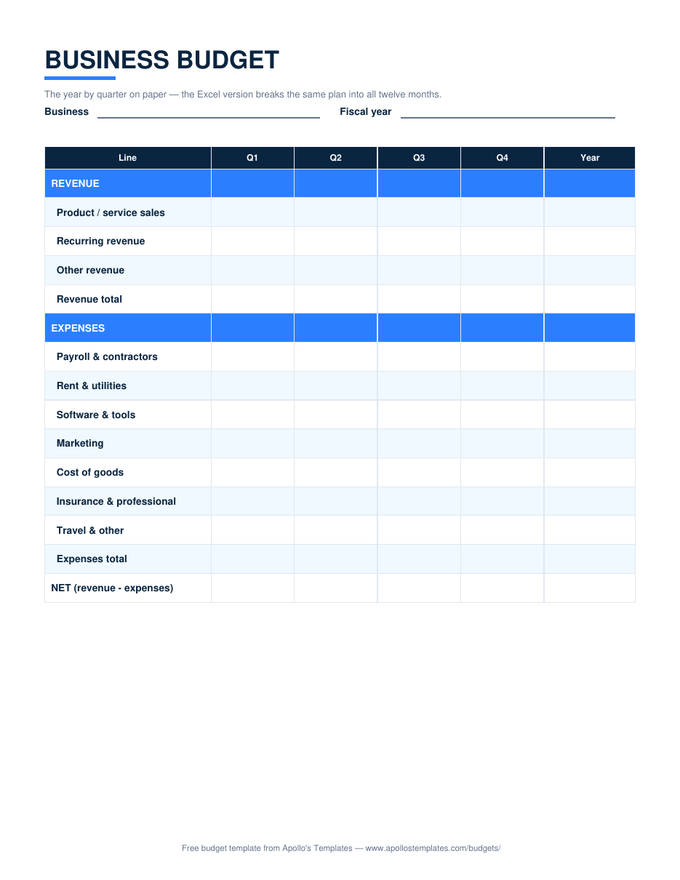
Business Budget

Twelve month columns, revenue and expense rows, NET computed both ways.

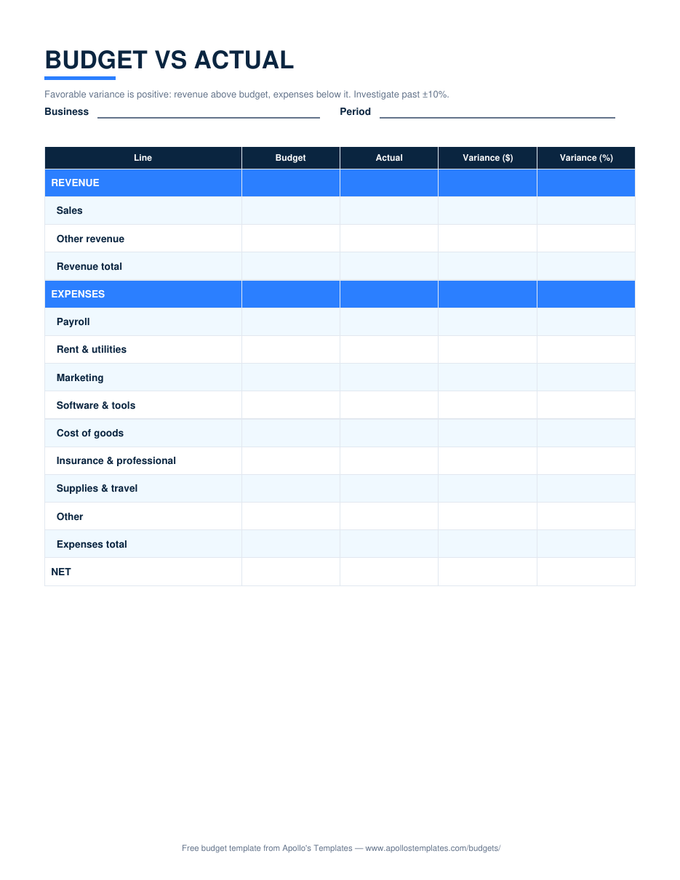
Budget vs Actual

Variance in dollars and percent per line, favorable always positive.

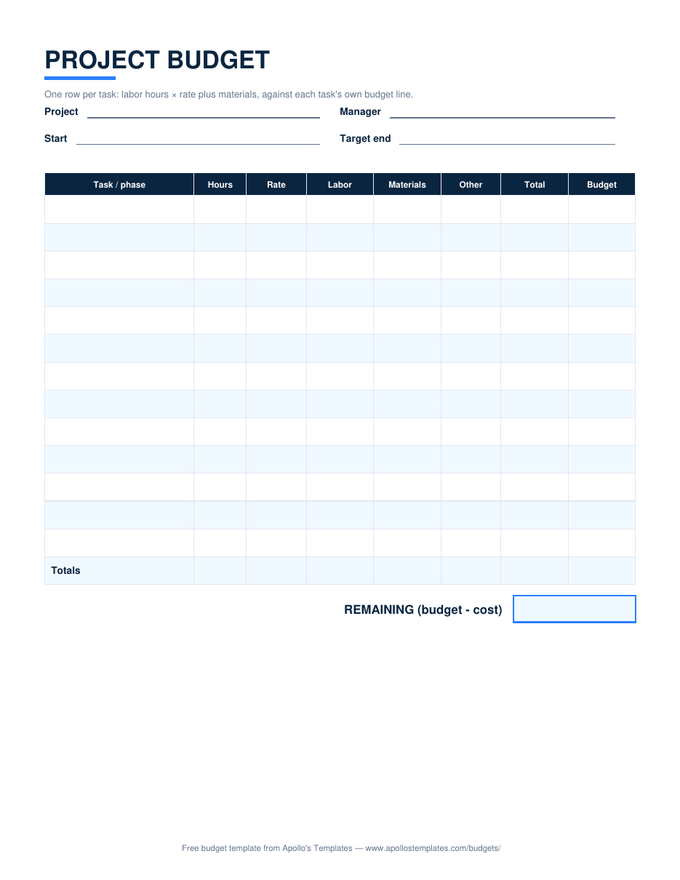
Project Budget

Labor computes from hours × rate per task; REMAINING keeps itself.

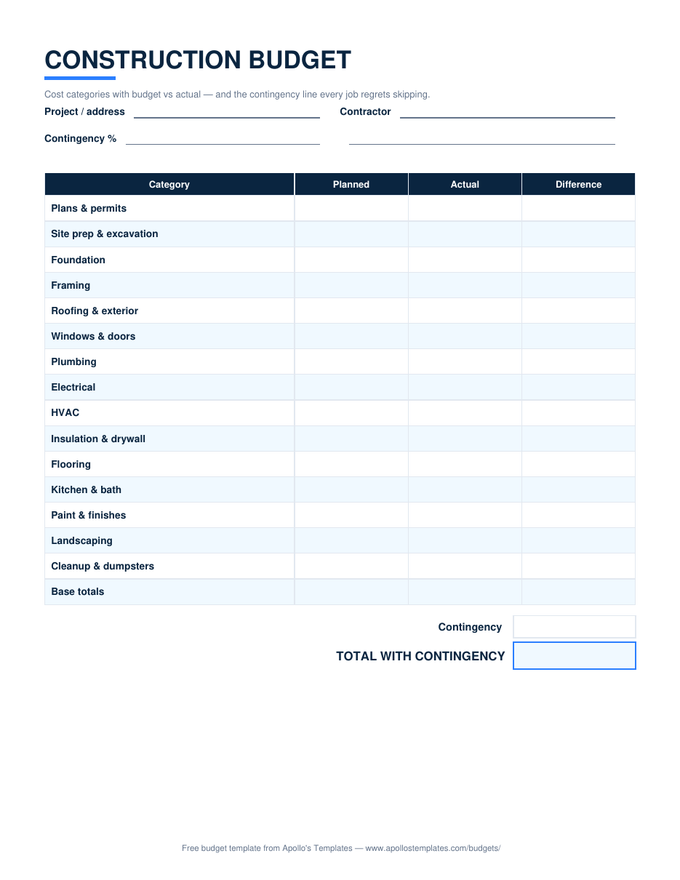
Construction Budget

Fifteen build categories with variance and computed contingency.

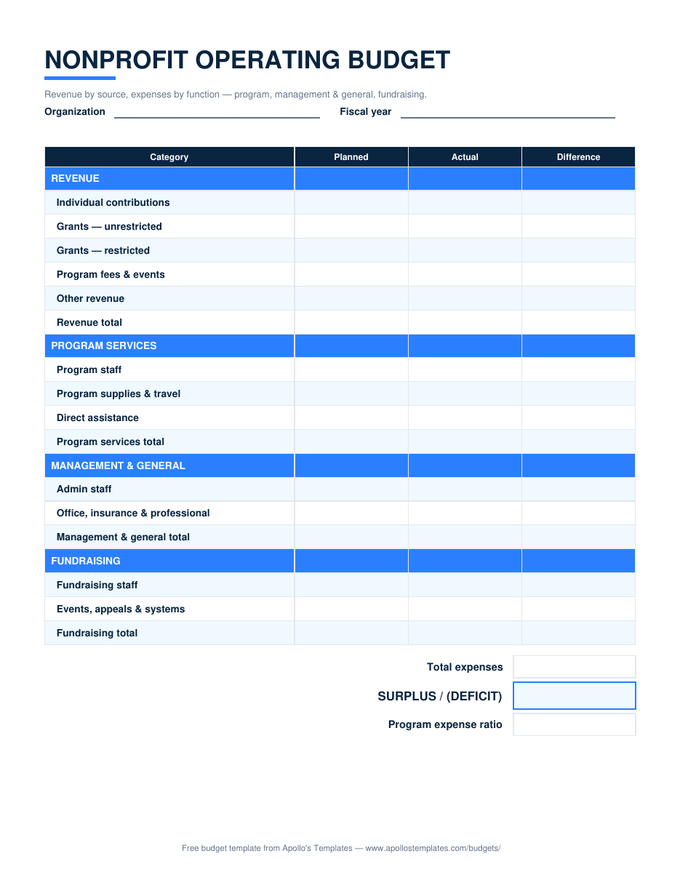
Nonprofit Budget

Functional expenses, restricted revenue flagged, program ratio computed.

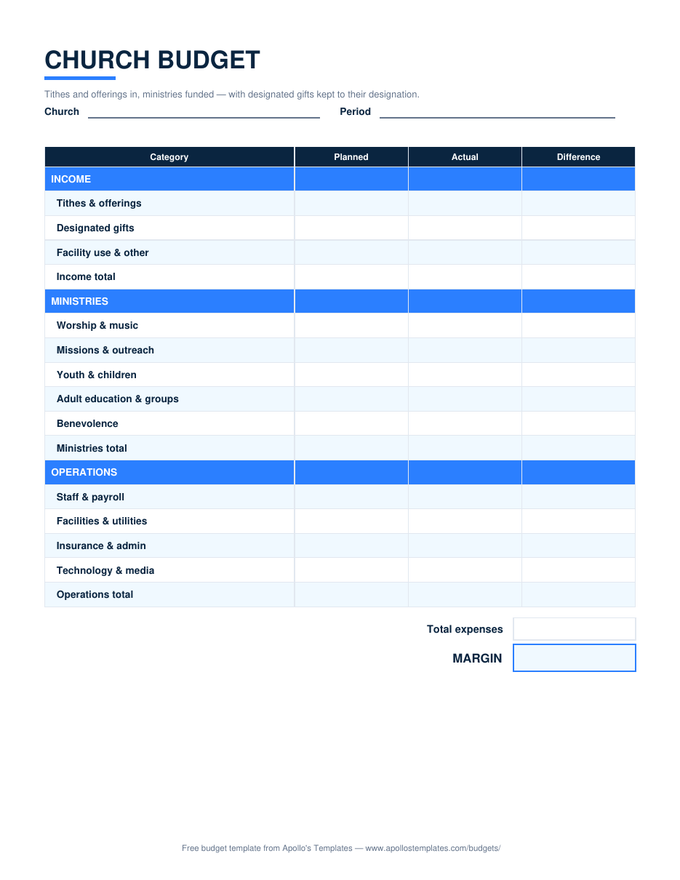
Church Budget

Ministry categories with planned/actual and the ministries-share line.

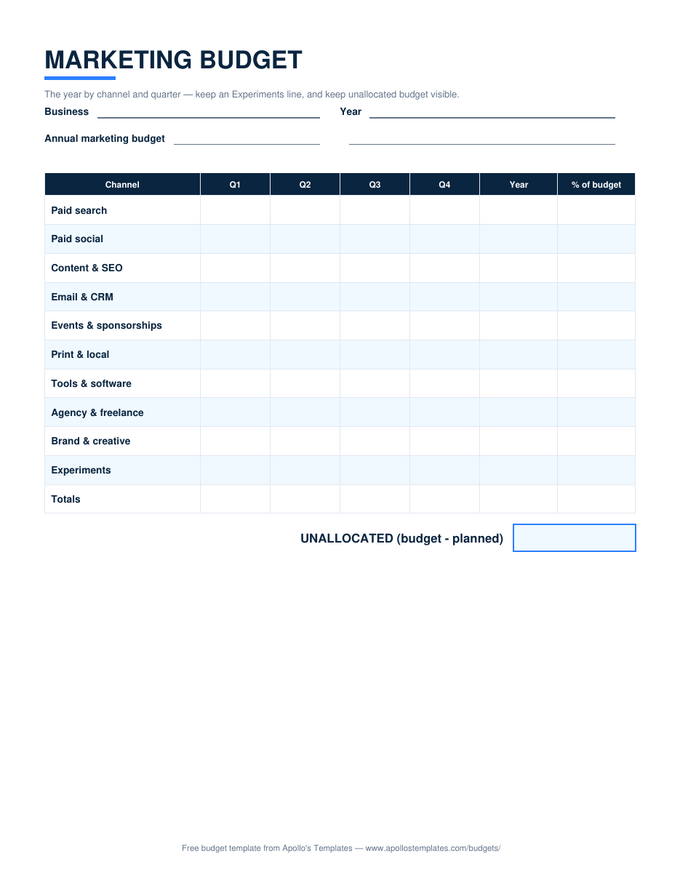
Marketing Budget

Channels by quarter, shares computed, unallocated kept visible.

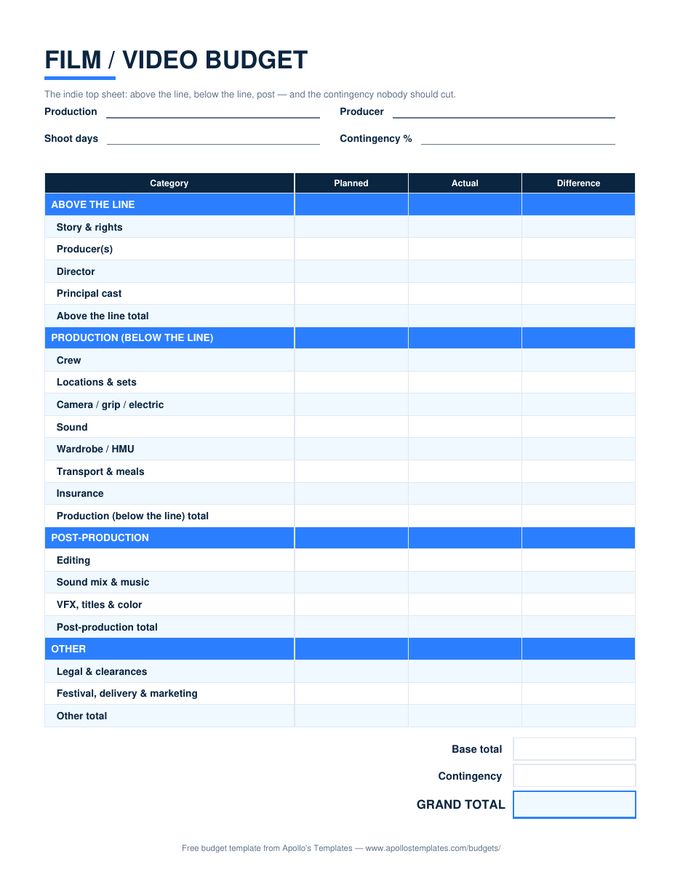
Film Budget

The indie top sheet — ATL, BTL, post, contingency computed.

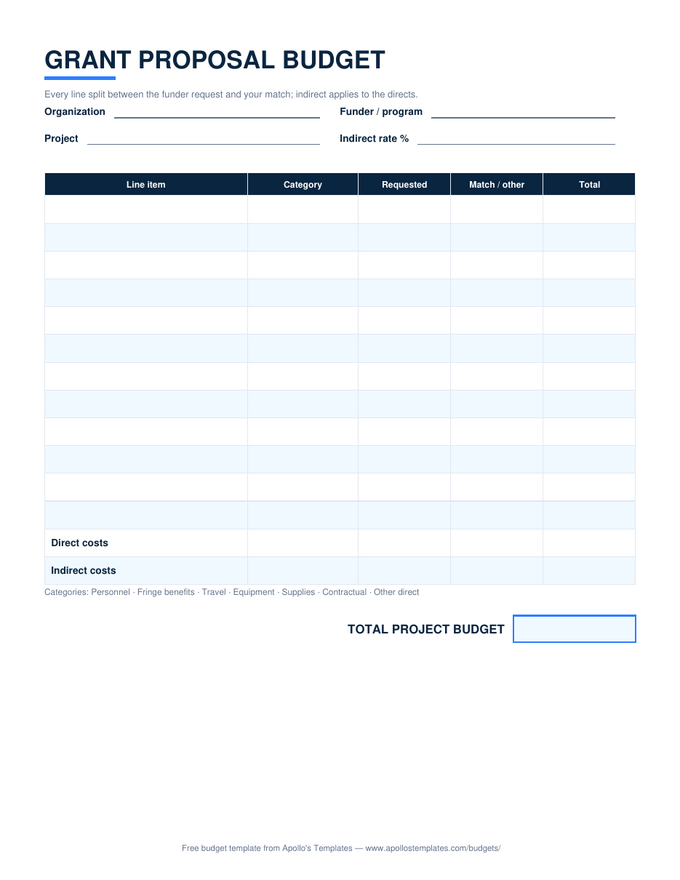
Grant Budget

Request vs match with the indirect rate applied to directs.

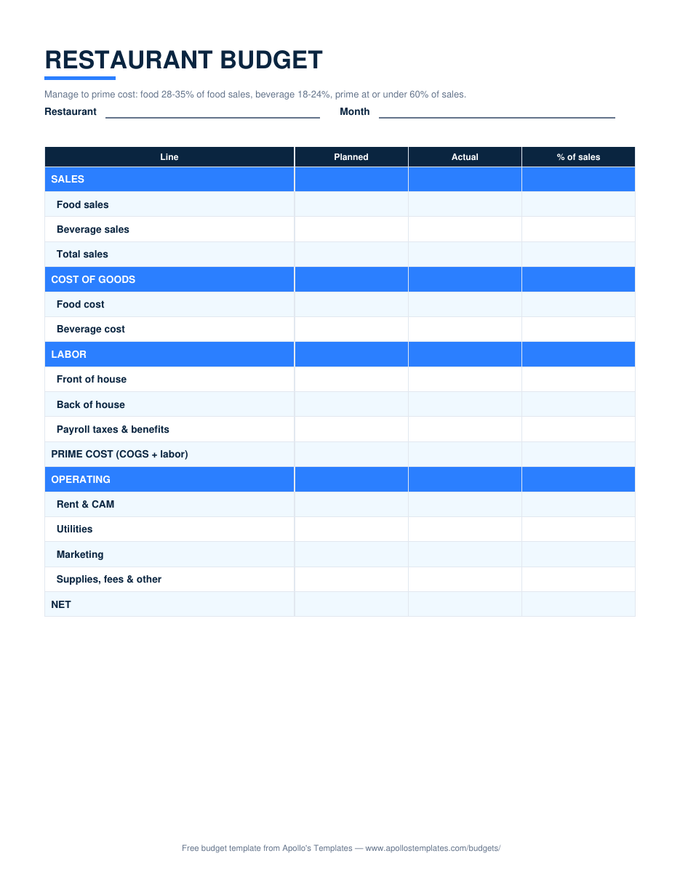
Restaurant Budget

Food and beverage cost percentages plus the prime-cost line.
Worth knowing

Ordinary formulas, deliberately.

Everything here runs on SUM, SUMIF, IF, and COUNT — no macros, no add-ins, no external links. That’s a choice with three payoffs: the files open in any Excel back to 2010 (plus LibreOffice, Numbers, and Excel for the web) without warnings; the formulas survive conversion to Google Sheets, which we verify by reading computed values back after import rather than assuming; and you can read every formula yourself, because a budget you can audit is a budget you can trust.

And nothing is protected. Rename categories, add rows between existing ones (the SUM ranges stretch), change the 50/30/20 ratios if your rule is 60/20/20, retype the paycheck sheet’s bills to yours. The formulas are the scaffolding, not the cage — the sheets are meant to end up looking like your life.

Same math, zero installs
Google Sheets Budget Templates
Make-a-copy versions of all twelve spreadsheets, verified after conversion.
Open
For the fridge instead
Printable Budget Templates
The whole fleet as blank PDFs — planned/actual with a pen.
Open
Start with the flagship
Monthly Budget
The grouped planned/actual month with the savings-rate summary.
Open

Frequently asked questions

Which versions of Excel do these work in?
Any Excel from 2010 onward, including Microsoft 365 and the free Excel for the web, plus LibreOffice Calc and Apple Numbers. The files are plain .xlsx built on ordinary functions — SUM, SUMIF, IF, COUNT — with standard formatting and no macros, so nothing triggers a security prompt and nothing needs enabling. If your spreadsheet program opens .xlsx files at all, these work in it.
Do the formulas survive opening these in Google Sheets?
Yes — verified, not assumed. Every template's 'Open in Google Sheets' button leads to a master we created by importing the actual .xlsx, and our build process uploads sample-filled copies and reads the computed results back out: group totals, LEFT OVER lines, the zero-based sheet's $0.00 check, the 50/30/20 targets, the travel sheet's date math. All of it matches the Excel originals to the penny before a master ships.
Can I add my own categories and rows?
Freely — no cell is locked. The reliable pattern for adding rows: insert them between the first and last existing rows of a group, so the SUM ranges stretch automatically; inserting directly below a group's last row is the one move that needs the subtotal formula's range nudged. Renaming category text never breaks anything, since the formulas reference cells, not names — the one exception is the event sheet's category summary, which matches dropdown text, so rename its categories in both places.
Why don't these have charts and dashboards?
Restraint, mostly. Dashboard-heavy budget spreadsheets photograph well and then die in week two — the maintenance cost of feeding a dashboard exceeds most people's budgeting appetite, and the numbers that drive decisions (LEFT OVER, the differences, the savings rate) read faster as numbers. The sheets keep the full computed layer so a chart is one select-and-insert away if you want one, but the default ships lean on purpose: a budget's job is decisions, not decoration.
Updated through August 2026