Apollo's Templates
HomeBudget TemplatesGoogle Sheets
Live in your Drive

Google Sheets Budget Templates

Every budget in the library as a make-a-copy Google Sheets link \u2014 the version for money that gets managed from two phones and a laptop. One click puts a private copy in your own Drive with the formulas verified working after conversion: the totals, the LEFT OVER lines, the zero-based $0.00 check, the travel sheet's date math. Log the grocery trip from the parking lot; the budget is wherever you are.

The Sheets fleet

Twelve sheets, one click each.
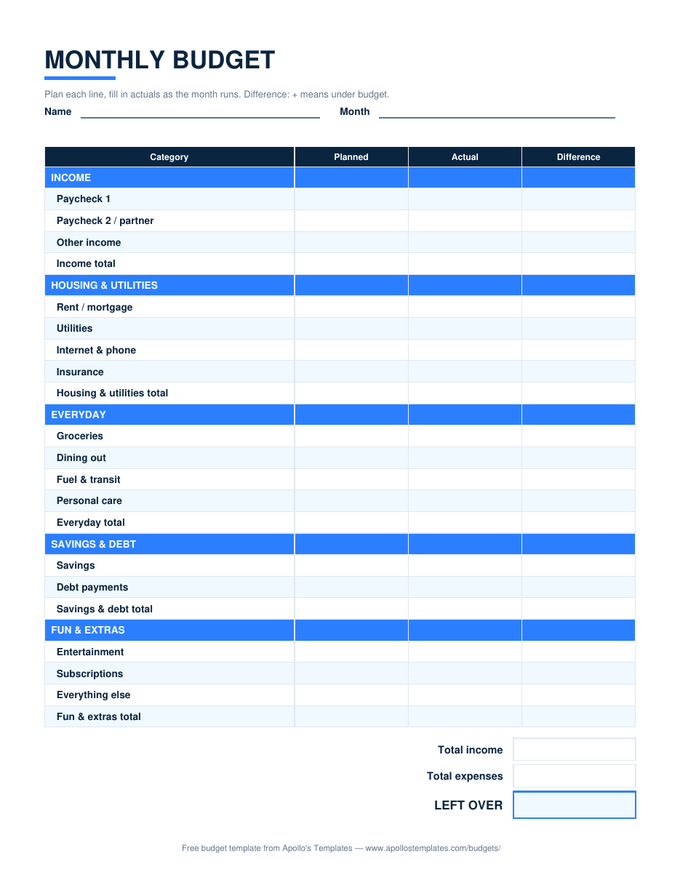
Monthly Budget preview

Monthly Budget

The flagship, live in Drive — plan on the laptop, log actuals from the phone.
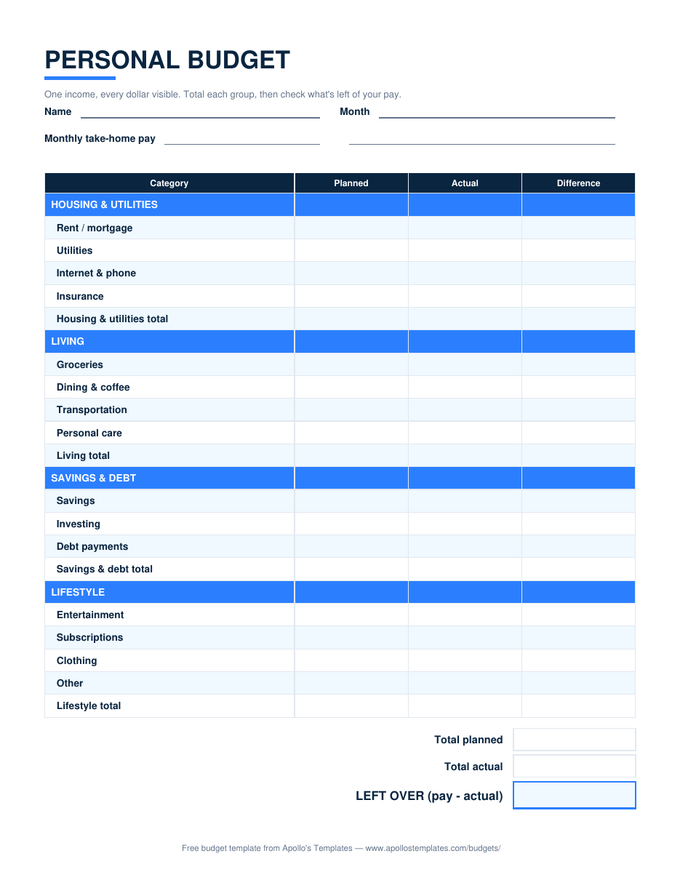
Personal Budget preview

Personal Budget

One person, one Sheet — the %-of-pay column recalculates on every entry.
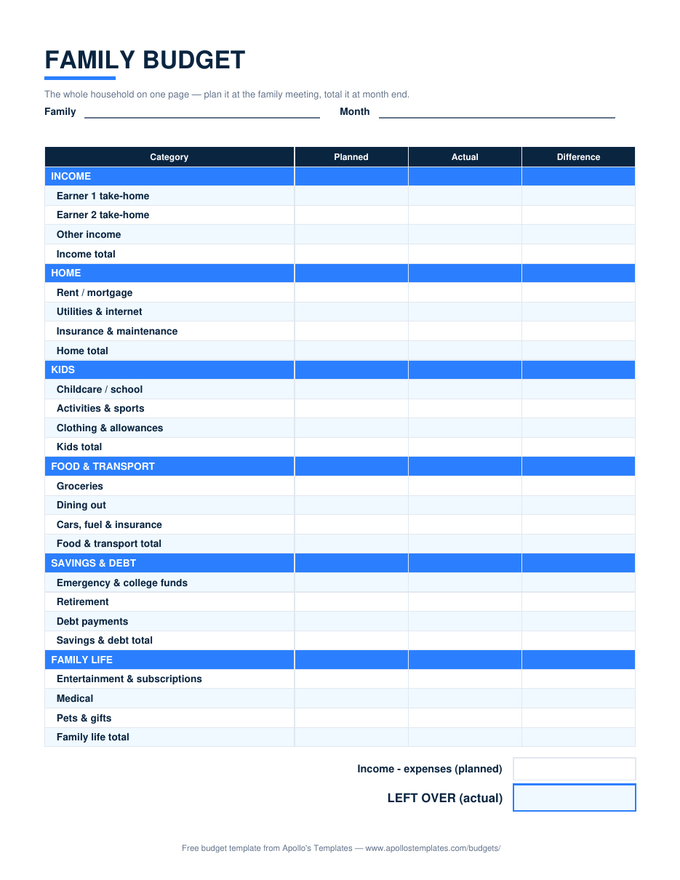
Family Budget preview

Family Budget

Both parents edit the same budget from separate phones — the family sheet's natural home.
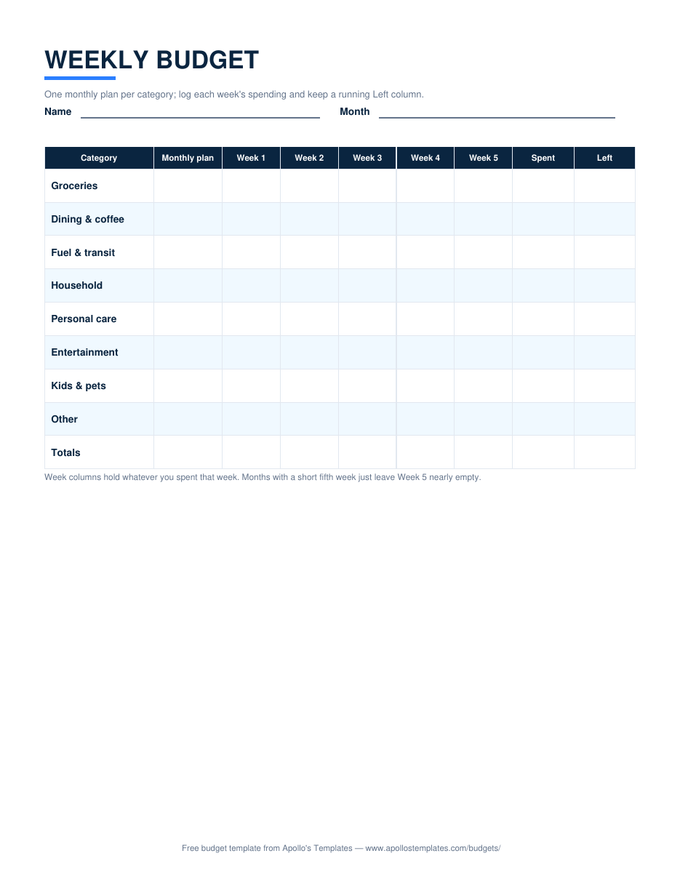
Weekly Budget preview

Weekly Budget

Log each week from wherever you are; the Left column updates as you type.
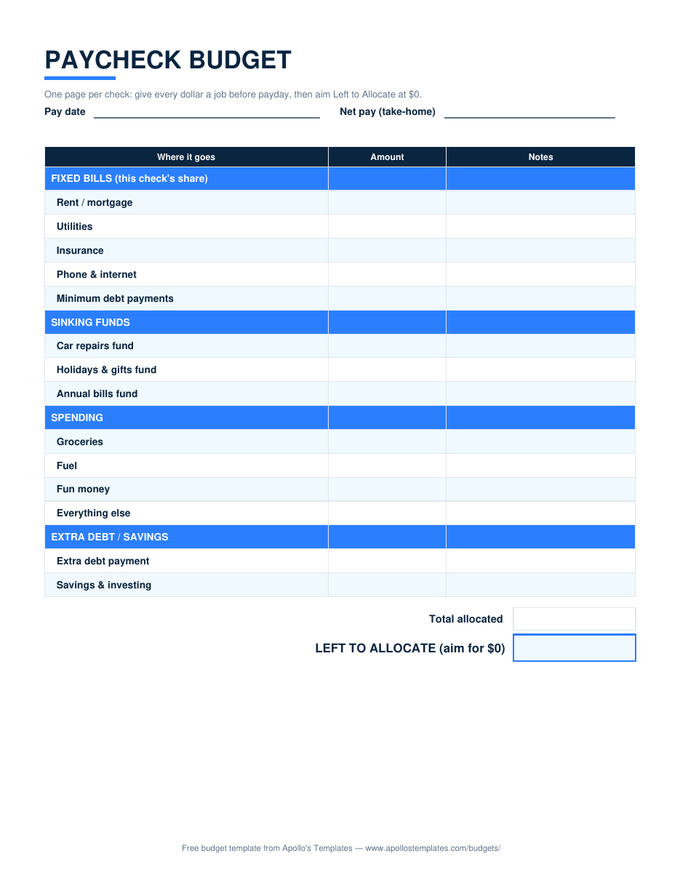
Paycheck Budget preview

Paycheck Budget

Plan each check the night it lands — the LEFT TO ALLOCATE line follows you to $0.
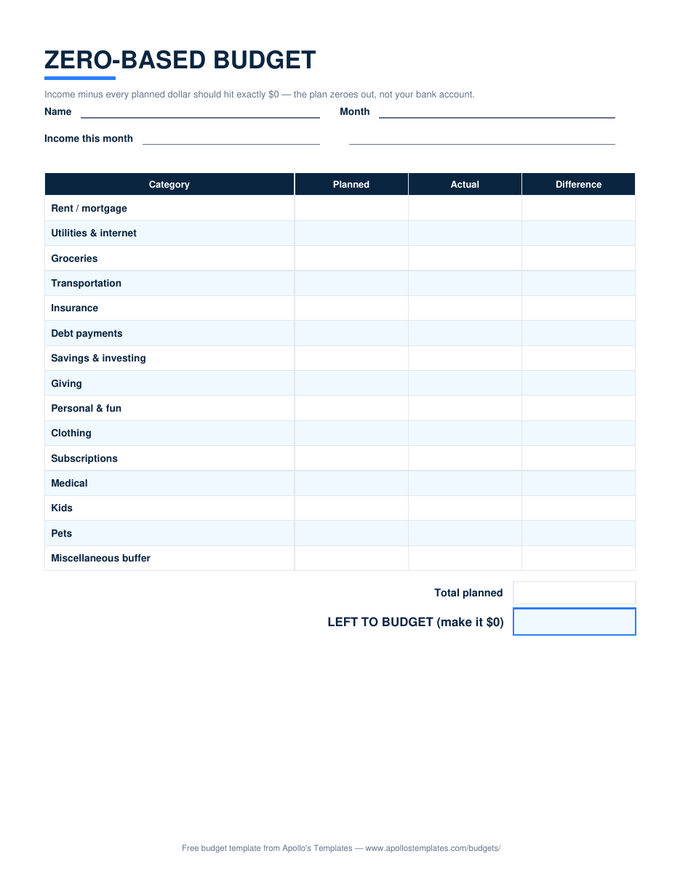
Zero-Based Budget preview

Zero-Based Budget

Zero-based in Drive: assign dollars until the check line hits zero, from any device.
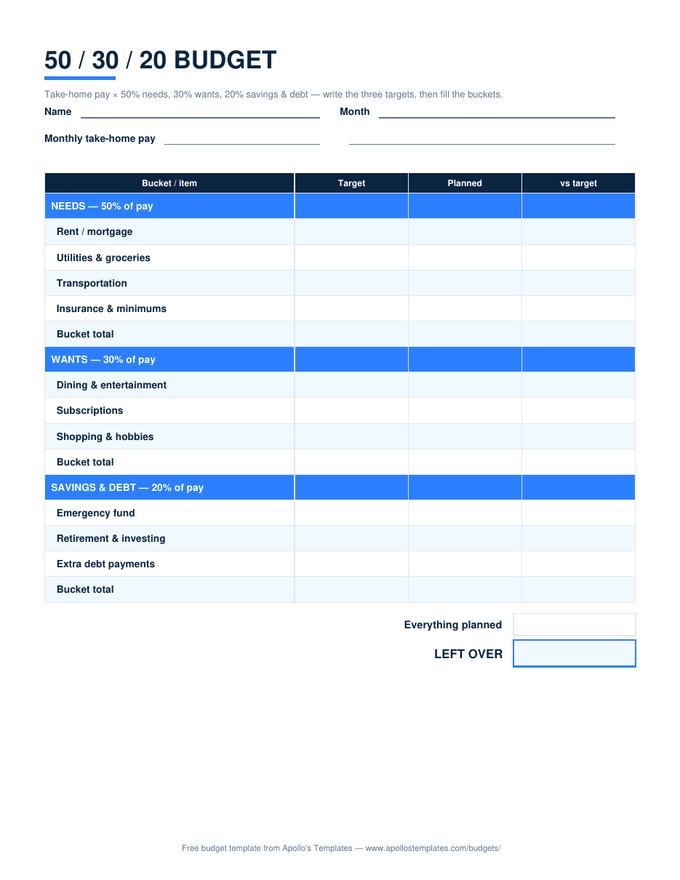
50/30/20 Budget preview

50/30/20 Budget

Enter pay once and the 50/30/20 targets follow you to the phone.
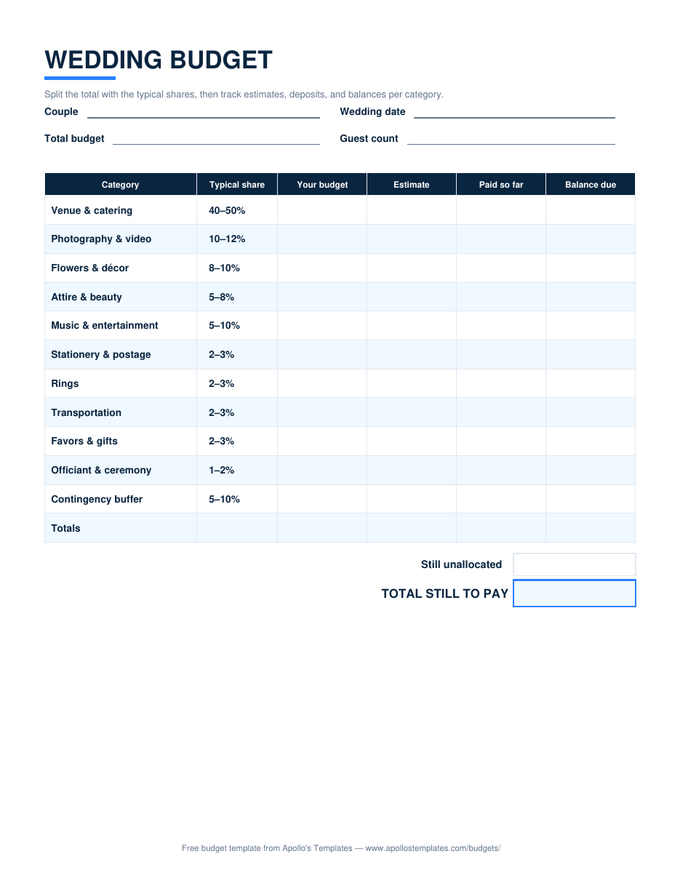
Wedding Budget preview

Wedding Budget

The wedding sheet both partners (and the planner) can edit — deposits logged the day they happen.
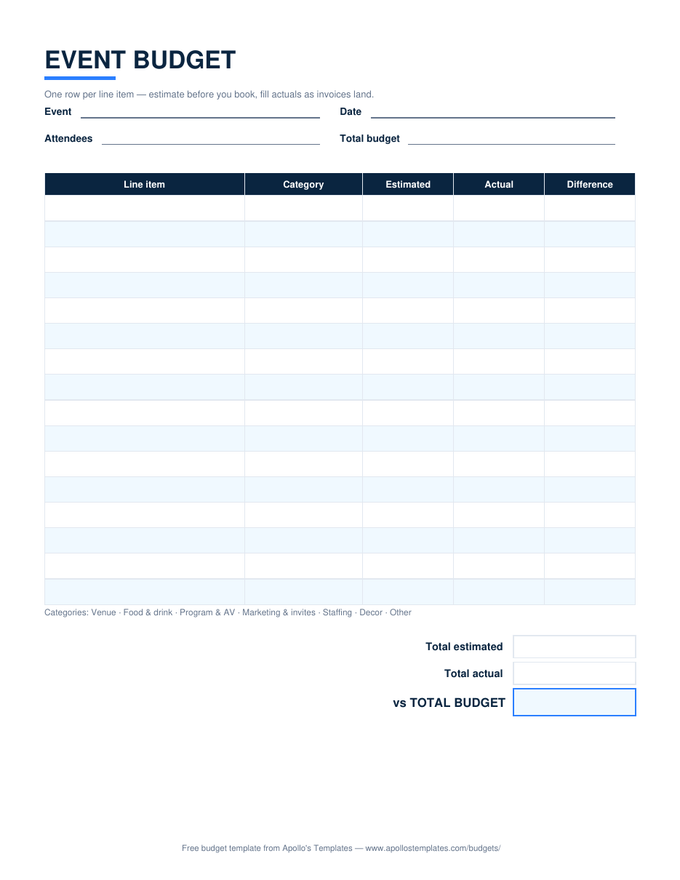
Event Budget preview

Event Budget

Committee-friendly: everyone logs their line items into one shared budget.
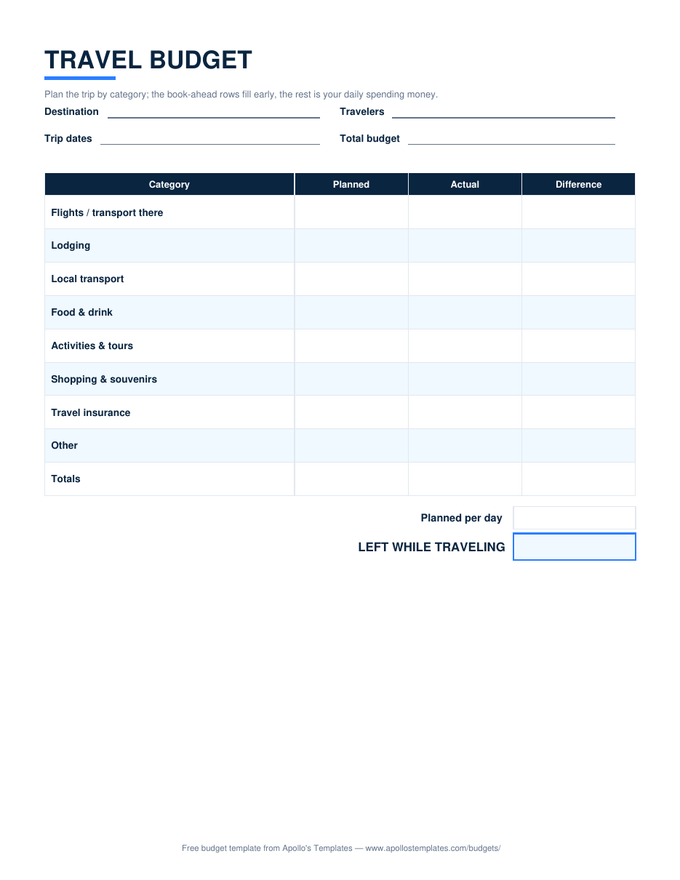
Travel Budget preview

Travel Budget

The trip budget that travels — log dinner from the restaurant, in any currency you type.
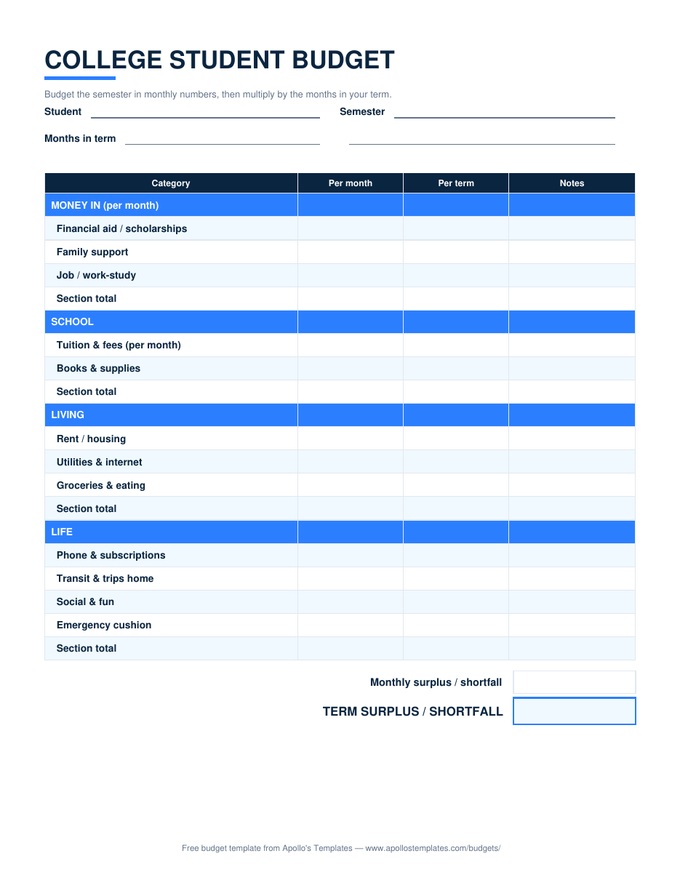
College Budget preview

College Budget

The semester sheet in Drive — parents and student can look at the same numbers.
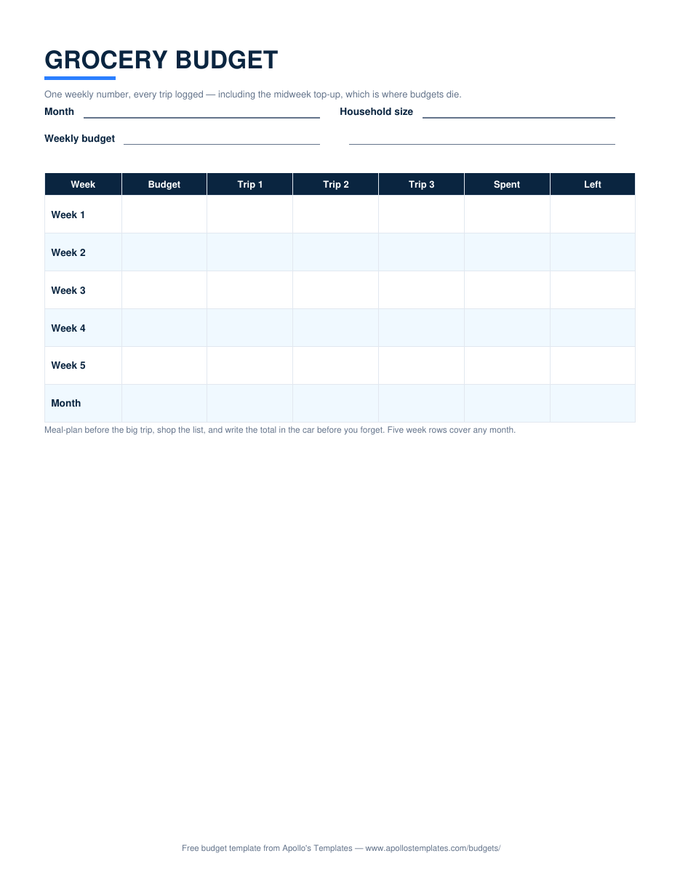
Grocery Budget preview

Grocery Budget

Log the trip total in the parking lot — the week's Left updates before you drive off.
Business & orgs, in Drive

The ten organizational budgets, shareable.
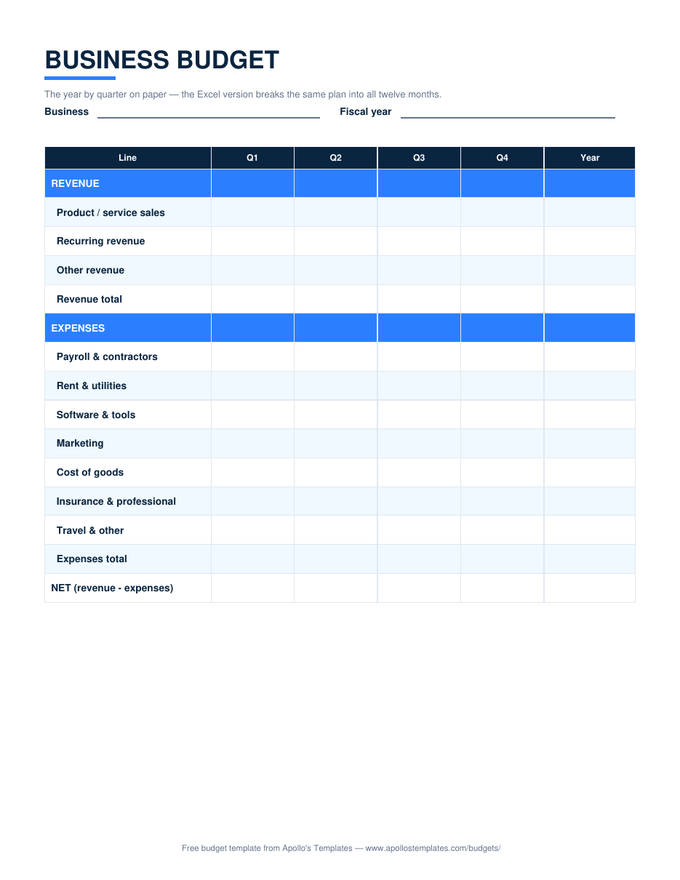
Business Budget preview

Business Budget

The 12-month operating grid, shared with the bookkeeper live.
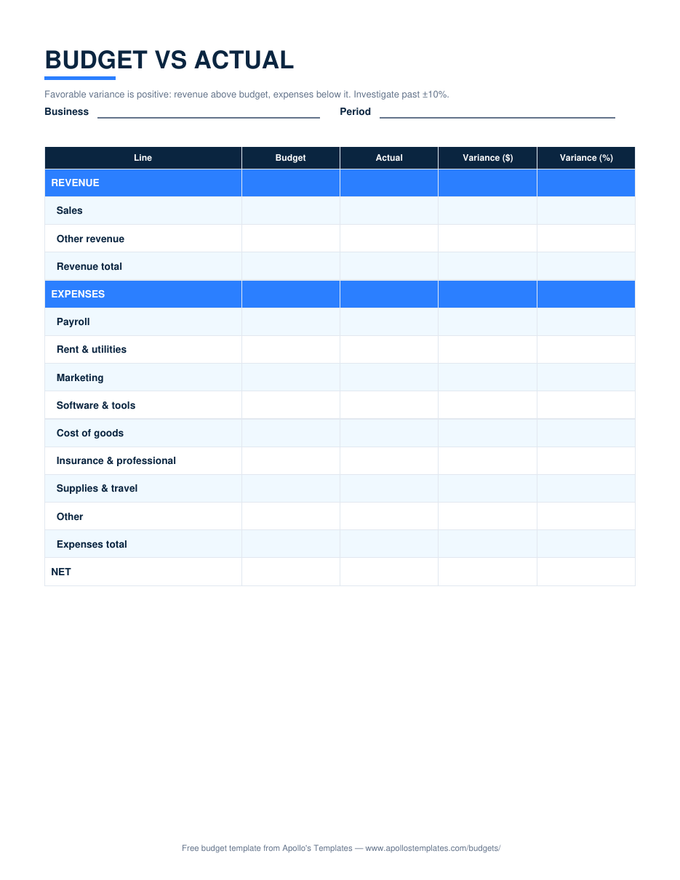
Budget vs Actual preview

Budget vs Actual

The month-close variance sheet, filled from anywhere the books are.
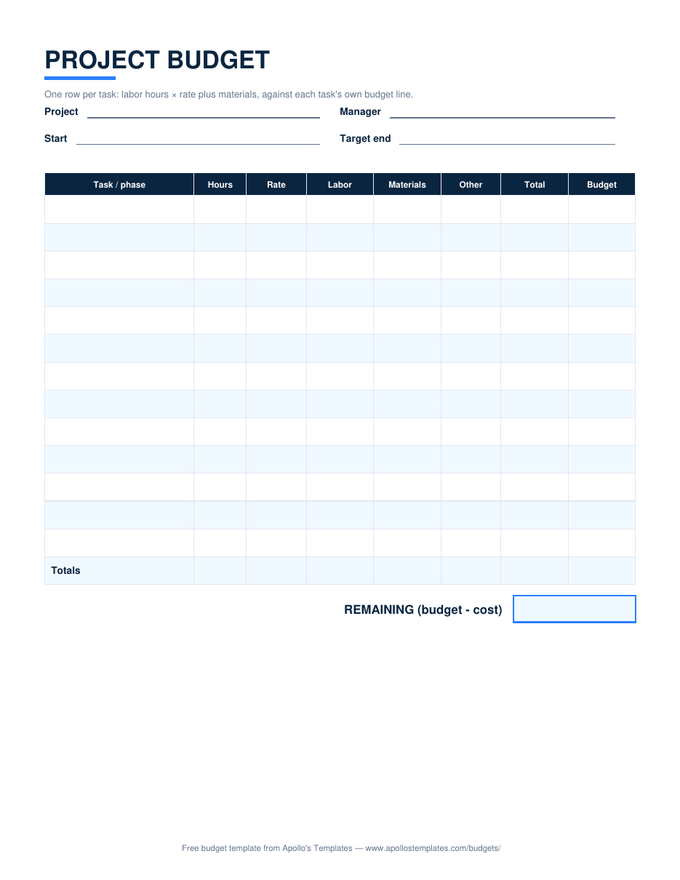
Project Budget preview

Project Budget

Task budgets the whole team can see and update.
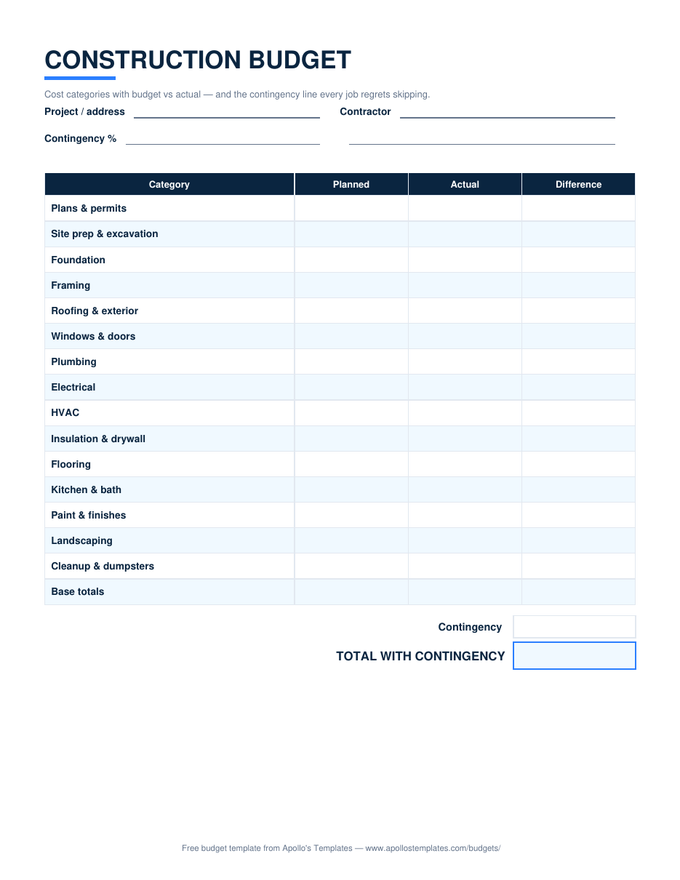
Construction Budget preview

Construction Budget

The build budget on the phone at the site walk.
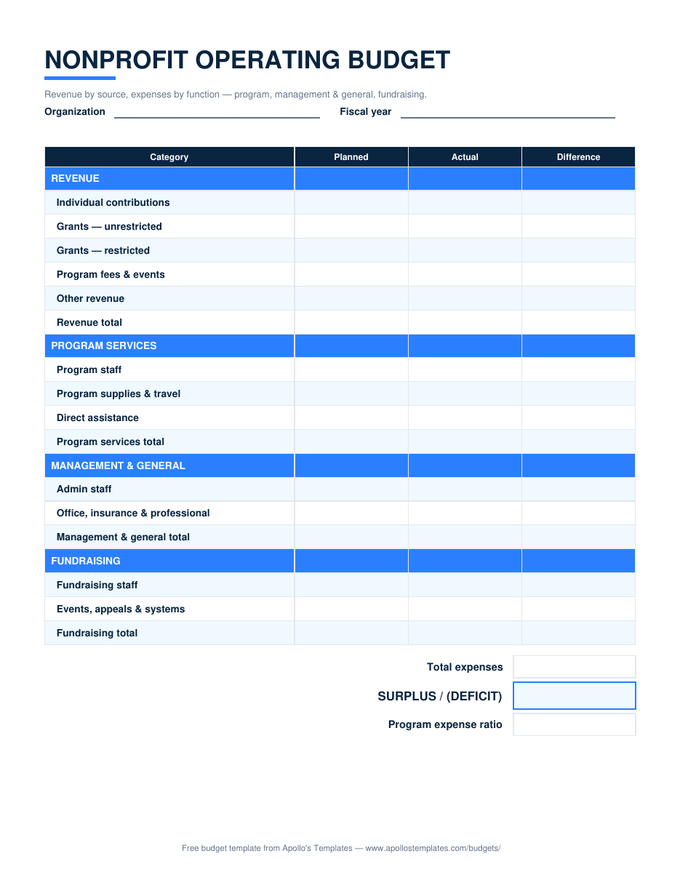
Nonprofit Budget preview

Nonprofit Budget

The operating budget the treasurer and ED work in together.
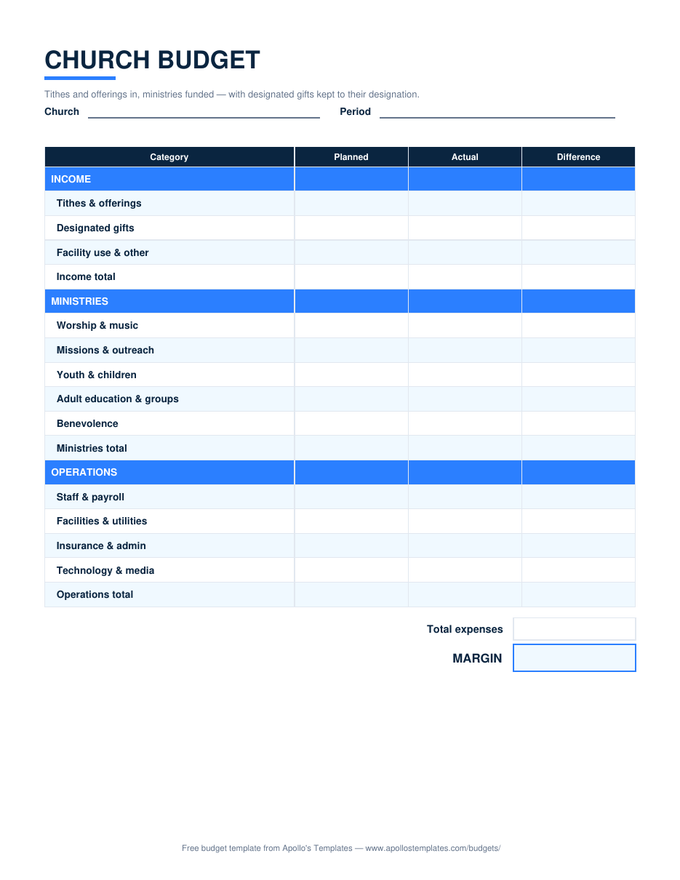
Church Budget preview

Church Budget

The budget the finance committee reviews without emailing files.
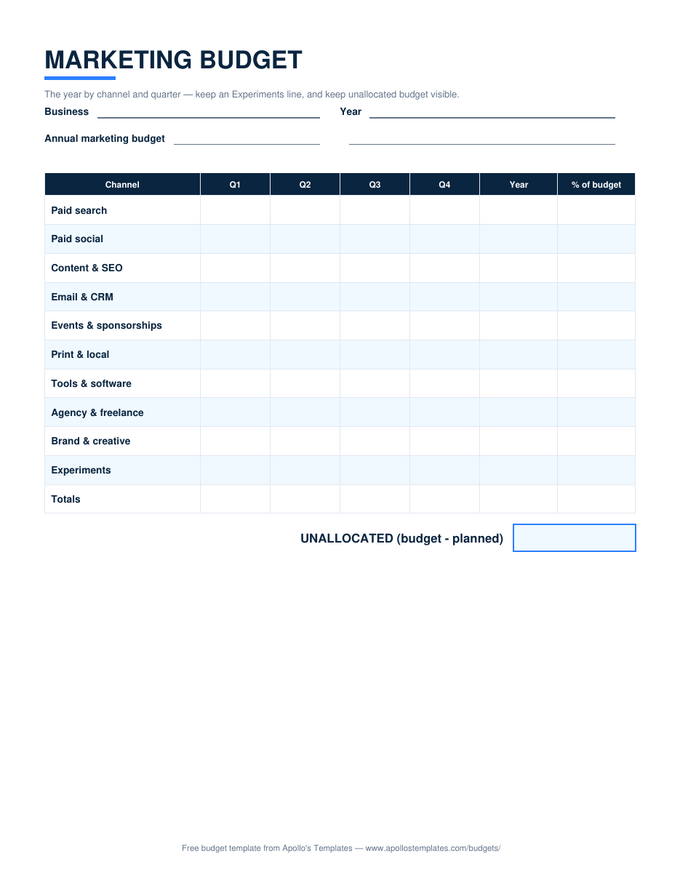
Marketing Budget preview

Marketing Budget

The channel plan the whole team can see when spend decisions happen.
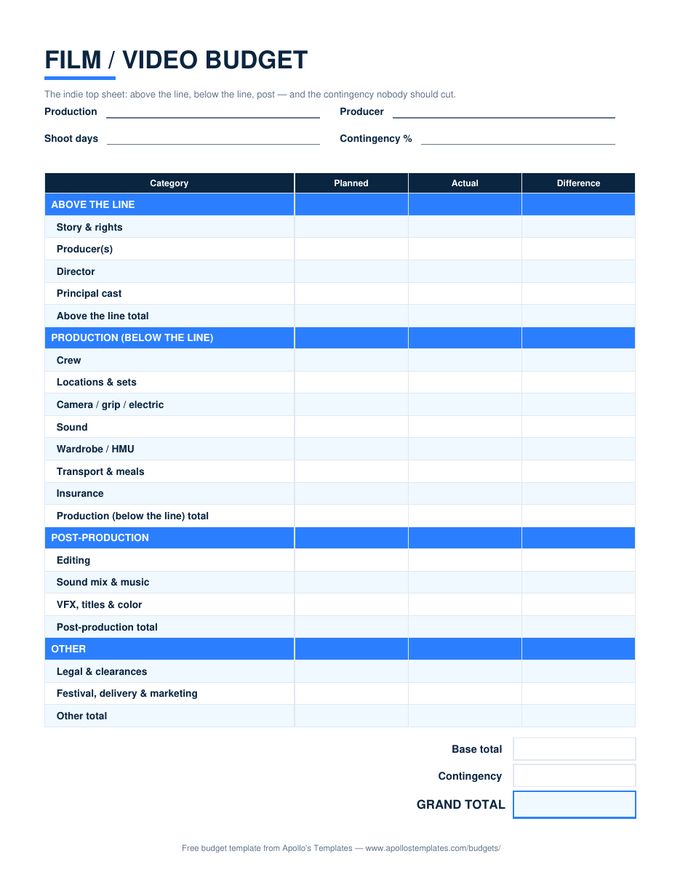
Film Budget preview

Film Budget

The top sheet producers and department heads share.
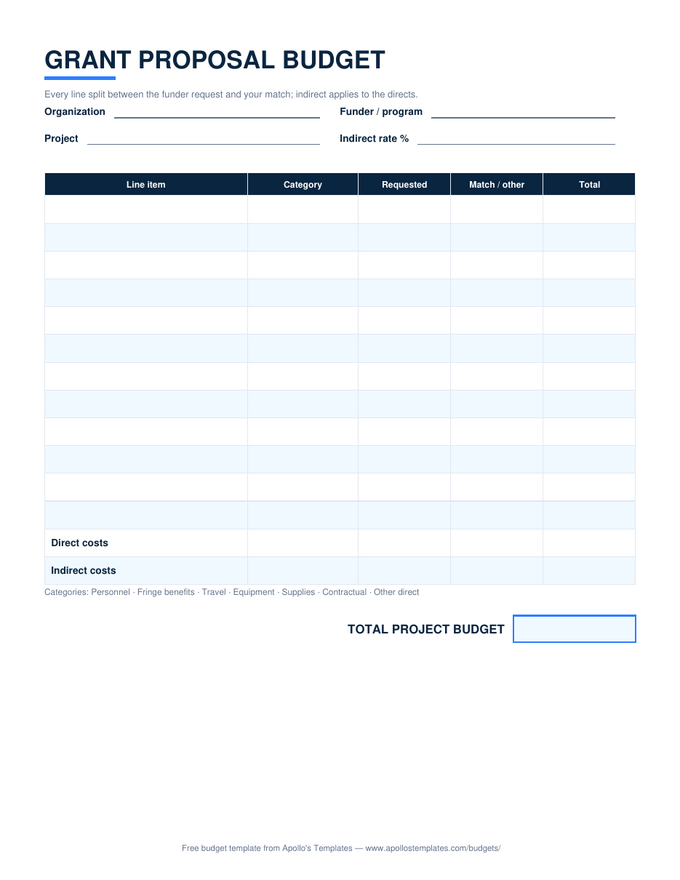
Grant Budget preview

Grant Budget

The proposal budget the program team builds together.
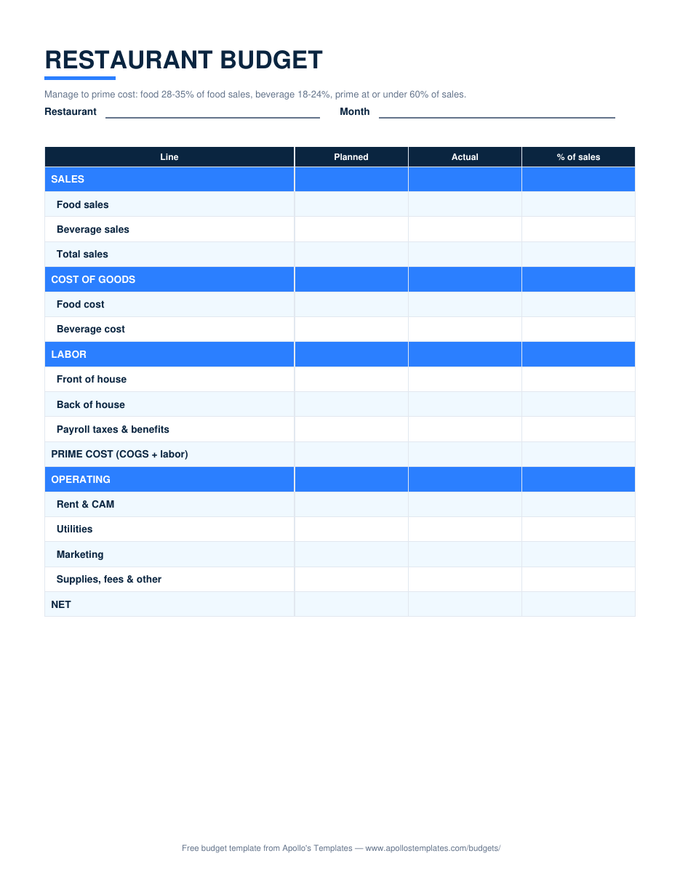
Restaurant Budget preview

Restaurant Budget

The operator's numbers, checkable from the pass.
Worth knowing

The shared-budget advantage.

The quiet reason Sheets wins for household budgets: one copy, two editors. A budget that lives in one partner’s Excel file is one partner’s budget with an audience; a Sheets copy both phones can edit is the household’s. The family-meeting workflow gets better too — the numbers are already on everyone’s screen, and version history quietly records what the plan looked like before the mid-month amendments.

The habit that makes mobile budgeting stick is logging at the moment of spending: the trip total typed in the parking lot, the dinner logged at the table. Ten seconds each, and month-end data entry stops existing. Every sheet here keeps its entry columns phone-friendly for exactly that reason — big targets, no side-scrolling for the common case.

The file version
Excel Budget Templates
The same twelve sheets as .xlsx downloads — no account involved.
Open
Documents, not spreadsheets
Google Docs Budget Templates
The Docs versions for budgets that are pages, not calculators.
Open
The one for couples
Family Budget
Two earners, kids' categories, one shared sheet.
Open

Frequently asked questions

What happens when I click “Open in Google Sheets”?
Google shows a Make-a-copy page for that template; one click drops a fully editable duplicate into your own Drive. Our master stays read-only to the world, your copy is private to you, and we can't see it — nothing is shared back. You'll need to be signed into a Google account, which is Google's requirement for copying, not ours; any free Gmail works.
Do the formulas really work after conversion?
Yes, and we check the hard way: the build process imports sample-filled copies of each sheet and reads the computed values back out of Google Sheets — group totals, the monthly sheet's savings rate, the zero-based sheet landing on exactly $0.00, the wedding sheet's balance-due math, the travel sheet's nights-from-dates. Every number matches the Excel original to the penny before a master goes live. The dropdowns convert to native Sheets validation and keep working too.
Can two people edit the same budget?
That's the headline feature — share your copy with your partner (or the wedding co-planner, or the event committee) with edit access and everyone works the same numbers live. For couples, one shared monthly or family sheet is the standard setup. For groups where accountability matters — an event committee, say — comment access for most and edit for the treasurer keeps the audit trail clean; Sheets records who changed what either way.
Sheets or Excel — which should I actually use?
Use Sheets if the budget needs to be in more than one place: two partners, phone-plus-laptop, logging at the point of purchase. Use Excel if your money lives on one machine, you want the file rather than an account, or your workplace blocks Google. The math is identical — we build in Excel and verify the conversion — and every card here carries both links, so the choice costs nothing and can change later.
Updated through August 2026