Apollo's Templates
HomeBudget TemplatesGoogle Docs
Stationery, not spreadsheets

Google Docs Budget Templates

Every budget in the library as a one-click Google Docs copy \u2014 for the people whose budget is a page they fill in, not a calculator they feed. Docs tables don't compute (we'll say that plainly rather than pretend), but they take your household's name at the top, print predictably, and live in the same Drive as everything else you write. If you want the math done for you, the identical layouts sit one page over as Google Sheets.

The Docs fleet

Twelve documents, one click each.
Monthly Budget preview

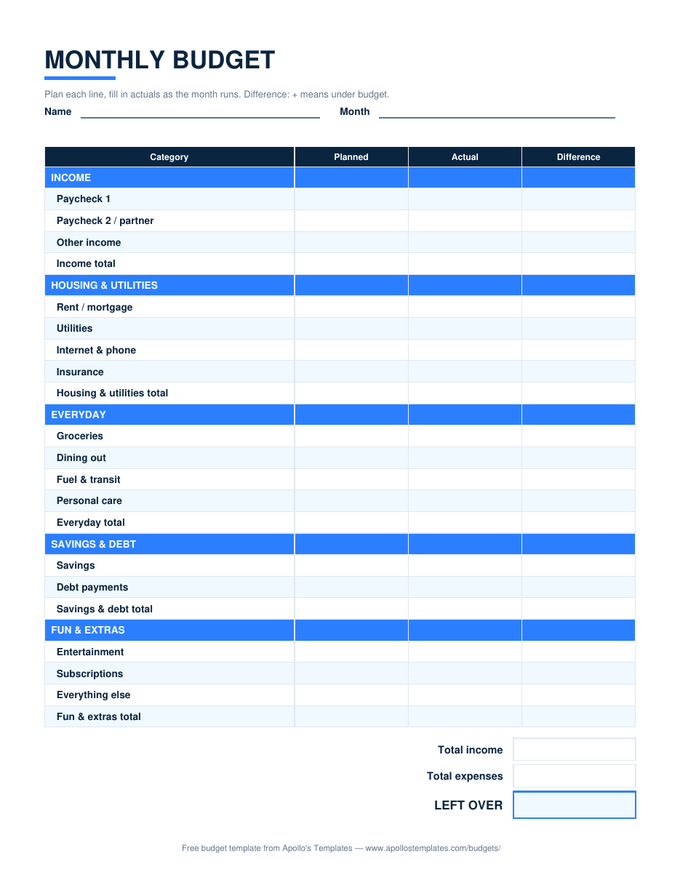
Monthly Budget

The grouped month as a clean document table, ready for a printed household binder.
Personal Budget preview

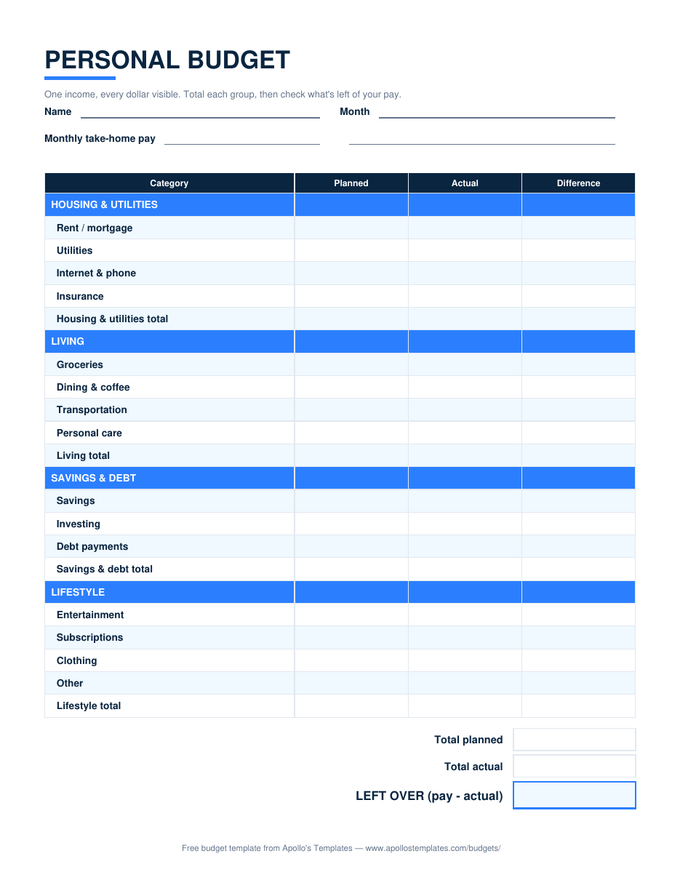
Personal Budget

The single-income layout as a document, for people who journal their money.
Family Budget preview

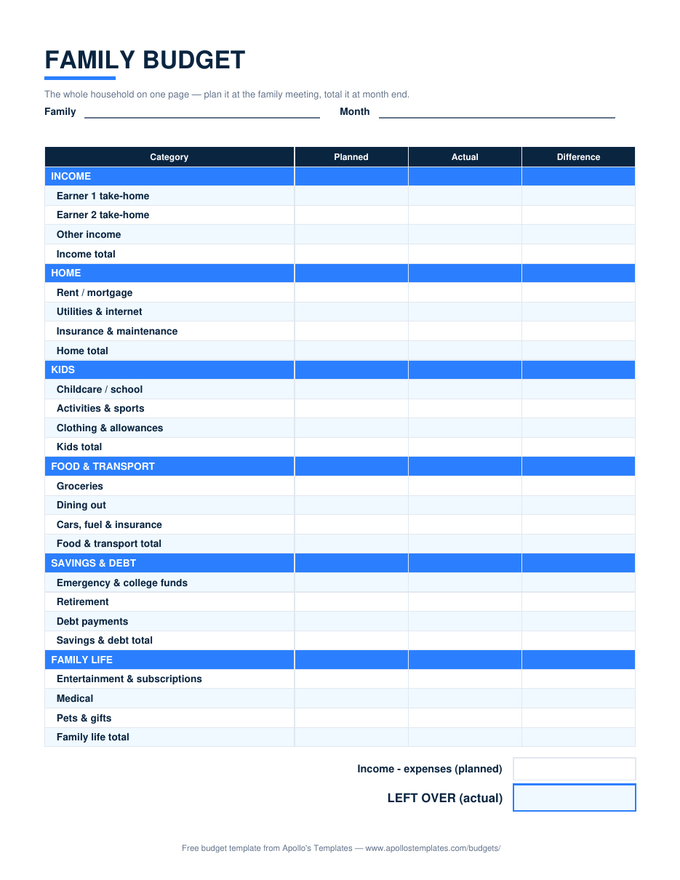
Family Budget

The household month as a document both adults can comment on.
Weekly Budget preview

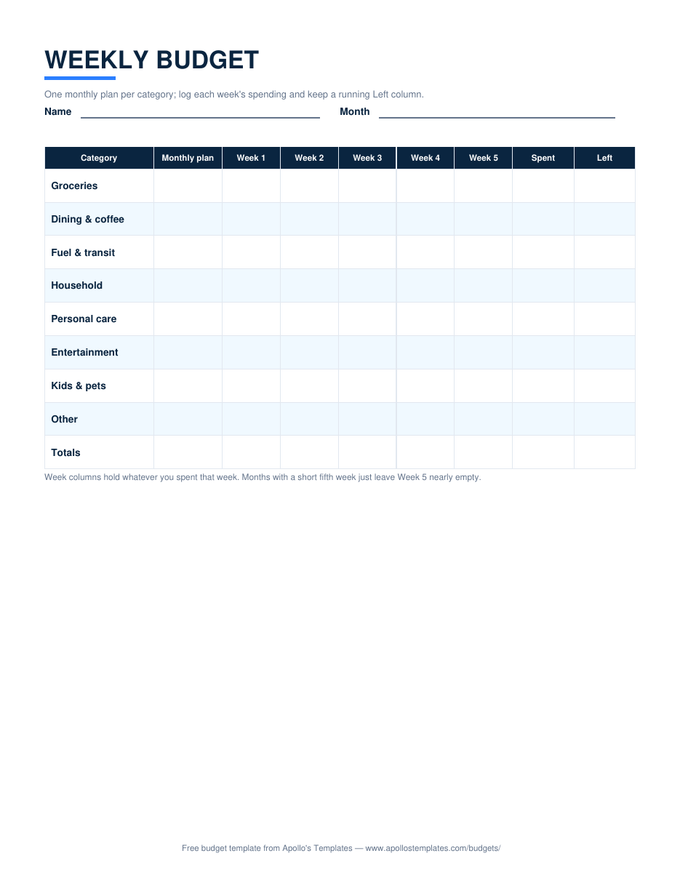
Weekly Budget

The week-by-week grid as a document table.
Paycheck Budget preview

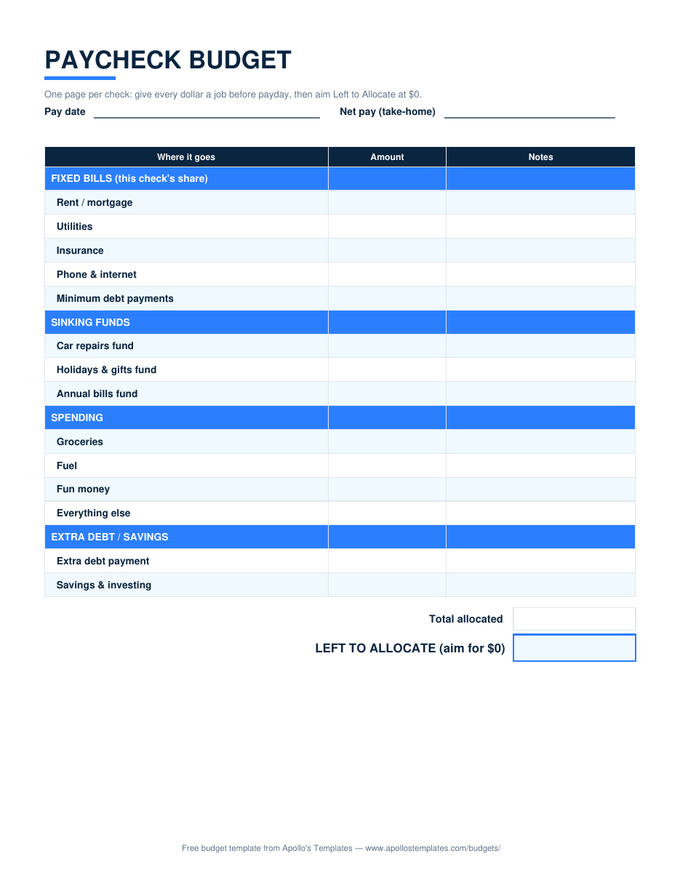
Paycheck Budget

The per-paycheck plan as a printable document — one page per check.
Zero-Based Budget preview

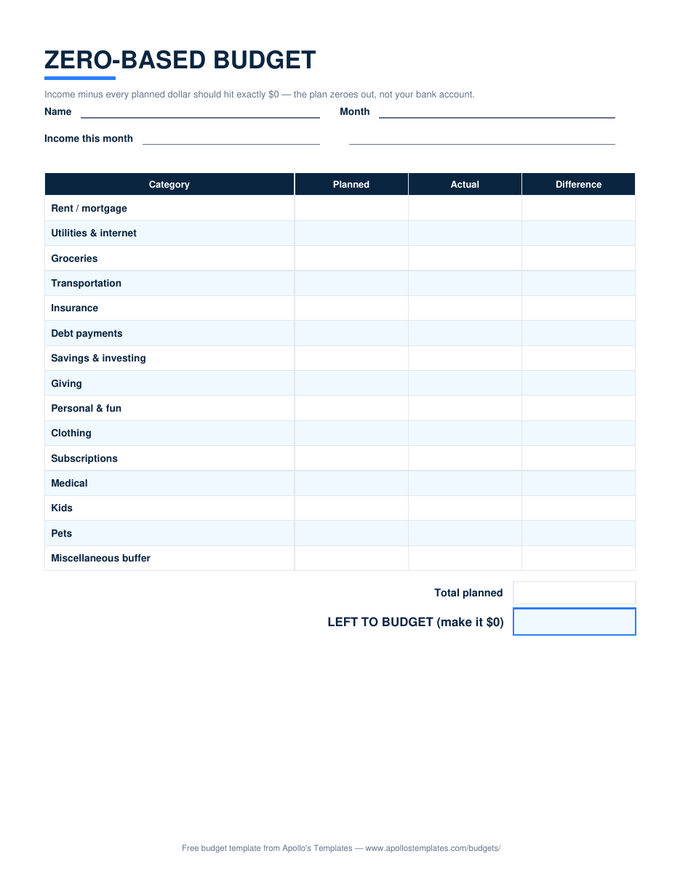
Zero-Based Budget

The give-every-dollar-a-job list as a document table.
50/30/20 Budget preview

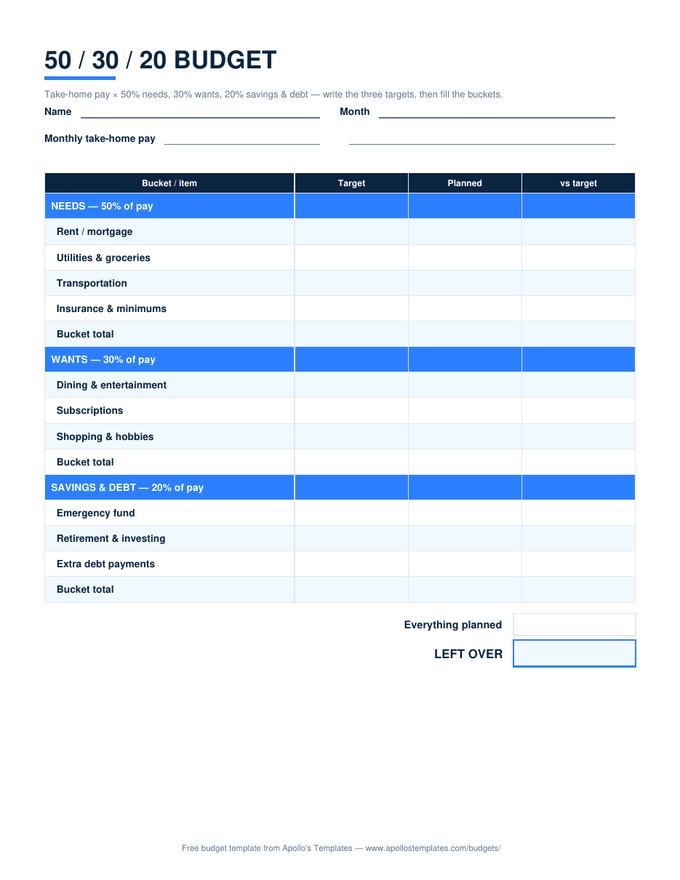
50/30/20 Budget

The three-bucket rule as a clean document page.
Wedding Budget preview

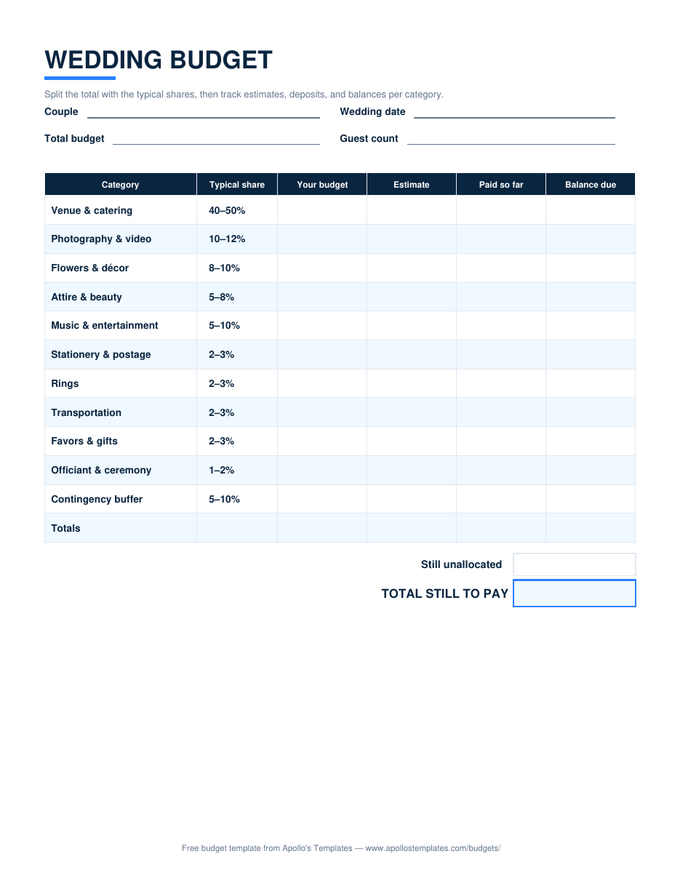
Wedding Budget

The category list with typical shares as a document — for the wedding binder.
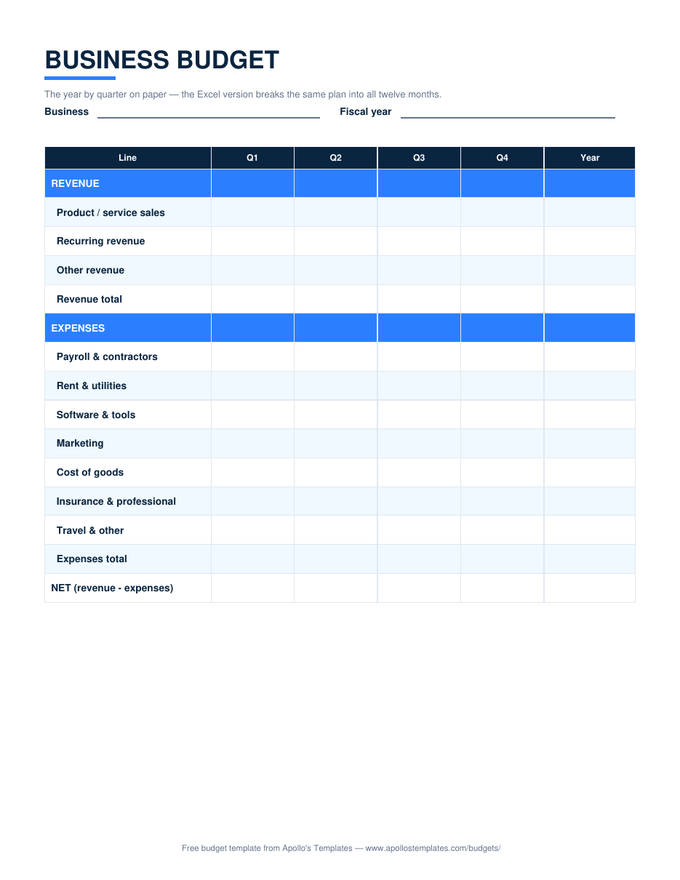
Event Budget preview

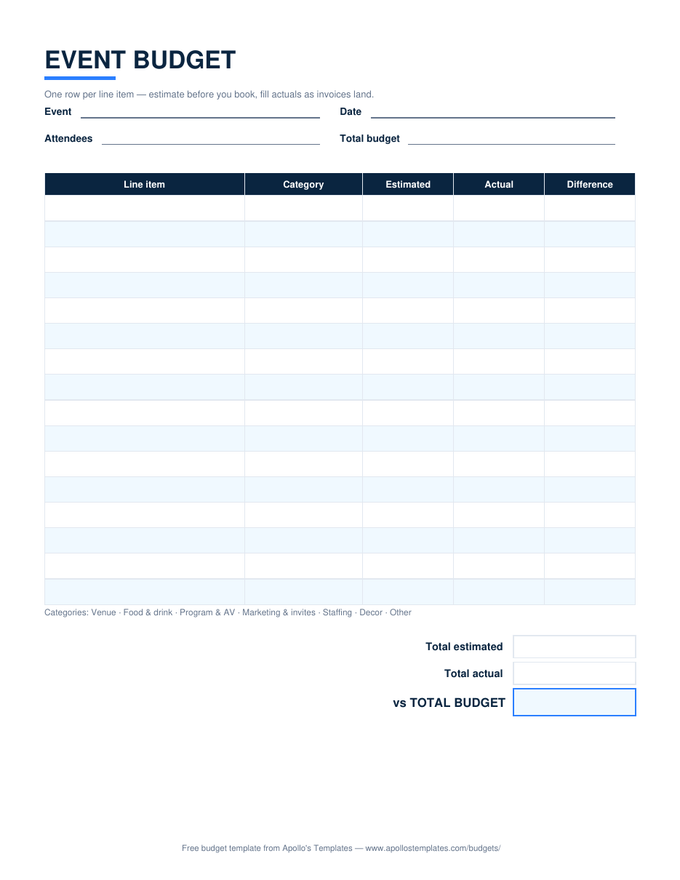
Event Budget

The line-item sheet as a document to attach to the event proposal.
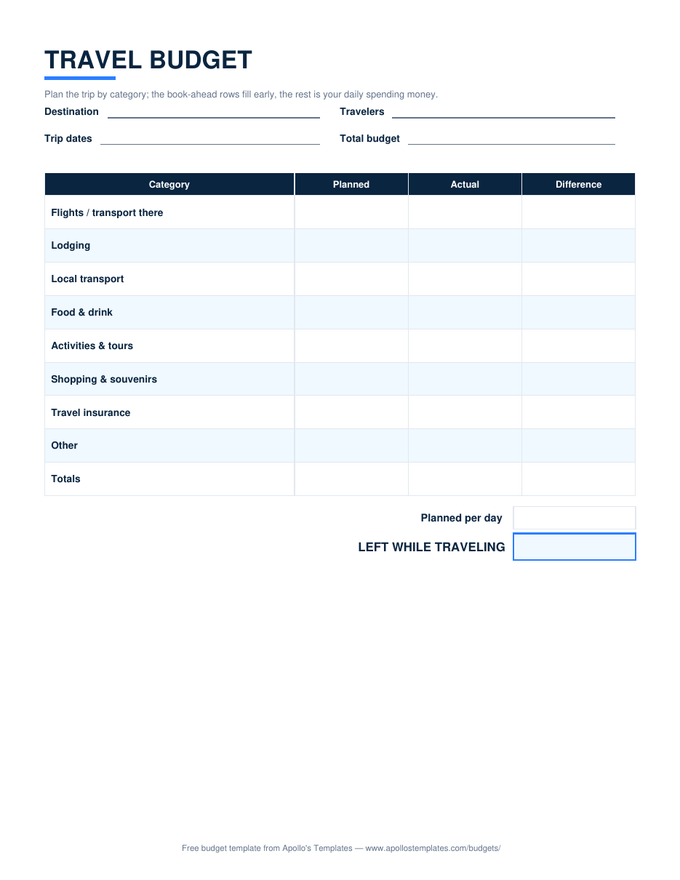
Travel Budget preview

Travel Budget

The trip categories as a document page for the itinerary folder.
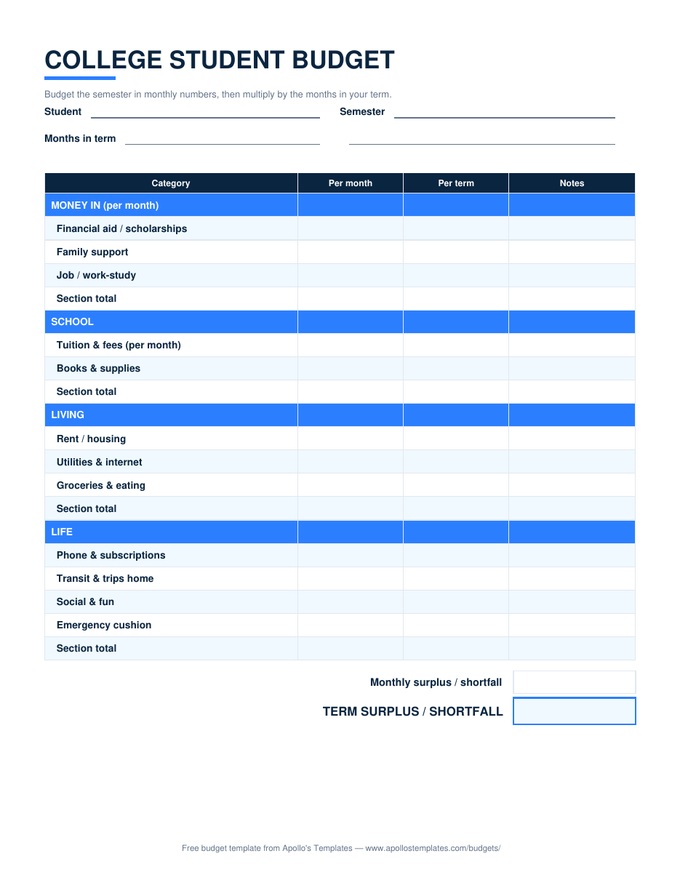
College Budget preview

College Budget

The semester budget as a document — good for financial-aid conversations.
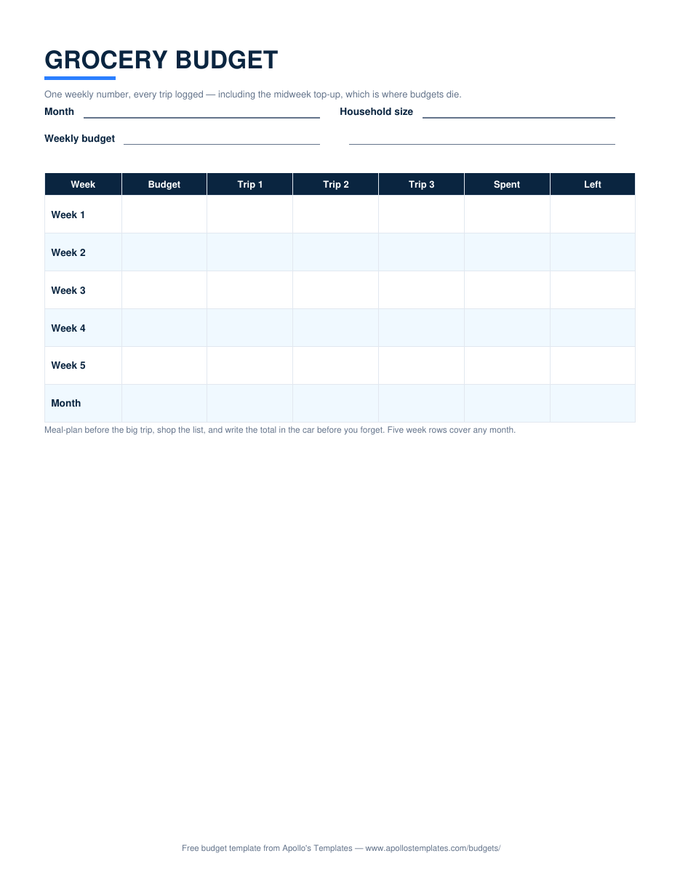
Grocery Budget preview

Grocery Budget

The week-by-trip grocery grid as a document.
Worth knowing

When a document beats a spreadsheet.

Some budgets are documents by nature: the printed month that gets filled at the kitchen table and pinned up, the wedding budget that lives inside a planning doc with the guest list and the vendor notes, the semester budget attached to an email home. For those, a Docs table is the honest format — it holds the plan, prints clean, and doesn’t pretend the value was in the arithmetic.

The copy-once, brand-once workflow: make your copy, put your name or family on the header, adjust the categories to your life, and keep that version as your master. Each month, File → Make a copy stamps a fresh blank from your own template. Two minutes of setup and the generic sheet becomes your household’s form.

The computing twin
Google Sheets Budget Templates
Identical layouts with live totals and verified math.
Open
Offline documents
Budget Templates for Word
The .docx originals these Docs copies were converted from.
Open
Ink-first
Printable Budget Templates
Skip the screen entirely — the fleet as blank PDFs.
Open

Frequently asked questions

Google Docs or Google Sheets for a budget?
Sheets if you want computation — totals, differences, savings rates all update as you type, and that's most people's answer. Docs when the budget is a document first: something that takes a header and a name, prints for the fridge or the binder, embeds in a larger planning doc, or gets attached to an email. The honest test: if you'd reach for a calculator while filling it in, you wanted the Sheets version — and every card above links both.
Do the tables calculate anything?
No, and we'd rather say so than ship a gimmick — Docs tables are layout, not math. Totals get written by you (or your phone's calculator). What the Docs versions do well is everything document-shaped: clean printing, inline notes, living alongside the wedding plan or the semester checklist, version history on the words. For self-totaling, the same layouts exist as Sheets and Excel with the formulas verified.
How do I reuse one every month?
Copy the template once, customize it — your names, your categories, your fixed numbers pre-typed — and treat that as your master. Monthly, File → Make a copy, rename it 'September budget', fill it in. Some households keep all twelve months in one document instead, duplicating the table down the page; that works too and makes year-end review a single scroll. Either way the customization happens once, not twelve times.
Can I print these for a binder?
That's half the point — the tables are sized for portrait US Letter with ordinary margins, so File → Print works without fiddling. For a household binder, print the fresh month at each family meeting; for the wedding binder, the budget page prints alongside the vendor contact sheet. If you fill them digitally instead, File → Download → PDF freezes the completed month for the record.
Updated through August 2026