Apollo's Templates
HomeBudget TemplatesWord
Your name on the header

Budget Templates for Word

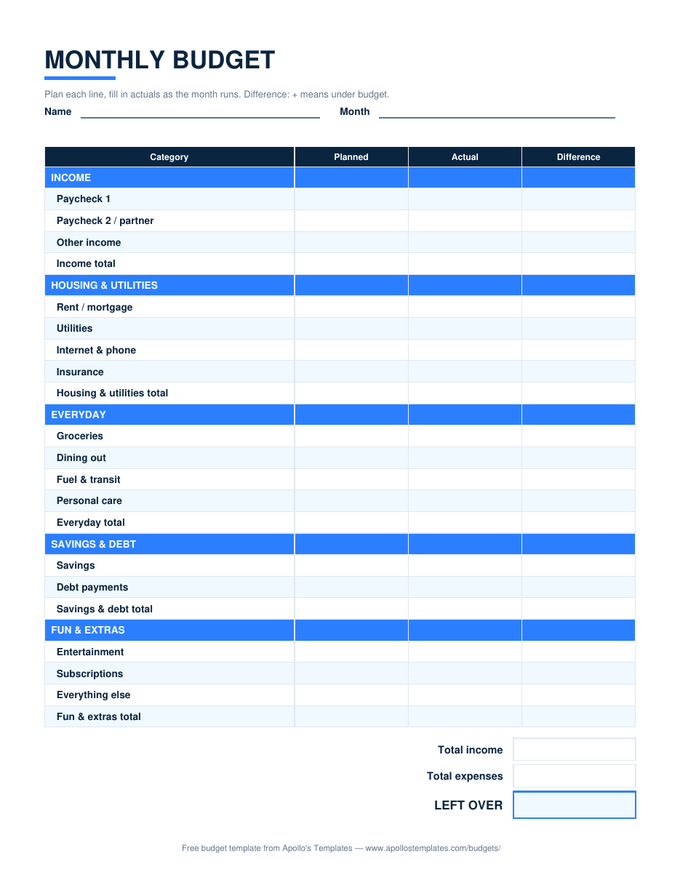
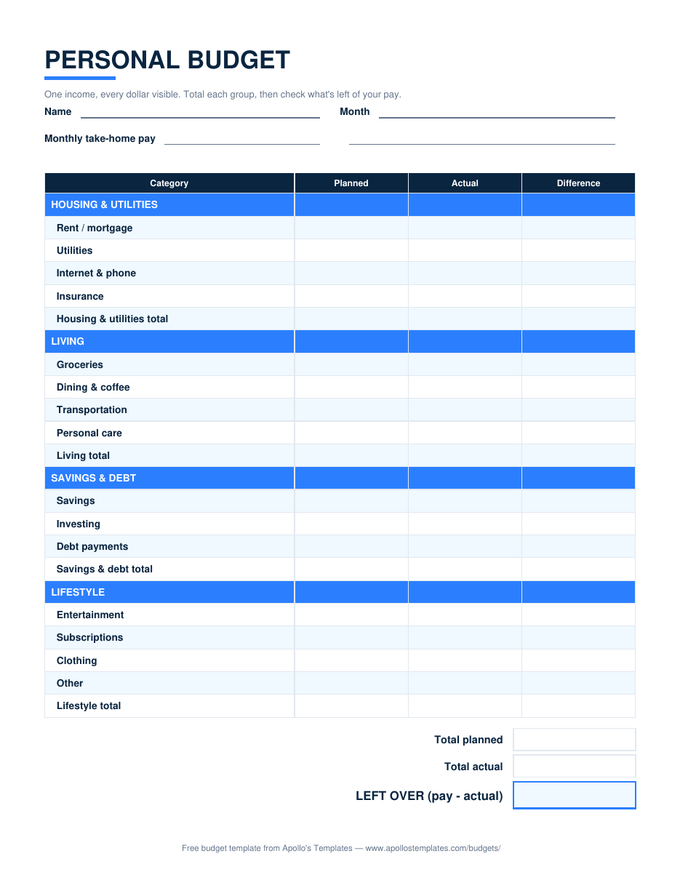
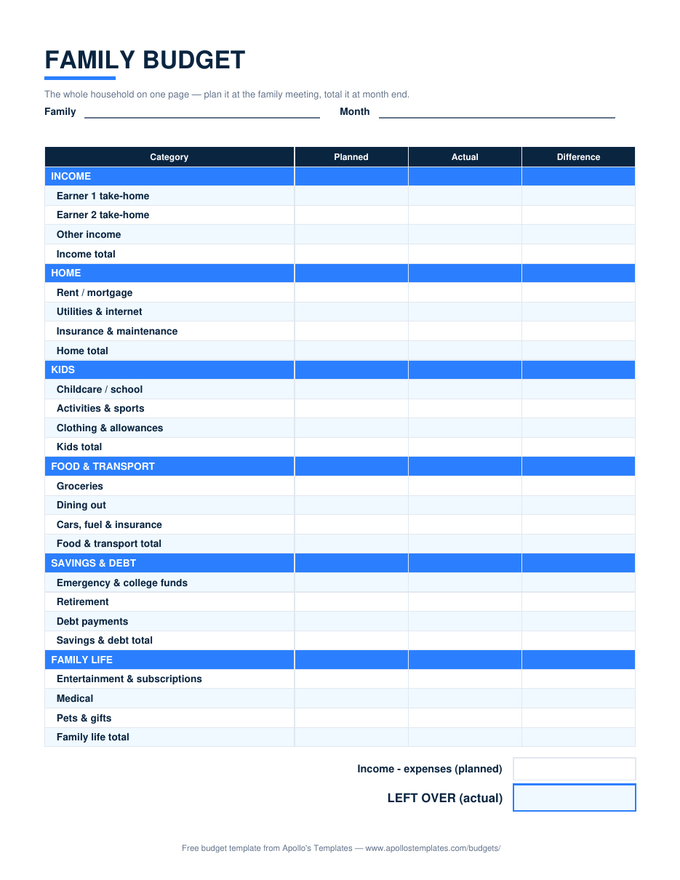
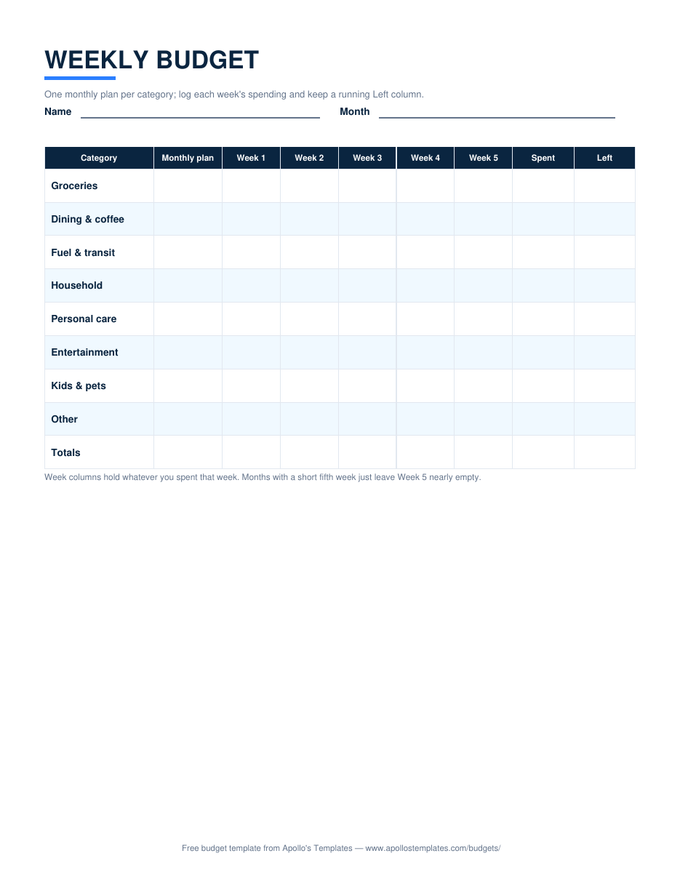
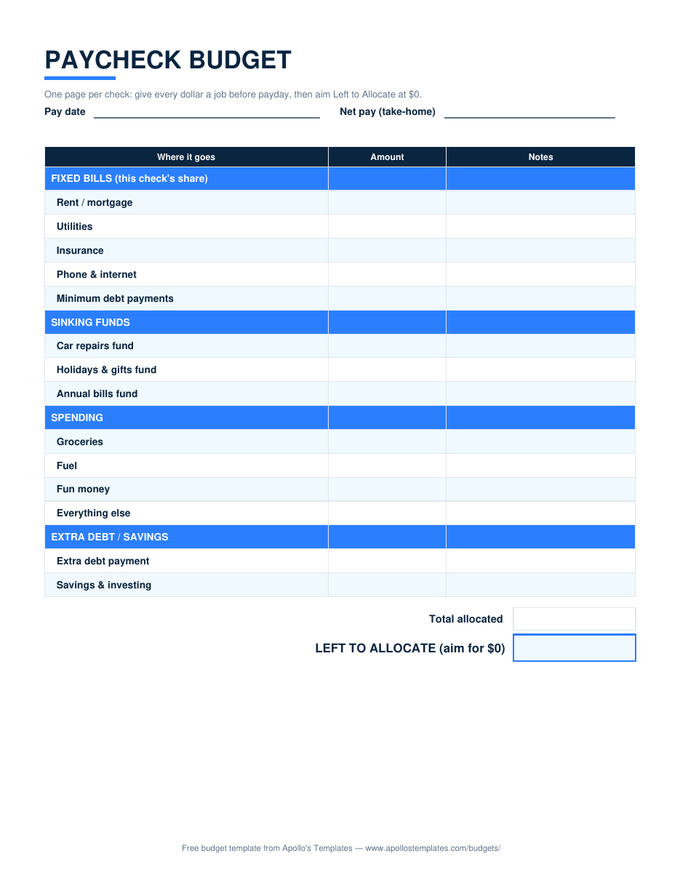
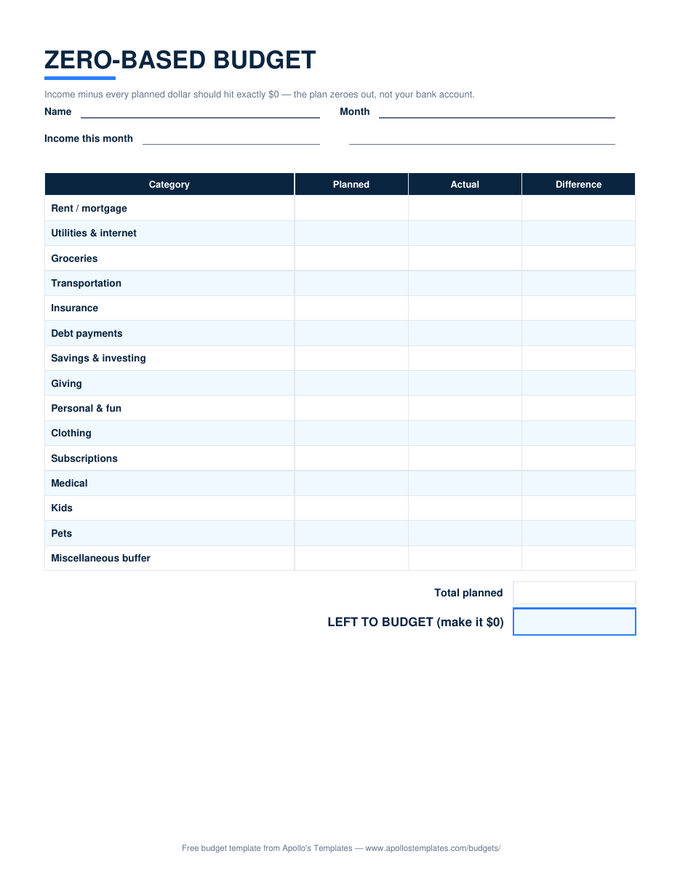
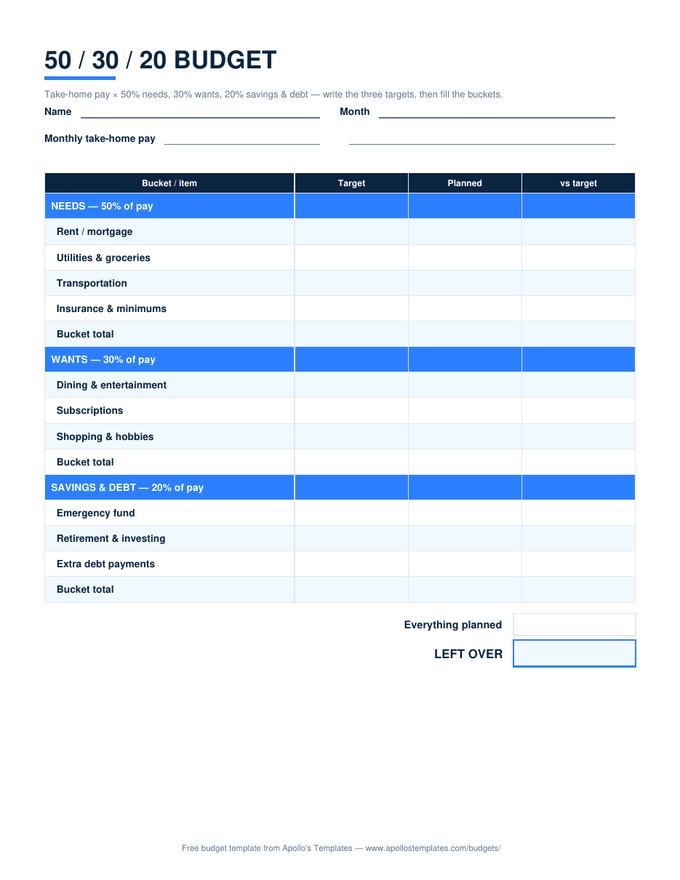
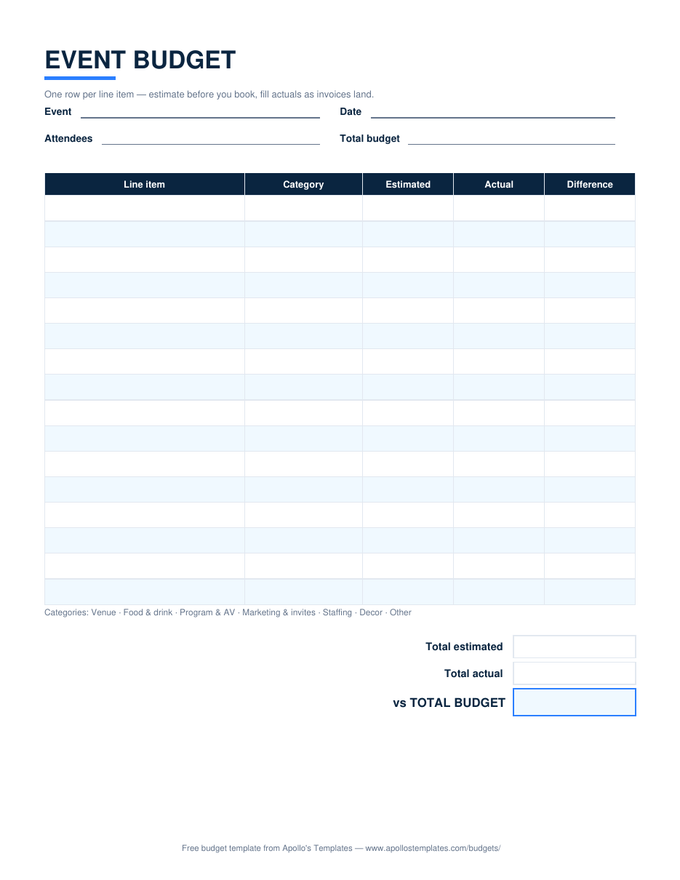
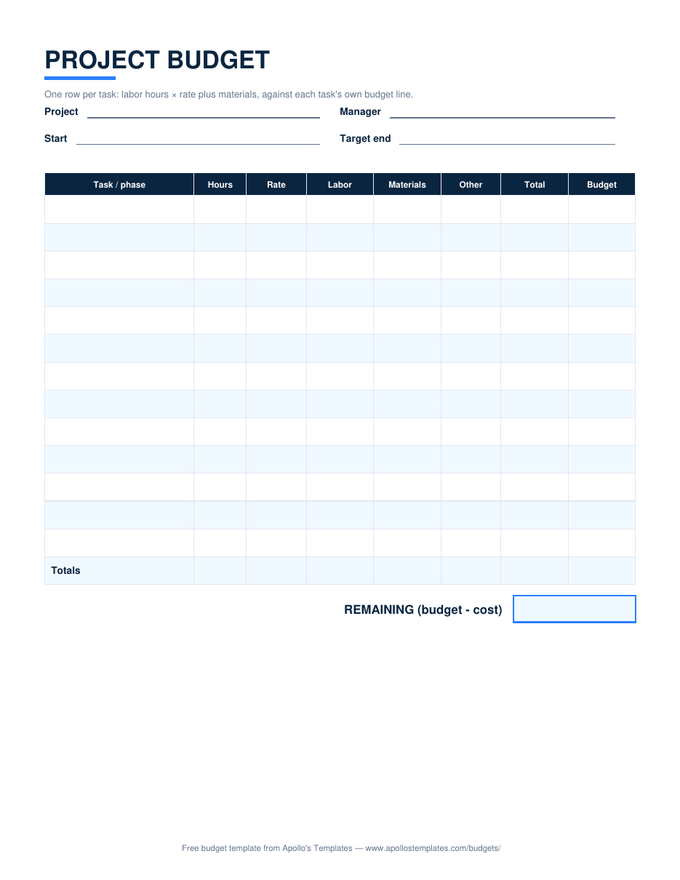
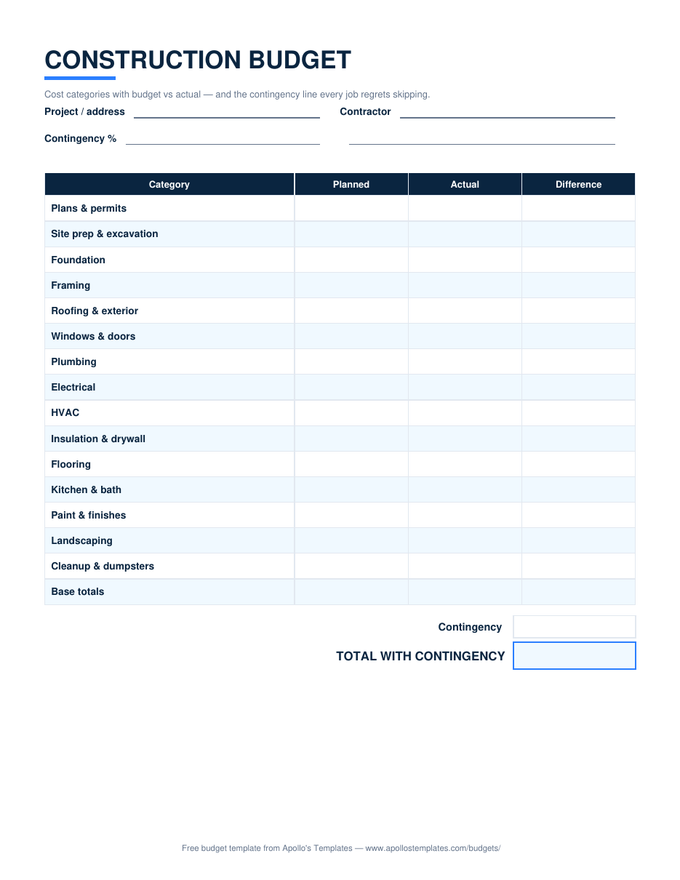
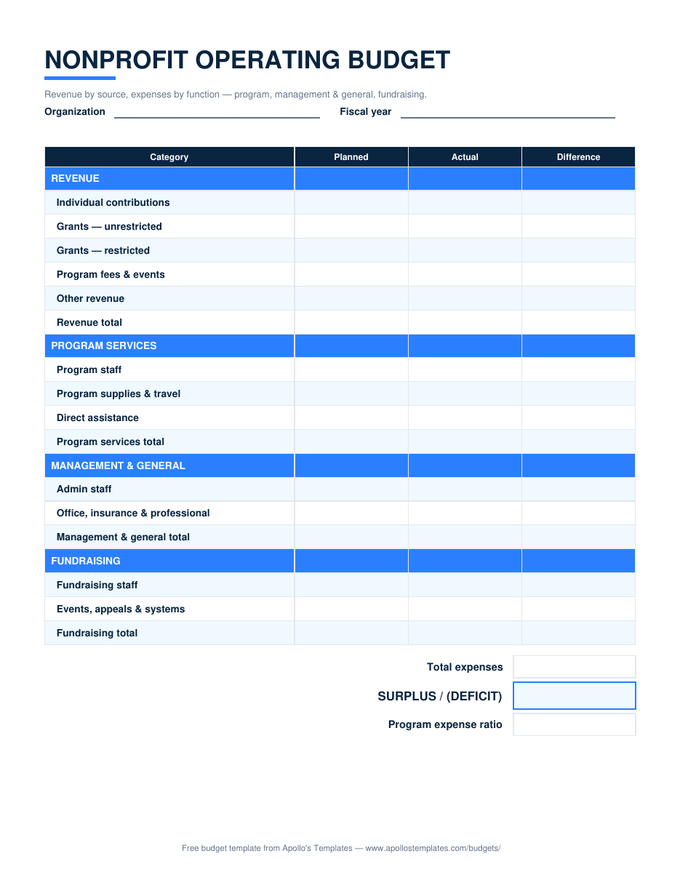
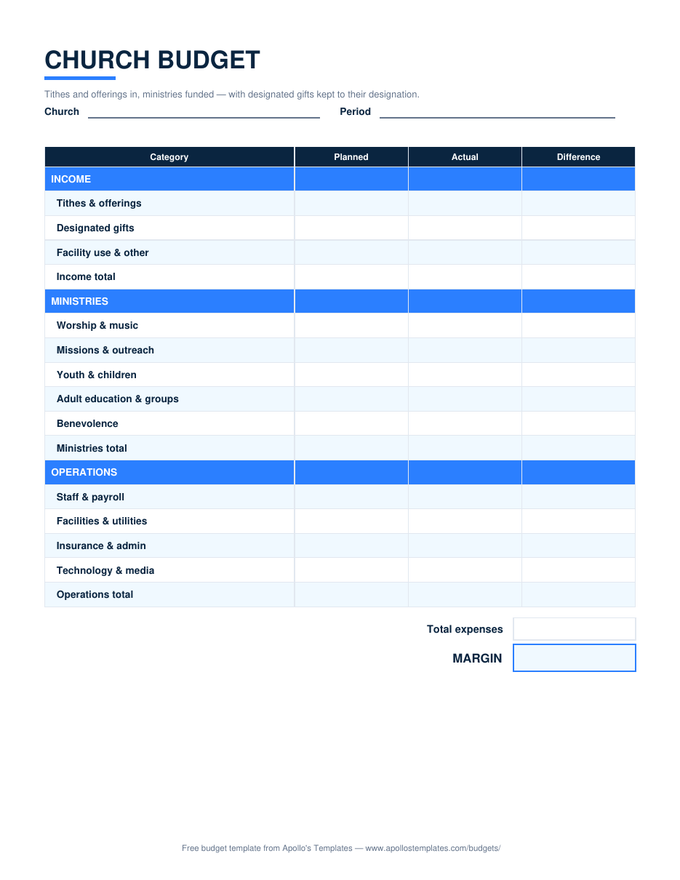
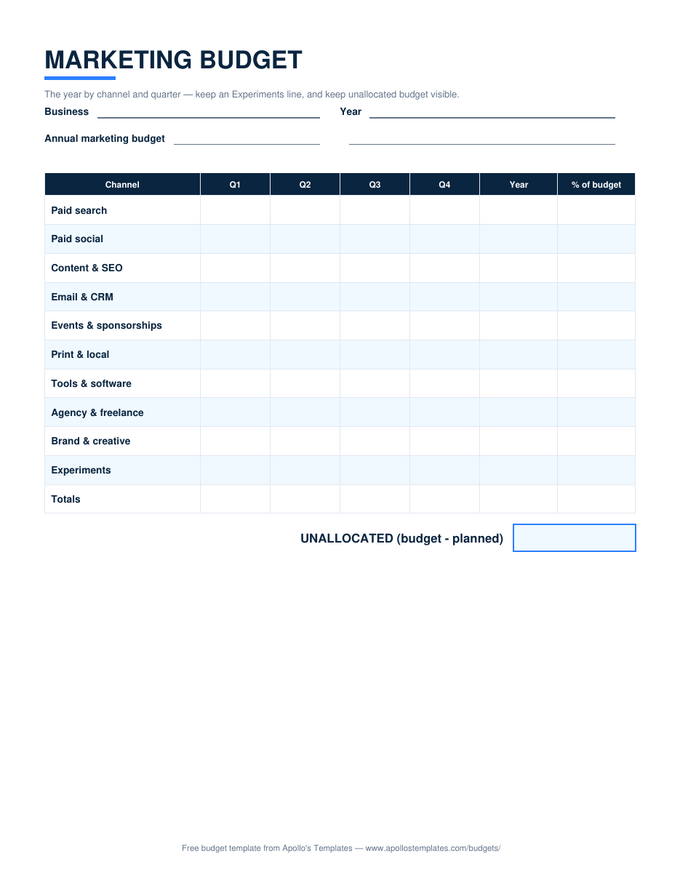
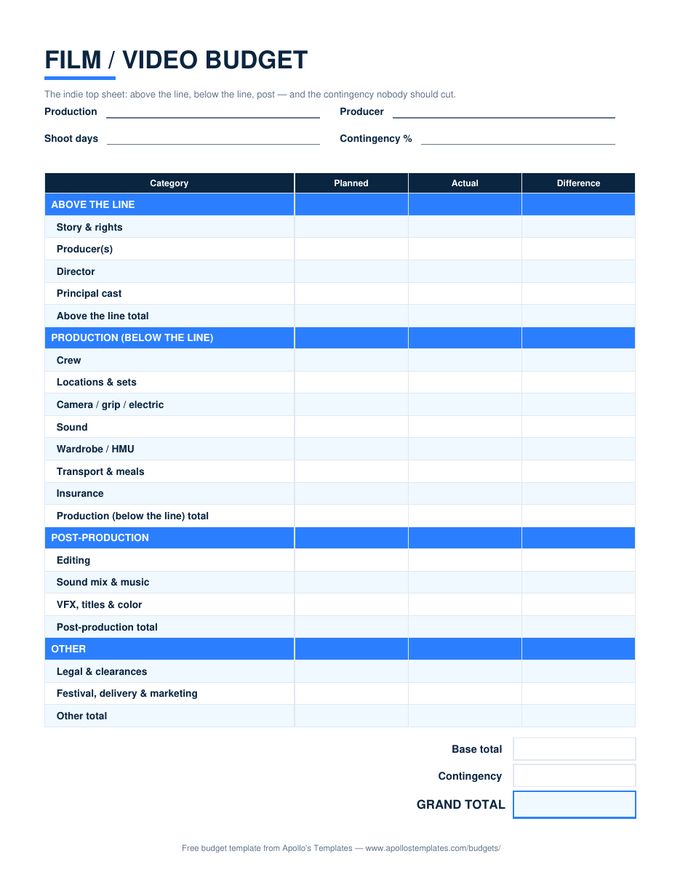
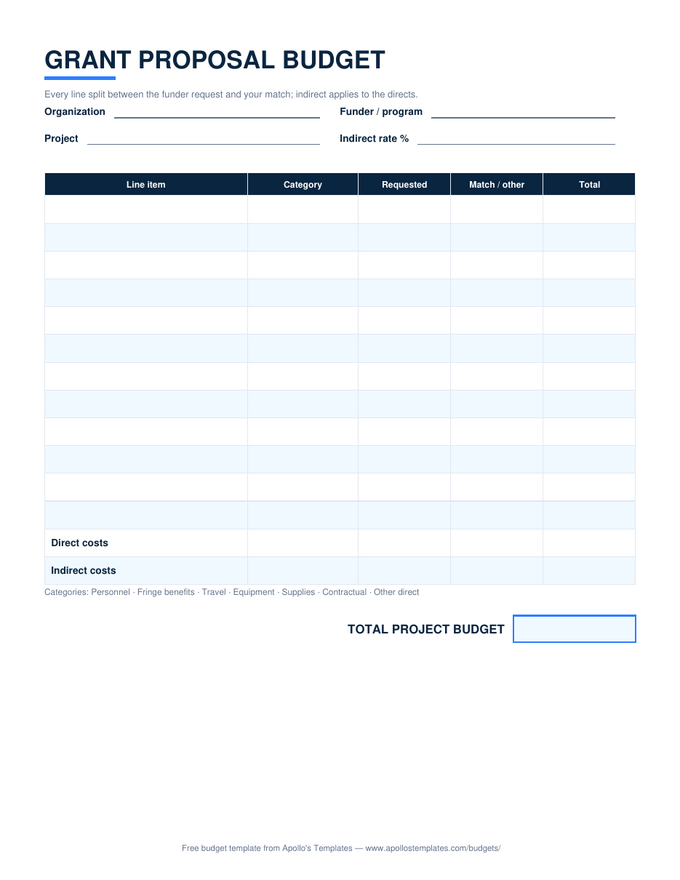
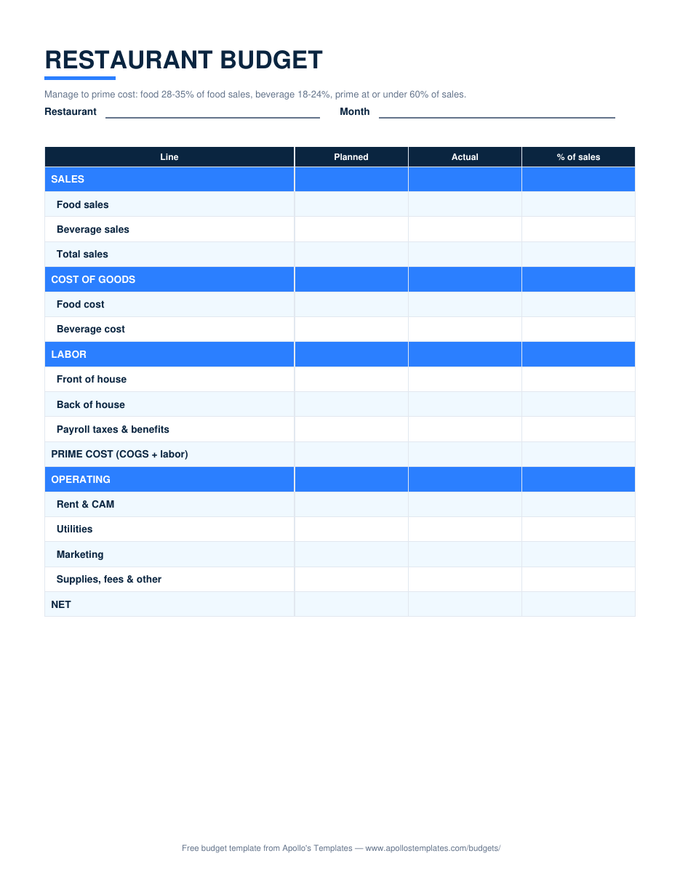
Every budget in the library as a clean .docx \u2014 the format for people who customize before they fill: retype the categories to match your life, put the household's name on top, pre-type the fixed bills, save it as your own master, and print a month whenever. Deliberately formula-free (Word doesn't really do math, and we won't pretend); when you want the totals computing themselves, the same layouts ship as Excel and Google Sheets.

The Word fleet

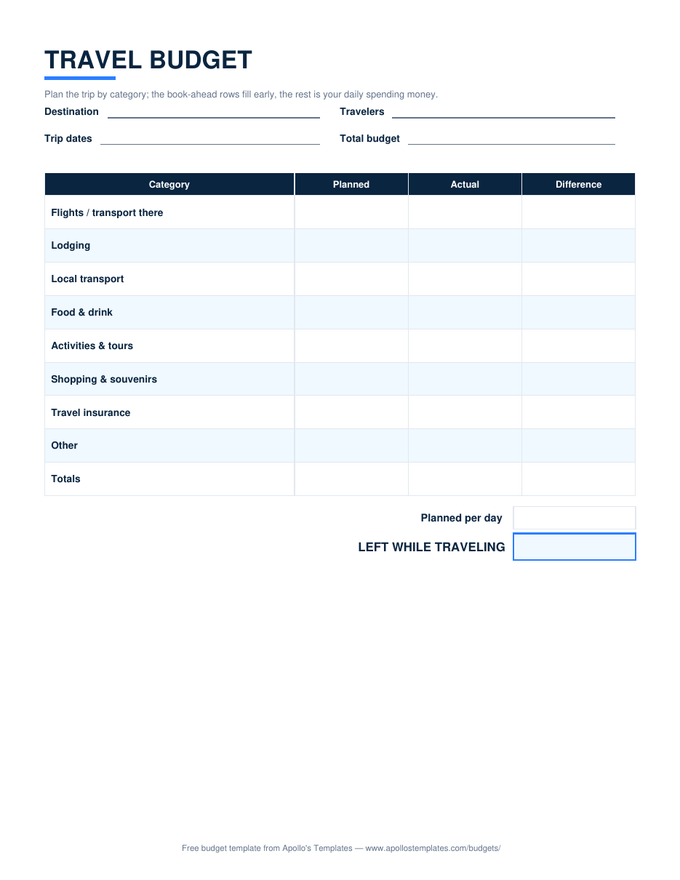
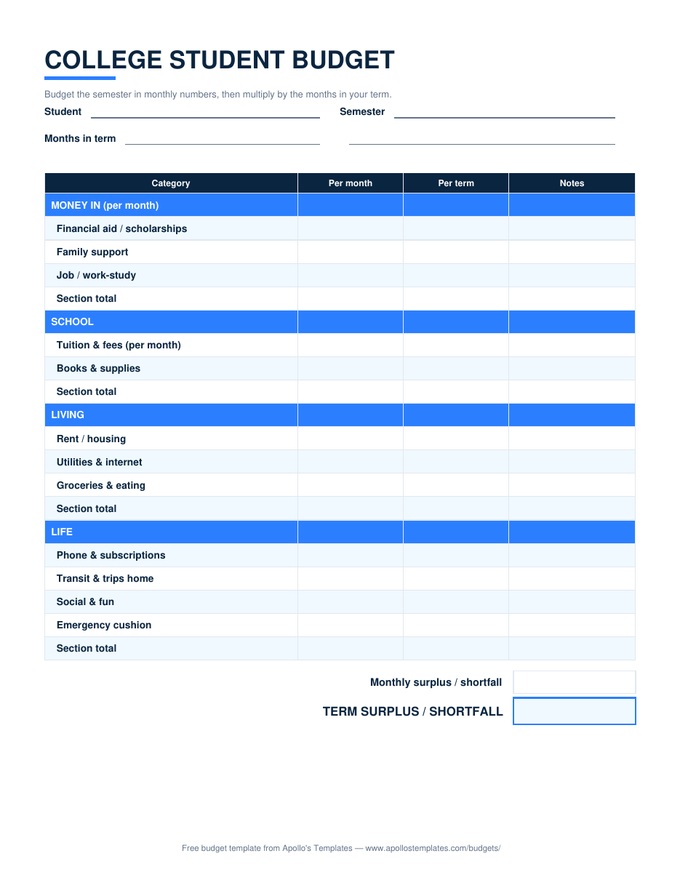
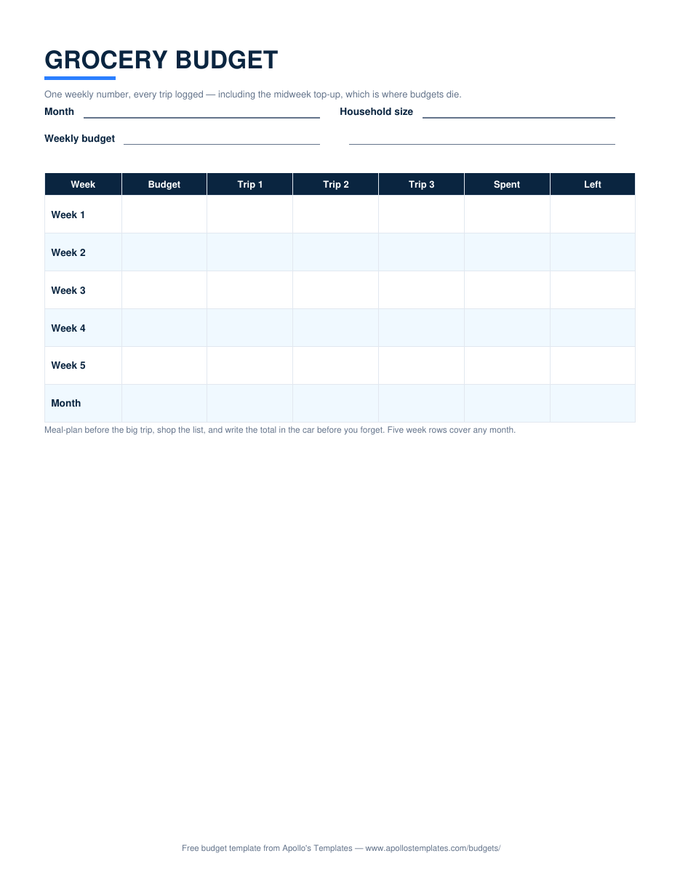
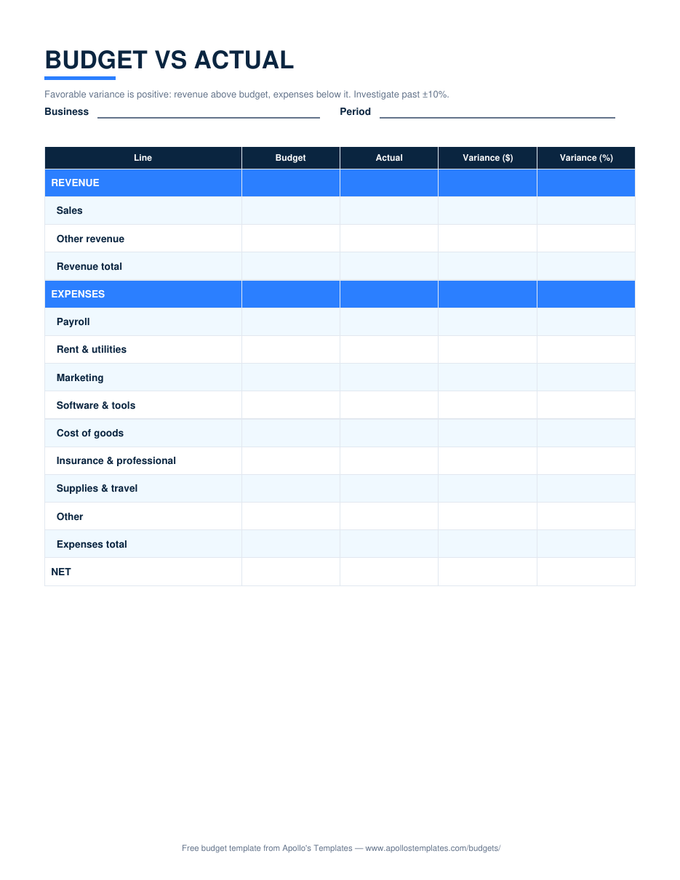
Twelve documents, all editable.
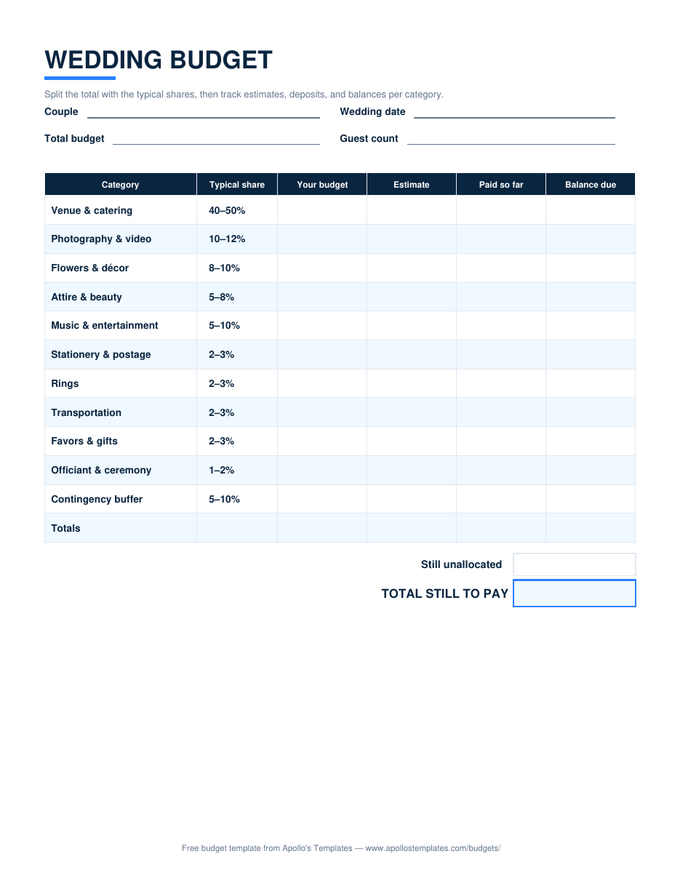
Business & org tables

The organizational ten as editable .docx.
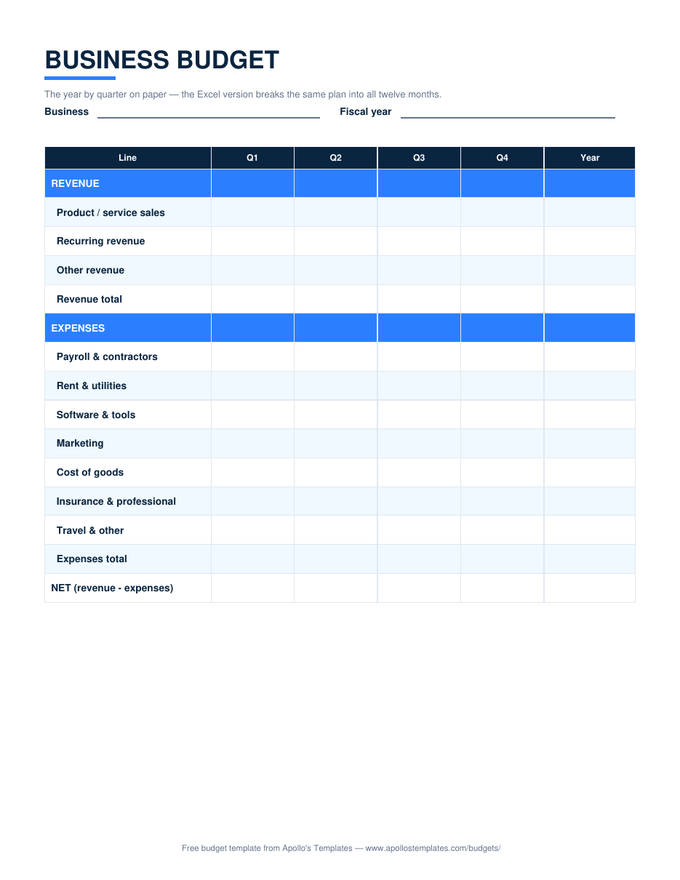
Worth knowing

Word is the customization layer.

The Word fleet earns its place the day the generic sheet stops fitting: the family that wants a “Horse” category (it happens), the paycheck plan with the actual bills pre-typed so payday is fill-in-the-amounts, the wedding budget renamed into another language for half the family. Word makes structural editing ordinary — add rows with Tab, delete categories, restyle the header — and the result saves as your master, not ours.

The honest division of labor across the formats: Word for making the template yours, Excel or Sheets for making the math automatic, PDF for the version a pen fills at the kitchen table. Same layouts throughout, so moving between them costs nothing — plenty of households customize in Word, then print blanks from it for the fridge.

Same tables, in Drive
Google Docs Budget Templates
These layouts as one-click Google Docs copies.
Open
When math should be automatic
Excel Budget Templates
The self-calculating versions with verified formulas.
Open
Skip the editing
Printable Budget Templates
Ready-to-print blanks of the whole fleet.
Open

Frequently asked questions

Why don't the Word versions calculate totals?
Because Word isn't a spreadsheet, and we'd rather be straight about that than ship a gimmick. Word technically supports field-code formulas in tables, but they don't recalculate automatically, break silently when rows move, and have burned every office that leaned on them. So the Word budgets are honest paper: you write the totals. When you want them computed, the identical layouts with real, verified formulas are one page over in Excel and Google Sheets.
What should I customize before adopting one?
Three edits repay themselves: retype the category rows to your actual life (delete what you don't spend on; a shorter honest list beats a complete generic one), pre-type the recurring numbers — rent, insurance, subscription amounts — so monthly fill-in is just the variables, and put your name or family on the header. Then File → Save As and keep that as your master template. It's an ordinary .docx with nothing locked, so every edit is fair game.
Which programs open these files?
Word 2010 or newer, Word for Microsoft 365, the free Word for the web, LibreOffice Writer, and Apple Pages. The files use ordinary table formatting — no macros, no embedded fonts, no content controls — so they open cleanly in anything that reads .docx. Google Docs opens them too, though if Google is home base, the native Google Docs copies on their own page skip the import step.
How do I add or remove rows without breaking the layout?
The usual Word table moves: click in the last cell of a row and press Tab to add another (borders and shading carry over), or select rows, right-click, Delete Rows. The banded shading pattern won't renumber itself after edits — cosmetic only, and thirty seconds with the shading tool fixes it if it bothers you. The layouts fit portrait US Letter with half-inch margins, so up to a handful of added rows print fine; past that, trim a category group instead.
Updated through August 2026