
Google Docs Resignation Letter Templates
Eight resignation letter designs as instant Google Docs copies — click, 'Make a copy,' and the letter is in your own Drive with the notice paragraph already written. Draft it tonight on your laptop, proofread it tomorrow on your phone, export the PDF when you're sure. One caution worth its own sentence: make the copy in your personal Google account, never your work one — this is the single document your employer's Drive should never host.
Eight designs, one click each.
The primary button copies the design into your Drive; the second downloads the same letter as a Word file. Same pre-written letter in every one — effective date up front, gratitude, transition offer.
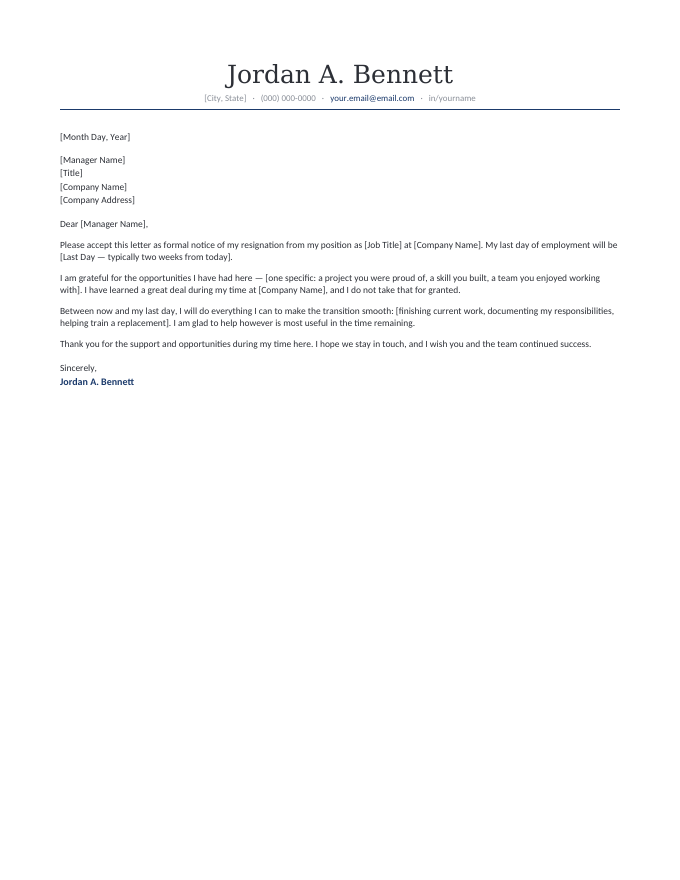
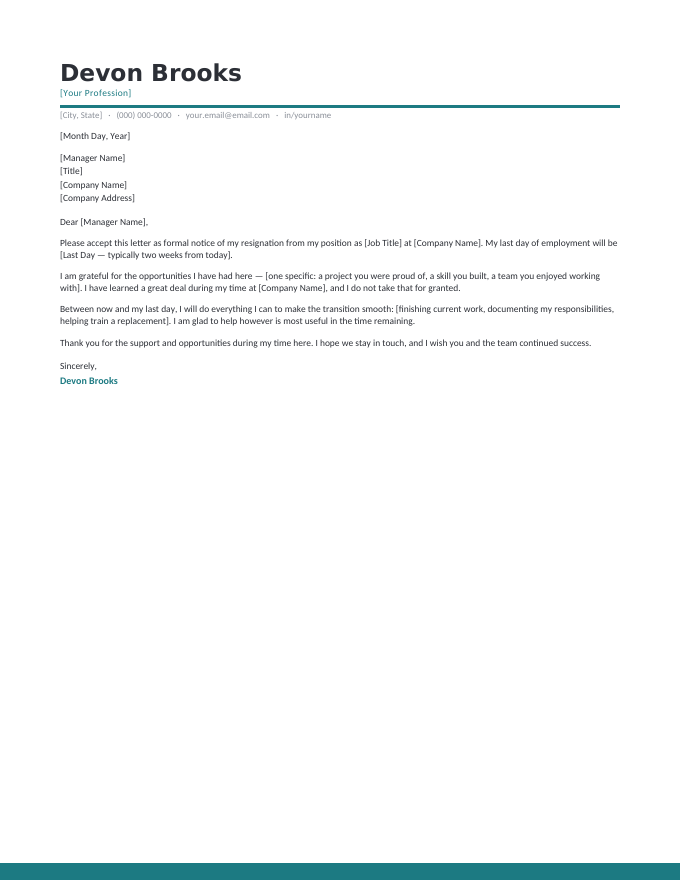
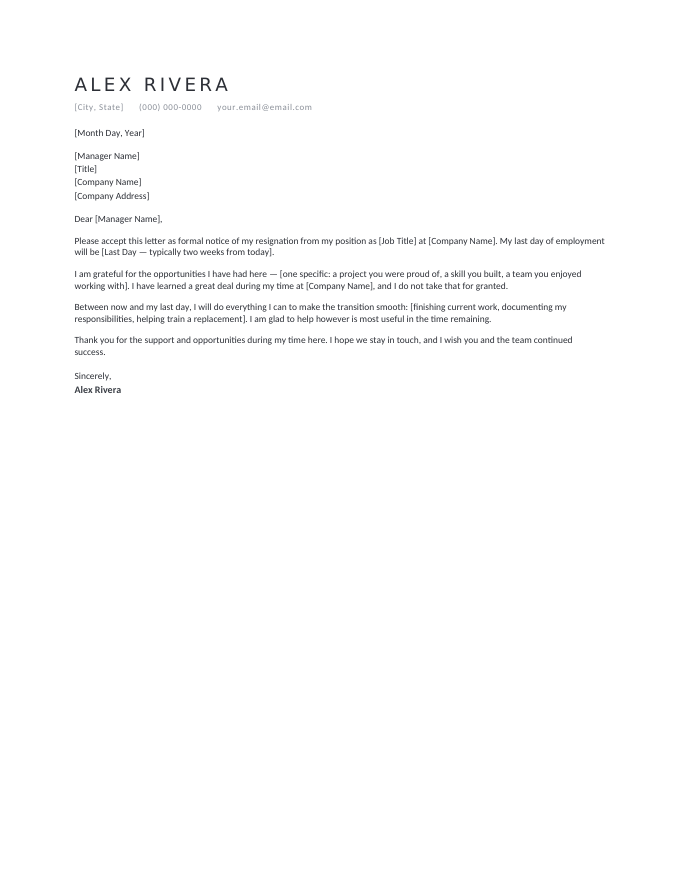
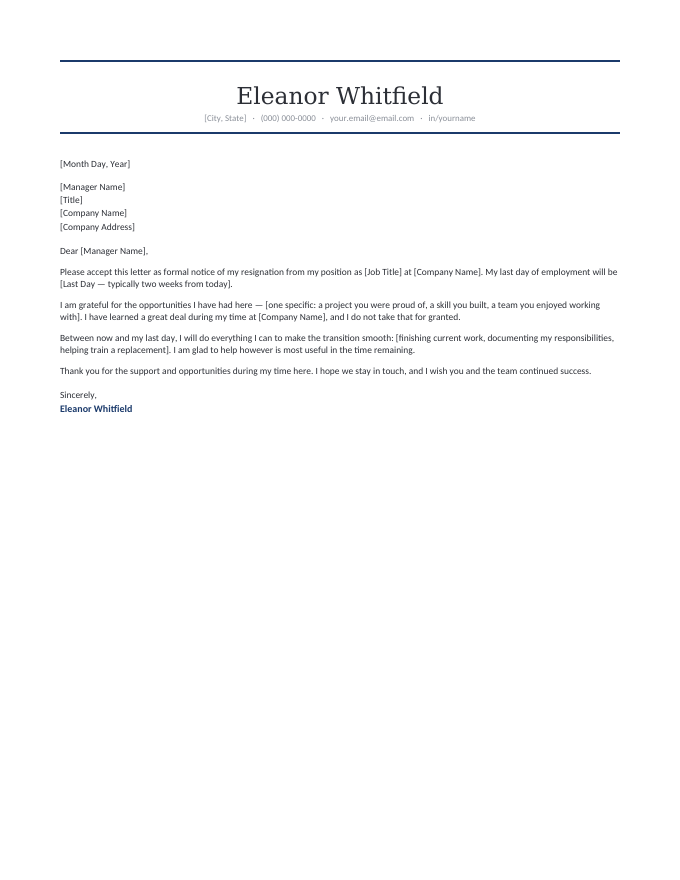
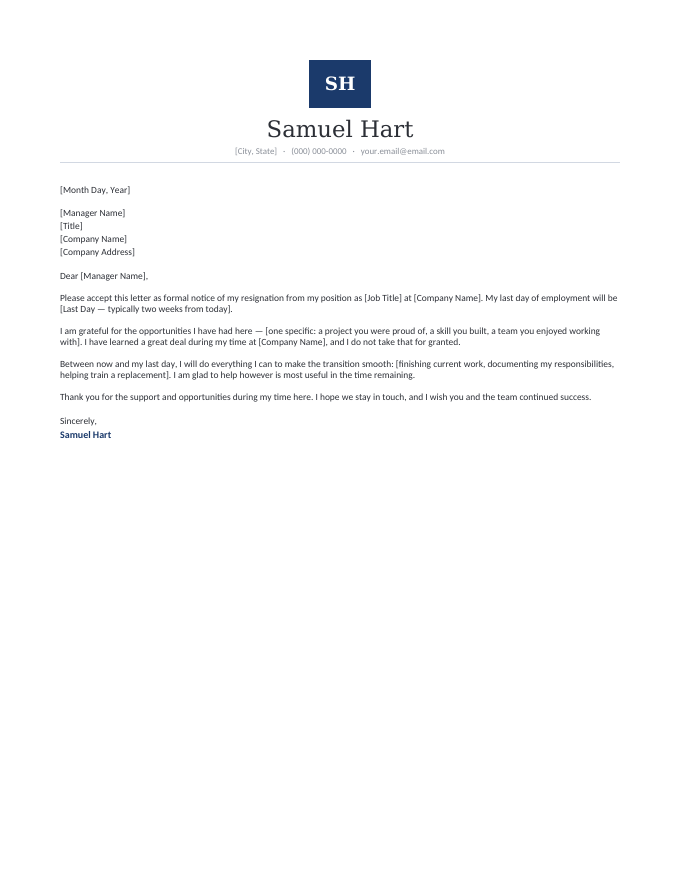
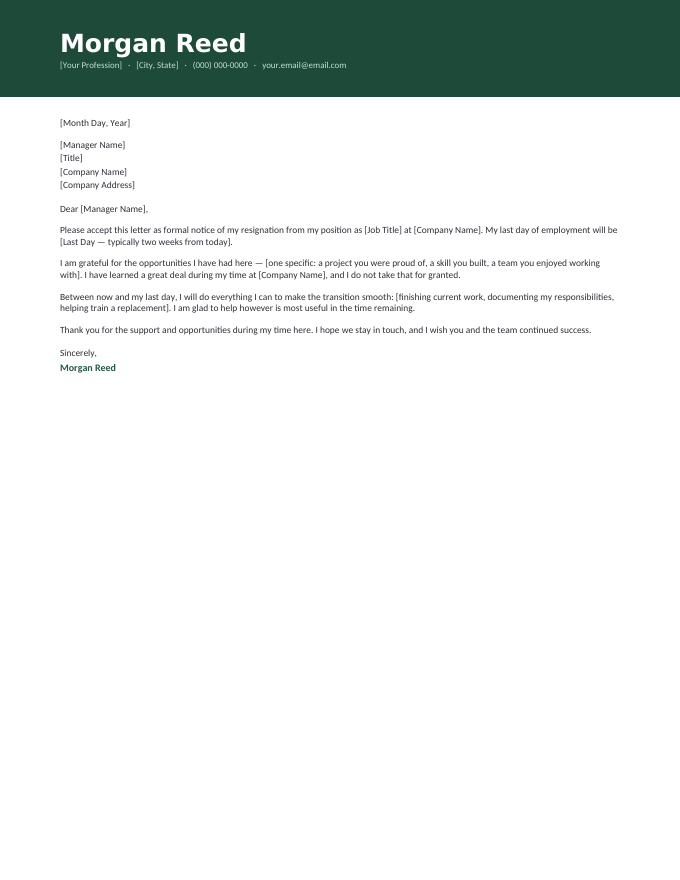
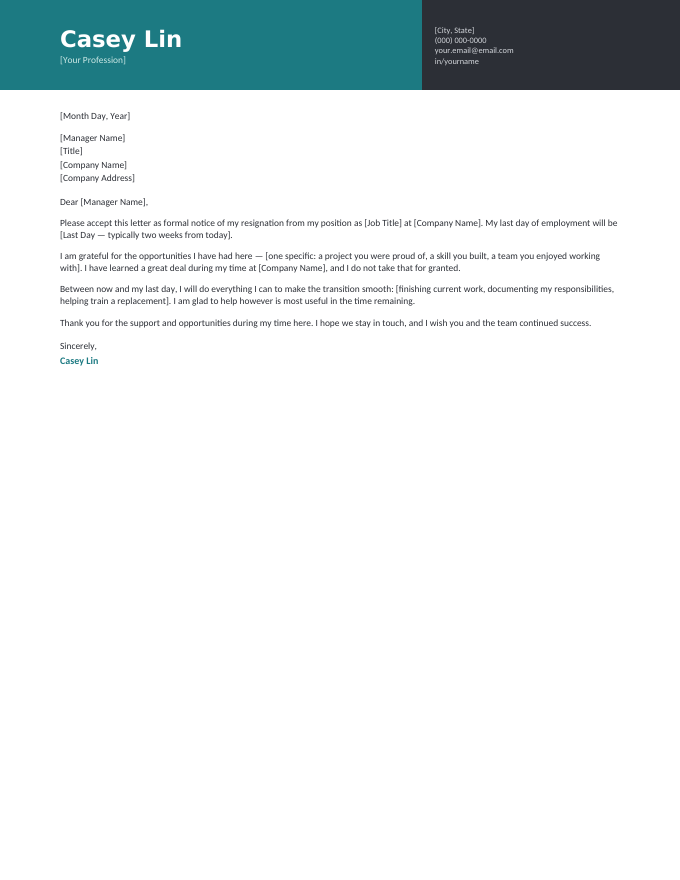
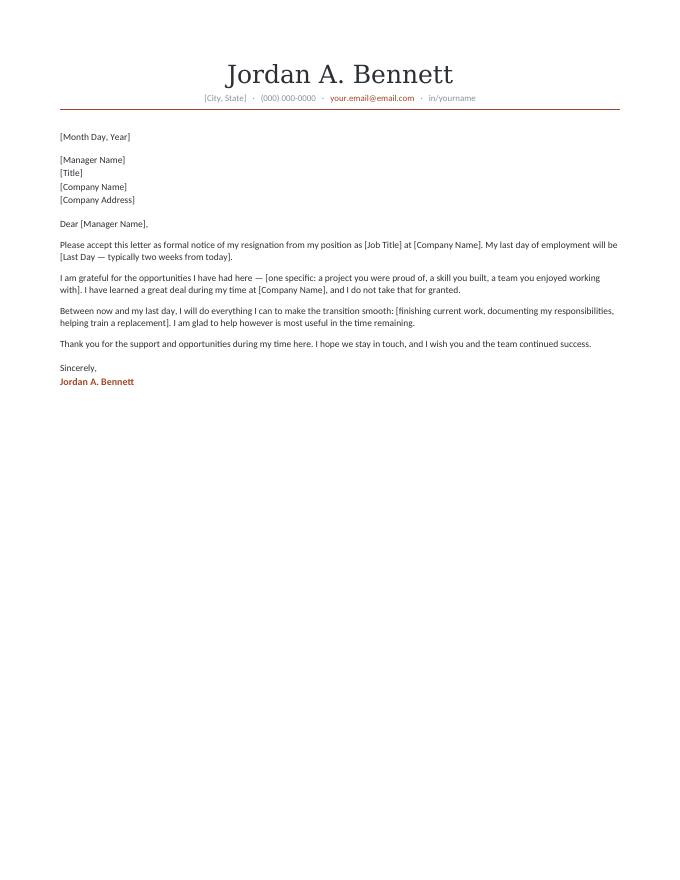
The letter inside every template, read in full.
[Month Day, Year]
[Manager Name]
[Title]
[Company Name]
[Company Address]
Dear [Manager Name],
Please accept this letter as formal notice of my resignation from my position as [Job Title] at [Company Name]. My last day of employment will be [Last Day — typically two weeks from today].
I am grateful for the opportunities I have had here — [one specific: a project you were proud of, a skill you built, a team you enjoyed working with]. I have learned a great deal during my time at [Company Name], and I do not take that for granted.
Between now and my last day, I will do everything I can to make the transition smooth: [finishing current work, documenting my responsibilities, helping train a replacement]. I am glad to help however is most useful in the time remaining.
Thank you for the support and opportunities during my time here. I hope we stay in touch, and I wish you and the team continued success.
Sincerely,
Jordan A. Bennett
Where the cloud genuinely helps a resignation.
A resignation letter is drafted in stolen moments — late evenings, lunch breaks, the weekend before the conversation. Docs suits exactly that rhythm:
- It autosaves the draft you keep returning to — no version-seventeen filenames while you get the wording right across three sittings.
- A trusted reader can look before you send — share with a mentor or partner as Commenter, get the second pair of eyes, revoke access after.
- It’s wherever the moment finds you — the final proofread on your phone in the parking lot is a genuine use case for this document.
- The PDF export is one menu away — File → Download → PDF, and the version HR files looks identical everywhere.
The equally real caution: draft in your personal account. Work Workspace documents are visible to administrators and vanish from your reach on your last day — the two properties a resignation draft can least afford.
Four steps in Docs.
- Sign into your personal Google account, then click Open in Google Docs and “Make a copy.”
- Replace the [brackets] — manager, role, company, last day. The letter is already written.
- Have the conversation, then File → Download → PDF for the copy you hand over or email.
- Keep the Doc as your record — the dated PDF plus your sent email is your proof of notice.
Google Docs resignation FAQ
How do I use a resignation letter template in Google Docs?
Should I draft my resignation letter in my work Google account?
How do I turn the finished letter into a PDF or print it to sign?
Do I need a Google account? Is this really free?
Will the template look the same in Google Docs as the preview?
Google Docs resignation letter templates · Updated September 2026