
Resignation Letter Templates for Word
Eight resignation letter templates as plain Word files — the notice paragraph is pre-written, the business-letter formatting is done, and the only edits left are [bracketed]: your dates, your names, your one line of thanks. Download, fill, save a PDF, resign. Works in Word 2010 onward, Microsoft 365, Word for Mac, and the free Word for the web.
Eight designs, five-minute edits.
Each card downloads a Word file carrying the standard professional letter — effective date first, gratitude, transition offer. Shorter and more formal versions live on their own pages.
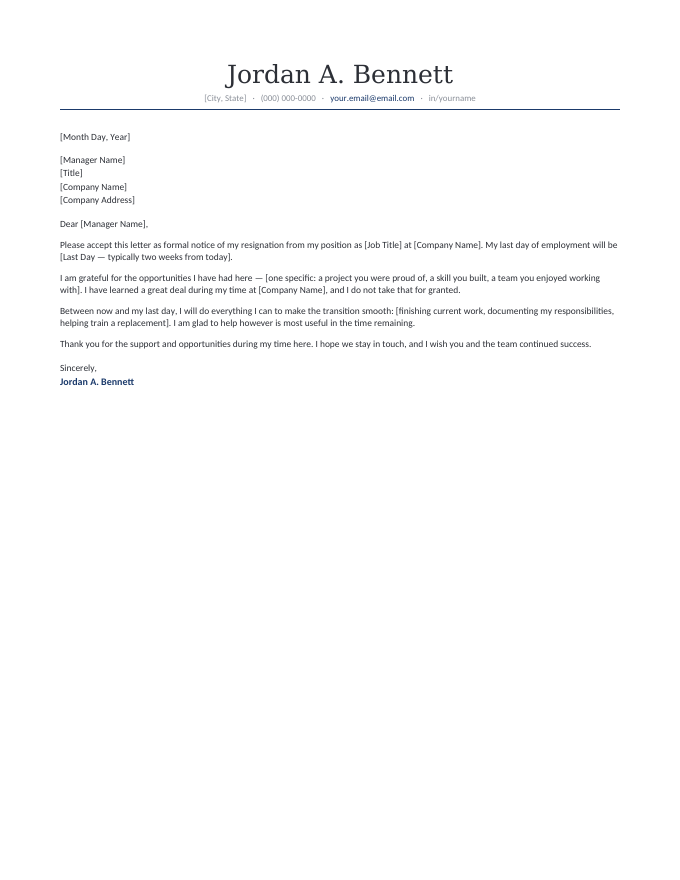
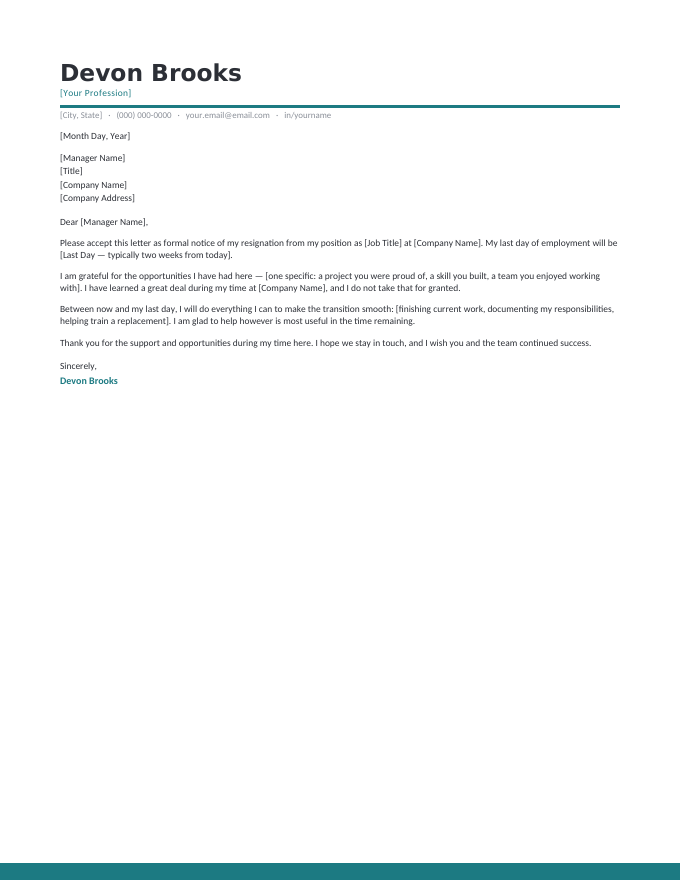
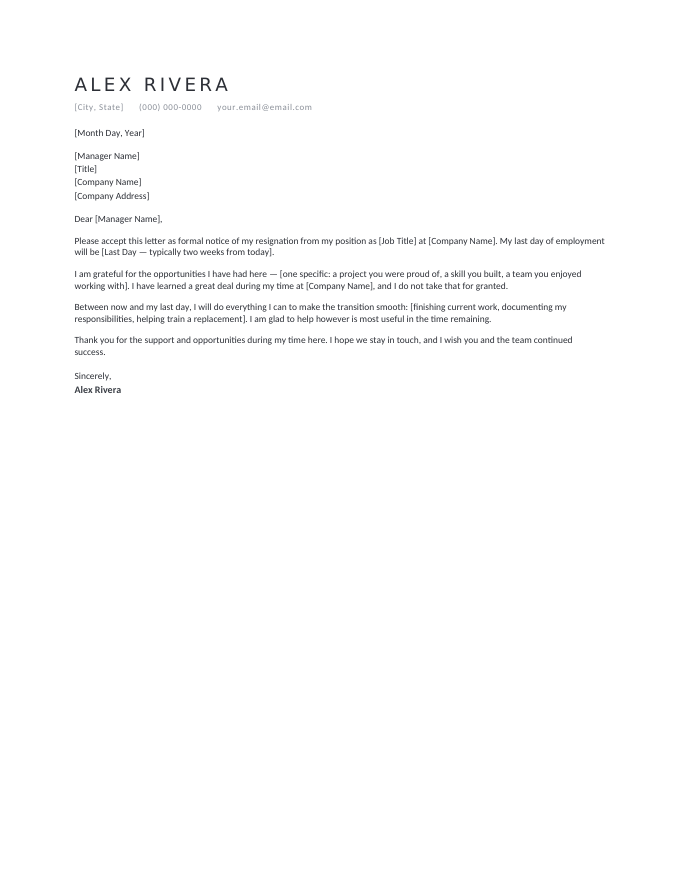
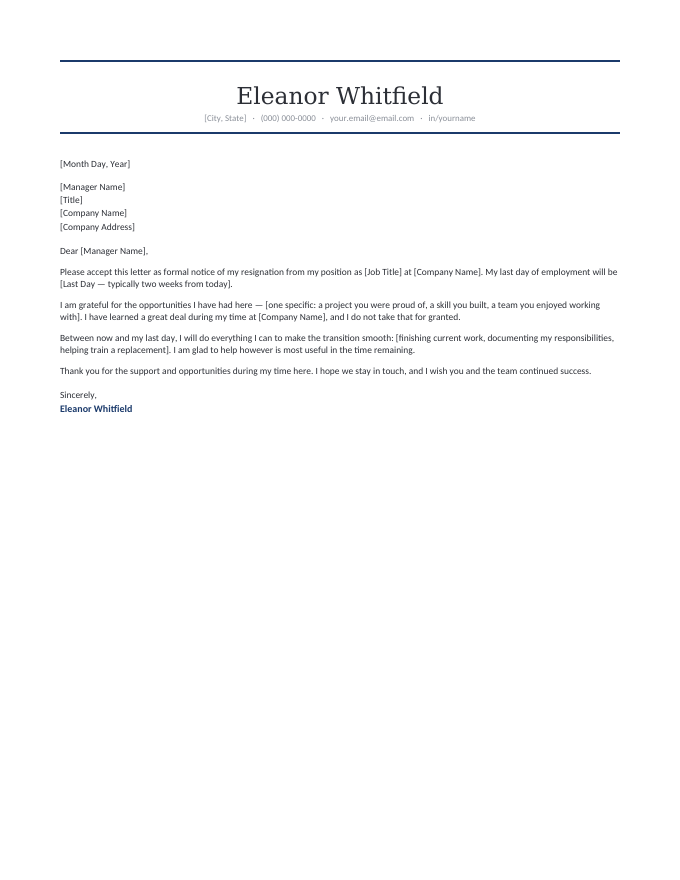
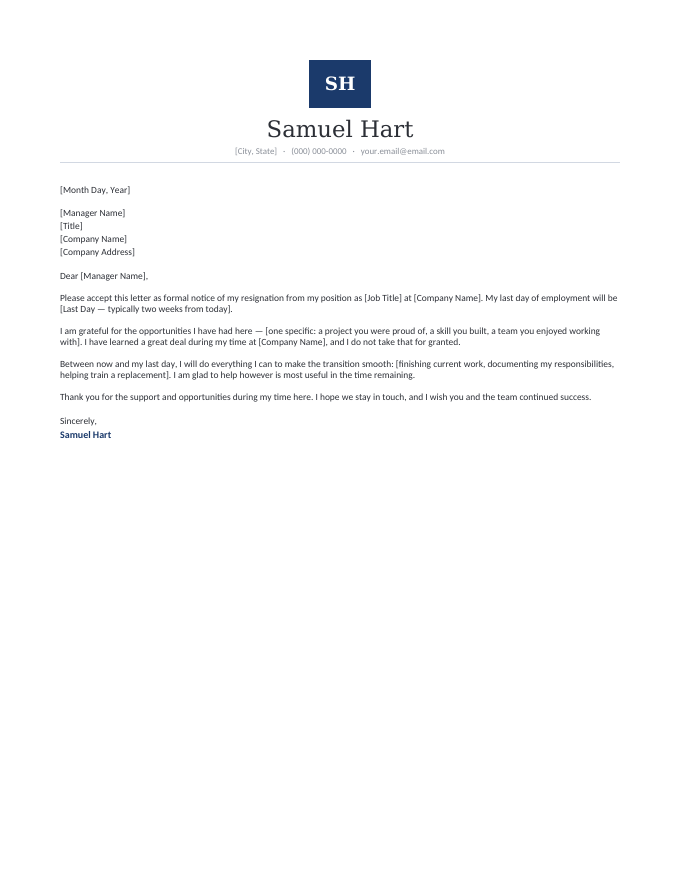
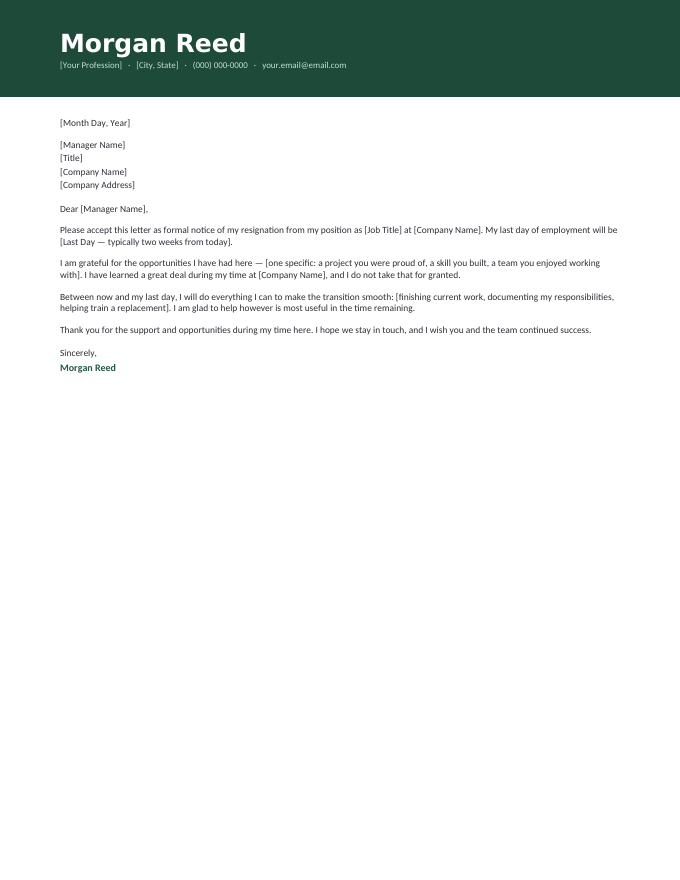
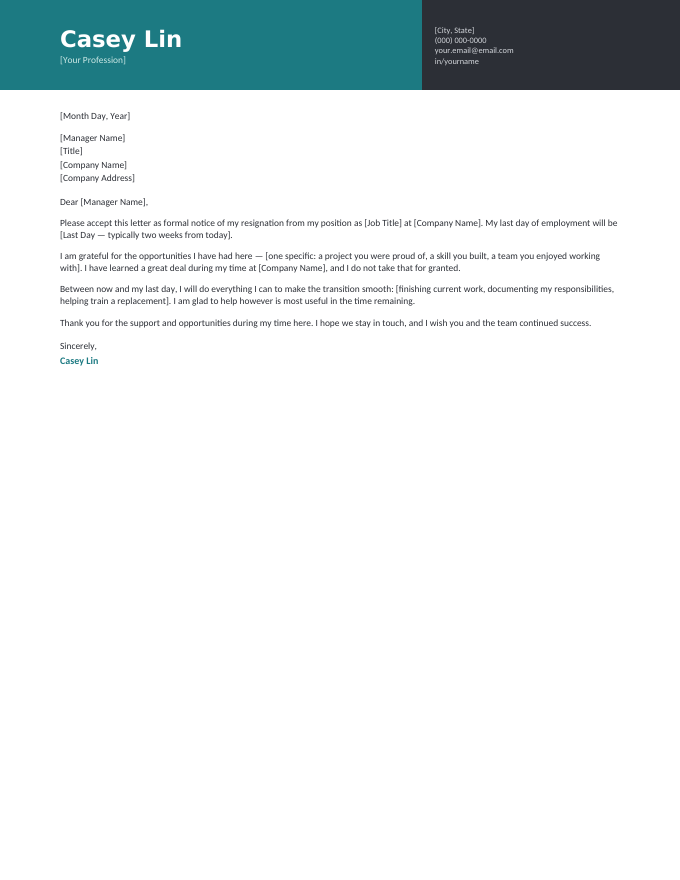
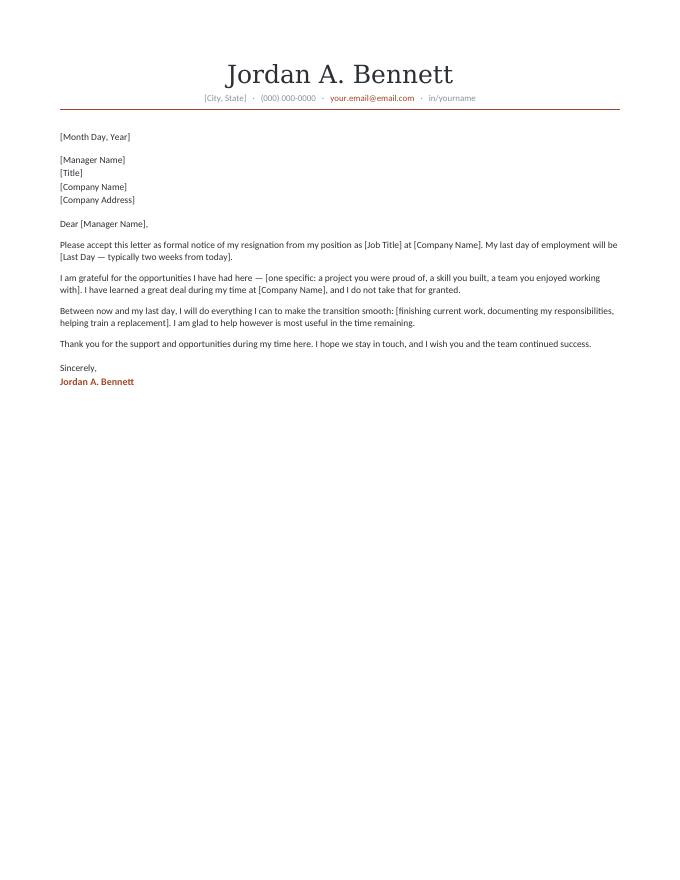
The letter inside every template, read in full.
[Month Day, Year]
[Manager Name]
[Title]
[Company Name]
[Company Address]
Dear [Manager Name],
Please accept this letter as formal notice of my resignation from my position as [Job Title] at [Company Name]. My last day of employment will be [Last Day — typically two weeks from today].
I am grateful for the opportunities I have had here — [one specific: a project you were proud of, a skill you built, a team you enjoyed working with]. I have learned a great deal during my time at [Company Name], and I do not take that for granted.
Between now and my last day, I will do everything I can to make the transition smooth: [finishing current work, documenting my responsibilities, helping train a replacement]. I am glad to help however is most useful in the time remaining.
Thank you for the support and opportunities during my time here. I hope we stay in touch, and I wish you and the team continued success.
Sincerely,
Jordan A. Bennett
A resignation letter is the .docx use case.
Plenty of documents have moved to the cloud, but this one still wants to be a file on your machine:
- It’s private. A resignation drafted in your work Google account is a resignation your employer technically hosts. A .docx on your own computer stays yours until the moment you deliver it.
- You’ll print it. Handing a signed page to your manager is still the gold-standard delivery — and Word’s print preview shows exactly what the paper will say.
- HR wants a record. The PDF you export is dated, uneditable, and file-ready — the version personnel files are built on.
- No sync, no history. No revision trail, no shared-drive surprises, no draft visible anywhere before you’re ready.
The clean sequence: draft the .docx at home, sleep on it once, export the PDF, tell your manager, deliver the letter. Word is quietly the right tool for four of those five steps.
Four steps in Word.
- Click Download Word on a design and open the
.docx. - Replace the [brackets] — manager, role, company, last day. The letter is already written.
- Proofread once for names and dates; those are the only errors this letter can really have.
- Print to sign and hand over, and File → Save As → PDF for the emailed copy.
Word resignation letter FAQ
How do I edit a resignation letter template in Word?
Which versions of Word do these files work with?
Can I use these without paying for Microsoft Word?
Should I print the letter or email it as an attachment?
Do I sign a resignation letter, and how, if it's digital?
Microsoft Word resignation letter templates · Updated September 2026