






Company Letterhead Templates
Ten free company letterhead templates for Microsoft Word and Google Docs — structural brand headers, REF/DATE data blocks, multi-office identity and regulatory footers. Put your company name and brand at the top and start writing.
10 company letterhead examples
Every template ships in both Microsoft Word (.dotx) and Google Docs. The .dotx download opens in Word as a fresh document; the Google Docs link opens a copy directly in your browser.
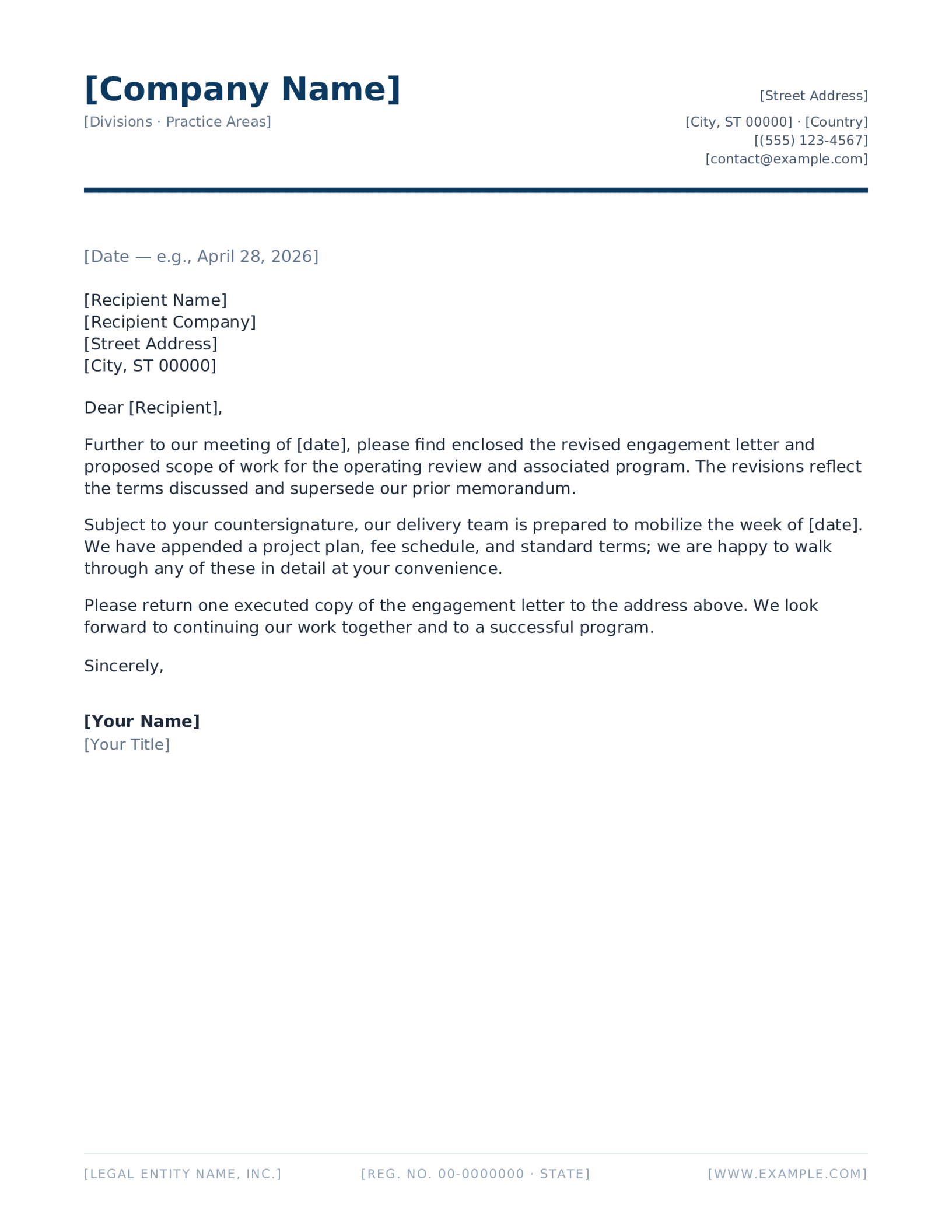
Corporate Blue, Split Header
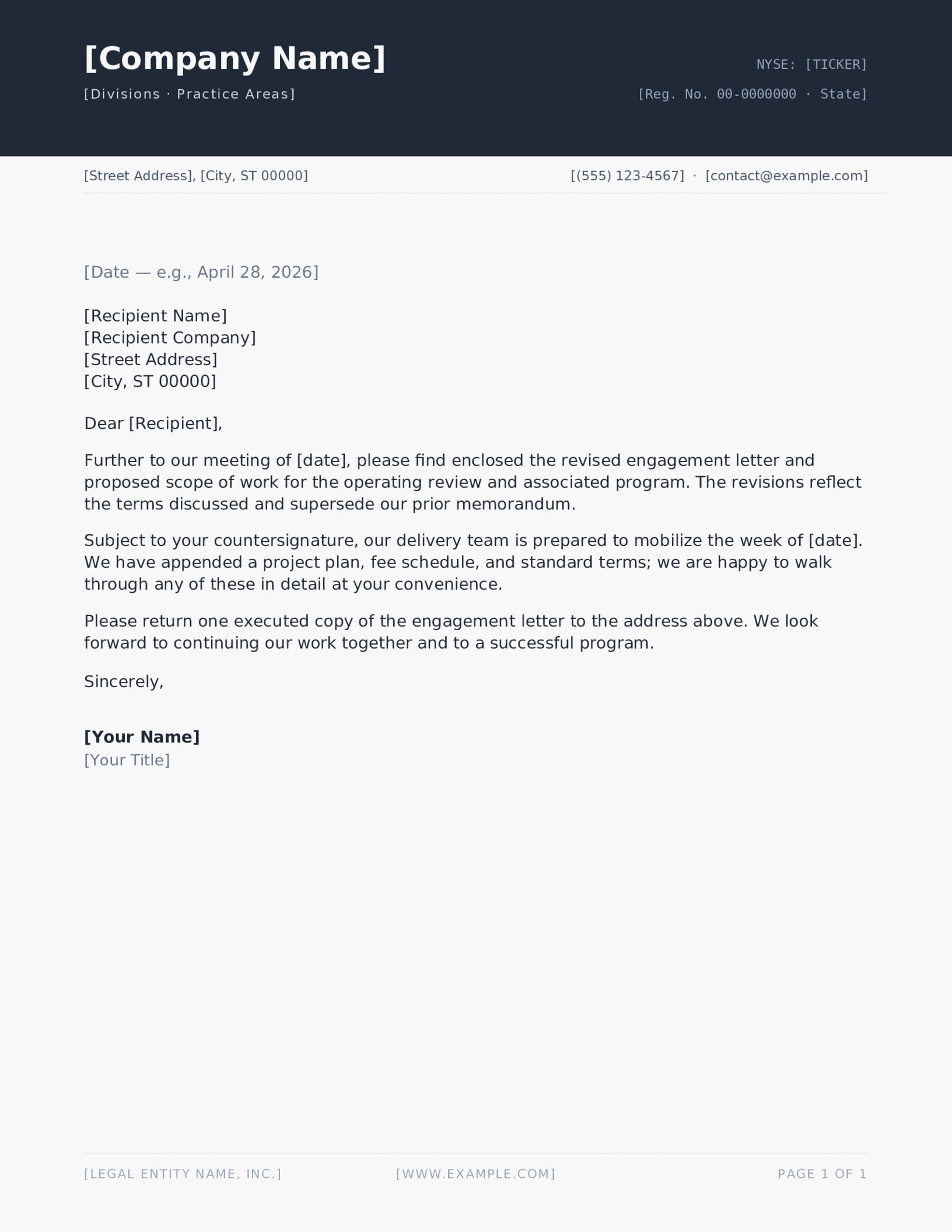
Charcoal Block Header
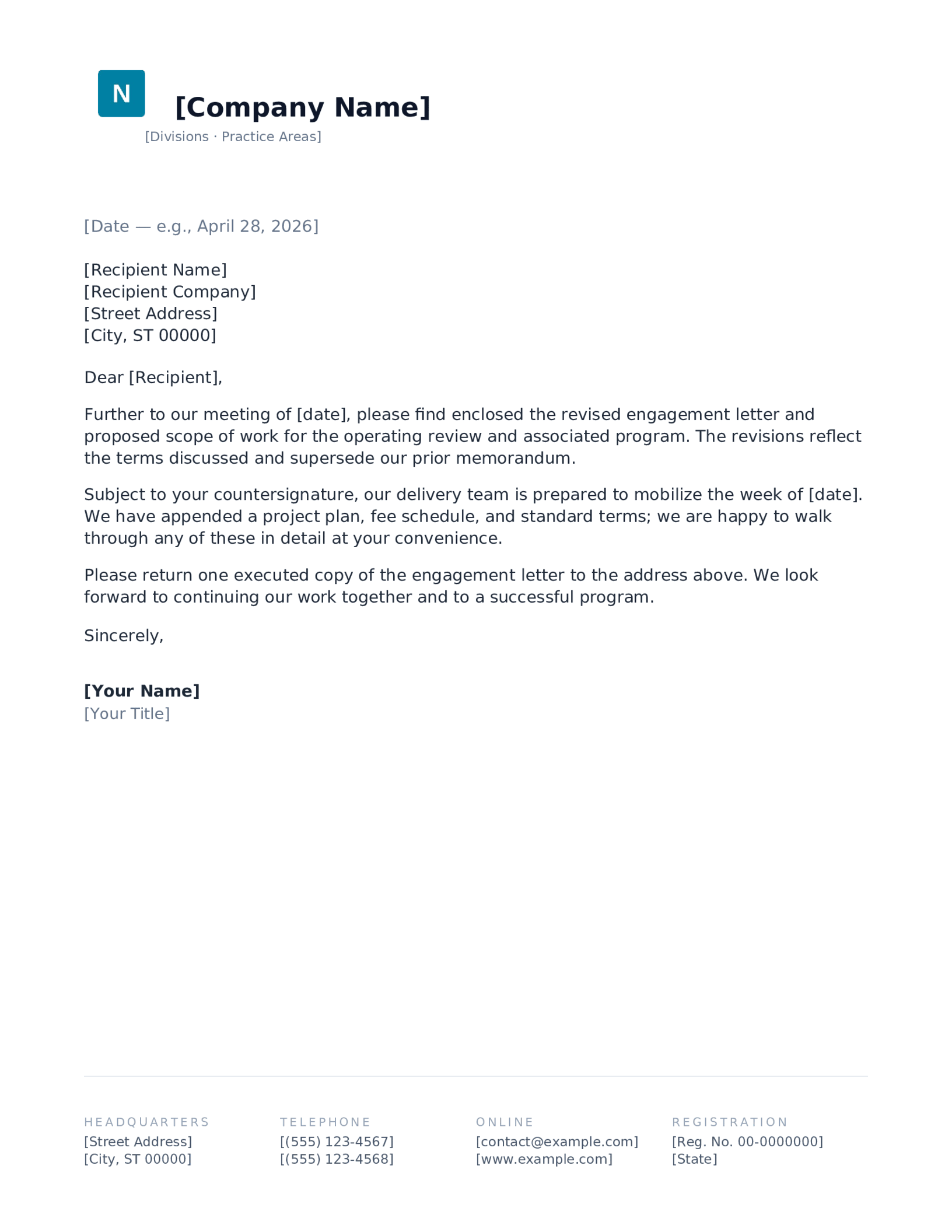
Logomark + Wordmark
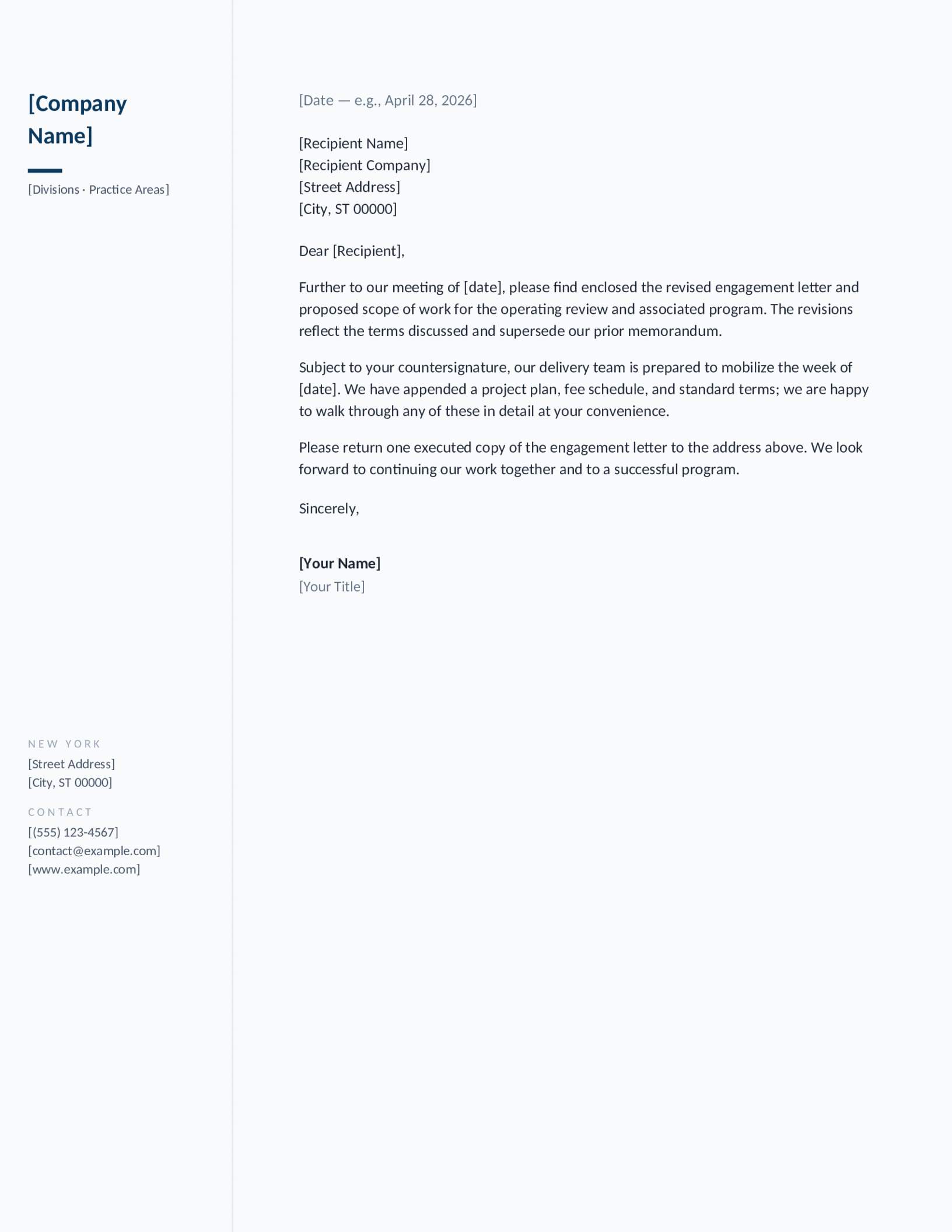
Left Identity Rail
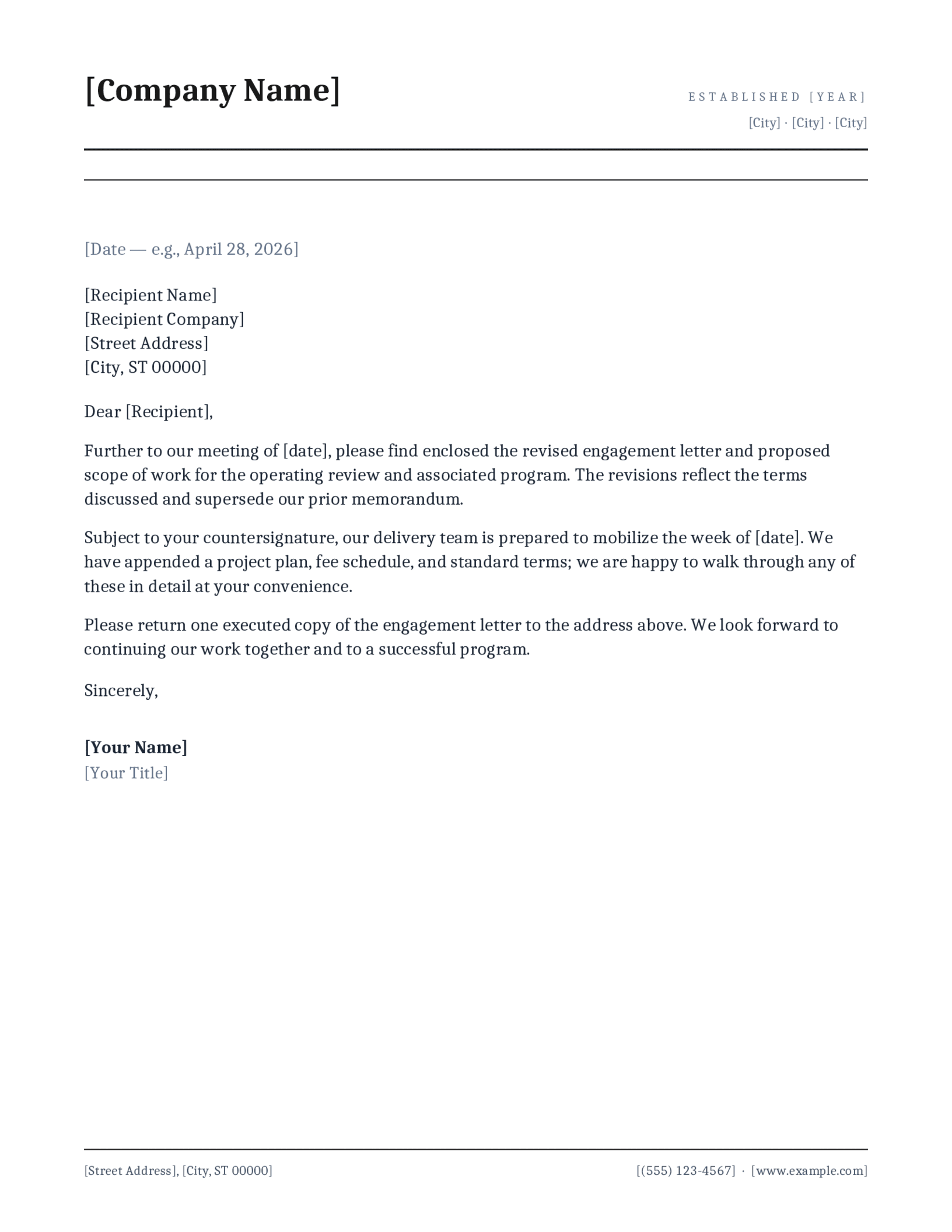
Plex Serif, Institutional
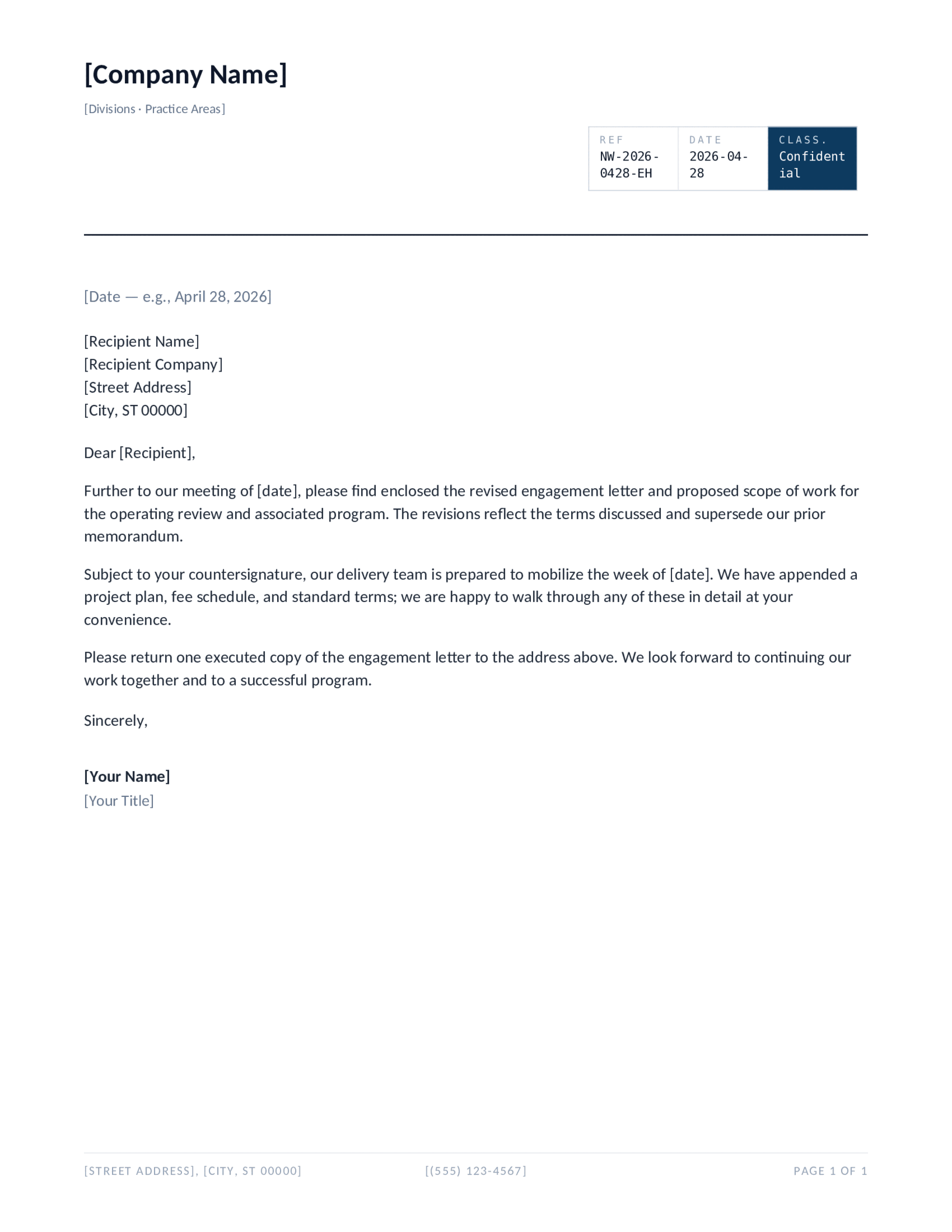
Document-Form Header
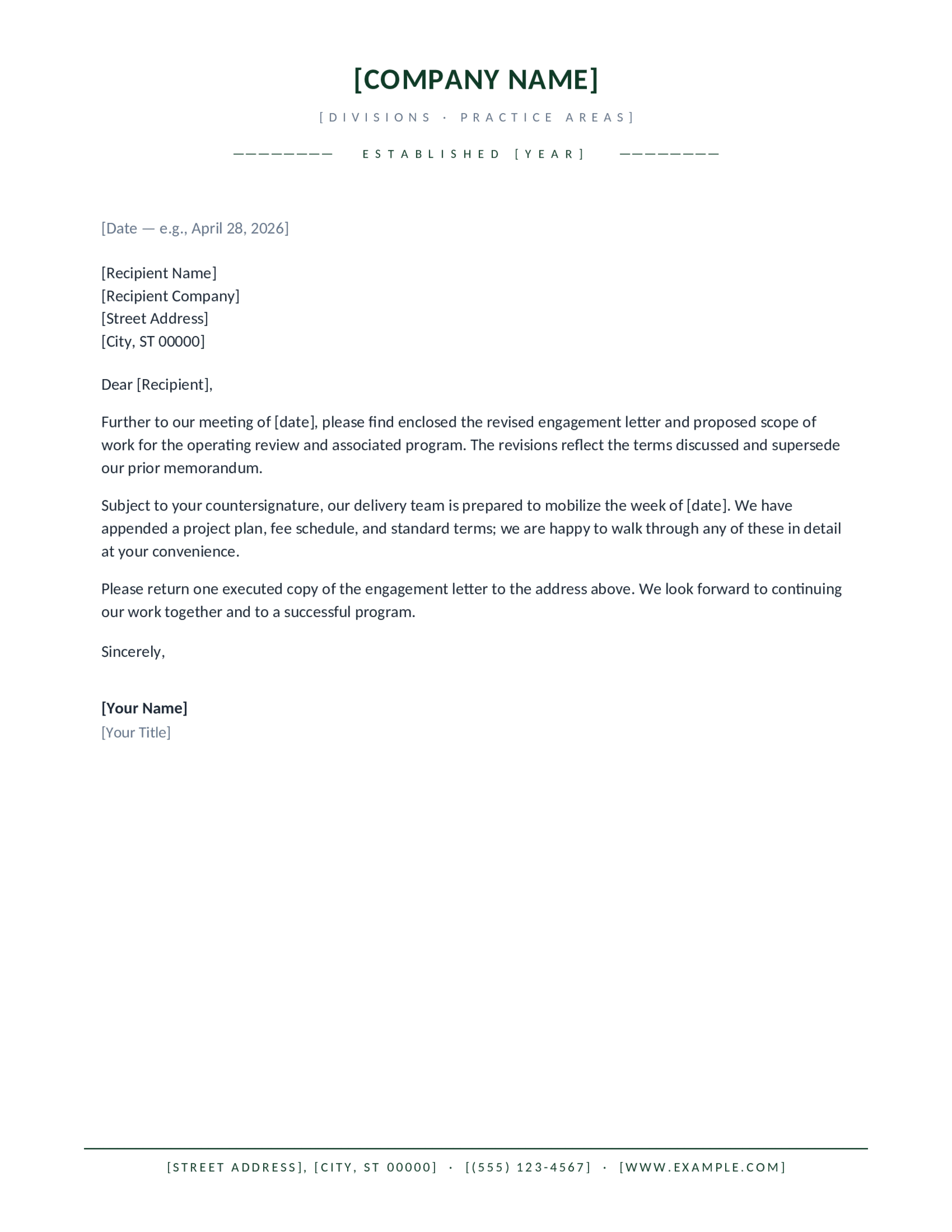
Forest Conservative
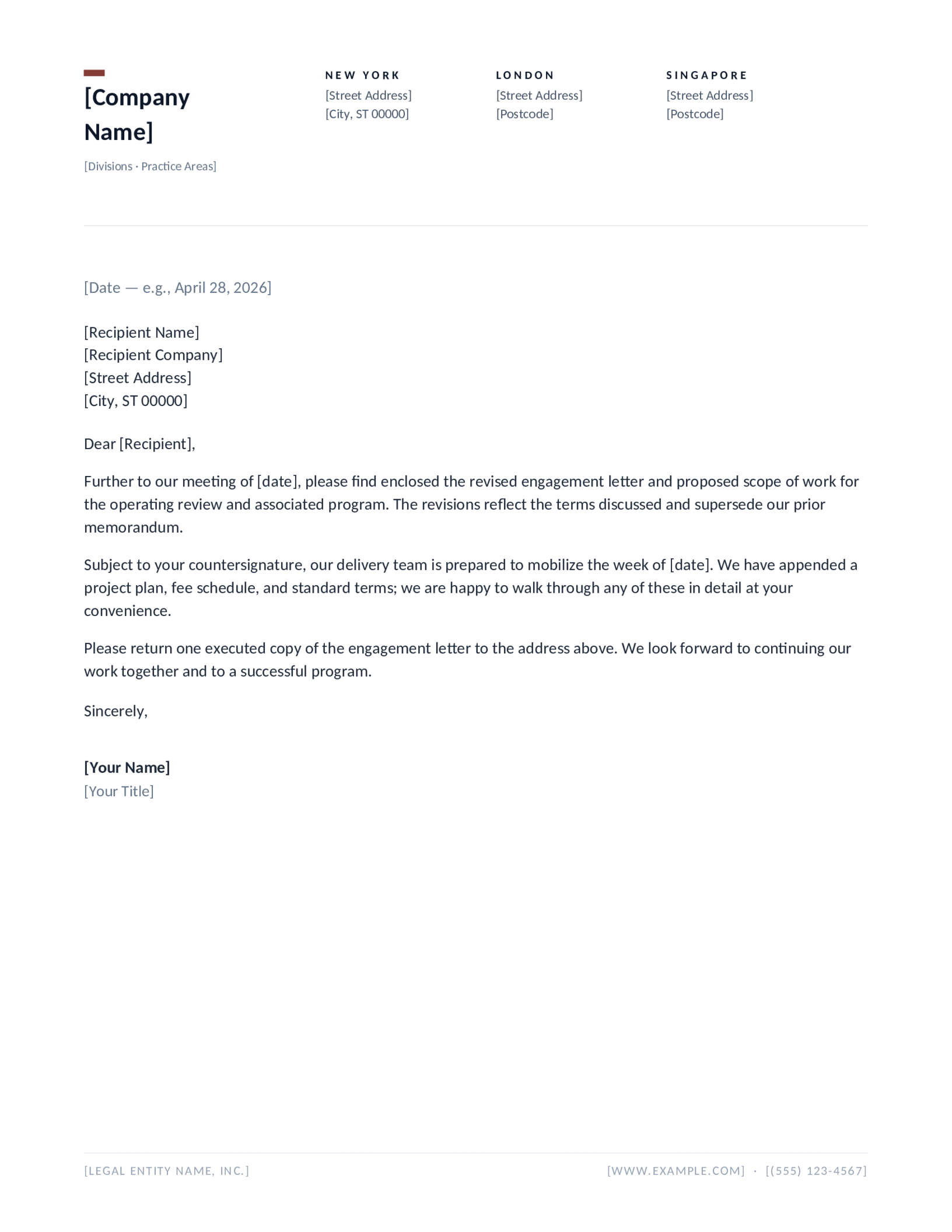
Two-Column Identity
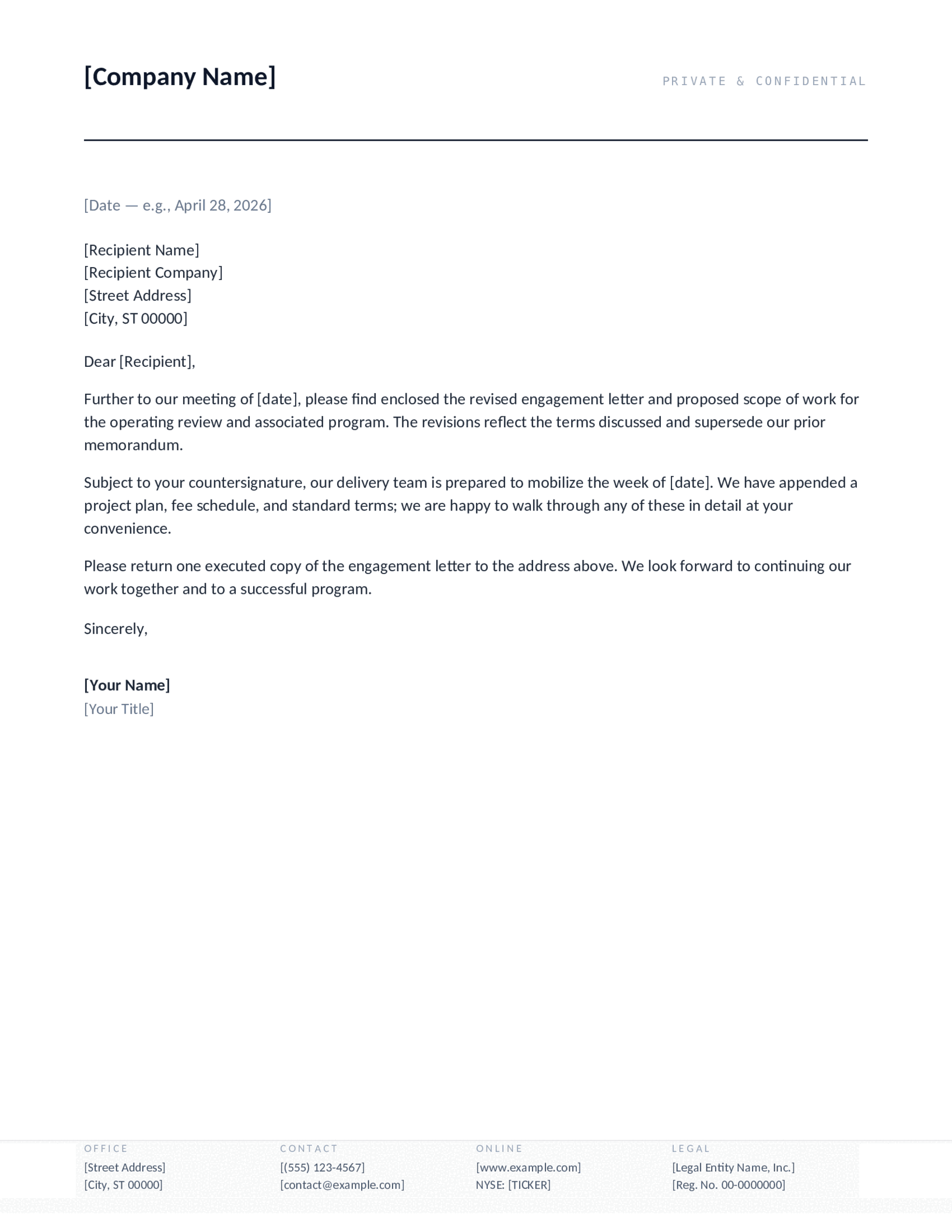
Footer Data Block
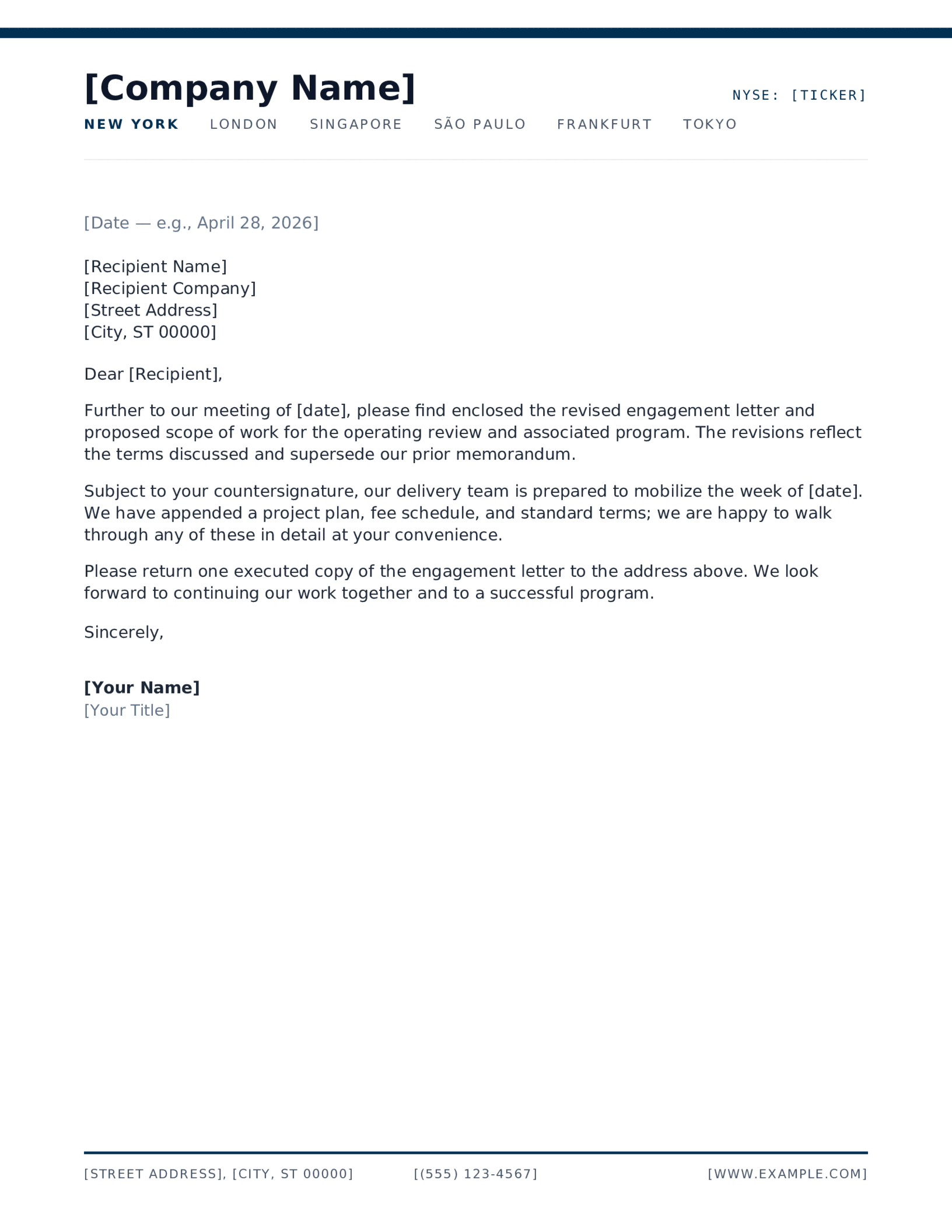
Global Brand Bar
Which company letterhead fits your business?
A company letterhead does one unglamorous job well: it proves the letter came from a real business, and it tells the reader how to reach that business without them having to go looking. Everything else — the colour, the rule, the placement of the logo — is in service of those two facts. These ten designs handle them in different registers, from a single navy rule to a full-width brand bar.
How to create a company letterhead template
- Pick a design and download it for Word, or open it in Google Docs. Both formats carry the identical layout.
- Replace the bracketed tokens with your company name, brand name, address and contact line. If the design carries a logo placeholder, right-click it and choose Change Picture in Word, or click and choose Replace image in Google Docs.
- Save it. In Word the file is already a template, so opening it starts a fresh letter every time and leaves your master copy alone.
Will these open in my version of Word?
All of them, from Word 2007 onwards — 2010, 2013, 2016, 2019, 2021, Microsoft 365 and Word for Mac. The download is a .dotx, the modern Office XML template format, which is why it opens cleanly rather than warning you about compatibility. There is nothing to convert and no macros to enable.
Do these work for trades and industrial companies?
Yes, and they are often a better fit than the decorative alternatives. A construction company letterhead, a trucking or logistics firm, a security contractor, a masonry or excavating business — all of them need the same thing: licence and insurance details visible, a phone number that is easy to find, and nothing that looks fussy. The designs with a footer rule or a data block are built for exactly that, because there is somewhere obvious to put a licence number.
Every one of the ten is free to download, edit and use for your own company, in as many letters as you like. We only ask that you do not redistribute the template files themselves elsewhere on the web.
Updated through September 2026.
Put your company name on it
- Pick a design and choose your editor — Microsoft Word downloads the template (a
.dotxfile; opening it creates a fresh document and leaves the original intact for next time), or Google Docs prompts you to make a copy in Drive. - Replace the placeholder tokens —
[Your Name],[Family Name],[Street Address],[Recipient], etc. Embedded graphics (monograms, crests, ornaments) can be replaced with your own — right-click → Change Picture (Word), or click → Replace image (Google Docs). - Type your letter where the sample paragraph is. Save and print on standard 8.5 × 11 paper, or send as a PDF.
Specifications: US Letter, 8.5 × 11 inches, portrait. Word downloads are .dotx templates and open in Word 2007 through Microsoft 365, including Word for Mac. Google Docs versions open as a copy in your own Drive. Every file is one page, fully editable, and free to use — no account and no watermark.