






Restaurant Letterhead Templates
Eight free restaurant letterhead templates for Microsoft Word and Google Docs — fine dining, café, bakery, catering, bar and brewery, pizzeria, hotel dining and food truck. Each is laid out for the letters a restaurant actually sends: event proposals, supplier correspondence, a note to a regular, a permit renewal.
8 restaurant letterhead examples
Every template ships in both Microsoft Word (.dotx) and Google Docs. The .dotx download opens in Word as a fresh document; the Google Docs link opens a copy directly in your browser.
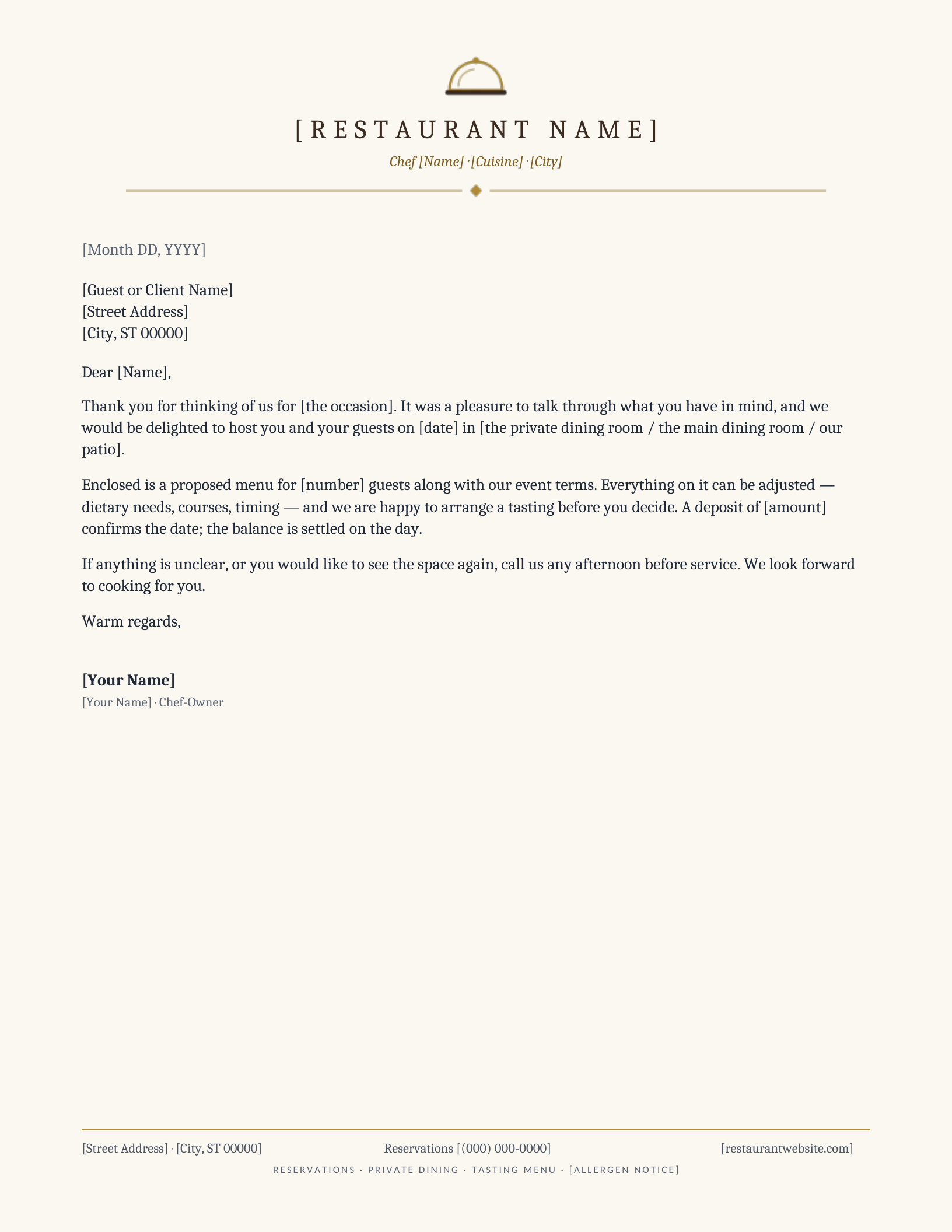
Fine Dining
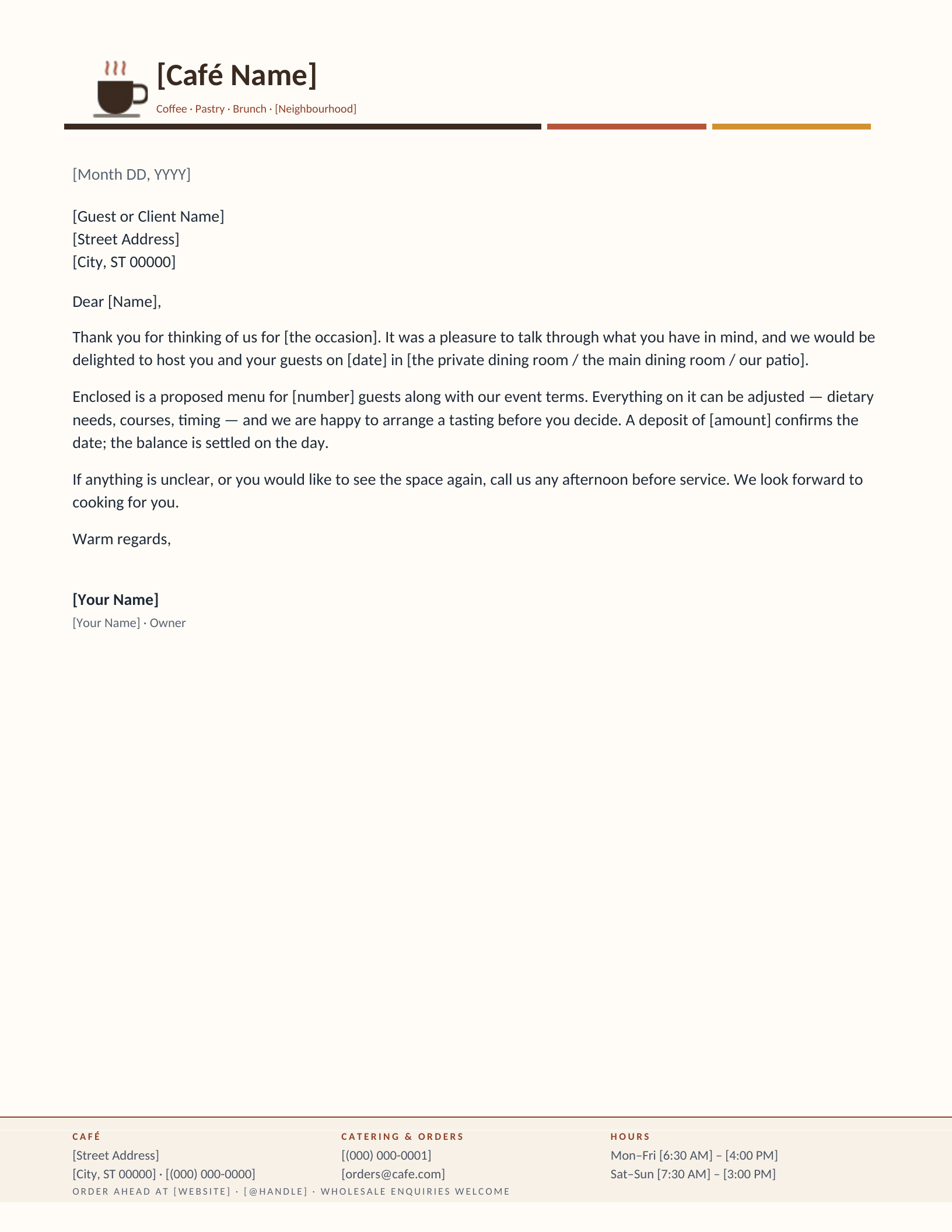
Café & Coffee Shop
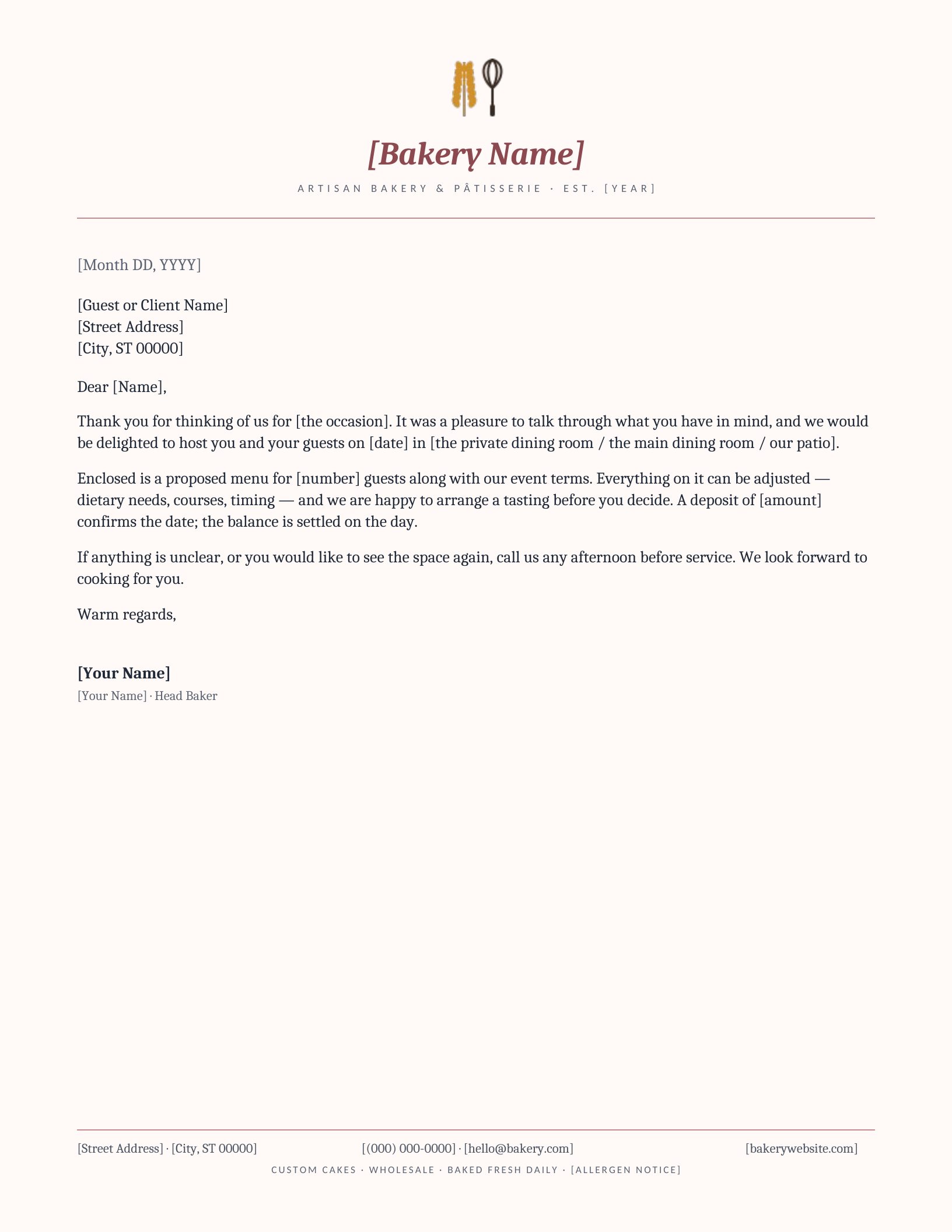
Bakery & Pâtisserie
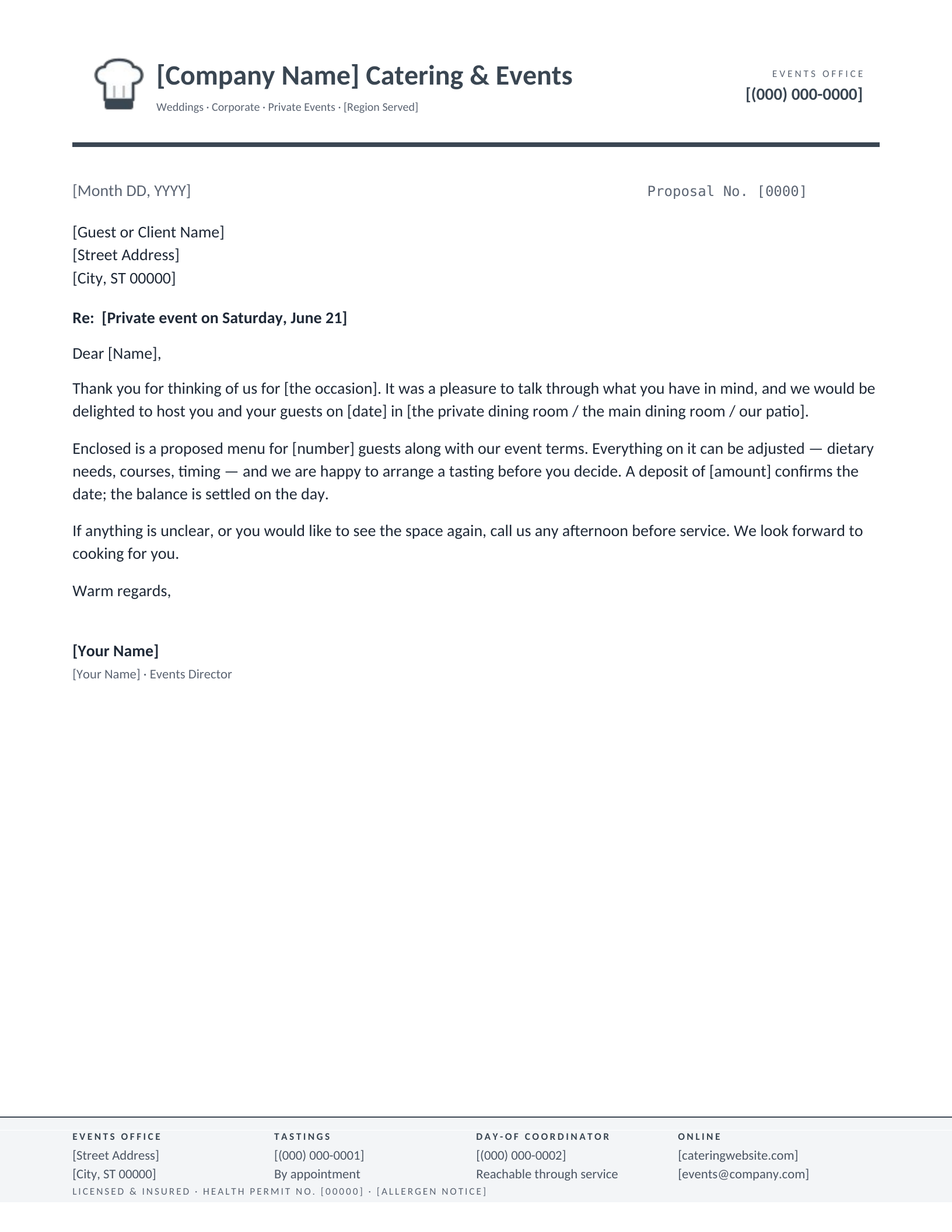
Catering & Events
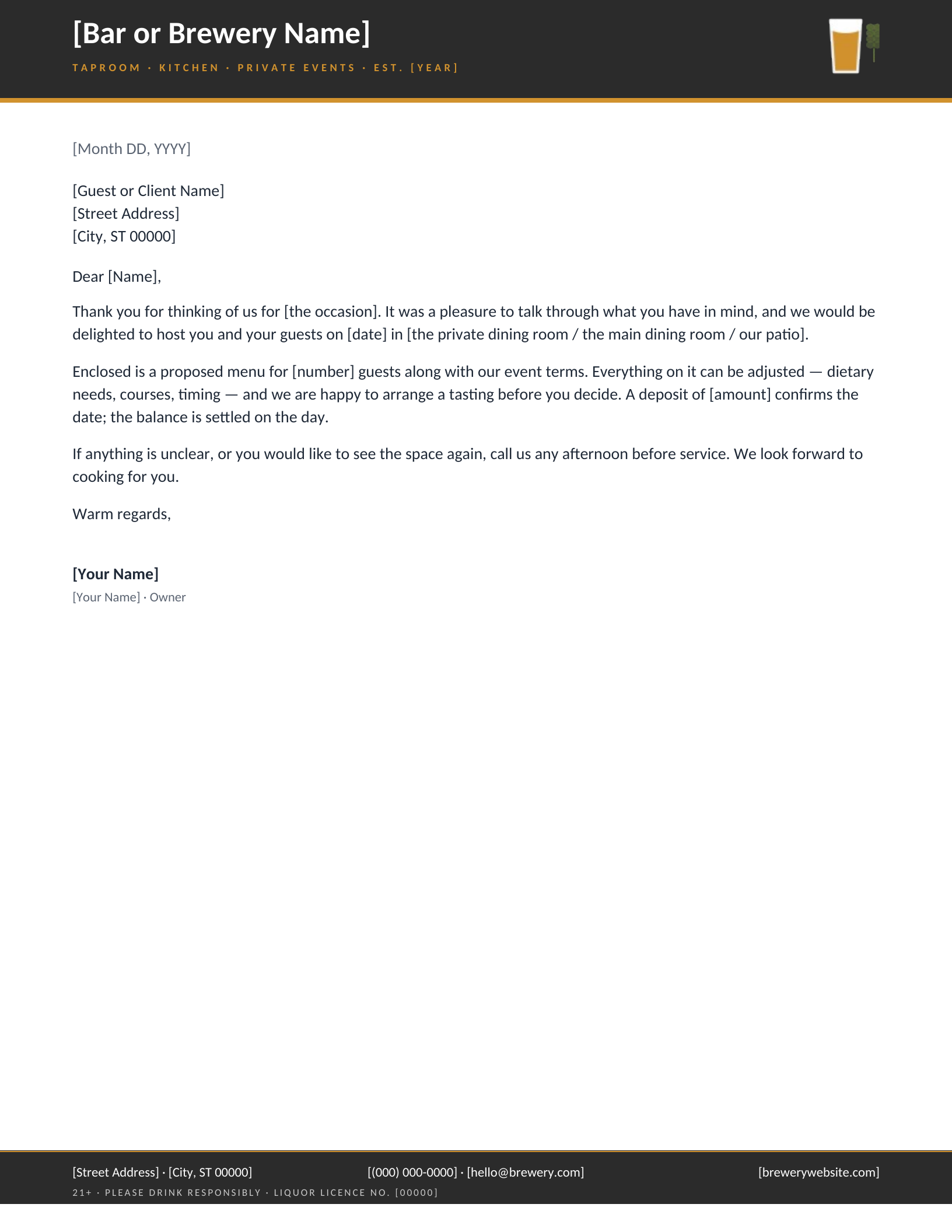
Bar & Brewery
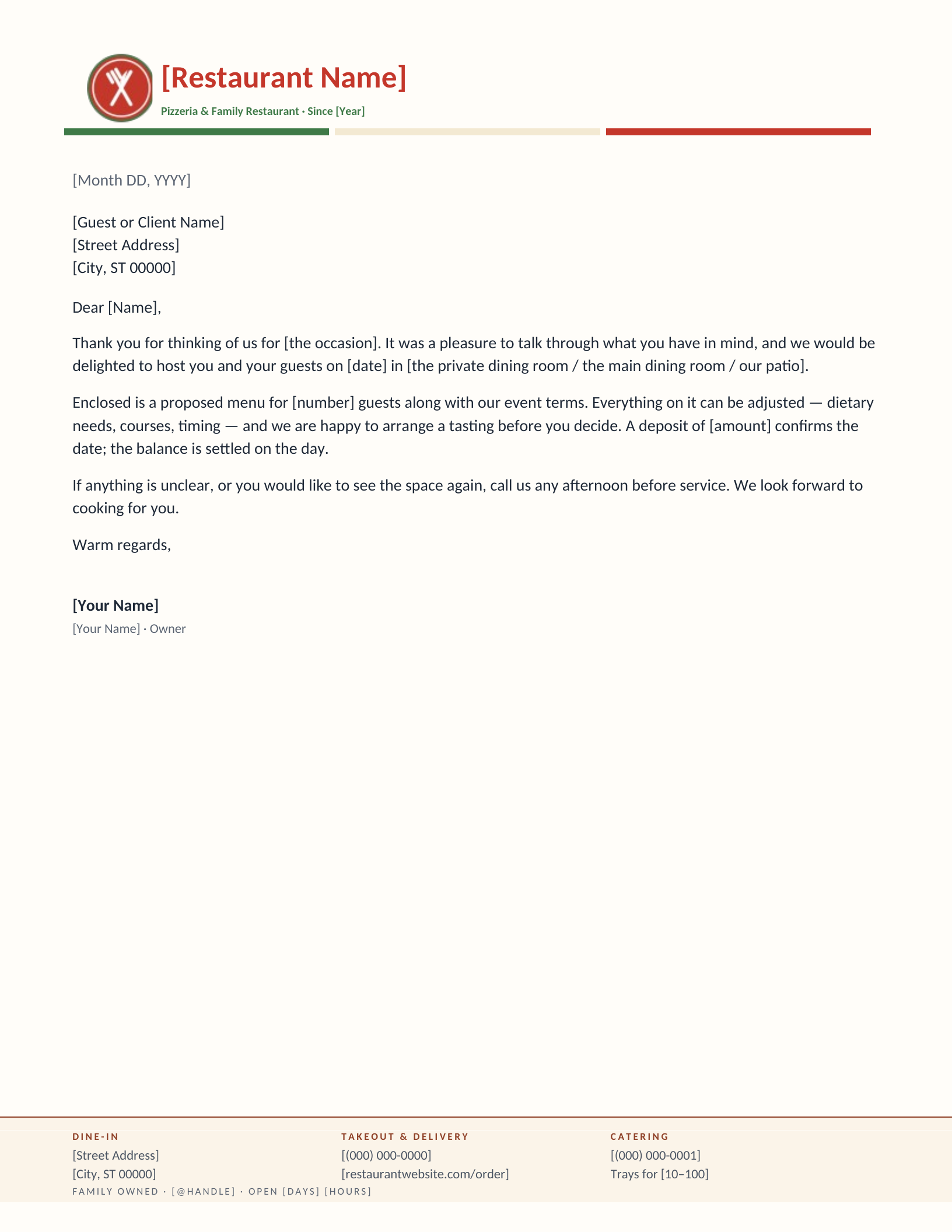
Pizzeria & Family Restaurant
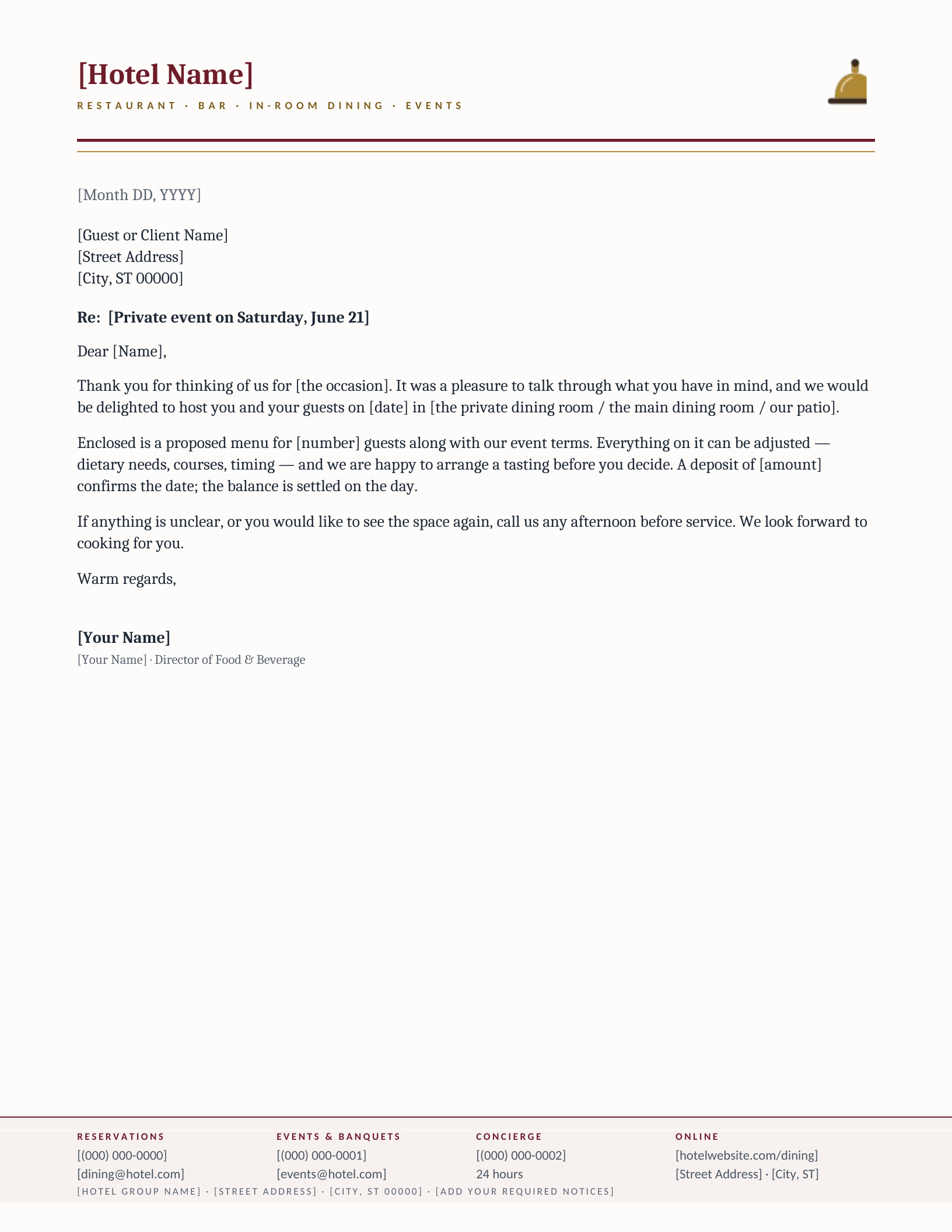
Hotel Dining & Hospitality Group
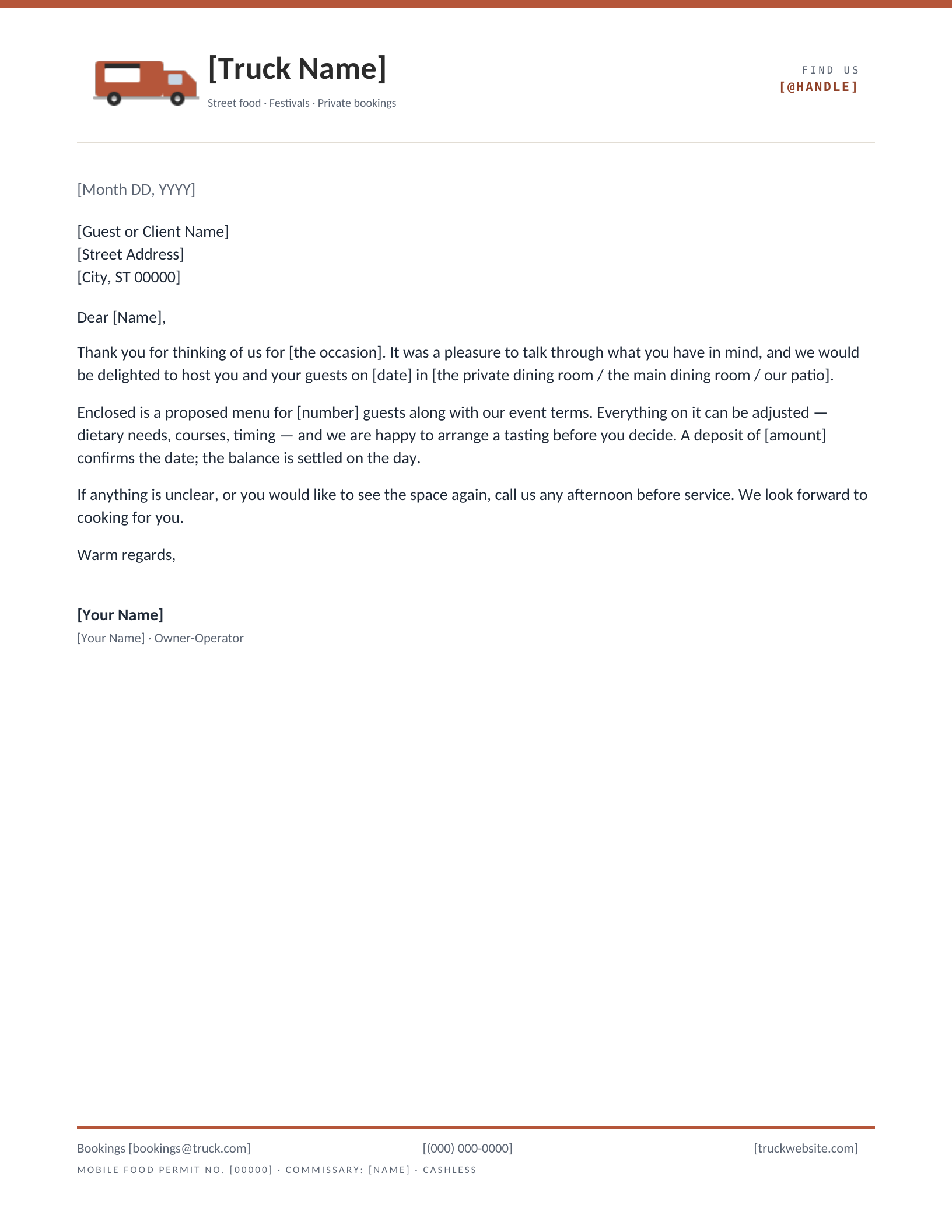
Food Truck & Fast Casual
Which letterhead suits your restaurant?
Restaurants write fewer letters than most businesses and care more about each one. A private-event proposal is a sale; a letter to a supplier sets terms; a note to a guest who had a bad night can keep them. So the stationery has to carry the room’s personality — a tasting-menu place and a pizzeria should not sound alike on paper any more than they do at the door — while still doing the plain job of saying who you are and how to book. That is why these eight differ more from one another than most of the categories here, and why every one puts reservations or bookings in the footer where the reader looks for them.
How to make a letterhead for a restaurant
Start from the letters you actually send, not from the logo. If most of your correspondence is event proposals, you want a proposal number and a Re line — that is the Catering design. If it is supplier and wholesale letters, you want the hours and the ordering line in the footer — Café or Bakery. Then pick the design whose register matches the room, download it for Word or open it in Google Docs, replace the bracketed placeholders with your name, address, booking number and the licence or permit lines your city requires, and swap the drawn mark for your own logo if you have one. Print on the heaviest paper your printer will take; a restaurant letter on thin copier stock undoes the design.
Which one fits
- Tasting menu, chef-driven — Fine Dining. Serif, letterspaced, a cloche and a diamond rule.
- Coffee, brunch, counter service — Café. Hours and an ordering line in the footer.
- Cakes and wholesale — Bakery, with the allergen line built in.
- Off-site events — Catering, built around the proposal.
- Taproom or sports bar — Bar & Brewery, with the 21+ and licence line.
- Family restaurant — Pizzeria. Dine-in, takeout and catering routes in the footer.
- Hotel or multi-venue group — Hotel Dining, with banquets and the concierge alongside reservations.
- Truck or pop-up — Food Truck, with the permit and commissary line organisers ask for.
Common questions
What should a restaurant letterhead include?
The name, the address, and the number a guest would call to book — those three are not optional. Beyond that, include only what your letters need: a licence or permit number if you write to regulators, an allergen notice if you quote menus, a social handle if that is genuinely how people find you. The footer on each design shows one honest set; delete what does not apply.
Can I use the same letterhead for the menu?
You can, and the Fine Dining and Bakery designs are quiet enough to carry a short menu or a tasting sheet in the body. For a full menu you will want more room than a letter leaves; take the masthead from the design and build the menu beneath it in the same file.
Are the licence and allergen lines correct as written?
They are placeholders that reserve the space and set the type. Liquor licence wording, health permit numbers and allergen statements are set by your state and often your city; replace the bracketed text with what yours actually requires before the letter goes out.
Can I put my own logo on these?
Right-click the drawn mark and choose Change Picture in Word, or click it and choose Replace image in Google Docs. If you would rather start from a layout built around an uploaded logo, the logo letterhead makers place it for you.
Do these work in Word 2007 and Word for Mac?
Word 2007 through Microsoft 365, including Word for Mac. The download is a .dotx template — opening it starts a fresh letter and leaves the master intact. Every design also opens as a Google Docs copy.
Drawn and measured in September 2026.
Add your restaurant name and print
- Pick a design and choose your editor — Microsoft Word downloads the template (a
.dotxfile; opening it creates a fresh document and leaves the original intact for next time), or Google Docs prompts you to make a copy in Drive. - Replace the placeholder tokens —
[Your Name],[Family Name],[Street Address],[Recipient], etc. Embedded graphics (monograms, crests, ornaments) can be replaced with your own — right-click → Change Picture (Word), or click → Replace image (Google Docs). - Type your letter where the sample paragraph is. Save and print on standard 8.5 × 11 paper, or send as a PDF.
Specifications: US Letter, 8.5 × 11 inches, portrait. Word downloads are .dotx templates and open in Word 2007 through Microsoft 365, including Word for Mac. Google Docs versions open as a copy in your own Drive. Every file is one page, fully editable, and free to use — no account and no watermark.