






Reference Letter Templates for Google Docs
Every reference letter here lives as a real Google Doc — not a Word file you have to import and repair. Click any design and Google offers to make a copy straight into your Drive: editable immediately, autosaving as you type, available from any device, and shareable with whoever proofreads for you. The letter inside is already written; the brackets wait for your specifics.
Copy a template to your Drive.
The complete general reference letter in eight letterheads — each button opens Google\u2019s copy page, and one click makes it yours.
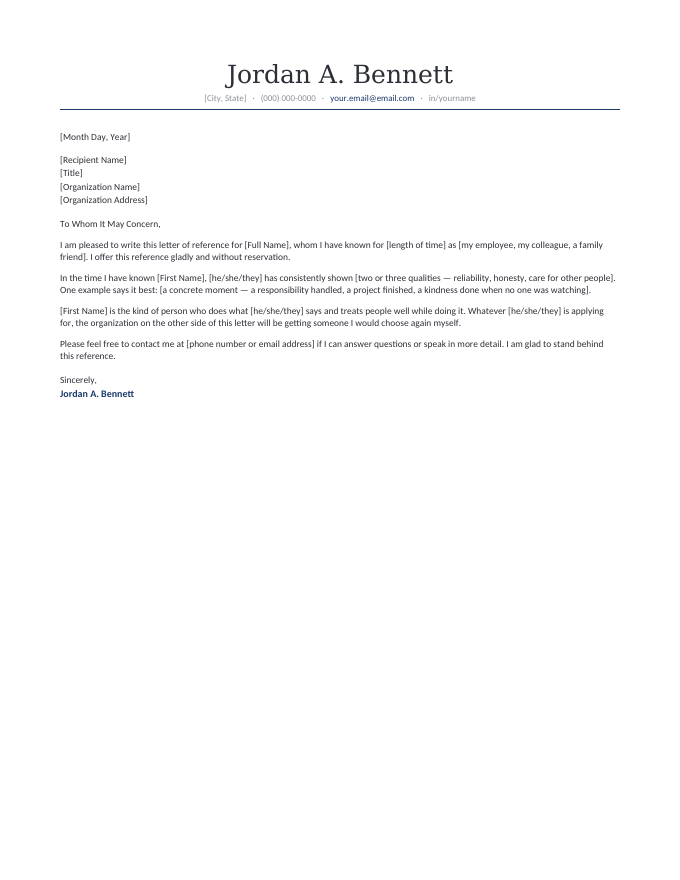
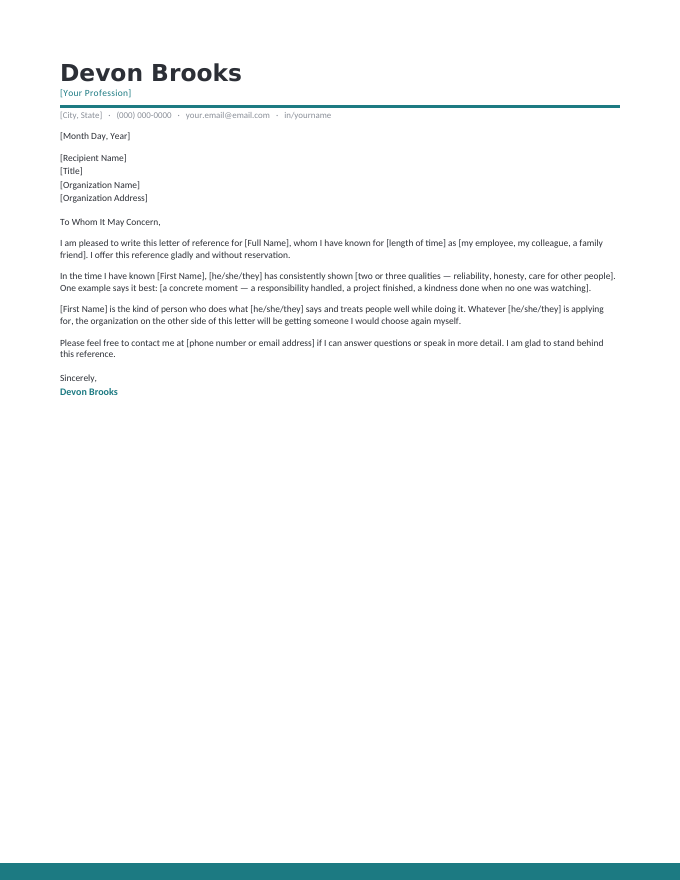
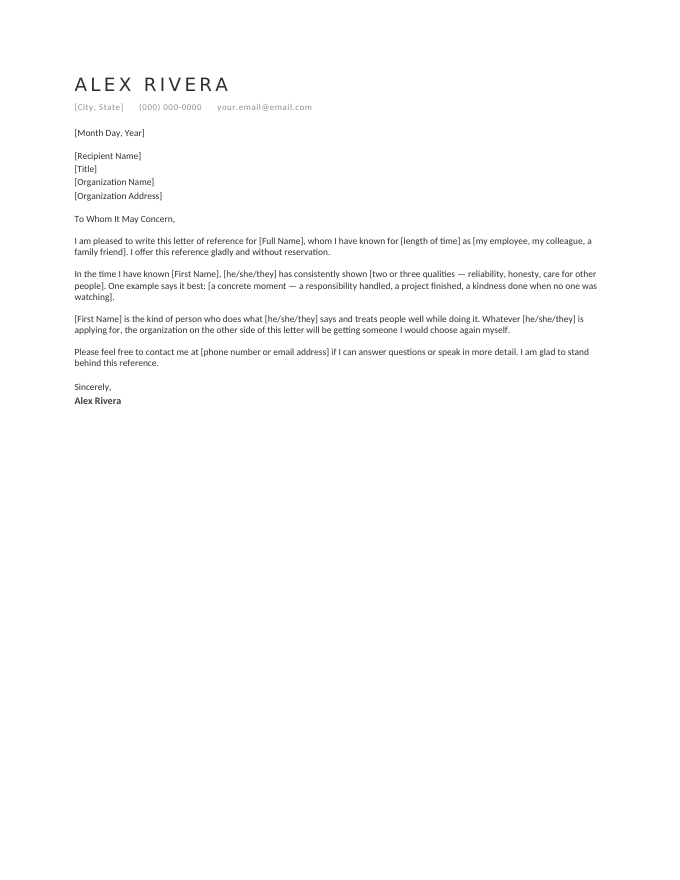
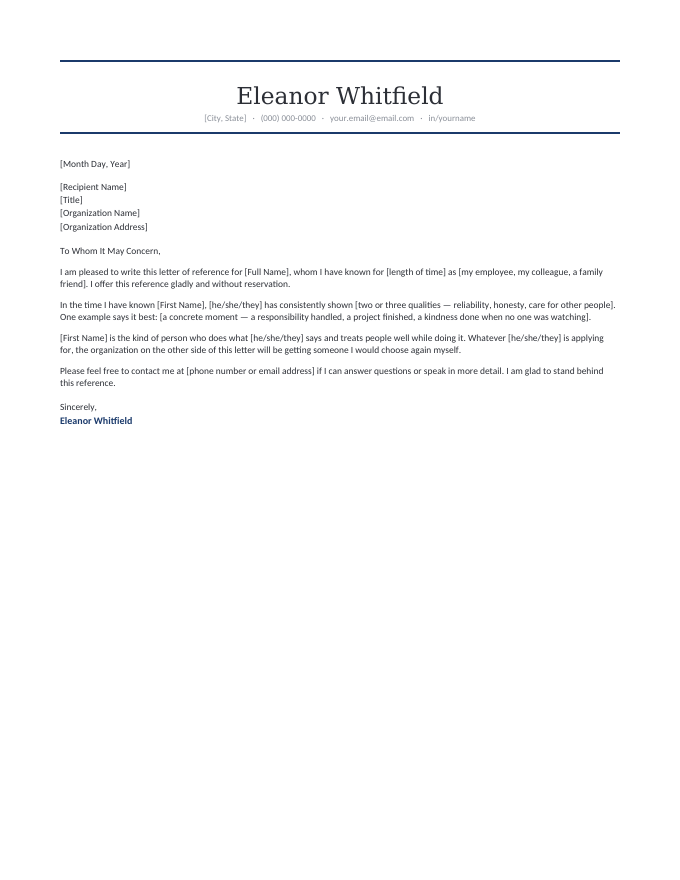
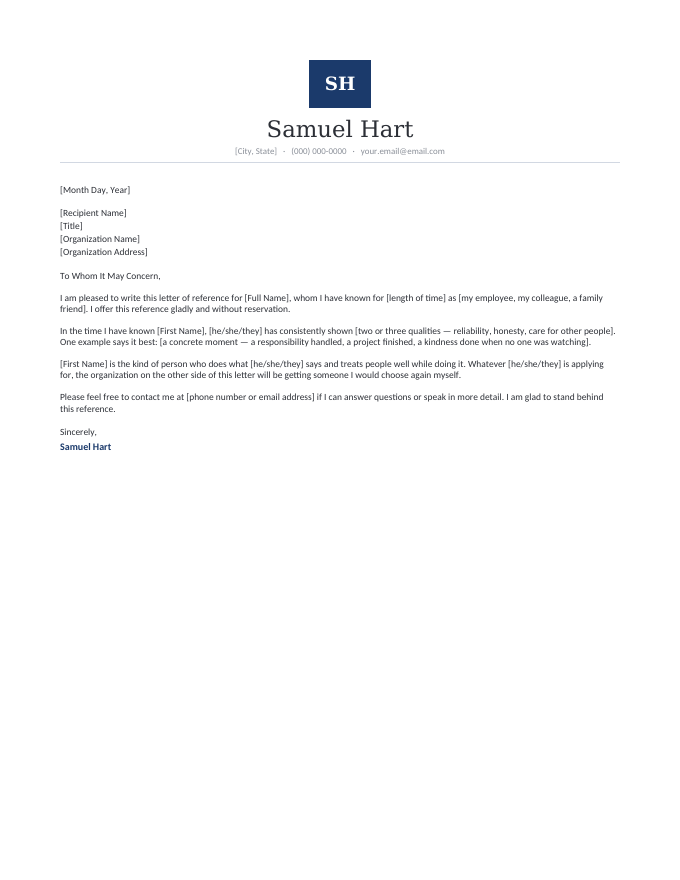
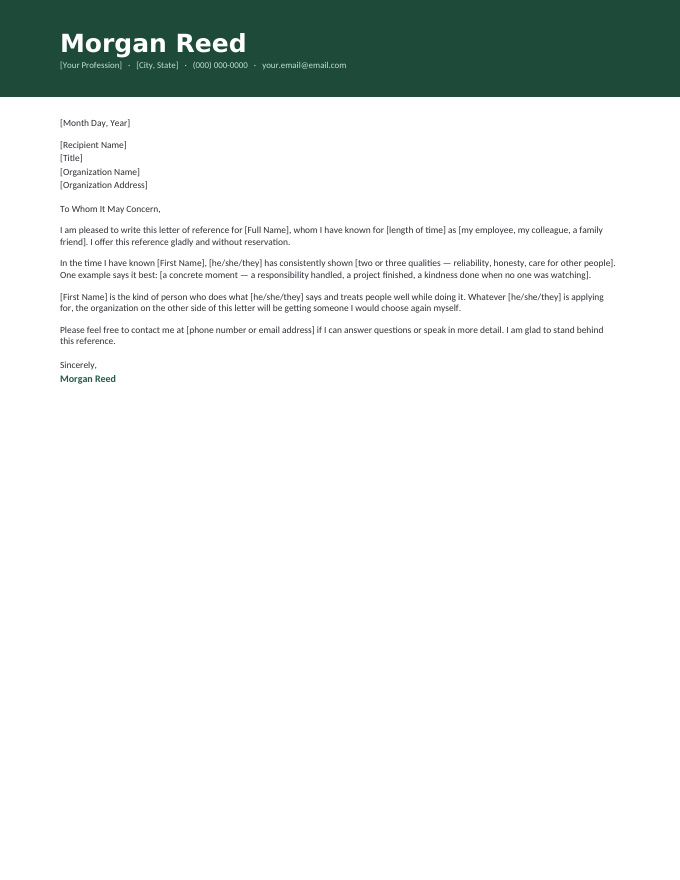
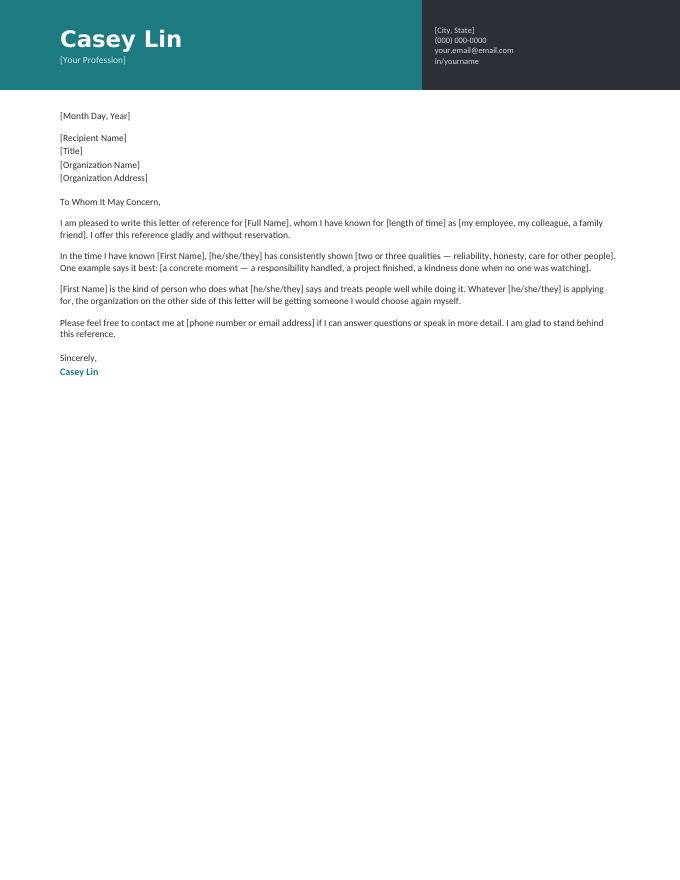
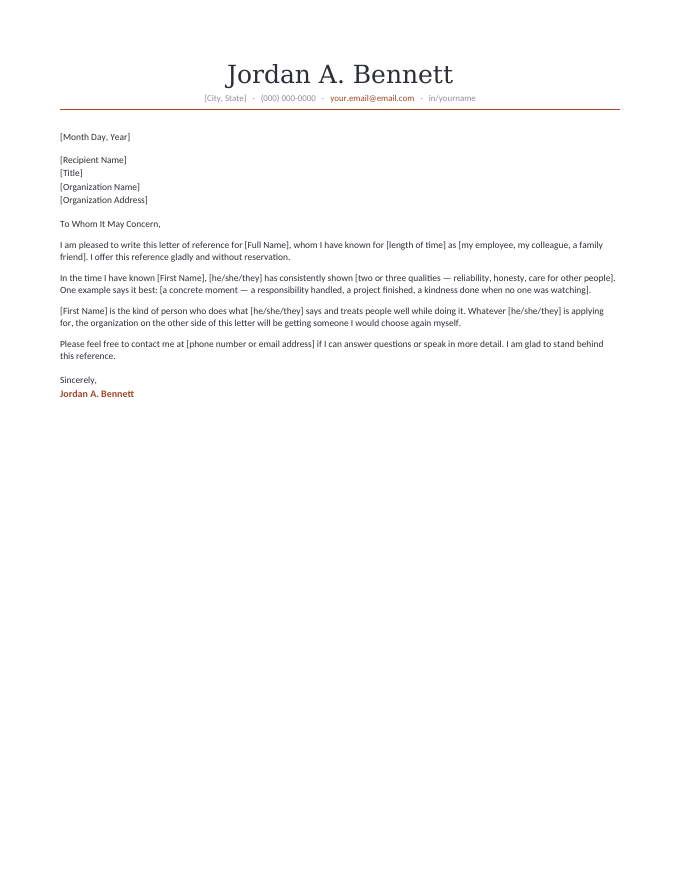
The letter inside every template, read in full.
[Month Day, Year]
[Recipient Name]
[Title]
[Organization Name]
[Organization Address]
To Whom It May Concern,
I am pleased to write this letter of reference for [Full Name], whom I have known for [length of time] as [my employee, my colleague, a family friend]. I offer this reference gladly and without reservation.
In the time I have known [First Name], [he/she/they] has consistently shown [two or three qualities — reliability, honesty, care for other people]. One example says it best: [a concrete moment — a responsibility handled, a project finished, a kindness done when no one was watching].
[First Name] is the kind of person who does what [he/she/they] says and treats people well while doing it. Whatever [he/she/they] is applying for, the organization on the other side of this letter will be getting someone I would choose again myself.
Please feel free to contact me at [phone number or email address] if I can answer questions or speak in more detail. I am glad to stand behind this reference.
Sincerely,
Jordan A. Bennett
Why write references in Docs.
Reference letters have a rhythm of their own — asked for on a Tuesday, due by Friday, written in stolen minutes. Google Docs fits that rhythm:
- Start on one device, finish on another — the copy in your Drive follows you from office to couch.
- Nothing to lose — autosave means the half-written letter survives the closed laptop.
- Reuse forever — your copy stays in Drive; next reference request, duplicate it and start ten minutes ahead.
- Every situation, not just these eight — all sixty letters in the library are Google Docs too; the Open in Google Docs button sits beside every download, court to co-op board.
Prefer the desktop app? Every design is also a straight .docx download — same letters, same letterheads.
From copy to sent.
- Click Open in Google Docs on a design, then Make a copy — it lands in your Drive.
- Fill every [bracket]: names, years, the relationship, one concrete story. Use Ctrl+F for [ to catch strays.
- File → Download → PDF, sign, and send it where the applicant directs.
Related samples and templates.
Google Docs FAQ
How does the “Open in Google Docs” button work?
Is the Google Docs version identical to the Word file?
How do I turn my finished letter into a PDF?
Can I share the Doc with the person who asked for the reference?
Google Docs reference letter templates · Updated September 2026